Republeq Guides

Helpful answers for more confident shopping

From choosing everyday essentials to understanding how crypto checkout works, our guides explain the details in plain language. Compare options, plan purchases, and find practical answers before you check out.

Explore the latest guides

Crypto checkout

Understand supported payments and what happens at checkout.

Product research

Learn what to compare when choosing between similar products.

Practical guidance

Get direct answers without unnecessary jargon or hype.

Fresh perspectives

Latest guides

Showing 2977–3000 of 3086 guides

Repeat photography planning for a changing subject, using a consistent viewpoint and a clearly defined comparison question.
Photography & Video · 11 min read

Use repeat photography planning to compare a changing subject

A photograph of a household plant today and another in a few weeks might seem easy to compare. Then you notice that the container is closer to the camera in the second image, the leaves overlap differently, and the window behind them is much brighter. Which differences belong to the plant, and which belong to the photographs? Repeat photography planning gives you a way to ask that question before taking the first picture. Choose a visible feature, preserve a view you can return to, and record anything that changes about the setup. You can then describe what the images show without treating an apparent difference as a measurement or a diagnosis.

Read guide →


Spreadsheet rounding guide to checking calculations and presentation before reporting a total.
Data & Spreadsheets · 8 min read

Check spreadsheet rounding before reporting totals

A measurement report can show three entries that add up to one number and a total printed beside them that says something else. Before changing the total to make the page look tidy, find out which values were added. Adding the measurements as recorded and then rounding the result can produce a different displayed total from rounding each entry first and adding those shorter numbers. Spreadsheet rounding is easier to explain when the report says which sequence it uses and retains the original measurements.

Read guide →
interview camera framing: setting a camera view for a seated conversation.
Photography & Video · 9 min read

Plan interview camera framing for a seated conversation

Interview camera framing begins with a choice about the people in the picture. If you plan to record a seated conversation with an adult relative, decide whether the viewer should see the relative alone or see you listening as well. Then decide where your relative will naturally look while speaking. Those choices give you something specific to inspect in a trial frame; a camera listing cannot decide them for you. For interview camera framing , verify each step.

Read guide →
camera shot logging: recording take identifiers so footage can be reviewed later.
Photography & Video · 9 min read

Plan camera shot logging to distinguish recorded takes

You finish recording the same short passage several times. Later, the recordings look alike at a glance, and your note says only “second one sounded better.” Which recording was the second one, and what did “better” mean? A shot log can answer the first question without pretending to answer the second. Give each take a reference you can check, describe what you noticed, and leave your judgment open until you review the recording.

Read guide →
Appliance finish descriptions guide to reading color and material wording before choosing a model.
Appliance Care & Buying · 9 min read

Compare appliance finish descriptions before matching a kitchen

Two listings can use the words “stainless steel” and still leave the appearance of the appliances unresolved. If you want a range and a countertop oven to look at home together, decide which visible parts you care about and how close the match needs to be. A shared material term is a starting point for questions, not evidence that the fronts, handles or controls will have the same color, sheen or texture.

Read guide →
Device software bundles guide to checking app access and licenses alongside hardware specifications.
Laptops & Desktop PCs · 10 min read

Compare device software bundles before choosing hardware

A camera listing says software comes with the bundle. A smart board listing names operating systems and an open app ecosystem. Neither statement, by itself, tells you whether the particular application you need is included or what access you would receive. To compare device software bundles , begin with the job you expect the application to do, then ask for the exact software and terms tied to the product you intend to buy. A missing answer is a reason to leave that requirement unresolved, not to fill it in from a familiar product name.

Read guide →
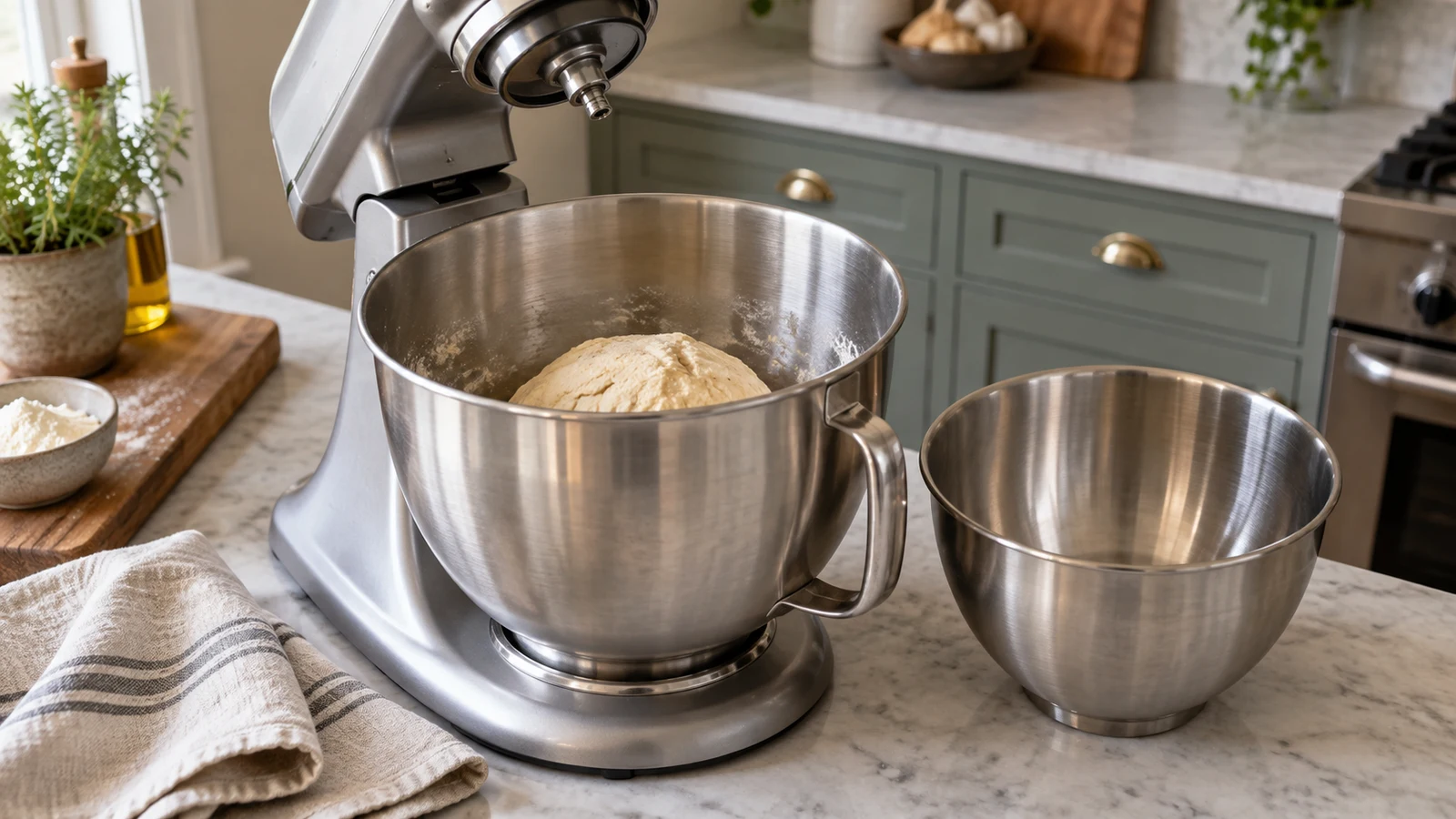
Stand mixer bowl capacity evaluated against a specific batch and recipe instead of treating the quart label as a performance guarantee.
Cooking & Food Prep · 8 min read

Read stand mixer bowl capacity before choosing a batch

A bowl number cannot answer whether a mixer can process your next recipe. To make that decision, identify the intended mixture and quantity, then look for a limit that applies to the exact mixer model. A listing that gives only bowl volume leaves the batch question open. You can still use it to narrow your inquiry: the missing information is a recipe-matched processing allowance, not another comparison of quart figures.

Read guide →
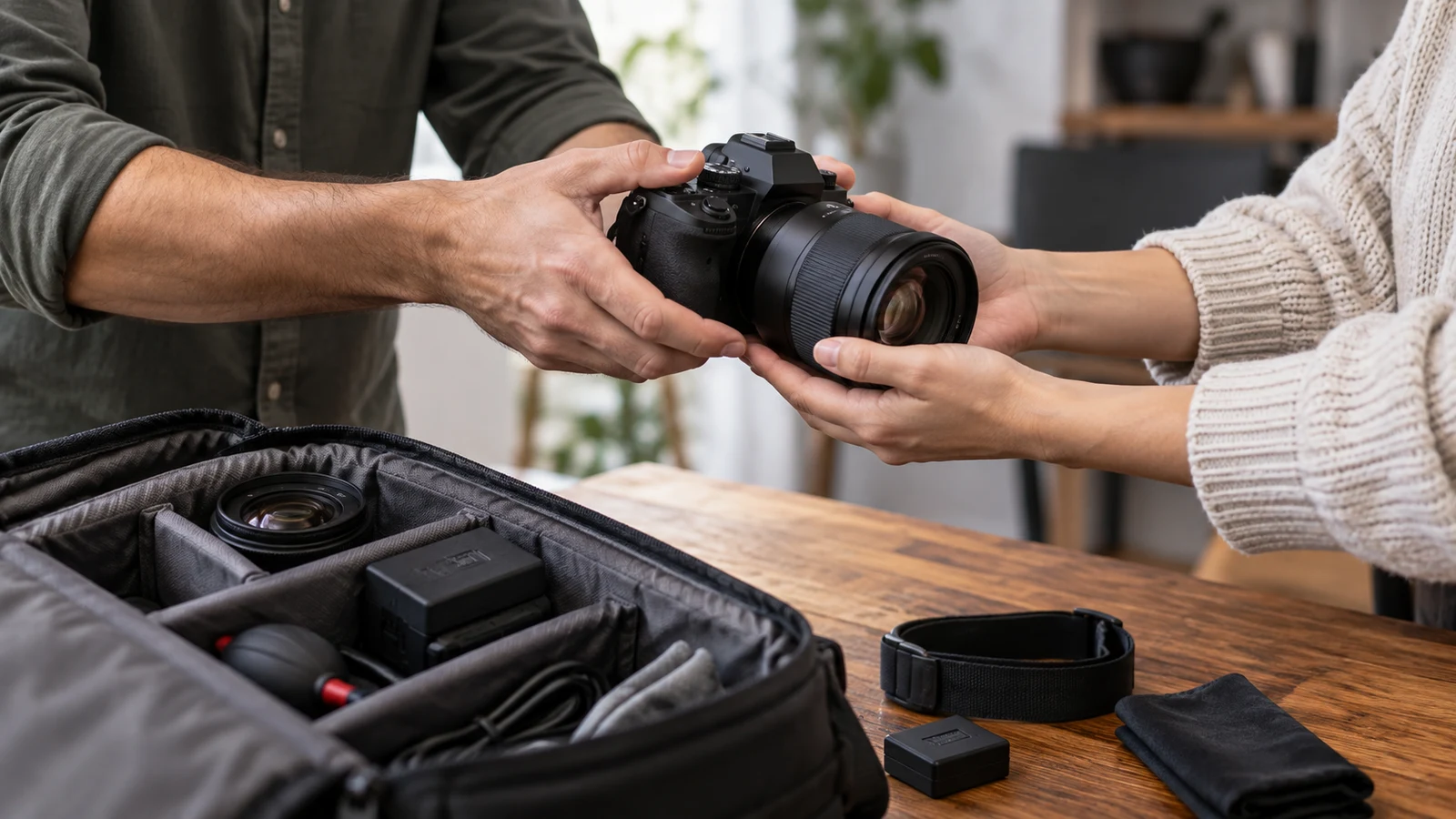
Camera kit handover guide to recording borrowed equipment, power accessories, and a clear return count.
Workplace Planning · 9 min read

Plan a camera kit handover for a temporary loan

Before a camera leaves your hands for a temporary loan, write down what the other person is actually taking. A bundle name cannot settle that question, and a bag full of accessories is easy to remember differently later. A useful camera kit handover identifies the lender and borrower, lists the observed outgoing items, and leaves a place to compare them with what comes back. The record can be a shared note or a sheet of paper. Its job is to make a conversation about the return specific, even if the kit changes hands quickly.

Read guide →
photo essay planning: arranging images so a visual story reads in order.
Photography & Video · 9 min read

Use photo essay planning to sequence a short visual story

Suppose you have photographs of a community exhibition and want to show how its displays use the room. Which pictures belong together, and what does their order suggest? Start by writing that question above a list of the images you actually have. Give each photograph a job: establish the room, show a particular use of space, or complicate an earlier view. Then check whether the transition between two images seems to claim an event happened or one thing caused another. A sequence can make that claim even when its individual pictures cannot support it.

Read guide →
Shared screen privacy for a workplace photography review, covering approved photo selection, audience-facing displays, and rehearsal before the presentation.
Workplace Planning · 9 min read

Plan shared screen privacy before a workplace presentation

A workplace photography review puts the audience boundary in practical terms. Imagine a presenter showing a selection of photographs for an office lobby display. The room is meant to see the proposed images and discuss which ones suit the space. The photographer's full contact sheets, staff correspondence, and unfinished captions belong outside that presentation. This fictional review provides a way to plan what people will see before anyone connects a computer to the room screen.

Read guide →
Hard drive compatibility guide to checking part numbers and desktop configuration before replacing storage.
Storage & Backup · 8 min read

Check hard drive compatibility before choosing a replacement

A replacement drive listing can tell you a great deal about the drive and almost nothing about the computer that would receive it. To check hard drive compatibility , identify the exact desktop configuration first, then ask whether its documented storage connection and physical accommodation match the proposed drive. A shared Dell name, an HDD option and a plausible capacity do not answer those questions.

Read guide →
Survey question wording revised to separate finding a reference handout from understanding its contents.
Data & Spreadsheets · 9 min read

Revise survey question wording to separate mixed answers

A short feedback form about an internal reference handout can hide a problem in an ordinary-sounding question: “Was the handout easy to find and understand?” A reader might find it quickly but struggle with an instruction. Another might search for it for ages, then understand it immediately. If each can give only one answer, the editor cannot tell which part of the experience that answer describes. Revise the question by deciding what the editor needs to learn, then give each relevant experience its own answer. For survey question wording , verify each step.

Read guide →
Presentation Q&A planning that turns supporting notes into bounded answers after a workplace recommendation.
Workplace Planning · 9 min read

Use presentation Q&A planning to prepare bounded answers

You have finished explaining a workplace recommendation. Someone asks who will handle an exception, another wants to know whether the change will save time, and the supporting notes answer only part of either question. Prepare for that moment by keeping a small answer sheet beside the completed presentation. Give each likely question a source in your notes, a limited answer, and a visible gap if the source stops short. This approach helps you respond without turning an assumption into a result.

Read guide →
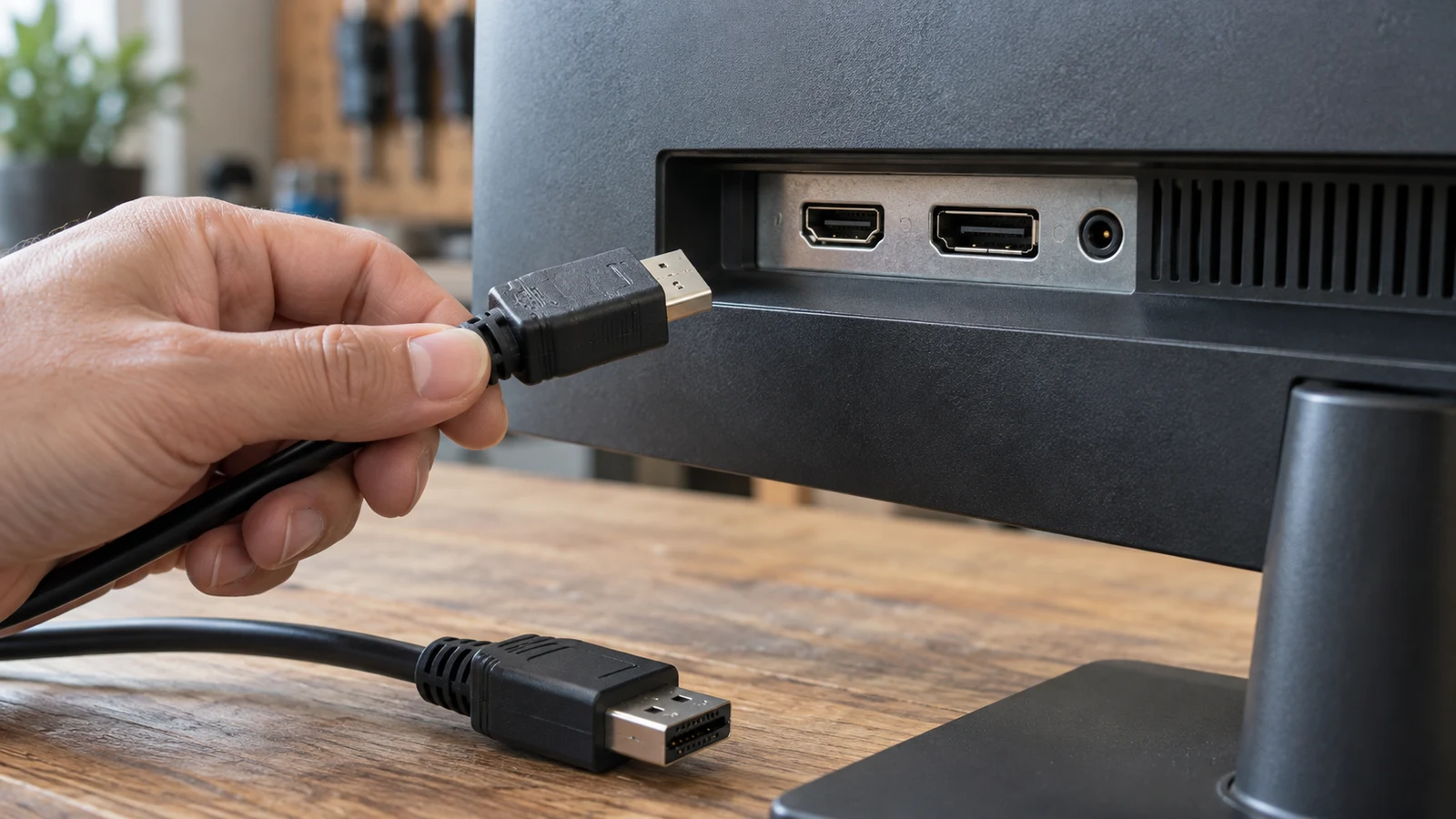
Display connections guide distinguishing an external screen hookup from an internal laptop-panel replacement and its compatibility checks.
Monitors & Displays · 8 min read

Identify display connections before choosing a screen component

Start by deciding whether you want to connect a separate display or replace the panel inside a laptop. Those projects require different information. A graphics card's display connections describe its listed display outputs; a laptop panel's connector description concerns a replacement component for a particular assembly. Neither a shared resolution nor a pin count establishes that two items will work together.

Read guide →
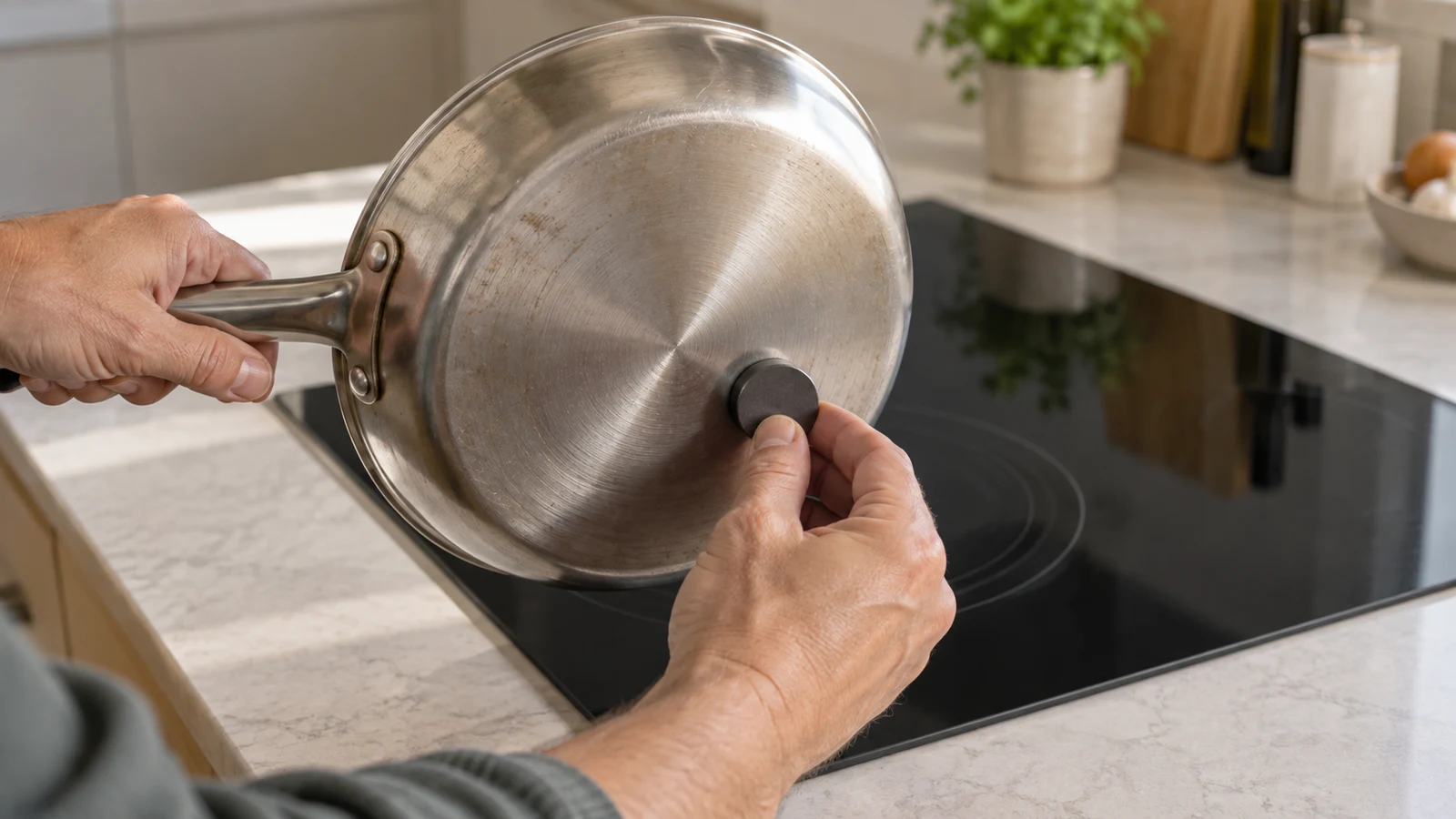
Induction cookware compatibility guide to verifying pan materials before replacing a cooking set.
Cooking & Food Prep · 9 min read

Check induction cookware compatibility before replacing pans

Before replacing your cookware for a proposed induction cooktop, assess the pans you want to keep individually. Match each pan's documented suitability to the exact appliance instructions, and leave unanswered questions open. A missing manual does not establish that a pan needs replacing, while a familiar material name does not establish that it belongs on the new surface. The useful outcome is a collection with clear keep, clarify, or replace decisions. For induction cookware compatibility , verify each step.

Read guide →
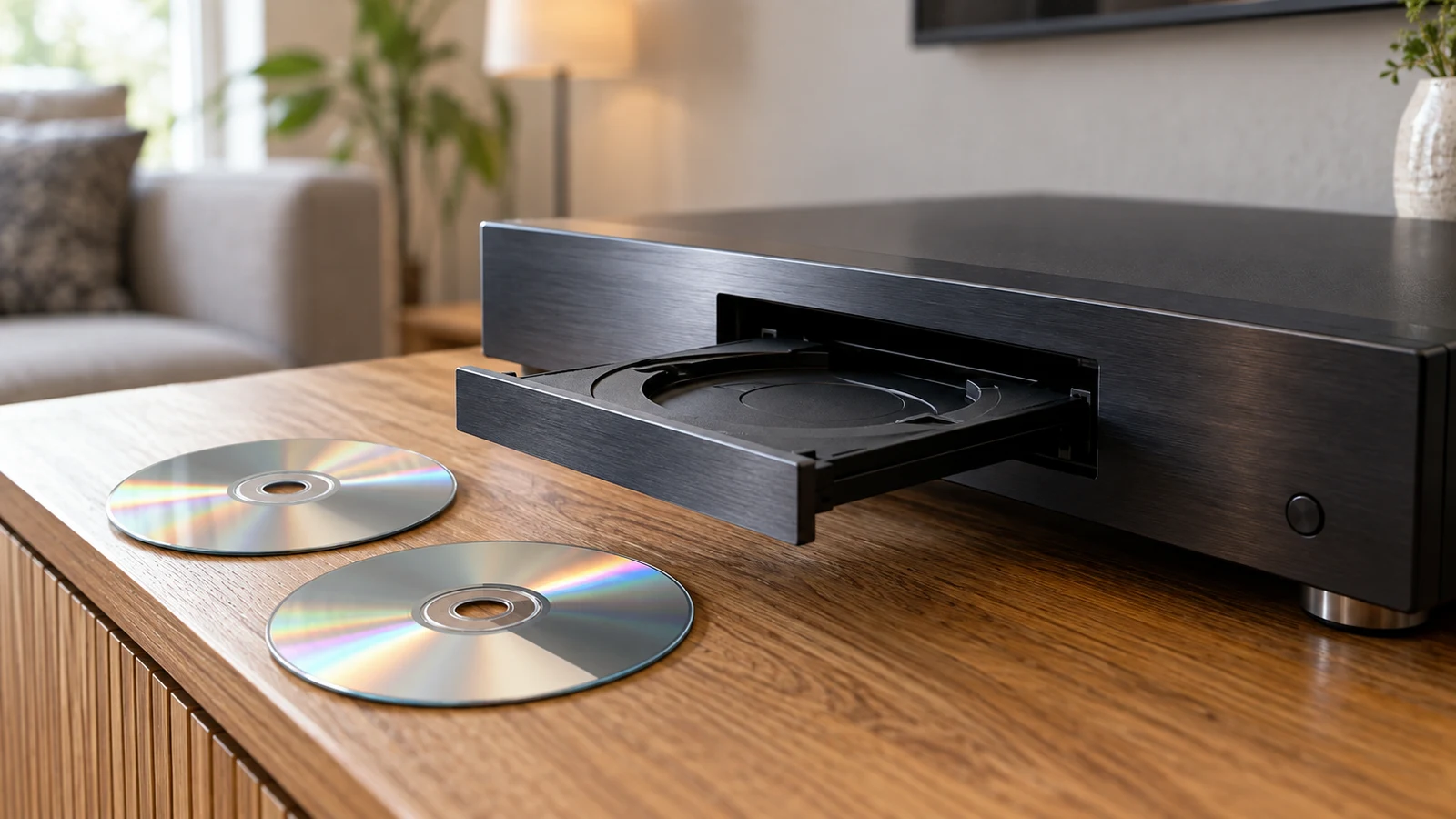
Disc playback compatibility guide to matching a specific disc format with a player or external drive.
Media Players · 9 min read

Check disc playback compatibility before choosing a player

Start with the discs you want to play, then compare their printed information with the playback language in a prospective player's listing. A useful disc playback compatibility check separates what the disc is, what content it contains, and what you want the equipment to do. A familiar shape or a matching format name can help you identify a candidate, but neither settles every question about playing your particular content.

Read guide →
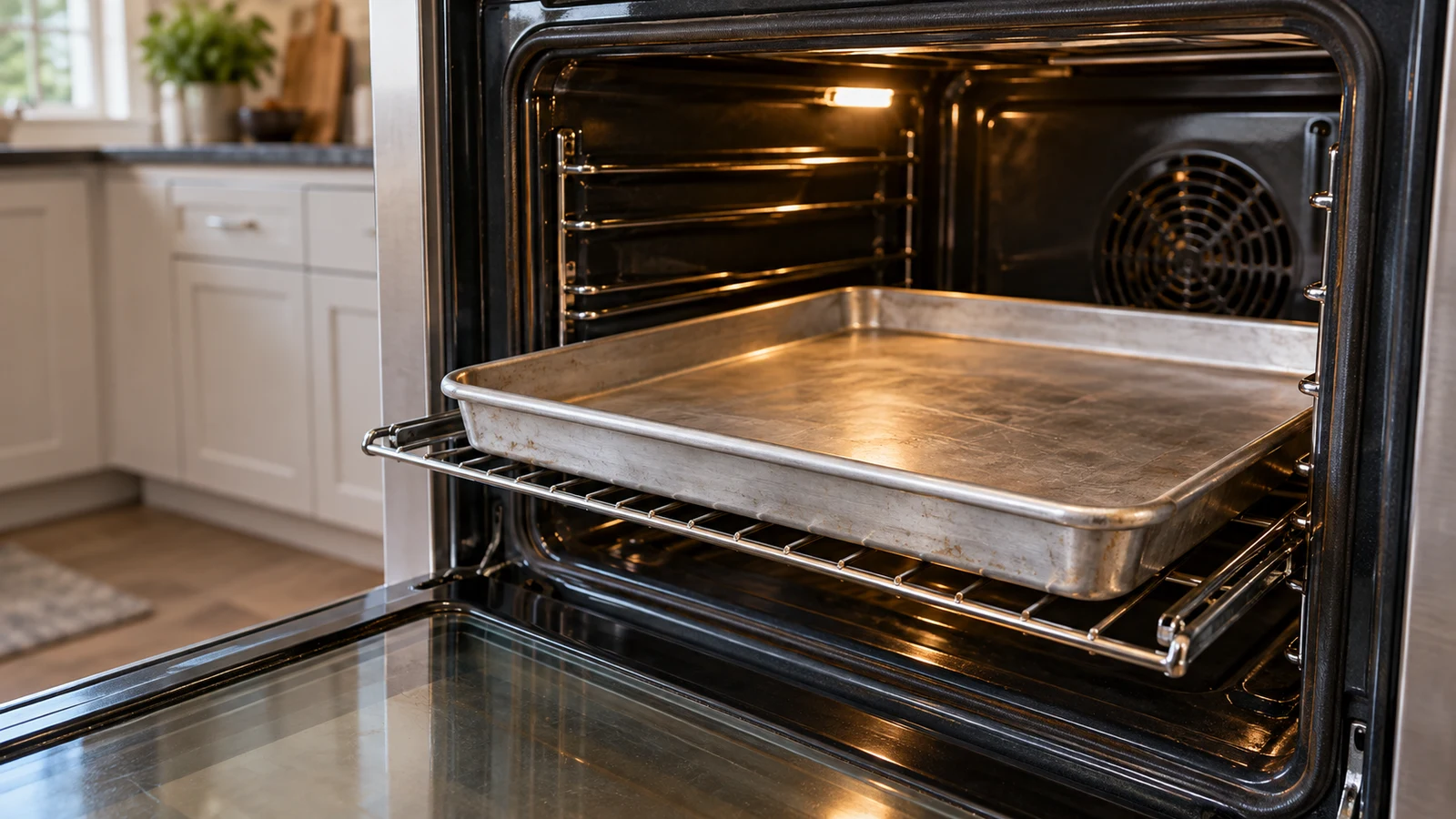
oven pan fit: measuring a pan and oven cavity before relying on advertised width.
Cooking & Food Prep · 8 min read

Check oven pan fit beyond the advertised appliance width

A pan's label and an oven's advertised size are not enough to establish whether they belong together. To assess oven pan fit , compare the cookware's outer dimensions with an explicit accommodation statement, then check the exact model's placement requirements. Appliance width, oven volume and maximum pizza size describe different things. None should stand in for missing information about the space your particular pan would occupy. For oven pan fit , verify each step.

Read guide →
Robot vacuum mapping and room controls checked against explicit model wording before expecting named-room cleaning.
Cleaning & Vacuums · 8 min read

Understand robot vacuum mapping before choosing room controls

If you want a robot to clean one named room, look for wording that explicitly lets you select that room. Orderly movement and a map of a completed run answer different questions. A useful reading of robot vacuum mapping separates how the machine travels, what it reports afterward, and which areas you can tell it to clean or avoid before it starts. For robot vacuum mapping , verify each step.

Read guide →
Refurbished device condition review that separates a listing label from the specific condition and restoration details supplied.
Laptops & Desktop PCs · 9 min read

Assess refurbished device condition beyond the listing label

To assess refurbished device condition , separate what the seller calls the device from what the description establishes about its condition. A refurbished designation identifies how the item is presented for sale. It does not, by itself, describe the screen beneath a protector, name replaced components, or provide inspection results for the particular unit you might receive. Start with the listing's actual statements, then ask about the condition details that would affect your decision. For refurbished device condition , verify each step.

Read guide →
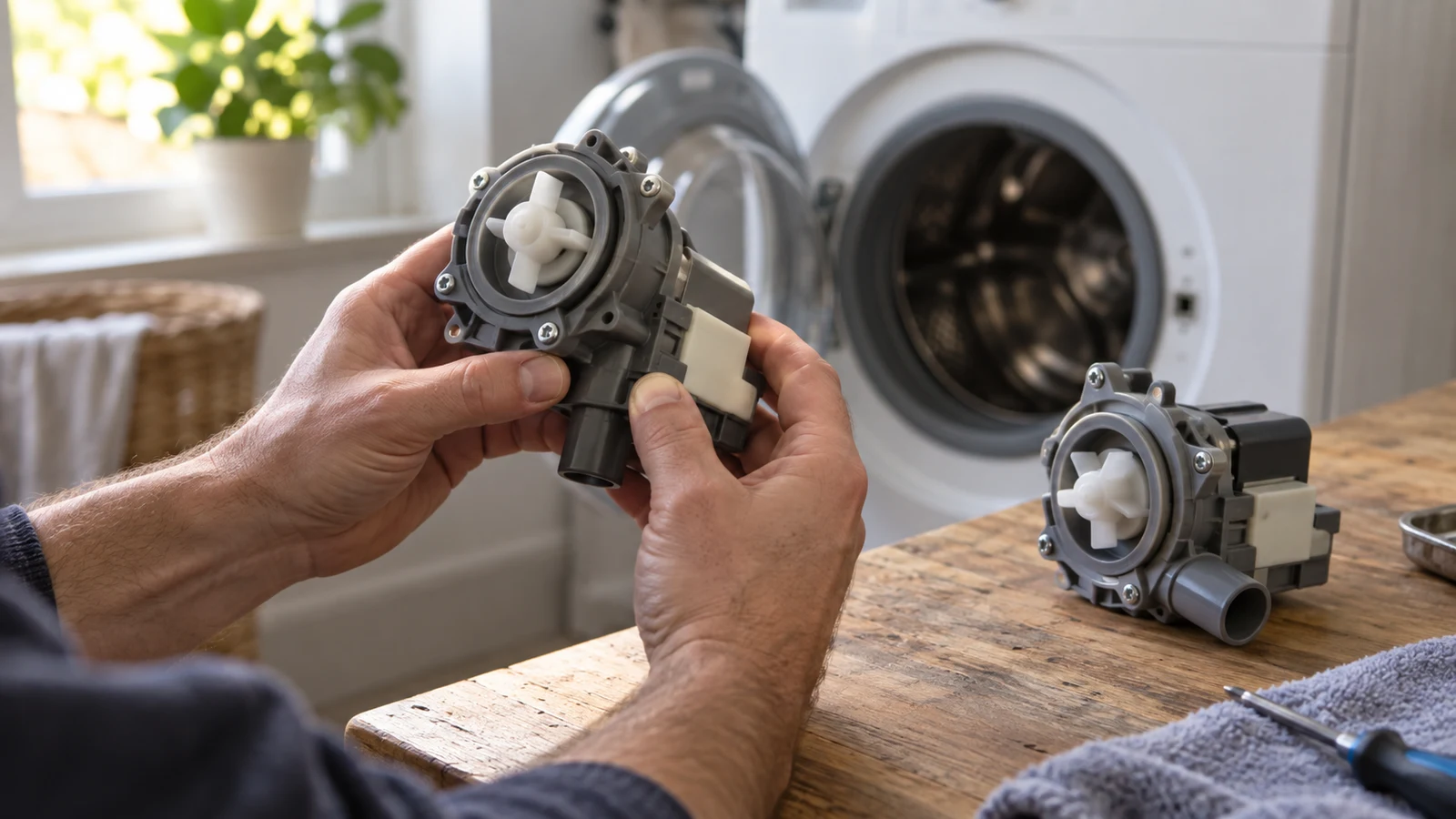
Replacement part numbers checked against appliance identity and fit, rather than relying on a list of superseded numbers alone.
Appliance Care & Buying · 8 min read

Read replacement part numbers before choosing an appliance part

A replacement listing can name a part, say which older numbers it replaces, and still leave unanswered whether it fits your appliance. Read replacement part numbers by separating those claims. Identify the number being offered, preserve the replacement references exactly, and look for evidence connecting that part to your appliance's complete model identity. A familiar component name or an OEM description does not supply that missing connection.

Read guide →
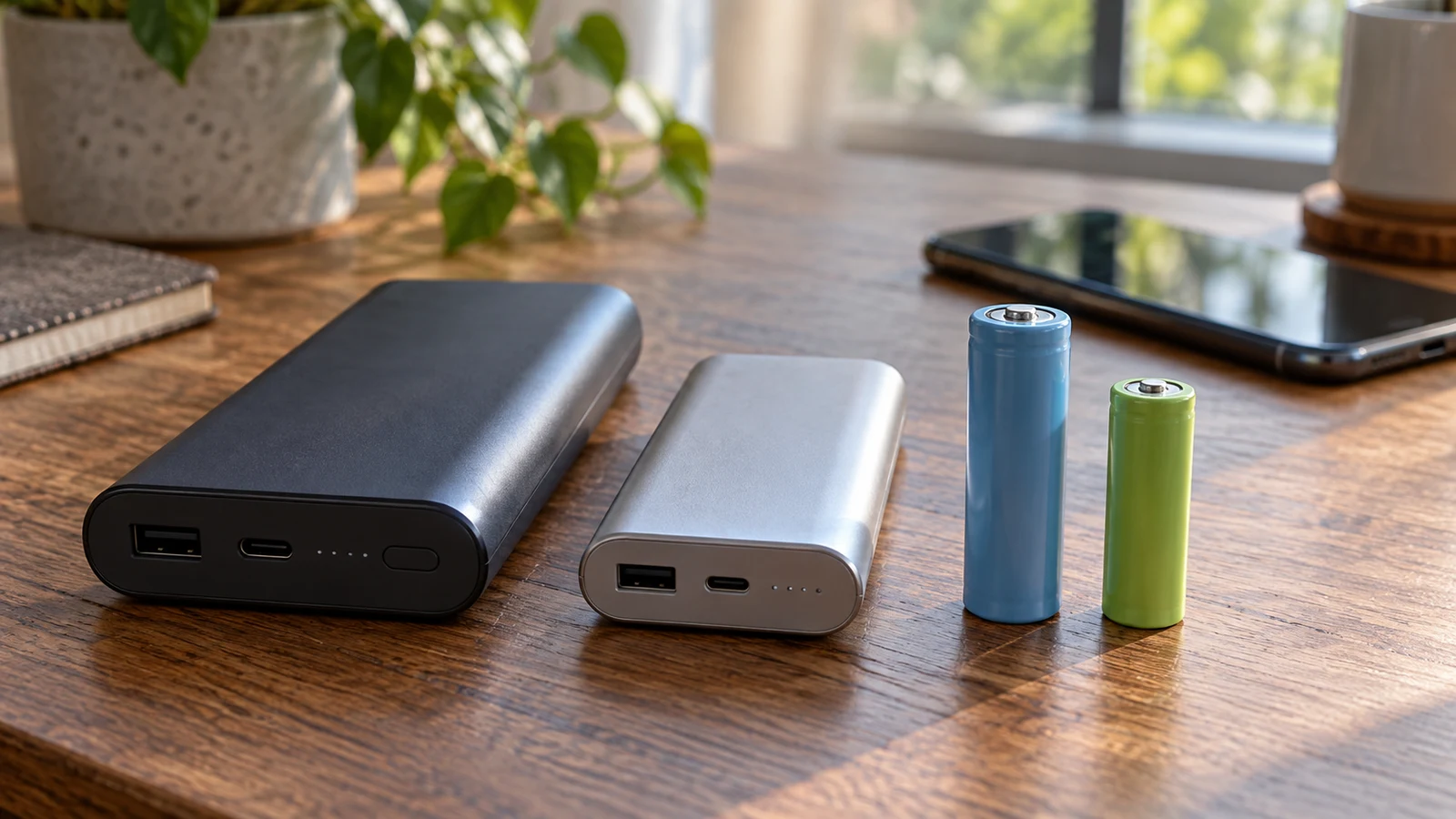
Battery capacity units guide to comparing stated energy figures without assuming a device runtime.
Portable & Backup Power · 9 min read

Compare battery capacity units without predicting runtime

A battery specification in ampere-hours describes electrical charge capacity. A specification in watt-hours describes energy. You can use a stated nominal voltage to calculate nominal energy from ampere-hours, but neither number alone tells you how long equipment will operate. Reading battery capacity units means keeping those quantities separate, then making only the conversion the available information supports.

Read guide →