9 min read
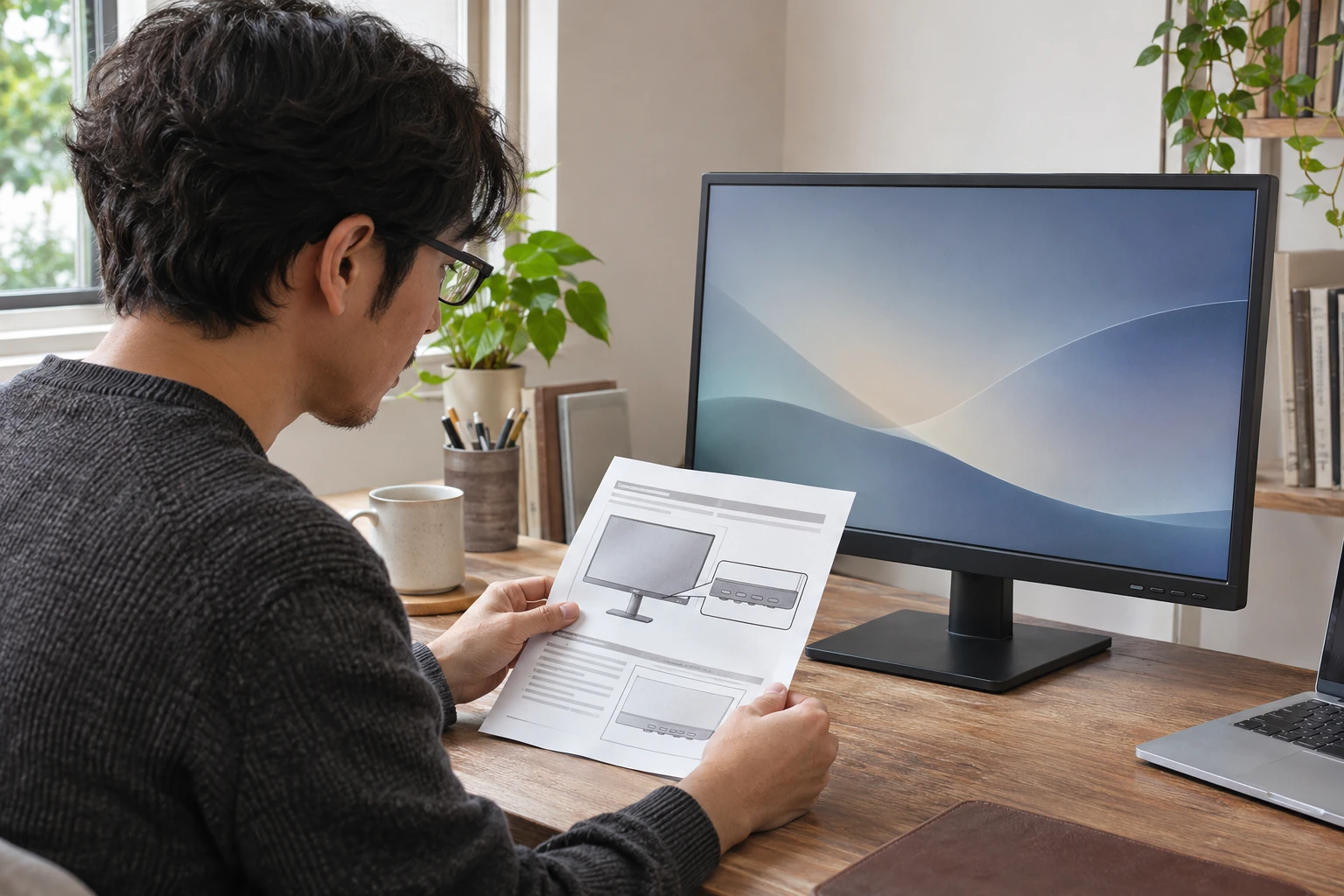
monitor brightness control missing: choose the right route
Distinguish a missing Windows slider from a monitor control or a named automatic-sensor issue before choosing the applicable documentation.
Computer monitors, portable displays, and screen extenders.
Showing 1–12 of 66 guides
Distinguish a missing Windows slider from a monitor control or a named automatic-sensor issue before choosing the applicable documentation.
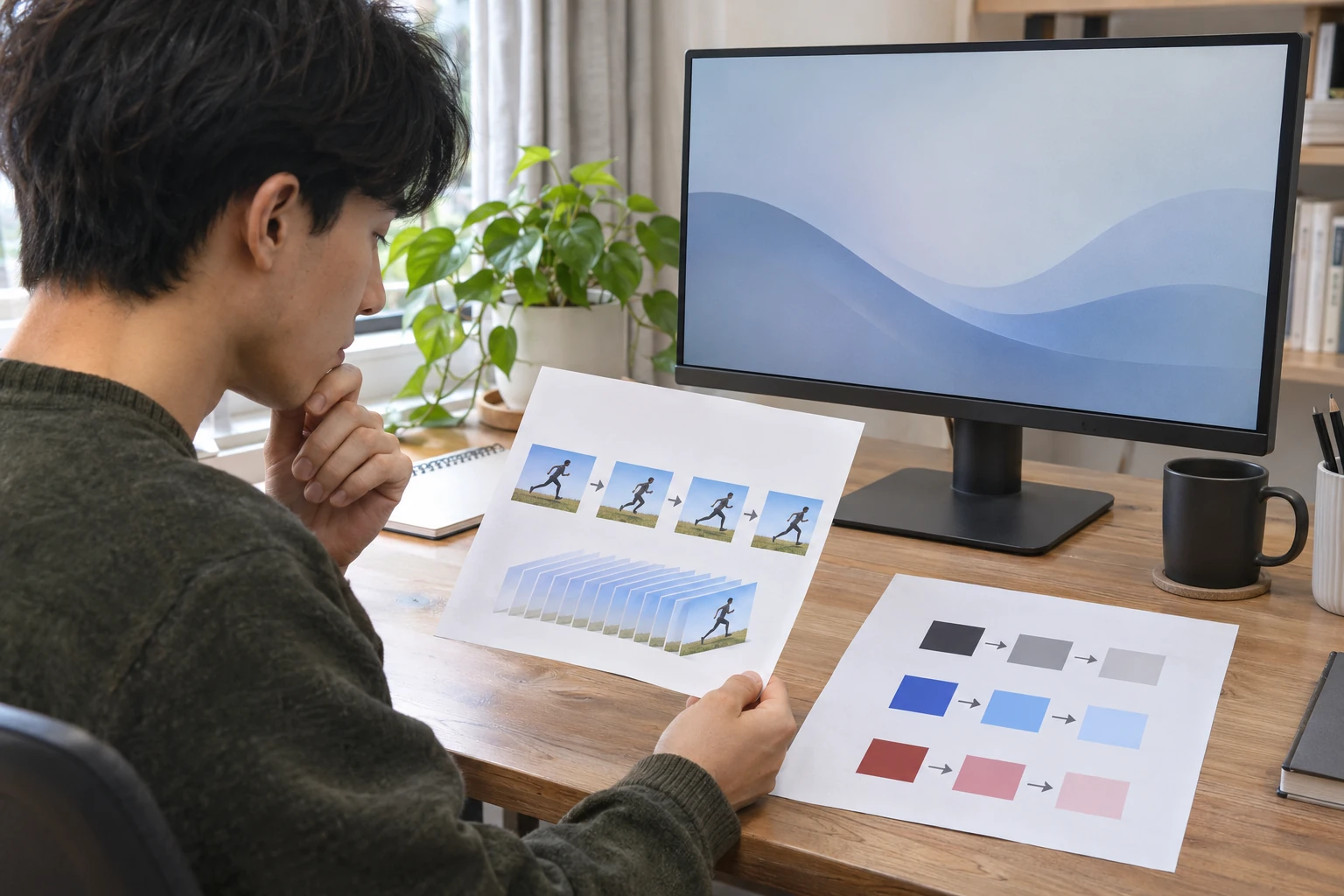
Learn which question each motion-related monitor label answers, and keep an advertised claim separate from a current mode or an applicable preset.

Separate a Windows orientation choice from physically turning a panel, then check which display you are changing before assessing the result.
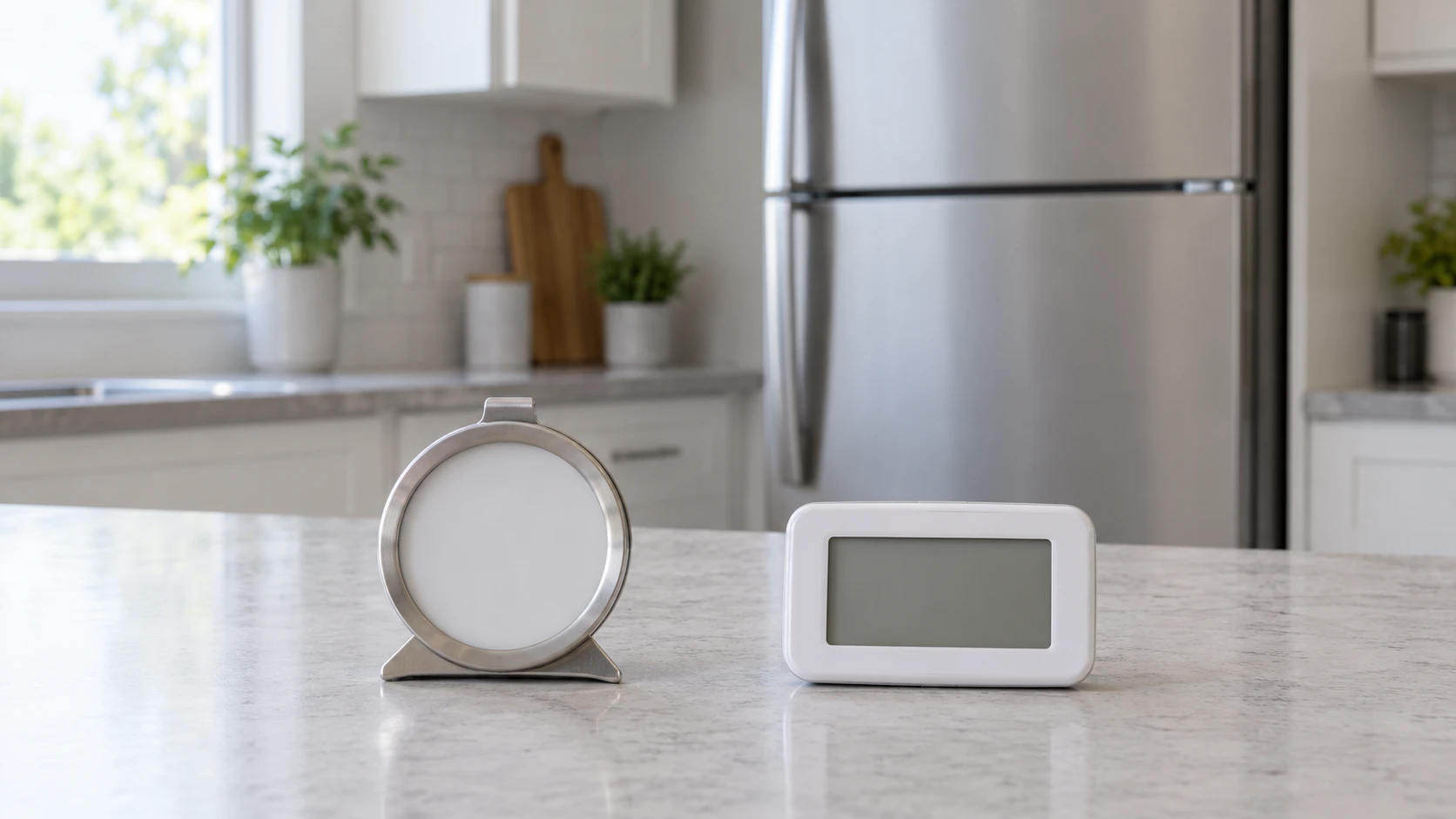
Monitor fridge and freezer temperature using FDA targets and placement guidance, with the actual range and display limits of mechanical and SJJ thermometers.
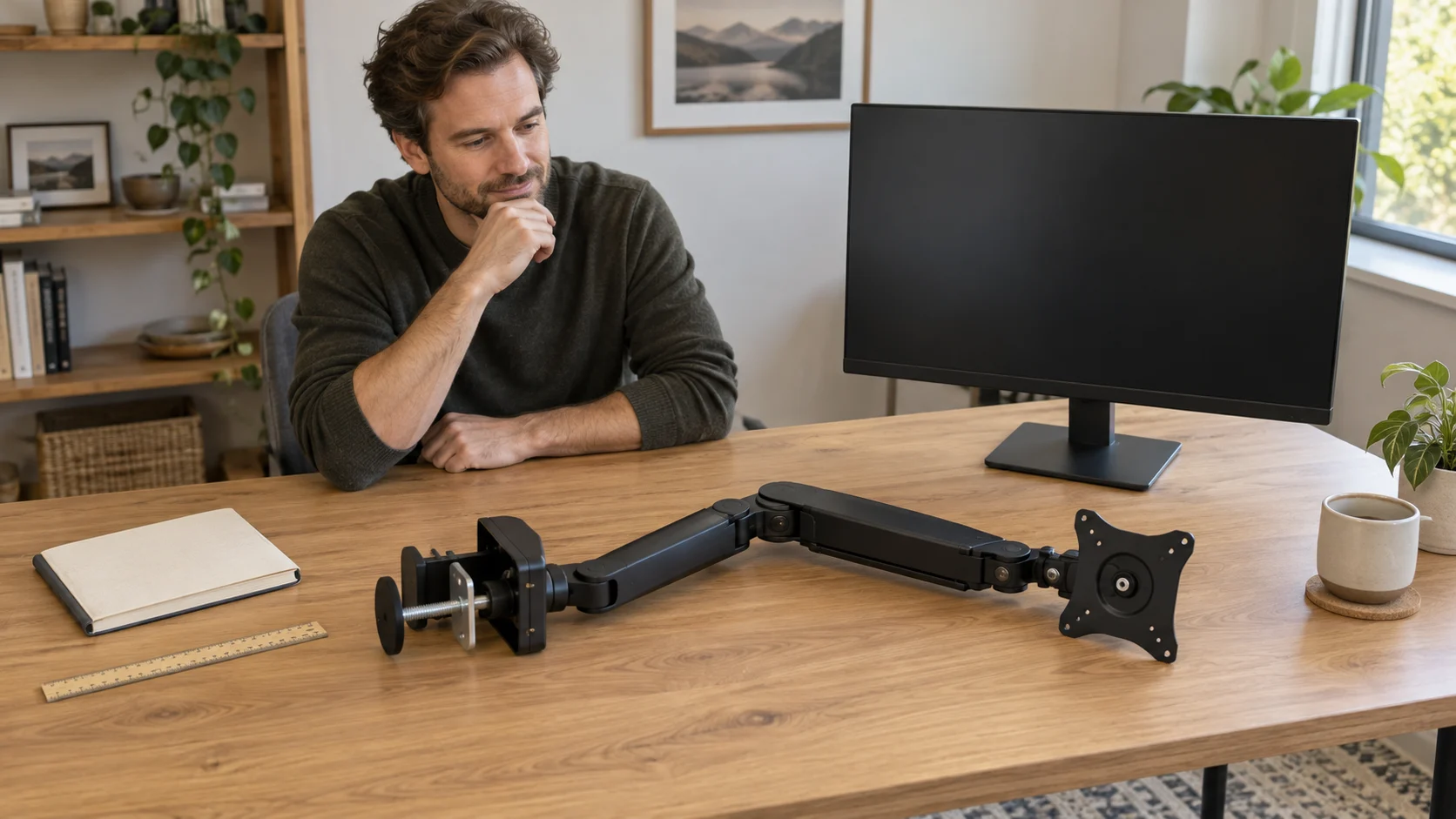
Check monitor arm compatibility across screen weight, VESA pattern, desk attachment and movement space before choosing a support for your workstation.

Troubleshoot monitor audio with Philips 24B2N2100 and KTC H32S17F: confirm the listening device, Audio Out route, Windows selection and mute settings.
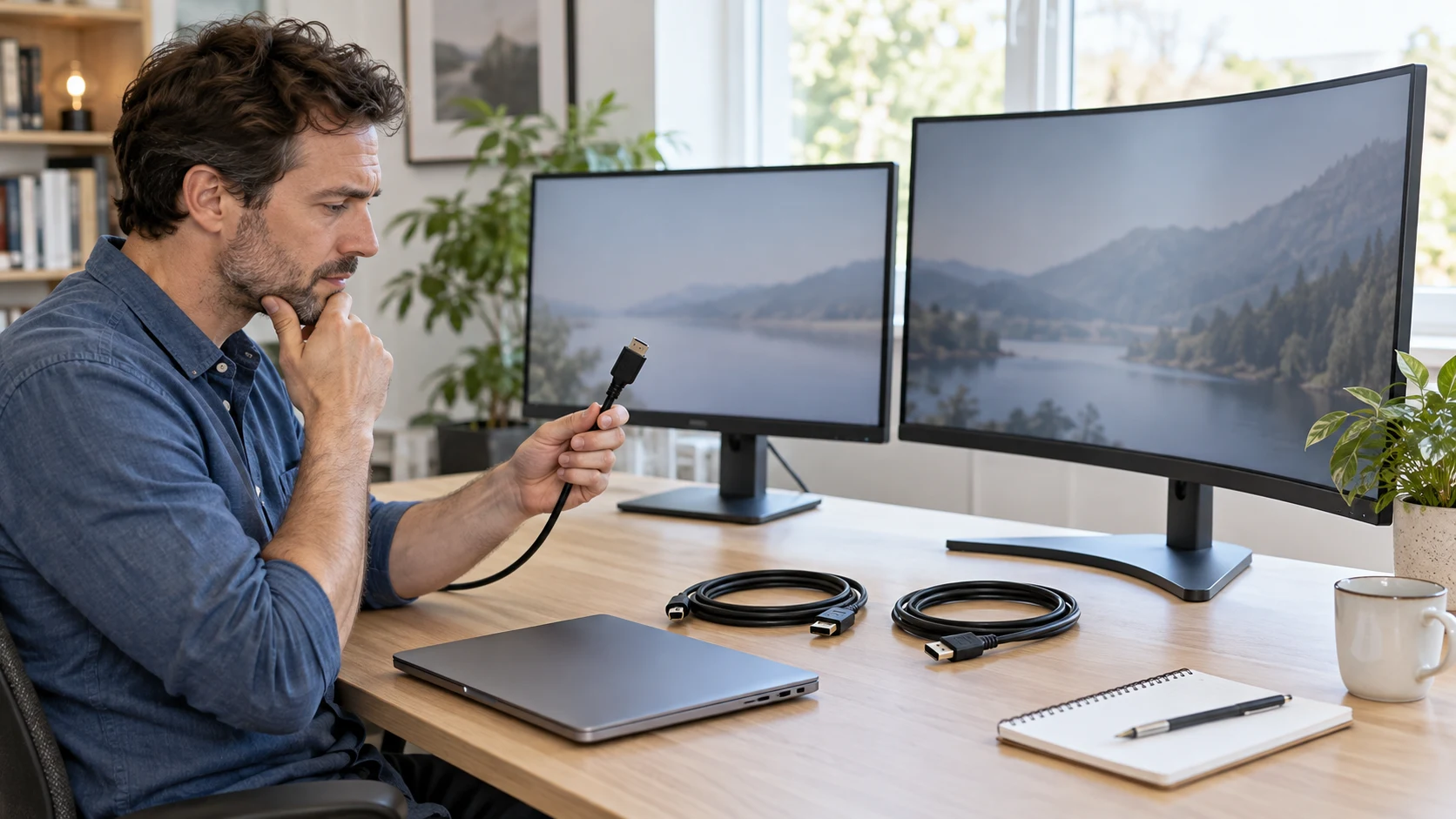
Check monitor cable compatibility for MSI MP243L E14W and KTC H32S17F: input modes, host and adapter limits, firmware-only USB and Windows settings.
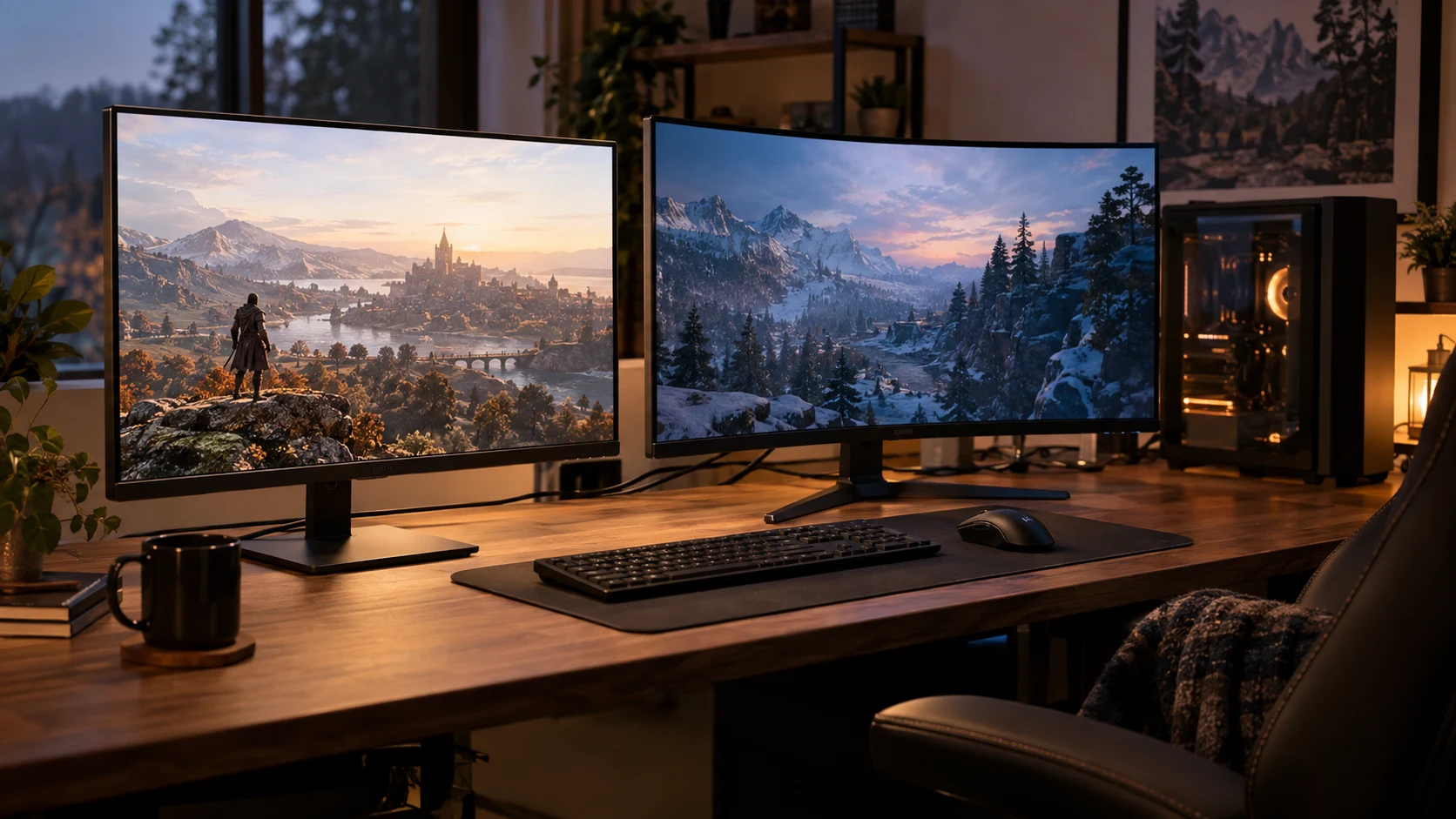
Compare MSI MAG 322URDF E16 dual 4K and Full HD modes with KTC H32S17F Full HD by actual refresh routes, curved shape, source needs and prices.
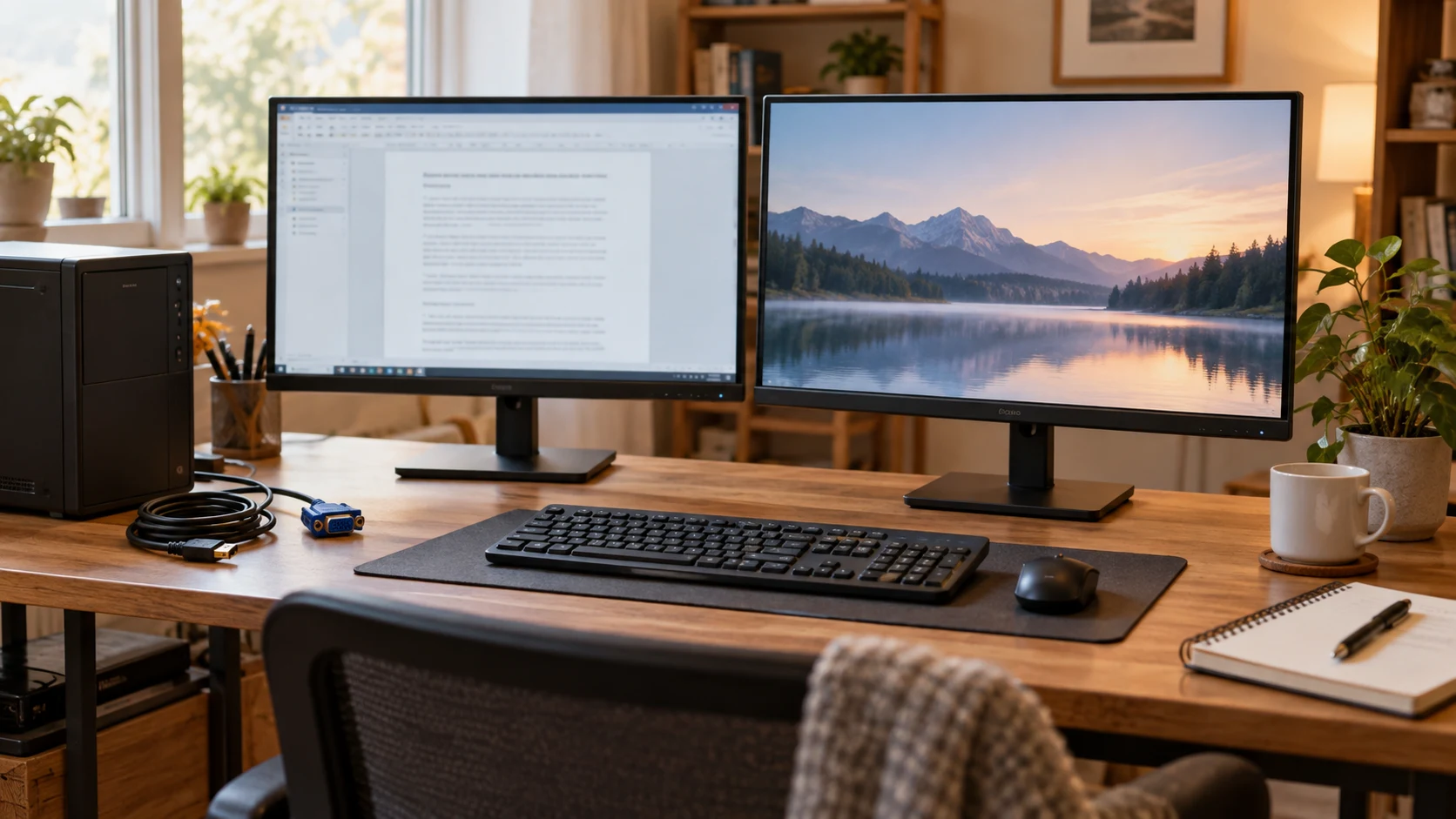
Compare MSI PRO MP243L E14W and Philips 24B2N2100 Full HD monitors by HDMI and VGA refresh limits, reading controls, mounting and current prices.
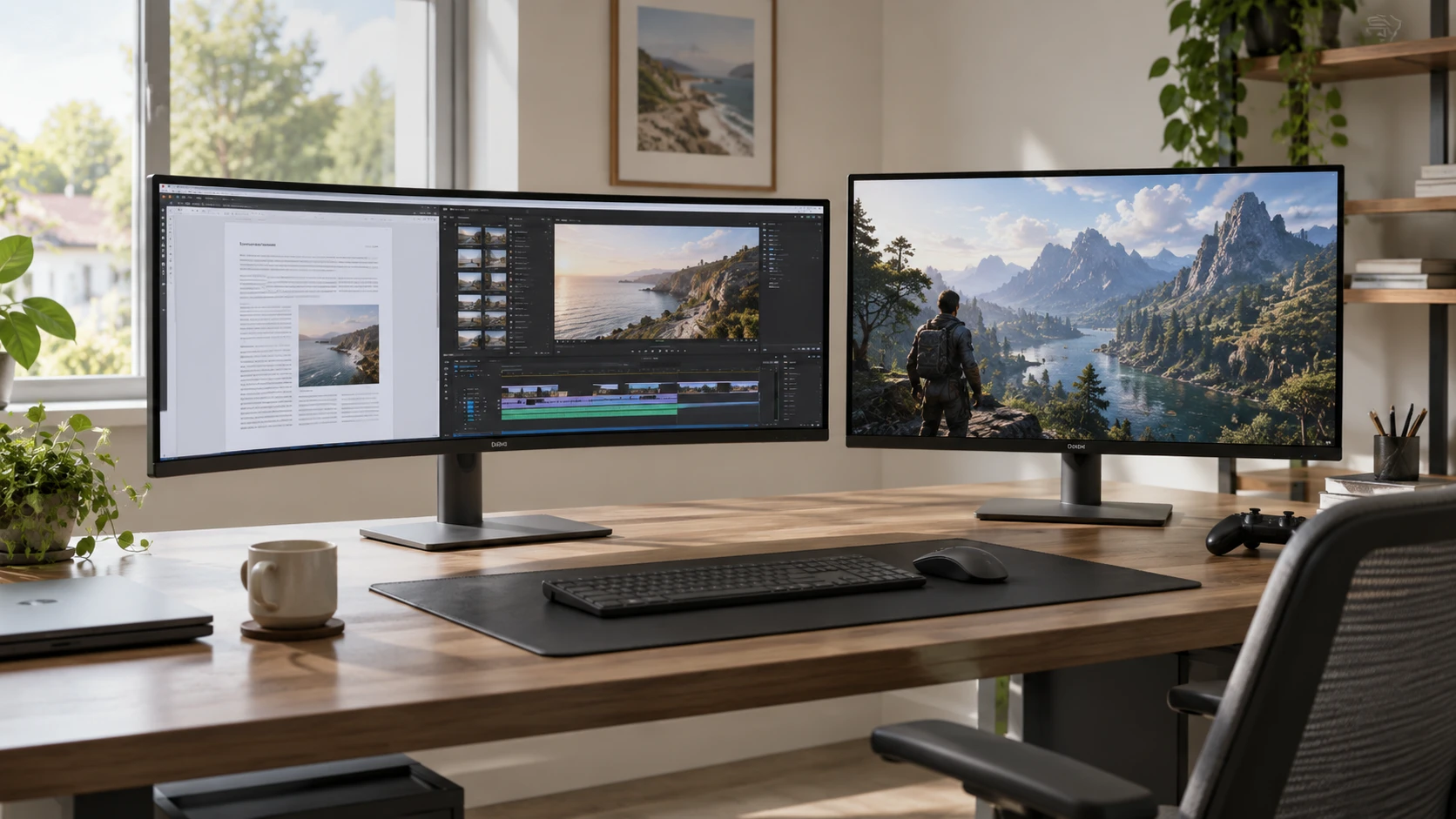
Compare Dell Plus S3425DW ultrawide monitor by screen shape, USB-C power, refresh rate, input paths, and everyday content fit.
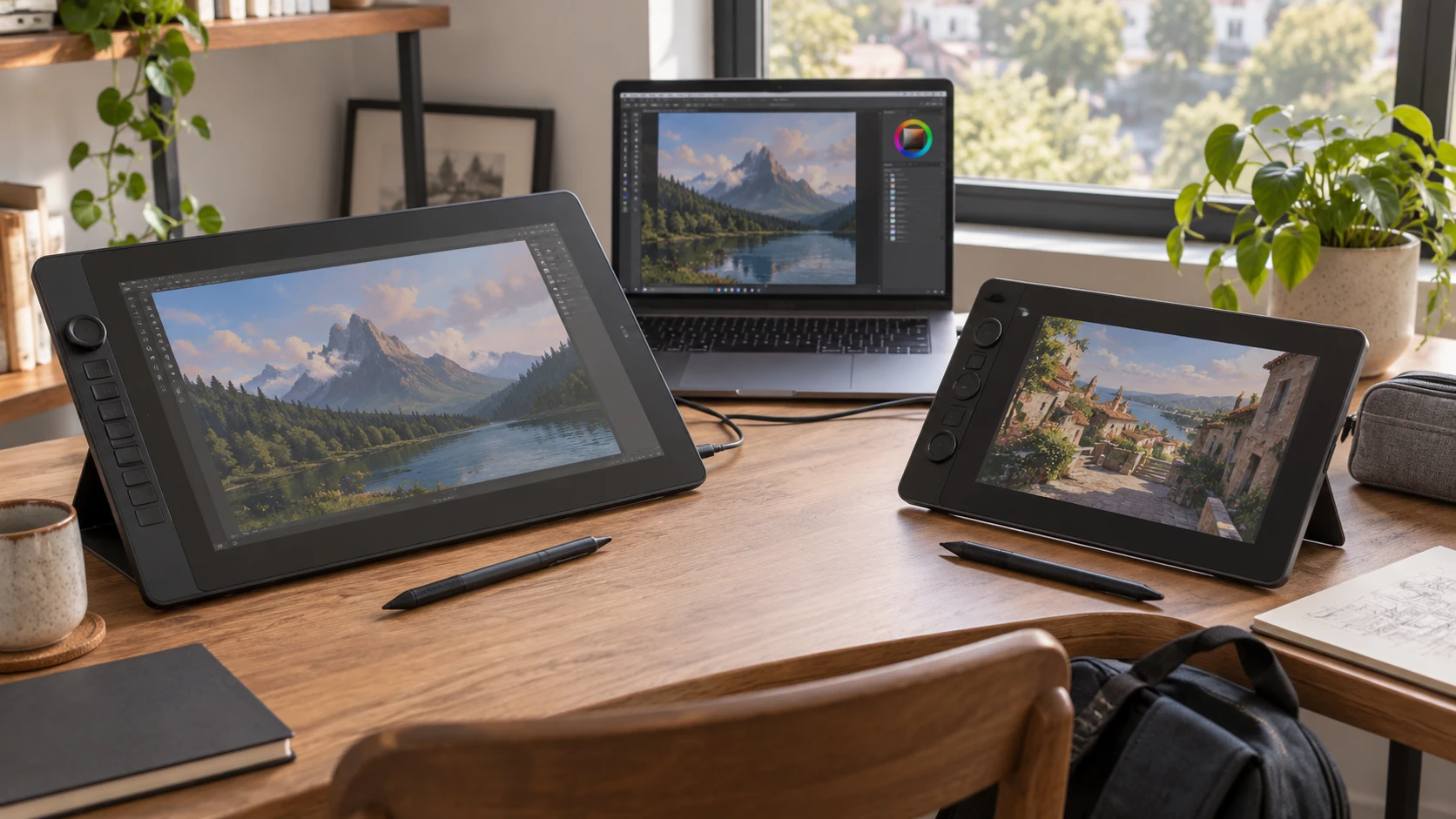
Compare VEIKK Studio 16 pen display by screen size, pen controls, color claims, computer support, cables, and desk setup before choosing a portable art station.
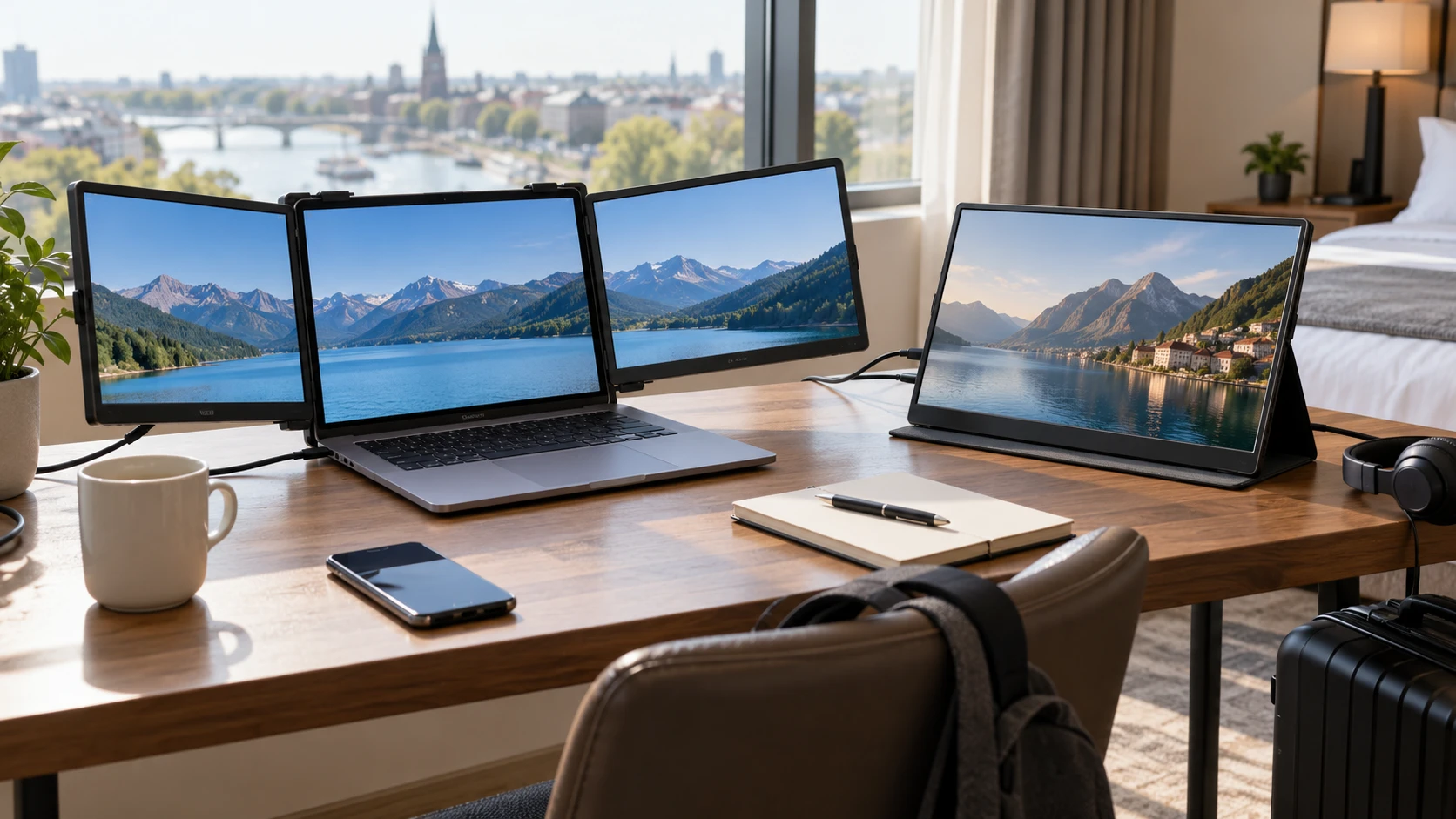
Compare Tlscon triple laptop screen extender by host fit, resolution, cabling, power, travel setup, and gaming claims.