Skills & Planning

Practical guides to documents, data, creative work, and everyday planning.

Showing 1–12 of 102 guides

NAVA F60 export formats: comparing field measurements and export steps with a Zellix device.
8 min read

NAVA F60 export formats versus Zellix field measurements

The choice depends on what you need to carry away from a field visit. If another person needs digital mapping data, NAVA F60 export formats deserve closer attention: its description lists GPX, SHP, MIF, CSV, KML, DXF, and TXT for sharing GPS data. If your work centers on taking measurements and reviewing stored records on the handheld, the Zellix MC8066C description addresses that use more directly. Neither description establishes a complete field-to-office process or a measured accuracy standard. For NAVA F60 export formats , verify each step.
Body camera viewpoint checks guide to framing a demonstration from the viewer’s perspective.
10 min read

Plan body camera viewpoint checks for a demonstration

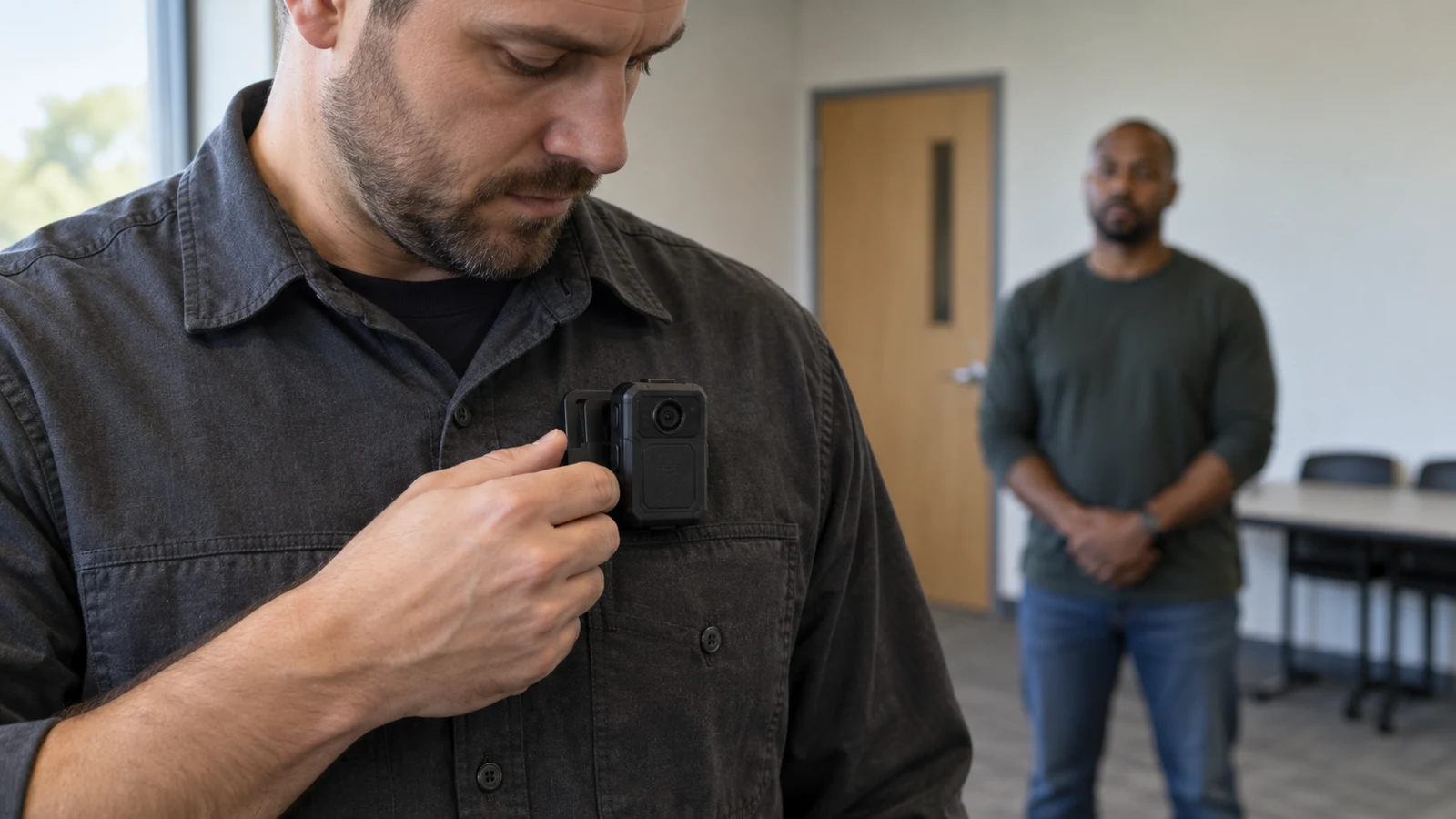
A hand can complete a fold while the camera records almost none of it. If you are demonstrating how to wrap a plain card in a paper sleeve, the useful question is whether a viewer can see the edge meet the card and follow what your fingers do next. A short trial recording gives you a better answer than the view you remember having while you worked. Watch the recorded action once without explaining it aloud. If the sleeve seems to change shape behind your hand, the viewer has been asked to infer the step that the demonstration was meant to show.

CD music cue planning guide to preparing playback order and operator handoffs for a rehearsed performance.
10 min read

Use CD music cue planning for a rehearsed performance

A puppet waits behind a cardboard doorway. The performer will bring it into view, stop beside a paper tree, then send a second puppet across the table. Someone else will operate the CD player. What should tell that person to start the first piece of music, stop it, and start the second? For a short home performance, write each cue around something the operator can see, then rehearse what happens if the performer waits or skips an action.

CD interview transcription: identifying unclear words against playable interview audio.
8 min read

Plan CD interview transcription without guessing unclear words

An interview can be worth preserving even when the recording leaves a few words unsettled. If you have permission to work from an existing interview on a CD that you have already confirmed will play, your immediate task is to make a transcript readers can trust. For CD interview transcription , write down what you can hear, show where hearing stops, and keep your own explanations apart from the speaker's words. A plausible sentence is not proof of an indistinct word.

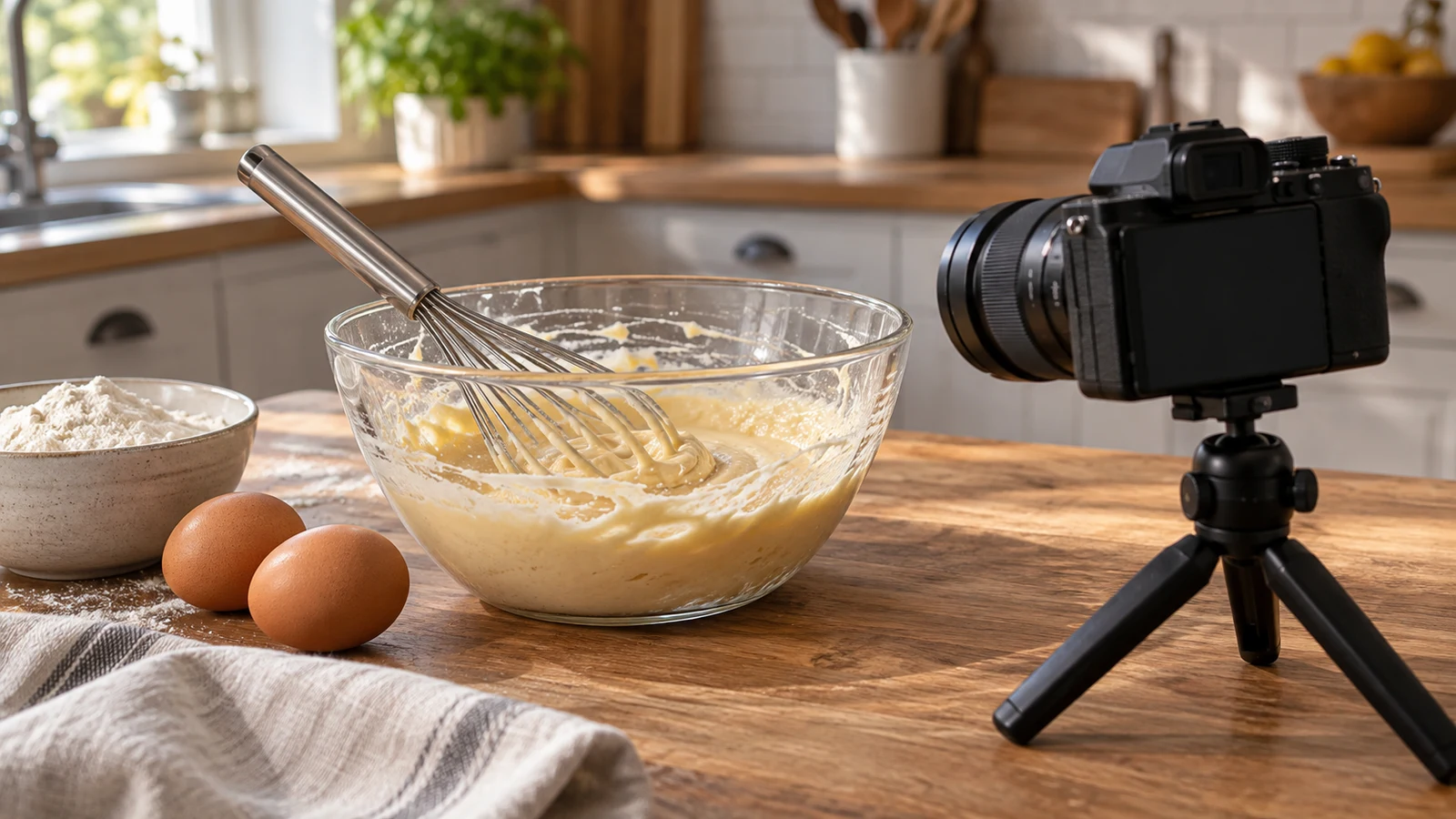
Recipe progress photography as a record of visible mixing stages, with care not to infer steps the photographs cannot show.
10 min read

Plan recipe progress photography for a mixing session

A photograph can remind you what a mixture looked like at a particular point, but it cannot tell you everything that happened before the shutter was pressed. If you want to revisit one mixing session, choose a few recipe stages worth remembering and give each photograph a short note about the step actually reached. Record any intervening action you know about, and leave uncertain causes uncertain. The result is a usable memory of your session, not a visual test for whether the recipe succeeded. For recipe progress photography , verify each step.

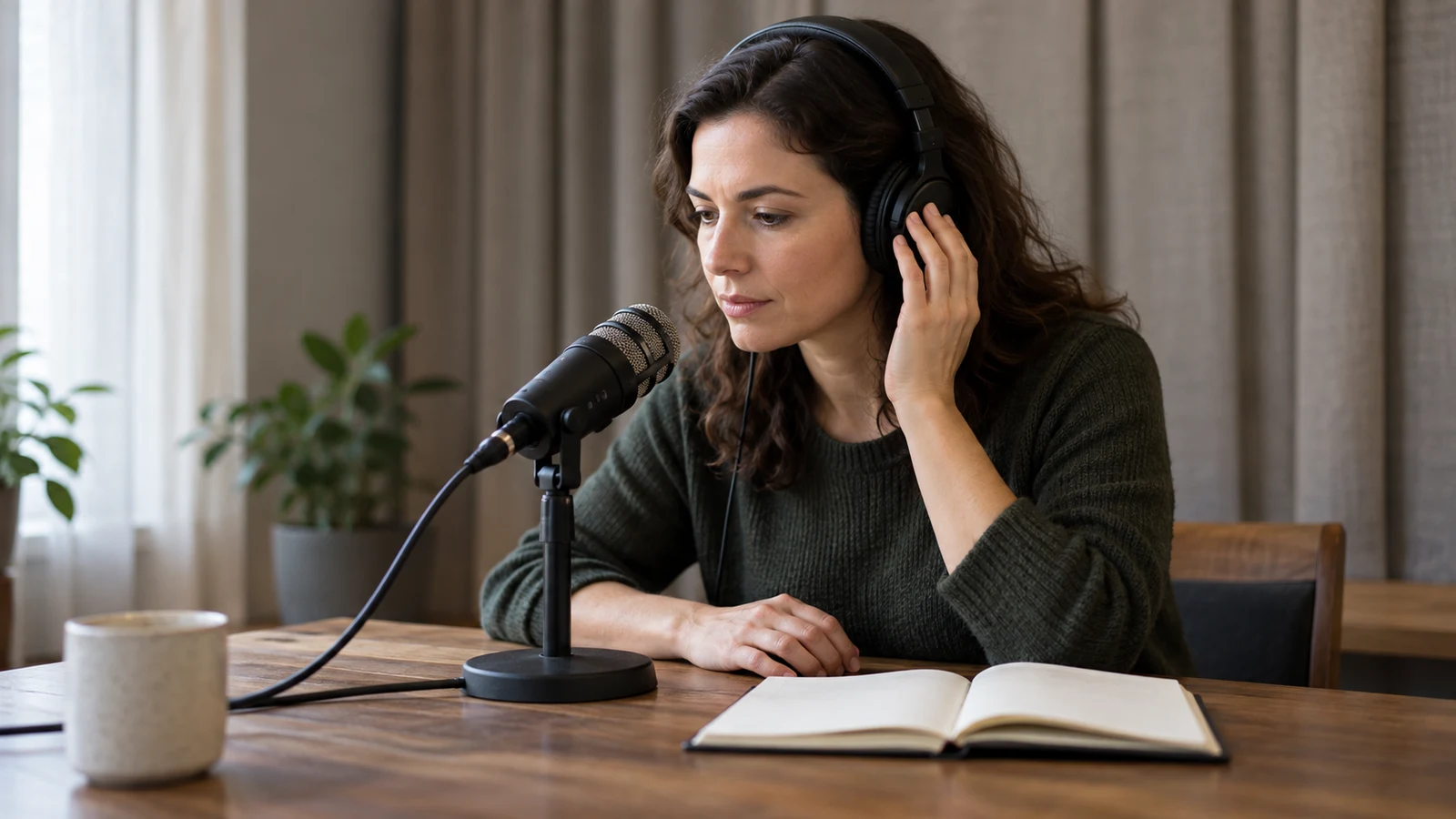
interview audio check: testing speech levels and room sound before an interview.
8 min read

Plan an interview audio check before recording

A interview audio check answers a modest question before you sit down to record an adult relative: can a listener understand the people you intend to hear in a short sample of the arrangement you plan to use? Ask your relative whether they are comfortable making a brief trial recording, let them know you will listen back, and treat their willingness to continue as separate from the technical result. A camera description can tell you that it records video. It cannot tell you whether a particular reply in your room will be intelligible.

Pseudocode tracing of a numbered-card loop to check each iteration against its rule and identify the stopping point.
8 min read

Use pseudocode tracing to check a loop's stopping point

Four display cards are numbered 1, 2, 3 and 4. The fictional instruction is to visit each card exactly once, in ascending order. A loop that says it handles four cards might still stop before card 4. To find out, write down the position at every condition check, the card visited when the condition is true, and the position after the update. The failed check belongs in the record too: it identifies where execution stops. For pseudocode tracing , verify each step.

Spreadsheet subtotal checks that establish which rows each subtotal covers before adding a grand total.
8 min read

Use spreadsheet subtotal checks before adding a grand total

A worksheet can contain four item counts, two subtotals and a grand total, with every number correct on its own. Adding all seven numbers would still give the wrong answer. Spreadsheet subtotal checks start by asking which original items each row represents. If a subtotal already includes two detail rows, the grand total can use that subtotal or those two detail rows, but cannot use both. The choice has to cover every intended item once.

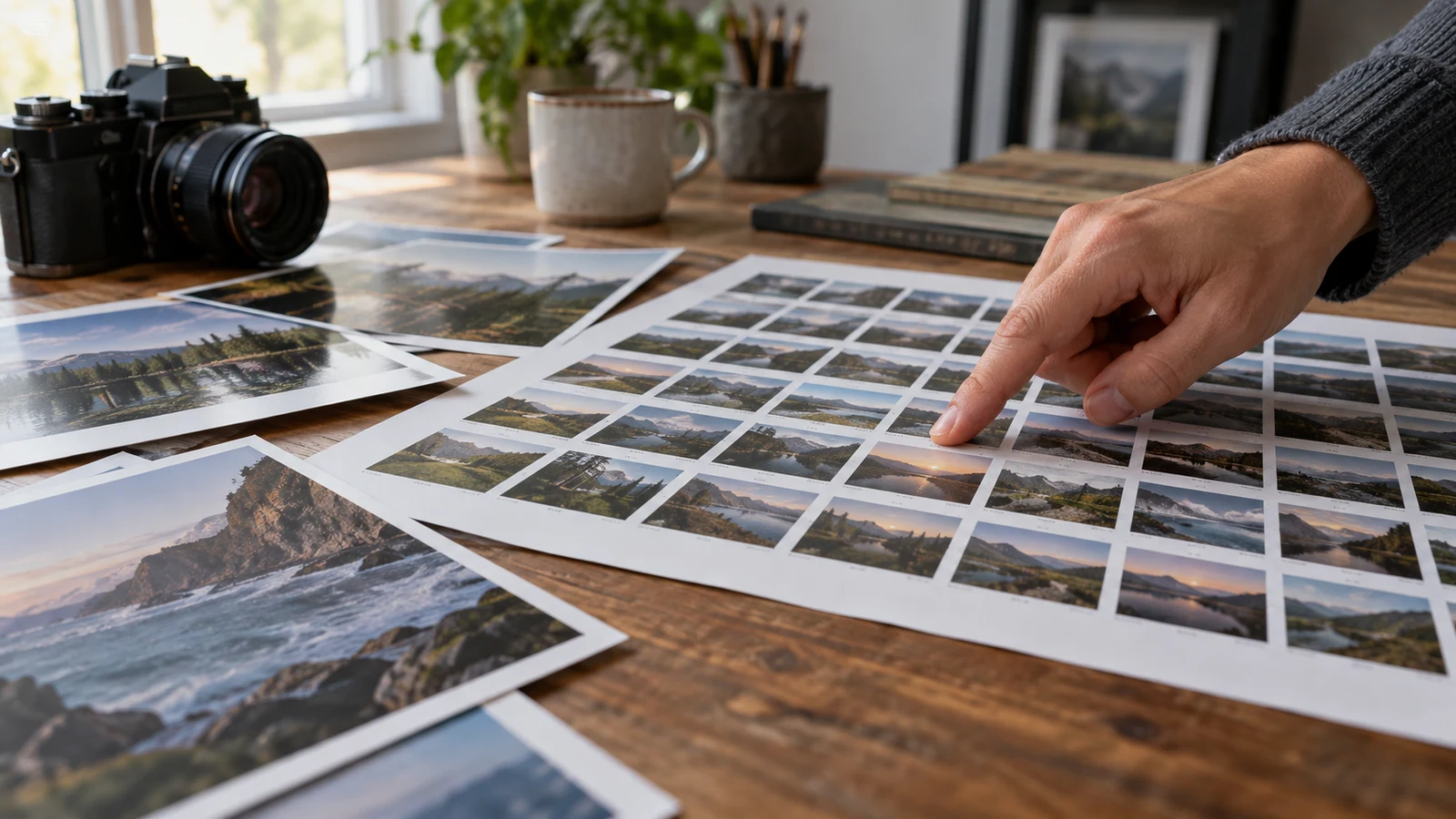
Photo contact sheet planning that gives reviewers a way to identify source files and locate a product-condition detail.
9 min read

Use photo contact sheet planning to identify image files

A reviewer asks which photograph of a used table lamp shows the small mark near its base. You have several existing pictures, including two nearly identical views from that side. A contact sheet can make the exchange precise: each preview gets a reference label that leads back to one original file. The reviewer can ask for that file by label instead of guessing from a thumbnail or saying “the third picture.” The sheet is a lookup aid, not a verdict on the lamp’s condition. A small preview cannot establish whether a mark is a scratch, a reflection, or something else.

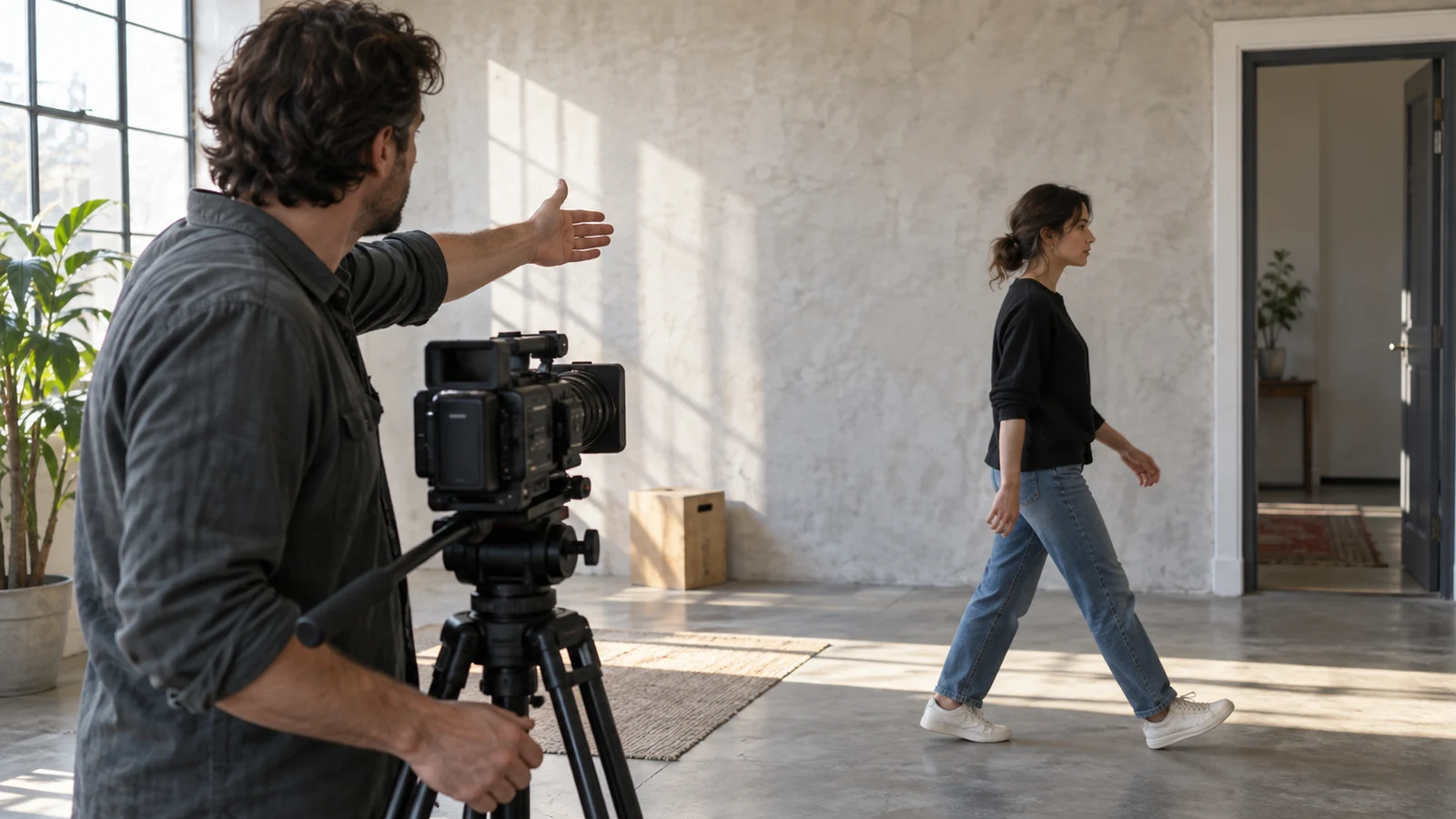
Screen direction planning for a video sequence, tracking a subject's movement and viewpoint before equipment choices.
9 min read

Use screen direction planning for a clear video sequence

A person walks toward a table, puts an object down, and stays there. In the room, the route is simple. Across three camera views, that same walk could appear to reverse halfway through. Screen direction planning lets you notice the problem before recording: draw the route on a floor sketch, mark each proposed viewpoint, and predict which way the person will travel across each frame. The sketch describes movement in the room; the frame notes describe what a viewer might see. Keep those two descriptions separate. For screen direction planning , verify each step.

Tiburn HQ Board group task planning, with clear touch turn-taking and note-taking roles during an interactive board session.
8 min read

Plan Tiburn HQ Board touch turn-taking for group tasks

When several people can reach the same interactive board, who gets to move the next item? Decide that before the first hand goes up. For an in-room exercise, invite one participant to propose a visible change, pause while the group checks it, then explicitly hand the surface to the next person. A touch shows what someone tried; it does not tell everyone whether the group accepted the result. That small distinction makes the exercise easier to follow when two people reach for the board at once.

Skills & Planning Guides | Republeq