
9 min read
Set a default printer in Windows: fixed or last used
Set a recurring Windows printer preference while keeping a single application job and its actual selected destination separate.
Printers, scanners, and document-capture devices.
Showing 1–12 of 25 guides
Set a recurring Windows printer preference while keeping a single application job and its actual selected destination separate.
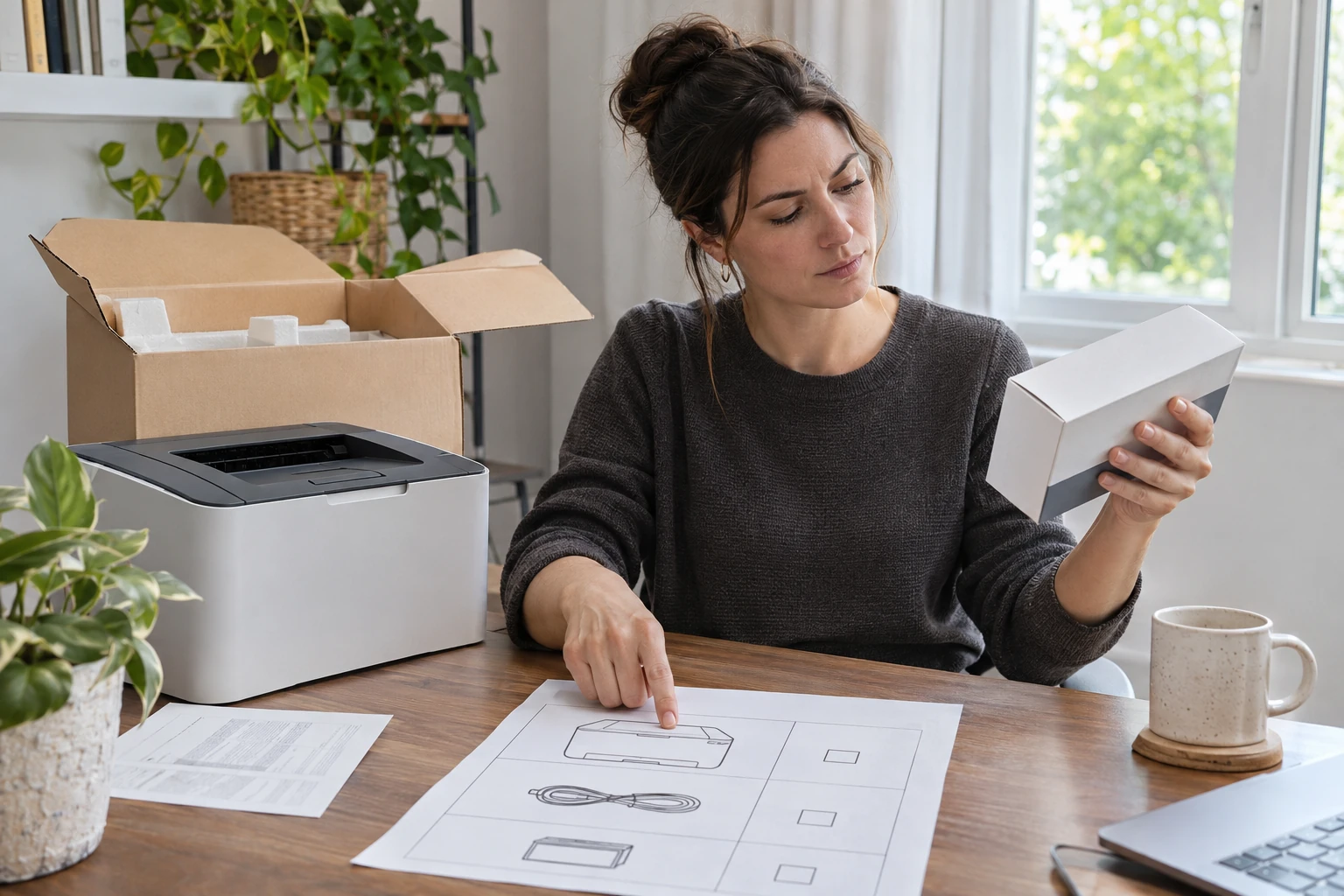
Use exact box contents to decide whether an immediate extra ink or toner order has a separate purpose at the initial printer purchase.
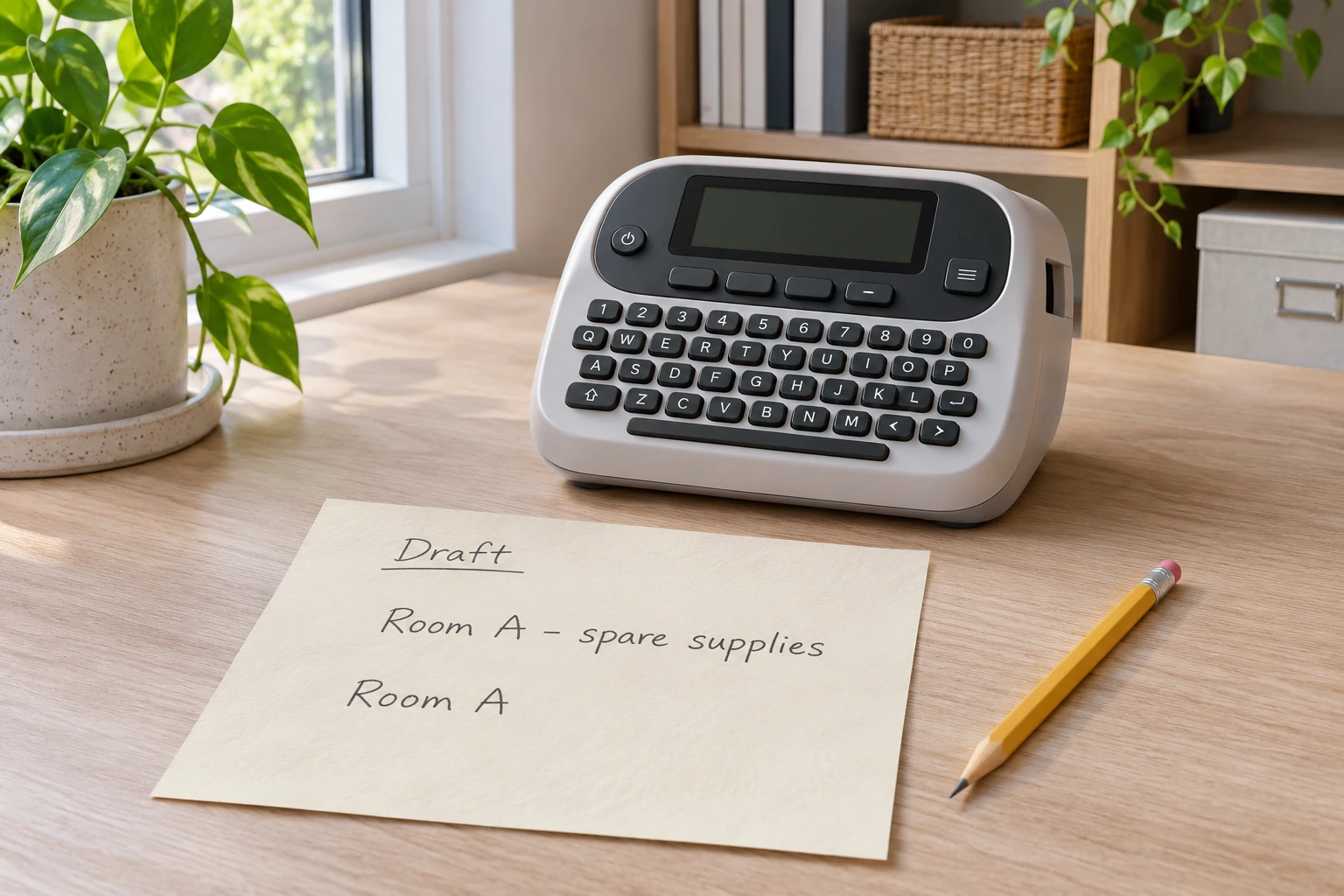
Match the exact printable-area error to the DYMO 500TS manual, then review editable text and the resulting legibility.
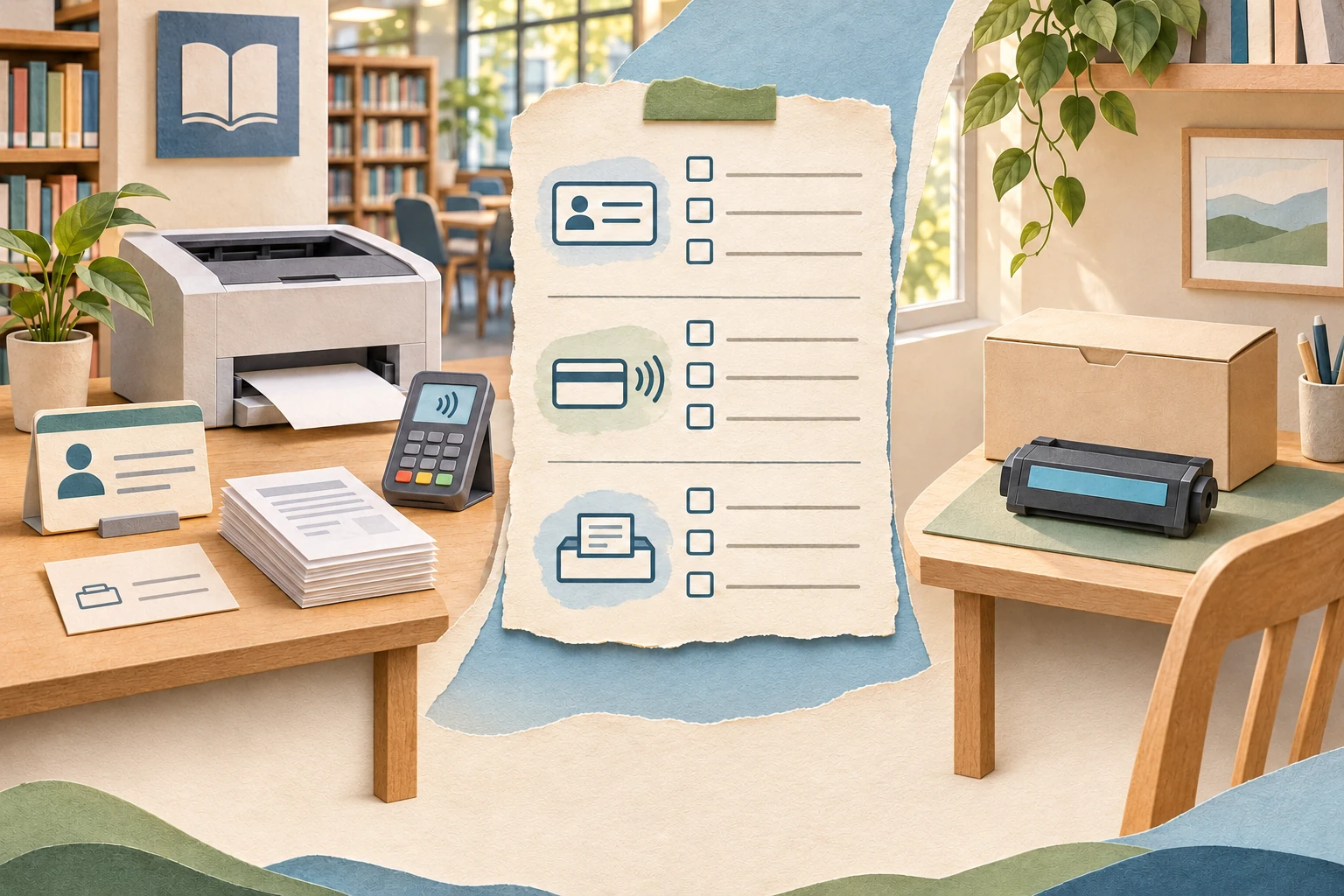
Compare the actual public-printing route with your needs, keeping service fees, access conditions and any home-supply purchase separate.
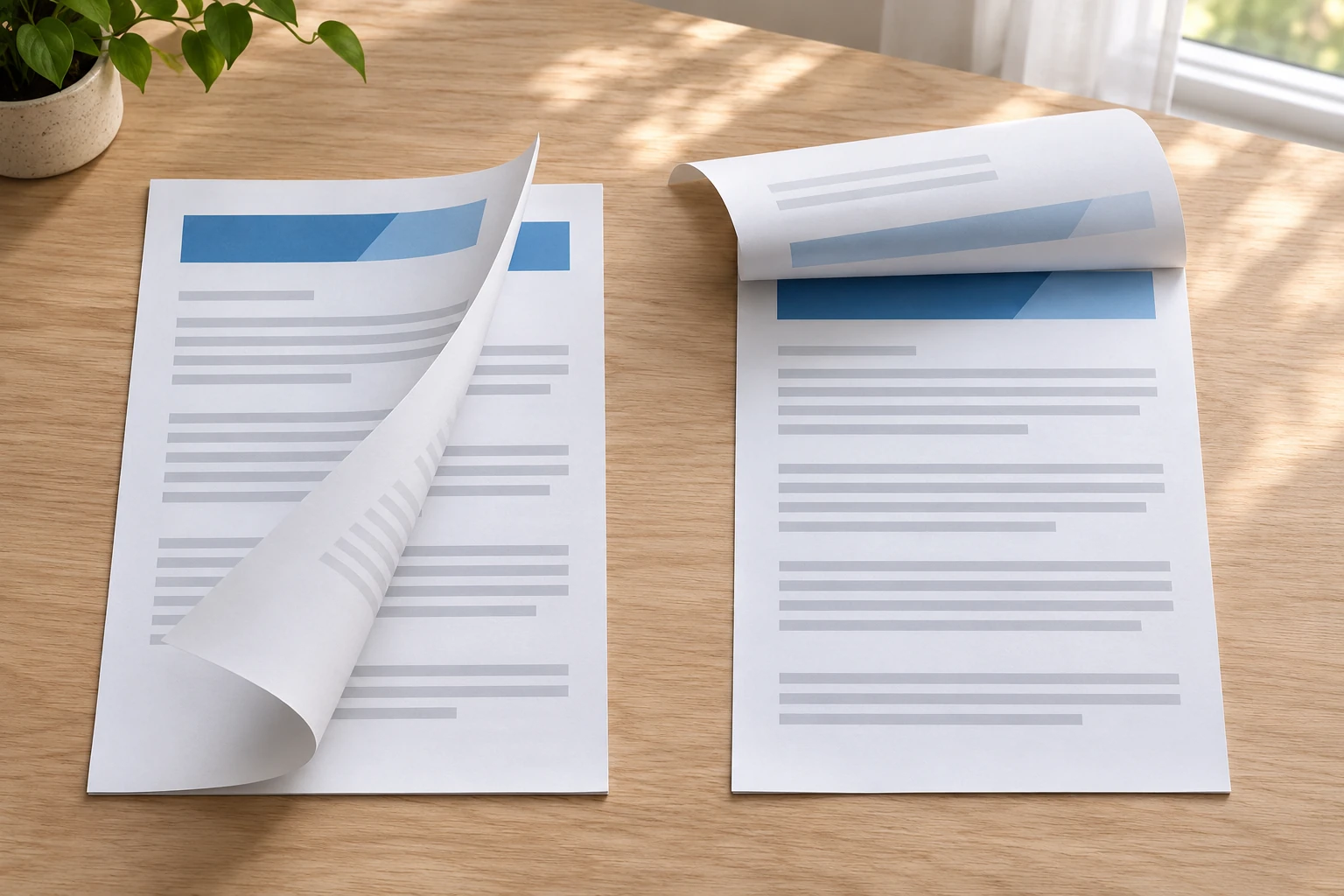
Use the actual supported Word printing controls to select a page-turn edge and inspect a representative sheet before committing the document.
A narrow frontend queue guide separates cancelling a waiting item from resuming a paused job, with a physical-output check before resubmitting.
Estimate filament material cost from confirmed net mass and the prepared job. Compare the batch estimate with consumption and acceptable parts, without assumed savings.
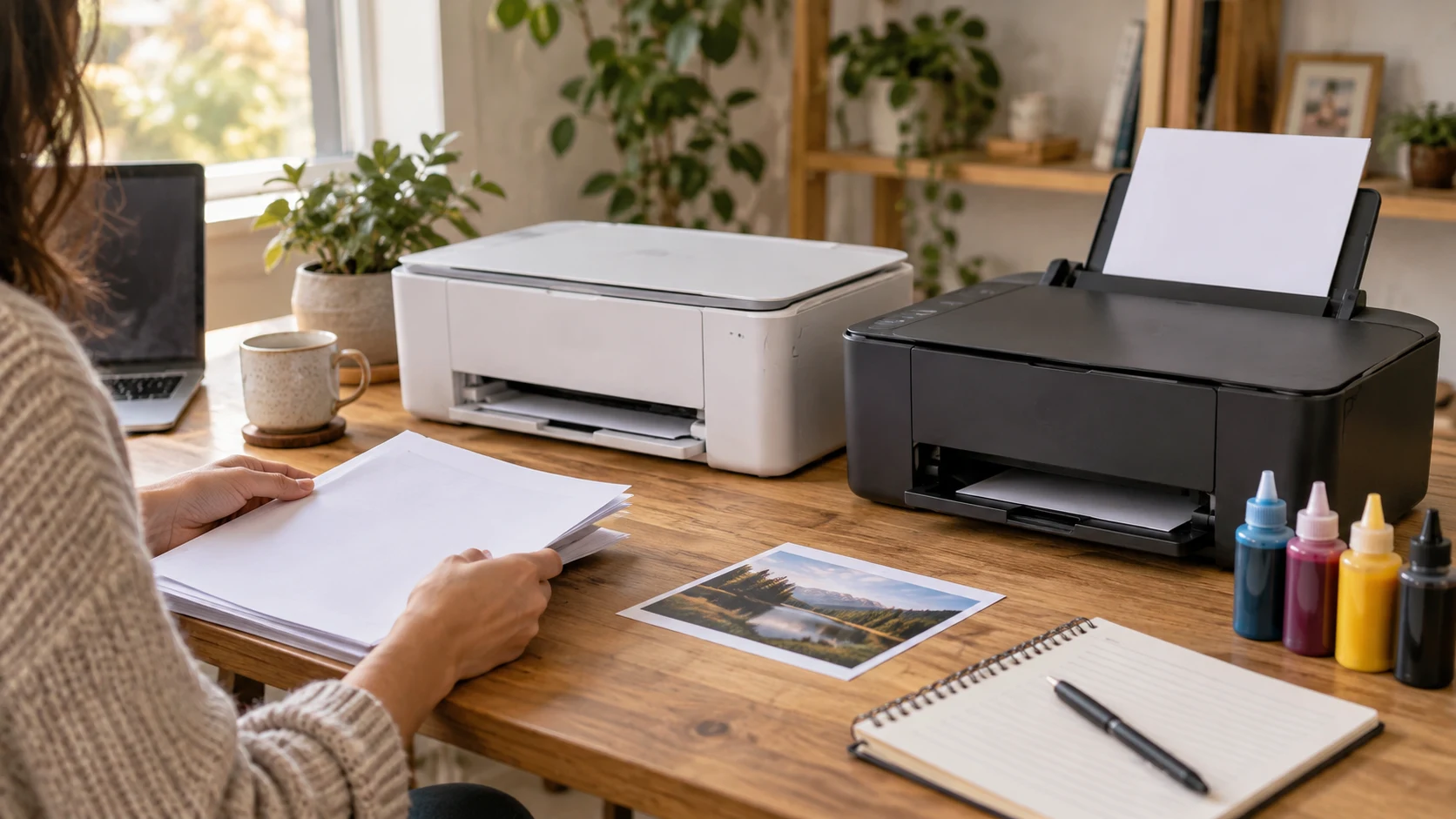
Compare Epson ET-2720 and HP OfficeJet Pro 6978 by bottle refills, document handling, connection claims, current prices and software needs.
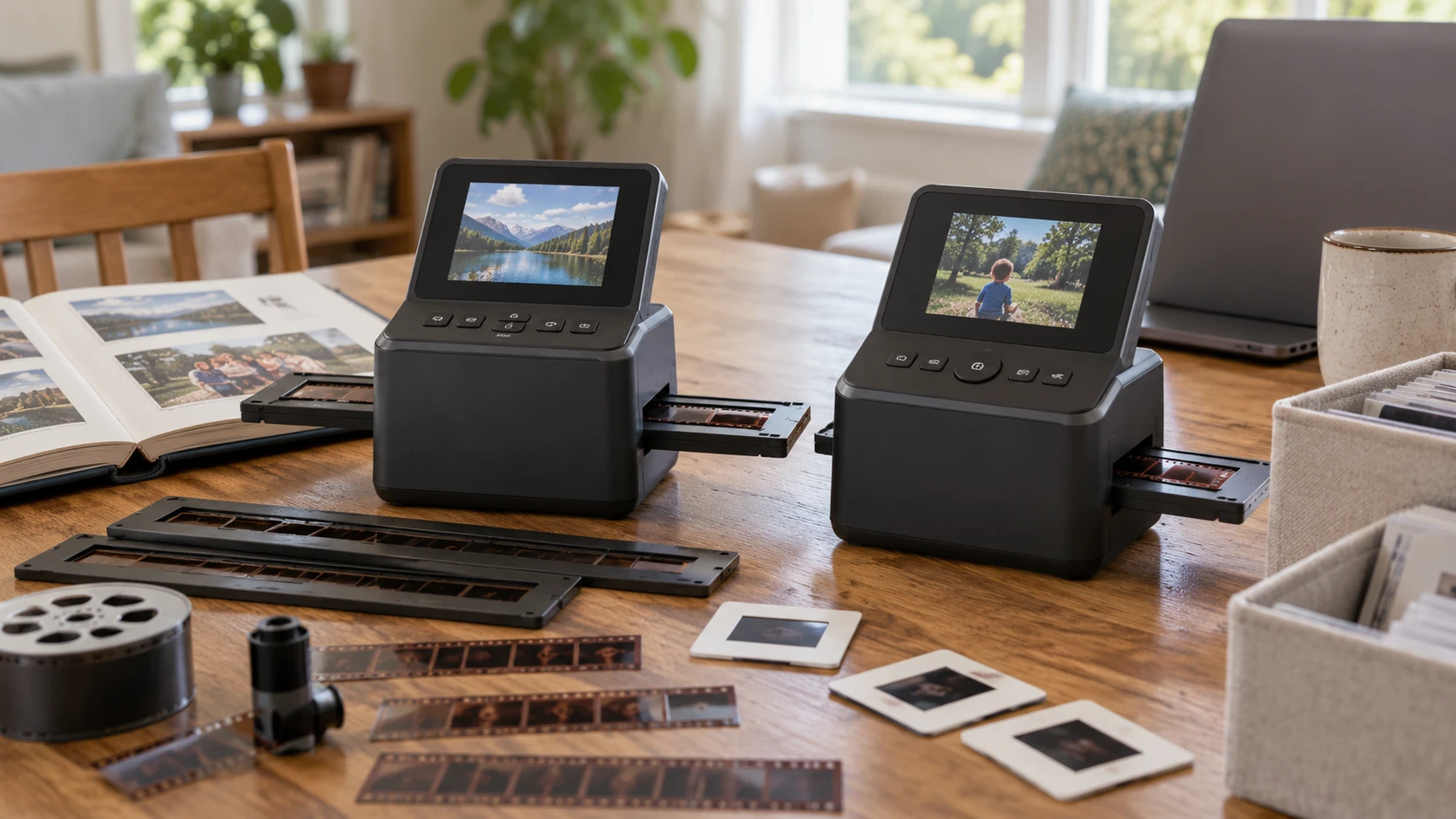
Compare Magnasonic FS70NT01 film scanner: supported film, tray bundles, 13MP capture, larger JPEG output, screen controls, storage, and transfer before…
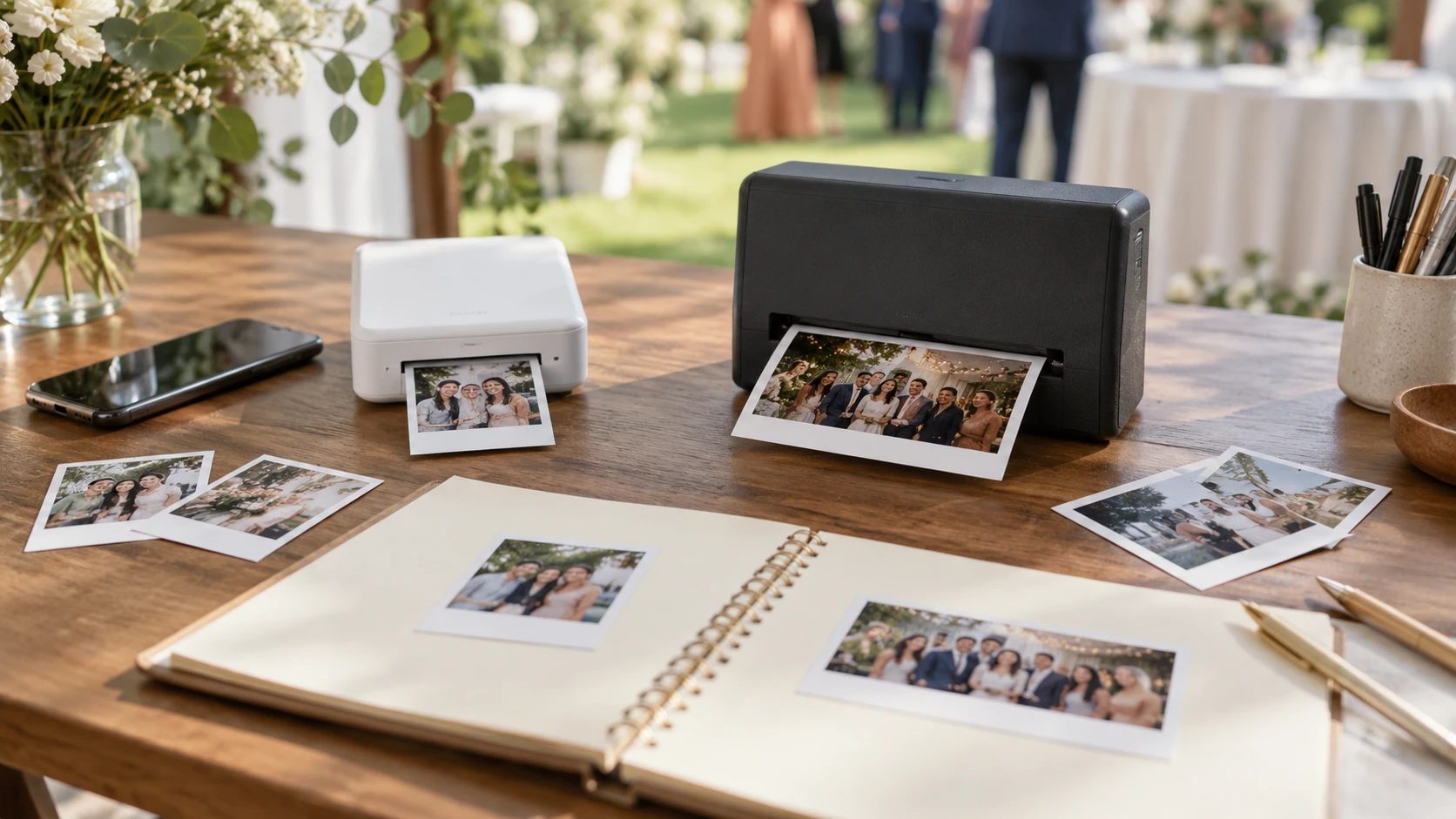
Compare Canon SELPHY SQUARE QX10 portable photo printer for guestbook layouts, supplies, phone setup, and event queues.
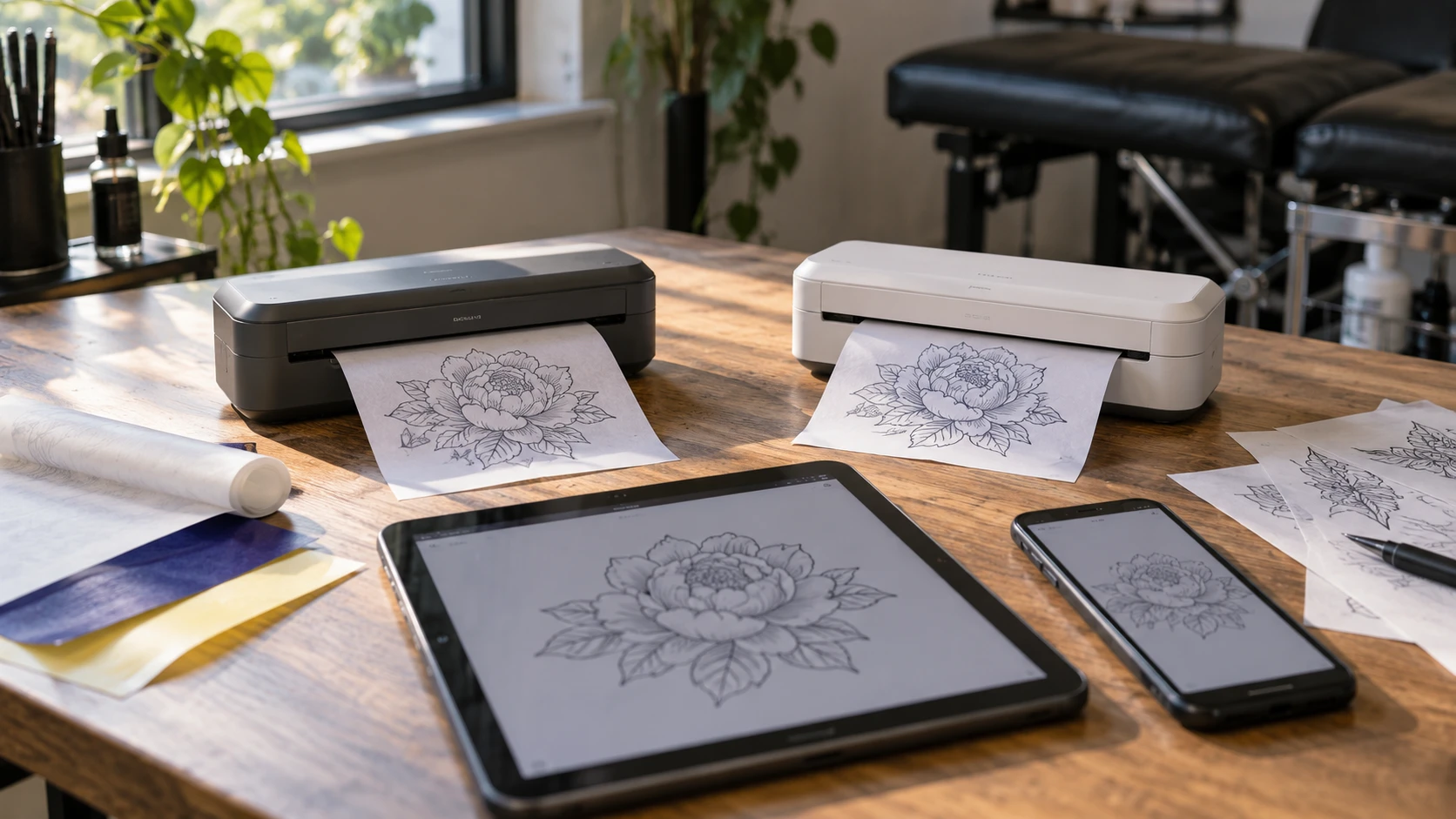
Compare LKT Mini tattoo stencil printer by device connection, transfer paper, portability, and questions to settle before buying.
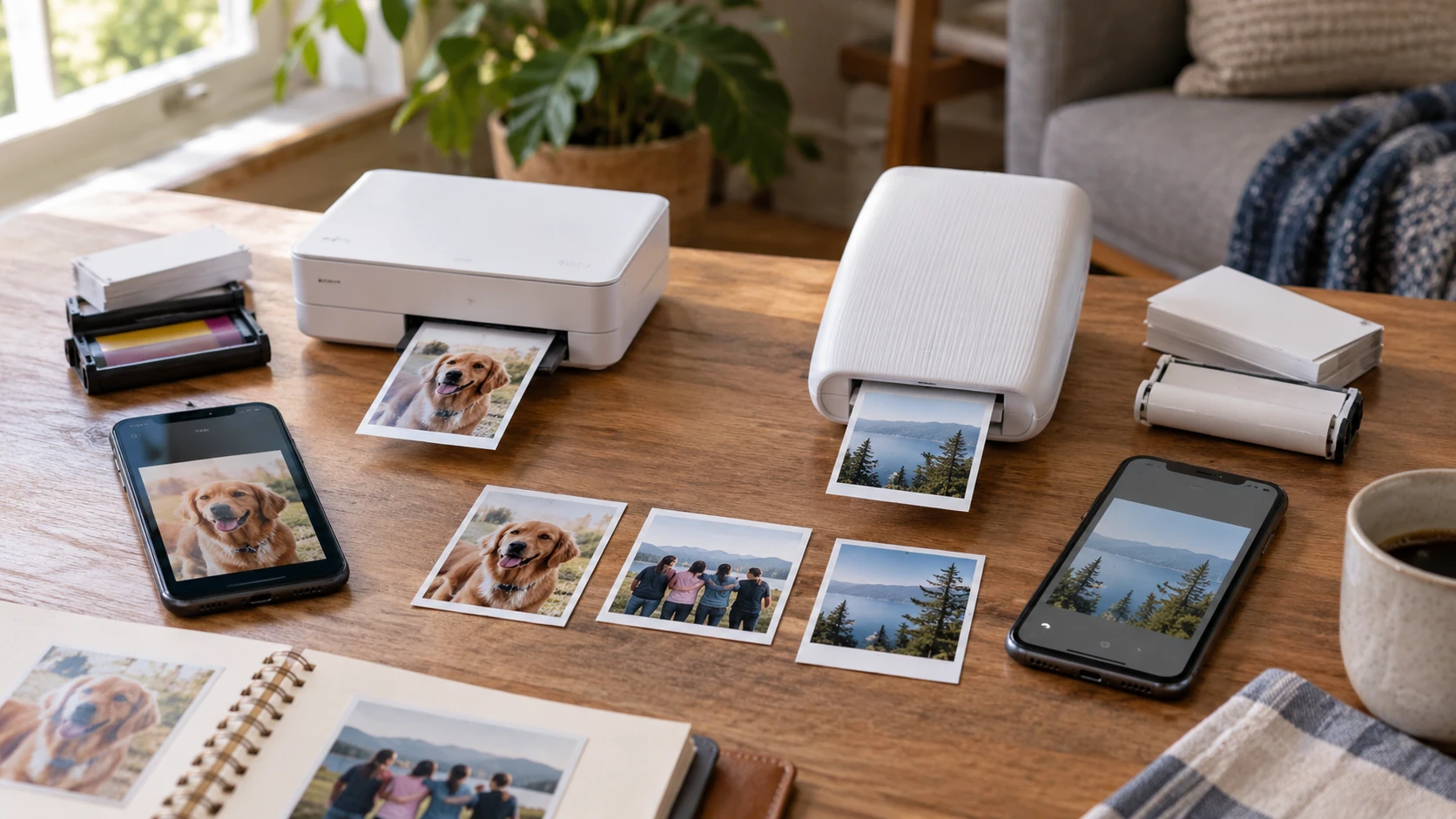
Compare Kodak Mini2 photo printer by 2.