Printers & Scanners
Epson ET-2720 vs HP OfficeJet Pro 6978: refill bottles or a document-handling routine
Compare Epson ET-2720 and HP OfficeJet Pro 6978 by bottle refills, document handling, connection claims, current prices and software needs.
Plan how you will handle originals before choosing an ink supply. For Epson ET-2720 vs HP OfficeJet Pro 6978, the current listed prices are $499 for Epson and $699 for HP, a $200 difference. Epson describes its ET-2720 as a refill-bottle all-in-one with a flatbed scanner. HP's Republeq offer lists a document feeder and two-sided scanning. If stacks of forms are a regular task, those handling details deserve attention before an ink-saving headline.
Both listings identify different brands in the same Printers & Supplies category, and both describe color inkjet all-in-one printers. There is a material question in the Epson listing: it mentions ADF and Ethernet, while Epson's exact model specification lists a flatbed scanner and USB, wireless and Wi-Fi Direct connections. Do not count the page's feeder or Ethernet wording as a confirmed ET-2720 capability without clarification tied to the delivered unit.
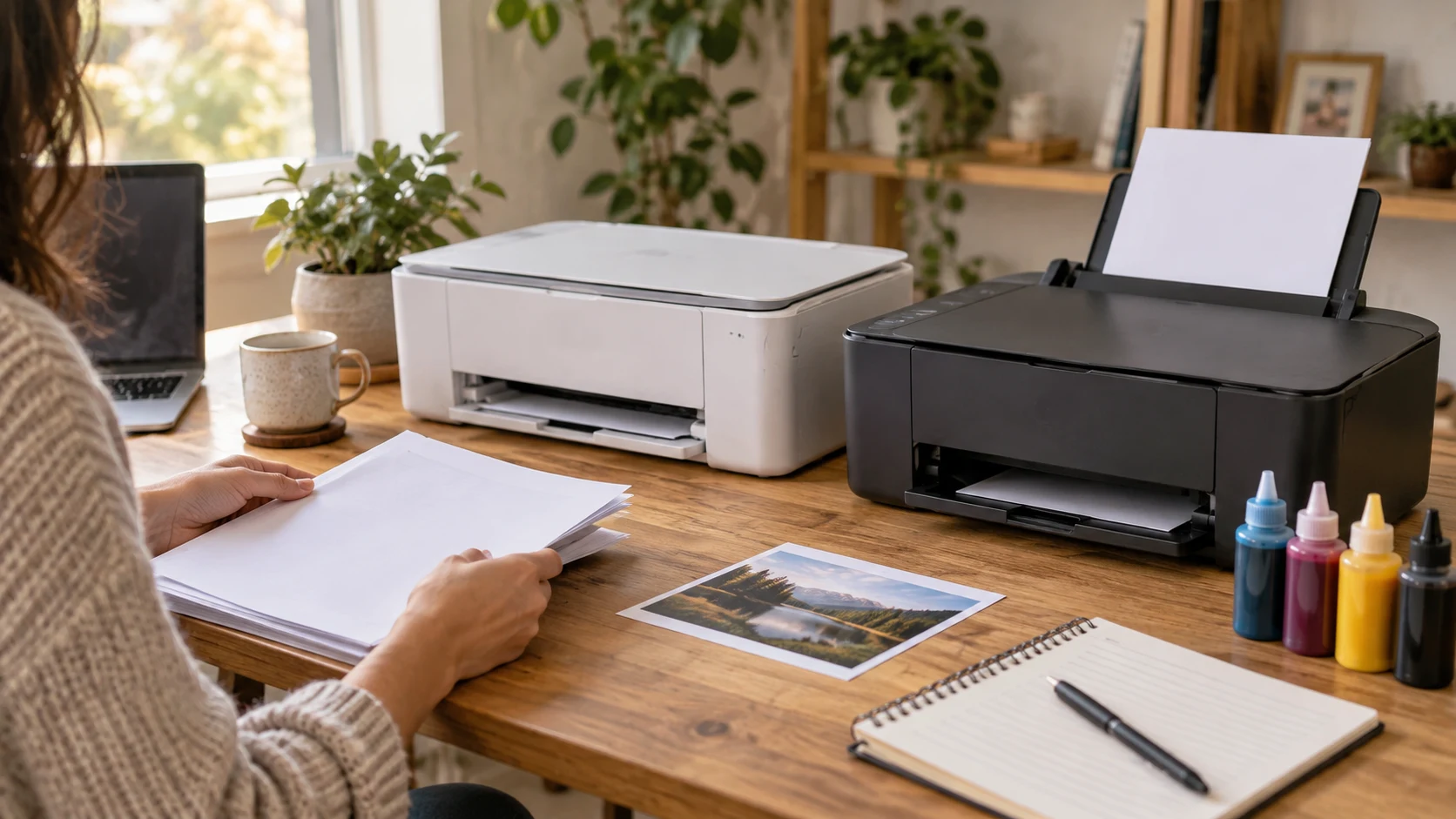
Conceptual editorial cover for Epson ET-2720 vs HP OfficeJet Pro 6978: generic home-office printers and paper-handling tasks, not photographs of the offered models or proof of their accessories and functions.
Confirm the Epson handling and connection claims
The white Epson ET-2720 offer identifies a cartridge-free printer with front-facing tanks, keyed EcoFit bottles and a 1.44-inch color display. It names printing, scanning and copying, supports borderless 4-by-6-inch photos and gives a 100-sheet paper capacity. Its ADF and Ethernet statements need separate checking because they do not match the functions and standard connections described on Epson's white ET-2720 product page.
Epson identifies the scanner as a color flatbed with a maximum bed size of 8.5 by 11.7 inches. Its connection table names Hi-Speed USB, wireless 802.11 b/g/n and Wi-Fi Direct. Those are the manufacturer details this guide uses for planning. Ask the seller to identify the offered unit and explain the conflicting feeder and Ethernet wording. A similarly named EcoTank model is not enough to confirm an additional function.
If wired networking is essential, settle that question before ordering Epson. A USB connection to a computer and an Ethernet connection to a network are different arrangements. The wireless and Wi-Fi Direct entries do not establish that the printer meets a particular workplace's wired-network requirement. Write down which computer or network must receive the job and ask for the connection that supports that actual arrangement.
Likewise, do not plan to feed a stack through the Epson based on the ADF abbreviation in the shopping page. A flatbed workflow needs its own check for the originals you use. If an automatic feeder is indispensable, require a confirmed device and handling specification. Keep that answer with the model information instead of assuming a printer supplied as an ET-2720 has features from another member of the range.
Match flatbed scanning work to the originals
For flatbed scanning work, consider whether the job is an occasional photograph, a small document or a recurring pile. The scanner's bed size concerns the original being captured. It does not become larger because the printer accepts a larger paper size for printing. Check the size and condition of your documents before relying on one all-in-one to replace an existing capture method.
The HP OfficeJet Pro 6978 offer names a document feeder, two-sided scanning and printing, plus copying and faxing. The seller states those functions for this offer. Its description does not give a complete feeder capacity, supported-original table or a measured scan-to-file result. Obtain those details when the work depends on a particular stack or paper format.
Try a representative two-sided form using the permitted handling route. Check page order, orientation and whether faint writing on the back remains legible. A printer that accepts a job is not necessarily completing the whole filing task: the resulting file still needs to reach the intended computer and open correctly. Neither listing reports that complete test for your documents, applications and network.
The buying guide to loose-page and bound-book scanners considers separate document-capture products. Its relevant question is which physical path suits the original. The dedicated Epson feeder and CZUR overhead specifications belong to those devices. They do not establish the ET-2720's handling, nor do they confirm that every fragile or bound item can enter HP's feeder.
If faxing is part of the routine, HP's offer explicitly names that function. Confirm the line and setup required for the intended use. Epson's ET-2720 product description here identifies printing, copying and scanning. Do not turn those functions into a fax promise. An all-in-one label should be unpacked into the actual tasks the purchased model supplies.
Compare office printer running costs from the supplies you will buy
For office printer running costs, start with the supplies you would replenish. The listing includes one 65mL bottle of 522 black ink and one 65mL bottle each of cyan, magenta and yellow. Epson's model specifications also identify the 522 bottle family. Confirm those supplied bottles with the exact order and obtain current replacement prices for that family before assigning a saving to the refill approach.
HP's listing names original 902, 902XL and 906XL cartridges. It also calls the printer Instant Ink ready and describes the subscription as optional. These are two purchase questions: which supported supplies you would buy yourself, and whether a current subscription suits the actual monthly work. The page does not provide a complete present-day plan table, so request its terms before including that service in an ownership budget.
The HP description advertises savings of up to 50% on ink. This guide has no matched current-cost calculation against Epson ET-2720. That percentage should not be deducted from your budget as a guaranteed result. Obtain the actual subscription price and rules, or the cartridge prices and yields you would use, and compare them with the mix of black and color jobs you expect to print.
Epson's manufacturer page also makes savings and included-ink claims. Its up-to-two-year statement uses about 125 document pages per month. That is a stated usage assumption, not a promise that the supplied bottles last two calendar years for every household. A buyer printing many photographs or using one color heavily needs a different estimate, with the relevant yield conditions considered.
Epson says all ink colors are used in printing and maintenance and must be available for printing. Plan for the complete set, even if most visible output is black text. Its quoted bottle yields depend on the test pattern and usage conditions. The cost of a replacement bottle alone cannot settle the annual bill without knowing what is printed and how often the printer operates.
Keep the $200 difference tied to a complete routine
The current $200 gap compares the two listed printer prices. Recheck the delivered totals, supplied ink and any cables needed at checkout. A lower initial price can still be an inconvenient purchase if it does not perform an essential handling or connection task. A higher total can also be unnecessary when occasional print and flatbed jobs already fit the less expensive option.
The buying guide to text and color office print queues explores different HP models and their document routines. Use its job-counting approach here: record print jobs, copies and scan sessions separately. Its monochrome laser specifications and OfficeJet 9122e subscription offer do not apply to these two printers.
A week of household printing may contain a few color pages and an occasional scan. A shared office may send several two-sided packets and capture forms every morning. Those are different reasons to value an ink route or a feeder. Count the tasks that actually recur, then identify which ones require manual handling, a computer or a particular network connection. The listings do not supply a measured labor saving for your week.
Verify current software and the exact supplied printer
Epson marks the ET-2720 discontinued on its model page and identifies a replacement product. That does not establish the condition of Republeq's offered ET-2720, and the replacement's specifications do not transfer to it. Confirm the actual unit, supplies and service terms. If the order relies on a manufacturer warranty, verify eligibility for this purchase rather than assuming the historical model-page term applies automatically.
The Epson page lists older operating-system and mobile-service details. Check the current driver and scanning software for the exact operating system you use instead of treating every historical integration as a present promise. The included setup CD-ROM can be part of the box without being a usable installation route on your current computer. Obtain the supported download and setup instructions for that device.
HP's offer names mobile setup and printing from a smartphone, tablet or notebook, together with wireless and Ethernet connections. Confirm the current app and operating-system requirements for those actual devices. A mobile printing claim does not settle how a scan reaches your filing application or whether the printer works across a guest network. Try one complete print and scan sequence before replacing the existing workflow.
Check where the printers will sit during work. Allow space to load paper, reach the scanner and retrieve finished pages. A feeder, output area or lifted scanner lid may need more room than an idle chassis. Neither shopping description gives a complete installed-space comparison here, so measure the proposed location and consult the exact model's setup instructions before rearranging the desk.
Choose after handling, connection and supply questions are answered
Investigate Epson when its confirmed refill-bottle route and manufacturer-described flatbed workflow serve your actual print, copy and scan tasks at the current lower listed price. Resolve the ADF and Ethernet mismatch before assigning value to those page claims. Confirm the current software, supplied bottles and service arrangement for the offered ET-2720.
Investigate HP when its listed feeder, two-sided scanning, fax or Ethernet route answers a recurring requirement. Confirm the exact original-handling limits and scan destination, then price the cartridges or optional service you intend to use. Before checkout, keep the seller's Epson hardware clarification or the HP feeder and connection answers alongside the supply plan and delivered total.