10 min read
sticky keys unexpectedly active: check the intended setting
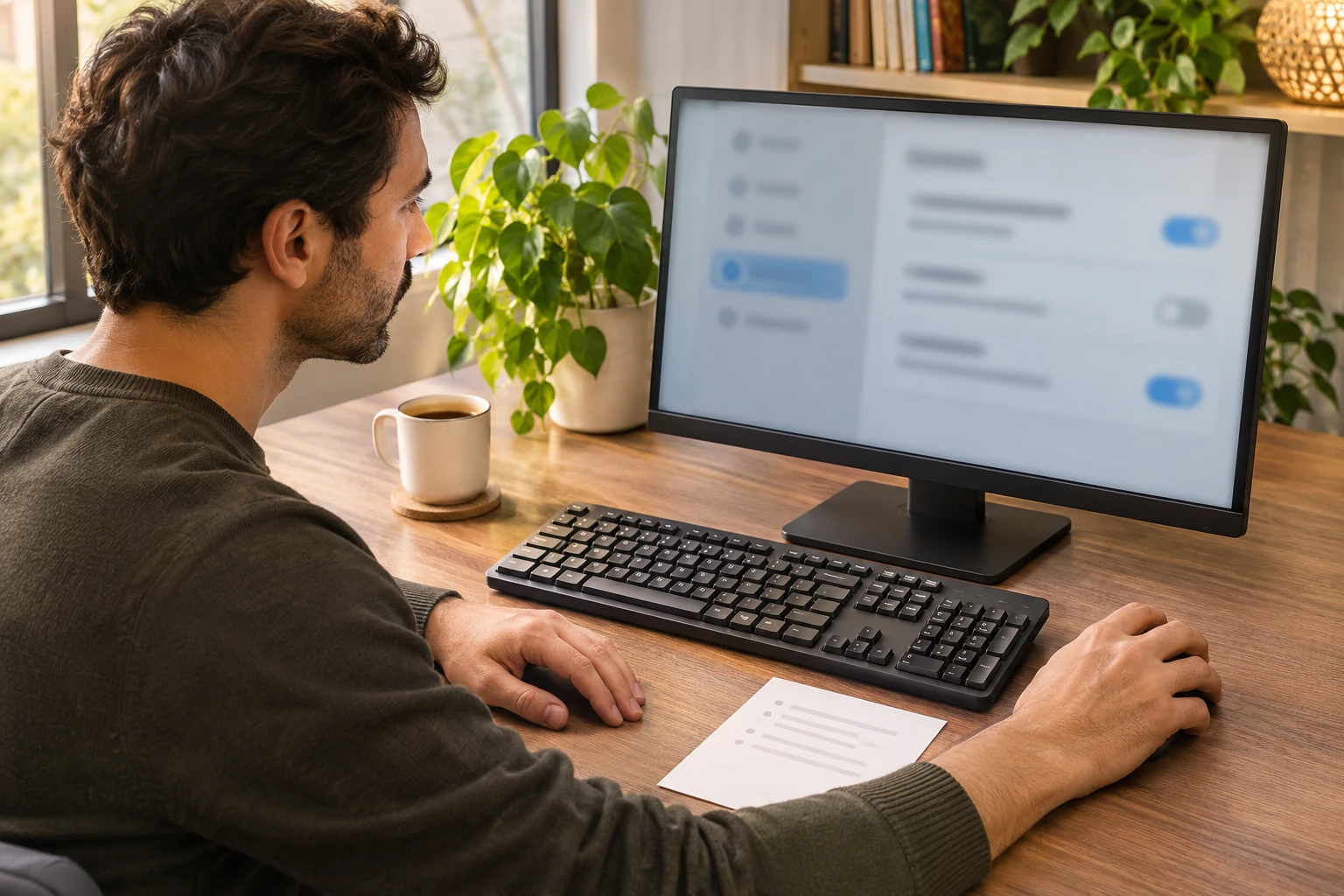
Describe the modifier behavior, identify the applicable platform setting and preserve the user’s intended accessibility preference.
Guides to computers, displays, connectivity, gaming, and office devices.
Showing 1–12 of 333 guides
Describe the modifier behavior, identify the applicable platform setting and preserve the user’s intended accessibility preference.

Prepare a late arrival to a seasonal Google Meet greeting by distinguishing the captions visible to you from conversation you missed before joining or enabling them.

Set a recurring Windows printer preference while keeping a single application job and its actual selected destination separate.

Distinguish a missing Windows slider from a monitor control or a named automatic-sensor issue before choosing the applicable documentation.

Plan one co-located visit around the learner's chosen task and control of the mouse. Agree what help is wanted before anyone demonstrates.
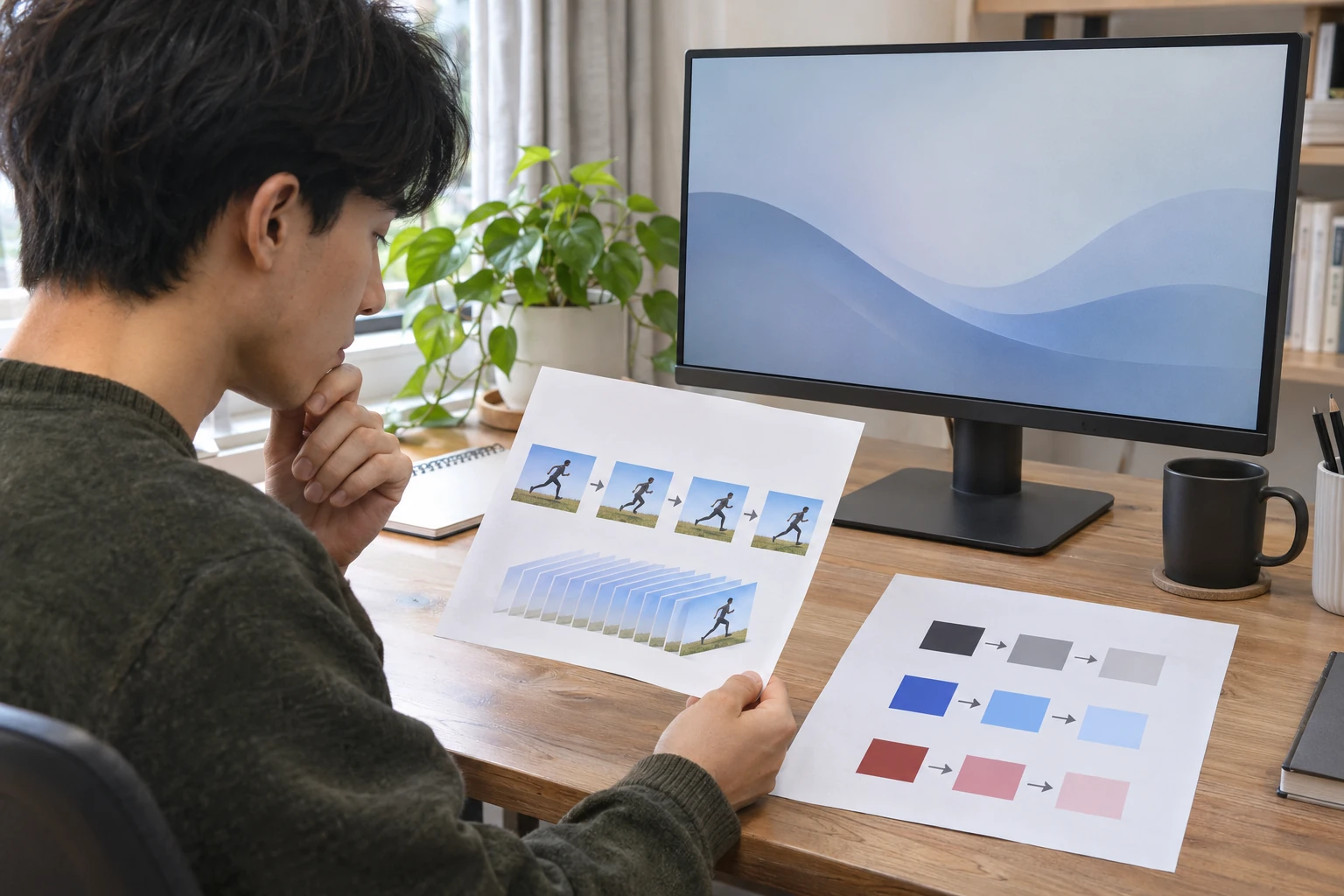
Learn which question each motion-related monitor label answers, and keep an advertised claim separate from a current mode or an applicable preset.

Separate a Windows orientation choice from physically turning a panel, then check which display you are changing before assessing the result.

Start with an identified original and copy. Leave an unsuccessful check unresolved, and retain the original while deciding what to do next.

Use exact box contents to decide whether an immediate extra ink or toner order has a separate purpose at the initial printer purchase.
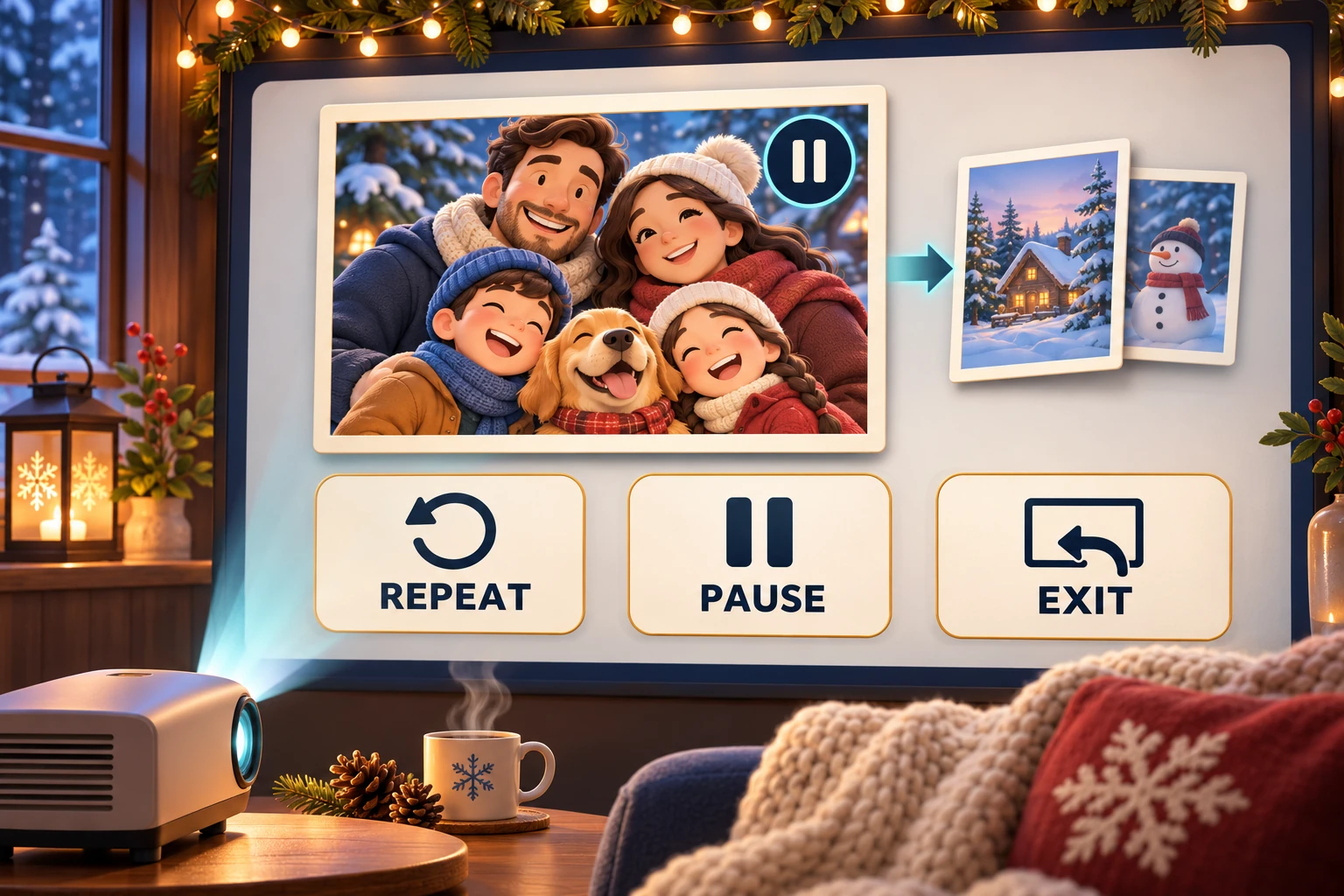
Use documented slideshow controls to repeat pictures, pause a story or return to a viewing window, with the software and mode kept explicit.
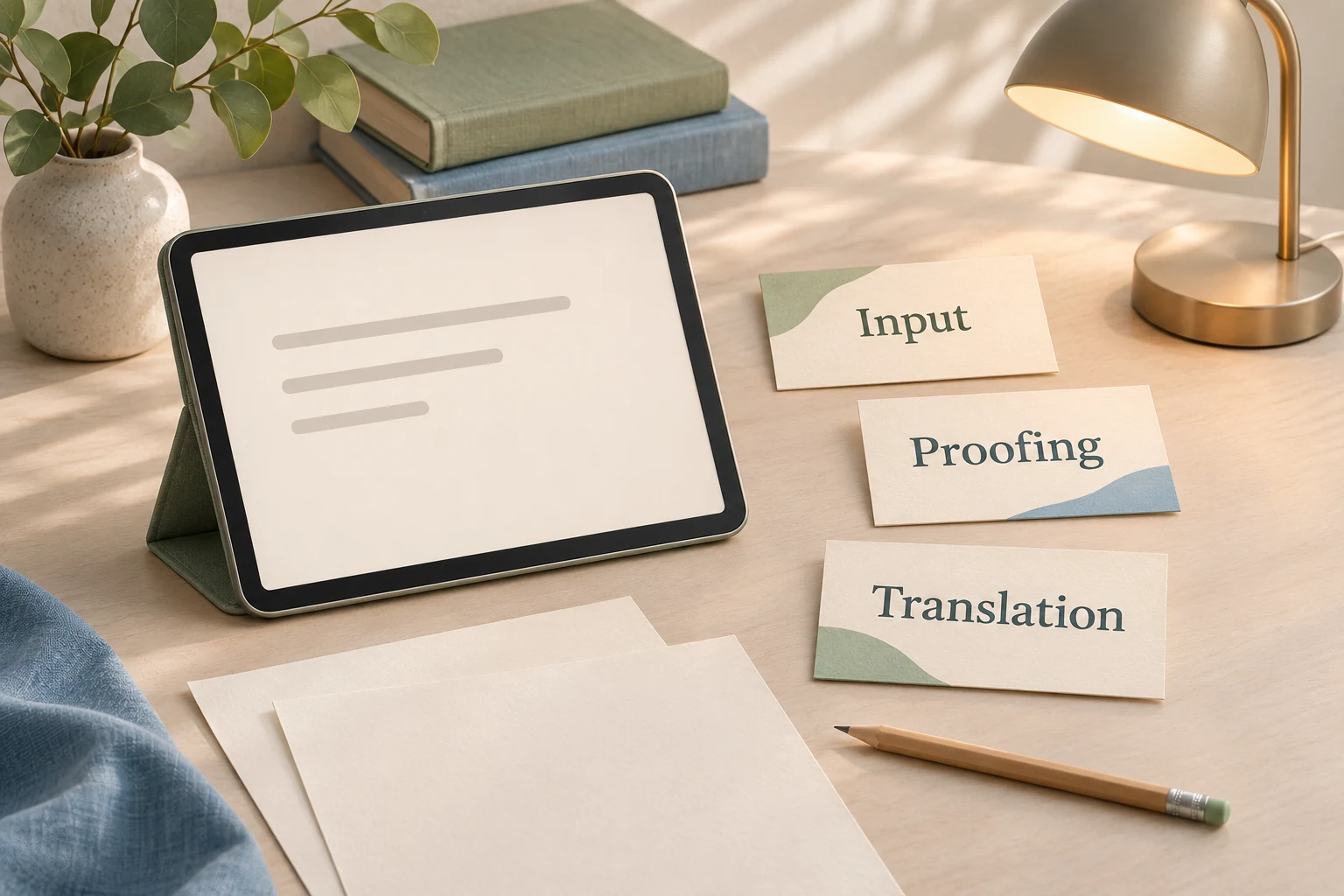
Choose the message you want to write and the person who will read it. Give each tool a limited job within that project.
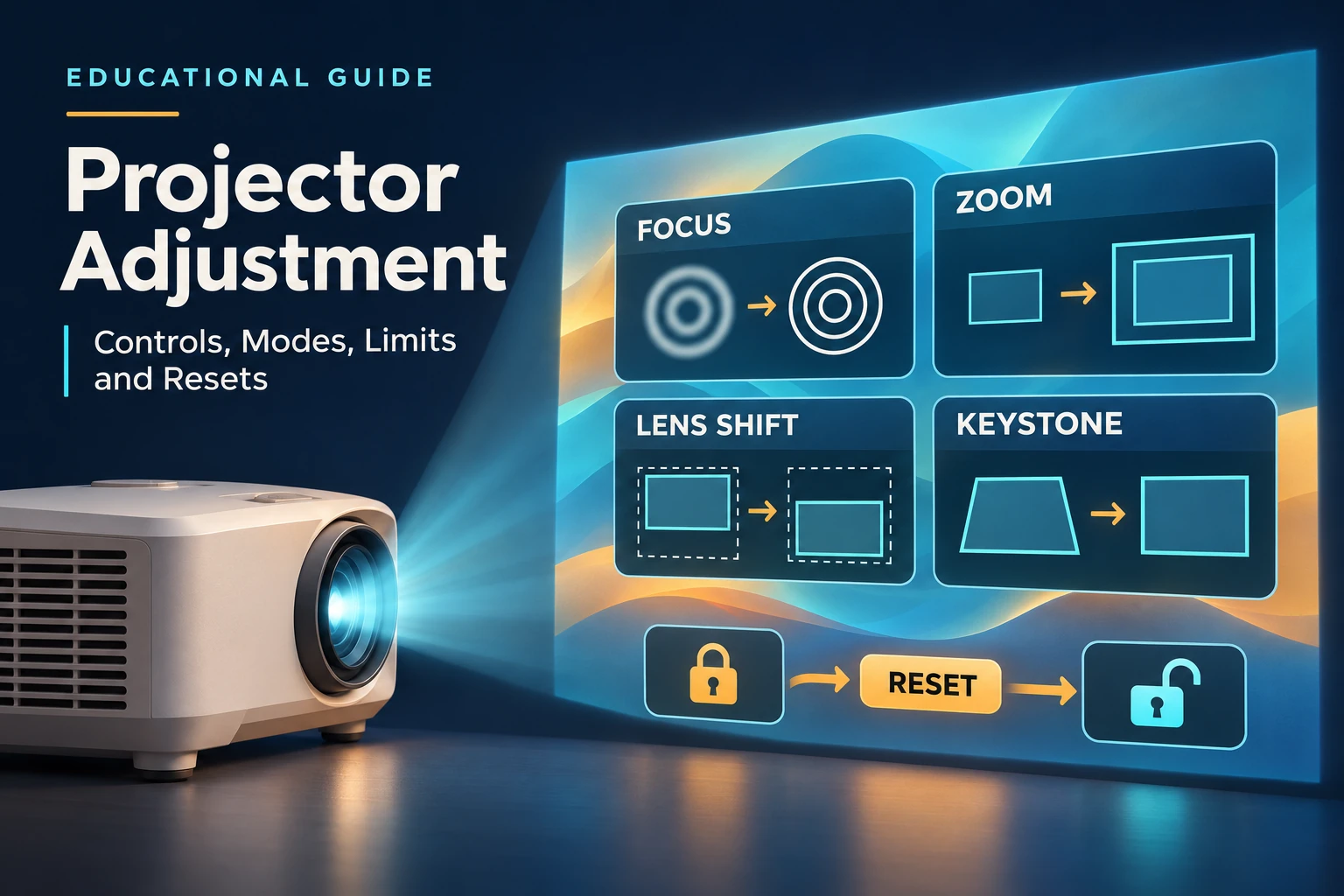
Understand which projector setting changes position, size or focus, and why model-specific control interactions and reset exceptions matter.