9 min read
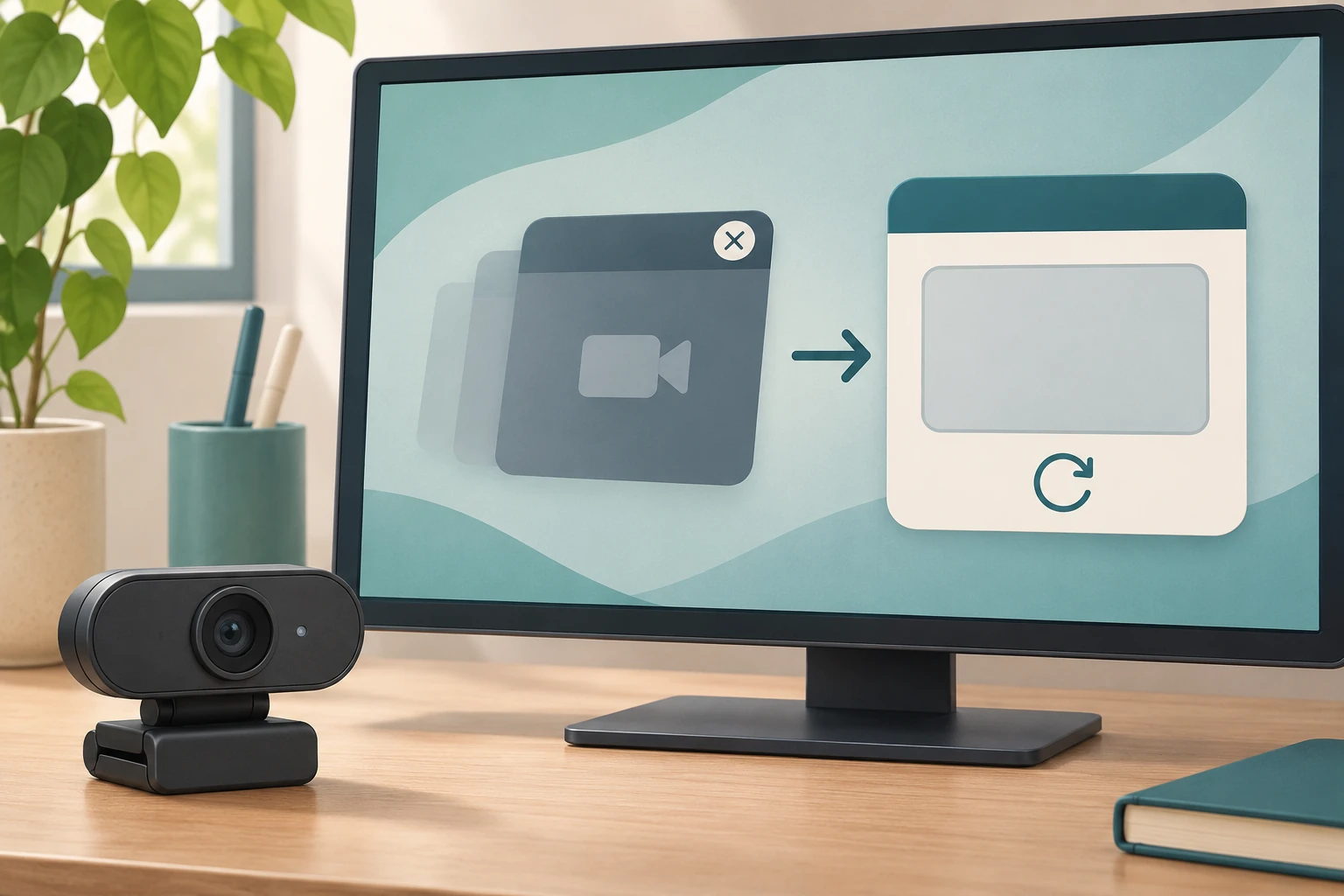
Camera already in use: release the competing app
Separate a camera-in-use conflict from denied access and test the intended app after releasing competing capture.
Guides to computers, displays, connectivity, gaming, and office devices.
Showing 13–24 of 333 guides
Separate a camera-in-use conflict from denied access and test the intended app after releasing competing capture.

Choose the expense you want to review and state what you want to achieve. Keep the enquiry tied to that aim until you have an answer you understand.
Plan an offline listening setup before a holiday visit.

Start with the reading or viewing task that matters to you, then choose the applicable instructions. Keep a proposed preference separate from any result you have not observed.
Plan where your leisure session can stop.
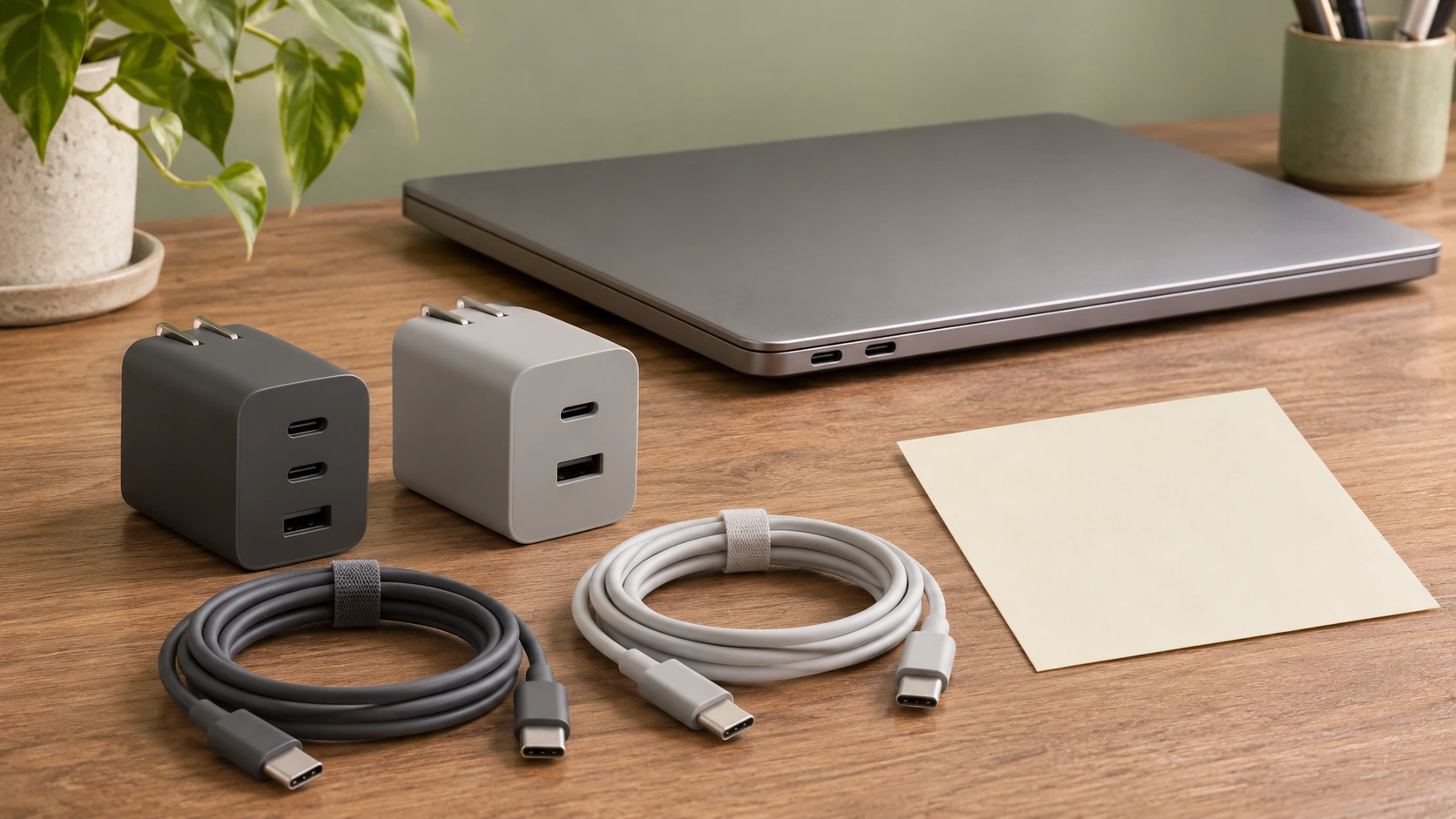
Check documented Surface input and source-priority rules alongside the actual charger and cable conditions. No product fit or charging result is established.

An audible keypress cue addresses an unnoticed action. Plan a small personal enquiry without treating a sound as proof of the typed result or a hardware repair.
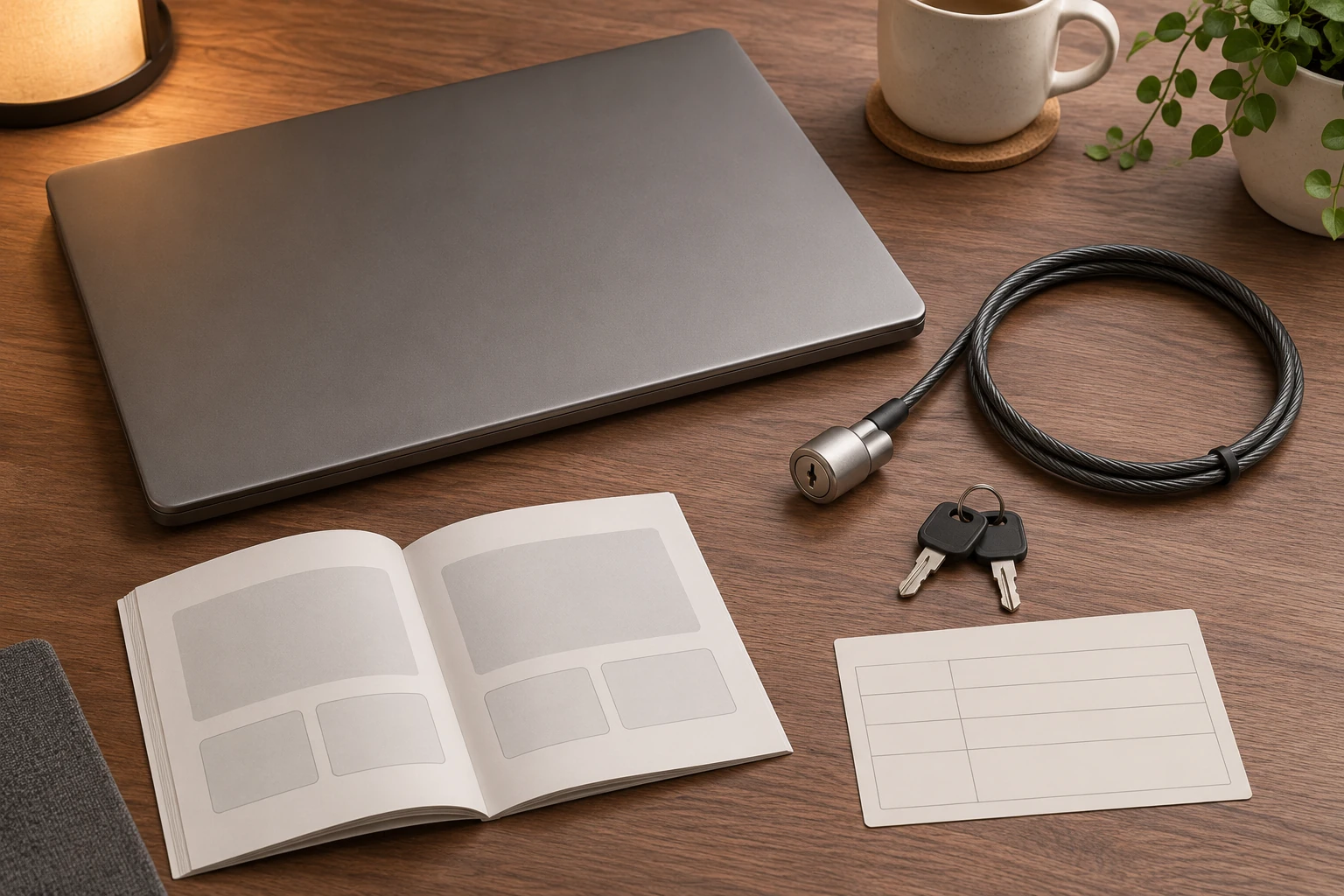
Identify the intended physical lock interface.

Separate a recording of an area on your Windows screen from a proposed external video input, then identify which equipment question actually remains.

Name the visitor’s browser session before sharing the computer.

Compare the exact device requirement with the proposed module’s documented format before treating a mismatch as a defect. No compatible replacement, installation or successful repair is established.

Read a taskbar quick-access choice separately from an open-app indicator, keeping installation, document content and saved work outside the icon observation.