Computers & Gaming
Game session stopping point: plan a return to play
Plan where your leisure session can stop.
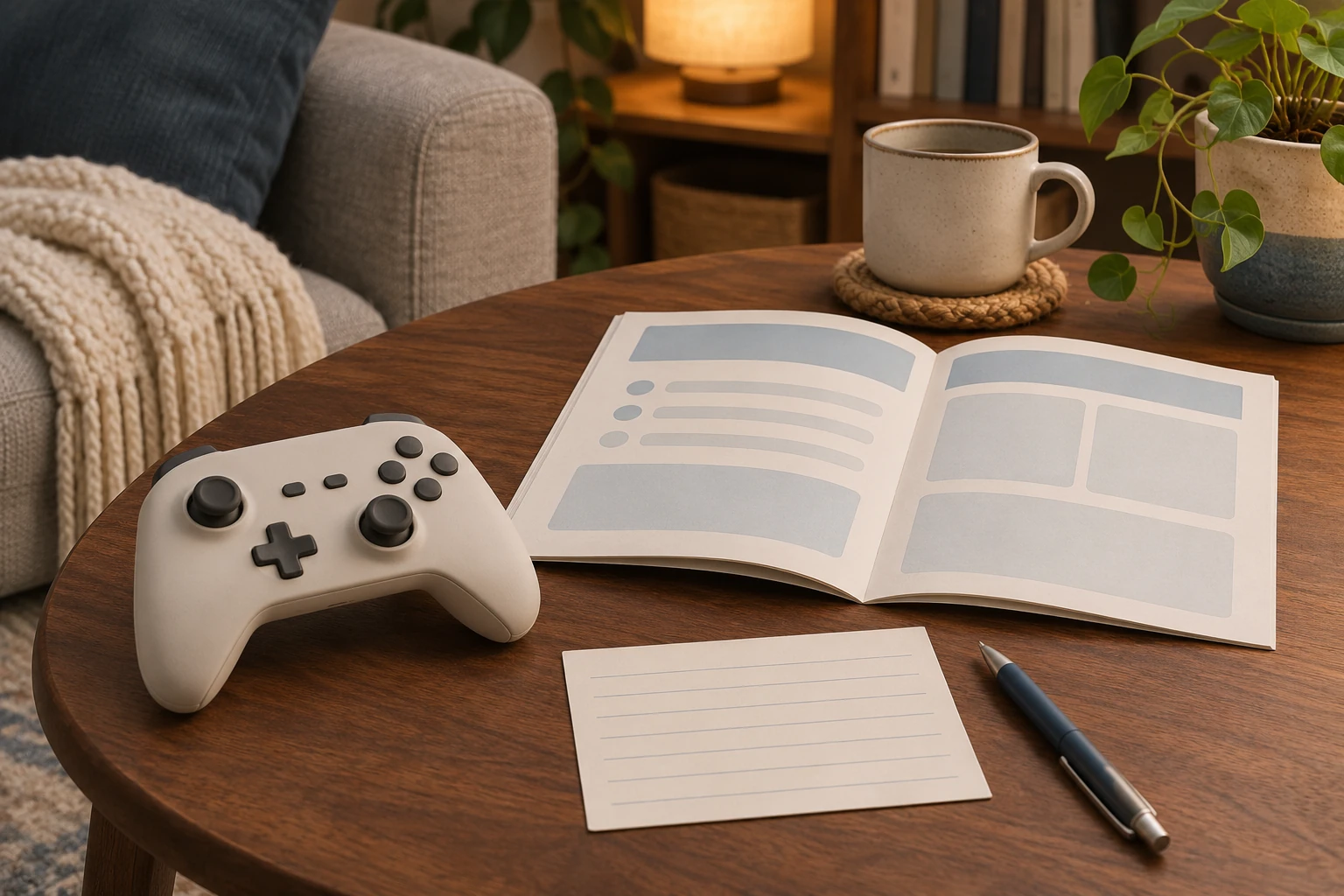
A Game session stopping point is worth planning before the next stretch of leisure play begins. Decide what you want to return to, then consult the actual game and platform instructions. The accounts below show why a familiar word such as Continue does not answer every question about that return. This is a planning guide, with one fictional example. It performs no gameplay, saving, suspension, synchronization, file selection or recovery, and reports no retained or restored progress.
Keep Nintendo’s close and suspend choices separate
Nintendo’s Switch instructions distinguish suspending software with HOME from closing it. The close-software section explicitly says to save progress first or it will be lost. Its separate power guide describes Sleep Mode as suspending the game and distinguishes that from turning the console completely off, again warning about saving beforehand. Read the particular state you intend to leave, rather than treating every departure from the game screen as the same event.
The captured start-and-close guide applies to Nintendo Switch, Switch Lite and the OLED model. Its discussion of Switch 2 game cards does not turn it into a Switch 2 closing procedure. For a return plan, retain the actual platform and the game’s own saving instructions together. “I am leaving this screen” is too vague to identify the documented choice. A note can name the intended software and the question still to check without pretending that a save has occurred or that a later return has already succeeded.
Read Sony’s power state and cloud conditions separately
Sony describes PS5 power states as on, rest mode and off. Its current power-saving page also discusses a separate power-saver feature for supported games. Do not combine those names into one generic stopped state. The same page’s Keep Application Suspended checkbox is specifically within its PS4 instructions. That placement matters: a feature described under one console’s heading should not silently become an instruction for another console merely because both use the words rest mode.
Sony’s PS5 cloud-storage guide says automatic saved-data synchronization can occur when closing a game or entering rest mode, subject to its stated setup requirements. Cloud storage also requires PlayStation Plus membership. The guide distinguishes PS5 game synchronization from PS4 saved data that can upload automatically but needs manual downloading to PS5 storage. These are conditions to identify for the actual title and account, not evidence that a particular session has synchronized. Keep the game’s save question separate from whether a cloud copy is available under that configuration.
Check the current Xbox Quick Resume account
Xbox’s April 30, 2026 update describes a per-game option to disable Quick Resume so the selected game launches fresh. The announcement ties that addition to feedback about long inactivity and games relying heavily on online connections. The practical lesson is specific: a return plan should not assume the same resume behavior for every game merely because the console supports the feature. Identify the actual title and its applicable setting before relying on that expectation.
The same announcement describes a Play History tab grouped by recency. That is a way to find recently played games, not a save confirmation demonstrated by this article. Keep those questions apart when making a personal note. The name of the game you intend to revisit can be known while its exact saved progress remains unestablished. Use the current title-specific instructions to answer the latter question. This guide neither changes Quick Resume settings nor treats a recent-history entry as proof that the next launch will return to a chosen moment.
Use Valve’s developer-specific cloud coverage
Valve says developers customize Steam Cloud usage, including which user files are uploaded. A Steam Cloud logo on the store page identifies support, but the developer or community may still be needed to establish the particular files or settings covered. Cross-platform cloud integration is another game-specific question. A plan to continue on another operating system therefore needs more than recognition of the cloud logo. Keep the actual game and the wanted progress or settings in the enquiry.
Valve’s conflict guidance says to consider how file dates and times relate to actual play and progress. Its failed-sync guidance warns that ignoring the message and choosing to play can create a conflict and lost progress. These are reasons to resolve an actual warning before treating the return as routine, rather than making an uninformed file choice here. Valve also says Steam Support cannot recover lost saves or resolve cloud conflicts. The guide supplies no recovery promise, and this article chooses no file or transfer destination.
Keep Epic’s conflict warning tied to the actual files
Epic’s short Cloud Save conflict account concerns playing on more than one device, often after offline play. It says a conflict presents two choices and directs the player to the newer file; choosing the older one can lose progress that is not recoverable. Keep that warning attached to the particular conflict. It does not identify the correct real file for an unspecified player. A useful return note can retain which device was used for the last session and leave the unresolved choice visible. This tutorial makes no selection and establishes no recovered progress.
Find the save opportunities for the exact Capcom title
Capcom’s Monster Hunter Generations manual describes its Nintendo 3DS save system. Progress can be saved after every Quest or by sleeping in the house’s bed, and the manual says always to save when exiting. It also describes three character save slots, with a character remaining in its chosen slot after the initial save. Those details supply a more precise stopping-point question than a general assumption that every game saves whenever a player decides to finish.
The same manual says the game stores extra data on the SD card and requires at least 64 free blocks for saving progress. Keep that title and platform with the requirement; it is not a storage rule for every Monster Hunter release. Nor does finding a Continue option demonstrate a newly completed in-game save. For this example, the planning task is to understand the documented opportunities and requirements before choosing when to stop. The article does not remove a card, create a character, change slots or overwrite data.
Treat Larian’s account copy as a limited copy
Larian’s current account FAQ says Cross-Save synchronizes copies of the last ten saves. Those account copies are retained for up to six months; the time limit does not apply to saves stored on the player’s PC or console. The FAQ explicitly says the account stores copies rather than the originals and is not intended as permanent storage. A cloud copy and a locally stored original consequently deserve distinct places in a return plan.
The page also notes that other platforms may have their own save-storage methods and timelines. Do not make Larian’s ten-save and six-month statements stand in for the rules of Steam, PlayStation or another service. If a future plan involves changing devices, establish which particular copy and service the question concerns before assuming availability. This article supplies no account linking, download or backup procedure. Its narrower point is useful even before an operation is considered: identify what the documented limit actually covers and leave an unverified copy unverified.
Distinguish EA’s autosave slot from a reminder
EA’s current Sims 4 guide describes Autosave on loading screens as enabled by default across platforms. It works alongside manual saves, and its single Autosave slot is replaced when another autosave occurs. Save Reminders are different: their Save Game choice updates the current manual save without replacing the Autosave. A reminder notification therefore should not be described as a separately completed save merely because the reminder appeared. Read which slot the documented feature actually uses.
Platform differences also matter. EA says PC and Mac players can disable Autosave completely, while console players cannot disable its loading-screen setting. The guide says Autosaving appears while progress is being saved and warns against closing the game or turning off the device during that process. These details make the actual game state and configuration relevant to the stopping decision. Keep them with the current Sims 4 account rather than importing an older assumption that the game has no autosave or that all versions expose identical settings.
Keep Supergiant’s achievement and save questions distinct
Supergiant’s Hades II support guide says Xbox achievement unlocks can sometimes be delayed after resuming from Sleep Mode or Quick Resume. It suggests a fresh session for that particular issue. The distinction matters when describing a return: an achievement not yet appearing is the issue in that account, rather than proof here of missing saved progress. Record the actual symptom accurately instead of supplying a diagnosis about another part of the game’s state.
The same FAQ separately discusses Switch and Switch 2 Cross-Saves that do not appear on PC. That section includes a conflict choice, entering a new Location to trigger a save and Sync & Quit. These are title-specific instructions for a described cross-save problem, not a universal stopping sequence. Their separate heading is useful context: normal leisure planning and troubleshooting an already missing cross-save are different tasks. Consult the applicable complete instructions if that actual problem arises; this article does not perform the steps or promise their outcome for an unknown setup.
Make one personal return plan
Imagine a fictional player, Nia, reserving an evening for a game she has not played recently. Her first note says, “Continue the exploration.” Before starting, she changes that to the question she can actually answer: “Which part would I like to reach before stopping?” She might choose a particular scene she remembers or decide simply to spend the evening exploring. Those are personal intentions, not claims about what the software will preserve. Beside that intention, she leaves room for the actual title’s stopping instructions. If the intended evening changes, she can change the intention without rewriting the instructions into something more convenient. After play, any note about what she observed should remain distinguishable from what she had hoped to do. The example reports no session or saving result. It gives her next leisure visit a recognizable purpose without inventing a completed technical check.
Keep input hardware within its catalog role
The Ultimate Wired-title controller account shows pink, white and black alternatives, not three supplied gamepads. The KALEID-worded controller account shows a transparent gamepad with a top cable connection. Both native brand fields read Unbranded. Xbox emblems and gallery wording authenticate neither maker, licensing, platform compatibility nor saved progress. No console, computer or save-storage device is supplied. Cable attachment and far-end details remain unverified.
The sync and backup guide separates wanted file states and recovery locations. The Edge tab-state guide separates browser page behavior from application-task evidence. Their questions remain useful in their own settings; neither establishes a game’s saving trigger or a platform return state. A shared read-aloud pause likewise concerns listeners and an agreed passage, rather than software save behavior.
End the Game session stopping point plan with the game and platform identified, the relevant instructions available and a personal reason to return. A brief note can preserve the question you still need answered. Keep any actual saving or synchronization result tied to its own observation, rather than allowing a pleasant plan for another evening to supply that evidence.
Conceptual leisure-session planning; no save, suspension, sync or restored progress is demonstrated.