8 min read
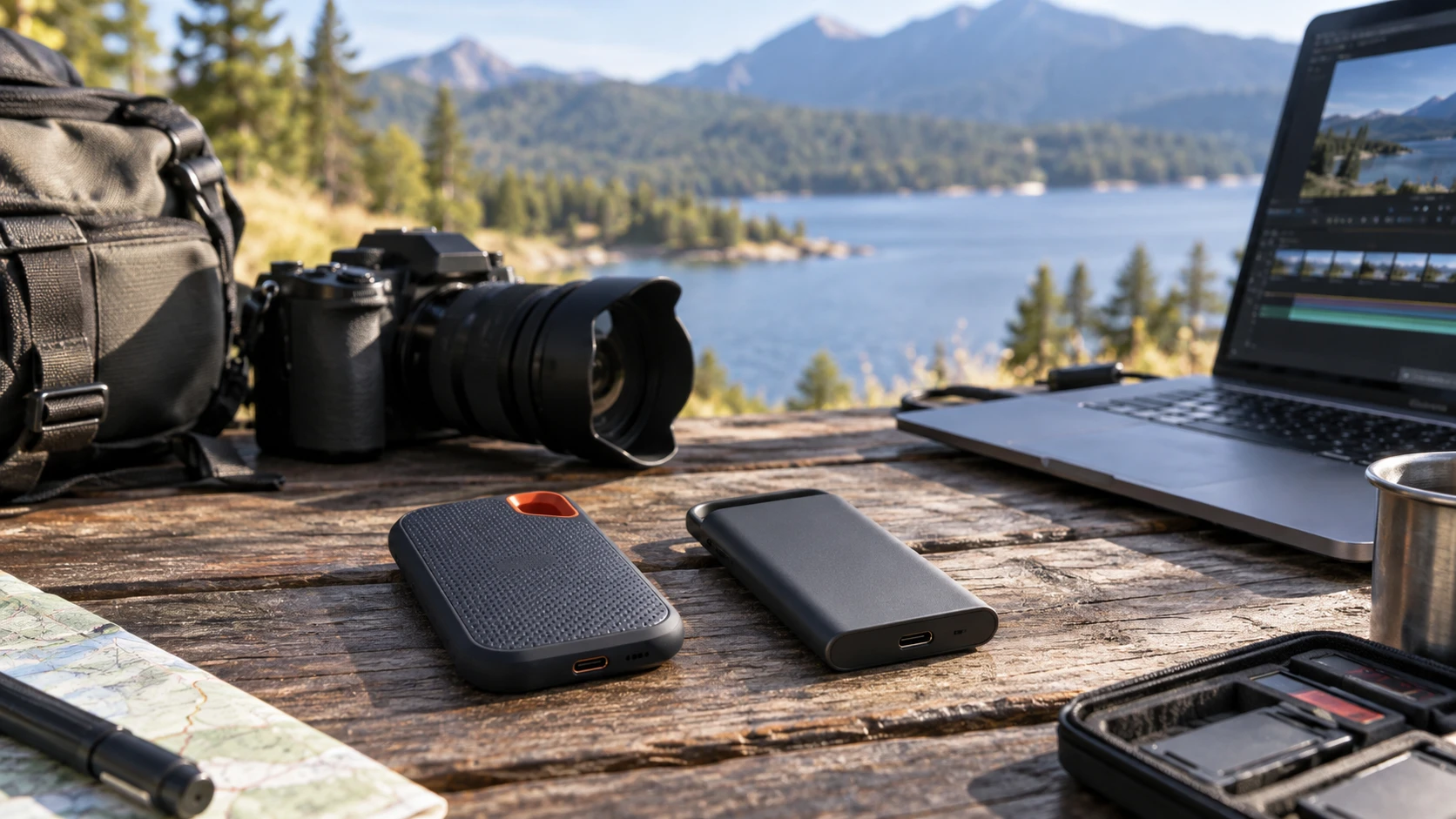
SanDisk Extreme Portable SSD V2 4TB — Two ways to carry a 4TB video project
Compare SanDisk Extreme Portable SSD V2 4TB by USB connection, stated transfer rate, outdoor protection, encryption, and a practical video-file handoff routine.
External and internal drives, NAS systems, and file backup planning.
Showing 1–8 of 8 guides
Compare SanDisk Extreme Portable SSD V2 4TB by USB connection, stated transfer rate, outdoor protection, encryption, and a practical video-file handoff routine.
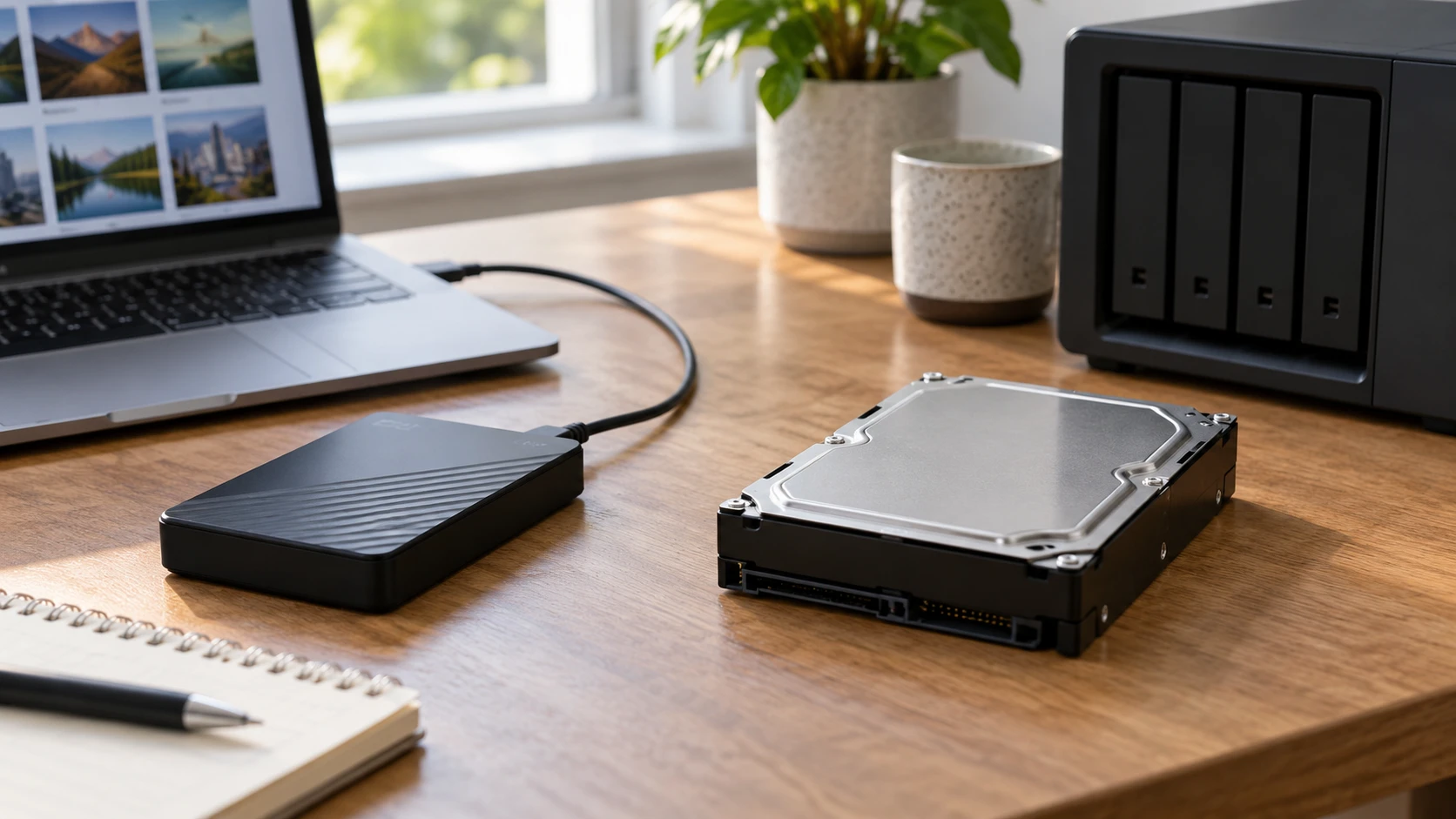
Compare WD My Passport 5TB portable hard drive by connection, capacity, protection, installation, and saved price.
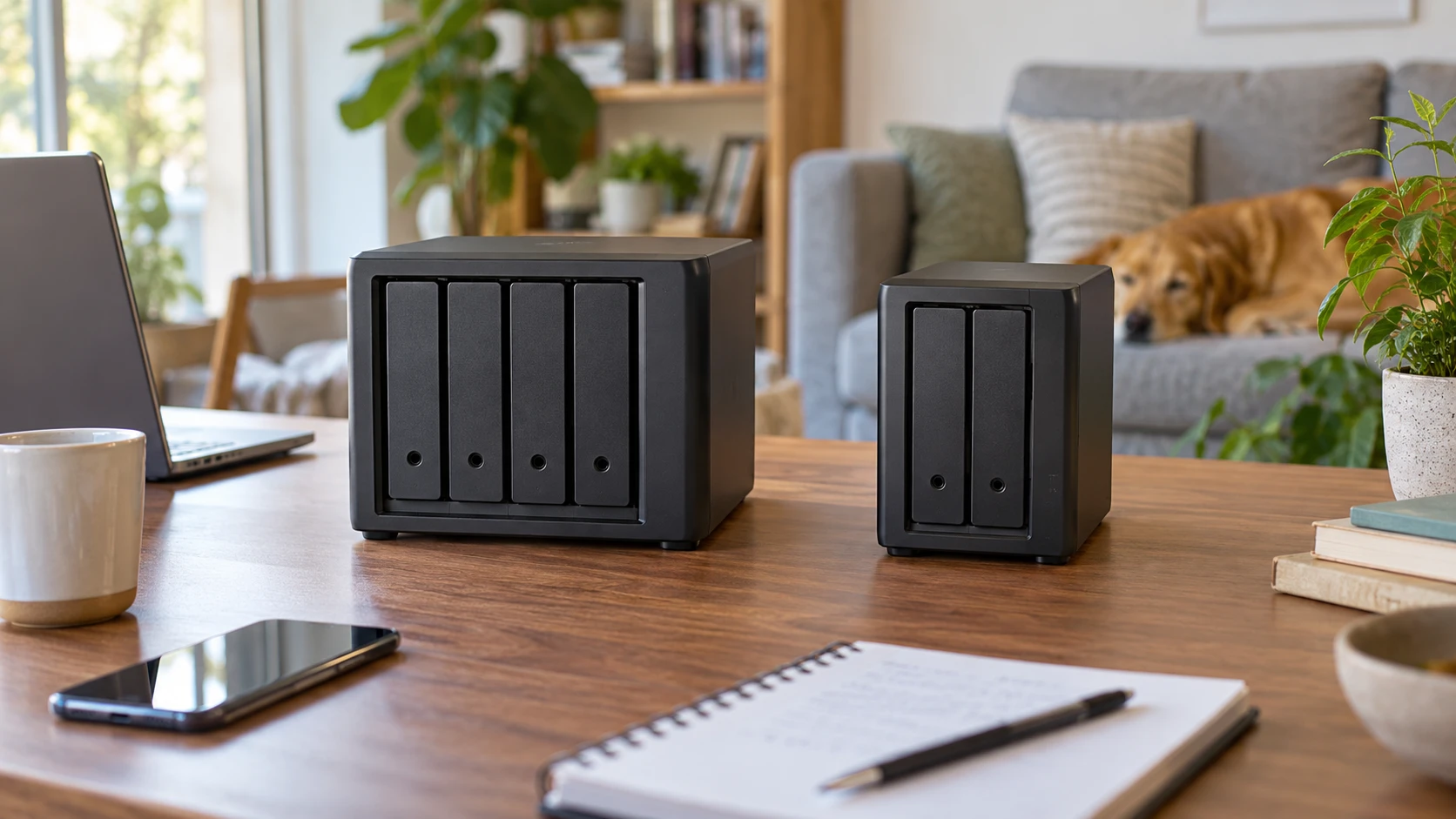
Compare Synology DS423 four-bay NAS by drive planning, expansion, shared-file access, backup, surveillance, and warranty.
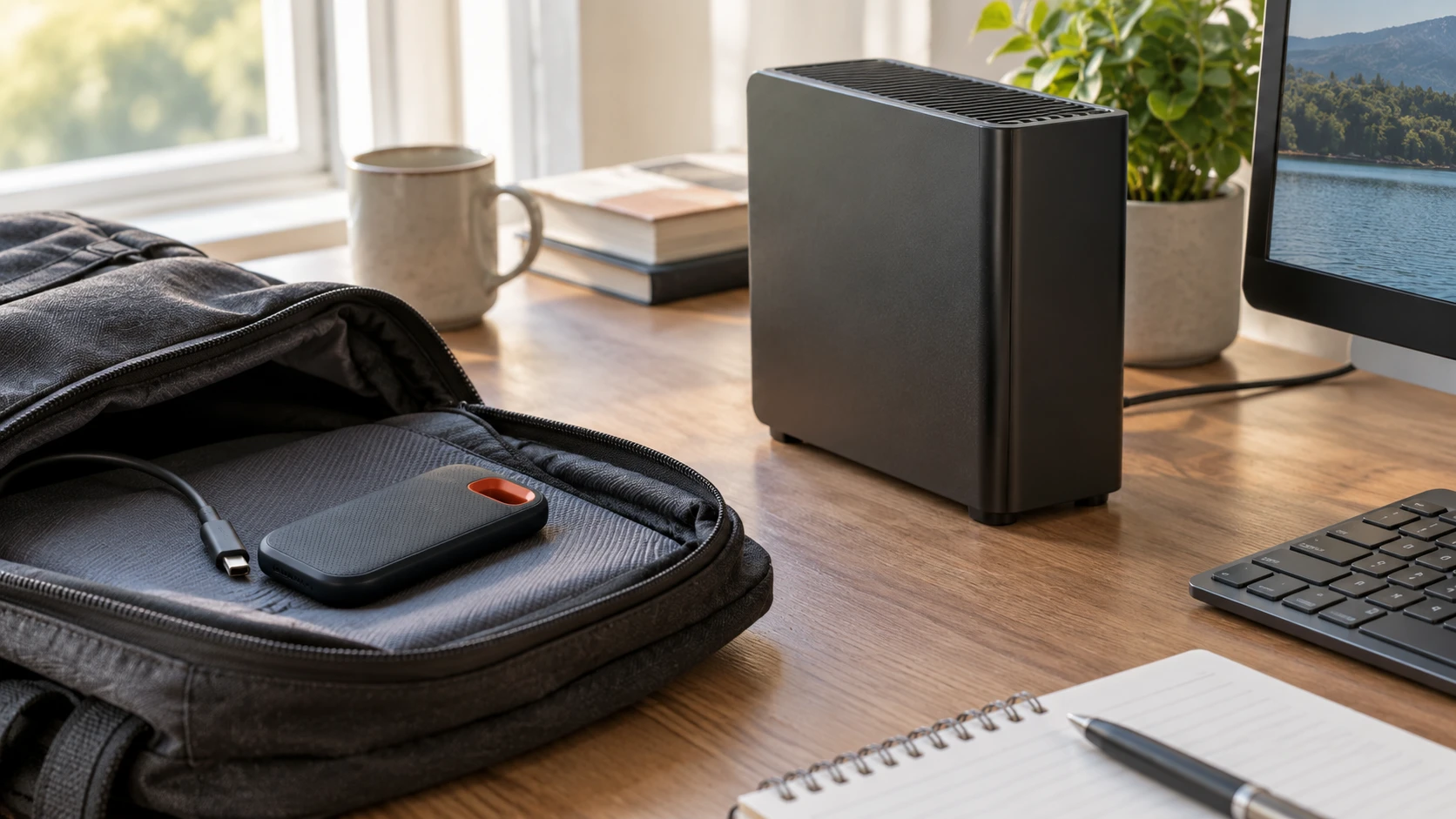
Compare SanDisk Extreme Portable V2 2TB SSD by capacity, transfer claims, format, desk use, and backup checks.
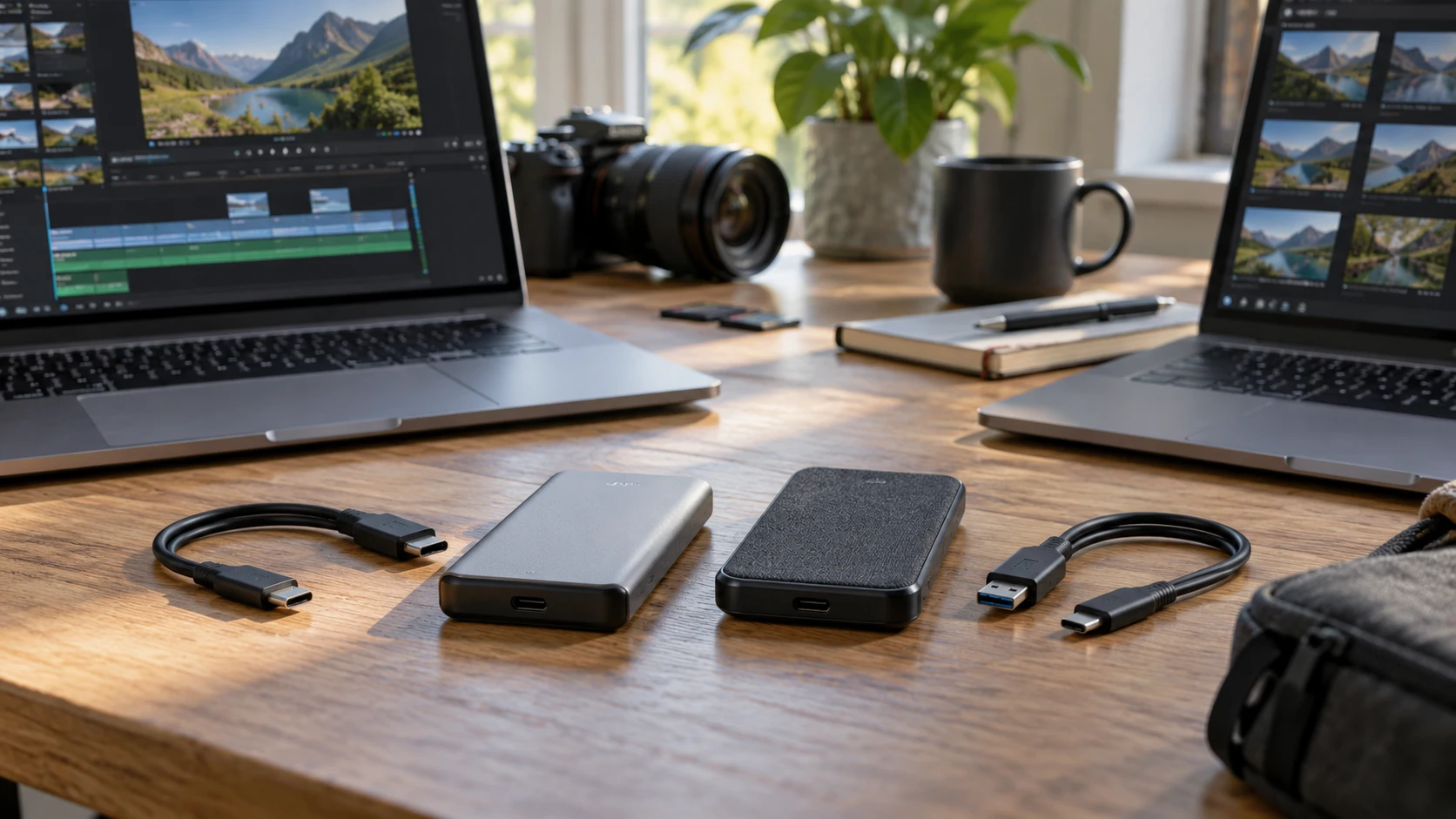
Compare Kingston XS2000 2TB portable SSD by USB interface, host ports, physical protection, cable details, and cross-platform tests.
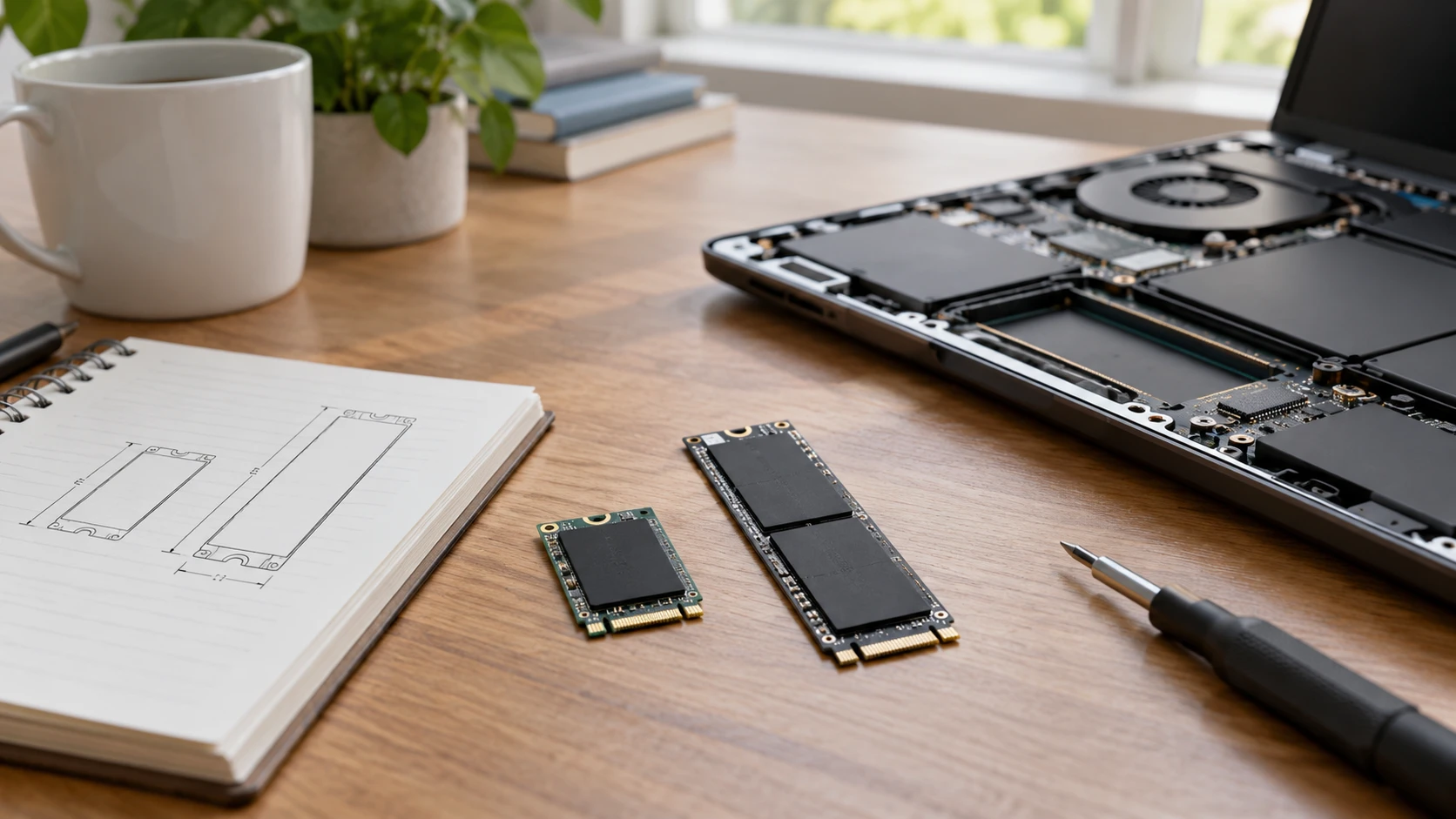
Compare DOGFISH M.2 2242 SATA SSD by physical size, SATA and NVMe interfaces, speed claims, compatibility, migration, and warranty evidence.
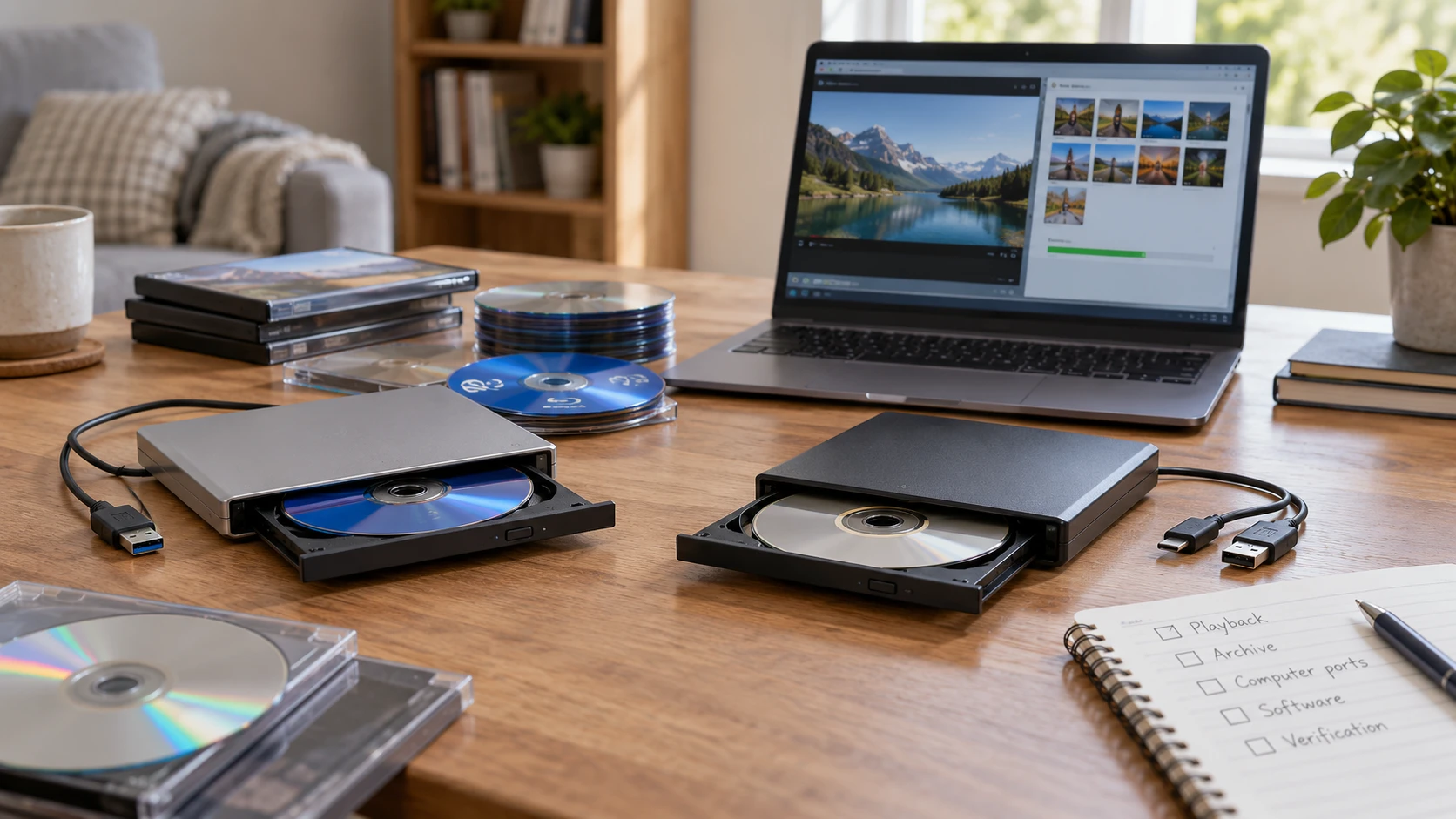
Compare AuroraLink ODP95-4K Blu-ray burner for disc playback, archival burns, computer ports, software, and verification.
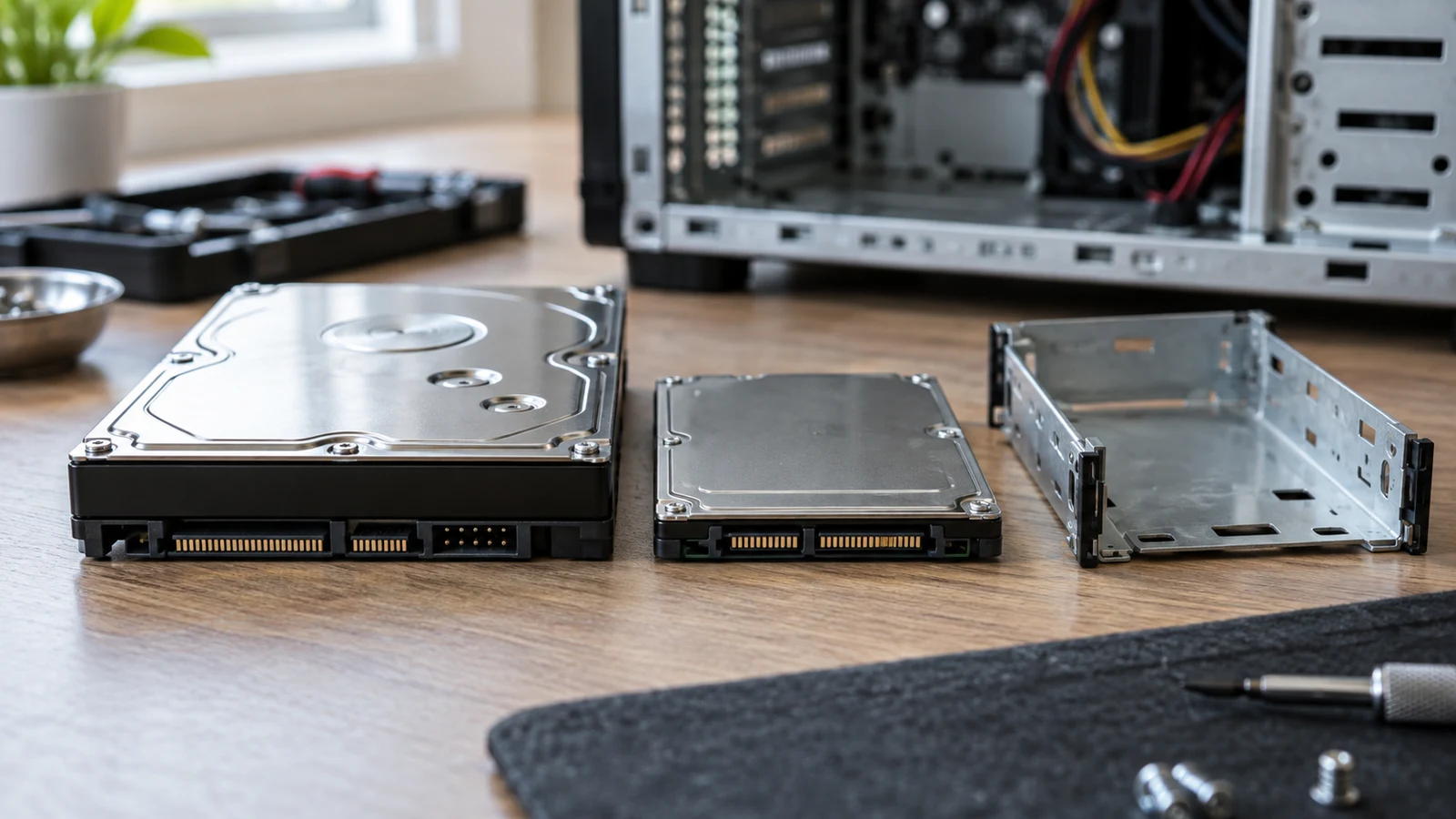
A replacement drive listing can tell you a great deal about the drive and almost nothing about the computer that would receive it. To check hard drive compatibility , identify the exact desktop configuration first, then ask whether its documented storage connection and physical accommodation match the proposed drive. A shared Dell name, an HDD option and a plausible capacity do not answer those questions.
© 2026 Republeq. All rights reserved.