Crypto Commerce
SanDisk Extreme Portable V2 2TB SSD vs Avolusion PRO H1: carrying files or building a desk archive
Compare SanDisk Extreme Portable V2 2TB SSD by capacity, transfer claims, format, desk use, and backup checks.
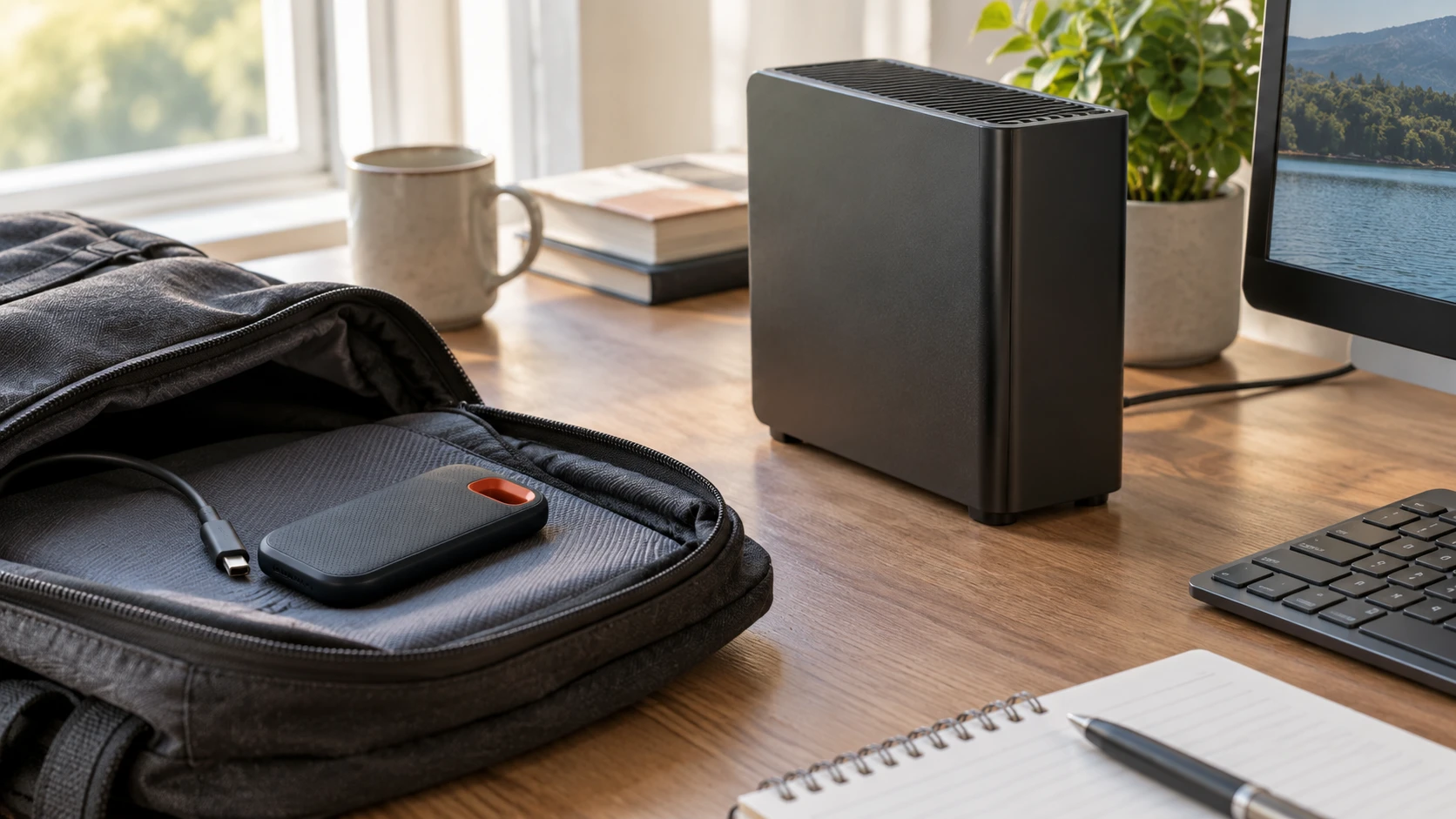
External storage solves different problems depending on whether it travels with a laptop or stays beside a desk. The SanDisk Extreme Portable V2 2TB SSD lists an NVMe solid-state drive, USB-C connection, 1.8-ounce weight, and read and write speeds up to 1,050 and 1,000 MB/s. The related guide to memory and storage capacities helps separate drive capacity from computer memory; it does not test either external drive here. The Avolusion PROH1-6TB-XF external hard drive lists a refurbished 6TB, 7,200RPM enterprise hard drive in a USB enclosure. The practical choice is between a smaller, lighter transfer device and more desk-bound capacity, with a backup plan needed in either case.
Start with the amount of data that must fit — Avolusion PROH1-6TB-XF external hard drive
The SanDisk listing gives 2TB of nominal capacity. Avolusion gives 6TB. The stated difference is substantial, but neither row tells how much usable space a particular computer will show after formatting. Operating systems count and display storage in different units, and file-system overhead consumes some space. Estimate the size of today's photo, video, document, and project folders, then add a growth allowance. A drive filled to its last available space can be inconvenient for changing projects and recurring backups.
For a person moving one active video project between a laptop and an editor, 2TB may be a workable transport volume if the project is measured first. A household storing several years of photos or multiple full-computer backups may prefer 6TB. Count the data rather than assuming the larger number is always worth carrying. A backup drive's capacity also depends on retention: keeping several historical versions uses more space than keeping only one current copy. Decide how many versions must be available before choosing the drive size.
The saved catalog lists SanDisk at $412.49 and Avolusion at $248.13 in USD. Based only on those snapshot prices and nominal capacities, Avolusion offers more stated space for less money. That does not account for current checkout, shipping, warranty terms, or how quickly each drive serves the user's work. Do not turn a price-per-terabyte calculation into a verdict without considering whether the drive must travel, how files will be accessed, and what happens if it fails.
Read speed claims alongside the connection — Avolusion PROH1-6TB-XF external hard drive
SanDisk advertises up to 1,050 MB/s reading and 1,000 MB/s writing. Those are upper limits from the saved description, not a guarantee on every laptop. It lists USB 3.2 Gen 2 and compatibility with USB 3.0 and USB 2.0, plus a USB-C to USB-C cable and USB-C to USB-A adapter in the bundle. The actual transfer rate depends on the host port, cable, file sizes, available free space, and heat during a long copy. A USB 2.0 port will not deliver the advertised Gen 2 performance. Check the computer's exact port specification before paying for speed it cannot use.
Avolusion's enclosure lists USB 3.2 Gen 2 at 10Gbps and use with USB 3.0 ports. That interface label describes a connection ceiling, not the sustained transfer speed of the 7,200RPM hard disk inside. The saved row gives no measured read or write throughput for the complete enclosure. Do not compare its 10Gbps port number directly with SanDisk's MB/s drive figures; they describe different layers of the connection. If moving large folders quickly matters, ask for whole-device transfer results and run a realistic copy on the intended computer during the return period.
Small files can make any backup slower than a headline sequential-speed test. Thousands of photos, application folders, or mail archives have overhead that a single large video file does not. Try a representative folder rather than an empty synthetic benchmark alone. Watch whether the drive disconnects, heats, or slows over a full transfer. Neither saved listing documents a long-copy test under the same conditions, so any direct performance ranking beyond the listed drive types would be an inference.
Think about movement and physical protection — Avolusion PROH1-6TB-XF external hard drive
SanDisk's 1.8-ounce weight and compact, shock-resistant description suit a bag or field kit. The row does not give an impact rating, waterproof rating, or a test that permits dropping the drive on a particular surface. Treat the housing carefully, use the included Slinger HD-2 portable case as appropriate, and unplug it before packing. Its small size also makes it easier to misplace. Label the case without exposing private information and decide where the drive will live when it is not connected.
Avolusion's product is an external enclosure around a refurbished enterprise hard drive. The saved row does not list its weight or physical dimensions. A spinning drive is usually handled differently from a pocket SSD: keep it stable while powered, protect it from shocks, and check its power-supply requirements. The excerpt does not specify whether an external power adapter is included, so confirm the exact box contents and voltage before planning a travel use. It may be better placed on a fixed, ventilated desk where cables will not be pulled.
Neither design is a substitute for a second copy. A portable SSD can be lost or stolen along with the laptop bag. A desk drive can fail or be affected by a local accident. Decide which files require another backup destination and how often it will be updated. Verify that a copied project opens from the backup before deleting the original. A transfer-complete dialog shows a process ended; a spot check of actual files provides stronger evidence that the copy is useful.
Check format and device compatibility — guide to memory and storage capacities
Avolusion says its drive comes formatted in exFAT for Windows, macOS, and Xbox use, while warning that some game consoles may require reformatting. ExFAT can be convenient when a drive moves between different operating systems, but compatibility depends on the specific device and what the drive is expected to do. A console may reserve the drive for game storage and erase its existing contents during setup. Confirm the console's external-storage requirements and back up the drive before accepting any format prompt.
The SanDisk listing does not state its shipped file system or console compatibility in the saved row. It names USB-C and a USB-A adapter, which can help connect to different computer ports. Connector shape alone does not prove the host supports the desired speed or power behavior. Check operating-system and device compatibility for model SDSSDE61-2T00-G25-A, and verify the shipped format before moving files. If a drive will cross between Mac and Windows computers, test names, large files, and application-specific project packages on both systems.
For either drive, keep a record of the file system and any encryption choice. The saved listings do not name hardware encryption, bundled security software, or a recovery service. If the drive carries private client or household information, use an appropriate, tested encryption method supported by all systems that must read it. Keep the recovery key separately. Do not assume a password feature exists because the storage is portable or expensive.
Inspect the refurbished Avolusion unit carefully — Avolusion PROH1-6TB-XF external hard drive
The Avolusion description calls its internal 6TB enterprise drive refurbished and designed for 24/7 operation. It also describes factory testing, though the saved text is incomplete about the exact test result and warranty. Refurbished status is a material part of the purchase. Confirm with Republeq what was replaced or tested, the drive's power-on hours if available, the health report, and how warranty and returns work for this specific item. A drive that passed a factory check can still fail later, as can a new drive. Build the backup plan around that reality.
On arrival, inspect the enclosure, cable, and power equipment and confirm the operating system reports the expected capacity. Run a non-destructive health check supported by the manufacturer or enclosure, and copy a representative set of files to the drive and back. Some USB enclosures do not expose all internal drive health data; absence of a report is not proof of health. If the drive is intended for overnight backups, let a full scheduled run finish and confirm that it completes without disconnecting.
SanDisk's saved bundle lists a five-year warranty. Confirm the current warranty applies to this exact bundle and Republeq's catalog and identify what is covered. The row says it includes a user manual, cable, adapter, and carry case. Compare that complete list with the box on arrival. The Avolusion excerpt does not provide a comparable warranty term or full accessory list. A lower snapshot price is less reassuring if a missing power supply or restrictive return term makes setup uncertain.
Build an ordinary backup routine — Avolusion PROH1-6TB-XF external hard drive
Choose a backup schedule that matches how often files change. A weekly copy may be enough for an archive that changes rarely; a working project may need much more frequent protection. The saved rows do not include backup software or automatic scheduling terms. Use the computer's supported backup tools or another tested system, then verify that new files and older versions appear as intended. A drive left disconnected cannot receive an automated backup, while a drive left connected can be affected by accidental deletion or malware that reaches mounted storage.
Keep at least one copy separate from the computer and the daily-use external drive. That might be another physical location or an appropriate online service, depending on the data and the user's requirements. The exact rule should follow how much loss the user can tolerate. Test restoration of a few files before trusting any routine. An external drive is equipment in a backup system; the recoverable copies and their verification are the result that matters.
Choose SanDisk when fast transfers and light carrying are central, after confirming the host supports the required USB speed and 2TB fits the project. Choose Avolusion when a larger, fixed external archive is the main task and its refurbished condition, accessories, and return terms are acceptable. Test a full representative copy and a restore with the chosen drive. That check turns nominal capacity and interface claims into evidence about the actual computer and data the purchase is meant to protect.