Crypto Commerce
Kingston XS2000 2TB portable SSD vs Seagate One Touch 2TB for moving video projects
Compare Kingston XS2000 2TB portable SSD by USB interface, host ports, physical protection, cable details, and cross-platform tests.
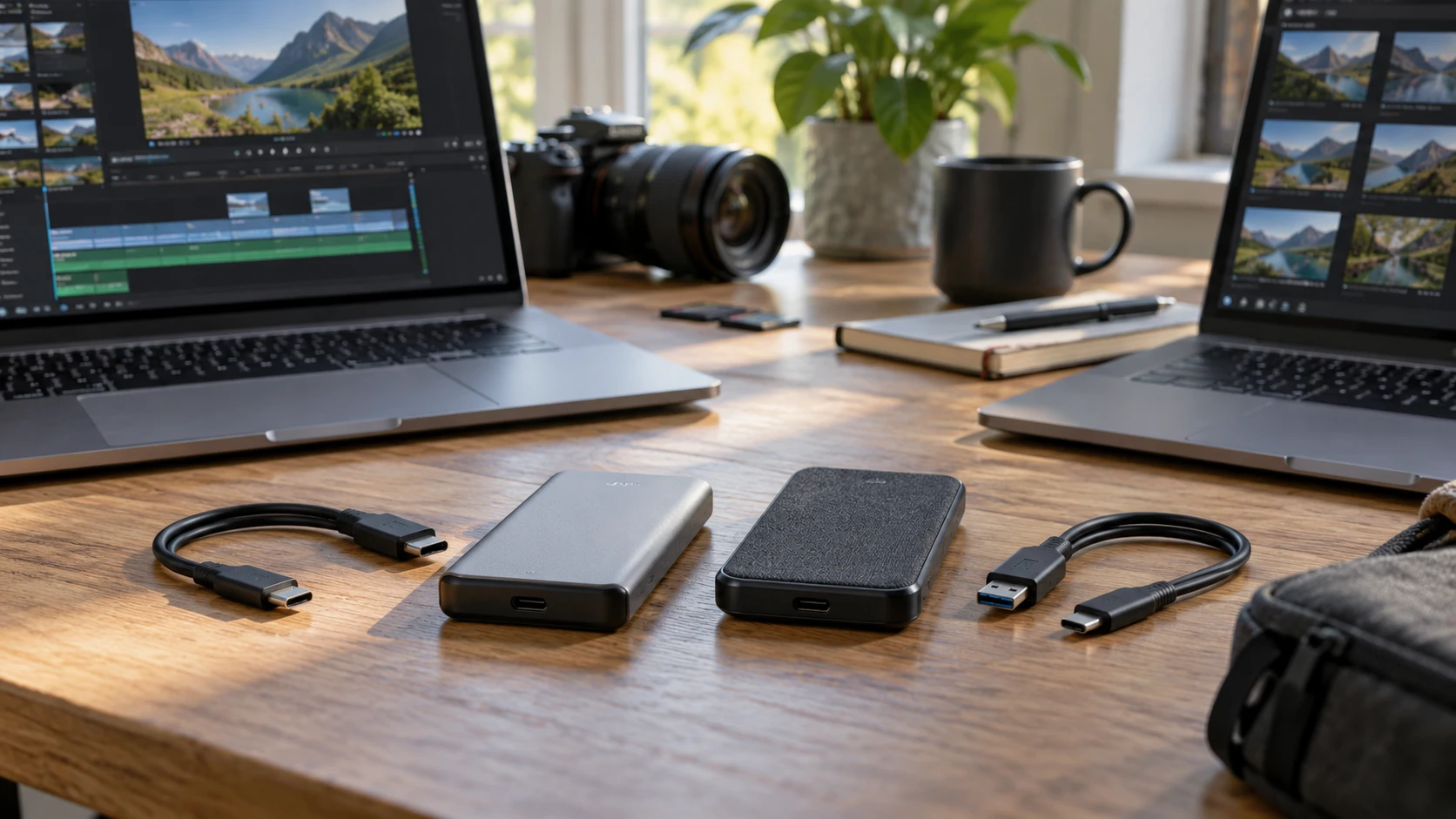
A portable SSD can shorten the wait between a camera offload and an editing session, but the drive label alone does not tell you how long a handoff will take. The Kingston XS2000 and Seagate One Touch listings both offer 2TB of external solid-state storage. Their descriptions, however, answer different questions. Kingston gives an interface and an advertised peak transfer figure. Seagate gives a broad compatibility statement and calls out its included cable and Toolkit software. If the drive will move between several computers, those details deserve more attention than the shape of the enclosure.
The Kingston XS2000 2TB portable SSD listing says USB 3.2 Gen 2x2 over USB-C and speeds up to 2,000MB/s. It also names an IP55 dust and water resistance rating and an included removable rubber sleeve. The Seagate listing describes a black woven-fabric One Touch external SSD with 2TB capacity. Its title says USB 3.2 Gen 2, while its specification text says USB 3.0 connector and lists a USB 3.0 cable. That inconsistency is worth resolving against the exact model documentation before you plan a speed-sensitive purchase.
Start with the ports on your actual computers — Seagate One Touch 2TB external SSD
The Kingston speed claim depends on a compatible connection at both ends. USB-C describes the connector shape, not the transfer mode that a laptop or desktop supports. A machine with a USB-C socket may still negotiate a slower USB mode than Gen 2x2. Check the host's port specification, the cable, and any hub or dock between host and SSD. If your editing station has Gen 2x2 but the handoff laptop does not, the second machine becomes the limiting leg of that transfer. Buying for the highest figure on one computer may make sense, but it should be a conscious choice.
Kingston's “up to” figure is a ceiling from the product description, not a promise for a folder of mixed media files. Video projects may contain large camera files along with many small proxies, audio takes, graphics, and project metadata. File size, source drive speed, available free space, and the host's behavior can all affect a copy. A short benchmark with one large file tells you less about a working project than a timed transfer of the kind of folder you actually pass to another editor. Record the elapsed time on each computer that will use the drive.
Seagate's title and specification text do not give a clean answer about its interface generation. The listing calls it USB 3.2 Gen 2 in one place and USB 3.0 at the connector and cable lines. Those labels may be used loosely by a Republeq's catalog, but the saved row offers no measured transfer rate or model-specific explanation that settles the conflict. Ask for the manufacturer's exact model or part number and verify the interface against its current documentation. Avoid assigning the Seagate a numerical speed from a similarly named One Touch product; a family name can span revisions.
What the enclosure details mean on a handoff day — video recording storage for long sessions
Kingston's pocket-sized description matters if the SSD travels in a camera bag or jacket pocket. The listing says the removable rubber sleeve adds protection and that the drive carries an IP55 rating. Keep the sleeve with the drive if you are relying on the listed configuration. An IP rating is a defined resistance claim, though it does not make the SSD safe from every spill, drop, or crushed connector. The row does not provide a drop height or say what the rating covers with the sleeve removed. Treat the claim as one part of a handling plan, not a substitute for a second copy of a shoot.
Seagate describes a woven-fabric finish. That may appeal if the drive stays on a desk or is handed to a client, but its listing supplies no dust or water rating. Seagate's row gives no basis for a weather-resistance comparison. A protective case, a known cable, and a simple handoff label may matter more in practice than the exterior texture. Whichever drive you choose, keep the USB connector from carrying the weight of a dangling drive when a laptop moves.
For video recording storage for long sessions, work out the transfer path before choosing the portable drive. It might be a copy from camera cards to a workstation, a handoff from one editor to another, or an archive after delivery. A portable SSD used for all three roles can become the only copy of important footage by accident. Decide where the original files live and where the verified backup goes. Then use the portable drive as a transfer or working copy according to that plan.
Capacity is shared across every project on the drive — Seagate One Touch 2TB external SSD
Both listings describe 2TB capacity, so nominal storage does not separate them. Usable space will be lower after formatting, and a video workflow needs room for more than the final export. Camera originals, proxies, render files, music licenses, graphics, and alternate exports can accumulate before a project closes. Look at the actual size of two or three recent jobs rather than estimating from the length of a finished video. That number gives you a better idea of whether 2TB can hold one active job, several handoffs, or a short-term archive.
A drive that is nearly full can also complicate routine file management. Leave practical headroom for the largest incoming card or folder, and set a date to clear verified completed work. Label project folders consistently so an editor can see whether footage is original, transcoded, or exported. A simple manifest with file count and total size helps catch an interrupted copy. If the handoff matters, compare checksums or use copy software that verifies files, then open representative clips and the project file on the receiving computer. Eject the drive only after copying and verification finish.
Those steps are the same for either product. Faster interface claims do not prevent an incomplete copy, and a compatibility claim does not prove that a project opens correctly in another editor's software. The portable SSD is one component in the chain. Its job is to carry intact files to a machine that can read them.
Cross-platform use needs a format decision — Seagate One Touch 2TB external SSD
Seagate's row explicitly lists Mac OS X 10.13 and later and Windows 10 and later. That statement is useful if your handoff crosses those systems, but it does not specify how the shipped drive is formatted, whether Toolkit features behave identically on both platforms, or how newer operating-system releases are handled. Check current manufacturer documentation for the exact model. Kingston's saved row does not list operating-system versions, so do not turn Seagate's greater catalog detail into a claim that Kingston is incompatible with a Mac or PC.
File-system format can matter more than the enclosure brand. Before loading the first job, agree on a format that both sending and receiving computers can read and write, and check whether the workflow has files larger than any format limits. If a partner requires a specific file system, follow that requirement. Reformatting erases existing data, so confirm the backup first. Then test the chosen drive on every system in the handoff path with a noncritical folder, including a project file and an actual media clip.
Seagate lists a USB 3.0 cable, downloadable Toolkit software, and a quick-start guide in the box. The catalog does not say whether the cable has USB-C at both ends or provide its length. Check the connector at your computers before the first production day. If a shared studio uses adapters, label the one that has been tested with the drive. Kingston's row names USB-C connectivity but does not enumerate included accessories. Do not assume the two boxes contain equivalent cables or that a convenient cable on your desk supports the connection mode you intend to use.
Software is useful only when it fits the workflow — Seagate One Touch 2TB external SSD
Seagate's downloadable Toolkit may offer features that suit a personal backup routine, but the saved description does not say which features apply to this exact SSD or what accounts or permissions they need. Read the current documentation before making the software a reason to buy. A collaborative video project often needs a transparent folder structure that another editor can open without extra utilities. If software adds synchronization or backup, test its behavior with a disposable project and confirm that it preserves the folder layout expected by your editor.
Kingston's saved description lists no software utility, leaving support options to its current product documentation. For both drives, record the serial and model identifiers separately from the data, check the current support page, and keep a tested cable with the SSD. If encryption or password protection is required by a client, verify the exact feature and recovery procedure before any source media goes onto the drive. Neither saved row establishes a particular encryption method.
A short acceptance test before a real shoot — Seagate One Touch 2TB external SSD
Take a representative folder from a completed project and copy it to the drive from the main workstation. Time the copy, then verify file count and integrity. Repeat the transfer from the drive to the receiving computer, using the same hub or dock that will be present on the job. Open the editing project and several clips there. The test can expose a missing codec, an unsuitable file system, a weak cable, or a host port that negotiates differently than expected.
Run the test with the drive in the physical setup you will actually use. If it normally sits behind a monitor on a short lead, test there. If an editor will plug it into a laptop through a dock, include the dock. Note whether a transfer stalls, a connector loosens, or the drive disconnects when the laptop moves. Keep a note of the host port used so a later “slow drive” complaint can be compared with the original setup. None of these observations can be inferred from a 2,000MB/s ceiling or a USB generation printed in a title.
The Seagate One Touch 2TB external SSD is easier to consider if its stated OS compatibility, included cable, and desk-friendly form matter most, provided you resolve the interface-label conflict for your exact unit. Kingston is the clearer candidate when a verified Gen 2x2 host and higher stated transfer ceiling are central to the job; its IP55 and sleeve details also speak to travel. Both offer the same listed capacity. Choose after checking the weakest computer in the handoff route and timing a real project folder, then keep a second verified copy of the footage regardless of which enclosure carries it.