Cameras & Video Gear
Plan video recording storage before a long session
To plan video recording storage before a long session, compare the footage you expect to record with the usable space available on the recording device or its media. Start with recording minutes, estimate how much space those minutes will need at your chosen settings, then leave room for an overrun. A capacity printed on a card or included in a bundle cannot answer that question by itself.
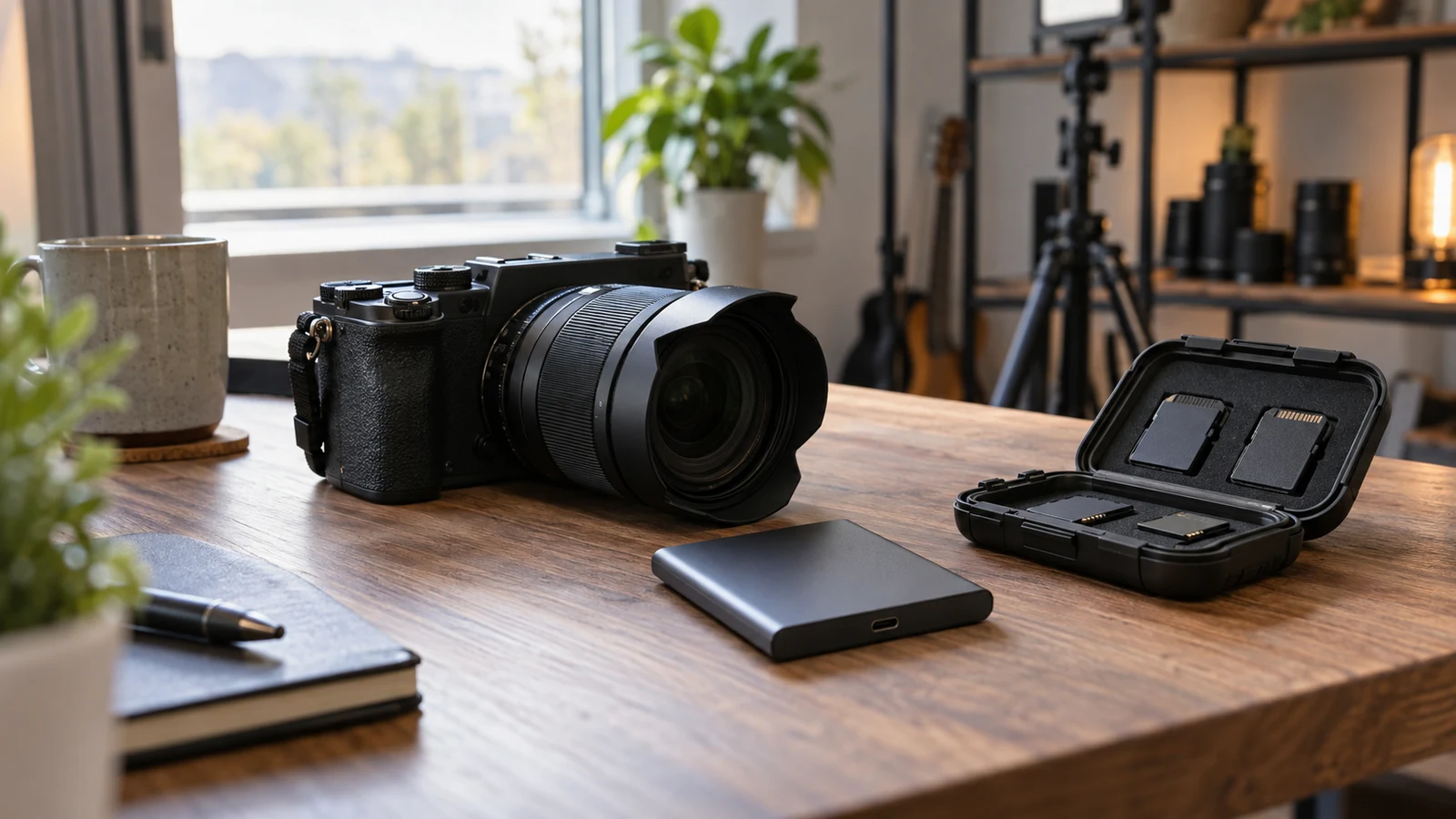
To plan video recording storage before a long session, compare the footage you expect to record with the usable space available on the recording device or its media. Start with recording minutes, estimate how much space those minutes will need at your chosen settings, then leave room for an overrun. A capacity printed on a card or included in a bundle cannot answer that question by itself.
The useful outcome is a session budget: a written estimate that connects your recording settings, expected duration and available space. Keep unknowns visible. If you have a capacity figure but no applicable file-size information, you have part of the calculation, not a dependable runtime. If you have a consumption estimate but have not checked free space, the same gap remains.
This approach also separates storage from other recording limits. Enough space does not establish battery endurance, uninterrupted recording time or performance during a long take. Those need their own answers. Here, the decision is narrower: whether your planned footage fits within the space you can reasonably count on.
Electronics Product Checks Begin With Recording Minutes
Write down how long the camera will actually record. A three-hour session might include breaks when recording stops, or you might need to capture the entire period. Those are different storage demands. Include setup footage, any rehearsal you intend to keep, and time before and after the main activity. Avoid subtracting breaks unless someone can reliably stop and restart recording.
For a hypothetical session, suppose you expect 120 minutes of main footage, 15 minutes of preliminary recording and another 15 minutes after the scheduled finish. Your working duration is 150 minutes. The numbers are planning choices, not a prediction about any camera. They make the assumption visible so you can change it when the session changes.
Then identify the longest stretch that cannot be interrupted. An overall capacity estimate can look comfortable while the first uninterrupted segment remains too large for the space available at the start. If changing media is an option for your equipment, assign that change to an actual break. Do not build the plan around a pause that the session cannot provide.
Where several devices will record, make a separate budget for each. One device's unused space does not automatically help another device that is nearly full. You can add the estimates later to understand the total footage, but the immediate recording decision belongs to each device and the storage it can use.
Electronics Product Checks Separate Capacity From Free Space
Record the free space available for this session, rather than copying the nominal capacity into your calculation. Existing footage occupies part of the storage, and a headline capacity is not a promise that the entire amount is available for new recordings. Use the device's applicable storage display or documentation to establish what you can count on.
The Sony bundle's product description lists an included 64GB card. When considering that bundle for video recording storage, check the card details alongside the camera's recording requirements. The included-card figure is a starting point for a capacity question; it does not establish free space or how many minutes your selected recording mode will produce.
Before assigning a recording duration to that card, obtain a consumption estimate for the Sony recording mode you intend to use. Consult the applicable camera documentation or measure a representative recording on your setup. Compare that estimate with usable free space in compatible units. Until you have both inputs, leave the expected recording time undecided.
Keep occupied space and reserved space separate in your notes. Occupied space is already unavailable. Reserved space is an amount you deliberately leave outside the session budget. If you plan to remove existing material, first establish that it is no longer needed on the recording media. Do not make last-minute deletion a necessary step in an otherwise unworkable plan.
Electronics Product Checks For Applicable File-Size Estimates
A useful consumption estimate must relate to the settings you will use. Record the selected mode alongside the estimate so you can tell whether it still applies after a settings change. A figure associated with one resolution or recording option should not silently become the estimate for another. Look for documentation that explains which conditions its figure describes.
If you already have the equipment, a representative test recording can provide a practical input. Record a known duration using the intended settings, then note the size of the resulting file or files. Use material resembling the planned session where possible. A short test measures that sample; it does not guarantee that every later minute will occupy exactly the same space.
For example, a stationary view may be a poor stand-in for a session with frequent movement if the chosen recording mode produces variable file sizes. Several representative samples can show whether your estimate is sensitive to the content. Keep the settings consistent while comparing them, and avoid selecting the smallest sample simply because it makes the planned duration fit.
Electronics Product Checks For A Worked Storage Budget
Consider an explicitly hypothetical test: ten minutes of recording produces 800MB of files. Dividing 800 by ten gives an observed average of 80MB per minute. At that average, 150 recording minutes would require 12,000MB. Using decimal units consistently, that is 12GB. These figures illustrate the calculation only; they are not measurements of either linked product.
Suppose, again hypothetically, that you have established 20GB of usable free space and choose to reserve 4GB. That leaves a 16GB session budget. The estimated 12GB of footage fits within that budget with 4GB remaining before you reach the reserve. Write down both amounts so you do not later treat the reserved space as ordinary spare capacity.
For your own video recording storage calculation, use the same sequence: divide sample size by sample duration, multiply by planned recording minutes, and compare the result with free space minus your chosen reserve. Keep units consistent throughout. If one display uses GB and another uses GiB, resolve the unit difference before subtracting or comparing the figures.
C3/K3 Body-Worn Camcorder Figures Need Their Conditions
The product description for the C3/K3 body-worn camcorder includes conditional storage-consumption information associated with 1080P recording and separate endurance information associated with 720P. Those statements answer different questions. Preserve their conditions instead of combining them into a single claim about how long the device can record.
A consumption statement tells you something about space used under its stated conditions. An endurance statement concerns a different limit and does not, by itself, establish file size. Even when both appear in one description, a 720P endurance figure cannot supply the missing storage rate for 1080P footage. Choose the intended mode first, then identify which information actually applies.
Also preserve words such as "less than" when transferring a listing figure into your notes. A stated upper bound is not an exact measured average. If a description says a recording uses less than a specified amount under certain conditions, do not rewrite it as using exactly that amount. Using the boundary as a cautious planning allowance is different from claiming it predicts the resulting file size.
Check the free space on the unit you will use before working out its session budget. A product description's consumption information cannot tell you how much room remains after earlier recordings. If you cannot yet access the device, make that check part of preparation and keep the duration estimate provisional. Confirm that the chosen mode matches the conditions attached to the consumption figure.
Electronics Product Checks For Overruns And Tight Budgets
Choose a reserve that reflects the uncertainty in the session. A tightly timed activity with repeatable test results presents a different planning problem from an open-ended recording with only a rough consumption estimate. Decide what the allowance needs to cover, such as extra recording time or larger files than your test produced. Check those possibilities against the space you plan to set aside.
Test the budget against a plausible overrun. In the earlier hypothetical example, another 30 minutes at 80MB per minute would add 2,400MB, or 2.4GB in decimal units. The resulting 14.4GB estimate would still fit within the 16GB session budget. That arithmetic is useful because it answers a specific question: whether the planned allowance covers that particular extension.
If the estimate does not fit, change an input deliberately. You might reduce optional recording time, arrange an interruption to change supported media, or consider a recording setting that meets your needs with a lower storage demand. Each option has a consequence. Less recording may omit useful material; an interruption may be unacceptable; different settings may affect the footage you need.
Recalculate after any change. A lower setting is not automatically a suitable setting, and additional media is not automatically compatible media. Broader electronics product checks can help with equipment-suitability questions that sit outside this session calculation. Keep those questions separate from the arithmetic so an unresolved compatibility detail does not appear as confirmed capacity.
Electronics Product Checks For The Final Session Decision
Before the session, place the inputs together in a short note. Include the recording mode, planned minutes, source of the consumption estimate, established free space and chosen reserve. Add the longest uninterrupted segment and any scheduled opportunity to change media, where supported. Someone reading the note should be able to repeat the calculation without guessing what a number means.
Mark the plan according to what remains unknown. If the duration and usable space are established but the consumption estimate comes from different settings, the fit is unresolved. If an applicable estimate exceeds the budget, revise the recording plan. If it fits with the intended reserve, you have a storage basis for proceeding, while power and other operating limits still need separate attention.
Recheck the inputs after recording test clips or changing settings. Preparatory footage may have used some of the space you previously counted, and a mode change may make the earlier estimate inapplicable. This final check should be brief because the reasoning is already written down. You are updating the inputs, not trying to reconstruct the plan as the session begins.
Finish your video recording storage plan by calculating the longest recording stretch you must preserve without interruption. Compare its estimated size with the usable space available at that point, retain your chosen reserve, and resolve any shortfall before committing to the session. The next action should follow directly from the numbers: keep the plan, change the recording scope, or establish the missing input.