
9 min read
Screenshot reference routine: decide what to keep
Keep the intended reference and its capture output distinct.
Guides to computers, displays, connectivity, gaming, and office devices.
Showing 25–36 of 333 guides
Keep the intended reference and its capture output distinct.

Separate the browser’s documented page-resource state from the actual web application’s work status before deciding whether a task needs repeating. No recovered session, preserved input or diagnosed fault is claimed.
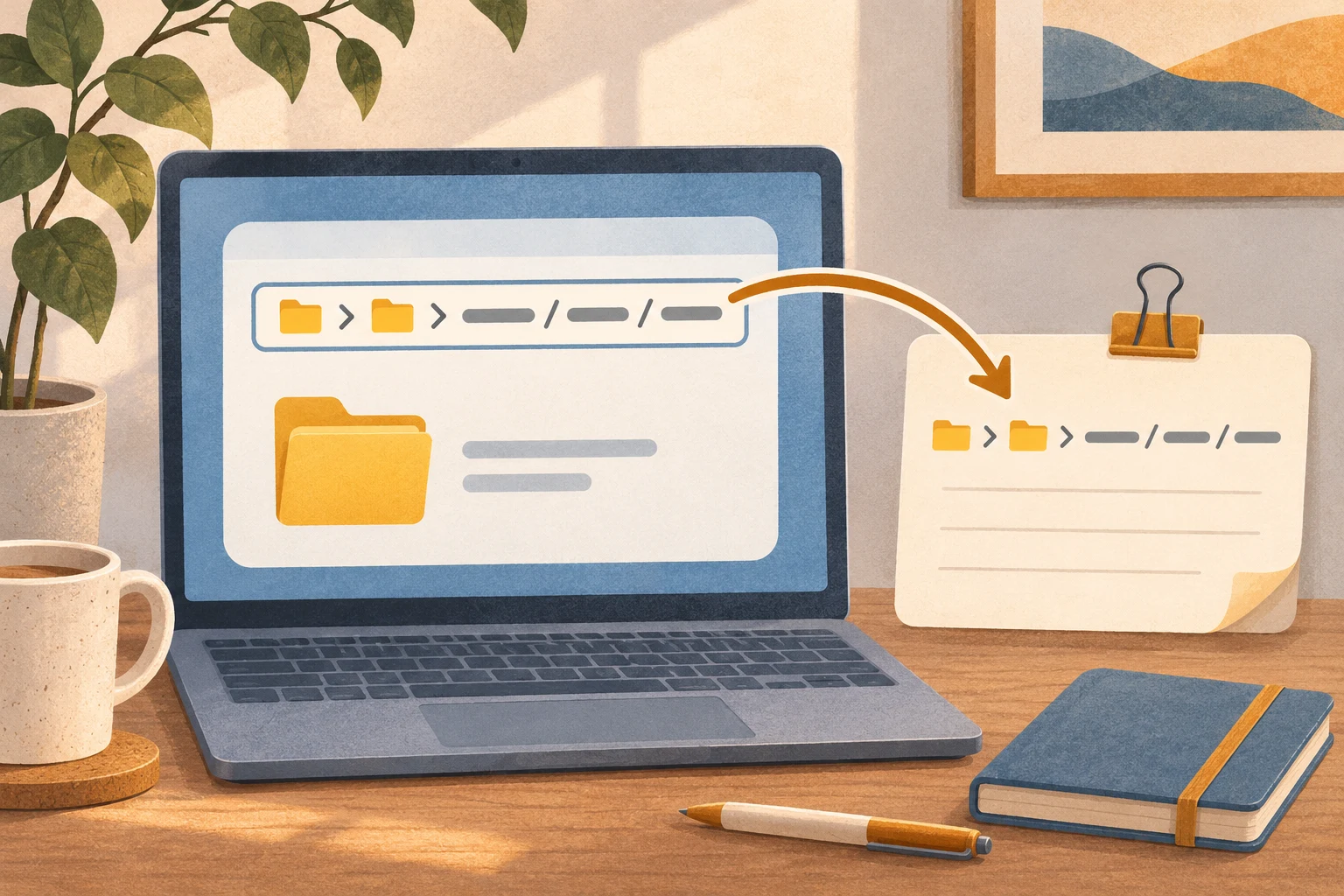
Use documented address-bar selection and copy/paste controls to prepare a folder locator for a note, while leaving file delivery and access rights unclaimed.
Match the account task and connection requirements.
Use the startup-impact label within its documented CPU and disk scope before deciding whether an observed computer problem calls for a memory purchase. No RAM shortage, compatibility, improvement or saving is established.

Compare Firefox complete-page and HTML-only copies for a holiday reference, keeping a complete-page copy with its companion folder.
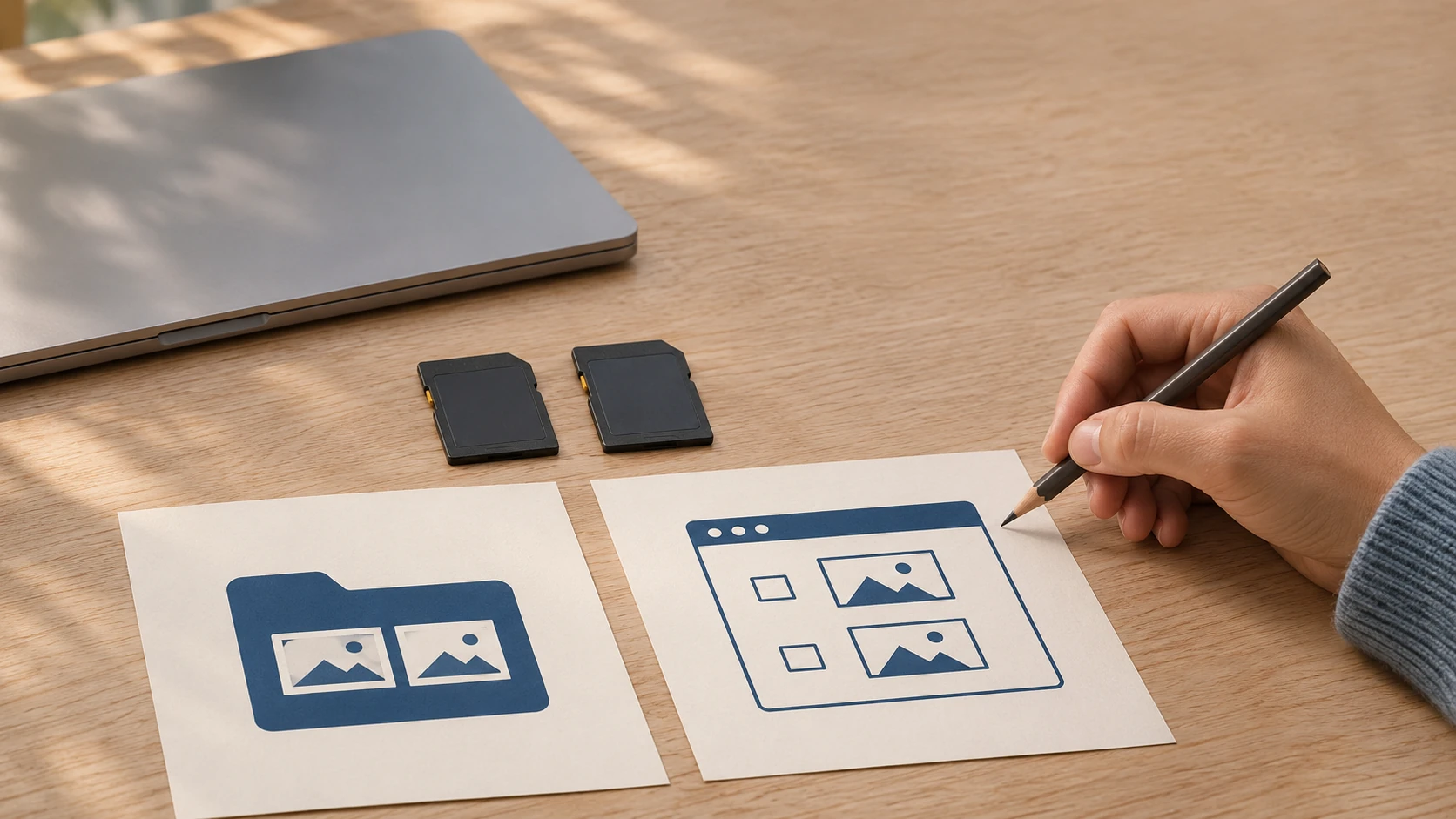
Read the source and selected import options.
Keep the Windows flag, actual app results and service terms distinct. No data limit, charge or saving is established.
Give an existing family recording a small personal index by deciding whether a neutral note belongs to one instant or a bounded passage.
Check the actual app and browser context.
Use basic ipconfig to keep adapter names and their displayed address, subnet mask and default gateway fields together before a network enquiry. No router login, active-route identification or connection fix is assumed.
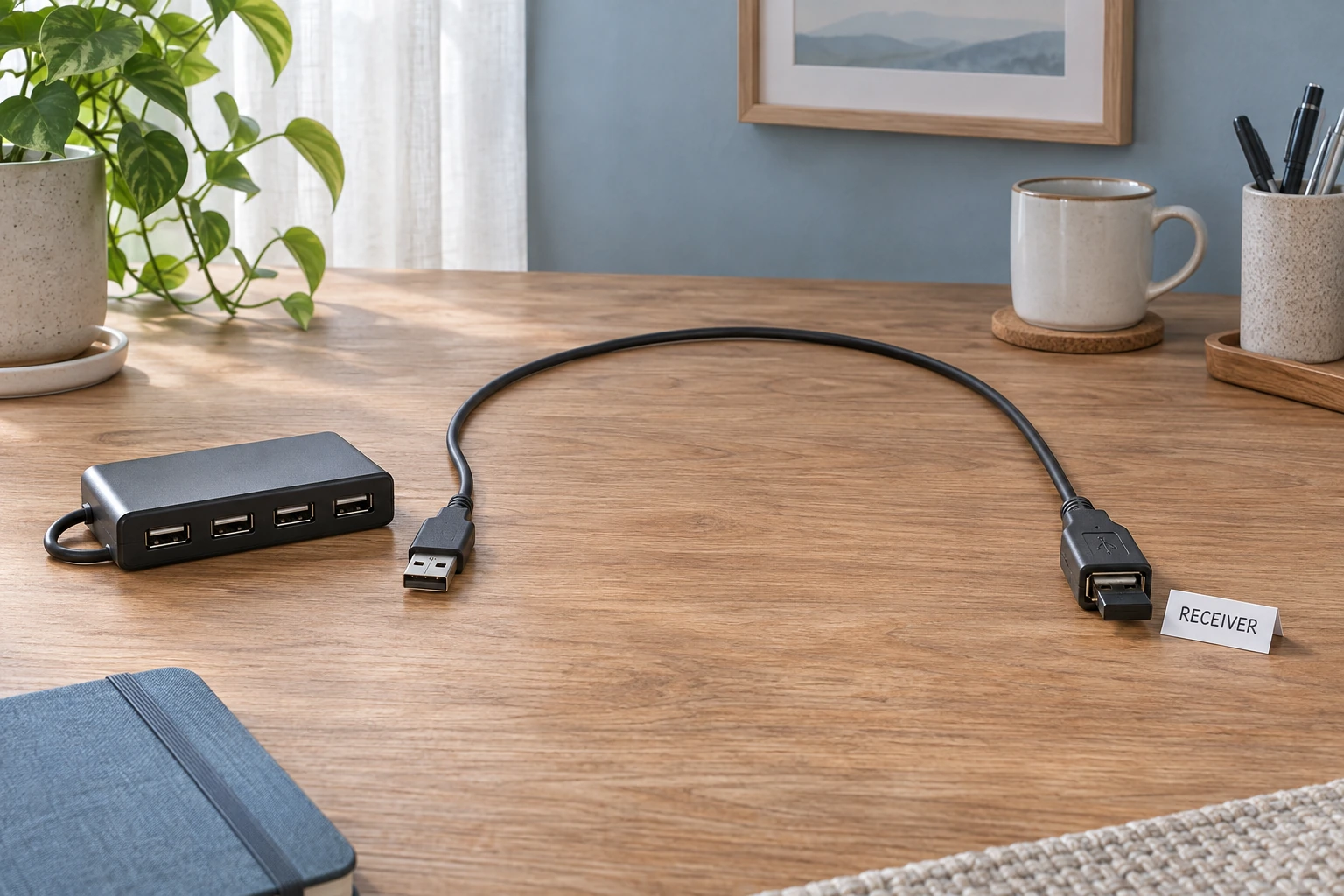
Consider receiver location and a supported extension path while keeping the cause of an untested wireless symptom open.