Computers & Gaming
Run a Windows default gateway check without changing settings
Use basic ipconfig to keep adapter names and their displayed address, subnet mask and default gateway fields together before a network enquiry. No router login, active-route identification or connection fix is assumed.
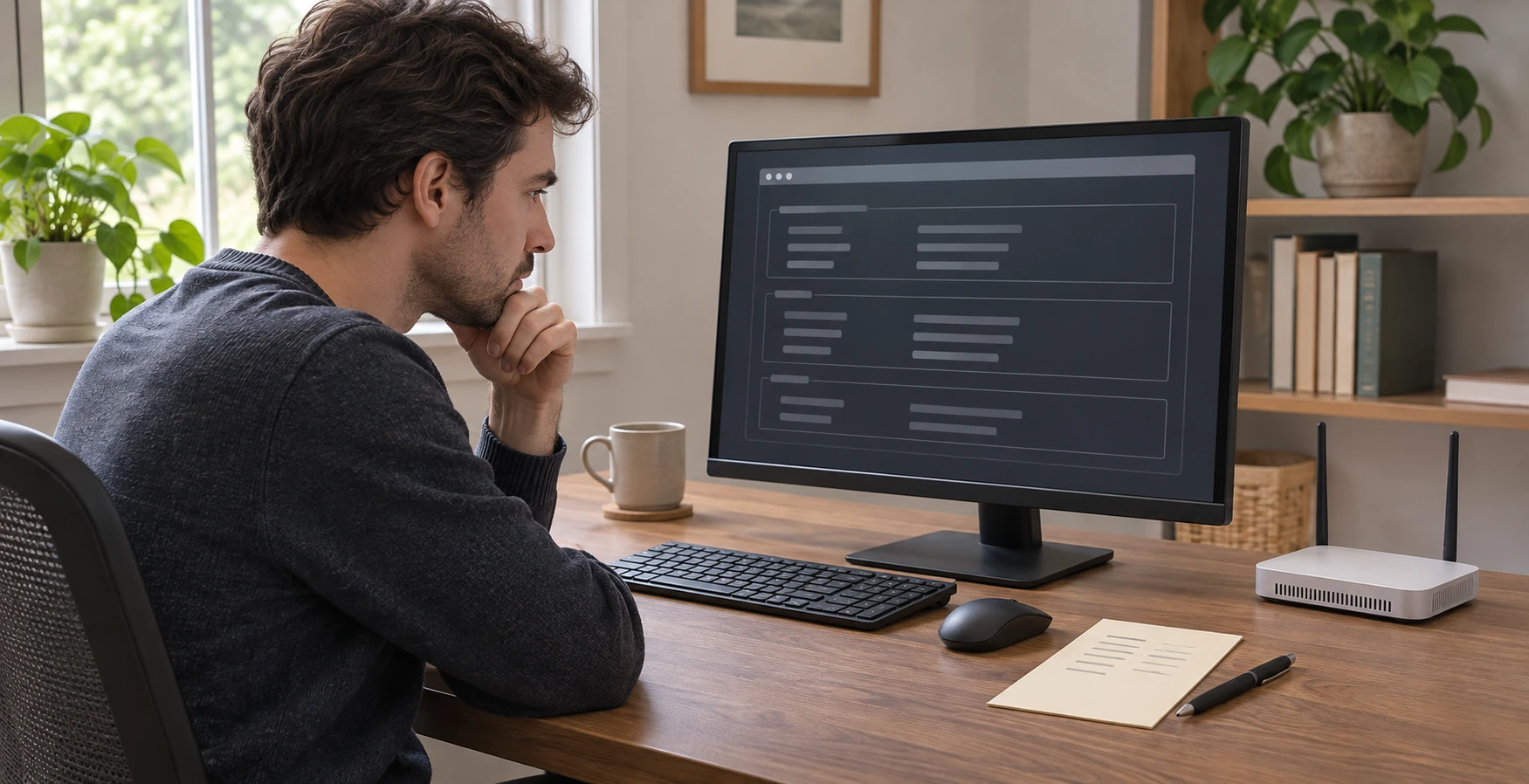
A number on a Windows network screen is useful only when you know which entry and field it belongs to. Before treating an address as something to open, record what the computer actually displays. A Windows default gateway check can be a small reading task: obtain the basic output, identify the relevant block and keep its labels attached to its values. It does not have to become a change to the network.
This tutorial uses an existing appropriate Windows command-prompt session. It does not explain how to open or elevate a terminal, and it supplies no real output from your computer. If you cannot obtain an appropriate session, leave that prerequisite unresolved. No connection test has been performed for this article. The intended result is an accurate observation, rather than a diagnosis, a router login or a promise that the internet will work.
The two router offers below are catalog context. Neither identifies the equipment on your current connection or determines a value Windows should display. Keep a previously identified intended adapter in mind when you read the output. If you do not know which entry corresponds to your intended connection, retain that uncertainty instead of choosing the first one simply because it has an address.
Decide which question the display needs to answer
Start with a narrow question, such as “What gateway value is shown in the entry for the connection I have already identified?” That is different from asking which router to buy or which web page manages it. A small question gives you a clear stopping point. Once you have the observed value and its context, you can decide what further information a separate task would require.
Use the actual adapter heading rather than a remembered description such as “the usual Wi-Fi.” An informal nickname may be meaningful to you, but it should not silently replace the name shown beside the information. If you already have independent evidence connecting that heading to the intended connection, keep the evidence with the note. Do not claim the match was established by the order of the displayed entries.
Prepare a simple place to keep the observation. It needs the time, the exact entry name and the field you intend to read. Leave room for an unanswered match question. You do not need a polished report or a complete inventory of unrelated information. The aim is to preserve a usable relationship between the value and its context, so another look at the output does not become a guessing exercise.
Run the basic command without adding an operation
Microsoft documents ipconfig without parameters as displaying IPv4 and IPv6 addresses, the subnet mask and the default gateway for all adapters. In the appropriate existing Windows command-prompt session, enter ipconfig on its own. This guide uses that basic display only. It does not adopt the command's other parameters or an operation that changes or refreshes network settings.
Read the output you actually obtain before trying to interpret it. If the command does not produce a usable display, record the actual stopping point. Do not replace it with a screenshot from another computer or a set of values that a product description makes you expect. This tutorial supplies no corrective command for an unavailable display, and an unperformed check cannot establish a gateway value.
Keep the result in its original grouping while you examine it. Do not lift an attractive-looking address out of the display before finding the heading and label that give it meaning. A short note can retain that context without reproducing every line. You can decide later which information a legitimate next enquiry actually needs, rather than assuming that the whole output must be shared.
Read the field inside the intended entry
Find the adapter entry you can actually match to the intended connection, then read the gateway field within that block. Keep the label beside each value. A value copied from the address line does not become the gateway just because it is convenient to find. This is a field-reading distinction; it is not a calculation or an instruction to choose a replacement address.
For an ordinary worked enquiry, imagine that you have already identified the intended heading and can see a gateway value within its block. Your note should preserve the displayed heading, the gateway label and the exact value you observed. This fictional enquiry contains no example network address to copy. Completing the note establishes what you read, without authenticating a router model, a login destination or the current route used by other traffic.
If you are unsure which label you are reading, leave the field unconfirmed. Do not tidy the uncertainty away by borrowing a value from a neighboring line. You can return to the actual output and check the relationship again. The useful next step is to resolve that specific reading question, rather than to alter a setting because a copied value does not seem to fit your expectation.
Keep multiple entries separate
When the display contains more than one entry, preserve each relevant block on its own terms. Do not put the name from one block beside a value taken from another. The same discipline applies if several gateway values are visible. Their presence does not give this tutorial a basis for declaring the first or first nonblank one to be the active route. That attribution needs separate evidence.
A second worked enquiry begins with an unfamiliar extra heading. You recognize the heading for the intended connection, but you do not know what the other one represents. Keep the unfamiliar name as observed and leave its purpose open. It is better to carry one precise unanswered question than to invent a story about a router, a second internet service or a device that the output did not identify for you.
If the intended connection itself has not been identified, stop the attribution at that point. You may have valid text from the command and still lack a justified match. Record those as two different states. Nothing in this reading task authorizes changing a profile, disabling an adapter or opening a management page to see whether a guessed address works.
Describe an absent value without inventing its cause
If the relevant gateway field is blank or you cannot find the intended entry, preserve that exact observation. These are also different results: one is a question about a field within a recognized block, and the other is a question about locating the block at all. Neither should be rewritten as a confirmed value. This article supplies no diagnosis for either result.
For the blank-field case, your note can name the observed heading and say that no value was read in the intended field. For the missing-entry case, it can say which expected match could not be established. Do not convert either note into a statement that hardware has failed. A replacement purchase cannot be justified by a causal explanation you have not actually established.
Preserve the identity of a later observation too. If you obtain output at a different time or in a different connection context, do not silently merge it with the earlier note. Keep each heading and its values together with the circumstances you actually know. This is a way to avoid building a misleading account from pieces that were never observed together; it is not an instruction to change the connection.
Keep the router listings outside the configuration result
The TP-Link Archer BE3200 offer has one dash-labeled variant and pictures one complete router with four attached antennas. The wordmark does not independently authenticate the exact factory model. Neither the catalog name nor the pictured router establishes which adapter or gateway belongs to your computer.
The TP-Link Archer C6 offer also has a single dash-labeled variant and one router pictured. No separate laptop, modem or network switch is established as included by that image. This guide does not transfer a performance, setup-app or Windows compatibility claim from either listing into the configuration check.
Related guides address other network decisions. The guest Wi-Fi permissions guide separates access choices. The wired-port router comparison concerns equipment selection. Neither turns a displayed gateway field into a permission change, a hardware identity or a proven management address.
Finish with an observation that answers the original question
Review your note against the actual display. Check that the heading, label, value and observation context still belong together. If the intended match remains unresolved or no value was read, retain that result plainly. Do not fill an empty field merely to make the note look complete. A precise unavailable result is more useful than a plausible value taken from the wrong place.
A Windows default gateway check can finish with a small piece of displayed configuration and a clear boundary around what it proves. You have read a field under an identified heading, or you have preserved the reason attribution remains open. Any later login, routing diagnosis or equipment decision is a separate task requiring its own evidence.
Review an equipment transaction only if a need remains
Reading a configuration field does not require buying a router. If you later consider an offer on republeq.com, begin with the equipment requirement that remains after your actual enquiry. A preference for crypto or USDT cannot identify the hardware on an existing connection, authenticate a catalog model or establish a management address. Keep those questions separate from the way you might prefer to pay. Review the exact offer before moving to a transaction. Confirm the stated item and variant, and ask about any material quantity or connection requirement that the available information leaves unanswered. A product photograph should not become an invented claim that a laptop, modem or switch is supplied with the router. Likewise, a familiar name should not replace actual evidence about suitability for the intended job. You can preserve an unresolved question without ordering equipment while you investigate it. If a purchase eventually reaches checkout, inspect the transaction actually presented for that order. Confirm its requested method, amount and recipient from the real transaction. This article does not establish that a crypto checkout is available, promise USDT acceptance, quote transaction charges or compare the cost of payment routes. It supplies no wallet address, transfer instruction or claim that a payment has succeeded. Those details need their own evidence at the point where they become relevant. Keep the current configuration observation available for a legitimate next task, but do not let the existence of a note create a shopping obligation. A missing field or an unfamiliar entry is not a diagnosis supplied by this article, and paying for a different device would not make an unproved explanation true. Decide what further evidence the equipment question actually needs, resolve the exact product enquiry where possible, and then assess any payment request on its own terms.
Conceptual configuration check; no real ipconfig output, network address, exact router model or successful connection diagnosis is shown.