Keyboards & Input Devices
sticky keys unexpectedly active: check the intended setting
Describe the modifier behavior, identify the applicable platform setting and preserve the user’s intended accessibility preference.
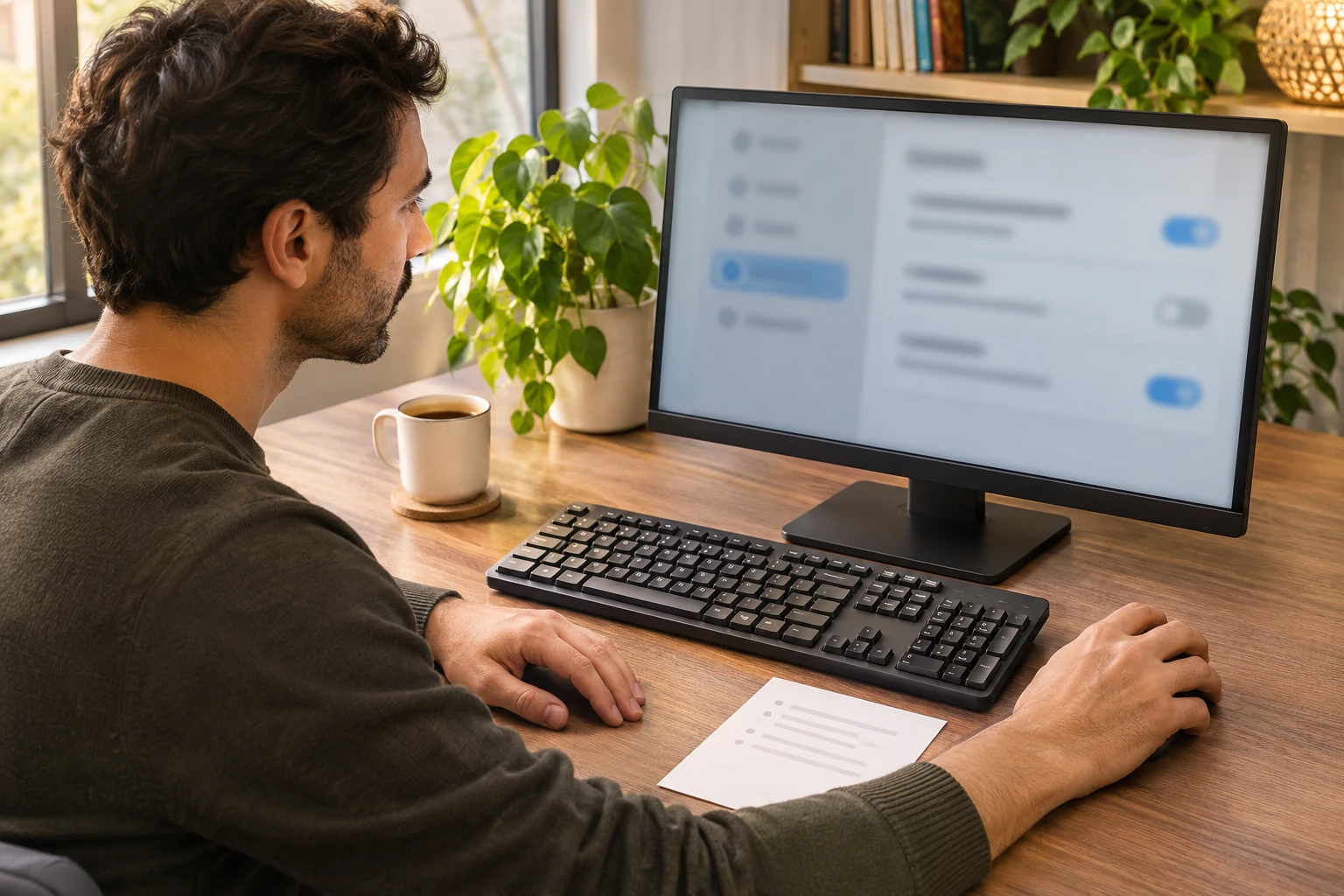
With sticky keys unexpectedly active, first establish whether the sequential shortcut behavior is intended. Microsoft describes Sticky Keys as a way to enter a multi-key command one key at a time. An accessibility preference and a physically jammed key are different questions; this guide reports no mechanical diagnosis or performed typing test.
Identify sequential keyboard shortcuts in the applicable Windows settings
For sequential keyboard shortcuts on Windows 11, Microsoft directs users to Accessibility, then Keyboard, where Sticky keys permits one-key-at-a-time commands. The same account distinguishes Toggle keys, which sounds for lock keys, from Filter keys, which can ignore brief or repeated presses. Do not treat those separate features as interchangeable explanations.
Consider an original fictional example. Mina tells Joel that a modifier seems to remain active after she releases it. Joel asks which action Mina intended and what she actually observed. They leave the cause open. A description of the experience is the starting point, rather than a conclusion that a switch inside the keyboard needs replacement.
Mina also explains whether the computer is hers to configure. If somebody else uses it with an agreed accessibility arrangement, that preference needs to remain part of the conversation. This example establishes no universal workplace permission rule. It asks the person helping to understand the intended behavior before proposing a change to a setting another user may rely on.
Suppose Mina wants to enter a shortcut sequentially and the computer is doing that. Joel does not call the arrangement defective simply because it differs from his own preference. The question is whether it serves Mina’s intended task under the applicable instructions. The fictional example makes no assessment of anybody’s health, dexterity or need for an accessibility feature.
In another continuation, Mina says that the behavior was not expected. She describes the particular application and action rather than saying every key is stuck. Joel keeps that account with the computer being discussed. This guide supplies no procedure for opening a keyboard, removing a keycap or testing a physical switch to explain the observation.
Keep modifier key behavior within the Chromebook account
For modifier key behavior, Google’s Chromebook guidance describes enabling Sticky keys under Accessibility, Keyboard and text input. Its sequential-shortcut account names the starting modifier; pressing it twice keeps it pressed until the shortcut is finished, and a third press releases it. Those Chromebook instructions are not a Windows control map or Razer firmware procedure.
Now imagine a separate fictional user, Ellis, discussing a Chromebook. Ellis names that platform before Joel offers instructions. Mina’s Windows account is not treated as an identical set of controls. The shared phrase about a key remaining active does not establish that both users have the same setting, keyboard configuration or cause of the unexpected behavior.
Ellis checks the applicable account for the actual computer and tells Joel what was visible. If the intended behavior remains unclear, Ellis can leave that question open. This guide provides no reason to change every accessibility option merely because one experience was unexpected. The fictional enquiry stays attached to the selected feature and the person’s actual intention.
If Ellis cannot locate the documented setting, that is a specific availability question for the person helping. Ellis should not record a different option as the one that could not be found. A familiar name elsewhere on the screen does not settle the missing control. The next useful result may be an explanation of the applicable interface rather than a configuration change.
Treat GNOME shortcut and notification options as conditional
GNOME’s Sticky Keys help describes one-key-at-a-time shortcuts and a Typing Assist setting within Accessibility. Its Enable by Keyboard option permits a five-Shift toggle when selected. It separately documents optional behavior for two keys pressed together and a modifier beep. These named options do not establish that an identical shortcut or notification is enabled on another platform.
A third fictional user, Sam, finds a shortcut instruction while investigating a GNOME setup. Sam checks whether its enabling condition applies before interpreting an earlier action. A possible shortcut is not evidence that it was used or enabled in this attempt. The example reports no captured key sequence and does not reconstruct an event from what Sam now suspects happened.
Sam also separates an audible notification from the desired shortcut behavior. The person using the computer can explain which assistance they want. This guide does not decide that a sound should always be enabled or disabled. It supplies an original discussion about preferences, with any action left to the applicable instructions and the person authorized to configure the actual setup.
Describe the observation without turning it into a hardware finding
Return to Mina, who can identify the task but cannot say which setting was active at the time. Joel keeps the past observation separate from the state visible now. A current setting can be described accurately without proving what happened earlier. The enquiry does not need a complete story about an accidental shortcut if that event was not observed.
Mina writes down the intended action and the behavior she saw in that particular application. She uses a nonsecret description instead of reproducing a password or an important submission. This is an original communication suggestion, not a standardized keyboard test. The guide reports no key response measurement and provides no command to repeat in a sensitive task.
If the keyboard appears physically damaged or a key cannot be used normally, Mina can retain that separate observation for the actual model’s support account. Joel does not use the software discussion as a mechanical repair instruction. This article supplies no cleaning liquid, force limit, keycap tool or internal service method for either retail keyboard referenced below.
If Mina has only a general recollection that something felt unusual, that uncertainty can remain explicit. She does not have to choose a precise modifier or invent a repeatable result. Joel can ask what information the applicable support contact needs next. The example leaves the task open when the observation is not yet clear enough for a narrower enquiry.
Agree on the preference before making an authorized change
Mina and Joel discuss what Mina wants the relevant shortcut behavior to be. They distinguish that preference from the setting currently visible. If an authorized change is appropriate under the applicable account, they keep its purpose specific. The example does not instruct readers to disable a useful feature as a default response to an unfamiliar experience.
Suppose Mina wants the earlier agreed arrangement retained while she asks about the unexpected result. Joel preserves that decision. A desire to finish troubleshooting quickly does not settle someone else’s preference. The fictional task can end with a support question rather than a changed setup, and the guide makes no promise that a replacement keyboard would answer that question.
In another version, Mina authorizes one documented preference change. Joel reports the actual action and leaves its outcome for observation. He does not call the keyboard repaired merely because a choice was changed on screen. The example establishes no automatic relationship between that action and the behavior of every application or future task on the computer.
If the later experience matches Mina’s intention, she can record that limited result with the setting and task involved. It is not evidence that the author tested the keyboard or that every physical key works correctly. If the experience remains unexpected, the original preference decision and the unresolved observation should both remain available to the next person helping.
Keep an interrupted enquiry usable for the next helper
Imagine that Mina has to leave before the discussion finishes. She tells Joel where it stopped: the actual platform, the feature identified, the preference agreed and any action already taken. A later helper can then continue from the same state. The note should not turn an unfinished configuration discussion into a claim that the issue has been resolved.
Joel also distinguishes his own observations from Mina’s report. If he did not see the original behavior, he says so. That does not make her report useless; it keeps the account accurate. The next enquiry can describe both what Mina experienced and what Joel subsequently identified, without blending them into an invented personally witnessed sequence.
If a support reply concerns a different operating system, Mina retains it with that context and asks for the applicable account. She does not follow an unrelated shortcut simply because it mentions Sticky Keys. Correcting the subject of the enquiry can be useful progress even when no setting has been changed and no keyboard has been physically inspected.
Read the two Razer references within their limits
The Razer low-profile keyboard reference shows a complete black full-size board with a numeric pad, macro buttons, media controls and Razer markings. Its exact stock model is not printed in view. The illustrated lighting establishes no active accessibility setting, switch-force result or personally tested wireless response.
The Razer tenkeyless keyboard reference shows a complete black board without a numeric pad, with a rear cable and Razer logo. Its full stock identifier remains a catalog label. Status lights and key legends are illustration content, not proof of Sticky Keys state, software remapping or a successful typing check.
Mina keeps a later equipment purchase separate from the computer preference under discussion. These are two retail accounts, not a controlled comparison or a reason to replace an existing keyboard. Their listing features do not establish which accessibility choice is active on a different computer. This guide ranks neither product and compares no prices or measured typing performance.
Keep layout and no-input faults on their own paths
The keyboard layout guide concerns a responding keyboard producing an unexpected character under an installed Windows layout. The wired keyboard no-input guide concerns the USB path when no input appears. Neither task establishes whether the user intends sequential shortcut behavior in the current accessibility setting.
Mina closes the enquiry with its actual state: a preference clarified, an applicable setting identified, an authorized action observed or a question still awaiting support. Those are separate outcomes. This fictional account establishes no physical fault, comprehensive keyboard certification or guaranteed repair. It leaves the person helping with a usable description of what remains to be answered.
Review a separate keyboard purchase before payment
If a keyboard order through republeq.com meets your actual work requirements, review the exact selection before choosing payment. A preference for crypto, including USDT, does not establish which options the current basket offers. Read the transaction information actually provided for the purchase you intend to authorize. This paragraph supplies no token network, receiving address, exchange rate, fee or transfer procedure. Keep the accessibility preference enquiry with the computer it concerns; a payment option cannot identify an active setting or prove that a physical replacement is necessary. Ask the responsible seller about an unclear identity, supplied item or intended use before committing funds. Review the delivery, cancellation and return terms applicable to the exact offer. Another transaction does not establish those terms for this purchase. If someone orders on your behalf, give them the confirmed selection and explain which equipment questions remain open. Ask them to bring a changed offer back for consideration. Recheck the basket and current transaction instructions when the selected keyboard changes. An account for one product does not authorize an unreviewed substitute or transfer its software and connection guidance to another model. Retain the order reference and payment response after an authorized purchase. If the payment outcome is uncertain, reconcile that particular attempt before considering another payment; a missing confirmation does not prove nothing happened. Compare the delivered product and documentation with the order you authorized. A receipt establishes no confirmed accessibility choice, successful shortcut result or repaired keyboard. Those questions require their own applicable instructions and actual observations on the computer being investigated. Leave the order unmade if information needed for the actual equipment decision remains unavailable.
Conceptual accessibility-setting enquiry; no exact interface, retail model or repaired keyboard is shown.