Monitors & Displays

Computer monitors, portable displays, and screen extenders.

Showing 49–57 of 57 guides

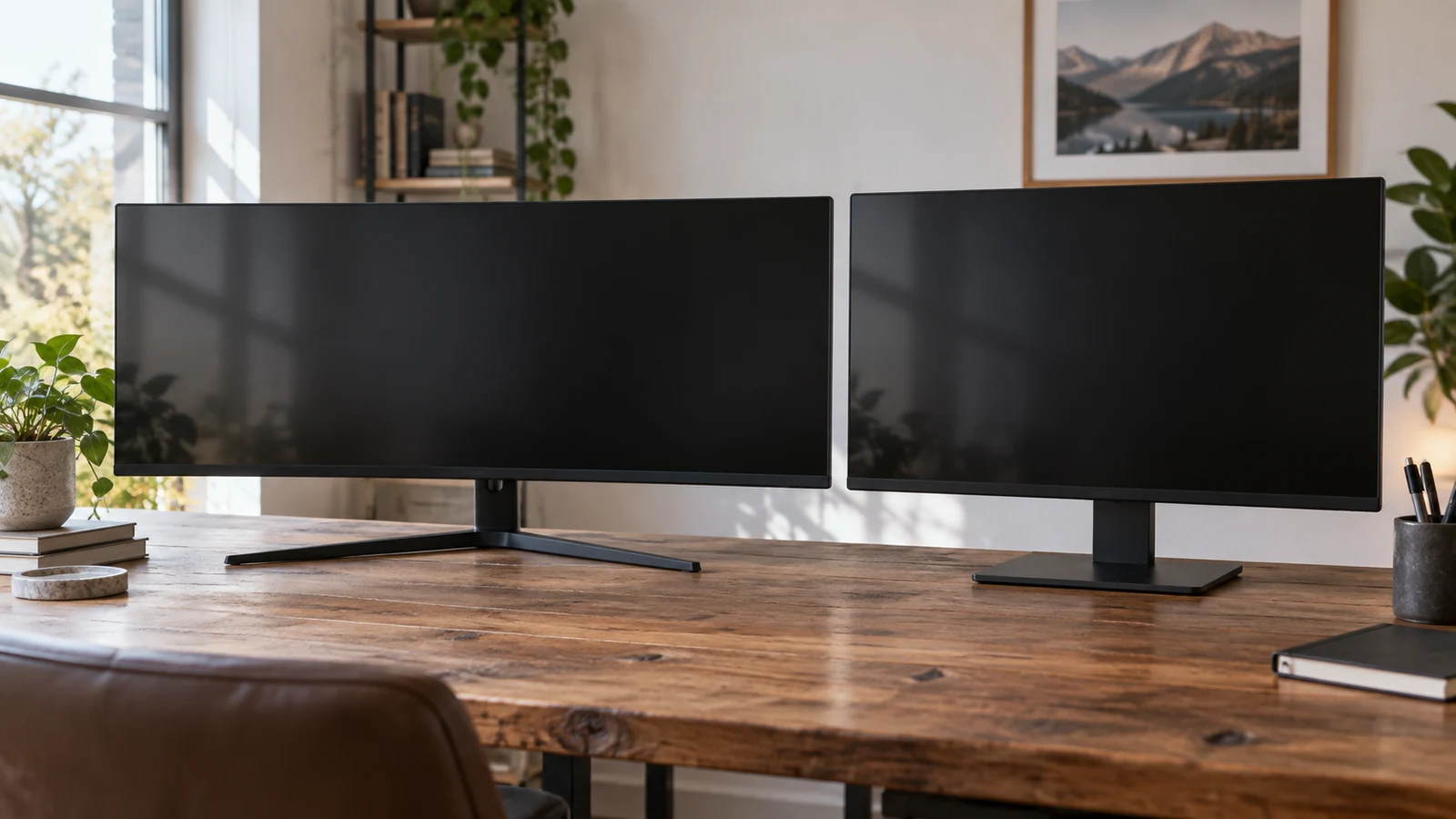
Gawfolk 34-inch ultrawide comparison for a desk where available width, display connections, and mounting options affect the 27-inch alternative.
9 min read

Gawfolk 34-inch ultrawide vs Krocisen 27-inch

The Gawfolk 34-inch ultrawide is the candidate to investigate if you want a wider desktop display and can accommodate its full installed dimensions. The Krocisen 27-inch is the candidate to investigate if you prefer a smaller stated screen size. Neither description supplies enough physical measurements to settle desk fit. Before choosing, obtain the width and depth of each assembled monitor, including its stand, and compare those measurements with the space where it will sit. For Gawfolk 34-inch ultrawide , verify each step.
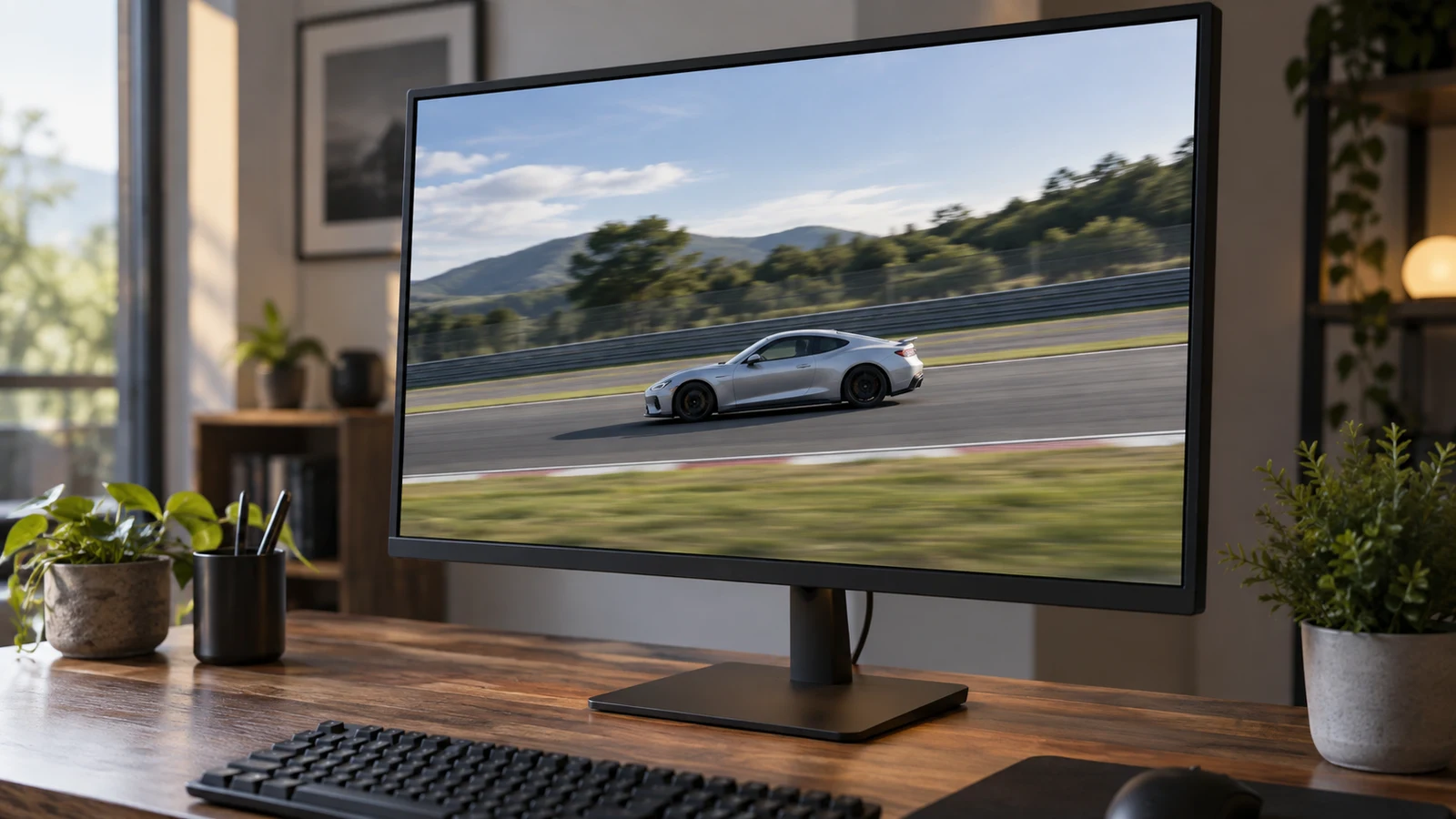
Viewsonic 27-inch WQHD gaming monitor compared with an MSI alternative for 1440p play, refresh rate, and a possible 4K tradeoff.
8 min read

Viewsonic 27-inch WQHD gaming monitor for fast games

The Viewsonic 27-inch WQHD gaming monitor is worth considering if you want to keep your gaming target at 2560 x 1440 while exploring a listed 165 Hz refresh rate. Whether it suits your GPU better than MSI's 4K option depends on the games and settings you intend to use. The product descriptions establish display specifications; they cannot predict the frame rates your computer will deliver. For Viewsonic 27-inch WQHD gaming monitor , verify each step.

Greentouch Home GT-TM150 open-frame touch monitor comparison for an installed touch setup, considering fit and connections against an ASUS screen.
9 min read

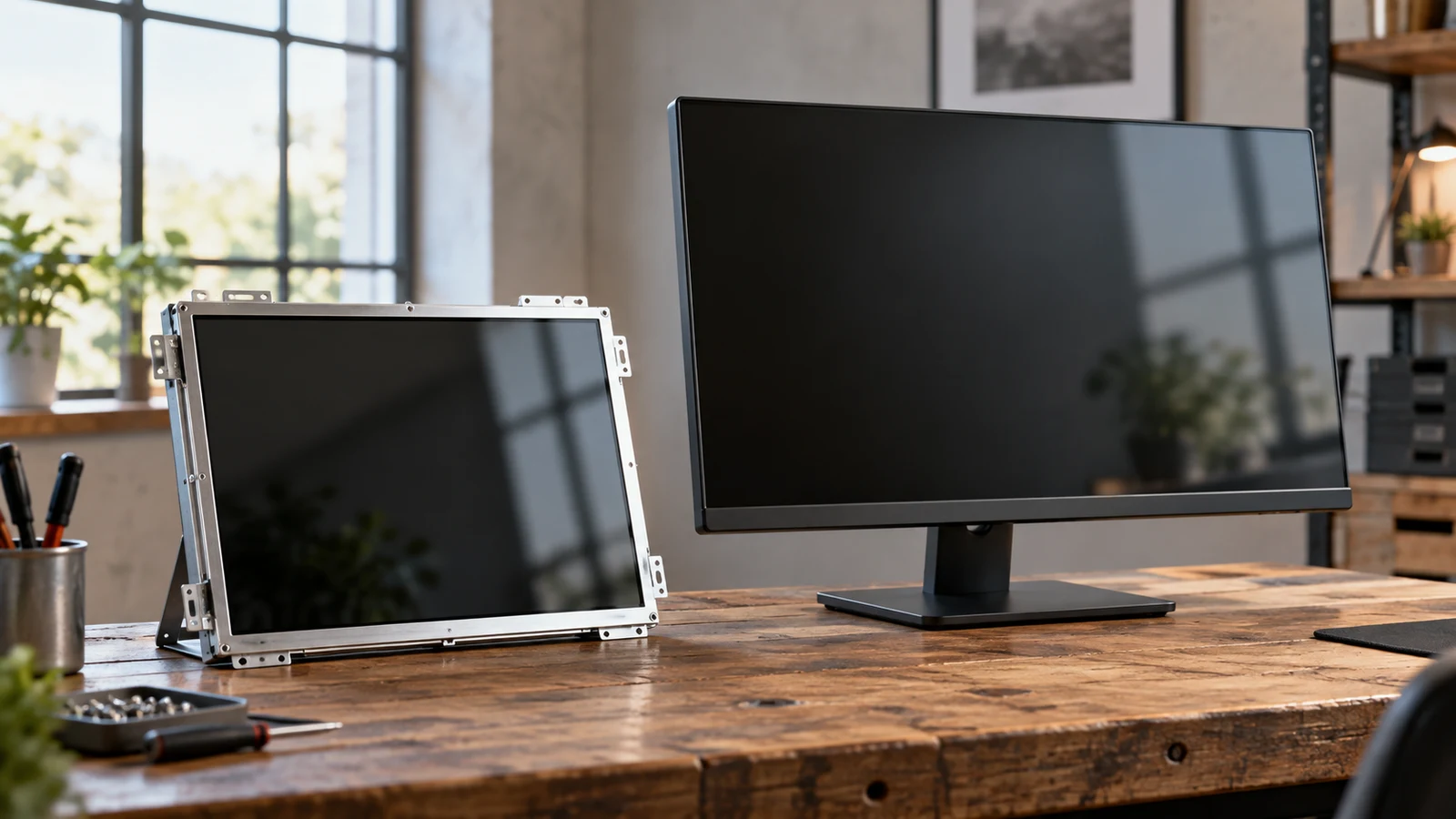
Greentouch Home GT-TM150 open-frame touch monitor vs ASUS monitor

The Greentouch Home GT-TM150 open-frame touch monitor is the more relevant candidate when your project needs a screen built into a kiosk, cabinet or table with touch input. Its description names an open-frame design, projected capacitive touch and several mounting options. The named ASUS ZenScreen is described as a portable USB-C secondary display. That makes it a different starting configuration, even though both products are monitors of a broadly similar stated diagonal size. For Greentouch Home GT-TM150 open-frame touch monitor , verify each step.

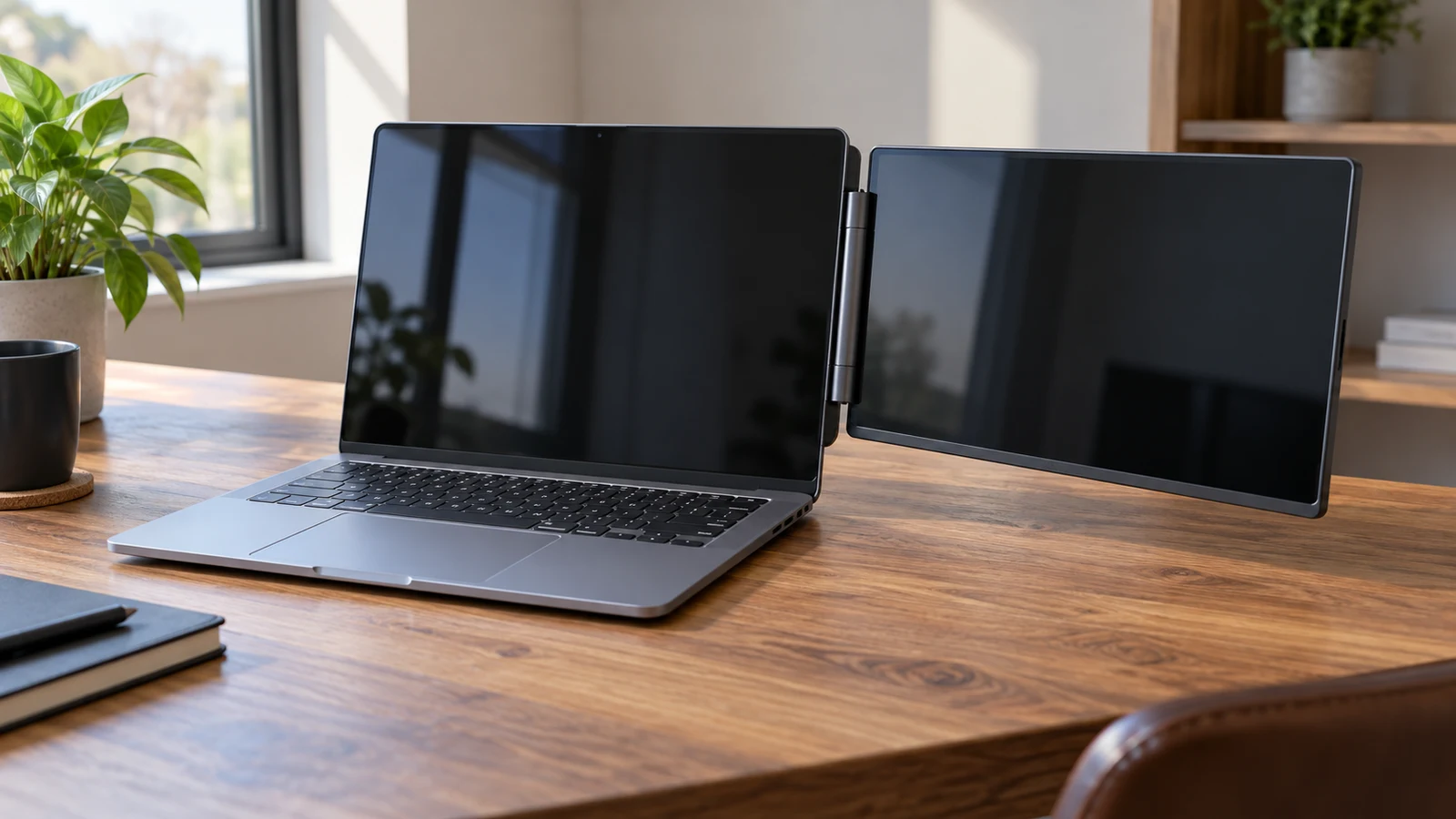
Portable Monitor Innovation extender comparison with SideTrak Swivel, focusing on package contents and usable screen setup.
9 min read

Portable Monitor Innovation extender vs SideTrak Swivel

The Portable Monitor Innovation extender has an unresolved package-count question: its description discusses two detachable panels, but its accessory list says "Monitor Screen*1." You cannot establish from that wording whether the selected package supplies one external screen or two. The same description gives specific cable paths for each screen. Before choosing it over the SideTrak Swivel, confirm how many physical displays arrive and how your laptop will provide video and power to that exact configuration.

FANRUINA E20 monitor speakers comparison for a shared work-and-gaming desk, weighing built-in audio against the larger 200Hz display.
8 min read

FANRUINA E20 monitor speakers vs 200Hz gaming display

For a small desk shared between work and games, the E20 gives you a confirmed built-in speaker option and a listed 20-inch screen. The other FANRUINA model pairs a larger 24.5-inch display with a stated 200Hz refresh rate. Start with the E20 if integrated audio is central to your setup; consider the larger model if you specifically want its display specifications. Neither choice is settled until you confirm the connections and physical dimensions. For FANRUINA E20 monitor speakers , verify each step.

ViewGlow 34-inch ultrawide monitor weighed against a YEYIAN display for game-view width, aspect ratio, and refresh-rate priorities.
9 min read

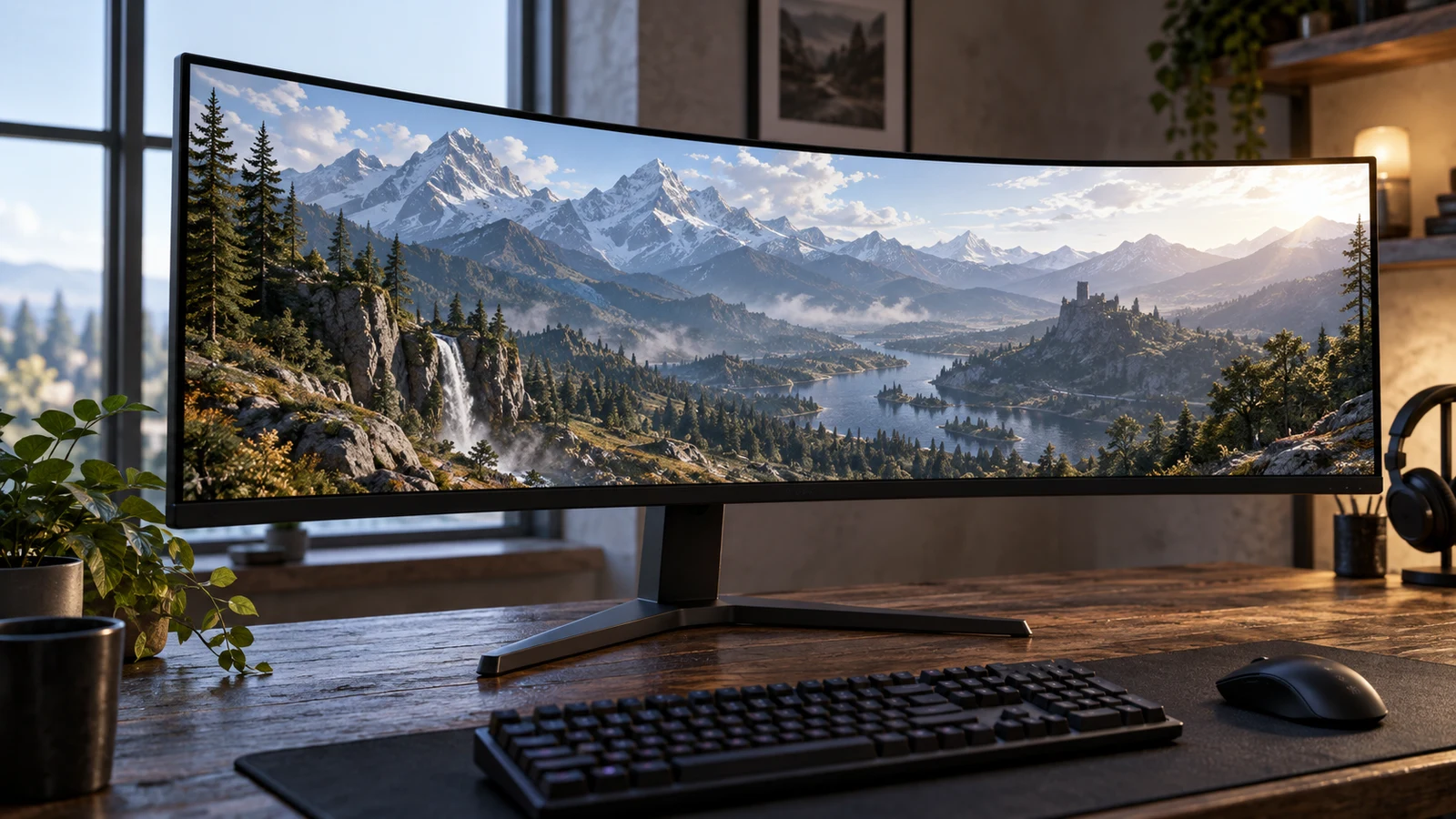
ViewGlow 34-inch ultrawide monitor for a wide game view

The ViewGlow 34-inch ultrawide monitor deserves consideration if your main aim is a broad game view and your preferred games support the intended ultrawide presentation. Its description lists a flat 21:9 screen, 3440x1440 resolution and a 100Hz refresh rate. The competing YEYIAN Avance description lists a 25-inch, 1920x1080 display at 240Hz. The choice depends on how much you value the wider format compared with the higher listed refresh rate, and what your gaming system can deliver.

Screen aspect ratio decisions about fitting content completely, cropping it, or stretching it across a display.
9 min read

Compare screen aspect ratio before fitting content to a display

A rectangular image can fit completely inside a display without filling it. To predict the result, compare the image's width-to-height relationship with the viewing area's shape, then decide whether to preserve the whole image, crop it to fill the space, or stretch it. A higher pixel count does not settle that choice. The screen aspect ratio describes proportions; resolution supplies the pixel dimensions used to describe or calculate them.