Crypto Commerce
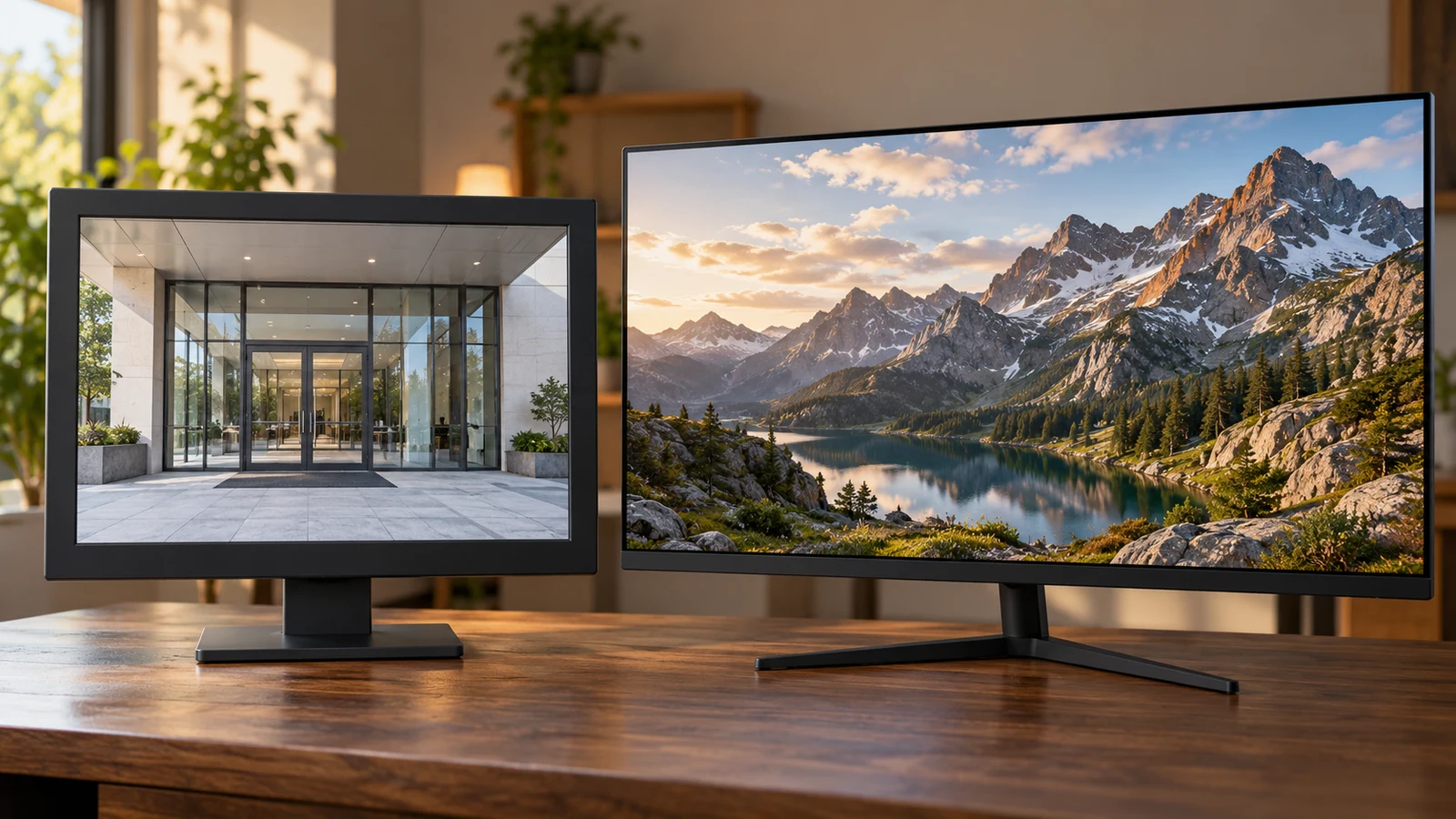
ViewEra security monitor vs TITAN ARMY gaming display
A surveillance display purchase starts with the equipment sending the picture. The ViewEra security monitor has documented HDMI, VGA and BNC connections, making it a relevant candidate when your installation needs one of those inputs. The TITAN ARMY P2510S PLUS description emphasizes gaming features and does not identify its connections. For a security feed, ViewEra therefore gives you more connection information to work with, although you still need to confirm support for your source's exact signal.
A surveillance display purchase starts with the equipment sending the picture. The ViewEra security monitor has documented HDMI, VGA and BNC connections, making it a relevant candidate when your installation needs one of those inputs. The TITAN ARMY P2510S PLUS description emphasizes gaming features and does not identify its connections. For a security feed, ViewEra therefore gives you more connection information to work with, although you still need to confirm support for your source's exact signal.
That distinction answers the first buying question without declaring either screen universally better. A recorder connected to a monitoring station creates a different requirement from a computer used for fast games. Before comparing picture specifications, identify what will connect directly to the display. If you need a BNC connection, start by investigating ViewEra's stated support. If gaming is the main job, TITAN ARMY's documented refresh and response specifications deserve closer attention.
TITAN ARMY Monitor Alternative: Where The Security Connection Matters
The ViewEra security monitor product description identifies the model as V178HB and describes it as designed for surveillance applications. Its listed connections are HDMI, VGA, also called D-Sub, and a one-channel BNC connection with input and output. Those are specific reasons to consider this model for a security installation. They do not establish that every camera or recorder with a similarly shaped connector will work with it.
Write down the model of the device that will actually supply the monitor's picture. This might be a recorder or a computer displaying surveillance software; do not assume the screen connects straight to a camera. Record the output you intend to use and the signal settings available from that output. This gives a seller a concrete compatibility question instead of a broad request to confirm that a monitor is suitable for security use.
For example, if your existing cable ends in BNC, ask whether the V178HB accepts the signal carried by that cable. Include the source model and its selected output format in the question. The supplied description names the connector but does not specify every accepted BNC signal format. A positive answer should address your equipment explicitly. A reply that merely repeats “BNC input” leaves the original compatibility question unresolved.
The BNC output needs its own question if you intend to use it. Describe what would connect downstream and ask how that output operates in the proposed arrangement. The description establishes that an output exists; it does not explain its behavior, configuration or supported downstream equipment. If your installation will use only the monitor's input, you can leave that extra capability out of your purchase decision.
HDMI and VGA also deserve source-specific confirmation. Ask about the source's selected output resolution and timing, especially when replacing an existing display while keeping the rest of the equipment. ViewEra's stated panel resolution is 1280 x 1024, but the description does not provide a complete table of accepted input modes. Avoid treating the panel specification as a promise that a particular recorder setting will display correctly.
The TITAN ARMY description gives no corresponding connector inventory. That omission does not prove the monitor lacks a connection you need. It means you cannot establish that connection from this description. If you prefer TITAN ARMY for another reason, obtain its exact input specifications before treating it as a substitute in the surveillance installation. Keep the P2510S PLUS model name attached to that request so specifications from a different model do not enter the comparison.
TITAN ARMY Monitor Alternative: Separate Gaming Features From Feed Requirements
The TITAN ARMY monitor alternative has a listed 24.5-inch Fast IPS panel with 2560 x 1440 QHD resolution. Its description also specifies a 240Hz refresh rate, 1ms GTG response time and Adaptive Sync. These are relevant features when you are choosing a gaming display. They do not answer whether it will accept the output from your security equipment.
Decide whether games are an actual requirement for this purchase. If the display will remain at a dedicated surveillance station, evaluate it against that station's feed and viewing needs. If it will primarily serve a gaming computer, investigate the conditions under which the computer and monitor can use the advertised gaming features. This keeps a prominent specification from receiving more weight than the task you need the screen to perform.
ViewEra's description does not state a refresh rate or response-time figure. There is therefore no supported numerical comparison between the two models on those measures. You can say that TITAN ARMY documents these gaming specifications and ViewEra documents surveillance-oriented connections. You cannot conclude from the descriptions alone how they would compare in a measured motion test, or how quickly either complete surveillance setup would show an event.
TITAN ARMY Monitor Alternative: If One Screen Must Serve Both Jobs
A shared gaming and surveillance screen introduces a separate decision: whether the security picture must remain visible while you play. If you need simultaneous viewing, establish how that will happen before buying. Neither supplied description confirms picture-in-picture or simultaneous display of separate inputs. Having more than one listed connection on a monitor does not, by itself, establish that multiple sources can appear on screen together.
If alternating between jobs is acceptable, ask how you would switch sources and whether both intended devices can remain connected. For a setup that involves moving a cable, consider whether you can reach the connections without disturbing the screen's mounting. These are proposed-use questions, not claims about either model's controls. Your answer may lead you to keep a dedicated security display even if the gaming monitor remains attractive for computer use.
Audio is another separate requirement. ViewEra explicitly includes built-in speakers, but the description does not explain which inputs can supply audio or how audio is routed. Ask about the intended source if sound matters at your station. TITAN ARMY's supplied description does not mention speakers, so plan to confirm its audio arrangements independently. Neither omission nor a general monitor category label settles that detail.
Compare Screen Aspect Ratio Before Fitting Content To A Display: Assess The Viewing Task
Once the connection question is resolved, consider the picture you will actually watch. ViewEra lists a 17-inch screen at 1280 x 1024; TITAN ARMY lists a 24.5-inch screen at 2560 x 1440. These give you different display formats to assess. The larger screen and higher listed resolution should not replace a check of how your recorder interface or computer application presents the information you need.
For a surveillance station, choose a representative view to evaluate. That might be a single camera picture with a timestamp, or a recorder layout with several camera panes and menu text. Ask to see whether the important labels remain readable at your intended viewing position. If a demonstration is possible, use the type of layout you expect to work with rather than judging only a full-screen promotional photograph.
The guide Compare screen aspect ratio before fitting content to a display addresses the related content-fitting question. For this purchase, keep your check specific: can you see the complete surveillance view and its labels in a usable presentation? Ask what adjustment options exist in the source and display. Neither product description establishes the available scaling controls or how a particular incoming picture will be presented.
Picture specifications also need their original context. ViewEra lists 250cd/m2 brightness, a 1000:1 contrast ratio and reproduction of 16.7 million colors. TITAN ARMY's description associates HDR500 with peak brightness of 500 nits and lists HDR Auto, HDR Gaming and HDR Cinema presets. These descriptions do not provide matched testing conditions, so they do not support a simple conclusion that one will give a better surveillance picture in your room.
TITAN ARMY also lists 95% DCI-P3 gamut coverage, 123% sRGB color volume and factory calibration to Delta E below 2. Those specifications may matter to a buyer who also has color-sensitive computer work in mind. They are not evidence that the monitor reveals more useful detail from a particular security feed. Keep any color-work requirement separate from the question of whether the surveillance source connects and displays acceptably.
Consider the viewing environment without assuming either screen has an unlisted feature. Ask about reflections and readable viewing positions if the monitor must sit under fixed lighting or be viewed from the side. A panel label or brightness figure alone does not settle those practical questions. If you cannot examine the display in comparable conditions, identify which uncertainties you can accept before placing the order.
TITAN ARMY Monitor Alternative: Resolve Installation And Purchase Details
ViewEra's description confirms VESA mount compatibility. It does not state the mounting pattern, required hardware, monitor weight or whether a separate mount is included. If you intend to retain an existing bracket, compare its requirements with the exact monitor specifications before ordering. For the ViewEra security monitor, mounting compatibility is a useful starting point, but it is not confirmation that your current bracket and screws will fit.
The supplied TITAN ARMY description does not establish its mounting arrangements. Ask for those details if wall or arm mounting is part of your plan. For either model, obtain the full installed dimensions, including any stand you intend to use, and allow access to the necessary connectors. The listed screen diagonal does not give you all the dimensions needed to assess a shelf or mounting location.
A surveillance application may also involve long operating periods. Ask about the intended operating schedule, environmental limits and any relevant manufacturer guidance for the exact model. ViewEra's surveillance description does not establish a continuous-operation rating. Likewise, the gaming description does not settle TITAN ARMY's suitability for an unattended monitoring station. Avoid assigning either product a service capability that the supplied specifications do not document.
Before paying, confirm the selected model and what arrives with it. Check whether the needed cables, power components and mounting accessories are included or must be purchased separately. These package details are not established by the descriptions used here. Keep the comparison focused on the cost of a workable installation, while leaving out accessories whose necessity has not yet been determined.
Check the current price and availability on the selected product page, then review the applicable checkout and return terms. If choosing a crypto payment option, read the currency, network and amount displayed for that transaction before proceeding. This comparison does not establish a current payment quote, shipping commitment or return entitlement. Resolve any purchase condition that would affect your willingness to order before sending payment.
Use your source equipment to make the final selection. For a surveillance connection requiring documented BNC support, investigate the V178HB's exact signal compatibility and mounting details first. For a gaming-led purchase, examine the P2510S PLUS's advertised gaming features alongside its still-needed connection specifications. Bring the seller your source model, intended output and installation requirements; select the monitor once those answers support the job you need it to do.