Crypto Commerce
Compare screen aspect ratio before fitting content to a display
A rectangular image can fit completely inside a display without filling it. To predict the result, compare the image's width-to-height relationship with the viewing area's shape, then decide whether to preserve the whole image, crop it to fill the space, or stretch it. A higher pixel count does not settle that choice. The screen aspect ratio describes proportions; resolution supplies the pixel dimensions used to describe or calculate them.
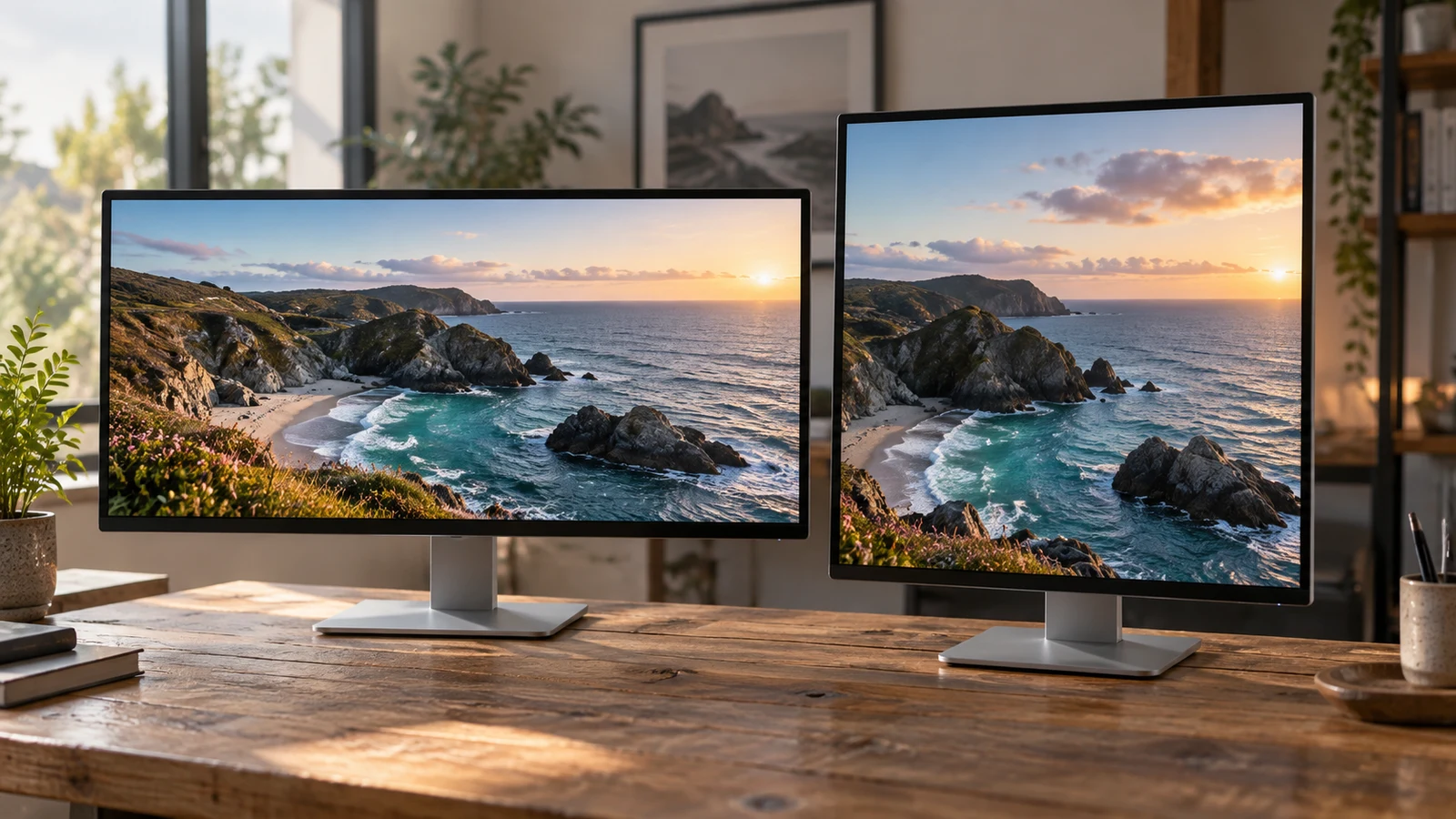
A rectangular image can fit completely inside a display without filling it. To predict the result, compare the image's width-to-height relationship with the viewing area's shape, then decide whether to preserve the whole image, crop it to fill the space, or stretch it. A higher pixel count does not settle that choice. The screen aspect ratio describes proportions; resolution supplies the pixel dimensions used to describe or calculate them.
Consider a hypothetical 16:9 image with a circle in its center and a small marker near each edge. Keep that source unchanged throughout the comparison. The circle will help reveal distortion, while the edge markers will show whether any content has disappeared. These are imagined reference features, not observations of either product or a particular application.
The supplied Republeq descriptions provide contrasting examples: a replacement panel listed at 2240X1400 with a stated 16:10 ratio, and a laptop display listed at 1920 x 1080. Their dimensions let us explain the geometry. They do not establish how installed software handles an image, and the products are not presented as compatible components.
Electronics Product Checks: Identify The Source And Viewing Area
Start by naming the rectangles separately. The source rectangle is the complete hypothetical image, including its edge markers. The destination rectangle is the area available to display it. For the first comparison, assume that destination is the entire screen rectangle in landscape orientation, with no space reserved for controls or other content. This is a modeling assumption, not a promise of full-screen presentation.
Keep the source's boundaries fixed. If you quietly change the image while comparing screens, you can no longer tell whether the difference came from the viewing area or the content itself. The question here is how the same complete rectangle would fit, not how to redesign the image for a different shape.
A ratio states width relative to height, in that order. A 16:9 rectangle has sixteen units of width for nine units of height. A 16:10 rectangle has sixteen units of width for ten units of height. At equal width, the latter is taller. Those units describe proportions, so this comparison does not require the two physical displays to have the same size.
Dell Inspiron Touchscreen Laptop And Replacement-Panel Ratios
The replacement-panel description gives both its native 2240X1400 resolution and its 16:10 screen aspect ratio. Dividing both pixel dimensions by 140 produces 16 and 10. That arithmetic agrees with the ratio stated in the supplied description. It describes the panel example's shape without requiring any claim about its brightness, color performance, or suitability for a particular computer.
The supplied description of the Dell Inspiron touchscreen laptop lists a 1920 x 1080 display. Dividing both dimensions by 120 produces 16 and 9. Here, 16:9 is a calculation from the listed resolution, not wording quoted from the description. Both examples rely on the supplied specifications rather than measurements of inspected hardware.
Read each pair together. A larger width value alone does not tell you whether the source and destination share a shape. Increasing width and height by the same factor preserves their ratio; changing their relationship changes the rectangle. Matching proportions can therefore occur across different resolutions, while two different proportions still need a fitting decision regardless of how many pixels they contain.
The replacement panel and the complete laptop serve different product roles. Their appearance in this comparison establishes no installation relationship between them. Treat the listed dimensions as examples for understanding fit, and leave component compatibility to a separate assessment. Nothing in the ratio calculation recommends installing the panel in the laptop.
Electronics Product Checks: Preserve, Crop, Or Stretch
First, preserve the complete hypothetical 16:9 image and scale it proportionally as large as possible inside each destination. Proportional scaling applies the same size change horizontally and vertically. The circle stays circular, and every edge marker remains within the image. Whether unused space remains depends on the relationship between the source and destination shapes.
Inside the full 1920 x 1080 rectangle, the source and destination ratios match. Geometrically, the image can reach all four boundaries without cropping or changing proportions. That establishes a possible fit, not the behavior of a particular viewer. An application might display the image smaller or reserve part of the screen for its interface.
Inside the full 2240 x 1400 rectangle, a proportionally fitted 16:9 image reaches the left and right boundaries before reaching the top and bottom. At a displayed width of 2240 pixels, its calculated height is 1260 pixels. That leaves 140 pixels of destination height unoccupied by the image. If the image is centered vertically, the unused bands are 70 pixels each.
Those dimensions describe the hypothetical fit. They do not predict the color of the bands or establish that a product will center the image. The visible result under this treatment would retain the whole source and the circle's proportions, with extra space above and below. If seeing every edge marker matters, this treatment satisfies that requirement.
Next, require the same image to fill the taller destination while retaining its proportions. To reach the top and bottom of the 16:10 area, the source must grow beyond the available width. Part of the enlarged image then falls outside the destination's left and right boundaries. Filling the area trades complete source visibility for coverage.
With a centered crop, content is lost from both horizontal sides. The source's top and bottom can remain visible, while its left and right edge markers may disappear. Moving the enlarged image sideways would change which side loses more content, but it would not make the whole image fit at that scale. The mismatch in proportions remains.
Notice which edges are affected. In this particular example, fitting the complete image leaves space above and below; proportionally filling the destination removes content at the sides. Calling either result simply a bad fit hides the choice involved. One preserves all the information, while the other covers the available rectangle without distorting the objects that remain visible.
Here, cropping means that the viewing boundary hides part of the enlarged source. It does not require editing or saving a cropped source file. Keep that distinction in your comparison so that a display treatment is not mistaken for an instruction to alter the original image. Actual software options still need to be checked separately.
Finally, consider stretching the complete source independently in width and height until it meets every boundary. In the 16:10 destination, that makes the hypothetical 16:9 image relatively taller. All the edge markers can remain visible, and the destination can be fully occupied, but the central circle becomes a vertically elongated oval. The original proportions have changed.
Stretching therefore answers a different requirement from proportional filling. It keeps the full source visible by accepting distortion instead of hiding content. For a diagram whose shapes carry meaning, that change could undermine the intended comparison. Decide whether altered proportions are acceptable for your content rather than assuming that an absence of unused space proves a suitable result.
For mismatched rectangles, these treatments make different compromises. You cannot simultaneously preserve the entire source, maintain its proportions, and cover the entire destination through these simple scaling choices. Identify which requirement you can relax. In the matching 16:9 destination, the geometric conflict disappears, although software behavior remains a separate question.
Electronics Product Checks For The Actual Viewing Window
The screen's advertised rectangle may not be the rectangle your image occupies. A window can reserve space for a toolbar, navigation pane, or other interface elements. The relevant destination is the content area remaining inside that arrangement. Do not assign dimensions to those elements without knowing the application and layout you intend to use.
This distinction can change the comparison. A screen whose proportions match the source does not guarantee that a smaller content area also matches it. Conversely, a content area on a differently proportioned screen could have the source's shape. The screen aspect ratio is therefore a starting point when your intended viewing arrangement uses only part of the display.
Ask where the image boundaries would actually be. Would the image occupy the entire screen, sit inside a resizable window, or share that window with controls? Would changing the window's size also change the available content rectangle? These questions describe the viewing arrangement without assuming that a particular application offers a specific control or fitting mode.
Keep the mathematical prediction separate from a future observation. You can say that a complete 16:9 image fitted proportionally into a 16:10 rectangle leaves vertical space. You cannot infer from the catalog dimensions that a selected program will choose that treatment. A later check of the intended software should establish whether it preserves, crops, stretches, or displays the source some other way.
Electronics Product Checks: Annotate The Fit Comparison
Record the result in terms of what remains visible and what changes shape. Use the same hypothetical source for each entry, and label whether the destination represents the full display or a known application content area. The following comparison assumes full display rectangles and describes geometry only; it is not a report of tested product behavior.
- Source 16:9; destination 16:9; proportional whole-image fit. The image can meet every boundary while retaining all edge markers and the circular center feature.
- Source 16:9; destination 16:10; proportional whole-image fit. The full source remains visible with unchanged proportions, but unused space remains above and below when centered.
- Source 16:9; destination 16:10; proportional fill. The destination is covered, the circle stays circular, and horizontal source content is hidden at the viewing boundaries.
- Source 16:9; destination 16:10; independent stretching. The complete source covers the destination, but the circle becomes taller relative to its width.
Add a short reason for the treatment you prefer. If every edge marker represents information you need to see, complete-source visibility may justify unused space. If uninterrupted coverage matters more, identify what a crop would hide before accepting it. If proportional shapes matter, stretching is inconsistent with that requirement even when it produces an apparently full display.
Leave unresolved software behavior marked as a question in your own comparison. Does the intended viewer support the treatment you want? What area will remain available when its interface is visible? Does the source's actual shape match the hypothetical example? Answering those questions is more useful than treating a catalog resolution as proof of a finished viewing arrangement.
For broader equipment and software suitability, use the related electronics product checks. If cryptocurrency purchasing is offered for the intended order, the geometric decision remains separate from the payment choice. Neither a payment method nor a matching ratio establishes that a replacement component is suitable or that an application will display content as intended.
Before purchasing, arranging panel installation, or configuring software, complete your comparison with the source ratio, intended viewing-area ratio, and acceptable fit treatment. Then resolve the questions that could change that choice: whether the whole source must remain visible, whether its proportions must stay unchanged, and whether the intended software can present it within the area you plan to use.