Crypto Commerce
LG 34GN850-B vs Samsung UJ59: Ultrawide or 4K Monitor?
The LG 34GN850-B vs Samsung UJ59 comparison gives you two different ways to arrange a desktop. The LG description specifies a curved, 34-inch ultrawide screen at 3440 x 1440. Samsung lists a 32-inch display at 3840 x 2160, with features for showing two connected sources. Consider the LG if its broad screen shape suits your main application; consider the Samsung if its 4K workspace or source-sharing features address a specific need. Neither description establishes an overall winner.
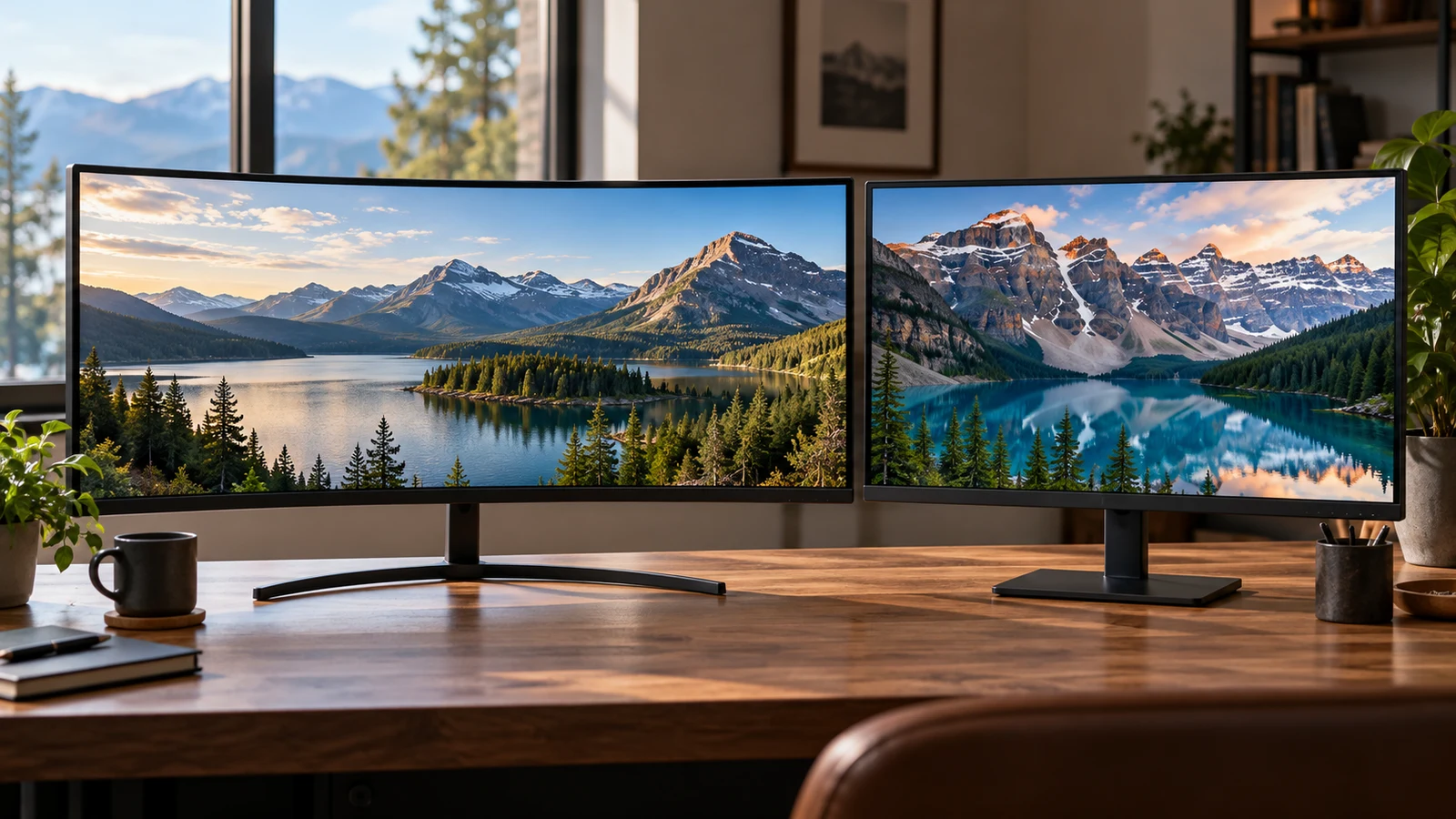
The LG 34GN850-B vs Samsung UJ59 comparison gives you two different ways to arrange a desktop. The LG description specifies a curved, 34-inch ultrawide screen at 3440 x 1440. Samsung lists a 32-inch display at 3840 x 2160, with features for showing two connected sources. Consider the LG if its broad screen shape suits your main application; consider the Samsung if its 4K workspace or source-sharing features address a specific need. Neither description establishes an overall winner.
Your choice should account for what remains open during an ordinary session. A timeline stretched across one application poses a different viewing problem from a document beside a preview window. Two computers sharing a screen introduce another requirement. Start with the layout you want to preserve, then check the connections and physical setup needed to use it.
This comparison uses the two Republeq product descriptions. The LG is explicitly described as refurbished. The Samsung description identifies its display and connection features but does not establish the condition of the particular unit you would receive. Listing specifications help narrow the decision; they do not describe the condition, included accessories or performance of an individual monitor.
Compare Screen Aspect Ratio Before Fitting Content To A Display: The Two Listings
The LG has an IPS-type LCD with a listed 21:9 aspect ratio, a curved surface and an anti-glare matte coating. Its 3440 x 1440 resolution is identified as QHD. Those details describe a particular combination of shape and pixel dimensions. Calling it a 34-inch display alone leaves out information you need when deciding how an application will occupy the screen.
The Samsung UJ59 has a listed 32-inch VA panel and 4K UHD resolution of 3840 x 2160. Its description discusses documents, web pages and multiple windows alongside photos, videos and games. That suggests uses to evaluate, without establishing how much comfortably readable material your own software will display. Font size and application layout still deserve attention.
For the LG side of the LG 34GN850-B vs Samsung UJ59 comparison, review the refurbished listing against the model designation 34GN850-B. Keep that identity attached to any answers about inputs, accessories or condition. Information about a similarly named monitor should not fill gaps in this description.
The diagonal measurements do not provide the installed width, height or depth of either monitor. Obtain those dimensions with the intended stand before deciding what fits between shelves or beneath a desk hutch. The LG's curvature also makes its actual enclosure dimensions more useful than a rough paper rectangle based on the screen diagonal.
The related guide, Compare screen aspect ratio before fitting content to a display, provides a separate place to examine content shape. For this purchase, keep the immediate question narrower: which of these two listed displays lets you arrange your usual material without making an important part awkward to read?
Compare Screen Aspect Ratio Before Fitting Content To A Display: Try Your Actual Layout
Choose a representative task and note the space each part needs. For an editing session, that might mean a preview with controls beside it and a timeline underneath. Ask whether the constraint is horizontal room for the timeline or vertical room for the preview and controls. This makes the LG's ultrawide format and Samsung's different pixel dimensions relevant to a real decision.
Try resizing the application on your current equipment before shopping. The exercise will not reproduce either monitor, but it can reveal whether panels collapse, labels disappear or a preview becomes too small when you change the window shape. Record the layout that works. You can then seek a demonstration of that arrangement on the candidate display instead of judging an empty desktop photograph.
For document work, include the text size you actually read. A layout that fits many windows only when text is uncomfortably small is a poor purchasing target. If you can try either monitor, use your normal applications and preferred scaling settings. Check whether menus remain readable and whether the working area still accommodates the document after you enlarge the interface.
Video deserves a separate check. Use a representative clip and examine the presentation you want, including whether borders, cropping or application controls are acceptable. Neither product description establishes how every player or streaming application handles its screen. Avoid treating the LG's ultrawide label or the Samsung's 4K label as a promise about the appearance of all your content.
The Samsung also offers a different kind of layout choice: Picture-by-Picture for displaying two connected devices side by side, described as retaining their original quality. Its Picture-in-Picture feature lets you move a second source and resize it to up to 25% of the screen. These are explicit features of the Samsung description. Equivalent functions are not established by the supplied LG description.
If you want a work computer and a separate source visible together, ask about the Samsung's supported input combinations and the resulting display modes. Also clarify how you would switch your keyboard and mouse between computers. Showing two pictures does not establish shared peripheral control, and the description makes no such promise.
Keep image specifications separate from these layout questions. LG lists 98% DCI-P3 coverage, maximum brightness of 400 nits and a 1000:1 contrast ratio. Samsung describes factory-calibrated 1 Billion Color Precision for color rendering. These are different statements, not a common measurement that establishes which monitor will reproduce your work more accurately. Neither description supplies a side-by-side color test.
4K Monitor Buying Checks: Connections, Placement And Condition
The Samsung description explicitly includes HDMI and DisplayPort connections. It does not specify their versions, connection counts or supported combinations of resolution and refresh rate. Begin your 4K monitor buying checks with the UJ59 listing, then match any unresolved connection details to the exact output on your computer or dock.
The supplied LG description does not identify its video inputs. That is a question to resolve before buying, especially if you intend to reuse a particular cable or adapter. Ask which input supports your intended display mode and whether the necessary cable comes with the unit. Do not carry the Samsung's documented connections across to the LG simply because both products are monitors.
Write down the complete connection path you intend to use, including any dock or adapter between computer and screen. Seek confirmation for that arrangement and your intended resolution. A connector name alone leaves several practical questions unanswered. If a seller confirms a configuration, retain the answer with the exact model and listing so you can distinguish it from general compatibility advice.
The LG description lists a 160 Hz refresh rate, a 1 ms GtG response time and support for G-Sync, FreeSync and Adaptive-Sync. Samsung lists AMD FreeSync, Low Input Lag and Fluid Tactical Gaming mode, but the supplied description does not give a numerical refresh rate or response time. Those omissions prevent a numerical comparison on equal terms.
For a purchase driven by a particular game, confirm the intended resolution and refresh mode with the equipment you will use. The LG's listed numbers are relevant specifications, but they do not establish what your computer will deliver. Likewise, the Samsung's named gaming features do not supply missing performance measurements. Avoid choosing between them on a claim neither description actually makes.
Mounting is better documented on the LG side: the description specifies a 100 x 100 mm VESA mount. It does not establish compatibility with every arm using that mounting pattern. Confirm the monitor's weight and any mounting clearance requirements against the arm you intend to use. The Samsung description supplied here does not establish a VESA mounting pattern.
Stand adjustment remains unresolved for both products in these descriptions. If your desk setup depends on a particular screen height or tilt range, ask for those details directly. Obtain the footprint of the supplied stand as well. A monitor that fits across the desk may still leave too little space in front for your keyboard at your preferred viewing position.
The LG has no built-in speakers and uses an external power adapter. Plan a separate audio arrangement if you need sound, and confirm that the correct adapter is included with the refurbished unit. The Samsung description does not establish speaker provision or package contents. Neither silence about an accessory nor a photograph should substitute for an explicit package confirmation.
4K Monitor Buying Checks: Decide What You Need Confirmed Before Ordering
The LG's refurbished status calls for questions about the unit being sold. Ask what inspection or refurbishment was performed, whether there are disclosed panel or enclosure defects, and which accessories accompany it. The description does not establish a cosmetic grade or repair history. Refurbished should therefore remain a condition label until the seller provides details you can evaluate.
Make your questions concrete. If marks on the viewing surface would affect your work, ask specifically about that surface. If you plan to use the original stand, confirm its inclusion and condition. For any offered warranty or return option, read the applicable terms before relying on it. This article does not establish coverage, eligibility or a return deadline for either monitor.
Apply the same attention to the Samsung's unit condition even though its description does not use the LG's refurbishment wording. Confirm what condition is offered for the selected item and what arrives in the package. An omission is not evidence that a monitor is new, complete or free of defects.
Once the hardware questions are settled, compare the actual order totals and terms displayed for your selected items. Review delivery charges and any accessory purchases needed for the setup. Check available payment methods at checkout if a particular method matters to you. No payment option, current stock level or delivery date is promised by the product comparison itself.
The practical outcome of LG 34GN850-B vs Samsung UJ59 should be a choice tied to a demonstrated need. The LG merits a closer look when your preferred application arrangement benefits from its listed 21:9 curved format and you are comfortable evaluating the refurbished unit. The Samsung merits a closer look when its 3840 x 2160 workspace or documented two-source viewing functions suit your intended use.
Before selecting either listing, write one sentence describing the arrangement you expect to use every day. Add the unresolved detail that could prevent it, such as an input mode, stand dimension or missing accessory. Use that question to guide your next product inquiry. Purchase only when the answer supports the setup you actually want and the unit's condition and order terms are acceptable to you.