Crypto Commerce
Fusion5 Windows 11 tablet vs Raypodo PoE: portable or fixed display
The Fusion5 Windows 11 tablet is the candidate to investigate for a Windows task that moves with its user. Raypodo deserves attention when the screen belongs at a particular station and the installation would benefit from its listed Power over Ethernet support and VESA mounting. Neither description establishes that the same application will work equally well on both. Decide where the device must remain during the task, then check the software and connections needed to complete it.
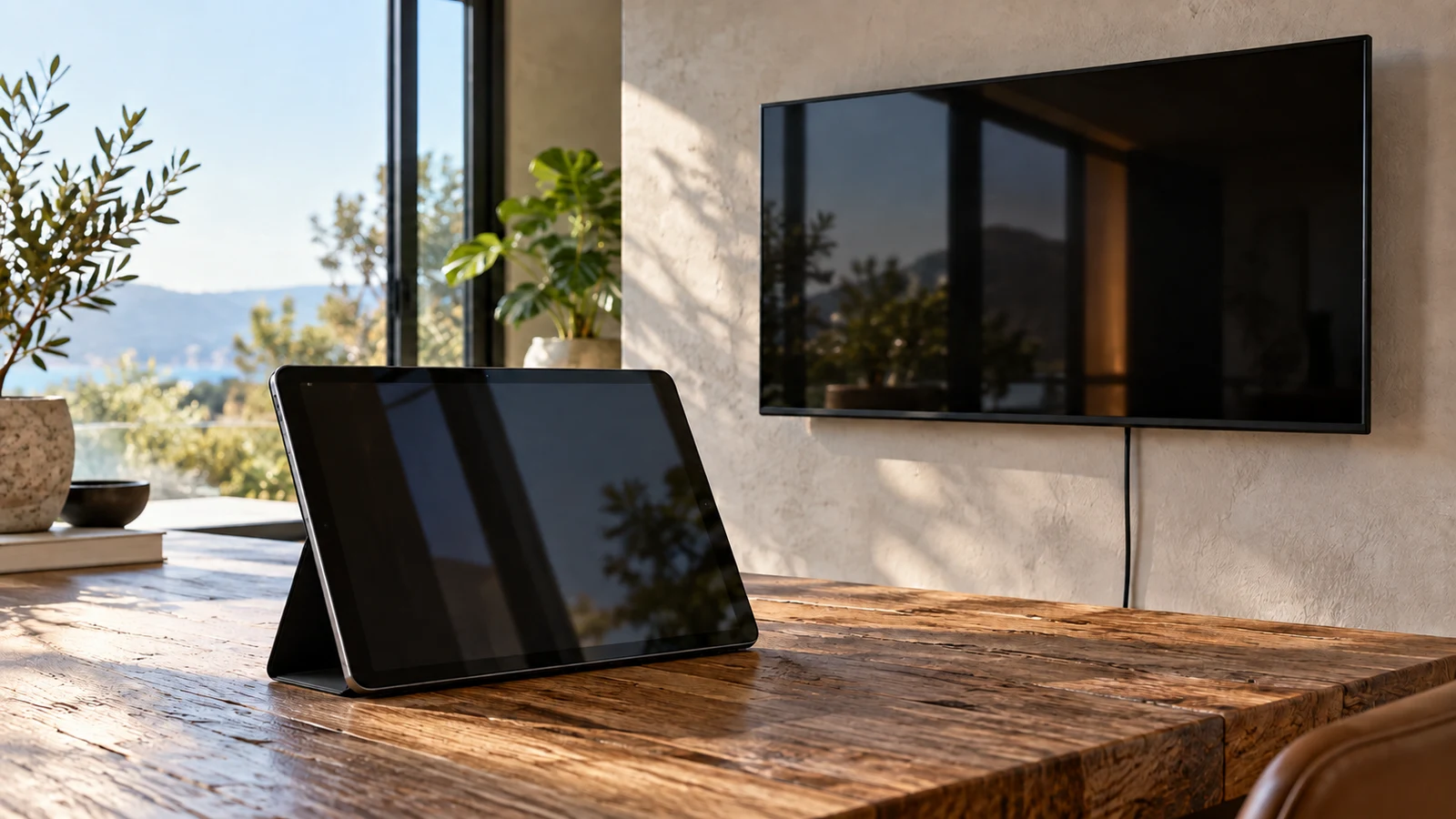
The Fusion5 Windows 11 tablet is the candidate to investigate for a Windows task that moves with its user. Raypodo deserves attention when the screen belongs at a particular station and the installation would benefit from its listed Power over Ethernet support and VESA mounting. Neither description establishes that the same application will work equally well on both. Decide where the device must remain during the task, then check the software and connections needed to complete it.
Consider a screen used to review and update a work instruction. A person might need to carry it to the item being inspected, enter a correction, and return it to a desk. Alternatively, the instruction might need to remain visible at one station while different people approach it. Those arrangements call for different equipment checks, even if the document looks identical. This comparison uses the products' stated specifications to help you distinguish those needs; it does not report hands-on testing.
RAYPODO Tablet Alternative: Does The Screen Follow A Person Or Stay At A Station?
Write down where the screen needs to be while someone actually uses it. For the portable arrangement, include time away from a power outlet and any accessories the person must carry. For the fixed arrangement, identify the proposed mounting position and how someone will reach the controls. These details turn a broad preference for portability or installation into requirements you can check against a specific device.
The description of the Fusion5 Windows 11 tablet names an ultra-slim profile and a 10.1-inch Full HD screen. That makes its physical format relevant to the carrying scenario. However, the supplied description does not give weight, battery runtime, or charging requirements. Before choosing it for work away from a desk, ask for those details for the exact model and consider how a connected accessory would affect handling.
For a screen assigned to one location, the RAYPODO tablet alternative lists a 13.3-inch panel, PoE support, and a VESA 75x75mm mounting pattern. Those are concrete reasons to assess it for a fixed station. They do not establish that your existing mounting hardware or network power equipment is compatible, nor that either item comes in the package.
A mixed requirement needs closer attention. If one device must spend most of its time mounted but occasionally travel with an employee, specify how often it will move and what must remain connected. Neither supplied description establishes a quick-release arrangement or a complete docking solution. Treat easy removal, reconnection, and operation away from the station as separate questions rather than assuming that either product covers the whole routine.
RAYPODO Tablet Alternative: Compare The Application And Connection Requirements
Fusion5 lists Windows 11, an Intel quad-core CPU, 8GB RAM, and 256GB storage. Raypodo lists Android 11, an RK3568 quad-core processor, 2GB RAM, and 32GB ROM. These specifications describe different computing configurations. They do not provide a measured comparison of responsiveness, and the capacity figures alone cannot establish how either device will handle your application.
Start the application check with one complete action the user must finish. For the work-instruction example, that might mean opening the current document, entering a change, and saving it where colleagues can retrieve it. Record the application name and version, along with any required login method. Then ask the software provider whether that workflow is supported on the exact operating system and device configuration under consideration.
If the task uses a browser, verify the actual browser workflow too. A page opening successfully does not demonstrate that its file upload, printing, or sign-in process will meet your needs. Request a demonstration of the functions you use, with representative content. Keep any result tied to the configuration demonstrated; a successful example on another tablet would leave the proposed purchase unresolved.
The Fusion5 description includes a full-size USB 3.0 port and a Micro HDMI output for external displays. Those connections are relevant if the portable task returns to a desk with peripherals or a separate screen. Check each accessory's connector and software requirements. The description does not establish a bundled keyboard, a docking station, or compatibility with a particular printer, so none should be assumed in the purchase plan.
Raypodo's description names USB, HDMI, and RJ45 connections, but does not specify the HDMI signal direction. If your plan involves sending a picture to the tablet from another computer, ask explicitly whether that is supported. The presence of an HDMI connection does not settle that question. Similarly, a listed network connection does not confirm integration with your organization's control software or device-management system.
RAYPODO Tablet Alternative: Separate Looping Content From An Interactive Task
Raypodo lists auto-playback and looping capability. That is relevant when the station's purpose is to repeat information without someone editing it there. Ask which content formats the capability accepts and how a replacement file is loaded. If the intended screen must display changing information from another system, confirm that specific method separately; looping support does not establish a connection to a live data source.
An interactive instruction station has different acceptance criteria. Someone may need to choose a document, enter information, or recover from an accidental exit. Raypodo lists 10-point capacitive touch, but that specification does not establish the behavior of your application. Ask for a demonstration using the intended controls and login arrangement. If access must be restricted to one application, confirm the restriction and the administrator's recovery method.
Fusion5's larger listed memory and storage capacities may be relevant when checking an application's requirements or planning local file storage. They are not proof that the device will run a demanding workload smoothly. Neither product description supplies comparable benchmark results. Use the capacity figures to identify questions for the software provider, and avoid treating the descriptions' performance language as an independently measured outcome.
Compare Screen Aspect Ratio Before Fitting Content To A Display: Check The Installed View
Raypodo specifies a 13.3-inch 1920x1080 IPS panel. Fusion5 describes its 10.1-inch screen as Full HD without supplying a numerical resolution in the description. Preserve that distinction when requesting display information. Ask for Fusion5's exact native resolution and usable display dimensions if the layout is important; do not fill in missing specifications from the wording used for the other product.
For layout-specific guidance, read Compare screen aspect ratio before fitting content to a display. For this purchase decision, prepare a representative instruction page containing the smallest text and most detailed image someone must use. Ask to see it at the intended application settings. A product photograph or an attractive sample video would not answer whether that particular page is comfortable to read.
Evaluate the portable and fixed arrangements from their intended positions. For a carried device, consider whether the user can hold it while operating the necessary controls. For a mounted screen, identify where the reader will stand and whether touch input is required from that position. Screen diagonal alone does not settle either issue. Obtain the full device dimensions before deciding that it fits a location or is comfortable to carry.
Raypodo's VESA 75x75mm specification gives you a mounting detail to match, but the rest of the installation still needs checking. Ask for device weight, appropriate mounting hardware, and clearance requirements. Include access to the connections and any controls someone may need after installation. A mount that fits the attachment pattern still needs to suit the proposed surface and the way the screen will be used.
The Raypodo description states that PoE allows one Ethernet cable to carry power and data. It does not identify the required PoE standard or power budget. Ask the seller to specify the requirements and have the person responsible for the network check the proposed supply equipment. Do not assume that an available Ethernet connection provides suitable power, or that a compatible injector is included.
For Fusion5, ask how the unit is powered during desk use and what charging equipment the selected package supplies. If the portable routine depends on battery operation, request runtime information relevant to that workload. Keep the power question separate from the wireless description: the phrase "5G WiFi" does not establish cellular service. The description also names Bluetooth 4.4; confirm the exact wireless specifications when accessory compatibility matters.
Raypodo is described as built for continuous operation and 24/7 commercial use. Treat that as the seller's stated positioning, not an independent endurance result. For an unattended installation, request the operating limits and instructions relevant to the location. Neither description establishes waterproofing or suitability for every industrial environment, so avoid choosing either unit for exposure conditions that have not been addressed.
RAYPODO Tablet Alternative: Resolve The Package Before Choosing
Once the application and placement requirements are clear, compare the actual packages. Ask the seller to identify the exact model and selected configuration in writing. For Fusion5, reconcile that answer with the stated Windows 11, 8GB RAM, and 256GB storage configuration. For Raypodo, check it against the stated Android 11, 2GB RAM, and 32GB ROM configuration. Preserve any disagreement for clarification instead of assuming that a similar product name refers to identical hardware.
Request an itemized contents list. For a fixed Raypodo installation, establish whether mounting hardware and suitable power equipment need separate purchase. For a portable Fusion5 arrangement, check the supplied charging equipment and any accessories needed for the task. This does not mean those items are absent. The supplied descriptions simply do not establish a complete package for either proposed setup.
Before ordering, ask for answers to the remaining questions that could change the choice:
- Can the exact application complete the intended workflow on this configuration?
- What power equipment is required, and which parts are supplied?
- Will the device fit the planned mounting or carrying arrangement with its connections attached?
- How will the user or administrator restore the required application after an interruption?
Check current availability and the selected variant on the product page before committing. Compare the complete purchase cost once the needed accessories are known, and read the current delivery and return terms. If paying with cryptocurrency, review the currency, network, requested amount, and any displayed deadline in the actual checkout. No payment method resolves an unanswered hardware or software requirement.
Choose the Fusion5 Windows 11 tablet for further evaluation when the work needs its listed Windows configuration and a device that can accompany the user, subject to confirming practical carrying and power requirements. Keep Raypodo under consideration when the task belongs at a fixed Android station and its listed PoE and mounting features address that installation. Open the relevant listing with your application requirement and setup questions beside you, then confirm the exact package before buying.