Crypto Commerce
JYXOIHUB 55-inch interactive display for meetings
The JYXOIHUB 55-inch interactive display has features relevant to a small meeting room: a listed 3840×2160 panel, built-in Eshare wireless screen mirroring and touch input. Those specifications make it a candidate for sharing work on a room display, but suitability still depends on your devices and meeting software. One specification needs particular attention: the description states both up to 20 touch points and 10-point IR input. Ask which applies to the configuration you would receive.
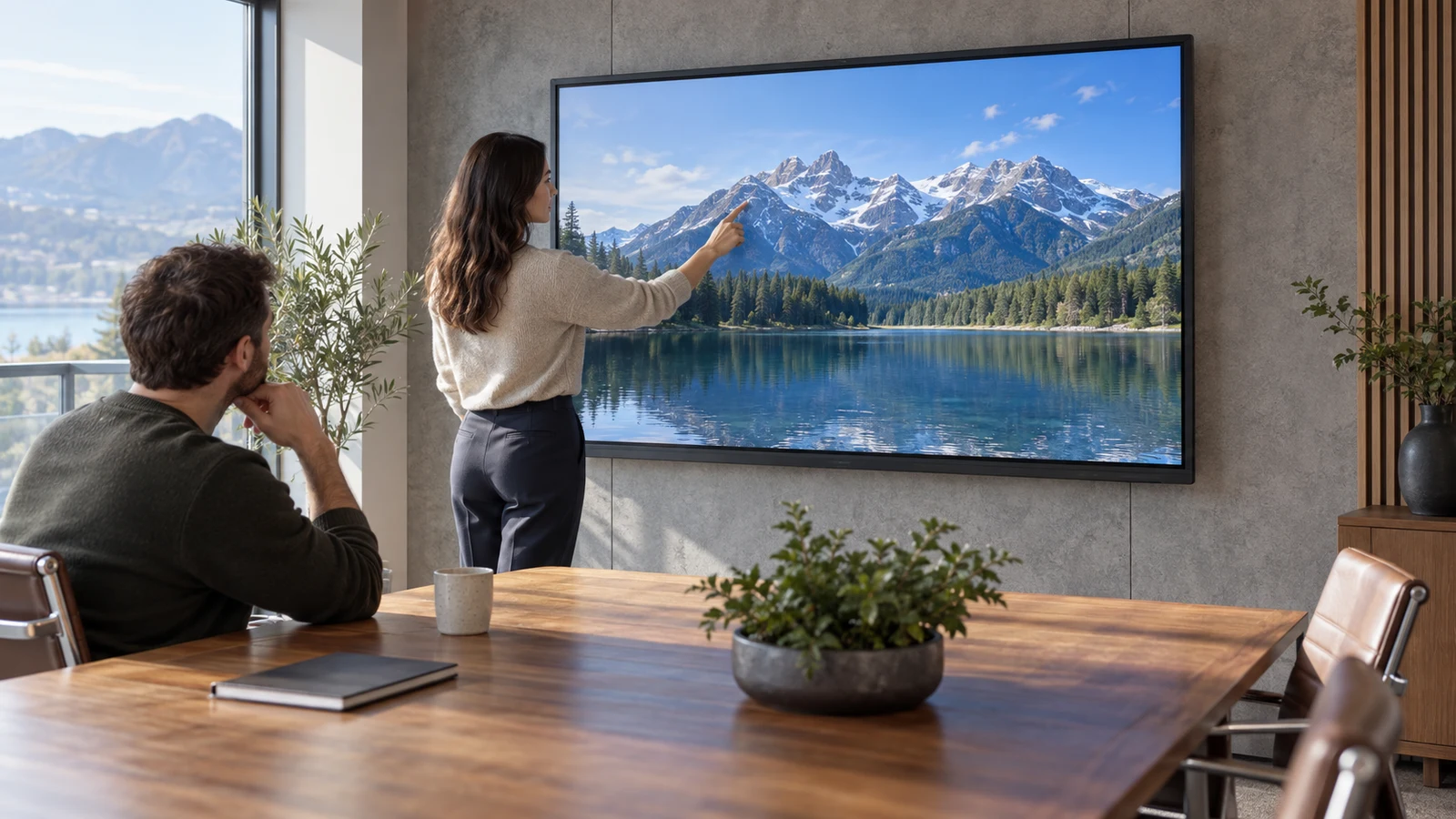
The JYXOIHUB 55-inch interactive display has features relevant to a small meeting room: a listed 3840×2160 panel, built-in Eshare wireless screen mirroring and touch input. Those specifications make it a candidate for sharing work on a room display, but suitability still depends on your devices and meeting software. One specification needs particular attention: the description states both up to 20 touch points and 10-point IR input. Ask which applies to the configuration you would receive.
For a useful buying decision, start with a meeting task your team already performs. You might need to show a detailed drawing from a managed laptop, then make a change while standing at the display. That example raises separate questions about readability, mirroring and control. The description supports wireless mirroring and touch as features; it does not establish that touching a mirrored application will control that application on your laptop.
Compare Screen Aspect Ratio Before Fitting Content To A Display: Identify The JYXOIHUB Configuration
The product description identifies the black JYXOIHUB JYXOIHUB55 by SKU sku-16650350843 and UPC 756371471504. Use those identifiers when discussing the JYXOIHUB 55-inch interactive display with the seller. They help keep questions tied to the intended model, particularly when asking about the conflicting touch specifications or the optional computer upgrade.
Condition is a separate purchase detail. The supplied description does not establish whether the unit offered for your order is new, refurbished or open box. Ask for the condition of the selected item and an itemized package description. Do not assume that a stand, wall bracket, stylus or installation service accompanies the display because such items would be useful in a meeting room.
The stated standard operating system is Android 11.0, with an optional Windows 10 Pro OPS upgrade. Treat that upgrade as a configuration choice requiring confirmation. If your room depends on a Windows application, establish whether the quoted unit includes the optional hardware and software, what the selected configuration contains, and whether your organization permits its use. The base description does not make Windows part of every purchase.
Keep the configuration answer attached to the product identity. A seller response about a different screen size or another version would leave the original question unresolved. For procurement, a concise item description covering the model, condition and selected operating-system configuration is more useful than a broad assurance that the board is suitable for business meetings.
Compare Screen Aspect Ratio Before Fitting Content To A Display: Assess The Meeting Experience
JYXOIHUB specifies a 55-inch 4K UHD IPS LED panel with a resolution of 3840×2160. To assess its usefulness, bring a representative file to any demonstration: a drawing with small annotations, for example, if that is what the room will regularly display. Check whether the people seated farthest away can read the details at a practical zoom level. A resolution specification alone cannot answer that room-specific question.
Consider what must remain visible while someone discusses a detail. If enlarging a drawing makes its surrounding labels disappear from view, decide whether that interruption would matter during your meetings. Test the application layout you intend to use, including any toolbars or side panels. This is a question about your working material and seating arrangement, not a promise that a particular diagonal size suits every small room.
For a separate explanation of content proportions, read Compare screen aspect ratio before fitting content to a display. Keep that preparation distinct from evaluating this model. Here, the purchase question is whether the chosen file remains readable through the actual presentation method, with the room layout and software you expect to use.
Built-in Eshare is explicitly described as supporting wireless screen mirroring for meeting rooms, classrooms and places of worship. The description does not identify supported laptop operating-system versions, installation requirements or the behavior of managed guest devices. Give your IT contact the intended source-device details and ask what would be needed to mirror successfully under your organization's network and software restrictions.
A demonstration should begin with the presenter’s normal access level. Someone using an administrator account or a specially prepared device may not reveal the steps your colleagues would face. Ask to see the connection process from the intended laptop, then check how sharing ends. For a shared room, also ask what remains visible or stored after the presenter disconnects; the description does not establish those session-management details.
Compare Screen Aspect Ratio Before Fitting Content To A Display: Clarify Touch And Mirroring Separately
The touch wording deserves a written clarification before it becomes part of your purchase specification. One passage states support for up to 20 touch points, while the touchscreen specifications list 10-point IR input at 32768×32768 resolution. The description does not explain whether those counts refer to different operating modes or configurations. Neither number should be presented as a settled answer for your intended setup.
Ask the seller to identify the simultaneous-touch count for the exact model and operating mode you will use. If the answer changes between the built-in Android environment and an optional Windows configuration, request that distinction explicitly. The description also gives both 4ms and 8ms response times without explaining their relationship. Avoid choosing one figure as the product's definitive response time.
The JYXOIHUB 55-inch interactive display should also be assessed for the specific interaction your meetings require. Ask whether a touch on the board can operate the chosen mirrored application, or whether interaction is limited to software running on the display itself. Wireless screen mirroring does not, by itself, establish remote touch control. A demonstration of the exact action is useful if that capability determines your choice.
For example, ask the demonstrator to open a nonconfidential sample drawing through your intended connection method and select one of its on-screen controls from the board. Observe which device responds and whether the action changes the original application. This proposed test does not assume the feature exists. It gives the seller a precise requirement to confirm or rule out, without relying on the broad word “interactive.”
The listed computing resources are 4GB DDR3 memory and a 256GB SSD. Those figures describe capacity, but the supplied description does not demonstrate performance in your chosen application. If the plan is to open files directly on the board, ask about the relevant app, file format and access method. If the laptop will remain responsible for the application, focus the demonstration on that connection path.
BELNET Monitor Alternative: Compare The Same Meeting Task
The BELNET monitor alternative is described as a 49-inch touchscreen all-in-one display intended for digital signage and live streaming. Its description specifies a 1920×1080 IPS LED panel and Android 12. These are meaningful differences from JYXOIHUB's listed 55-inch 3840×2160 panel and Android 11.0, but neither the intended-use wording nor the operating-system number establishes which will handle your meeting application better.
Compare the displays using the same representative file and intended seating positions if demonstrations are available. With JYXOIHUB, investigate whether the larger panel and stated resolution help people inspect the details you need. With BELNET, check whether its listed panel is sufficient for that same task. Avoid changing to a simpler presentation for one product, since that would answer a different buying question.
BELNET lists 3GB RAM and 64GB eMMC storage, alongside an octa-core processor. JYXOIHUB lists 4GB DDR3 and a 256GB SSD. The descriptions do not provide comparable application benchmarks, so those resource differences do not support a claim that one board will launch your files faster or handle your meetings more smoothly. Ask for evidence tied to the application you would actually run.
The BELNET description names WiFi on 5GHz and 2.4GHz bands, Bluetooth 4.0, HDMI, USB 3.0/2.0 and 4G LTE support. The supplied JYXOIHUB description names Eshare wireless mirroring but does not provide an equivalent port inventory. That difference is a gap in the descriptions, not proof that JYXOIHUB lacks particular connections. Request its exact connector specifications if a wired laptop connection is part of your requirement.
BELNET's supplied description does not name Eshare or specify a simultaneous-touch count. Its wireless connectivity list therefore does not establish that it can replace the same mirroring and interaction arrangement. Keep the comparison narrow: which product can demonstrate your chosen source device, application and input method? Features aimed at advertising or mobile network access may have little bearing on that answer.
BELNET Monitor Alternative: Resolve Room Fit Before Choosing
Physical installation remains unresolved for JYXOIHUB because its supplied description does not give the enclosure dimensions, weight or mounting requirements. Obtain those details before selecting a location or support. For a room where someone will stand at the screen, consider whether the planned position leaves usable space in front of it and whether the controls needed during meetings will be reachable.
BELNET lists dimensions of 1151×681×64mm, labeled L×W×H. Ask the seller to clarify the orientation of those measurements before using them in an installation drawing. Those dimensions do not establish stand clearance or mounting compatibility. For either display, have the proposed support assessed against the confirmed product requirements rather than selecting hardware from the screen's diagonal measurement.
JYXOIHUB's description states a power draw of 180W. It does not supply the electrical information needed to settle every installation question, such as the input-voltage range or supplied plug. Ask for the relevant specifications for the unit being sold. An installation budget should distinguish the display from any separately required support, cabling or professional work, with those costs confirmed before approval.
For hybrid meetings, ask separately about cameras, microphones and audio output. The supplied JYXOIHUB description does not establish that these are included, nor does it confirm compatibility with a particular conferencing service. If colleagues joining remotely must hear discussion or see annotations, describe those requirements explicitly. A room display's mirroring and touch features do not establish a complete conferencing setup.
Purchase terms also need their own review. Confirm the selected configuration, current total, delivery arrangements and applicable return and support terms without inferring them from the technical description. If paying with cryptocurrency, use the payment option and network actually presented for the order, and read the amount and any deadline instructions before proceeding. No particular network, fee or payment timing is established by these product specifications.
Base the final choice on a short acceptance description for your room: the identified JYXOIHUB configuration must show your sample material clearly from the intended seats, mirror from the intended device and perform any required touch action in the chosen application. Send that description with a request to resolve the touch-count discrepancy. If those answers support the intended use and the installation fits, you will have a concrete basis for choosing the board.