Crypto Commerce
Pixio PXC278 vs CRUA curved monitors: resolution conflict
The Pixio PXC278 description presents a QHD 1440p, 180Hz monitor. The CRUA description combines UHD (3840×2160) resolution with the phrase "1080P clarity." That wording leaves an important question unresolved: what is the native resolution of the CRUA panel being sold? Compare Pixio's listed specifications with CRUA's stated specifications provisionally, and ask for a model-specific answer before treating CRUA as the higher-resolution choice.
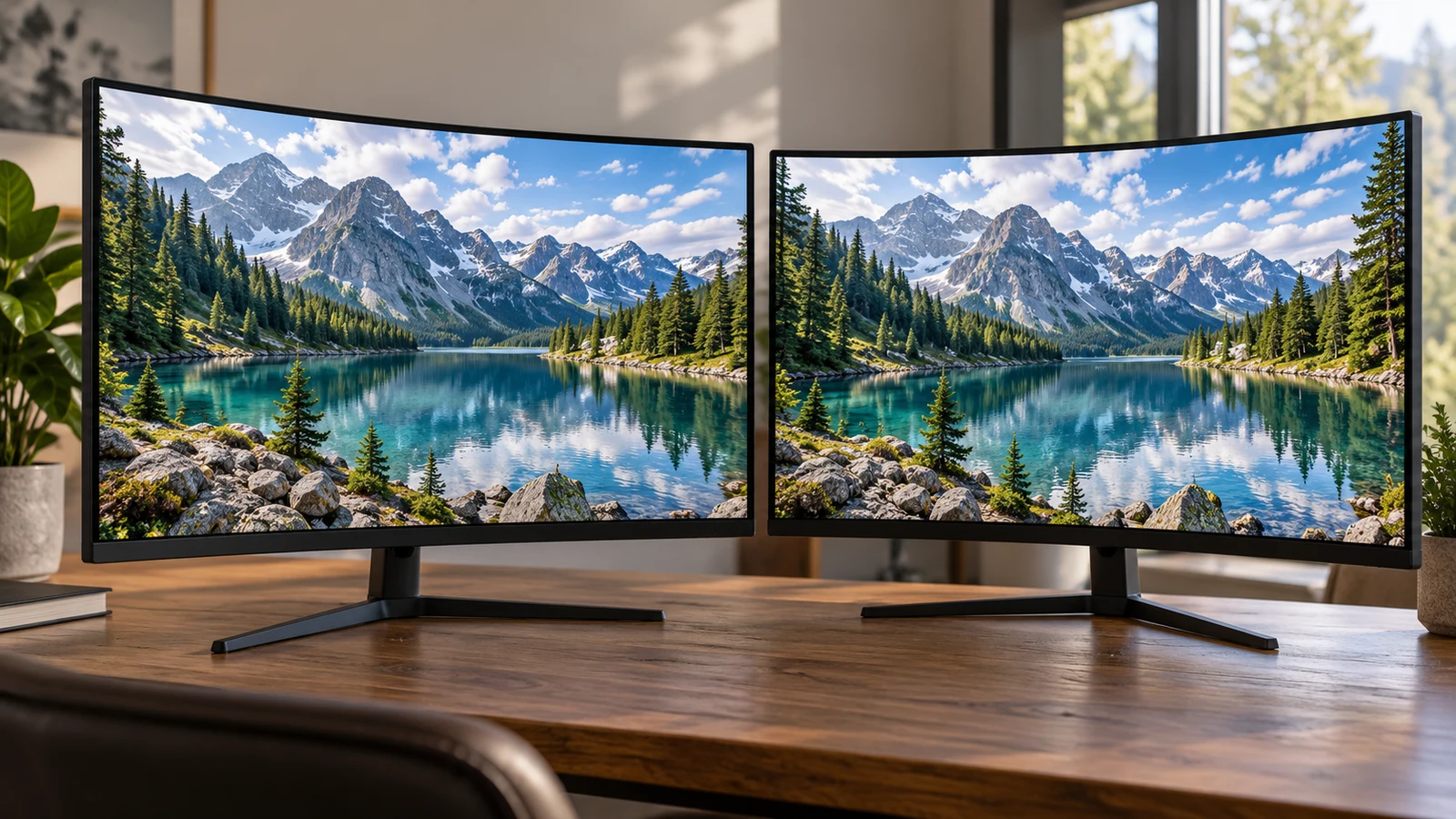
The Pixio PXC278 description presents a QHD 1440p, 180Hz monitor. The CRUA description combines UHD (3840×2160) resolution with the phrase "1080P clarity." That wording leaves an important question unresolved: what is the native resolution of the CRUA panel being sold? Compare Pixio's listed specifications with CRUA's stated specifications provisionally, and ask for a model-specific answer before treating CRUA as the higher-resolution choice.
This matters if your purchase depends on a particular desktop resolution. A buyer who wants a confirmed UHD panel needs a different answer from someone asking whether a monitor can display a lower-resolution video source. The CRUA description does not explain what its 1080P reference means. Neither assuming a typing error nor treating that phrase as definitive would settle the issue.
You can still make progress. Separate what each description states from what you need the seller to clarify, then compare the display mode you intend to use. The aim is to establish whether either exact model meets your requirements without allowing an ambiguous resolution claim to decide the purchase.
CRUA Monitor Alternative: Reading The Resolution Claims Together
The Pixio PXC278 product description identifies the Wave as a 27-inch curved monitor with a Fast VA panel and 1650R curvature. It lists QHD 1440p resolution, a 180Hz refresh rate and a 1ms GTG response time. Adaptive Sync and HDR also appear in the description. Those are advertised details, not results from a comparative test.
For this particular decision, Pixio provides a reasonably straightforward starting point: its resolution wording and refresh-rate wording identify the advertised combination you would ask to use. The supplied description does not specify its connections or explain which connection and settings are needed for that combination. A buyer should leave those fields open until they have an answer for the exact monitor.
The linked CRUA monitor alternative is the white CR320C-4K-75hz, identified by SKU sku-15731752910. Its description lists a 32-inch VA panel, 1500R curvature and a 75Hz refresh rate. Within the same description, UHD (3840×2160) resolution appears alongside 1080P clarity. Keep both statements in view when asking about the product.
The UHD wording is explicit enough to explain why a shopper would consider this model for a higher-resolution requirement. The 1080P wording prevents an unqualified recommendation on that basis. The description does not identify it as an input mode, an example of content, or a mistake. Choosing one of those explanations would add information the seller has not supplied.
Keep the advertised comparison in separate fields. Pixio states QHD 1440p and 180Hz; CRUA states UHD pixels, includes conflicting clarity wording and lists 75Hz. Screen size is another field, with 27 inches stated for Pixio and 32 inches for CRUA. None of those fields should silently resolve another. In particular, the larger stated screen size does not answer the native-resolution question.
CRUA Monitor Alternative: Asking For A Native-Panel Answer
Ask the seller a question tied to the model and SKU: "For the white CR320C-4K-75hz, SKU sku-15731752910, what is the panel's native resolution in pixels? The description says UHD (3840×2160) and also says 1080P clarity. What does the 1080P phrase refer to?" This gives the seller the discrepancy to address without proposing an explanation for them.
A useful answer would state the native pixel dimensions and explain the conflicting phrase. A reply that simply repeats "4K monitor" leaves the original wording unresolved. If the seller directs you to a specification sheet or manual, check that its model identification matches the unit on the product page. Information for another curved CRUA monitor would not answer this question.
It also helps to distinguish the panel specification from the signal you plan to send it. Native resolution describes the panel itself; a supported input resolution describes a signal the monitor can accept. Ask about each explicitly. An answer about displaying 1080p content should not be recorded as confirmation of the panel's native pixel dimensions.
The possible answers lead to different buying decisions. If the seller confirms native 3840×2160 and explains the 1080P reference, you can assess CRUA against your UHD requirement. If the confirmed native resolution differs, compare that specification with your needs. If the answer remains ambiguous, leave CRUA's suitability for a required UHD panel undecided. There is no need to convert uncertainty into either a recommendation or an accusation.
Keep the clarification with the exact product details you considered. That record helps prevent a later comparison from drifting back to a shortened title or an unexplained resolution label. It does not establish a return entitlement or guarantee a particular remedy. Those terms require their own reading if they affect your decision.
Compare Screen Aspect Ratio Before Fitting Content To A Display: Define The Intended Mode
Once the panel question is clear, describe how you intend to use the screen. "A monitor for my computer" leaves several requirements unstated. A more useful brief names the desktop resolution you want to select and the refresh rate you need for your usual activity. That lets you ask whether the complete display mode works with your computer and planned connection.
For example, a shopper considering Pixio primarily for its advertised 180Hz refresh rate should ask how to use that rate at the listed QHD resolution. The presence of both figures in a description is a starting point for the question. It does not document the required port, cable or settings, and the supplied Pixio text does not provide those details.
For CRUA, a shopper seeking a UHD desktop should first resolve the native-panel wording, then ask whether the desired resolution and refresh rate are supported together through the connection they intend to use. These are separate answers. Confirmation of native resolution would settle the wording conflict without necessarily settling every question about the computer-to-monitor setup.
The guide Compare screen aspect ratio before fitting content to a display addresses a related content-fitting question. Keep that question separate from this product discrepancy. How you want an image or application to fit the screen does not establish which native panel is inside the CRUA model.
A practical example is someone who uses the desktop for documents and occasionally watches lower-resolution video. Ask about the desktop mode needed for work, then consider how the video should appear. The resolution of that video should not become shorthand for the monitor's physical panel specification. CRUA's unexplained clarity phrase is precisely why these terms deserve separate treatment here.
Someone choosing mainly for games may put more weight on the listed refresh rates. Pixio advertises 180Hz and CRUA advertises 75Hz, but neither description supplies a hands-on comparison for your games and computer. Use the figures to decide what to investigate. They do not establish the frame rate your system will produce or how either display will look during a particular game.
The Pixio PXC278 description also lists 1ms GTG, while CRUA lists 2ms GTG. Those advertised response-time figures do not settle the resolution conflict or provide a complete motion-quality comparison. If response behavior is important to you, seek information about the conditions behind the figures. Avoid giving a single advertised number more influence than your actual display requirements.
CRUA Monitor Alternative: Connections, Physical Fit And The Purchase Decision
CRUA's description names one HDMI 2.0 connection, one DisplayPort 1.2 connection and audio output. Pixio's supplied description does not name its ports. That difference concerns the information available for comparison. It should not be turned into a claim that Pixio lacks a connection, or that a CRUA port guarantees your preferred display mode.
Write down the output you intend to use on your computer and whether a dock or adapter sits between it and the monitor. Ask about that complete arrangement when confirming support. If the reply only names a connector, follow up with the requested resolution and refresh rate. A precise question is easier to evaluate than a broad assurance that the monitor works with computers.
Package contents need a separate check. Neither supplied description establishes which display cable would arrive with your order. Before budgeting for accessories, ask whether an appropriate cable is included and whether anything else is needed for your intended connection. Do not infer a cable bundle from a listed port.
Physical fit can rule out an otherwise suitable specification. The descriptions state different screen sizes and curves, but neither provides enough information here to establish your complete desk arrangement. Check the assembled dimensions and stand footprint against the available space. If you need to position the monitor at a particular height, ask about the available adjustment rather than assuming the stand will accommodate it.
CRUA states support for a 75mm×75mm wall mount. The supplied Pixio description does not state a mounting pattern. If you plan to use a separate support, confirm the exact monitor's mounting and weight requirements before selecting one. CRUA's stated mounting pattern alone does not establish that every support with a similar description is suitable.
Other advertised features can remain secondary while you resolve the purchase requirement. Pixio lists HDR and Adaptive Sync; CRUA lists AMD FreeSync, flicker-free technology and low blue light. Those entries may prompt further questions, but they do not explain CRUA's conflicting resolution language. The descriptions also do not support a verdict about which screen has better measured image quality.
Revisit price only after you know which specifications you are comparing. Check the current amount and availability for the exact model, along with any delivery charges or accessories that affect your budget. A lower price would not make an unresolved native resolution acceptable for a task that requires UHD. Equally, paying more for a listed refresh rate has little purpose if it is outside your requirements.
If you intend to pay with cryptocurrency, review the payment options and conditions actually presented before committing funds. Check the requested currency, network and total, and read any displayed expiry conditions. Keep that purchase check brief and separate from the monitor assessment. A payment method cannot clarify a panel specification, and an unanswered product question is best addressed before payment.
Choose your next step according to the requirement that brought you to these monitors. For the listed QHD and 180Hz combination, investigate Pixio's exact connection requirements. For a confirmed native UHD panel, obtain CRUA's model-specific explanation first. Return to the product you are considering with your intended resolution, refresh rate and connection written down, and ask the seller to address whichever part remains unanswered before placing an order.