8 min read
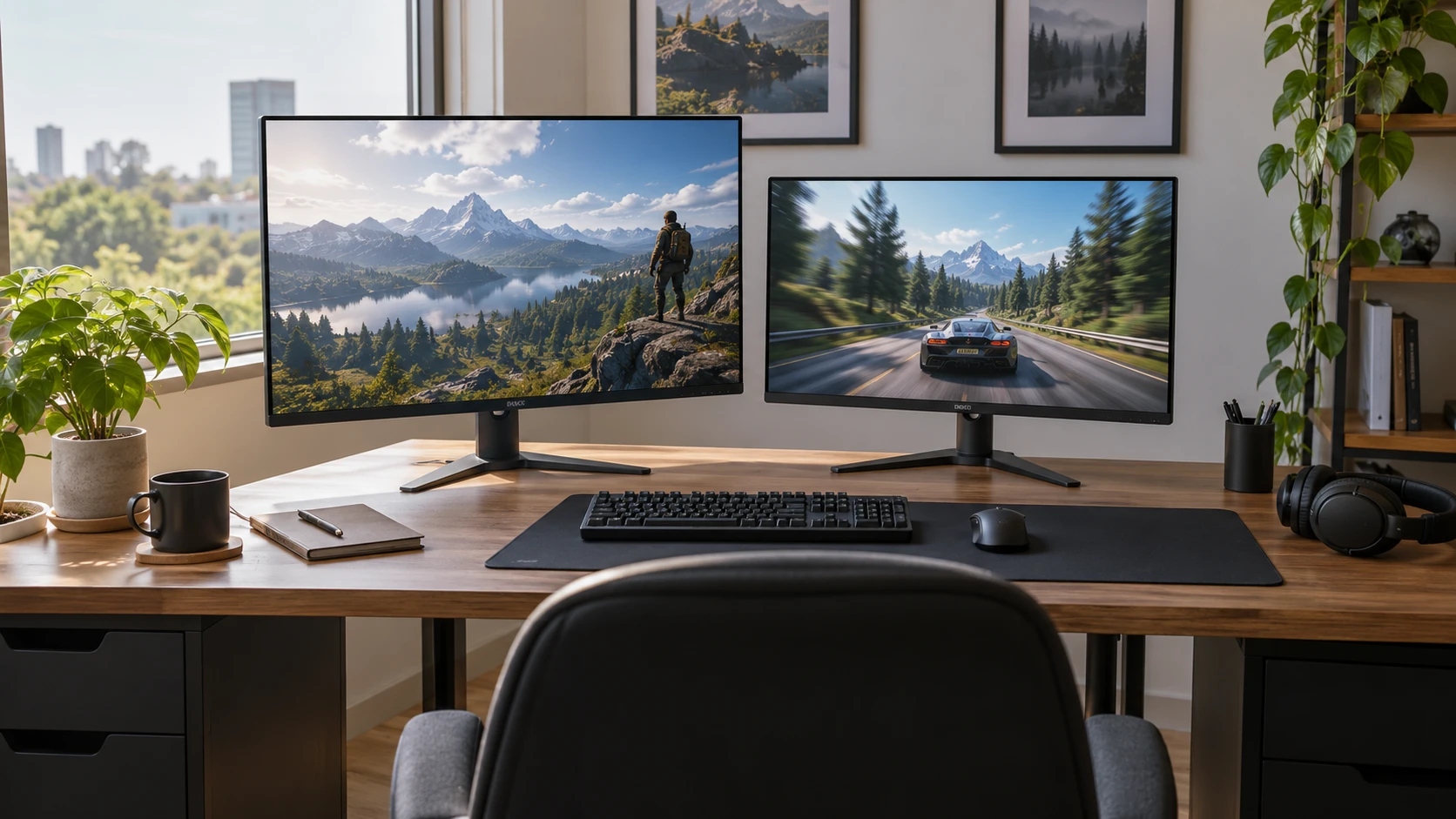
Alienware AW2725DM 27-inch QHD monitor vs Titan Army P2510HS: QHD space or a faster 1080p screen?
Compare Alienware AW2725DM 27-inch QHD monitor by system frame rate, space, connections, and color claims.
Computer monitors, portable displays, and screen extenders.
Showing 37–48 of 57 guides
Compare Alienware AW2725DM 27-inch QHD monitor by system frame rate, space, connections, and color claims.
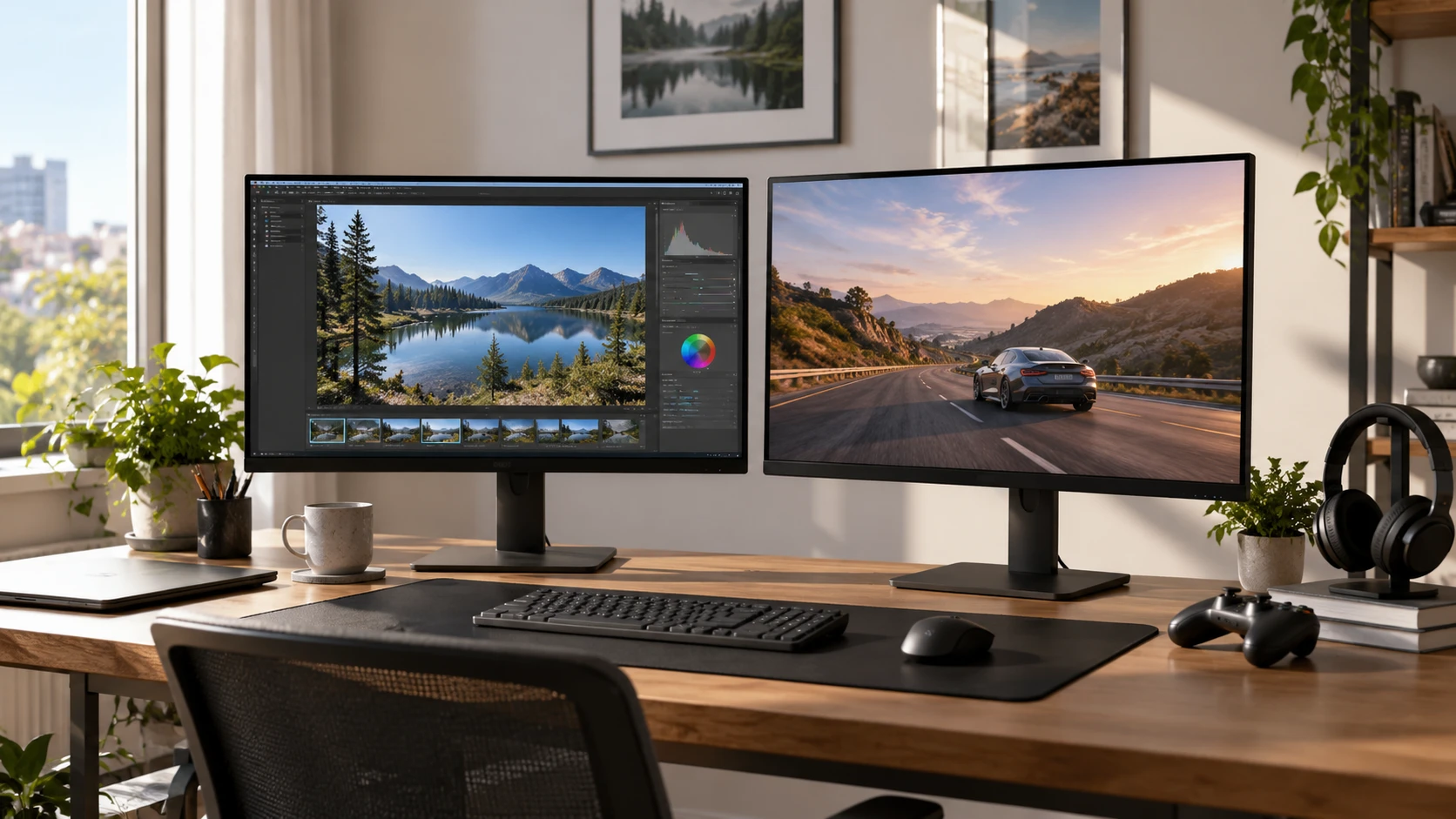
Compare Aishtec AI3537658 27-inch 4K monitor by work area, USB-C connection, refresh, contrast claims, color verification, and included hardware.
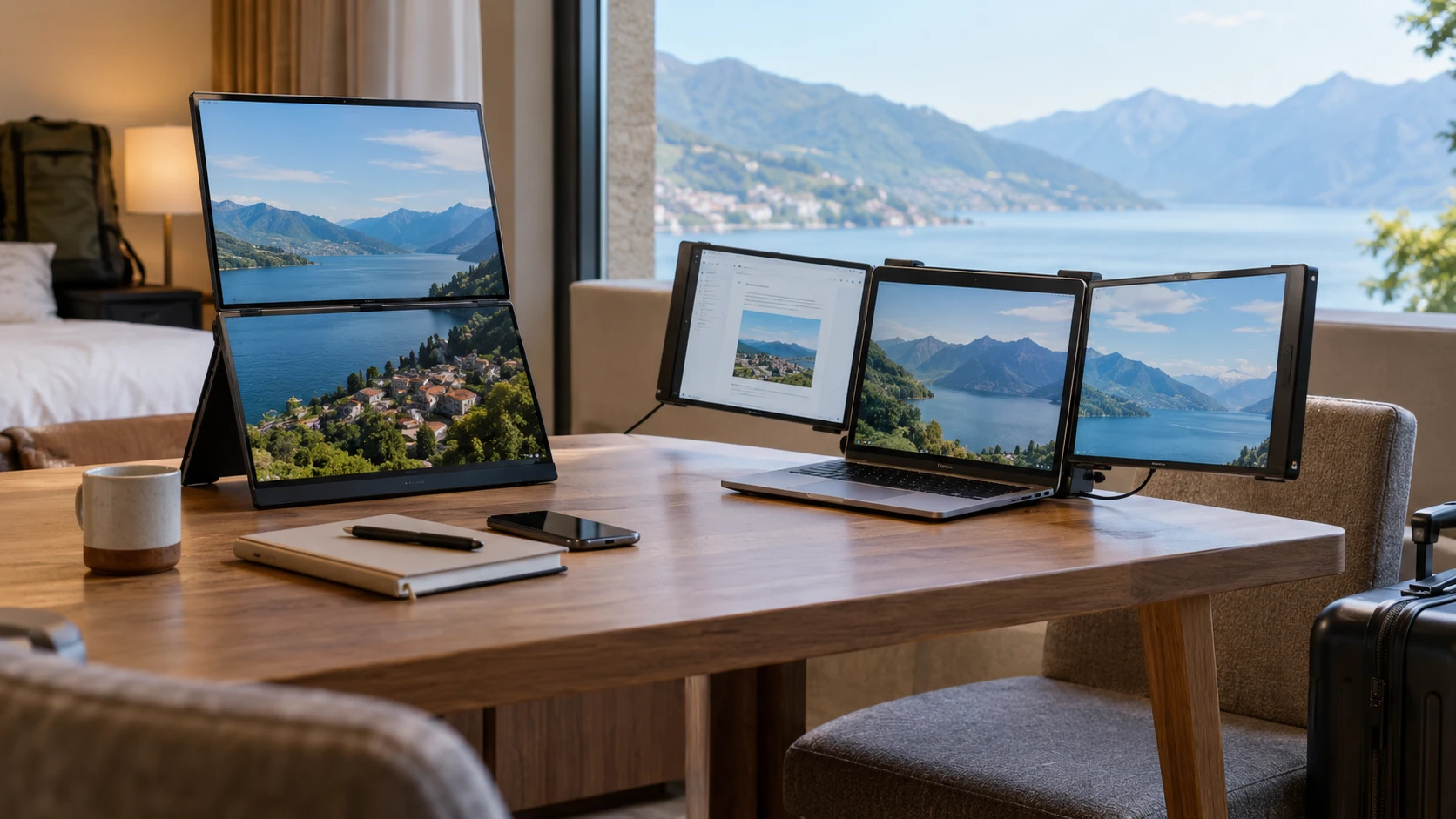
Compare ASUS ZenScreen Duo OLED MQ149CD by screen shape, cable and power requirements, Mac compatibility, and workspace use.
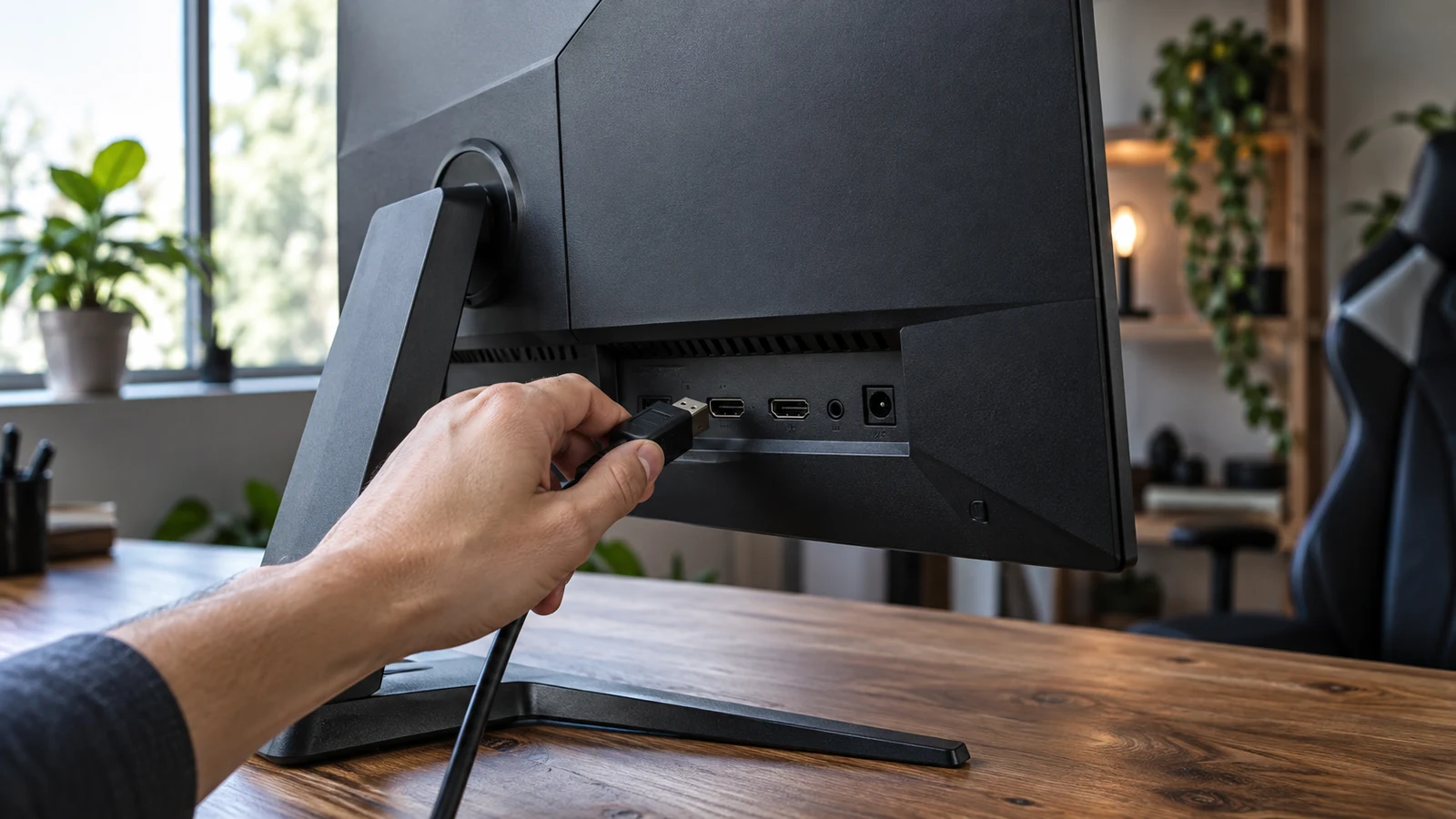
The Intexca 24-inch gaming monitor description lists a 144 Hz refresh rate alongside DP, DVI-D and two HDMI inputs. Those connections give you several possibilities to investigate for a desk shared by a gaming PC and older equipment. Whether your devices can use the refresh rate you want remains a separate question: the description does not identify supported resolutions and refresh rates for each input. For Intexca 24-inch gaming monitor , verify each step.
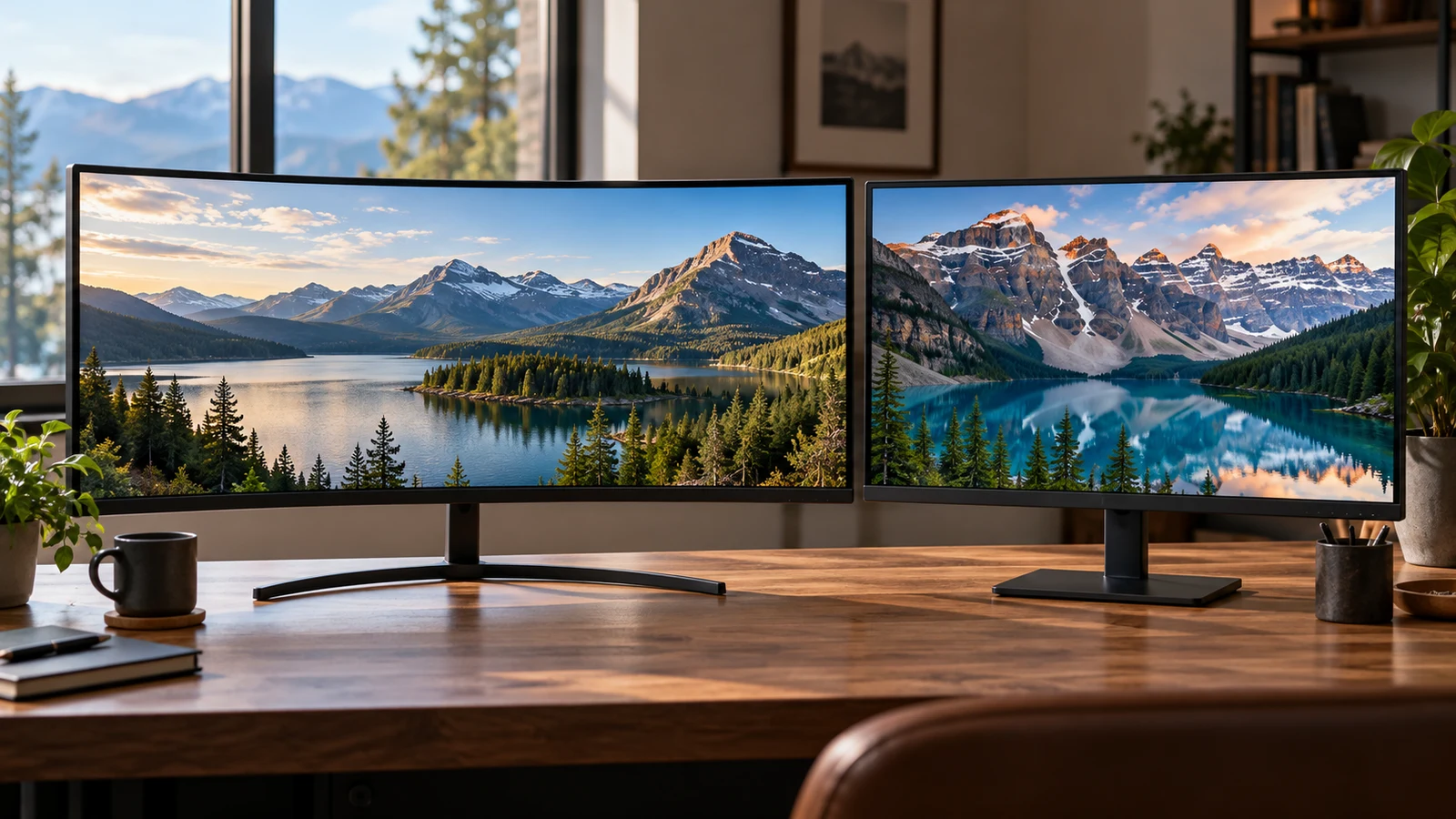
The LG 34GN850-B vs Samsung UJ59 comparison gives you two different ways to arrange a desktop. The LG description specifies a curved, 34-inch ultrawide screen at 3440 x 1440. Samsung lists a 32-inch display at 3840 x 2160, with features for showing two connected sources. Consider the LG if its broad screen shape suits your main application; consider the Samsung if its 4K workspace or source-sharing features address a specific need. Neither description establishes an overall winner.
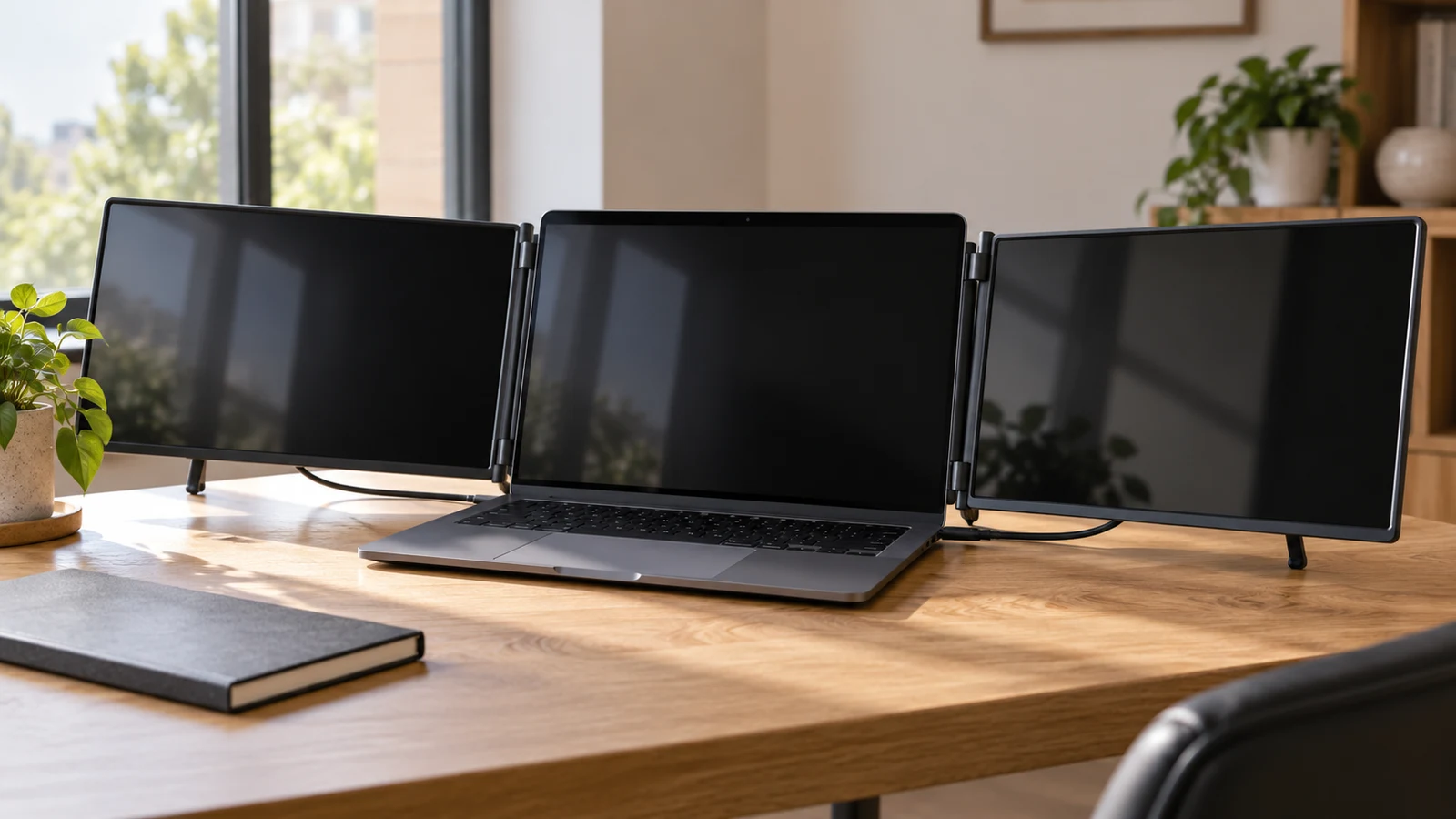
The Hyangin screen extender vs Mobile Pixels decision comes down to whether your travel work needs one additional screen or two. Hyangin’s S8 description specifies a single 14-inch display with a stand that clamps to 13–17.3-inch laptops. Mobile Pixels describes the TRIO 2.0 as a unit with two integrated sliding 13.3-inch displays, built for 13–14-inch laptops. Your laptop remains part of the TRIO’s three-screen arrangement. Start with that difference before comparing smaller features.
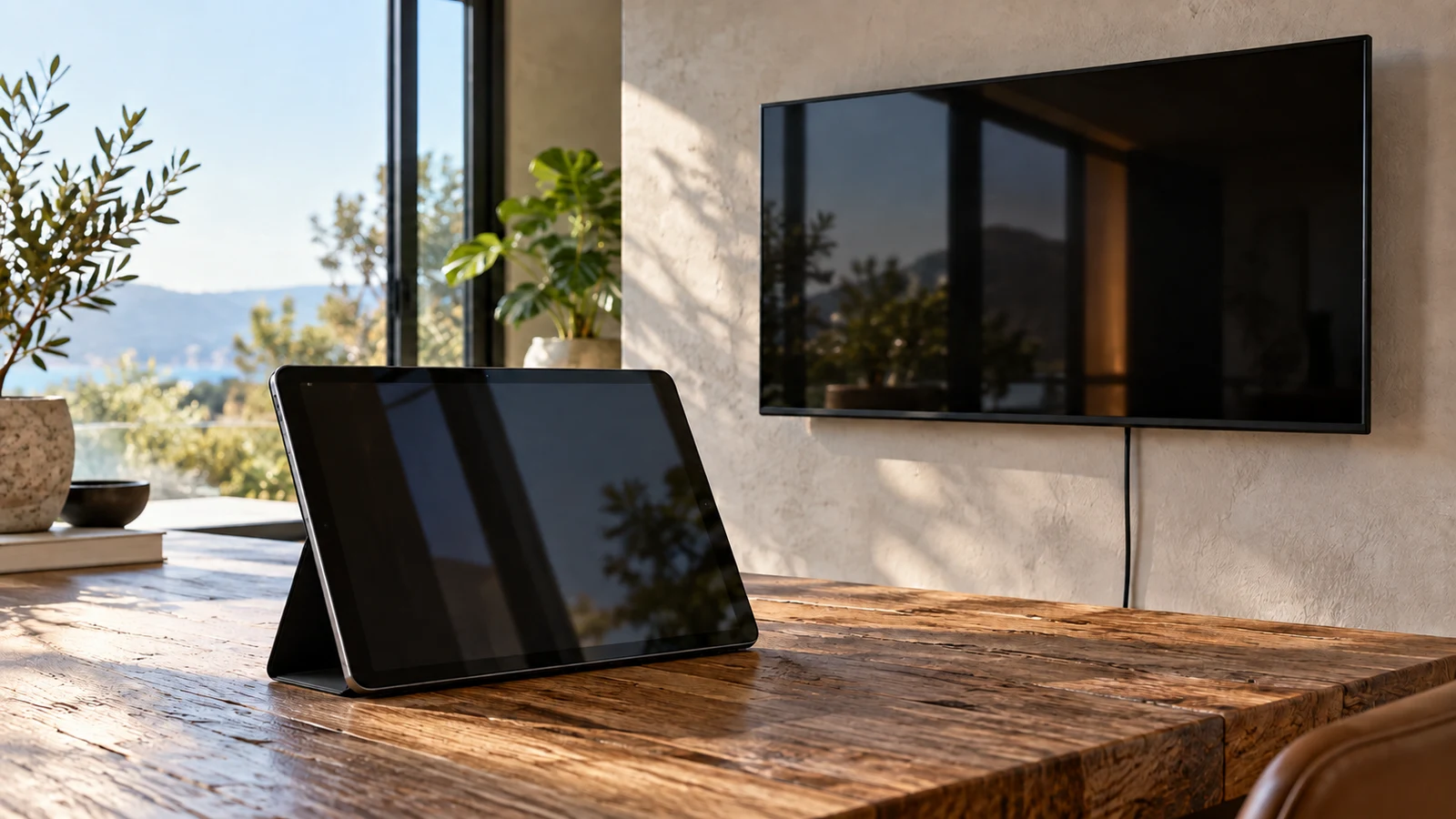
The Fusion5 Windows 11 tablet is the candidate to investigate for a Windows task that moves with its user. Raypodo deserves attention when the screen belongs at a particular station and the installation would benefit from its listed Power over Ethernet support and VESA mounting. Neither description establishes that the same application will work equally well on both. Decide where the device must remain during the task, then check the software and connections needed to complete it.
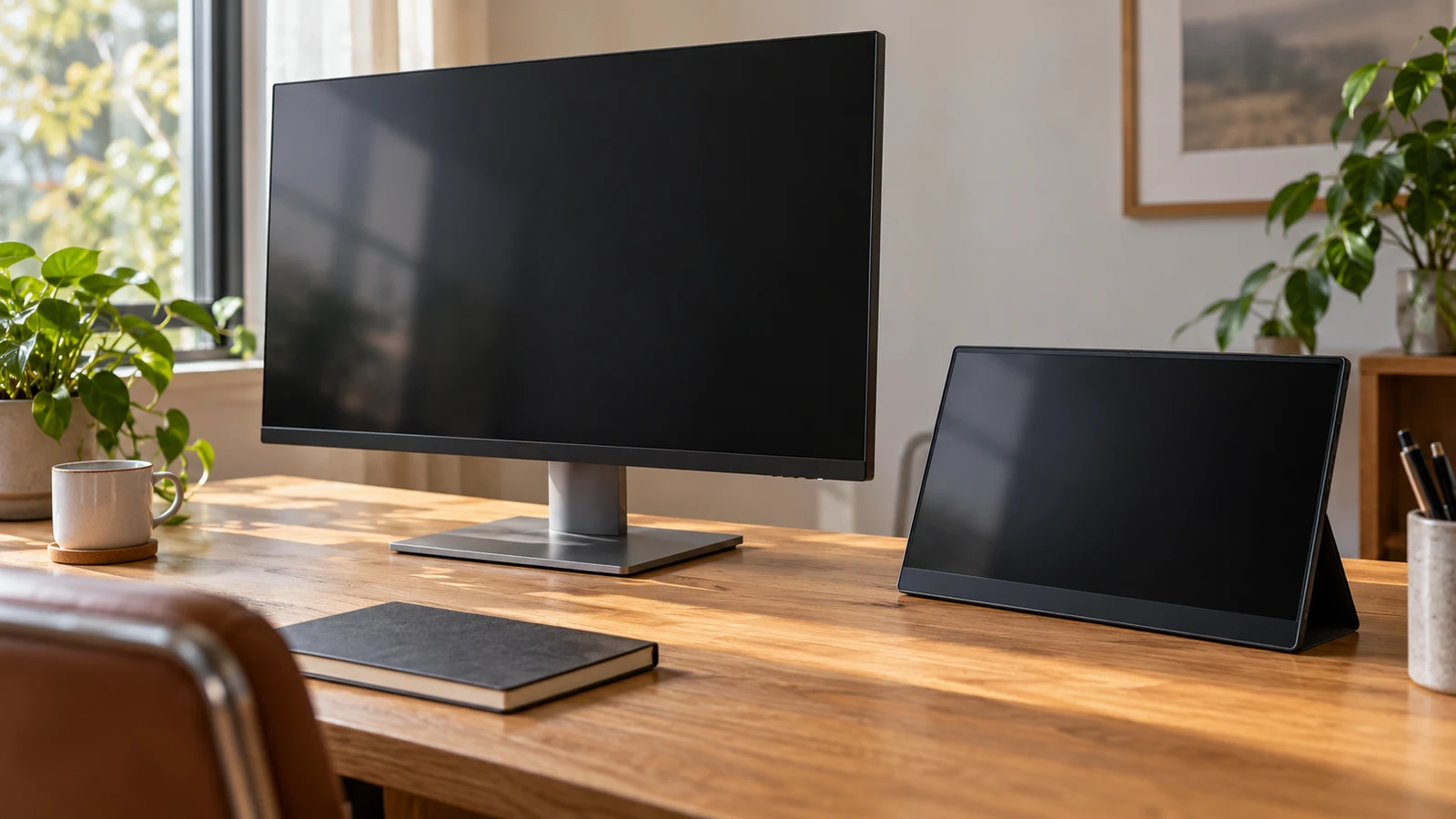
The Viewedge 27-inch makes sense to investigate when you want to dedicate a desk position to a larger screen. The TNOBHG portable model deserves consideration when the display needs to leave that position with you. Their descriptions establish different screen sizes and connection options, but neither supplies enough physical or power detail to settle the whole setup. Your choice depends on whether you can reserve space permanently, how you intend to use the screen, and what must travel with it.
A surveillance display purchase starts with the equipment sending the picture. The ViewEra security monitor has documented HDMI, VGA and BNC connections, making it a relevant candidate when your installation needs one of those inputs. The TITAN ARMY P2510S PLUS description emphasizes gaming features and does not identify its connections. For a security feed, ViewEra therefore gives you more connection information to work with, although you still need to confirm support for your source's exact signal.
The Pixio PXC278 description presents a QHD 1440p, 180Hz monitor. The CRUA description combines UHD (3840×2160) resolution with the phrase "1080P clarity." That wording leaves an important question unresolved: what is the native resolution of the CRUA panel being sold? Compare Pixio's listed specifications with CRUA's stated specifications provisionally, and ask for a model-specific answer before treating CRUA as the higher-resolution choice.
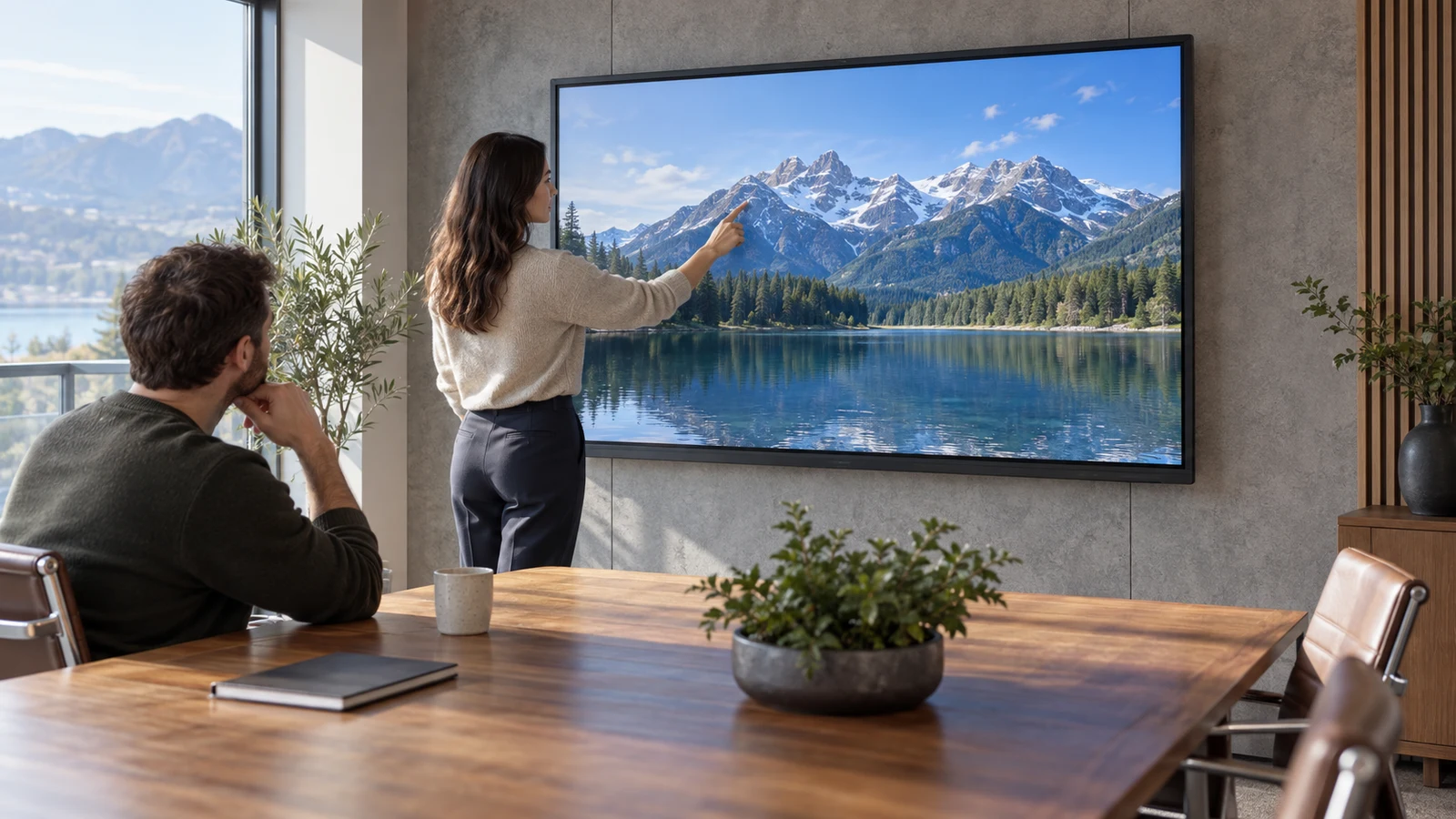
The JYXOIHUB 55-inch interactive display has features relevant to a small meeting room: a listed 3840×2160 panel, built-in Eshare wireless screen mirroring and touch input. Those specifications make it a candidate for sharing work on a room display, but suitability still depends on your devices and meeting software. One specification needs particular attention: the description states both up to 20 touch points and 10-point IR input. Ask which applies to the configuration you would receive.
The MSI MAG 322URDF E16 gaming monitor has a listed 31.5-inch viewable panel with 3840 x 2160 resolution. Its description also states a 320 Hz standard refresh rate, but it does not provide a mode table connecting that refresh rate to a particular resolution or input. If your purchase depends on running 4K at a specific refresh rate, the description alone cannot settle the decision. Keep the panel resolution and refresh specification separate until you have confirmation of the combination you intend to use.