Crypto Commerce
Alienware AW2725DM 27-inch QHD monitor vs Titan Army P2510HS: QHD space or a faster 1080p screen?
Compare Alienware AW2725DM 27-inch QHD monitor by system frame rate, space, connections, and color claims.
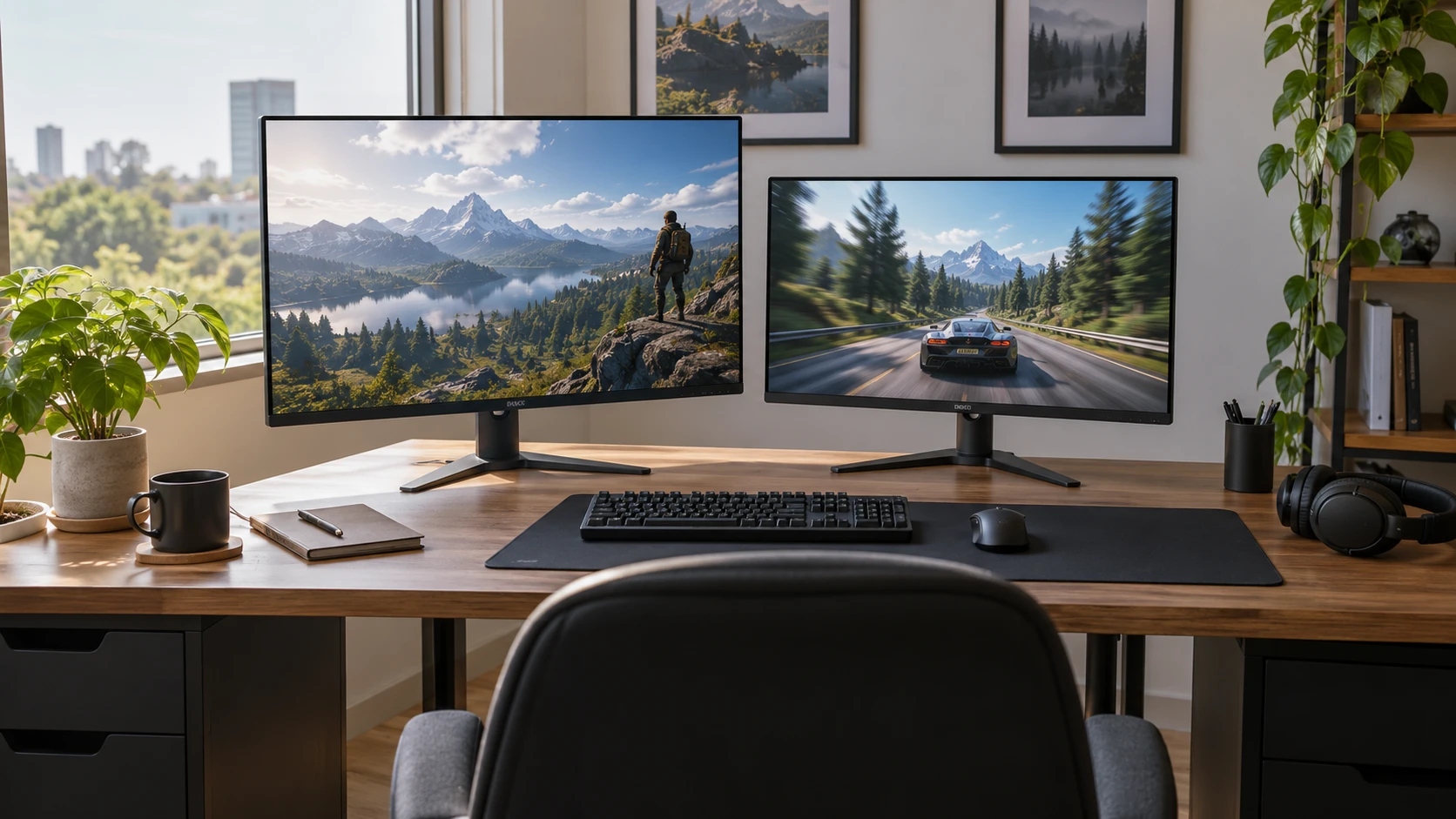
The Alienware AW2725DM and Titan Army P2510HS put different priorities on a gaming desk. Alienware lists a 27-inch QHD IPS panel at 180 Hz. Titan Army lists a 24.5-inch Full HD fast IPS panel at 300 Hz. Both Republeq product records give a 1 ms gray-to-gray response figure, but those figures are not a shared motion test. Your computer, the games you play, viewing distance, and the connection used to reach the display all affect what you will see. Start with those constraints before treating the larger refresh number as a verdict.
The September 30 catalog snapshot marked both products available and recorded minimum prices of $437.49 for Alienware and $260 for Titan Army. The $177.49 gap is historical; check the current offer, Republeq's catalog, warranty, and return terms. The exact product pages and a related guide returned HTTP 200 on October 3. A reachable page confirms a link, not that its specifications or price are current. Neither saved description supplies a full port list, cable list, or independent image-quality measurement.
Decide how much screen detail you need — identifying display connections before choosing a screen component
The Alienware AW2725DM 27-inch QHD monitor is described as QHD, commonly 2560 by 1440 pixels, across a 27-inch panel. Titan Army's P2510HS lists 1920 by 1080 pixels across 24.5 inches. A QHD image has more pixels for game detail and desktop windows, while the smaller Full HD panel asks the computer to render fewer pixels per frame. Those are practical tradeoffs, not quality rankings. If you keep several windows open, try the text size and scaling you would actually use rather than judging only a full-screen game trailer.
The extra pixels can be useful for distant scenery or interface text, but a higher resolution also asks more of the graphics card at a given setting. A fast game that runs comfortably at 1080p may require lower visual settings to reach similar frame rates at QHD. Check measured performance for your own graphics card and games at both resolutions. The saved listings do not identify a computer or provide frame-rate results. If you mainly play one competitive title, its actual performance on your system matters more than a broad claim that one screen is better for gaming.
Physical size changes the desk as well. A 27-inch panel fills more of your field of view at the same seating distance, while 24.5 inches may let you scan the whole game without moving your head as much. Neither source gives exact stand depth, height adjustment, or bezel measurements. Draw the display width and stand footprint on your desk, then check official dimension drawings for the exact models. Leave room for a keyboard, microphone, speakers, and whatever else normally sits beside the screen.
Read refresh and response numbers separately — identifying display connections before choosing a screen component
Titan Army advertises 300 Hz and Alienware advertises 180 Hz. A 300 Hz mode can show more distinct updates each second if the source delivers them and the monitor is actually running at that mode. It cannot create new game frames when a computer sends fewer. In the display settings, confirm the active resolution and refresh rate after connecting the monitor. A game may also have its own frame cap or graphics setting. Compare the motion you see during the games you play rather than assuming the label alone describes your setup.
Both listings say 1 ms gray to gray. Pixel transitions vary by color change and overdrive setting, so a single number cannot describe every moving edge. Look for independent measurements of overshoot and response behavior at the refresh rate you expect to use. Check whether the overdrive setting that looks good near the maximum remains acceptable at lower frame rates. The sources do not provide those measurements. Motion clarity is especially important when a game camera turns quickly or small text moves across a dark background.
Titan Army's source says its display supports FreeSync with compatible graphics hardware. That may help when frame delivery varies, but confirm the supported range and the input required for the feature on the exact model. The Alienware excerpt does not name a variable-refresh standard, so do not infer either its presence or absence from the silence. Check Alienware's current specifications and your computer or console settings. If you alternate between a powerful desktop and a slower laptop, test the behavior at both ends of your typical frame-rate range.
The published guide on identifying display connections before choosing a screen component provides a useful pre-purchase check. Write down the outputs on your computer or console and the inputs on the exact monitor, then verify the cable and mode needed for your target resolution and refresh rate. The guide does not certify either monitor. Neither pinned product description gives a complete port inventory, and a connector name by itself may not establish which refresh mode it can carry. Consult the model manuals before ordering an adapter or assuming an old cable is sufficient.
Check color claims against your actual work — Titan Army P2510HS 24.5-inch FHD monitor
Alienware lists 95% DCI-P3 coverage and VESA DisplayHDR 400 certification. Titan Army lists 121% sRGB coverage, a 1000:1 contrast ratio, and an HDR400 claim. These are different descriptions of color gamut. One percentage cannot be directly compared with the other as if both used the same reference. If photo or video work matters, ask for measured color accuracy, calibration controls, and the behavior of ordinary sRGB content. A wide gamut can be useful, but it is not proof that a particular screen arrives accurately calibrated.
The HDR wording also needs care. Alienware's listing explicitly names VESA DisplayHDR 400 certification; Titan Army's says HDR400 without explaining its test basis. Neither catalog description provides measured sustained brightness, local dimming behavior, or black-level performance. An HDR badge should prompt a check of independent measurements and of the content you actually watch. In a bright room, reflections and daylight may matter more than a short highlight demonstration. Alienware describes an anti-glare surface; the Titan Army excerpt does not specify a directly comparable finish.
Titan Army describes a CSOT fast IPS panel and DC dimming, while Alienware describes IPS and a hardware-based low-blue-light solution. Those design claims do not establish that either display will prevent eye strain. Long sessions involve room lighting, viewing distance, brightness, and breaks as well as panel behavior. Titan Army also names a Night Vision mode that changes dark-scene visibility. Try such processing with a familiar scene and see whether it makes details easier to spot without washing out the picture. The saved listings do not supply measured results for that mode.
Plan the complete desk setup — Titan Army P2510HS 24.5-inch FHD monitor
Titan Army says the P2510HS has VESA wall-mount support and a three-sided narrow-bezel design. Its excerpt does not give the mount pattern, screw depth, or stand-adjustment range. Alienware's short listing emphasizes styling and a console mode but does not specify the stand adjustments or mount details. If you use an arm, confirm the exact VESA pattern, weight without the stand, and clearance for cables. A monitor that fits on paper can still be awkward if an arm collides with a wall or the cable exits toward a bracket.
A console mode in Alienware's description is a feature to investigate, not evidence that every console game runs at 180 Hz or QHD. Check the console's supported output modes, the monitor's accepted timings, and whether the connection supports audio the way you intend to use it. The Titan Army source gives no comparable console-mode detail. If you switch between a console and computer, count the ports you need and identify how you will change sources. Price any required switch or cable with the display, since neither pinned listing identifies the complete accessory bundle.
Consider ordinary work alongside gaming. The Alienware screen's larger QHD workspace may reduce window switching for editing or browsing, but only if text remains comfortable at your chosen distance and scaling. Titan Army's smaller Full HD display may suit a compact competitive setup where high frame rate is the priority. Sit at your usual distance and compare sample screens at the intended scale. A larger panel does not automatically make text easier to read, and a faster refresh does not make a crowded desktop more spacious.
Make the choice with one real session — Titan Army P2510HS 24.5-inch FHD monitor
If your computer can sustain the games you care about at QHD and you value a larger image or more desktop space, investigate the AW2725DM first. Verify its connection modes, stand and mount details, and independent measurements of color and motion. The saved price premium may be reasonable for that use, but the listing alone cannot show how much improvement you will perceive. If the PC cannot maintain the desired QHD frame rate, budget for the entire upgrade rather than treating the monitor price as the only cost.
The Titan Army P2510HS 24.5-inch FHD monitor fits a different plan: Full HD gaming at a potentially higher refresh rate on a smaller panel. Verify that your system can produce enough frames, that its port and cable support the desired mode, and that its stand or mount fits the desk. Its FreeSync, color, and HDR statements should be checked on the exact current model. A lower saved price leaves room in the budget for the computer or desk equipment that may matter more.
For a final comparison, run one familiar game at the settings you would actually keep, then use a typical work window and a dark scene on each monitor if you can see them in person. Record the active resolution and refresh rate, your seating distance, and any visual issue you notice. If an in-person test is unavailable, use model-specific measurements and a return policy that permits a careful home check. Those observations will tell you more than comparing 300, 180, and 1 ms as isolated numbers.