Crypto Commerce
Arozzi Nova 34-inch monitor — Two ultrawides with the same resolution on different panels
Compare Arozzi Nova 34-inch monitor by curved VA or flat IPS panel, refresh claims, connections, mounting, and desk fit.
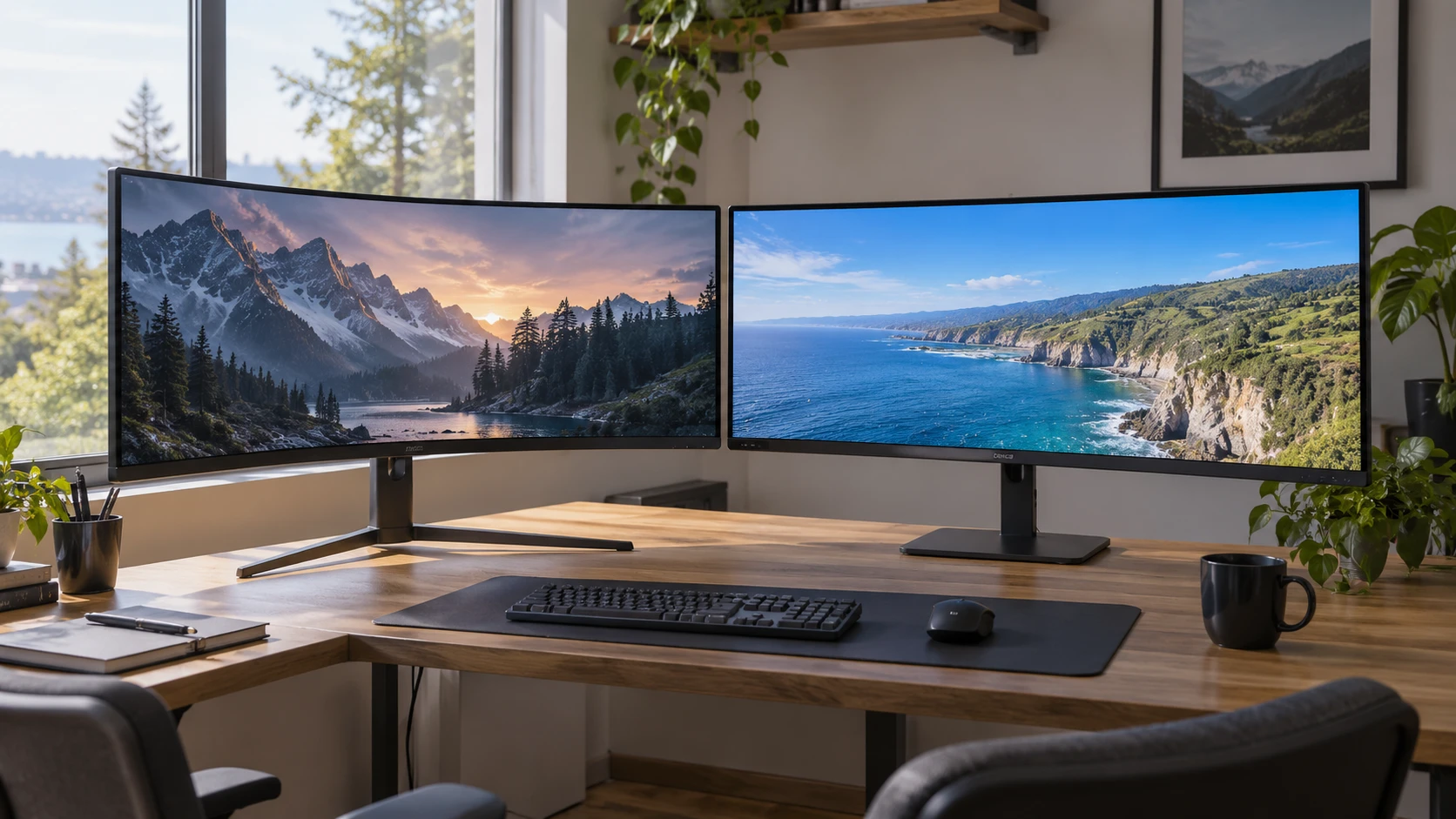
The Arozzi Nova and CRUA CR340G listings agree on the dimensions that first catch a gamer's eye: a 34-inch, 21:9 screen at 3440 by 1440 pixels and a 165 Hz refresh claim. The meaningful choice starts after those shared numbers. Arozzi describes a curved VA panel with an R1500 radius, tilt adjustment, and VESA compatibility. CRUA describes a flat IPS panel, HDMI and DisplayPort inputs, and wall-mounting. Those differences affect how the screen fits a desk, how you connect a computer, and which picture characteristics you should inspect. The catalog does not provide a side-by-side motion or color test.
The Arozzi Nova 34-inch monitor lists a VA panel, 1500R curve, 165 Hz refresh, 1 ms response time, Adaptive Sync, HDR10, and a peak brightness claim of up to 350 nits. The CRUA page lists an IPS panel, 165 Hz, FreeSync, built-in speakers, and HDMI and DP inputs. Both are described as gaming monitors, but a label alone does not say which feels better at the desk or works with your existing machine. Start with the games, applications, viewing distance, and source ports you use before choosing a panel type.
Size the wide view to the desk — CRUA CR340G 34-inch monitor
The published guide to ultrawide gaming monitor setup asks what the extra horizontal space will show and where the user will sit. At 3440 by 1440, each of these listings gives more pixels across than a standard 2560-by-1440 screen. That can place game information or two work windows side by side, provided the software handles a 21:9 format in the way you want. Check a favorite game, video service, and work app for how they use the extra width. Some content may leave bars or stretch if forced to fill the panel.
Arozzi's 1500R curve changes the relationship between the center and edges of the screen from a central seat. A curved panel may appeal if you usually sit alone in front of one large monitor, but the saved source does not provide a viewing-distance recommendation or prove that every seat sees the same image. CRUA's flat panel may be easier to align with another display or to view from several places, yet that is a desk-layout consideration rather than a measured viewing-angle result. Sketch the screen and where you sit, then check the panel's outside width and stand depth in current drawings; the saved excerpts do not give those dimensions.
A 34-inch screen can compete with lamps, speakers, or a laptop on a shallow desk. Measure the clear width and distance from the display to your eyes. If you use a monitor arm, compare its mounting pattern and weight capacity with the exact unit. Arozzi explicitly lists VESA compatibility; CRUA says the screen can be wall mounted, but its saved excerpt does not state the mounting-hole pattern or bracket included. Do not buy a bracket based on a generic 34-inch label. Confirm the precise pattern, monitor weight, and cable clearance before placing an order.
For a workday that alternates between a document and a call, try the window arrangement you would use on a 3440-pixel canvas. Check whether the text remains comfortable at the operating system scale you prefer, whether a shared screen shows the intended window, and where the webcam would sit. A wider panel changes the workspace but does not enlarge every word automatically. The saved product descriptions provide pixel counts, not a promise about an individual user’s reading comfort or software layout.
Read VA and IPS as questions to test — CRUA CR340G 34-inch monitor
The Arozzi listing calls its panel VA; CRUA calls its panel IPS. Those technologies often lead buyers to ask about contrast, viewing angle, and motion, but the saved sources do not contain comparable measurements for either model. Ask to see dark scenes, fast movement, and text on the exact displays if possible. A family member watching from the side may notice a different trait than the person gaming at the center. Do not declare a winner from panel letters alone. Backlight behavior, calibration, and the particular implementation matter.
Arozzi gives a 1 ms response-time claim and a 165 Hz refresh rate. The excerpt does not state the response-time test method or whether overdrive artifacts appear at the mode that produces that number. CRUA also lists 165 Hz but gives no directly comparable response-time figure in the saved source. A missing number is not proof of a slow panel. For fast games, look for an exact-model motion test at the refresh rates you would use, including lower frame rates when the graphics card cannot maintain 165 frames per second. A refresh ceiling says little about how transitions look in motion.
The CRUA CR340G 34-inch monitor says FreeSync reduces tearing and stutter. Arozzi names Adaptive Sync. These listings do not identify every graphics card, operating system, cable, and refresh range that will work with variable refresh. Check the current manuals and your graphics hardware before assuming that the same game setting is available on both. If a console is involved, verify its supported resolutions and aspect ratios separately; an ultrawide PC specification does not guarantee that a console game will fill a 21:9 panel.
Confirm the signal path to 165 Hz — CRUA CR340G 34-inch monitor
CRUA identifies HDMI and DisplayPort inputs. Its saved excerpt does not specify the version of either port, the highest refresh available through each, or which cables are included. Arozzi's excerpt does not list its input connectors at all. Before paying for either monitor, write down the output ports on the computer and ask for an exact-model port diagram and the supported 3440-by-1440 refresh combinations. An advertised 165 Hz figure is useful only if the source and cable can deliver that mode. A monitor that accepts a plug can still default to a lower refresh setting.
If you switch between a work laptop and a gaming computer, ask how many inputs are available and how the monitor changes between them. Neither saved description establishes a built-in KVM switch, USB-C video input, or charging function. Those omissions are not a claim that the functions are impossible, but they cannot be assumed from the screen's price or size. An external dock may also impose its own resolution and refresh limit. Test the full chain, including adapters, before treating the monitor as the only component in a display problem.
Both pages mention built-in speakers. The source does not provide a common loudness, frequency response, or speech-clarity test. If headphones or separate desk speakers are your usual audio path, built-in sound may be a convenience for occasional calls. If you expect the monitor itself to supply game audio, listen to the exact model and check how audio reaches it from each input. Video over a connector does not always settle operating-system audio settings. Leave room for your preferred speakers if the desk plan includes them.
Compare picture claims without mixing units — CRUA CR340G 34-inch monitor
Arozzi's source mentions HDR10 and a peak-brightness rating up to 350 nits. HDR10 compatibility identifies a signal format; it does not by itself prove dramatic highlight detail or deep black levels in a real room. The saved excerpt offers no local-dimming or measured contrast test. CRUA's saved description does not provide a brightness or HDR figure, so there is no shared basis to rank HDR performance. Try familiar bright and dark scenes under the lighting you actually use, then consult current independent measurements if HDR is a priority.
CRUA's listing specifies 120% sRGB coverage, a phrase that needs care. A percentage above 100 may refer to gamut volume rather than accuracy of ordinary sRGB colors. The source does not explain its measurement method or provide calibrated color-error data. Arozzi's excerpt also lacks a comparable color-accuracy result. If editing photos or design work matters alongside gaming, request color-space and calibration data for the exact model. A colorful demo image cannot show whether skin tones or neutral grays are rendered accurately.
Arozzi names tilt adjustment, slim bezels, an RGB ring, and VESA compatibility. CRUA names a flat, wall-mountable design and a stated in Republeq catalog details return period and warranty. Those are different kinds of details. Check stand height and tilt range if you will keep the included base; a tilt claim does not prove a comfortable eye level without risers or an arm. Verify current return and warranty terms with the Republeq's catalog before treating a saved catalog line as a binding policy. The CRUA excerpt gives no stand-adjustment range, so that question remains open.
Let the setup make the choice — ultrawide gaming monitor setup
If a centered curved screen fits your desk and you value the Arozzi's named tilt, VESA, HDR10, and brightness claims, verify its connector options and motion behavior on the exact Nova model. If you prefer a flat IPS ultrawide with listed HDMI and DP ports and FreeSync, verify the CRUA's supported refresh by port, stand or mount details, and picture measurements. In either case, check outside dimensions, software support for 21:9, and the source device's output mode. Shared size, resolution, and refresh numbers narrow the field, but the working connection and comfortable viewing position decide how useful the monitor feels every day.