Crypto Commerce
Abnyfex AOG 24-inch gaming monitor vs Chumajor P24 for 1080p gaming
Compare Abnyfex AOG 24-inch gaming monitor by panel, refresh claim, ports, stand, brand and exact model, and verification steps.
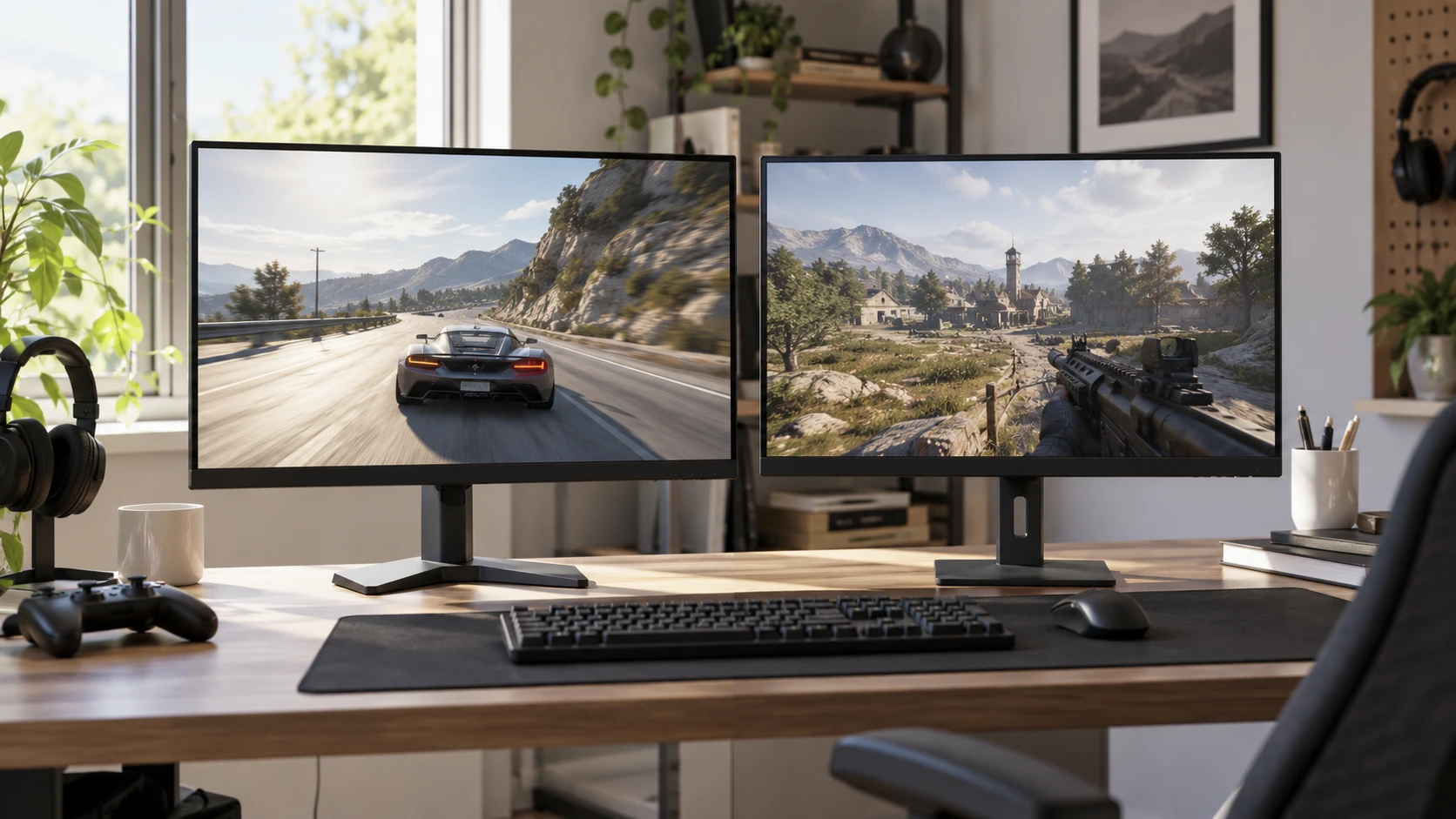
Both listings describe a 24-inch, 1080p gaming display. Abnyfex describes a TN panel with several unusually high refresh-rate options and a stand that adjusts in three directions. Chumajor lists a Fast IPS panel at 180Hz, with pitch adjustment and wall-mount support. The Chumajor listing also identifies Xiaomi P24 specifications under a Chumajor product name. That mismatch makes the box label and model number a first check, before the panel and refresh figures can be compared. Measure the desk as well; a 24-inch screen still needs room for its stand and cable bends.
The Abnyfex AOG 24-inch gaming monitor is listed with a 1080p E-Sports TN panel, 310Hz, 390Hz, 540Hz, and 600Hz refresh support, and a claimed 0.2ms response time. Its description names dual DisplayPort, HDMI 2.1, and audio ports. The Chumajor listing gives 1920 by 1080 resolution, a 16:9 Fast IPS panel, 180Hz refresh, 1ms response, and AMD FreeSync support. The two listings do not give results from a shared test method. Your graphics hardware, chosen cable, and the specific input on the monitor determine which advertised modes can actually be selected.
Verify the model before trusting the refresh number — Chumajor P24FCA-RGGL gaming monitor
The Abnyfex excerpt groups four refresh rates together without saying which input, resolution, color setting, or panel configuration applies to each one. Check Republeq's product page for the exact AOG model number, manufacturer specification sheet, and supported timing table. For the 600Hz claim, obtain a documented 1920 by 1080 mode with its required port and bit depth. If a mode requires a setting that changes color output or disables another feature, that tradeoff should be visible before purchase. A screenshot of a Windows display menu from another monitor is not model-specific proof.
Chumajor's saved record has a different identity problem. Its catalog title says Chumajor P24FCA-RGGL, while the supplied specifications describe a Xiaomi P24 monitor. The linked product URL also uses Xiaomi in its name. Those labels might reflect a Republeq's catalog catalog mapping, but the excerpt does not explain the relationship. Ask for the manufacturer's label on the back of the actual unit, the box model number, and the warranty provider. Confirm that the 180Hz, panel type, low-blue-light certification, and mounting information all refer to that same hardware. If Republeq's available product details do not reconcile those identities, comparing the two specification sheets would be premature.
A high maximum refresh rate only matters when the PC can deliver useful frames and the monitor can accept the corresponding signal. For a game that typically runs around 120 frames per second, moving from 180Hz to a much higher ceiling may have less practical value than a stand that positions the screen comfortably or a panel whose motion behavior suits you. Conversely, a competitive game running at very high frame rates may make the upper timing range worth investigating. Check the games and settings you actually use, then look for independent motion tests of the exact model, not merely the panel technology named in a listing.
Check the entire signal path — display connection checks
The published guide on display connection checks is a useful reminder to identify ports and compatible signals before choosing a screen component. Abnyfex lists dual DisplayPort and HDMI 2.1, but the saved excerpt does not name their version-specific bandwidth, supported timing modes, or included cables. Chumajor's excerpt does not state its input ports at all. Request a photograph of each input panel and the manual's mode table. Match the intended input to a graphics-card output and a cable rated for the mode you plan to use.
Do the check separately for a console and a PC. HDMI 2.1 on the Abnyfex listing does not, by itself, guarantee that a particular console mode or variable-refresh implementation will work. The Chumajor source names AMD FreeSync, while Abnyfex names both FreeSync and G-Sync compatibility. Those terms can cover different operating ranges and validation levels. Look for the supported variable-refresh range by input, the device compatibility list, and any conditions on HDR or overdrive. If you switch between machines, also ask whether the monitor remembers separate settings and how you select inputs.
A missing cable is a small purchase that can cause a large setup surprise. Neither saved source explicitly says which video cable is included. Inventory what comes in the box and the cable you already own. On first setup, use the supported connection, set the monitor to its advertised mode, and confirm both the display menu and operating system report the same resolution and refresh rate. Then run a game and check for black screens, signal drops, or tearing while the intended variable-refresh feature is enabled. This is a practical acceptance check, not proof of a manufacturer's lab response-time figure.
Compare the panel experience at the desk — Chumajor P24FCA-RGGL gaming monitor
Abnyfex names a TN panel, 95% DCI-P3 coverage, 10-bit color depth, and HDR support. Chumajor names Fast IPS, a 178-degree viewing angle, and 1920 by 1080 resolution. Panel labels are useful clues about design priorities, but do not establish measured contrast, uniformity, color accuracy, or off-axis behavior for these exact units. The Abnyfex color and HDR claims also need context: the excerpt gives no peak brightness, local-dimming design, calibration report, or certification level. Ask for independent measurements if image quality matters beyond fast games.
The same caution applies to response time. Abnyfex states 0.2ms and Chumajor states 1ms. The excerpts do not specify the measurement method, overdrive setting, amount of overshoot, or how much of the transition range meets the claim. A number measured under an extreme setting can look attractive while producing bright trails in real scenes. Seek a test that shows response times and overshoot across several refresh rates. If you can try either screen, watch dark-to-light movement and scrolling text in the games you know. Judge clarity with the settings you would leave enabled.
Chumajor lists a low blue light mode, DC dimming, and TÜV Low Blue Light certification. Those features may be relevant if you spend long evenings at the desk, but the excerpt does not quantify brightness range or describe the exact certification variant. Abnyfex provides no comparable eye-comfort information in the saved description. Adjust screen brightness to the room, take regular breaks, and test whether text remains comfortable at the normal viewing distance. A mode marketed for comfort is not a substitute for a stand positioned at the correct height and angle.
Put the stand and mounting claims to work — Chumajor P24FCA-RGGL gaming monitor
Abnyfex lists tilt, height, and swivel adjustment. That is a more detailed stand description than Chumajor's pitch adjustment. Chumajor also says the display supports wall mounting, while the saved Abnyfex excerpt does not address mounting. Check the physical adjustment range in millimeters or degrees, the base footprint, and whether either monitor supports a standard mount pattern. If you use a dual-monitor arm, verify weight and mounting hardware for the exact model. Do not infer that a height-adjustable stand automatically includes VESA holes.
At 24 inches and 1080p, seating distance and text size matter. Draw a rectangle the size of your current screen on the desk or compare with a display you already use. Place it where your eyes naturally look while playing and working. If you need to raise a fixed-height screen, the cost and depth of a riser may alter the value comparison. If you share the display with someone sitting off to the side, test the viewing angle and color shift on the actual panel. The Chumajor 178-degree figure is a listed angle, not a promise that every image looks unchanged from the edge.
The Chumajor source mentions a three-year limited warranty and technical support, along with Republeq's catalog contact for damage or missing accessories. Abnyfex's saved excerpt does not give a warranty term. Check each Republeq catalog entry who honors the warranty, whether a dead-pixel policy applies, and what return procedure covers a monitor that cannot reach its advertised timing through a supported port. Keep the order record, box label, and serial number until those checks are complete. For Chumajor, the warranty provider should also match the brand and model shown on the delivered unit.
Choose the evidence that fits your games — Chumajor P24FCA-RGGL gaming monitor
Abnyfex's several refresh numbers need an exact 1080p mode table and independent motion evidence before they become a reason to pay more. Its adjustable stand and listed ports may still be useful on a crowded desk. Chumajor's 180Hz Fast IPS specification and wall-mount claim are easier to compare once the Republeq's catalog resolves its Chumajor versus Xiaomi identity. Neither listing supplies comparable tests of motion clarity, contrast, or long-term reliability. Use the games and graphics hardware you already own when judging whether a faster mode would actually be available.
Use a short decision sheet: exact shipped model, supported timing at 1920 by 1080, input and cable, variable-refresh range, mount or stand range, and warranty contact. Verify each against the manufacturer's documents and the delivered unit. Confirm a mode in your usual games and check for clean motion and a stable signal before relying on the headline rate. The Chumajor P24FCA-RGGL gaming monitor should be evaluated with the same signal-path and Republeq's catalog-identity checks as the Abnyfex option.