Crypto Commerce
ARZOPA S1 portable monitor vs UPERFECT M161J04: a second screen that fits a travel desk
Compare ARZOPA S1 portable monitor by USB-C power, 60Hz versus 144Hz use, carrying weight, size conflict, accessories, and price.
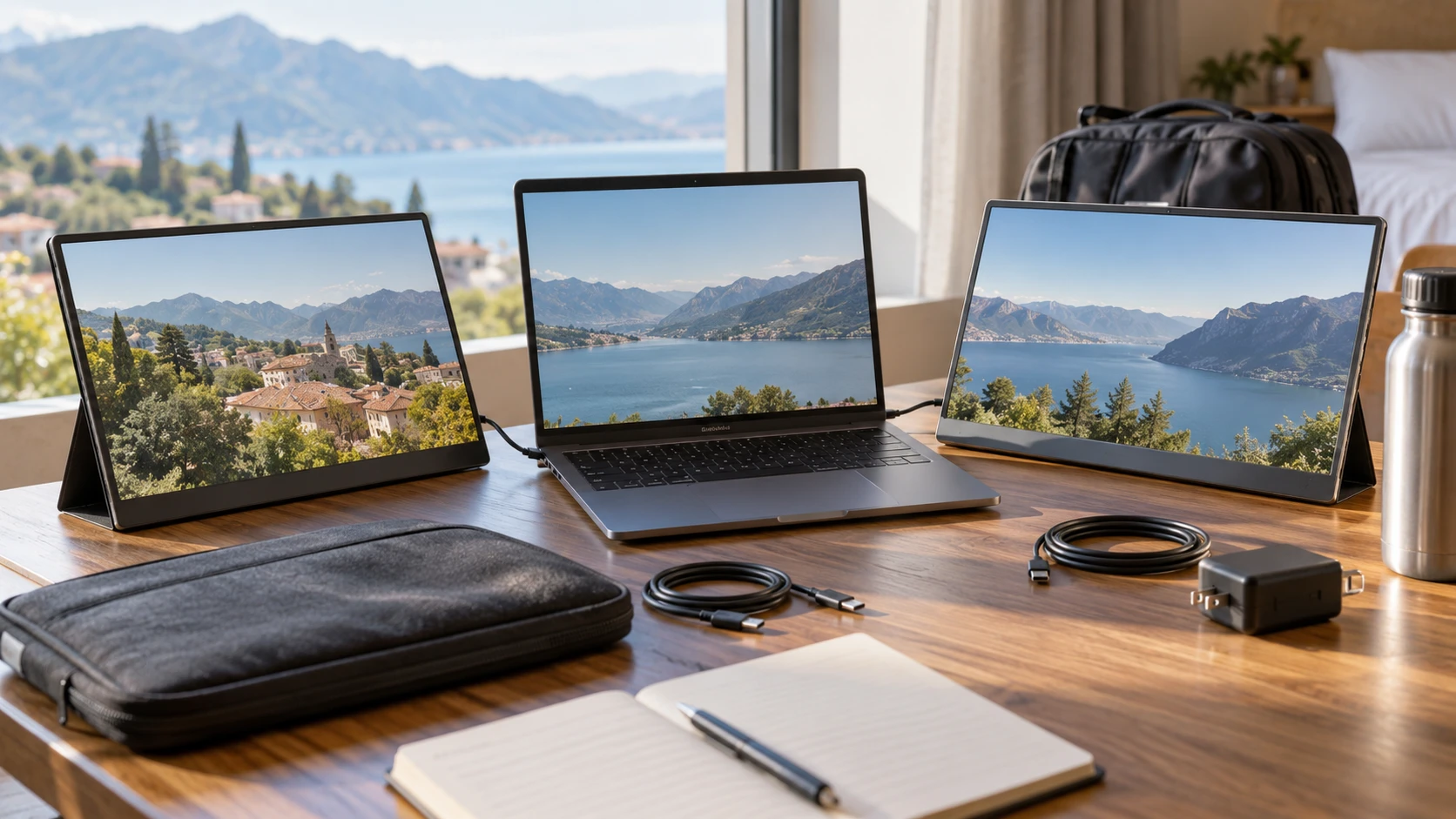
A portable monitor helps only when the laptop can send it video and enough power at the place where work happens. The ARZOPA S1 portable monitor lists a 15.6-inch Full HD IPS screen, 60Hz refresh rate, two USB-C ports, and mini HDMI. The related guide to portable-monitor travel desks discusses a different screen but offers useful questions about packing and connection. The UPERFECT M161J04 portable display lists a 16.1-inch Full HD IPS screen, 144Hz refresh rate, USB-C and mini HDMI inputs, built-in speakers, and a power adapter. One catalog field calls it 17.3 inches, so verify the actual panel size before ordering a sleeve or stand.
Start with the laptop port rather than the screen — UPERFECT M161J04 portable display
ARZOPA says one USB-C cable can carry video and power, but its saved description specifies that a phone needs a full-featured USB-C port. The same principle matters for laptops: a USB-C-shaped socket does not automatically output video or enough power. Check the laptop's exact model specification for display output over USB-C and any power budget shared with other devices. Try a known working video-capable cable if possible. A monitor that lights up but shows no image may be receiving power without a display signal.
UPERFECT lists two full-featured USB-C ports and a single-cable setup, plus mini HDMI. That is promising for a laptop that supports the required mode, but the saved row does not name every host and cable combination. It includes a USB-C-to-USB-C cable, USB-A-to-USB-C cable, and a standard-to-mini HDMI cable. The HDMI cable can provide video from a source that lacks USB-C display output, while the screen may still need a separate power path. Follow the exact manual rather than assuming the HDMI connection alone powers the display.
Draw the connection chain for the devices that will actually be used. A laptop may need one USB-C port for charging and another for the monitor. A game console may use HDMI, with the included power adapter or another approved source powering the screen. ARZOPA's listing says no power plug is included. That could require a compatible adapter in the travel bag when the source cannot supply enough power. UPERFECT explicitly lists a 5V 3A power adapter. Check electrical requirements for both exact models and test the chosen cable and adapter before leaving for a meeting or trip.
Decide how much motion speed matters — UPERFECT M161J04 portable display
The ARZOPA S1 is listed at 60Hz. For documents, reference material, chat, and ordinary video, that may be entirely sufficient. UPERFECT's M161J04 is listed at 144Hz, which may appeal to someone using the screen for fast games while traveling. The higher refresh figure is useful only when the source, cable, input, and game can deliver matching frames. The saved row does not give a timing table for every port. Confirm whether 144Hz works over the intended USB-C or mini HDMI connection at 1,920 by 1,080 resolution.
Do not treat a refresh figure as a picture-quality ranking. Both descriptions name IPS and Full HD. Neither gives a matched motion-response test, independent color accuracy, or a measurement of how readable text is in bright light. A 144Hz desktop cursor can feel smoother, but the value depends on the work and the user. A traveler who spends most time comparing spreadsheets may prefer a stable connection and a comfortable viewing position over unused refresh headroom. A gamer should test a familiar title at the frame rate the laptop or console actually provides.
UPERFECT's row also claims 300cd/m² brightness, 100% sRGB coverage, a 1,000:1 contrast ratio, HDR support, and 10-bit color. ARZOPA lists HDR support and an anti-glare coating but gives no comparable brightness or measured gamut in the saved excerpt. Those different levels of detail prevent a fair color or HDR ranking from catalog copy. Ask for current panel specifications or independent measurements if photo work matters. A portable screen labeled HDR may accept a signal without producing the highlight range expected from a larger premium display.
Resolve the screen-size conflict — UPERFECT M161J04 portable display
ARZOPA's saved row consistently describes a 15.6-inch panel. UPERFECT's product description says the screen measures 16.1 inches, while another size field says 17.3 inches. Its product URL also refers to 16.1 inches. The conflict should be resolved from the exact M161J04 specification or a measured photo of the shipped unit. Do not buy a fitted case or mount from the 17.3-inch field alone. A difference of more than an inch in diagonal can change desk footprint and bag choice.
The listed weights also need context. ARZOPA says 1.7 pounds and 0.3 inches thick. UPERFECT says 1.51 pounds. The rows do not state whether those weights include a cover, stand, cable, or power adapter. A full travel kit includes all the pieces needed to keep the screen upright and powered. Pack a trial kit, then weigh and place it beside the laptop. A screen that is lighter by a few ounces can still require a bulky adapter or case.
Neither saved description clearly details an included desk stand for ARZOPA, and UPERFECT's row names a VESA mount rather than explaining a travel stand. Verify what physically supports each screen on a table. A flimsy prop can tip over when a cable pulls or when a person works on a small café table. Check the viewing angle, cable clearance, and whether the screen blocks the laptop keyboard. A second display should make the workspace easier to use, not consume the space needed for a mouse or notes.
Review the connectors and extras — guide to portable-monitor travel desks
UPERFECT lists two USB-C ports, one mini HDMI input, a USB 3.0 OTG port for a keyboard or mouse, a 3.5mm headphone jack, two built-in speakers, and a 75-by-75 VESA mount. Those are useful options for a mini PC or a fixed desk setup, though the saved row does not spell out OTG behavior with every device. Check whether the keyboard or mouse uses the connected computer as expected and whether the monitor supplies adequate power to a peripheral. If this screen will travel daily, a VESA feature may never be used; at a fixed desk it may free valuable surface area.
ARZOPA lists dual USB-C and mini HDMI. Its saved excerpt does not mention built-in speakers, a headphone port, or a VESA pattern. That absence is an evidence gap, not a confirmed lack of every feature on all S1 units. Read the exact manual and product photos if audio or mounting is essential. Many users can route sound through the laptop or headphones, so a monitor speaker may be a convenience rather than a deciding factor. A person using a game console in a hotel room should plan the audio route before relying on either screen.
The included cables matter as much as the ports. UPERFECT's box list is detailed, including its HDMI and USB cables and adapter. ARZOPA's row says a power plug and magnet accessory are not included, without a complete cable list. Check Republeq's product page for exact box contents. A missing or unsuitable cable can turn a portable monitor into a nonworking slab at the destination. Label the correct cable and keep it with the screen, especially when a household has many USB-C leads that look alike but support different capabilities.
Check compatibility claims with the exact device — UPERFECT M161J04 portable display
ARZOPA's description says it works with PCs, Macs, phones, Xbox, Switch, PS4, PS5, and most laptops. UPERFECT names laptops, USB-C phones, Switch, Xbox, PS5, older PlayStation models, mini PCs, and cameras. These broad compatibility lists still depend on the output port, required adapter, power supply, and video mode of the specific device. A phone may require display output over USB-C, while a console can use HDMI but needs separate screen power. Test the intended pair rather than assuming that an item appearing on a list guarantees one-cable operation.
When using a laptop for a presentation, set the operating system to extend or mirror the display and check the resolution before the meeting. A 15.6- or 16.1-inch Full HD screen can show a second document comfortably, but small text may need scaling. If the screen is used to show another person a draft, check viewing angles and glare under the room's lighting. ARZOPA's anti-glare claim may help, though the saved row contains no reflection test. UPERFECT's 178-degree viewing-angle claim likewise does not quantify contrast or color at a real off-axis seat.
The related guide concerns an ASUS ZenScreen and should not be mistaken for an installation manual for these products. Use it to make a packing checklist, then follow the exact ARZOPA or UPERFECT documentation for power, video, and supported settings. A ten-minute setup rehearsal at home can catch a missing adapter, wrong cable, or low-power laptop port before those problems matter on the road.
Compare the saved prices with the complete kit — UPERFECT M161J04 portable display
The catalog snapshot lists ARZOPA at $224 and UPERFECT at $210 in USD, a $14 difference. Current checkout and shipping may change that small gap. UPERFECT lists more included cables, a 5V 3A adapter, speakers, a headphone jack, an OTG port, and the higher refresh rate. ARZOPA lists a thinner body, anti-glare coating, and a 15.6-inch size without the same conflicting size field. Neither row gives a complete warranty and return comparison. Confirm those terms, particularly if a monitor must work with an unusual laptop or phone.
The ARZOPA listing calls the product Unbranded while naming the ARZOPA S1 and saying it ships new with an international warranty. Ask who provides support for this exact listing and what the warranty covers in the buyer's location. UPERFECT's row does not state a warranty term in the saved excerpt. A low price has less value if a dead pixel, unstable USB-C link, or damaged connector cannot be resolved easily. Keep the exact model and serial details from the shipped unit.
Choose the S1 when a 15.6-inch 60Hz screen meets the task and its slim, anti-glare description fits the travel kit, after confirming cables and power. Choose the M161J04 when its extra inputs, accessories, 144Hz mode, or VESA option will be used, after resolving the 16.1-versus-17.3-inch size conflict. For either, connect it to the exact laptop or console, run it for a normal work session, and pack every required cable and adapter. That trial is a better indicator of travel usefulness than a compatibility list alone.