Crypto Commerce
Aishtec AI3537658 27-inch 4K monitor vs Dough 27-inch 4K monitors for one desk
Compare Aishtec AI3537658 27-inch 4K monitor by work area, USB-C connection, refresh, contrast claims, color verification, and included hardware.
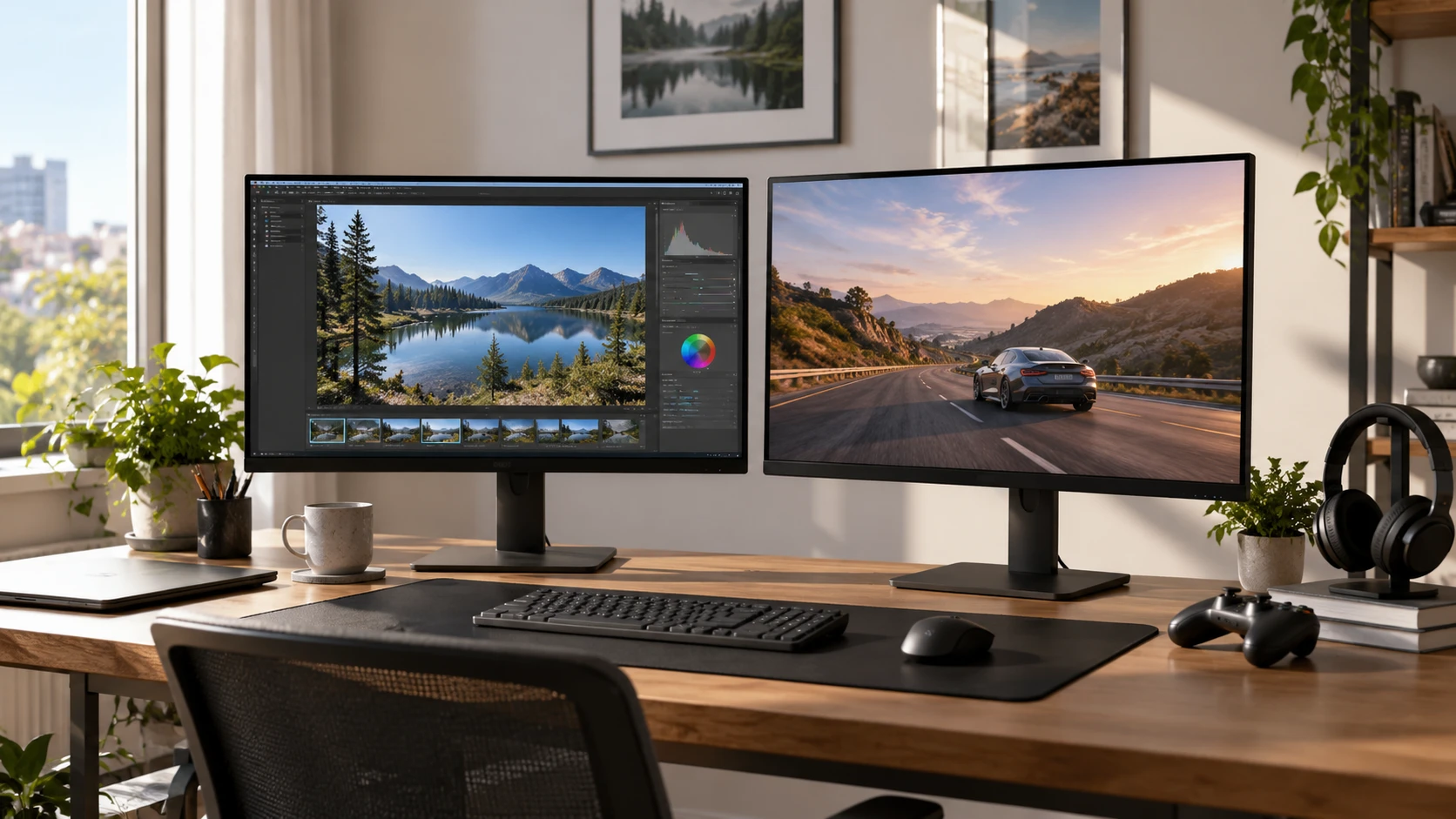
A 27-inch 4K monitor can give a laptop user more room for a design canvas, several documents, or a game. Aishtec and Dough both list a 3840 by 2160 display and USB-C connection, but the saved descriptions answer different questions. Aishtec presents the screen for graphic design, photography, illustrations, and layouts, without giving color measurements or refresh behavior. Dough gives a 144Hz IPS specification, HDR, contrast figures, a glass surface, and some gaming features. Compare the supported modes and physical setup for the tasks you actually do.
The Aishtec AI3537658 27-inch 4K monitor is described as a 27-inch 4K UHD screen with USB-C for compatible laptops and devices. Its saved excerpt does not identify panel type, color gamut, calibration, brightness, or stand adjustment. Dough's Spectrum One listing names a 27-inch IPS panel, 144Hz refresh, 1ms response, FreeSync Premium Pro, 16:9 aspect ratio, 178-degree viewing angle, Gorilla Glass display surface, and USB-C docking. Use those details to request the exact shipped model and its supported mode table.
Build the workspace before comparing labels — screen aspect ratio planning
Both products claim the same native pixel count, so the amount of detail shown on screen can be compared at a common setting. Physical size matters too: a 27-inch display may need operating-system scaling for comfortable text. Try the programs you use every day at 3840 by 2160 and several scaling settings. Look at menus, tool palettes, and document text from your normal sitting distance. A large pixel count can give a photo more detail while making unscaled controls small. The best setup is the one that lets you work without leaning forward or losing room for the tools around an image.
The published guide on screen aspect ratio planning helps frame the shape of the available display. Dough explicitly lists 16:9. Aishtec gives 3840 by 2160 pixels, which also reduces to 16:9, though its source does not spell out the ratio. That shape works differently from a wide ultrawide monitor or a tall portrait display. Sketch the windows you commonly keep open: a design file beside reference material, a spreadsheet and notes, or a game with a browser nearby. The ratio tells you the canvas shape, while the pixel count and scaling determine how much interface fits inside it.
Measure the desk as well as the screen. Dough's source gives a width across the monitor of 23.9 inches and a weight of 11.02 pounds, but it does not describe a stand footprint in the saved excerpt. Aishtec's excerpt gives the diagonal only. Request both dimensioned drawings and check how close the display can sit to the wall. If a monitor arm is planned, verify the mounting pattern, weight range, and whether required hardware is supplied. Dough is described as sold as a monitor only, which needs clarification about the stand and cables. Do not assume a mount or desk base is included from a product photo.
Make USB-C earn its place — Dough Spectrum One 27-inch monitor
Aishtec says USB-C connects the monitor to compatible laptops and devices. Dough says it supports USB-C docking. Neither saved excerpt gives the power-delivery wattage, USB data speed, alternate video mode, number of downstream ports, or included cable. A USB-C port can carry different combinations of power, data, and video depending on the host and the monitor. Ask for the exact port table in each manual. Confirm the laptop's output capabilities, then test a 4K signal through the intended cable while other connected devices are in use.
The docking claim on Dough invites a practical test: can one cable drive the display, charge the laptop at the required rate, and connect the peripherals you need? The description does not answer those three questions. Aishtec's simpler USB-C claim may or may not include charging. Check both products rather than assuming one is a full dock and the other is display-only. If the laptop needs a higher charging wattage than the monitor supplies, plan for the original power adapter. If the USB-C link uses bandwidth for a high-refresh mode, ask whether data-port performance or color format changes.
A monitor that works through one port may support a different mode through another. Dough's listing gives 144Hz at 4K but does not tie that mode to a particular input or cable in the saved excerpt. Aishtec gives no refresh rate. Find the supported timing tables and compare them with the computer's outputs. On first setup, confirm 3840 by 2160 in both the monitor menu and operating system, then inspect refresh and color settings. If you use a KVM, dock, or adapter, include it in the test. The entire signal path must support the intended mode.
Verify color and image behavior for actual work — Dough Spectrum One 27-inch monitor
Aishtec's description associates its 4K image with graphic design, photos, and illustration. That is a use case, not proof of accurate color. It gives no gamut coverage, calibration report, uniformity measurement, brightness, or color-profile information. Request model-specific measurements if color decisions affect paid work or print output. Compare the display with a calibrated reference if available. Check shadow detail, skin tones, and neutral grays in familiar files rather than assuming that sharpness alone makes a monitor suitable for editing.
Dough's source names an IPS panel and HDR, plus a typical contrast ratio of 1000:1 and a dynamic contrast claim of 10,000,000:1. The typical figure and the dynamic figure describe different test conditions; the larger number should not be read as normal static contrast. The excerpt does not give peak brightness, local-dimming behavior, HDR certification, or factory color accuracy. For ordinary work, evaluate a dark scene in a dim room and a bright document in daylight. Look for glow, uneven backlighting, and whether text remains legible without excessive brightness.
Gorilla Glass on Dough is a surface-material claim. It does not tell you whether reflections will be distracting beside a window. View the screen at different times of day and note lamps or windows that appear in dark content. Aishtec's excerpt does not describe its surface finish. Ask whether it is glossy, matte, or treated in another way. A protective surface may be appealing if the desk is shared, but actual reflection behavior can matter more to a person who edits photos near daylight.
Decide whether motion features matter — Dough Spectrum One 27-inch monitor
Dough lists 144Hz refresh, 1ms response, and AMD FreeSync Premium Pro. Those features may interest someone who plays games or works with fast-moving video on the same desk. The listing does not state the response-time measurement method or the adaptive-refresh range. Ask for independent motion tests of the exact panel and confirm that the computer can produce a 4K signal at the intended rate. Aishtec's description does not mention gaming modes, response time, or adaptive refresh. Its omission cannot be converted into a claim of poor motion, but it leaves more work for a buyer who needs those features.
If games are occasional, compare the monitors at a refresh rate your hardware can sustain. Move a camera through a familiar game and watch for smearing, overshoot, or signal interruption. Then return to the desktop and see whether the high-refresh setting affects color depth or USB-C docking behavior. A fast setting that compromises the work you do most often may not be worth keeping enabled. The Dough listing provides enough detail to ask pointed questions; the Aishtec record first needs a basic mode table.
Sound and ergonomics are also open questions. Neither saved excerpt mentions speakers, an audio output, height adjustment, tilt, swivel, or a pivoting stand. Ask for the complete current specifications and included-hardware list. If you rely on a headset, speaker absence may be trivial, while a fixed-height stand could force a separate riser or monitor arm. Test the top of the screen at eye level and make sure the base leaves room for a keyboard and any drawing tablet. A display can have strong pixel specifications while still fitting the desk poorly.
Choose with a documented setup — Dough Spectrum One 27-inch monitor
Aishtec could suit a buyer who wants a 27-inch 4K canvas and USB-C connection, provided its missing color, refresh, and stand facts meet the intended design workflow. Dough gives a fuller specification for mixed productivity, media, and gaming, including IPS, 144Hz, and a named glass surface. Its HDR and contrast claims still need context, and the package contents need checking. Neither saved listing supplies the color accuracy or USB-C power details required for a confident one-cable editing setup.
Write down the computer model, cable or dock, desired refresh, software scaling, desk measurements, and color requirements before ordering. Verify each against a model-specific manual and the delivered display. Check each Republeq catalog entry for the dead-pixel policy, return window, and who handles a warranty claim. Check the serial number and included parts as soon as the package arrives, while any return period is still open. If a promised 4K mode fails through a documented connection, preserve the cable and computer details used in the test. That makes a support request more precise than a report that the screen looks wrong. The Dough Spectrum One 27-inch monitor and Aishtec option can then be tested on the same desk with the same files and signal path. Use familiar files and devices to check color, motion, and connection stability during the return window.