Crypto Commerce
Angel Canada 17.3 touch monitor vs Elo 1717L for kiosk touch displays
Compare Angel Canada 17.3 touch monitor by stated display size, touch technology, computer compatibility, connections, mounting, and point-of-sale use.
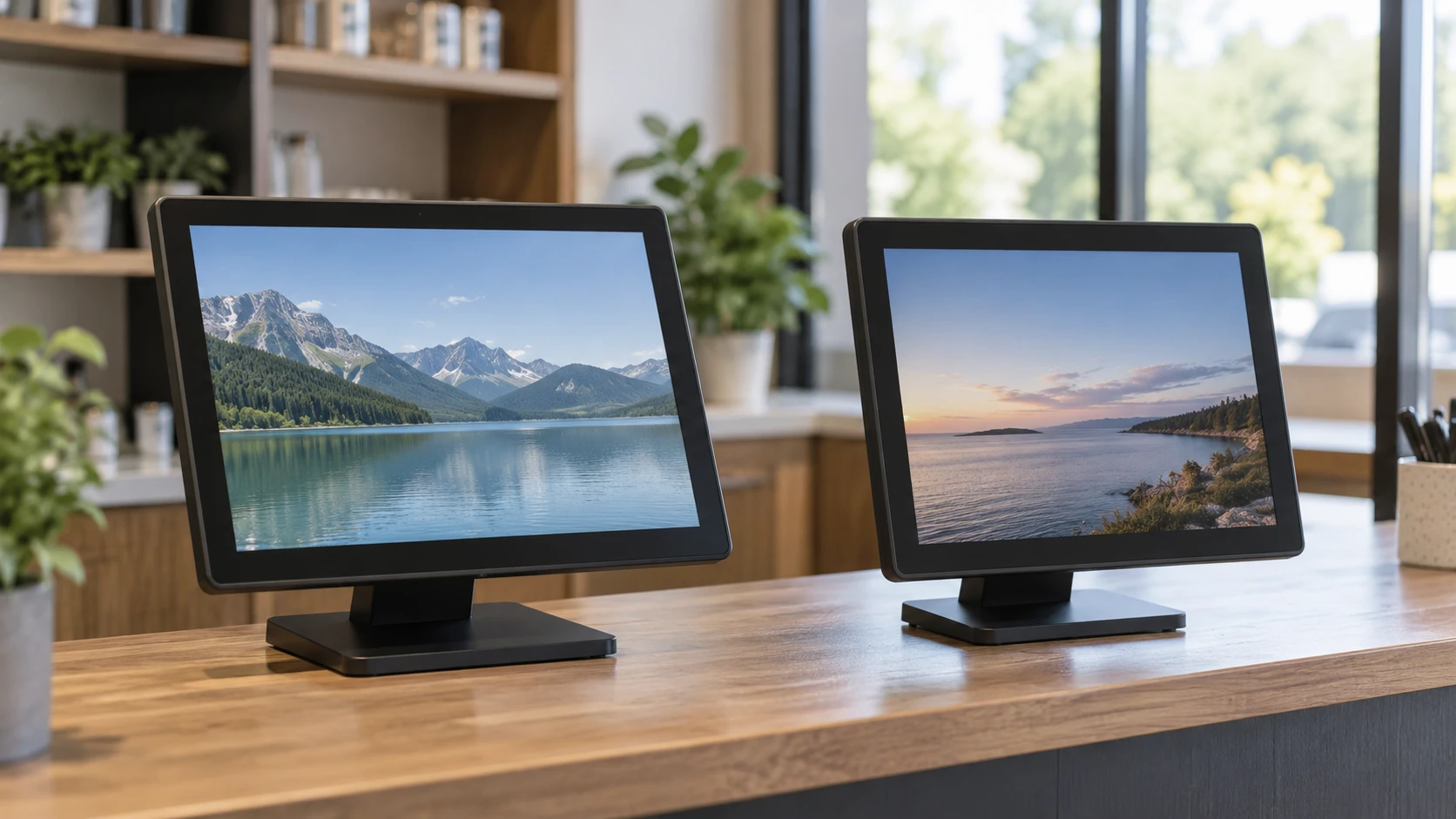
The Angel Canada 17.3 touch monitor and Elo 1717L both appear in commercial touch-screen listings. Angel Canada describes a 17.3-inch Full HD capacitive display with ten-point touch support on recent Windows versions. Elo describes a 17-inch LED-backlit display for public use and lists more than one possible touch technology. The first buying question is therefore the exact configuration, followed by how it connects to the computer and where it will stand. A monitor can show a picture and still fail the intended job if touch input, mounting, or software compatibility has not been checked.
The published guide to display connection checks for touch screens helps separate the video path from the touch path. Angel Canada's package list includes VGA, HDMI, and USB cables, but that does not prove which video input ports are fitted to every version of the display. Elo's pinned excerpt does not identify its input ports or included cables. Request a rear-panel photograph, the exact model suffix, and the manual for the unit being sold. Check that the host computer has the required video output and touch-data connection before treating an existing cable as a complete setup.
The Elo 1717L touch monitor listing calls the screen a zero-bezel desktop display intended for retail, service, signage, and kiosk use. It describes AccuTouch five-wire resistive and iTouch pure-glass surface-wave options. Those are alternatives in a product family, not proof that one purchased unit has both. Ask which touch technology is on the exact SKU, whether the display includes its stand, and whether any needed driver is supplied for the operating system in use. A variant mismatch would matter more than the half-inch difference between the stated diagonal sizes.
Confirm touch behavior on the actual computer — display connection checks for touch screens
Angel Canada says its capacitive panel supports ten-point multitouch on Windows 8, 10, and 11. Its description says Windows 7, XP, and 2000 operate with single-touch support, while another compatibility line names Windows 7, 10, and XP. Those statements should be checked against the exact host and driver. If the kiosk application expects gestures with several fingers, test that behavior in the application, not only in a desktop settings screen. If it only needs one deliberate button press, reliable single-touch positioning may be more relevant than a ten-point specification.
Elo's page frames the AccuTouch resistive option as able to withstand splashes, food, and grease, while its iTouch glass surface-wave option is described for dry retail and hospitality areas. The listing does not specify which option the linked item includes. A restaurant counter exposed to wet hands calls for a different review from a dry check-in station. Check Republeq's product page for the touch technology and care instructions of the unit in the box. A technology name alone does not certify the full enclosure against spills or cleaning chemicals.
If an existing application uses touch in a particular way, test a sample unit before rollout. Calibrate a press near every edge and corner, try the size of button actually used by staff or visitors, and check what happens when a second finger touches the display. Review whether gloves, a stylus, or wet hands are part of ordinary use; neither pinned excerpt supplies performance results for all those conditions. A return policy that allows a compatibility check is valuable when the touch technology or driver support remains unclear in the listing.
Compare the image details without assuming parity — Elo 1717L touch monitor
Angel Canada specifies 1920 by 1080 pixels at a 16:9 aspect ratio. It also states a 700:1 contrast ratio, a typical nine-millisecond video response time, typical 5.4-millisecond touch response, and 170-degree horizontal and vertical viewing angles. These are vendor figures without the test conditions in the pinned excerpt. For a point-of-sale screen, read the actual software at the intended distance: small prices, modifiers, inventory fields, and high-contrast alerts. A pixel count does not establish whether the panel is bright enough under the store's lighting.
Elo's pinned description says 17 inches, LCD, and LED backlighting, but gives no resolution, aspect ratio, brightness, viewing-angle figure, or response-time measurement. Do not infer that it matches Angel Canada's Full HD panel merely because the sizes are close. Ask for the official display specifications tied to the model suffix. A 17-inch screen with a different pixel grid could show the application at a different scale or require a layout adjustment. Photograph the intended checkout or kiosk screen on each model to check legibility before buying several units.
Bezel and surface design matter at a public station. Elo calls the 1717L zero-bezel, which suggests a flatter front appearance, but the excerpt does not provide a cleaning method or glass-strength measurement. Angel Canada describes a flat front with fewer gaps for dust or water to collect, along with a reinforced screen. Neither description is a substitute for a model-specific cleaning instruction. Check whether the surface tolerates the cleaning product already used at the counter. Avoid assuming that a smooth front means the whole display is sealed against liquids.
Plan the stand, power, and cables — Elo 1717L touch monitor
Angel Canada's package list includes a metal stand, touchscreen LED display, power adapter, power cord, VGA cable, HDMI cable, and USB cable. Its description says the display accepts a 100-to-240-volt AC supply at 50 or 60 hertz and consumes 30 watts. Confirm the power adapter's plug and the actual port arrangement in the manual. Plan the cable route so staff cannot pull the display by a cord or trip over a USB lead. A point-of-sale counter often has a receipt printer and other devices competing for the same host ports.
The Elo excerpt mentions an optional three-track magnetic-stripe reader that a user can install and program. Optional means it should not be counted among the delivered parts unless Republeq's catalog lists it for the exact SKU. Ask where it mounts, what connection it needs, and whether the application still requires such a reader. The pinned source does not give Elo's power use, stand dimensions, cable bundle, or adapter specification. Request those before approving a cabinet cutout or purchasing a shared power strip for multiple terminals.
Measure desk depth and operator reach. A screen can fit by its diagonal while its stand occupies too much of a narrow counter or places touch targets beyond comfortable reach. Neither pinned excerpt gives the assembled footprint or adjustment range. Ask for the width, depth, height, and tilt limits with the included stand. Check whether the screen is stable when pressed near an upper corner. If wall mounting is planned, confirm a supported mount pattern from the exact manual rather than assuming a commercial display has a standard mounting interface.
Match the use setting to the offered variant — Elo 1717L touch monitor
For a Windows kiosk that depends on a known Full HD layout and multiple simultaneous touches, Angel Canada's stated resolution and ten-point support provide specific questions to verify. Confirm the version of Windows, the application's touch behavior, video connection, USB touch connection, and the complete physical setup. The listed 30-watt consumption can help estimate power requirements, but the actual electrical plan should follow the adapter and site rules. Continuous public use is the Republeq's catalog positioning, not a measured service-life guarantee.
Elo's listing leaves more configuration work for the buyer. Its resistive and surface-wave descriptions point to different exposure and use cases, and an optional card reader could change the counter layout. Identify the exact technology before comparing price or deciding how the screen will be cleaned. Obtain the missing video resolution, ports, supported systems, and included stand and cables. A hospitality desk with dry hands may evaluate the iTouch option differently from a food-service counter where splashes are routine. The model-family description alone cannot settle that choice.
Keep accessibility in the test. A user who cannot comfortably reach a high corner should have controls placed within a practical area of the screen. Try the real software with users standing or sitting in the positions expected at the counter. Check reflections from overhead lights and any window behind the customer. The pinned descriptions provide viewing and response numbers for Angel Canada and few image measurements for Elo, but neither gives a site-specific readability test. A short pilot at one station can expose placement and cable problems before they are repeated across a room.
During that pilot, restart the host and let it wake from its normal sleep state. Check whether the image returns at the intended resolution and whether a touch lands on the button being pressed. Unplug and reconnect the permitted cables once under an administrator's supervision, then document the order needed to restore operation. If the kiosk runs more than one display, confirm that touch input is assigned to the correct screen. These steps test the complete station and avoid attributing a host configuration problem to a monitor. Keep a record of driver versions and the exact ports used so another employee can reproduce the setup.
Before ordering, write down the host computer's video and USB ports, operating system, application resolution, cleaning routine, and mounting location. Match those against model-specific manuals and a delivered-parts list for each exact unit. Angel Canada offers more stated panel and cable details in the source excerpt. Elo offers a touch-technology choice that requires SKU confirmation. The purchase that fits is the one whose exact configuration can display the application, register touch reliably, and remain serviceable at the chosen counter. Keep the Republeq's catalog model-specific answers with the installation record so a later replacement can be matched.