Crypto Commerce
Check disc playback compatibility before choosing a player
Start with the discs you want to play, then compare their printed information with the playback language in a prospective player's listing. A useful disc playback compatibility check separates what the disc is, what content it contains, and what you want the equipment to do. A familiar shape or a matching format name can help you identify a candidate, but neither settles every question about playing your particular content.
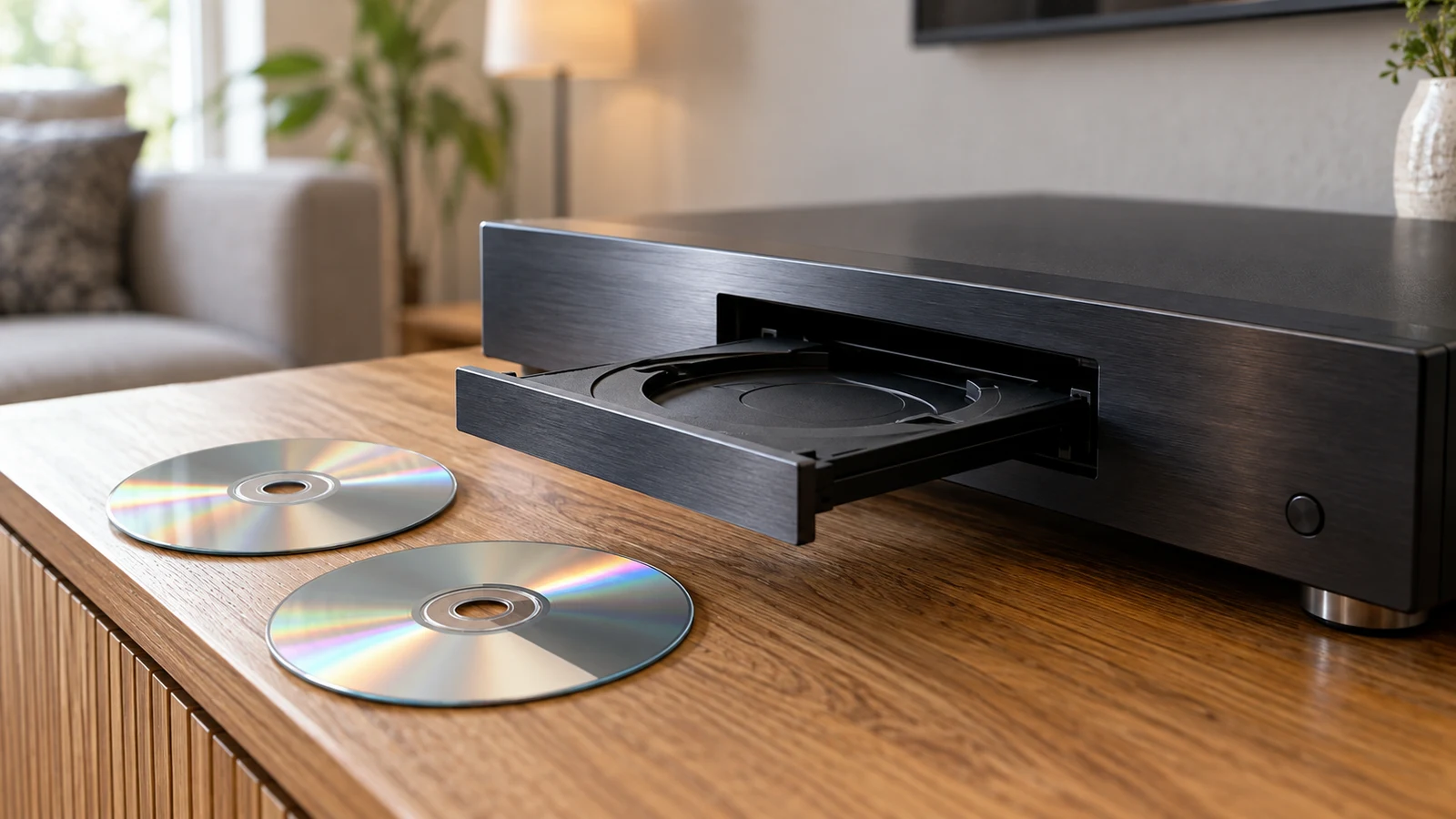
Start with the discs you want to play, then compare their printed information with the playback language in a prospective player's listing. A useful disc playback compatibility check separates what the disc is, what content it contains, and what you want the equipment to do. A familiar shape or a matching format name can help you identify a candidate, but neither settles every question about playing your particular content.
For someone browsing Republeq while considering an electronics purchase with cryptocurrency, this is a product decision to resolve before payment becomes relevant. The two listings discussed here provide different starting points: an external USB drive advertised for Blu-Ray, DVD and CD use, and a Yintiny player described for CD playback. Their descriptions are listing claims, not results from testing your discs.
Start Electronics Product Checks With The Disc You Want To Play
Choose an existing disc that matters to your purchase and state the intended result in ordinary language. You might want to hear an album or watch a film. Keep that purpose attached to the individual disc throughout the comparison. A product can look relevant because its title names the medium while leaving the intended playback task unanswered.
If music and video are both part of the purchase, write separate questions for them. Otherwise, a reassuring answer about music could be mistaken for confirmation about the video discs as well. You do not need to describe your entire collection. Concentrate on the discs whose playback would determine whether the equipment is useful to you.
Record the format wording printed on the disc and its packaging exactly as it appears. Preserve any extra letters, numbers or qualifying words rather than shortening everything to "disc." Put the content description beside that wording, distinguishing text printed on the packaging from something you remember about the contents. That distinction gives the person answering your inquiry a clearer basis for a response.
For an unidentified disc, write that its format or content is unknown. A handwritten title may tell you what someone intended the disc to contain without establishing its playback requirements. Avoid filling an empty field with a familiar format name because the disc resembles another one. If the label and case disagree, include both descriptions and explain the mismatch.
A short note for each disc can contain:
- The exact medium or format wording visible on the disc.
- The content description and where that description came from.
- The result you want, such as hearing the music or watching the video.
- Any missing, unreadable or conflicting information that needs clarification.
This note is preparation for a playback question, not an archive project. There is no need to reorganize a collection, select material to share or create new discs. Stop collecting detail when you have enough to describe the existing item accurately and identify what remains unknown.
Keep Playback Separate From Recording In Electronics Product Checks
When reading a product description, keep its operation words attached to the claims they describe. "Player," "burner" and "recorder" should not become interchangeable shorthand in your notes. Your question concerns reading existing content. A statement about recording does not, by itself, answer whether the product will play the disc in front of you.
A listing may advertise both operations. In that case, retain the playback statement and examine its scope rather than treating the recording statement as extra proof. Ask which wording supports your intended use and which details it leaves unstated. This keeps the comparison focused without requiring you to investigate features you do not plan to use.
Read The External Drive Description During Electronics Product Checks
Republeq's External USB 3.0 UHD 4K Blu-Ray Burner & Player listing names Blu-Ray, DVD and CD and describes both playback and recording. When checking disc playback compatibility for this external drive, use those advertised media categories to frame an inquiry. Do not turn the title into a promise that every disc carrying one of those names will play in your intended setup.
The supplied description also refers to 3D Blu-Ray and Ultra HD 4K playback. Those are relevant advertised claims, but the description does not establish an exhaustive list of supported content or the complete requirements for your particular use. Preserve the distinction between "the listing advertises this capability" and "this disc will work with my equipment."
For example, if the disc's packaging includes a specific format description, quote that wording in the question about the drive. Ask whether the advertised playback claim covers that exact description and whether any additional playback requirements apply. This is more precise than asking whether the product "does video," which could produce an answer too broad to resolve your purchase.
The listing describes a USB connection and makes an easy-setup claim. Even so, do not treat connection wording as a complete answer about watching your chosen disc. Ask what the playback setup requires for the computer you intend to use, including whether any software or other conditions must be satisfied. The supplied information does not establish those answers for your system.
Likewise, avoid inferring a complete viewing setup from the resolution language. A question about your disc should still identify its printed format and intended content, even when the product title includes "4K." If an answer simply repeats that label, ask how it applies to the disc you described. You need an explanation tied to your use, not another copy of the headline.
Keep unresolved requirements visible while comparing candidates. The external drive's broader advertised media coverage may make it worth investigating for a mixed selection of discs. That is a reason to ask more specific questions, not a tested result or a ranking against the other product.
Interpret The Rechargeable CD Player Listing Within Its Stated Scope
The Yintiny listing describes a rechargeable CD player intended for CD reproduction. That gives a shopper with music discs a relevant product to investigate. The supplied description does not establish DVD or Blu-Ray playback, and its CD wording should not be expanded to cover every kind of content that might be stored on a CD.
For this candidate, keep the question close to the disc you own. State the printed format, describe the music you want to hear, and ask whether that particular type of disc and content falls within the advertised CD playback role. If the label provides little information, include that limitation instead of describing the disc more confidently than the evidence allows.
The rechargeable feature is a separate advertised characteristic. It does not answer the media question. A shopper who likes that feature still needs to establish whether the intended disc is supported; a shopper who only wants to watch a labelled video disc should not infer a match from the general idea of a disc player.
An omission also has limits. The supplied description's silence about a format leaves its support unestablished here; it is not an independent technical finding that the product cannot support it. For a purchase that depends on that format, seek a specific answer rather than treating silence as either confirmation or definitive rejection.
Prepare A Music Inquiry For The Rechargeable CD Player
Imagine a music disc whose packaging identifies it as an audio CD. This hypothetical example begins with information printed on the packaging, not with an assumption based on the disc's appearance. The intended operation is to play the existing music. The relevant listing language is the Yintiny description's stated CD reproduction role.
A focused inquiry could read: "The packaging for my music disc identifies it as an audio CD. I want to play the music already on it. Does this Yintiny model support that disc type, and are there any playback limitations I should check? Please tell me if you need more information from the disc or packaging."
Keep the known information, listing claim and unanswered question separate when evaluating the response. A reply that merely says "CD player" repeats what you already knew. A useful reply addresses the disc type you named and states any applicable conditions. If the response depends on information you have not provided, leave the conclusion open until that information is available.
Turn Electronics Product Checks Into A Disc-Specific Decision
Now consider a separate hypothetical video disc with packaging that identifies it as Blu-Ray. The desired result is watching that existing video through the proposed external-drive setup. The external drive listing names Blu-Ray playback, so there is relevant wording to investigate. Neither that wording nor the disc label alone establishes the complete arrangement needed to watch it.
The inquiry could read: "My video disc is labelled Blu-Ray, and I want to watch its existing content using this external drive with my computer. Does the advertised playback support cover the disc description I have provided? What system information do you need from me, and what playback requirements or limitations would apply?" Include any additional format wording actually printed on the packaging.
Notice how this question differs from the music example. It asks about the disc and the proposed computer-based playback arrangement. It does not borrow an answer from the CD player discussion or assume the external drive's recording capability resolves the video question. Each inquiry follows the intended operation for the specific disc.
When a reply arrives, compare it with the original question before deciding what it establishes. Did it address the named medium and content? Did it cover the setup you described? Were conditions attached? A response can settle one part while leaving another unanswered, and it is useful to preserve that partial result rather than reduce everything to a general yes.
For each candidate, write a brief conclusion tied to the disc: the available wording addresses the intended playback task, the answer identifies a mismatch, or compatibility remains unresolved. Attribute any confirmation to the listing or response that supplied it. Do not describe that confirmation as a playback test unless such a test actually occurred.
If a condition would require a setup you do not intend to use, assess the product on that basis. You can decide that a candidate does not suit your plans without making a broader claim about everything it can or cannot play. Conversely, an unanswered question about one video disc need not be presented as a finding about all your music discs.
For purchase questions beyond playback, use the related guide to electronics product checks. Keep that broader review separate from the disc inquiry. Interest in a payment method does not supply missing format information, and this comparison makes no promise about payment acceptance or other merchant policies.
Before choosing a player, take the disc that matters most to your decision and write its playback inquiry. Match the printed information to the relevant product wording, then request a specific answer for any remaining requirement. Treat disc playback compatibility as unresolved wherever that answer is still missing. Choose on the basis of the use that has been addressed, without extending it to other discs or playback arrangements.