Crypto Commerce
Plan camera shot logging to distinguish recorded takes
You finish recording the same short passage several times. Later, the recordings look alike at a glance, and your note says only “second one sounded better.” Which recording was the second one, and what did “better” mean? A shot log can answer the first question without pretending to answer the second. Give each take a reference you can check, describe what you noticed, and leave your judgment open until you review the recording.
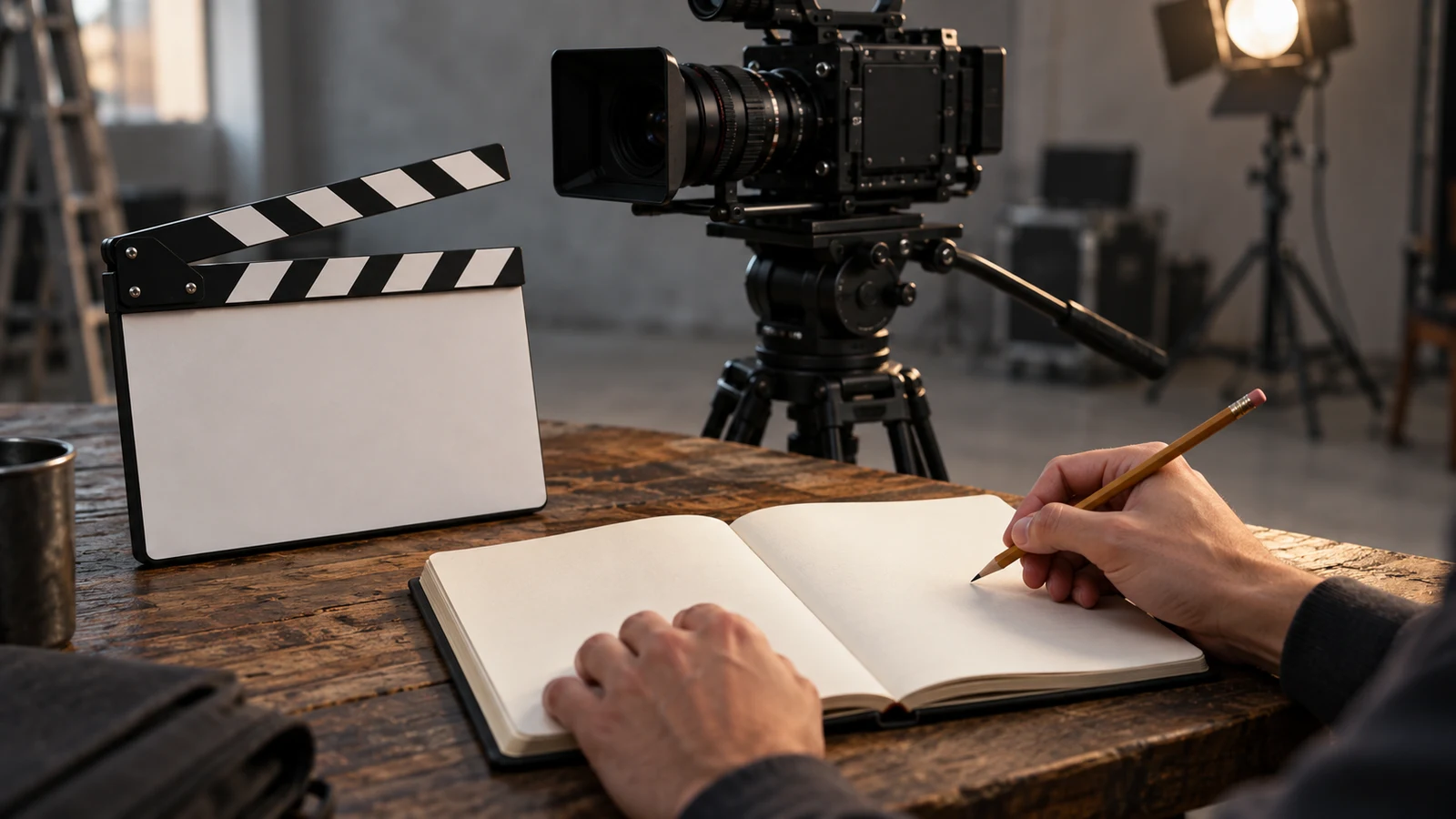
You finish recording the same short passage several times. Later, the recordings look alike at a glance, and your note says only “second one sounded better.” Which recording was the second one, and what did “better” mean? A shot log can answer the first question without pretending to answer the second. Give each take a reference you can check, describe what you noticed, and leave your judgment open until you review the recording.
Imagine a fictional speaker preparing a short announcement: “The reading starts at six. Please use the side entrance. Questions follow afterward.” The planned words belong at the top of the page as the intended passage. Each recording gets its own entry beneath them. This matters when the speaker skips a sentence or changes the wording; the plan still tells you what was intended, while the entry tells you what may have been captured. Camera shot logging here means keeping that separate written record, whether you use paper or plain text.
Laptop For Reviewing Shot Notes: Build A Record You Can Check
Start with four fields: intended passage, recording reference, observed difference, and review status. The intended passage can be a short label if you already have the script elsewhere, but make it specific enough to distinguish this announcement from another passage in the same session. A label such as “reading announcement” is clearer than “intro.” When several entries share that label, each still needs its own recording reference. Otherwise the log tells you that something happened without giving you a way to find it again.
The recording reference should identify one recording as you can actually locate it, not as you hope the camera will name it. You might copy a visible file label during review, use a temporary handwritten identifier during the session, or describe another distinguishing detail you can check against the available recordings. These are methods for maintaining your own record, not claims about a camera’s numbering or metadata. Write “reference not yet confirmed” when you have only a provisional note. An assumed sequence such as “the third recording must be take three” can turn one forgotten restart into several wrong matches.
Use the observed-difference field for a testable description. “Stopped after the first sentence,” “said ‘Come through the side entrance’ instead of ‘Please use the side entrance,’” and “repeated the final line” each tell you what to listen for later. “Best version” is a preference, and “good sound” may be too vague to help you find a take. You can keep a separate impression such as “I liked the pace,” but mark it as an impression. Do not turn it into a confirmed description of what the recording contains until you check.
Make the review-status field say what has happened to the entry, rather than what you wish to do with the video. Useful values are “unreviewed,” “reference uncertain,” “matched to recording,” and “needs another listen.” Define those words once at the top of the log if more than one person will read it. A matched entry says you found the recording described; it does not say the performance is approved or that another take can be discarded. If the passage has a particularly important line, add a question beside the status: “Is the side-entrance sentence present?” That question directs the next review without pre-answering it.
You can write the fields on four lines, as columns, or as one short paragraph per take. A table may be quicker to scan, but it is not required; the important feature is a consistent place for the reference and the uncertainty. Leave room to revise a note after reviewing. If you use paper, an extra blank line beneath each take helps. If you use text, adding a dated or clearly marked review note lets a future reader see what changed without confusing an early hunch with a later observation.
While recording, note a difference shortly after it happens. For the fictional announcement, one entry might read, “Reading announcement; provisional take A; stopped after ‘The reading starts at six’; unreviewed.” Another might read, “Reading announcement; provisional take B; side-entrance wording changed; unreviewed.” The letters are labels made by the person logging, not camera-generated identifiers. If you were too occupied to notice a change, write “difference not noted.” Empty space is easy to mistake for “no difference,” which makes the later review less reliable.
Keep a distinction between hearing a mistake in the room and finding it in a recording. The speaker might remember stumbling, yet the available recording could begin after that moment or end earlier than expected. Until you review it, “I noticed a stumble while recording” is a fair session note; “this file contains the stumble” is an unconfirmed match. Likewise, a note taken after several attempts may describe the right passage but the wrong take. Treat memory as a prompt for checking, not as the recording reference itself.
A fictional session can contain several takes that share nearly all their words. In that case, the one phrase that differs is much more useful than a general rating. Write the phrase as accurately as you can and use a question mark where your recollection is shaky. If two takes have the same wording, describe another difference you actually noticed, or leave the distinction unresolved. You do not need to invent a unique feature to fill every field. The log is allowed to tell you that two entries cannot yet be told apart.
Laptop For Reviewing Shot Notes: Resolve An Ambiguous Entry
Consider three provisional entries for the same fictional announcement. Take A says “first sentence only; stopped,” take B says “full passage; side entrance?” and take C says “full passage; maybe preferred pace.” These are notes made at the session, not verified descriptions of particular files. The question mark on B is useful: it says the writer remembers a possible change without claiming to know its wording. The comment on C is a preference that still needs a recording reference and a separate content check.
At review, begin with the available recordings and the planned passage. Listen or inspect only as much as needed to identify a distinctive line, then compare it with the provisional entries. Suppose one recording ends after “The reading starts at six.” If no other recording has that same ending, you can add its actual visible reference to A and mark A matched. The match is supported by the observed stopping point. If more than one recording ends there, do not silently assign one to A on the basis of order; note the competing candidates and look for another checkable distinction.
Suppose two other recordings contain all three sentences, but only one says “Come through the side entrance.” You can update B to say, “Originally noted ‘side entrance?’; review heard ‘Come through the side entrance’; matched to [the reference actually observed].” This keeps the uncertain first note legible while recording what the later listen established. The other full recording may be C if its reference and content line up, but the original “preferred pace” note alone does not prove that match. If you cannot tell which entry it belongs to, leave C’s reference uncertain.
Sometimes the available recordings do not account for every note. You might have written “stopped after first sentence” but find no recording that ends there, or find an additional recording with no corresponding entry. Keep those as an unmatched note and an unlogged recording, respectively. Do not create a convenient pairing simply to make the counts agree. Your next action is to inspect what is available again or ask the person who kept the notes whether they remember a distinguishing event. If the evidence never resolves the pair, the log should say so.
A practical review pass can be deliberately narrow. First, identify recordings whose references you can read or otherwise distinguish. Next, check the short passage in each candidate against the observed-difference notes. Finally, update the status for each entry and list any unmatched recordings. This is camera shot logging as a traceable identification exercise. It is not an instruction to rank performances or choose an edit. A take can be accurately identified and still need another listen before anyone decides what to use.
When a note changes, preserve the reason. “Changed after listening to the recording” is more informative than replacing “side entrance?” with a confident phrase and leaving no trace. If you discover that the provisional labels were swapped, keep the original labels as historical notes and write the corrected references alongside them. A future reviewer can then understand why an older comment seems to point to another take. Corrections are part of the record; they are not evidence that the first writer was careless.
If someone else will continue the review, write down the remaining questions in terms they can test: “Which recording, if any, matches the full passage with the original side-entrance wording?” or “Does provisional C refer to the recording with the revised wording?” A question like “Which one is good?” skips the identification work and asks for an opinion without defining the standard. Once the references are stable, people can discuss pacing or wording while knowing they are discussing the same recording.
For recording equipment, the catalog lists a Sony ZV-1 II (ZV-1M2/W) White Vlog Camera bundle. It is a relevant camera example for camera shot logging, but the log described here is a separate record maintained by the person making the video. Its usefulness does not depend on an automatic shot-log feature, a particular clip label, or a specific way of moving recordings between devices. What matters for this exercise is that you can refer to a recording you have actually identified.
The catalog also lists a Dell Inspiron 15.6-inch laptop with an Intel Core i5-1135G7, 16GB RAM, and 256GB SSD. If you prefer a written workspace over paper, the laptop for reviewing shot notes is one possible place to read and revise the log. The listing does not establish that a particular recording format plays there or that a specific review application is installed. Your log can remain plain text, and you can review the recordings by whatever method you have independently confirmed works for them.
Buying Electronics With Crypto: Keep The Purchase Separate From The Log
Equipment questions belong to a different decision from identifying takes. The recording log cannot tell you whether a camera bundle meets your needs, whether a laptop fits your existing workflow, or what a checkout will present. If you are considering the catalog examples, compare the listed product details with your requirements and verify anything the listing leaves unanswered before buying. For the broader product and checkout questions, see the guide to buying electronics with crypto. No purchase is required to use the four-field logging method.
End the session with an entry for every take you remember, then end review with a list of what you actually matched. In the example, A can be marked matched if its stopping point uniquely identifies a recording; B can carry the revised wording heard on review; C stays unresolved unless its reference is confirmed. Keep any unlogged recording visible as an open item. That leaves you with a useful record of captured passages and a short set of questions for the next review, without turning a provisional preference into a final selection.