Crypto Commerce
Read camera tester display resolution beyond input support
A camera tester advertised with 4K testing language does not, on that wording alone, establish that its built-in screen shows an entire 4K image at native detail. To read camera tester display resolution accurately, separate what the listing says about camera testing from what it says about the physical LCD. Then identify what remains unanswered about the picture you would actually inspect.
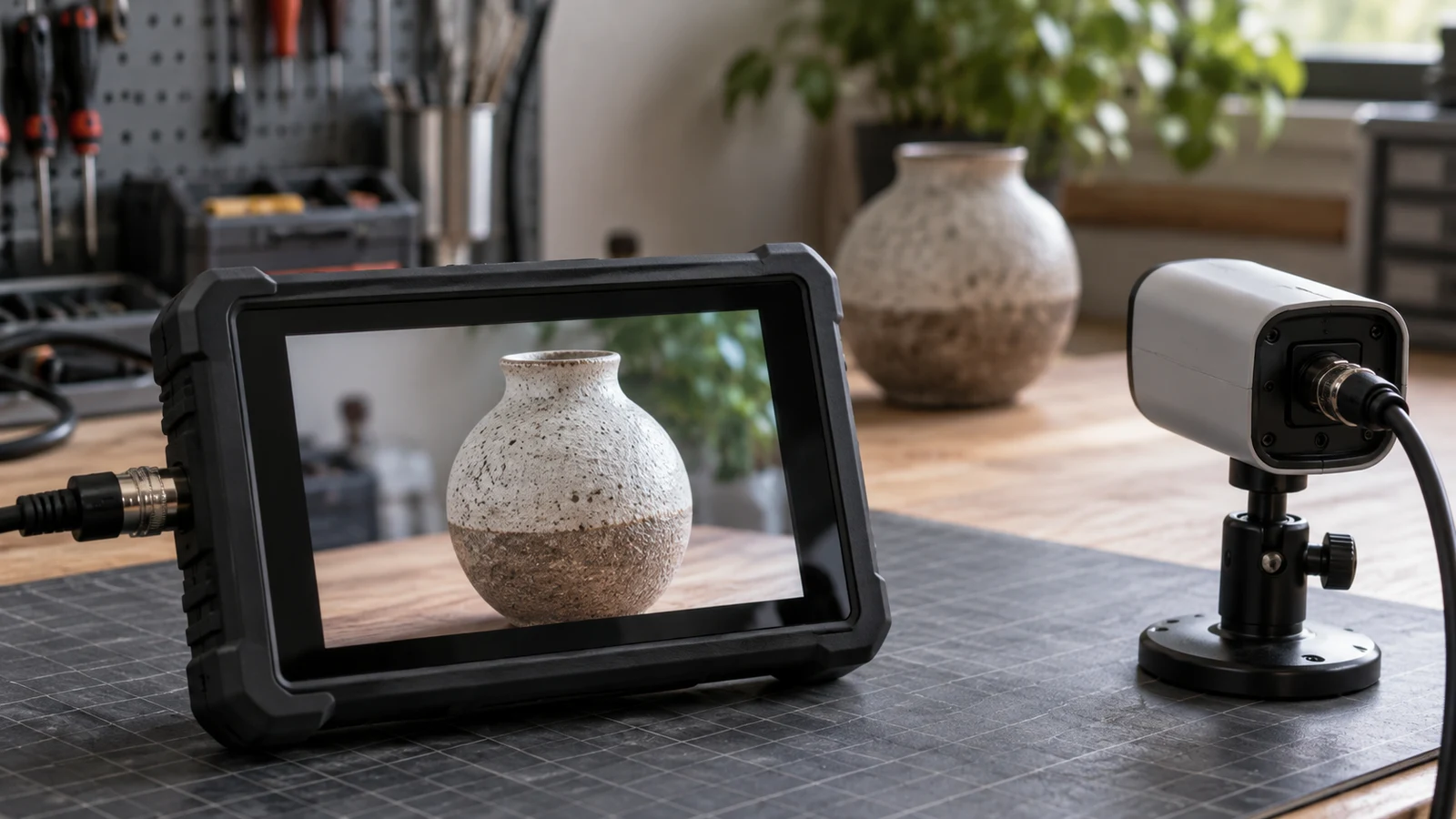
A camera tester advertised with 4K testing language does not, on that wording alone, establish that its built-in screen shows an entire 4K image at native detail. To read camera tester display resolution accurately, separate what the listing says about camera testing from what it says about the physical LCD. Then identify what remains unanswered about the picture you would actually inspect.
Start by describing the inspection you have in mind. Checking whether a picture appears is a different task from examining a particular detail within that picture. For example, you might want to distinguish two neighboring marks on an object rather than simply see that the object is present. That is a hypothetical viewing requirement, not a claim about what either product discussed here can show.
Write that requirement in plain language before comparing specifications. A note such as "I need to examine the boundary between these two marks" gives a seller something more specific to answer than "Does this support 4K?" Keep the answer tied to the proposed viewing mode and exact device. A broad testing label cannot settle every question about the image on its screen.
The two Republeq listings considered here illustrate different uses of resolution language. The handheld tester combines camera-testing labels with a separate LCD description. The TIBURN board is expressly described as a 4K UHD display. They are separate examples of how to read a listing, not a proposed equipment pair or a tested comparison of image quality.
Read The Tester Before Comparing A 4K Touch Board
When reviewing the handheld tester's camera tester display resolution, keep the words attached to each number. Its title includes "8MP AHD/TVI/CVI" and "4K IP Camera Tester." It also identifies a "4.3-inch LCD" with "480 * RGB * 272 QVGA" wording. Those phrases appear in the same title, but they do not all describe the same thing.
The 8MP phrase accompanies the AHD/TVI/CVI testing language. The 4K phrase accompanies IP-camera testing language. The LCD phrase describes the screen. Preserve those distinctions in your notes instead of reducing the title to "4K screen." That shortened description would turn an advertised testing capability into a display specification the supplied wording does not establish.
A useful reading method is to give every resolution reference a subject. Ask whether the phrase names an incoming image, a testing function, or the physical display. If the wording does not identify that subject clearly, leave it unresolved. Do not assign a number to the screen simply because it is the largest or most familiar number in the title.
For this tester, the title alone also leaves the meaning and limits of the advertised testing functions open. It does not provide a complete account of which exact camera modes are accepted or how each would appear on the LCD. Treat those as questions for documentation covering the model being offered, rather than filling the gaps with assumptions about other testers.
The screen-size wording needs its own clarification. The product title begins with "5 Inch" but later says "4.3-inch LCD." The description also identifies a 4.3-inch LCD. Record both title references and ask which screen size applies to the offered unit. Neither the repeated wording nor its position in the title authorizes silently discarding the conflicting label.
Likewise, retain "480 * RGB * 272" as written. Do not convert the RGB notation into a verified horizontal pixel count or use it to calculate a claimed level of visible detail. The description includes the additional parenthetical wording "IV5 800 RGB *480P." The supplied text does not explain clearly how that reference relates to the unit under consideration.
An exact-model question can address both uncertainties without guessing: "Which LCD specification applies to this unit, and what does the RGB notation mean in that specification?" Ask for documentation that identifies the model or version alongside its screen description. A response that merely repeats the title's 4K language would still leave the LCD question unanswered.
What The 4K Touch Board Listing Establishes
The TIBURN HQ Board 75" R2 MAX provides a different kind of statement. Its listing describes a 75-inch 4K UHD interactive display. In this case, the resolution label is attached to the display itself. The 4K touch board is therefore a useful contrasting example of specification wording, without establishing that it is suitable for your camera image.
Keep the conclusion narrow: the board is advertised as a 4K UHD display. The supplied description does not establish the intended camera connection, the accepted camera signal, or the viewing arrangement needed for your inspection. Its display label cannot answer those separate questions. Nor does the presence of 4K language in both listings establish that the tester and board work together.
There is also no basis here for ranking the two products by readable detail. That would require more than placing their advertised numbers side by side. The useful comparison is between the subjects of their claims: one title advertises camera-testing functions alongside separate LCD wording, while the other expressly gives the display a 4K UHD label.
Trace Displayed Detail Before Considering Screen Aspect Ratio
Once the labels have clear subjects, describe the unanswered viewing question as a sentence: "With this camera image presented through the intended input, what appears on this device's screen?" That sentence connects the camera image to the display without pretending that the connection has been established. It also helps separate an answer about signal acceptance from an answer about displayed detail.
For the handheld unit, ask what the advertised testing function actually lets the user view. Does the documentation describe the image presentation on the built-in LCD for the intended camera mode? Which screen specification applies during that use? These are requests for clarification, not evidence that a particular viewing feature exists or that the tester behaves in a particular way.
For the board, start with the missing input information. Ask whether the exact model accepts the intended source through the proposed connection and what display mode applies. Do not infer a camera workflow from the board's general presentation or collaboration description. A statement about the physical display remains useful, but it does not document every possible source-to-screen arrangement.
Keep the supporting answers separate as you receive them. A manual section identifying accepted input modes addresses one question. A panel specification addresses another. An explanation of how the intended image is presented addresses the relationship between them. If an answer covers only one part, retain it for that part without treating it as confirmation of the whole viewing task.
A seller might, for example, answer an LCD question by repeating "4K IP Camera Tester." That hypothetical reply would tell you which advertised function the seller is referring to, but it would not clarify the LCD wording. Your follow-up could be direct: "I am asking about the built-in screen specification and the image displayed on it, rather than the camera-testing label."
A demonstration, if available, should also address the inspection you described. Ask which exact model and viewing mode are shown, and whether the example corresponds to the detail you need to examine. An example of a picture appearing would answer a narrower question than an example showing the particular distinction you want to inspect. Do not extend either result beyond what it demonstrates.
This is where camera tester display resolution becomes a practical purchasing question rather than a contest between headline numbers. You are looking for an explanation of what the listed screen specification means for the intended view. If that explanation is missing, describe the suitability as unresolved. Missing information alone does not prove that the product can or cannot perform the task.
Image shape is a separate consideration. The related screen aspect ratio guide addresses fitting content to a display. Use it when that is the question you need to answer; it does not replace clarification of the tester's LCD specification or establish that an advertised camera-testing mode preserves the detail you want to examine.
Keep Separate Notes For The Tester And 4K Touch Board
Before choosing a screen, prepare an annotated note for each listing. Keep the quoted claim, its unanswered question, and the information needed to resolve that question together. Separate notes prevent one product's clearer display wording from being used to fill a gap in the other's description. The following examples stay within what the supplied listings establish.
The handheld tester note can begin: "The title advertises '8MP AHD/TVI/CVI' and '4K IP Camera Tester.' Its LCD wording is '480 * RGB * 272 QVGA.' These are recorded separately because the testing labels do not identify the built-in screen as a 4K panel." This preserves the useful listing language without converting it into an unsupported display claim.
Add the unresolved details beneath that statement: "The title uses both '5 Inch' and '4.3-inch LCD.' The description repeats the latter size and includes 'IV5 800 RGB *480P.' I need to know which screen specification applies to the offered unit and how the intended camera image appears on that screen." The ambiguity remains visible instead of being hidden in a simplified specification.
Finish the tester note by naming the information that would answer it: documentation identifying the exact model's LCD, an explanation of the RGB wording, and a description of the relevant viewing mode. If the response clarifies the panel but says nothing about the intended camera image, update only the panel portion. Leave the remaining question open.
The board note can be shorter: "The TIBURN HQ Board 75" R2 MAX is advertised as a 75-inch 4K UHD interactive display. This is a display claim. The supplied description does not establish acceptance of my intended camera source or explain the resulting camera-image presentation." There is no need to import the tester's screen ambiguity into this separate listing.
For that note, request exact-model input and display-mode information relevant to the proposed source. Keep any answer attached to the source and mode it actually covers. Confirmation of an unrelated presentation setup would not answer the camera-image question, while a response identifying the intended arrangement would give you something specific to evaluate against your inspection requirement.
Return to the detail you wanted to examine at the start. Read the two notes independently and identify which unanswered point prevents a decision for each product. Ask that specific question before choosing. A useful answer should let you distinguish the advertised testing function, the physical screen specification, and the intended displayed image without borrowing certainty from another label.