Laptops & Desktop PCs

Portable and desktop computers, mini PCs, and workstations.

Showing 49–56 of 56 guides

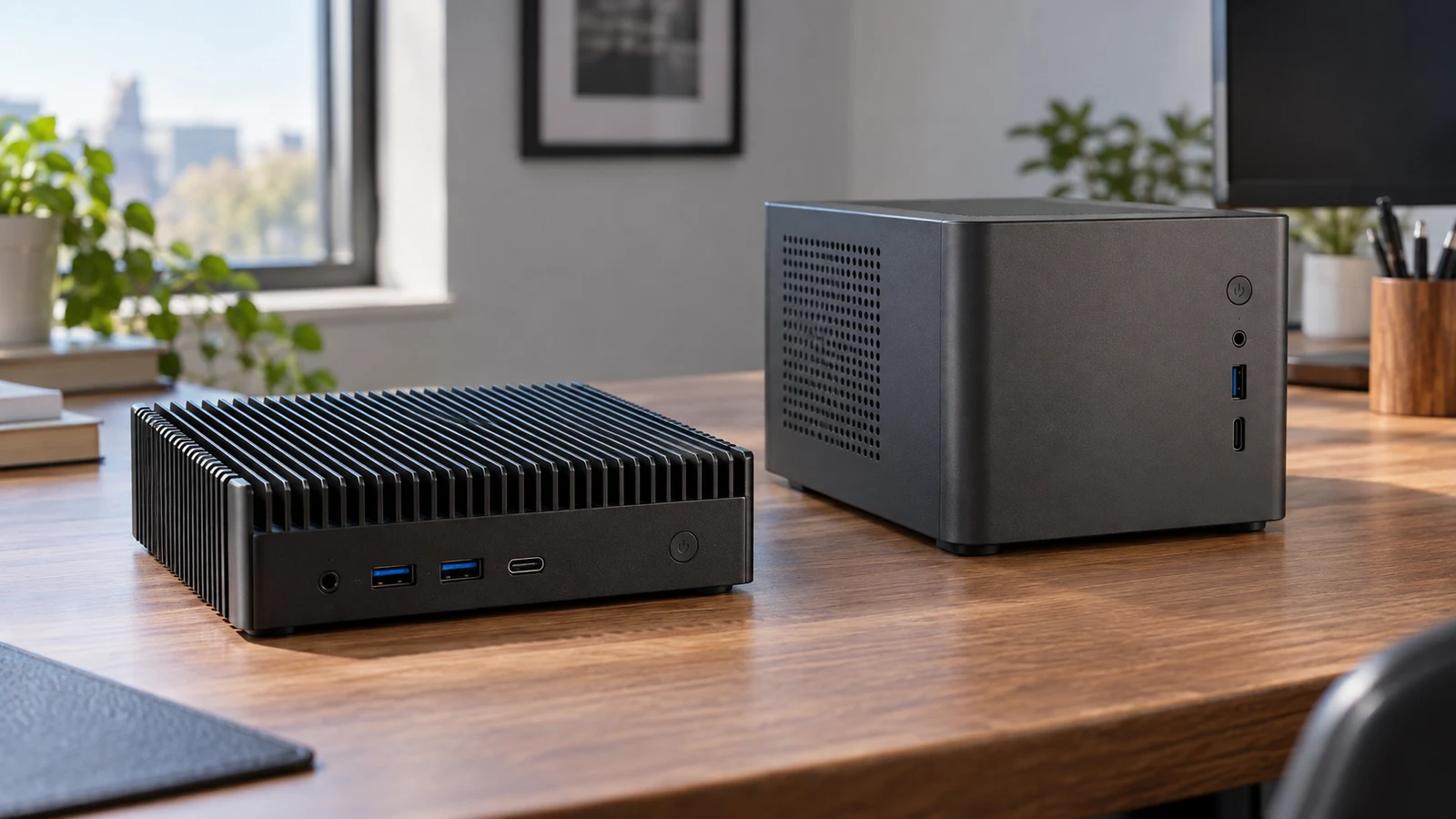
IDEARACE fanless mini PC comparison for a workplace deciding between equipment-facing connections and a conventional office desk setup.
9 min read

IDEARACE fanless mini PC versus Cubi N office desktop

A workstation connected to serial equipment asks a different question of a computer than a desk used for routine office work. The IDEARACE fanless mini PC has four RS232 ports in its description, giving it a concrete reason to enter an industrial endpoint shortlist. The Cubi N ADL-021US description instead presents an entry desktop for light office and home tasks. That distinction supports an initial direction, but neither description establishes compatibility with your particular equipment or software. For IDEARACE fanless mini PC , verify each step.

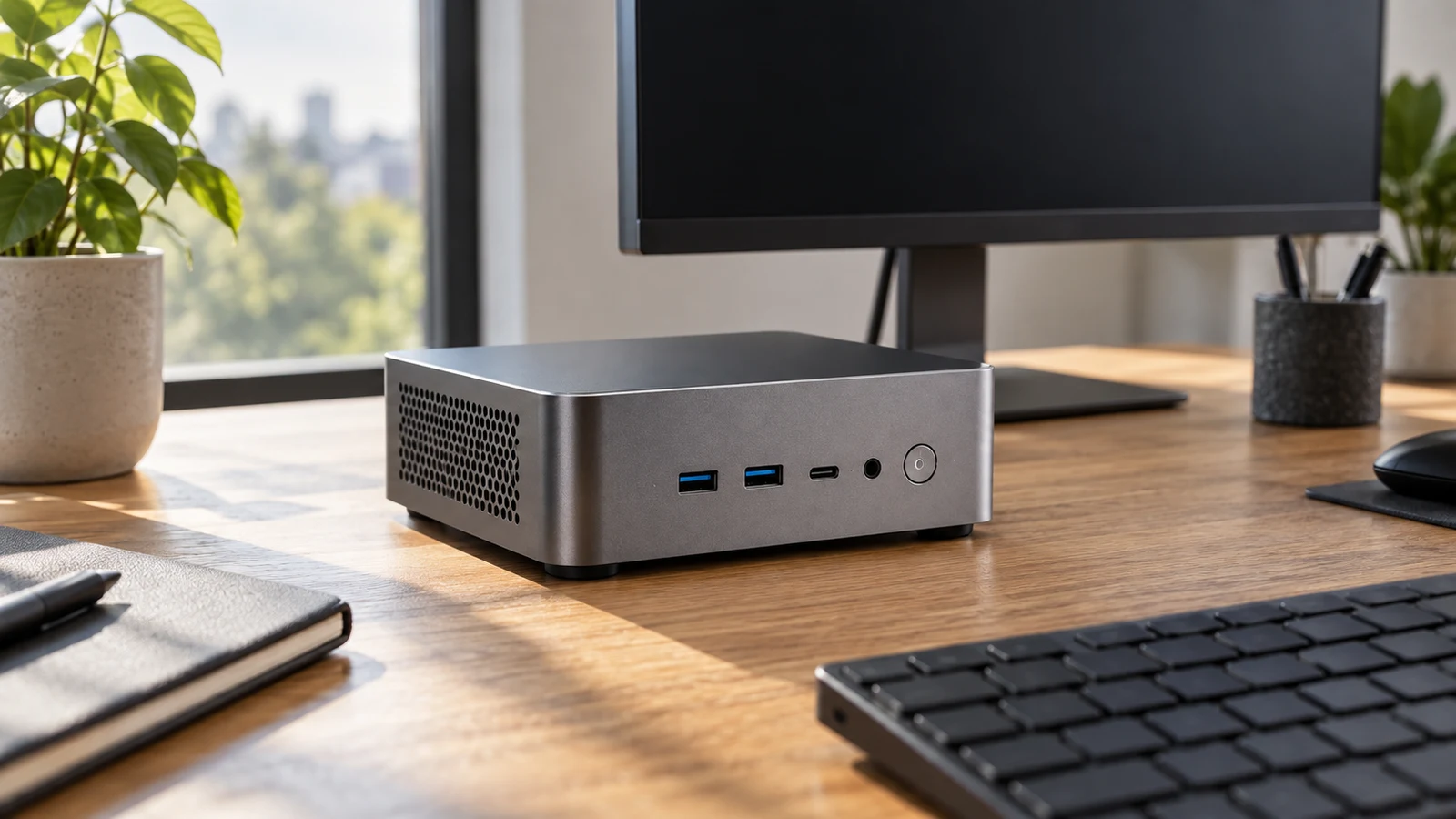
SANPTENT 17.3-inch laptop compared with a smaller Gateway computer for desk-first screen space and listed configuration.
9 min read

SANPTENT 17.3-inch laptop for a larger work screen

The SANPTENT 17.3-inch laptop is worth considering for desk-first work if a physically larger built-in screen is your main reason to replace your current computer. Its description lists a 17.3-inch display at 1600 × 900, an Intel Celeron N5095 processor, 16GB RAM and a 512GB SSD. Those specifications give you a starting configuration to assess. They do not establish how comfortably your applications will run together or whether your preferred working view will fit.

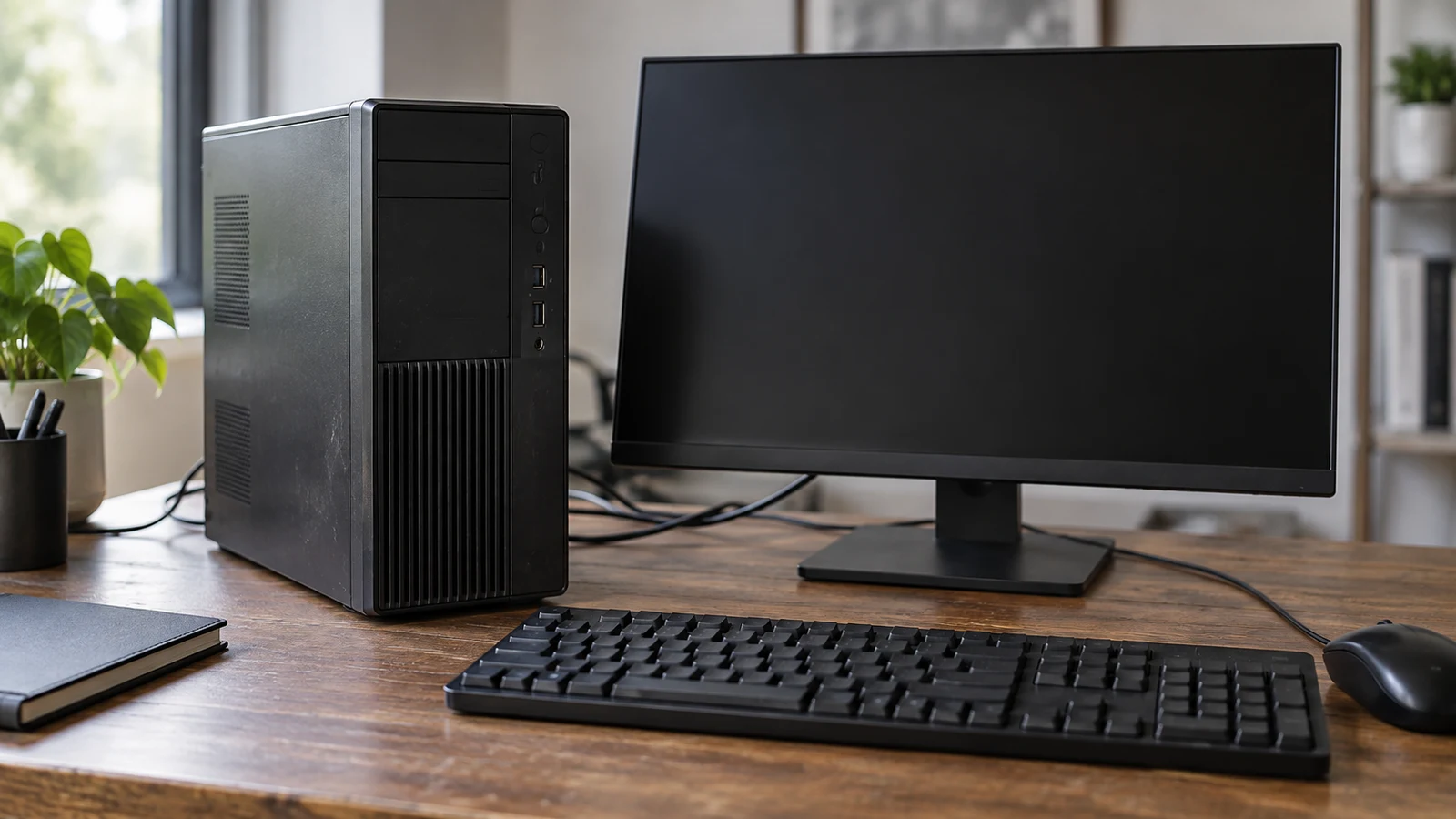
BTO HP ProDesk refurbished desktop guide to checking the operating system, components, and bundle claims.
8 min read

BTO HP ProDesk refurbished desktop with an OS conflict

The BTO HP ProDesk refurbished desktop has an unresolved operating-system discrepancy: its listing title says Windows 11 Pro, while its description specifies Windows 10 Professional 64bit. Those statements do not establish which version will arrive installed. Before choosing this bundle, ask for a written answer tied to the exact configuration being sold. Neither line should be treated as a correction of the other without clarification. For BTO HP ProDesk refurbished desktop , verify each step.

Dell Inspiron touchscreen checks: testing touch tasks, configuration, and software needs before choosing.
9 min read

Dell Inspiron touchscreen checks before choosing

A touchscreen label tells you where you may be able to place a finger. It does not tell you whether a particular control in your intended application will respond the way you need. Before choosing the listed Dell Inspiron, pick one short task you would actually want to do by touch. Try selecting a control, moving through content, and repositioning an object if that application allows it. Keep the intended result separate from what you observe. A small, deliberate trial can answer a more useful question than a general impression that the screen feels easy to use.

Device software bundles guide to checking app access and licenses alongside hardware specifications.
10 min read

Compare device software bundles before choosing hardware

A camera listing says software comes with the bundle. A smart board listing names operating systems and an open app ecosystem. Neither statement, by itself, tells you whether the particular application you need is included or what access you would receive. To compare device software bundles , begin with the job you expect the application to do, then ask for the exact software and terms tied to the product you intend to buy. A missing answer is a reason to leave that requirement unresolved, not to fill it in from a familiar product name.

Refurbished device condition review that separates a listing label from the specific condition and restoration details supplied.
9 min read

Assess refurbished device condition beyond the listing label

To assess refurbished device condition , separate what the seller calls the device from what the description establishes about its condition. A refurbished designation identifies how the item is presented for sale. It does not, by itself, describe the screen beneath a protector, name replaced components, or provide inspection results for the particular unit you might receive. Start with the listing's actual statements, then ask about the condition details that would affect your decision. For refurbished device condition , verify each step.

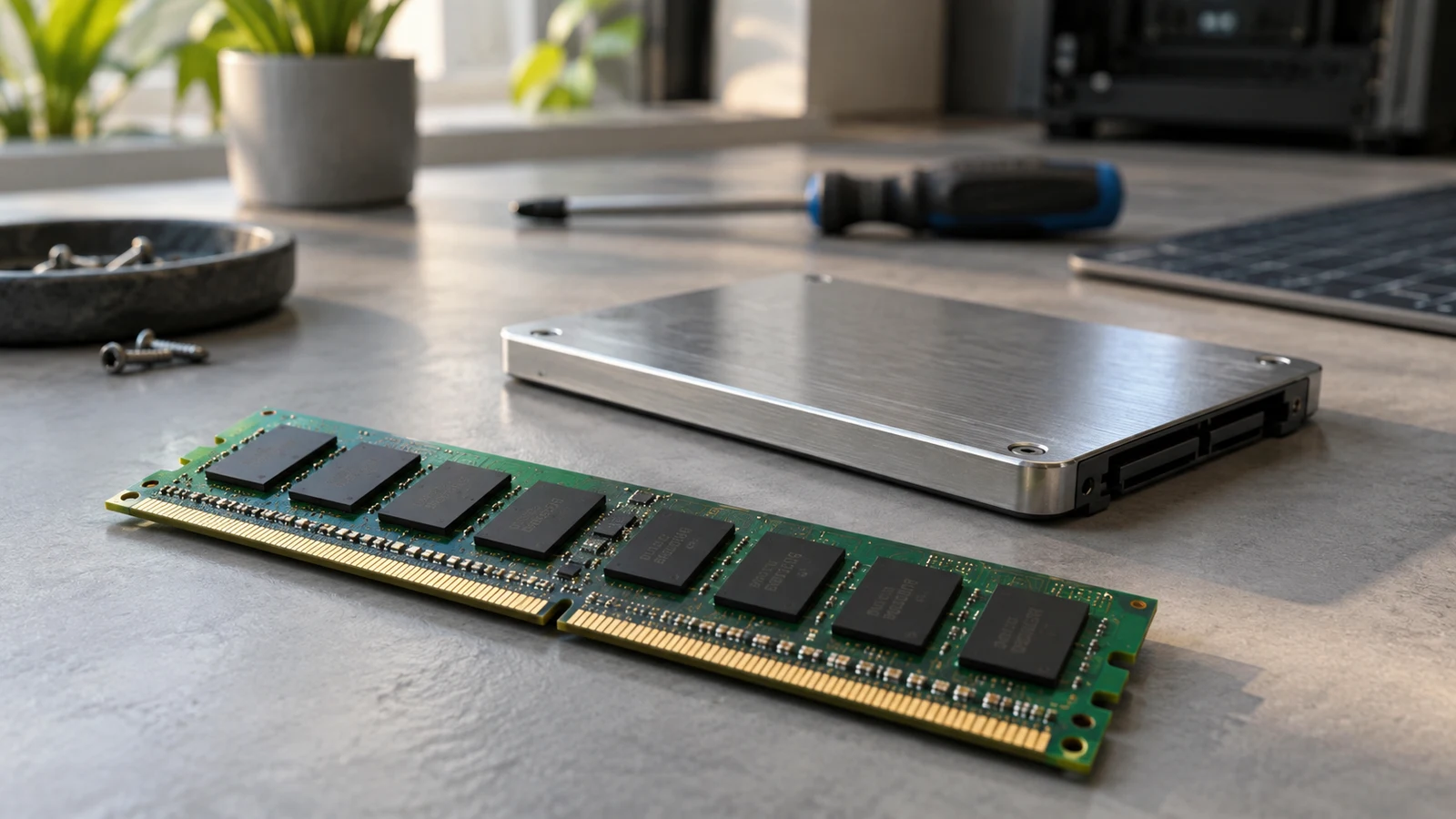
Computer memory and storage guide to reading RAM and drive capacity as separate specifications.
9 min read

Compare computer memory and storage without adding them together

Compare RAM with RAM and drive capacity with drive capacity. Keep both figures separate, even when they use the same units. When a listing says "up to" or presents drives as alternatives, preserve that wording instead of treating the largest figures as the configuration you would receive. A useful comparison of computer memory and storage records what each number measures and whether it describes a stated configuration or an option.