Crypto Commerce
SANPTENT 17.3-inch laptop for a larger work screen
The SANPTENT 17.3-inch laptop is worth considering for desk-first work if a physically larger built-in screen is your main reason to replace your current computer. Its description lists a 17.3-inch display at 1600 × 900, an Intel Celeron N5095 processor, 16GB RAM and a 512GB SSD. Those specifications give you a starting configuration to assess. They do not establish how comfortably your applications will run together or whether your preferred working view will fit.
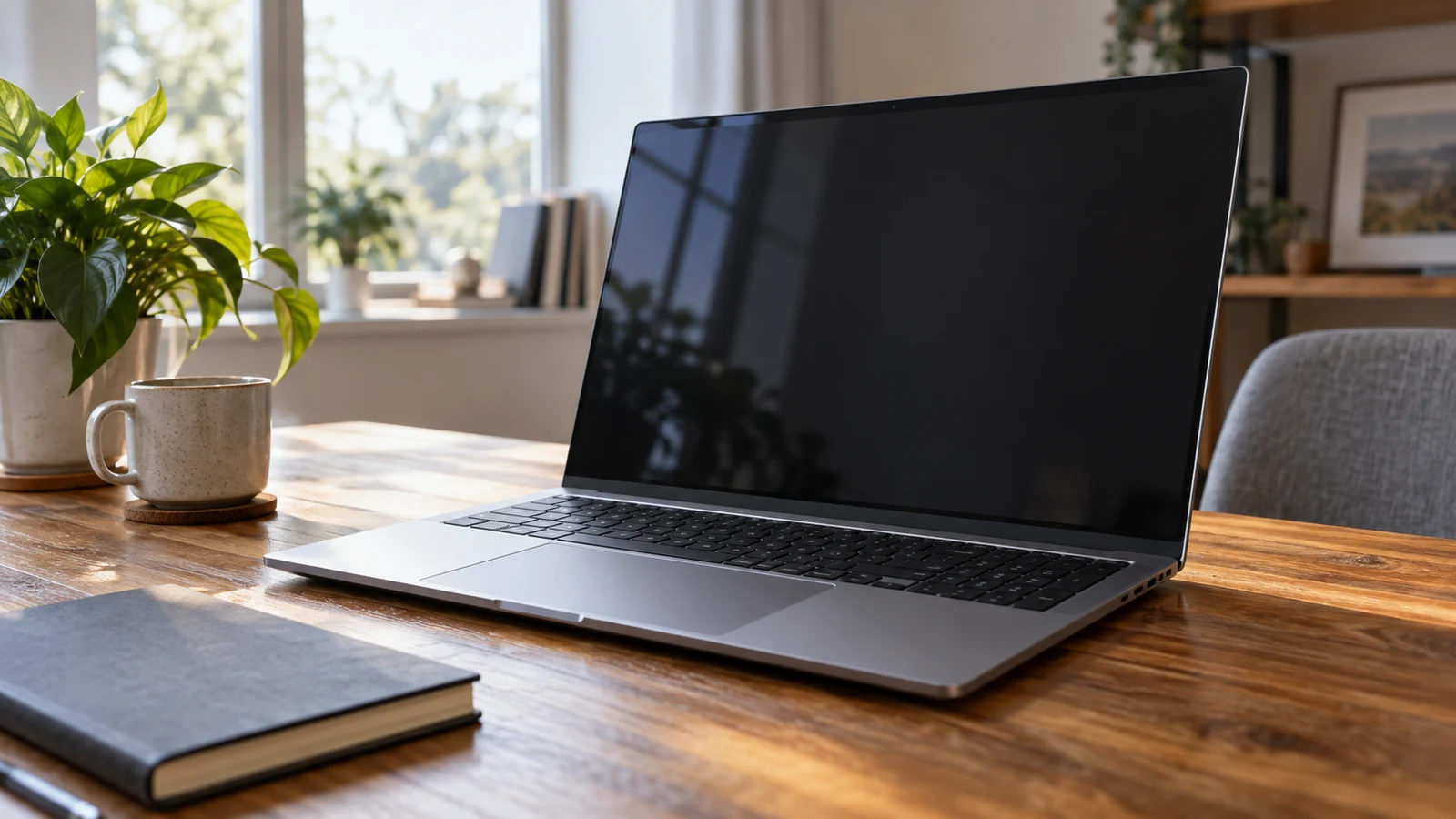
The SANPTENT 17.3-inch laptop is worth considering for desk-first work if a physically larger built-in screen is your main reason to replace your current computer. Its description lists a 17.3-inch display at 1600 × 900, an Intel Celeron N5095 processor, 16GB RAM and a 512GB SSD. Those specifications give you a starting configuration to assess. They do not establish how comfortably your applications will run together or whether your preferred working view will fit.
The central tradeoff is specific: SANPTENT has the larger listed screen, while the smaller Gateway comparator has a 14.1-inch display with a higher stated resolution of 1920 × 1080. SANPTENT therefore deserves consideration for its physical screen size, without assuming that size means more room for application content. Your decision should account for your software, preferred display settings and whether the laptop's own screen will remain your main working display.
Start with the SANPTENT 17.3-inch laptop configuration described here. Confirm that the selected item retains the N5095 processor, 16GB RAM and 512GB SSD before comparing it with another offer. Ask whether the unit is new, refurbished or previously used; the supplied description does not specify its condition. That question matters even when the headline specifications match, particularly if you expect to use the machine at the same desk every working day.
Compare Computer Memory And Storage Without Adding Them Together: Assessing The SANPTENT Configuration
For this purchase, the screen is the reason to investigate SANPTENT first. The description specifies a narrow-edge 17.3-inch display with 1600 × 900 resolution. It also uses favorable language about text and colors, but provides no measured brightness, color accuracy or panel-type specification. Treat the dimensions and resolution as stated specifications. If your work depends on accurate color or a particular panel technology, ask for those details before making the screen the deciding feature.
Describe what you want the larger screen to change. Perhaps you prefer to keep a single scheduling application open for most of the day, with larger controls and less need to lean toward the display. That is a different requirement from fitting a dense project dashboard into one view. For the first preference, physical size may be attractive. For the second, investigate the application's layout at the stated resolution and your intended scaling settings.
If you can arrange a demonstration, use your normal application and usual display settings. Ask to see the menus or panels that occupy space during actual work, rather than judging an empty desktop. A demonstration on the exact model would be more informative than a product photograph. When that is unavailable, record the uncertainty and avoid treating the diagonal measurement as a promise that your preferred arrangement will fit comfortably.
The listed 16GB RAM and 512GB SSD should remain part of the configuration record, without becoming the main reason to choose this larger-screen model. For help interpreting those labels, read Compare computer memory and storage without adding them together. Here, the purchase question is whether this complete configuration supports your intended desk work. An attractive screen cannot resolve an unmet application requirement, and a capacity figure alone does not establish a satisfactory working experience.
Compare Computer Memory And Storage Without Adding Them Together: Checking Application Fit
SANPTENT's description identifies the Celeron N5095 as a four-core, four-thread processor, with a stated base clock of 2.0GHz and boost up to 2.9GHz. It describes multitasking favorably, but supplies no application benchmarks or sustained-workload results. Avoid converting that description into a promise about a particular accounting package, large workbook or browser-based work system. Check your essential application's published requirements and any recommendations from the organization that supplies or supports it.
Write down the applications you need to keep open during your busiest routine task. For example, a hypothetical buyer might need an inventory application open while joining a supplier call and consulting a PDF catalog. That combination is a useful question to take to the seller or software provider. It is not a workload this article has tested on SANPTENT. Include any plug-ins or background tools that are necessary for your job when asking about suitability.
The description states that Windows 11 Professional Edition is preinstalled and that Microsoft Office, including Word, Excel and PowerPoint, is included and ready to use. It does not identify the Office edition, license duration or activation terms. Ask which license accompanies the selected unit and whether it meets your intended use. Someone who already has an organization-managed software account may have different needs from someone relying entirely on the bundled software.
The backlit keyboard and fingerprint reader are also explicitly listed. These are relevant conveniences for a computer you expect to open and use throughout the day, although the description does not establish keyboard feel or the reader's behavior with your particular account setup. If you type for long periods, ask for the keyboard layout and consider whether you would use an external keyboard. A backlight specification does not answer those questions.
The SANPTENT 17.3-inch laptop also lists an integrated webcam, HDMI, three USB 3.2 ports and one USB Type-C port. Use that information to identify the accessories you need to check. The description does not specify USB-C charging or video-output support, so do not assume either capability. If a particular dock is essential, ask about that exact dock and the functions you expect it to provide before counting it as part of your setup.
Gateway Computer Alternative: What Changes With A Smaller Screen
The Gateway computer alternative provides a useful comparison because its description also lists 16GB RAM and a 512GB SSD, while specifying a different display and processor. It has a 14.1-inch IPS FHD screen at 1920 × 1080, an Intel Core i5-1135G7 and Intel Iris Xe Graphics. These differences deserve individual attention. Matching capacity figures do not establish equivalent performance, and the processor names alone are not measured results for your applications.
For a buyer who wants a larger built-in work screen, Gateway changes the appeal of the purchase. Its listed diagonal is smaller, even though its stated resolution is higher. Consider which limitation you are trying to address on your present machine. If you want a larger physical display in front of you, SANPTENT remains the model aligned with that preference. If your concern is the screen's resolution, Gateway gives you a different specification to investigate.
Neither description supplies a controlled comparison of the same applications under the same conditions. There is consequently no basis here for claiming that one completes your work faster, stays quieter or handles long sessions better. Ask for evidence tied to the work that matters to you if performance will decide the purchase. A demonstration of a comparable workload is more useful than accepting broad descriptions of either machine as responsive.
Gateway's description provides a weight of 4.0 pounds and dimensions of 13.1 × 8.75 × 0.75 inches. The SANPTENT description supplied here does not provide corresponding chassis measurements or weight. You can therefore use Gateway's figures to assess that model, but cannot establish a weight difference between them from these descriptions. If the computer will occasionally travel with you, obtain SANPTENT's measurements and check your bag's internal dimensions before buying a case.
The software packages differ as well. Gateway's description lists Windows 10 Home and includes historical Windows 11 upgrade wording referring to a rollout in 2021 and 2022. Ask which operating system the unit ships with now; that older wording does not establish its present software state. Its bundle explicitly includes a Microsoft 365 Personal 15-month subscription delivered by email. SANPTENT's less specific Office wording should not be treated as the same subscription or an equivalent license.
Gateway also lists a fingerprint scanner, a front-facing camera and HDMI output, along with its own USB port selection. These overlapping conveniences are unlikely to settle a screen-led decision by themselves. Give greater weight to a feature only when it meets a specific requirement you have. If both machines satisfy your necessary peripherals and software, return to the difference that brought SANPTENT onto your shortlist: whether you prefer its larger physical display despite its lower stated resolution.
Gateway Computer Alternative: Final Questions Before Choosing SANPTENT
Before committing to SANPTENT, resolve the gaps that could change your decision. Its supplied description does not state battery runtime, chassis dimensions or weight. Desk-first use may make runtime less important to you, but it does not make the missing specification known. Ask about the included power adapter and any outlet or charging requirements relevant to your setup. Do not infer package contents or power capabilities from the presence of a USB-C connector.
Connectivity deserves a similarly specific question. The SANPTENT description names physical ports but does not state wireless standards. If your desk relies on a particular wireless network, Bluetooth accessory or organization-managed connection, confirm compatibility with the exact unit. Mention the accessory model where possible. Asking whether the computer is suitable for office use is too broad to establish that your essential equipment will connect and operate as expected.
Some questions are best settled by deciding how you would respond to an unsatisfactory result. Ask what warranty and return terms apply to the selected unit, including any conditions relevant to opening or activating the computer. The supplied product description establishes no such terms. If screen comfort is your largest uncertainty, understand the applicable return conditions before relying on the possibility of trying the laptop at home.
Keep payment checks separate from the hardware judgment. Review the current order total and delivery terms for your destination. If you choose a cryptocurrency option, confirm the currency and network presented for that transaction, the requested amount and the treatment of fees. Read any displayed timing instructions before acting. None of the laptop specifications establishes accepted networks, a fee amount, payment timing or refund eligibility, so those details must come from the applicable purchase terms.
A useful final request to the seller is short and tied to your decision: confirm the selected configuration and condition, identify the Office license, and answer your unresolved compatibility question. Add a request for a demonstration if your application layout or workload remains uncertain. You do not need every possible specification to choose a laptop, but you should identify which unanswered question could make this particular purchase unsuitable.
Choose the SANPTENT 17.3-inch laptop if its larger built-in display is a preference you can explain, the stated resolution suits your intended view, and your essential software and accessories meet their requirements. Keep Gateway under consideration if its smaller, higher-resolution display and different processor configuration better match what you need to investigate. Before ordering either model, return to your normal working task and resolve the unanswered detail most likely to affect it.