Crypto Commerce
Oyzzraze NIMO vs VAIO FS: verify laptop memory before checkout
The Oyzzraze NIMO listing gives you conflicting answers about the laptop's memory and storage. Its title names 64GB DDR5 RAM and a 2TB SSD, while its description also says units ship with 16GB DDR4 RAM and a 1TB PCIe SSD. Before comparing this laptop with the VAIO FS, ask the seller which configuration belongs to the exact item you would order. Neither version should be treated as the confirmed shipping specification.
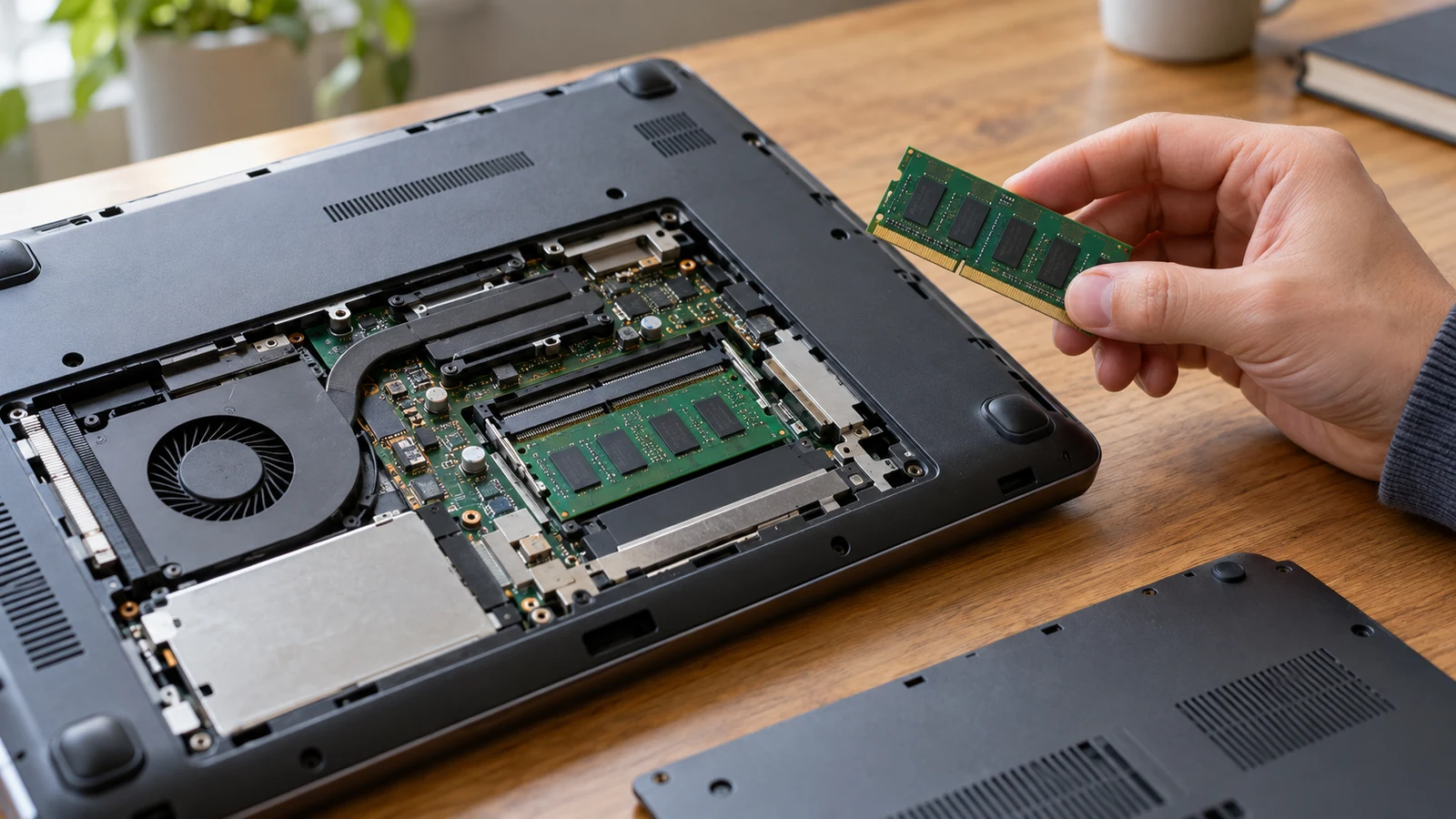
The Oyzzraze NIMO listing gives you conflicting answers about the laptop's memory and storage. Its title names 64GB DDR5 RAM and a 2TB SSD, while its description also says units ship with 16GB DDR4 RAM and a 1TB PCIe SSD. Before comparing this laptop with the VAIO FS, ask the seller which configuration belongs to the exact item you would order. Neither version should be treated as the confirmed shipping specification.
This discrepancy affects more than a capacity comparison. The RAM amount, memory generation and SSD capacity all differ between the two statements. A reply confirming only “64GB” would leave the memory generation and storage unresolved. You need a complete configuration tied to the current product selection, with enough detail to distinguish what arrives installed from what might be available through a different option or later upgrade.
The Oyzzraze NIMO product page is the starting point for that question. Include its address when contacting the seller, together with any selected option shown on the page. The VAIO description lists 8GB RAM and a 1TB SSD, giving you a stated configuration to consider separately. That does not settle the disputed specification on the other laptop or establish which computer is the better purchase for your needs.
Compare Computer Memory And Storage Without Adding Them Together: Locate The Conflicting Claims
The title's relevant wording is “64GB DDR5, 2TB SSD.” Within the description, one sentence repeats that the title configuration lists 64GB DDR5 RAM and a 2TB SSD. A later sentence introduces a different pre-installed configuration: “16GB DDR4 RAM and a 1TB PCIe SSD.” These are competing descriptions of what the buyer may receive. Repeating the title inside the description does not explain why the lower-capacity configuration appears alongside it.
Keep the disagreement visible in your comparison notes. For RAM capacity, record both 64GB and 16GB as unresolved listing claims. For memory generation, record DDR5 and DDR4. For storage, record the title's 2TB SSD and the description's 1TB PCIe SSD. Avoid choosing whichever statement seems more plausible, more prominent or more attractive. The supplied wording does not identify which statement applies to the current orderable unit.
A useful seller question would be: “For the exact laptop selected on this page, what RAM capacity and DDR generation are installed when it ships, and what SSD capacity is included? The title says 64GB DDR5 and 2TB SSD, but the description also says 16GB DDR4 and 1TB PCIe SSD. Please explain which statement applies to this item and why the other configuration appears.” This asks for a resolution without suggesting the answer.
The difference between installed hardware and possible expansion deserves its own question. The description mentions upgradable RAM and SSD slots, but that statement does not identify the installed configuration. It also does not specify every compatible replacement part, the number of free slots or the maximum supported capacity. Ask about those details only if future expansion affects your choice, and keep the answers separate from the specification you expect on arrival.
For background on reading the two capacity fields, see Compare computer memory and storage without adding them together. For this purchase, keep the focus on which values belong to the selected laptop. A better understanding of specification labels cannot resolve contradictory product information. The seller still needs to identify the installed memory and drive for the item being offered.
Do not assume the smaller figures describe a base model while the title describes an upgraded version. That is one possible explanation, but the supplied description does not establish it. Nor does it establish that an upgrade occurs before shipment or that the title refers to a selectable option. Ask the seller to explain the relationship between the two configurations instead of building your purchase decision around an unconfirmed explanation.
Compare Computer Memory And Storage Without Adding Them Together: Make The Answer Specific
A helpful response should name the product or SKU, identify the selected configuration and state the installed specifications together. If the seller uses a different identifier from the one visible to you, ask how it maps to the page and option you selected. A product-family name alone may leave the original ambiguity intact. You need to know that the response concerns the particular item you are considering.
Read a short reply carefully before treating the issue as resolved. “The title is correct” points toward one statement but leaves little detail to compare with the order. Ask for the RAM amount, DDR generation and SSD capacity to be written out. If the response confirms only storage, retain the unresolved status for memory. A partial answer can still help, provided you do not let it stand in for information it never supplied.
If the seller explains that the page contains an error, ask which wording should describe your selected item. Where possible, request that the product or order details reflect the clarification before you proceed. A corrected description would make the selection easier to assess, but an explanation of the error alone is insufficient unless it also states what will be supplied. Keep the seller's answer with the product details you used to make the decision.
There is no need to diagnose the technical cause of the conflicting copy yourself. Choosing between DDR4 and DDR5 by inference from another listed component would still leave you relying on an assumption about this product. The same applies to photographs or a general description of the model family. Use such material to formulate a question if needed, while reserving the configuration decision for an answer about the actual item.
VAIO Computer Alternative: Compare The Stated Features Without Choosing A Winner
The VAIO computer alternative has 8GB RAM and a 1TB SSD in its supplied description. Those capacities also appear in its title, so this particular title-description disagreement is absent from the supplied VAIO information. That agreement makes the written capacity comparison clearer on the VAIO side. It is still listing information, rather than a hands-on inspection of the unit you would receive.
Several other VAIO features can be considered without resolving the competing laptop's memory figures. Its description lists a 14.1-inch IPS display, Windows 11 Home and a 2MP webcam with a privacy shutter. It also names a backlit keyboard and an integrated fingerprint scanner. If one of those features is important to your intended use, it can remain on your shortlist while the disputed configuration is being clarified.
The VAIO description also lists Wi-Fi 6, Bluetooth 5.2, two USB-C ports, HDMI output, Ethernet, and USB 2.0 and USB 3.2 ports. Consider which of those connections you expect to use. A connector name alone should not be taken as confirmation of every function you might want from it. If a particular accessory or setup matters, ask about that use specifically without assuming that the description establishes compatibility.
For the Oyzzraze NIMO, the supplied description names a 15.6-inch FHD IPS anti-glare screen, a backlit keyboard and an integrated fingerprint touchpad. These details give you other listed features to consider, but they do not resolve the memory discrepancy. Someone who prefers the stated screen size could keep this laptop under consideration while withholding a configuration-based recommendation. Preference for one feature does not require accepting an uncertain specification elsewhere.
A practical comparison can therefore remain unfinished in a precise way. Record the VAIO's listed capacities, note the features you care about on each laptop, and mark the disputed memory and storage fields as awaiting clarification. Avoid copying the higher figures into a shopping shortlist as if they were established. Once a speculative figure enters your notes, it becomes easy to use it unconsciously when judging the rest of the purchase.
Leave performance rankings out of this comparison. The supplied descriptions do not provide a controlled test of these two exact configurations against each other. They cannot establish how your applications would perform on the unit ultimately supplied. Even after the hardware question is answered, a larger memory figure alone would not substantiate a claim that one laptop is faster in every task. Match the confirmed configuration to your own requirements before drawing a conclusion.
VAIO Computer Alternative: Decide After The Seller Clarifies The Order
Use the seller's answer to decide whether the disputed laptop still belongs on your shortlist. If the seller confirms the title configuration for the selected item, you can assess those confirmed specifications against the VAIO's listed 8GB RAM and 1TB SSD. If the seller confirms the smaller configuration instead, reconsider the purchase using that answer. Neither outcome automatically makes one laptop the right choice; it changes the information available for your decision.
A response identifying a third configuration needs the same scrutiny. Ask whether it refers to the same selection, whether the price applies to it, and how it will appear in the order details. Do not silently replace your original expectation with a different specification simply because the answer sounds definite. Decide whether you want the newly described item, then make sure the purchase record refers to that item.
Separate an included configuration from a proposal to upgrade later. If the seller suggests buying the laptop and adding memory or storage afterward, ask what that would involve before evaluating the suggestion. Relevant questions include who would perform the work, which parts are supported and what additional costs would apply. The description's expansion statement does not answer those questions. You can also decide that you want the required configuration installed at purchase and decline to plan an upgrade.
Before committing, compare the selected product details with the written clarification. Look for the same item identity and the same installed capacities. If the order summary omits those details, ask how the clarified configuration will be recorded. If it contradicts the answer, resolve that mismatch before proceeding. A conversation about one configuration should not be assumed to alter a differently described item in the cart.
Review the applicable purchase terms with the configuration issue in mind. Ask what process applies if the delivered specifications differ from those confirmed before purchase, and read any stated eligibility conditions or deadlines. Do not infer a particular remedy from a general warranty or return phrase. This question concerns whether the item matches the agreed description; the supplied information does not establish how a specific future case would be handled.
If the seller cannot identify the installed configuration, you can leave the purchase pending or evaluate another listing. The VAIO remains a candidate to assess against your needs, not an automatic substitute. Return to the conflicting product statements with one concrete request: a written description of the RAM capacity, memory generation and SSD capacity for the exact item being offered. Compare the laptops only after that answer gives you a configuration you are prepared to order.