Crypto Commerce
MSI 16 AI laptop vs Intel NUC M15: memory and dock
The choice between these laptops depends on which part of your planned workstation needs the purchase budget. The MSI 16 AI laptop lists 32GB of RAM, a 1TB SSD and Windows 11 Pro. The Intel NUC M15 lists 16GB of RAM, a 512GB SSD and Windows 11 Home, with a 120W G4 Dock included. If your requirements already call for the MSI configuration, an included dock does not resolve that need. If the Intel configuration meets your requirements, its dock deserves closer inspection before you buy separate desk equipment. For MSI 16 AI laptop , verify each step.
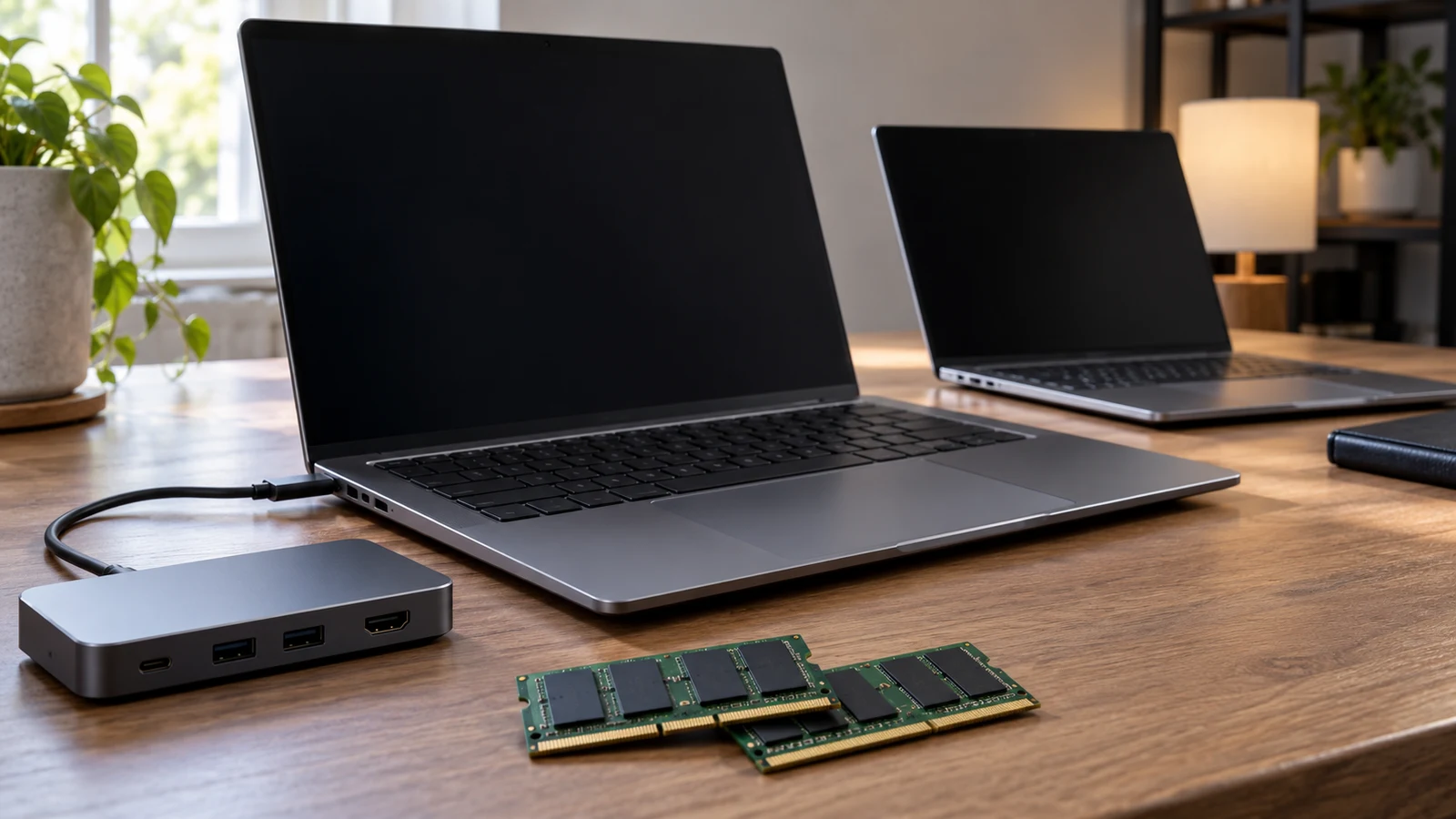
The choice between these laptops depends on which part of your planned workstation needs the purchase budget. The MSI 16 AI laptop lists 32GB of RAM, a 1TB SSD and Windows 11 Pro. The Intel NUC M15 lists 16GB of RAM, a 512GB SSD and Windows 11 Home, with a 120W G4 Dock included. If your requirements already call for the MSI configuration, an included dock does not resolve that need. If the Intel configuration meets your requirements, its dock deserves closer inspection before you buy separate desk equipment. For MSI 16 AI laptop, verify each step.
That is a conditional buying decision, not a performance verdict. The descriptions establish the named components and the Intel package inclusion. They do not establish how either laptop runs your applications, which peripherals the dock supports, or whether either machine can replace your current desk setup without extra purchases. Start with the work you need to do, then decide whether the supplied configuration and package address it.
Compare Computer Memory And Storage Without Adding Them Together: Set The Workstation Brief
Write down what must be ready on the first working day. For example, your brief might require a particular Windows edition, enough installed memory for an application's published requirements, and room for an existing local project collection. Separately, describe what should remain connected at the desk. This gives the laptop configuration and the accessory package their own jobs in the decision, without letting an attractive bundle distract from a missing requirement.
Use requirements from the software you actually intend to run. A broad description such as office work or demanding applications leaves too much room for interpretation. Name the application, its version and the kind of files involved. If an employer manages the computer, ask its IT contact about the required operating-system edition and device requirements before treating either model as suitable. Neither product description establishes approval for a particular workplace.
The MSI description specifies 32GB of DDR5 5600MHz RAM, arranged as 16GBx2, alongside a 1TB NVMe SSD. The NUC M15 description specifies 16GB of LPDDR5 RAM and a 512GB PCIe NVMe SSD. These are the supplied configurations to evaluate. Neither description establishes a future upgrade path, so avoid choosing the Intel on the assumption that you can later bring its memory configuration up to the MSI's listed level.
A useful question is whether your present requirements already distinguish the candidates. If an application or workplace specification calls for 32GB of installed memory, the MSI description addresses that line of the brief. The Intel description does not. If your requirements fit its listed configuration, the NUC M15 remains a candidate, subject to the rest of the checks. Meeting one requirement does not establish overall suitability.
Give storage a concrete workload too. Review the files you expect to keep locally, including any project copies your normal working process needs. Compare that requirement with the listed drive configuration, and ask about usable free space if your planned files leave little room. Avoid translating either advertised drive capacity into a guaranteed number of projects, photographs or videos; file sizes and the installed software would affect that estimate.
For help reading capacity labels, use Compare computer memory and storage without adding them together. Keep this purchase decision focused on the two supplied configurations and the desk equipment you need. There is no need to turn the comparison into a combined capacity score or to decide that the higher specification must be the better purchase for every reader.
Compare Computer Memory And Storage Without Adding Them Together: Check The Rest Of The Configuration
The MSI Venture 16 AI model in this comparison is A2HMTG-047US. Its description names an Intel Core Ultra 7 255H processor with burst speeds up to 5.1GHz. The Intel NUC M15 is model BRC510EAUXBC1, described with an Intel i5-1240P 12-Core processor and Intel Iris Xe Graphics. Keep those complete identifiers in your comparison notes so a similarly named configuration does not enter the purchase unnoticed.
Those processor details do not provide a measured comparison of your workload. The MSI's stated burst speed is not a promise of sustained application performance, and the descriptions supply no comparable test results. If a particular task determines the purchase, such as processing a recurring project, look for evidence relevant to that task and the exact configuration. Avoid converting product-description language about smooth or responsive operation into a benchmark result.
The MSI description also lists a 16-inch WUXGA 1920x1200, 16:10 IPS-level touchscreen. The Intel description lists a 15.6-inch Full HD 1920x1080 display at 60Hz. Touch is explicitly supported by the MSI description; the Intel description does not settle whether its screen supports touch. If touch input is necessary for your work, get that question answered rather than assuming it from the appearance of a product photograph.
Consider how much work you expect to do away from the proposed dock. Someone who regularly works on the laptop screen should assess the panel and input requirements independently of the desk package. Someone planning to use a separate screen should first establish that the intended connection works. Neither description establishes battery runtime, laptop weight or the experience of carrying the system, so these remain separate purchase questions if mobility matters.
The Windows editions are another documented difference: Windows 11 Pro for the MSI and Windows 11 Home 64bit for the Intel. Ask which edition your software or workplace requires before assigning value to that distinction. If Home meets the requirement, the Pro label alone need not determine your choice. If Pro is required, do not treat the Intel package as ready for that requirement without resolving the edition question and any associated cost.
Intel Computer Alternative: Establish What The Dock Adds
The Intel computer alternative is worth examining as a package because its description explicitly includes a 120W G4 Dock. That inclusion is a reason to investigate the desk setup, but it leaves several practical questions unanswered. The description does not identify the dock's manufacturer, complete part number, available connections or supported display arrangements. It also does not establish how much power reaches the laptop.
Request the dock's full identity before estimating what it saves you. The phrase 120W G4 Dock is not enough to establish compatibility with every device you plan to attach. Ask for the dock model and the supplied accessories, including its power supply and the cable used to connect it to the laptop. An itemized package answer is more useful than a general assurance that a dock is included.
Next, describe the desk you want the package to serve. List the actual peripheral models where possible and explain which ones must operate at the same time. If you plan to use external displays, include their intended resolution and refresh rate in the question. The seller can then address a specific configuration rather than answering an ambiguous question about whether the dock supports monitors.
A hypothetical desk with a display and several USB peripherals illustrates why this matters. The inclusion of a dock does not establish that every required device has a suitable connection, that all devices can operate together, or that the necessary cables are in the box. Confirm the whole proposed arrangement. Do not infer a particular port type or function on either laptop from its processor name or Windows edition.
For the MSI 16 AI laptop, the supplied description does not list a dock. That omission establishes a gap in the comparison, not proof that a dock is unavailable or incompatible. If you already own one, ask about that exact pairing. If you would need to purchase one, obtain compatibility and accessory details before including its cost in the MSI setup. Keep the comparison between workable configurations.
The dock may have little purchasing value if you already own suitable desk equipment or do not intend to leave peripherals connected. Conversely, an included dock could affect the choice if its confirmed functions match equipment you would otherwise need to buy. Assign that value after the compatibility check. Counting an unconfirmed accessory as a saving can make the Intel package look complete before you know what it can do.
Allow for the physical arrangement as well. Decide where the dock and its power supply would sit, where the laptop would open, and how the connection cable would reach it. Ask for dimensions or cable lengths when the available space makes them important. Neither product description supplies those details, so an orderly setup should remain a planning requirement rather than a promised result of buying the package.
Intel Computer Alternative: Compare Complete Quotes Before Choosing
Once the configuration and connection questions are settled, request a current quote for each setup you would genuinely use. For the MSI, include any separately needed dock or accessories. For the Intel, include any missing cables or other equipment identified during the package check. If the operating-system edition needs attention, resolve that before calling the quote complete. Avoid adding hypothetical upgrades whose availability or suitability has not been established.
Keep optional improvements separate from essentials. You might prefer a different screen or an additional accessory, but those choices should not obscure the cost of getting the planned workstation working. Likewise, an included item you will not use should not carry the same weight as something it would replace. This makes the comparison specific to your desk without pretending that either product has a universal value advantage.
Check that the quoted laptop still matches the exact model and configuration discussed here. For MSI, that means A2HMTG-047US with the described 32GB RAM, 1TB SSD and Windows 11 Pro configuration. For Intel, it means BRC510EAUXBC1 with the described 16GB RAM, 512GB SSD, Windows 11 Home and included dock. Ask about any discrepancy before ordering; a matching family name alone does not resolve it.
Recheck current availability and the final price when you are ready to purchase. Read the applicable checkout and return terms, particularly any conditions relevant to a bundled accessory or a compatibility concern. If you choose a cryptocurrency payment option, use the instructions actually presented for that order and review the displayed total before paying. This comparison does not establish payment networks, fees, return eligibility or refund timing.
Choose the MSI configuration when its documented memory, storage or Windows edition meets a requirement the Intel configuration leaves unresolved. Keep the Intel package in consideration when its laptop specification meets your brief and the identified dock supports your planned desk. Before buying either, send the seller your short workstation brief with the exact model number and outstanding connection questions. Use the answers to choose the complete setup you need.