9 min read
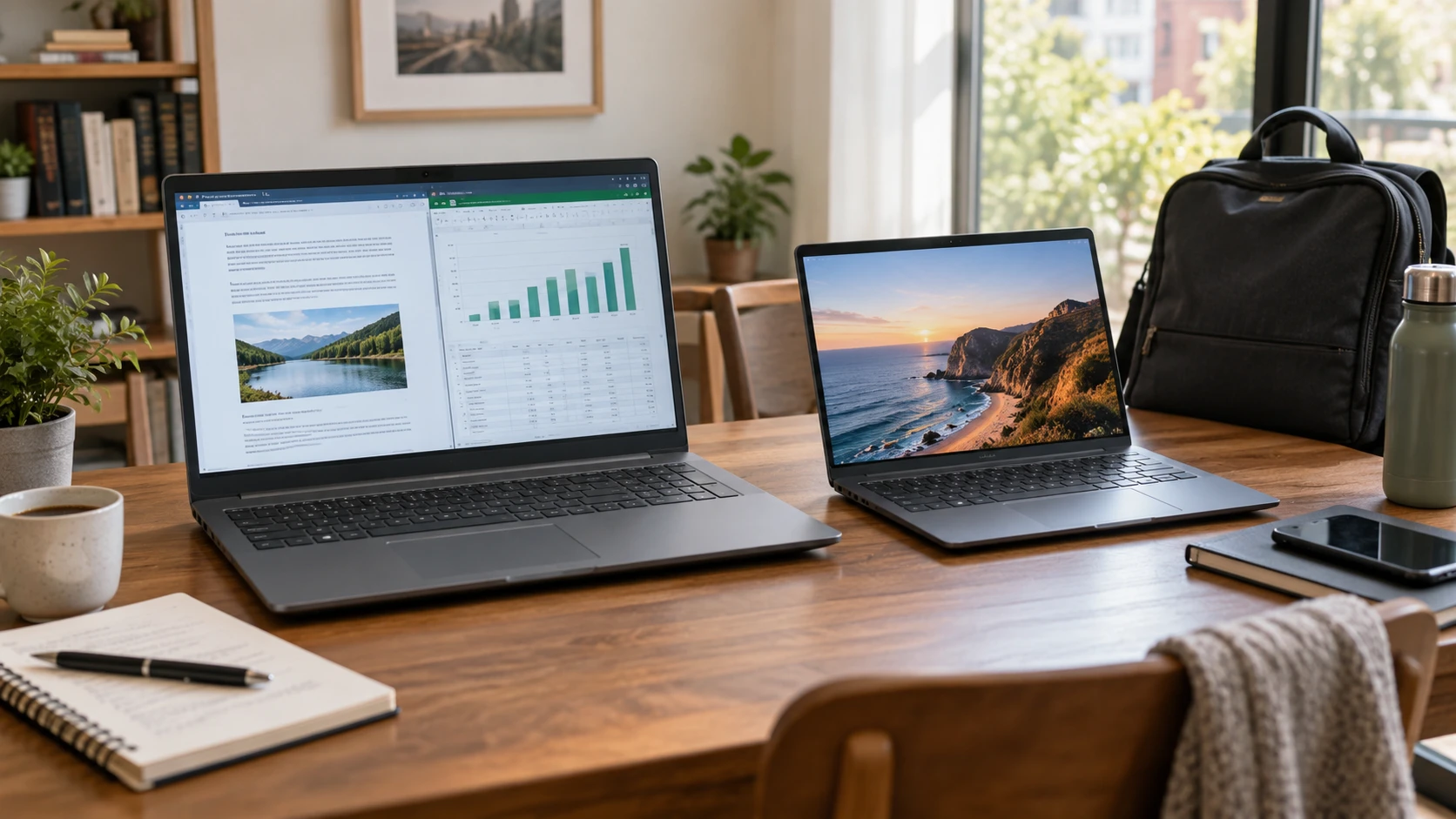
ASUS VivoBook 17 F1704VAP-SB52 — VivoBook 17 or VivoBook S 14 OLED: make the screen size earn its space
Compare ASUS VivoBook 17 F1704VAP-SB52 by workspace, memory, ports, calls, mobility, and saved price.
Portable and desktop computers, mini PCs, and workstations.
Showing 25–36 of 56 guides
Compare ASUS VivoBook 17 F1704VAP-SB52 by workspace, memory, ports, calls, mobility, and saved price.
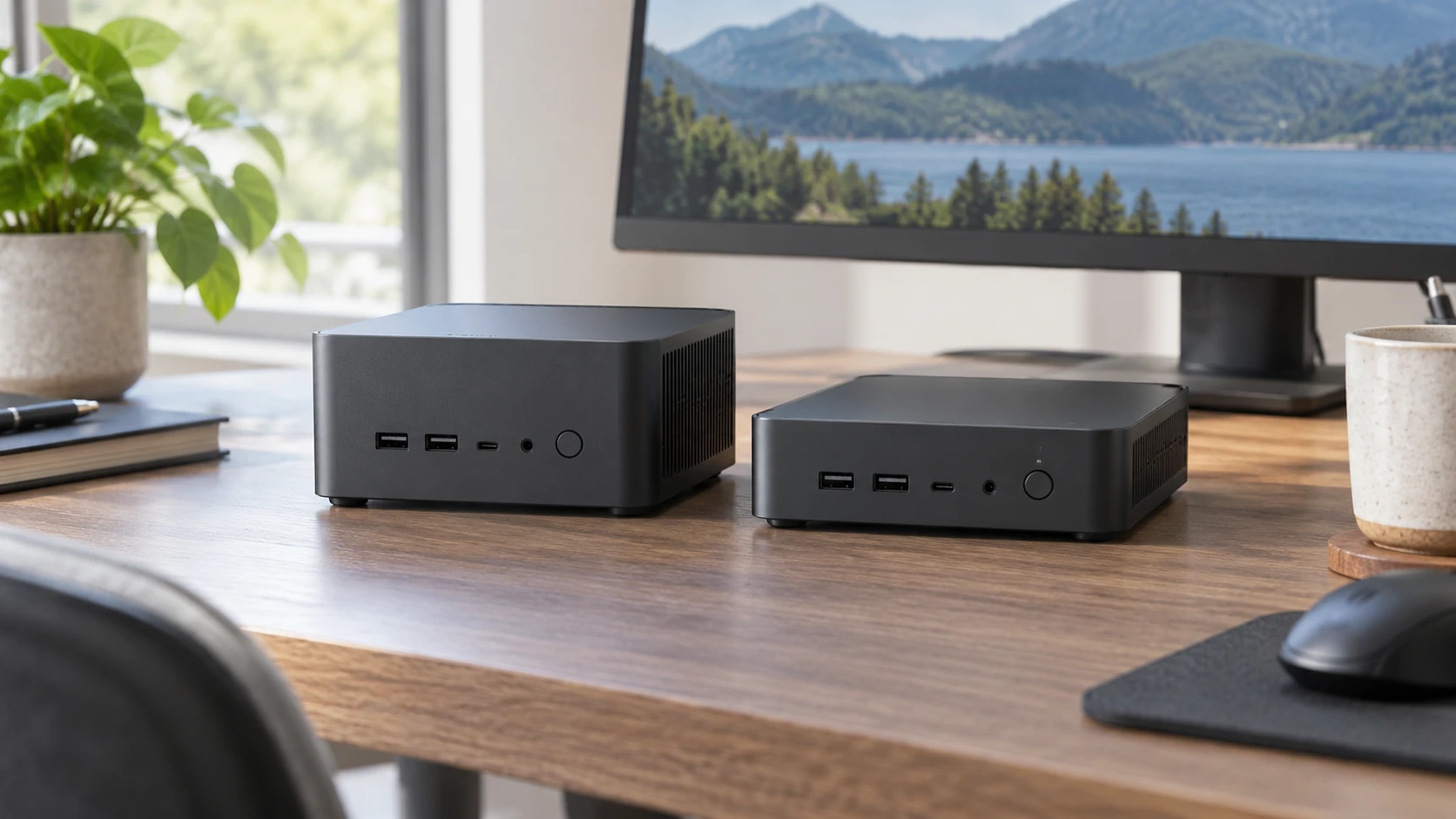
Compare ASUS NUC15CRHU7 barebone mini PC by chassis height, shared memory and storage slots, ports, complete build cost, and setup.
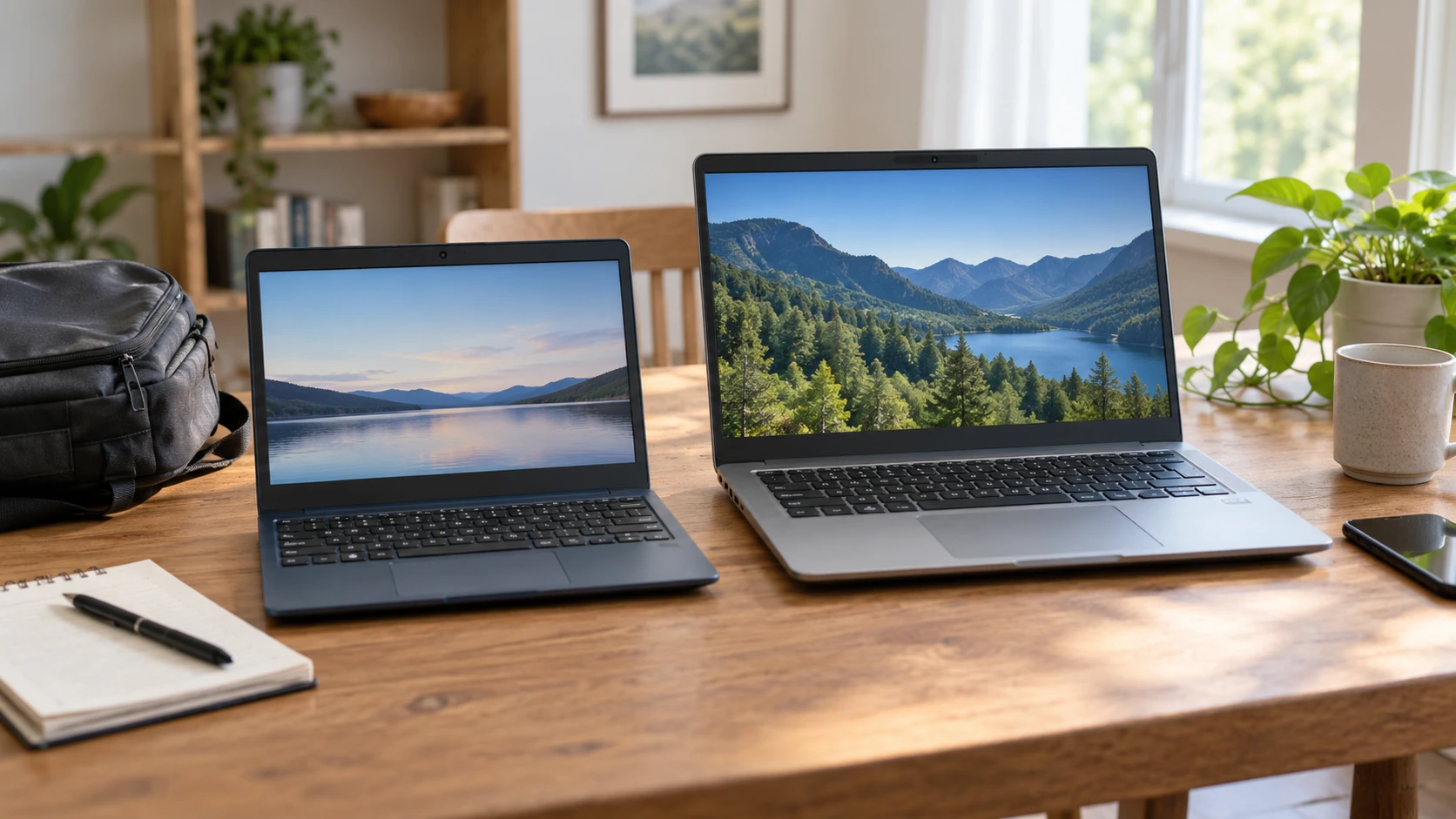
Compare ASUS L210MA-DB01 small Windows laptop by space, ports, weight, and saved price.
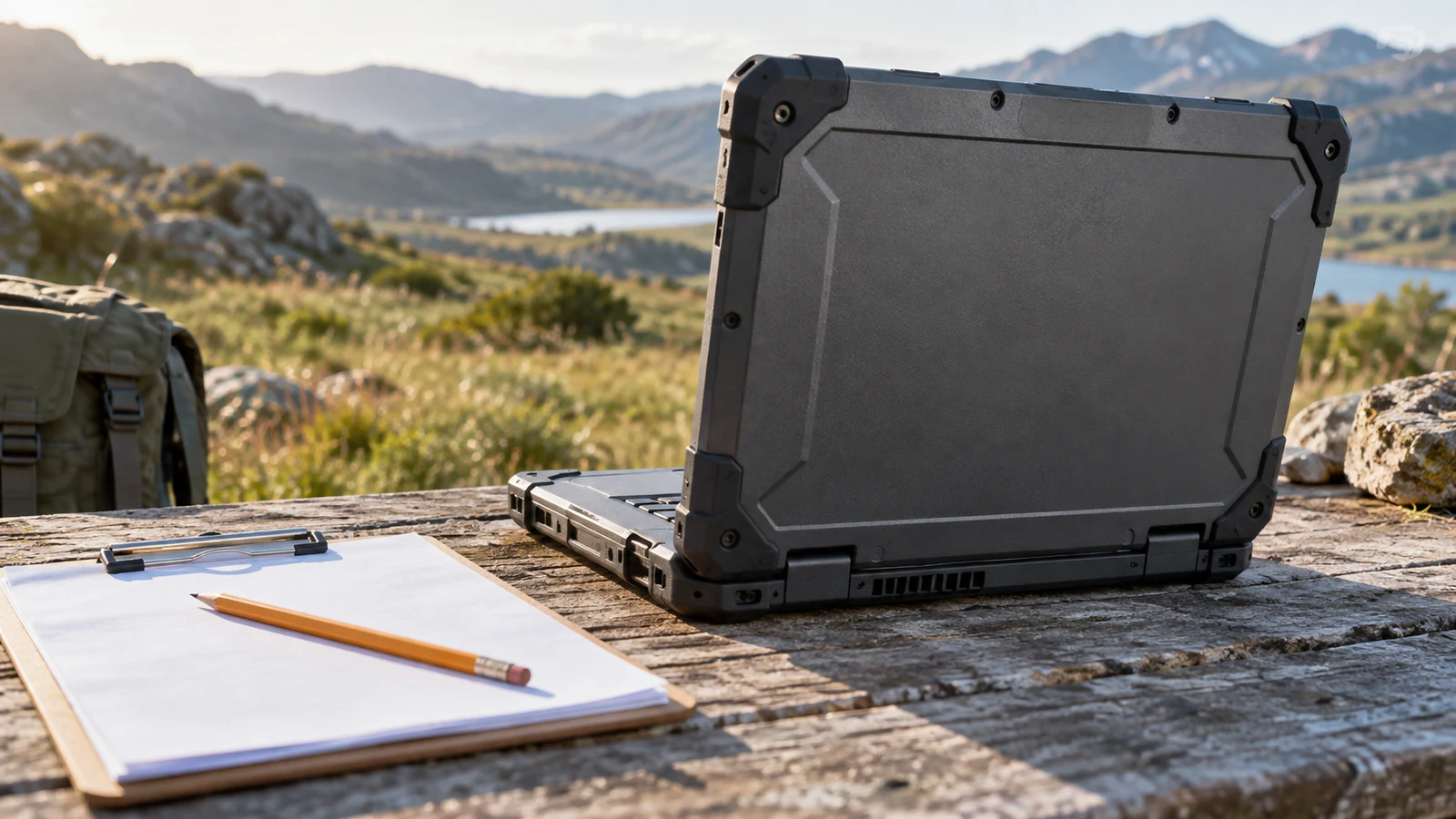
The Getac B300G7 rugged laptop has a listed combination worth examining for field forms: rugged construction, a bright touch display and built-in serial connections. Whether it suits your paperwork depends on the forms themselves, the equipment that supplies your readings and the time you need away from power. Its description supports a shortlist decision, but it does not establish that your particular application will work comfortably on its 1024 x 768 screen.
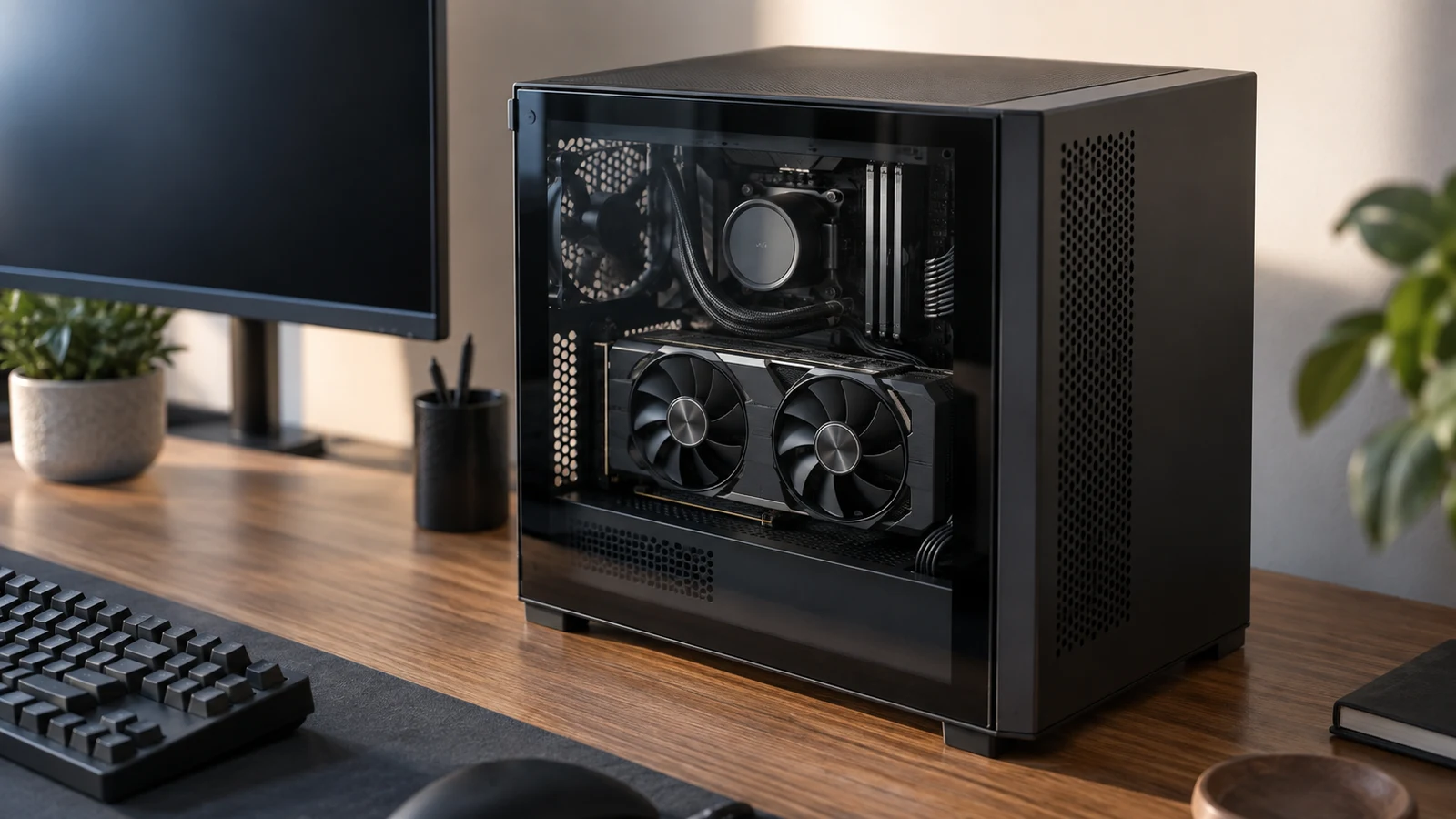
The AVG PC Mini-X gaming desktop is the configuration to consider first if you want a separate graphics card included in your computer purchase. Its description specifies an Nvidia GeForce RTX 5060 TI 8G DDR7 card. The Periphio RS5600G comparison model specifies Radeon Vega 7 integrated graphics. That distinction answers which machine includes discrete graphics; deciding whether you need that configuration takes a closer look at the games you intend to play. For AVG PC Mini-X gaming desktop , verify each step.
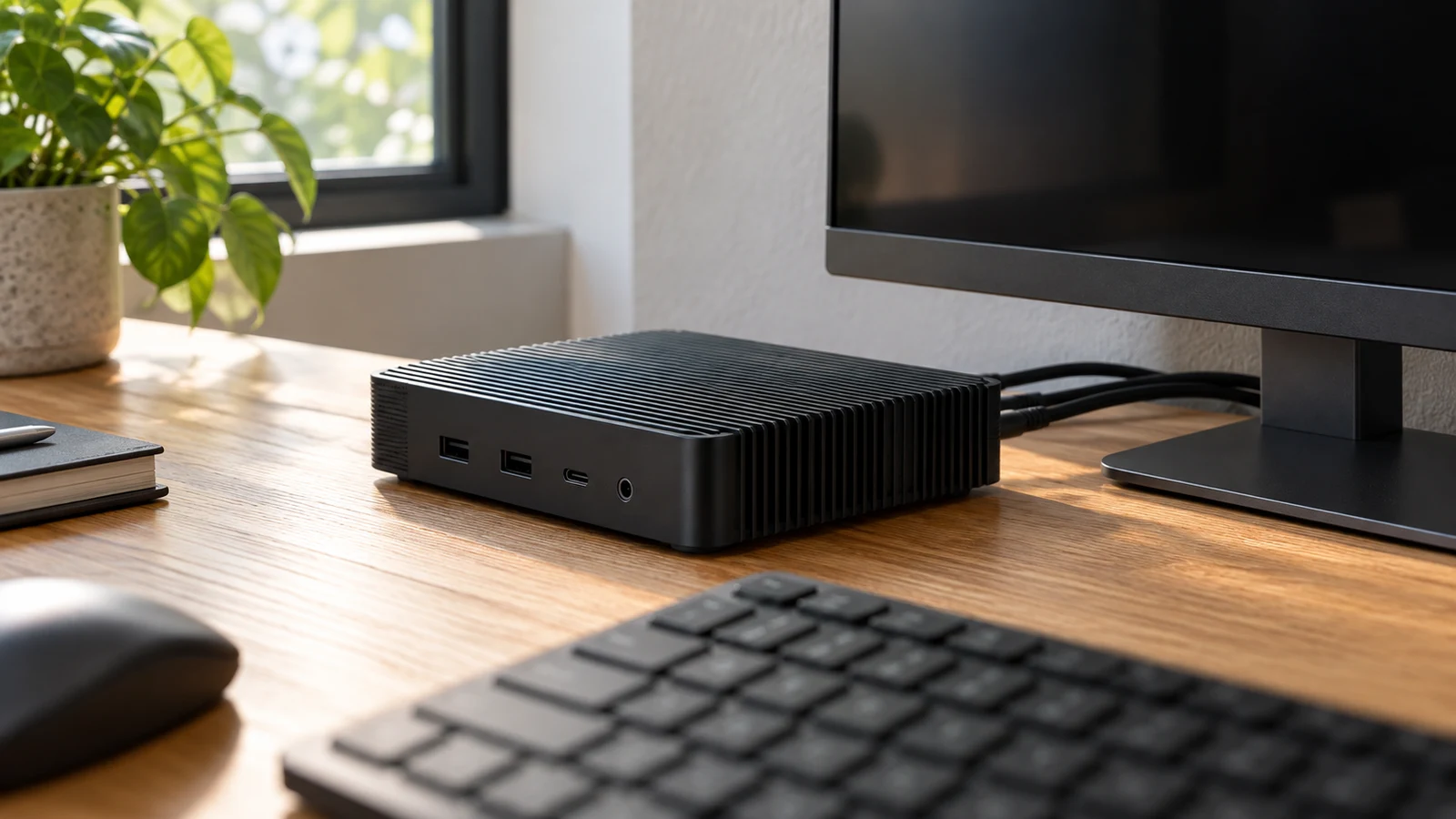
The MeLE Quieter4C mini PC has a specific appeal for a desk with several displays: its description lists two HDMI 2.0 outputs and one USB Type-C display output, each capable of 4K at 60Hz, in a fanless enclosure. Whether it suits your desk depends on the connections your screens need and where you can place a case whose surface, according to the description, can reach 55°C to 70°C. Plan both before choosing it. For MeLE Quieter4C mini PC , verify each step.
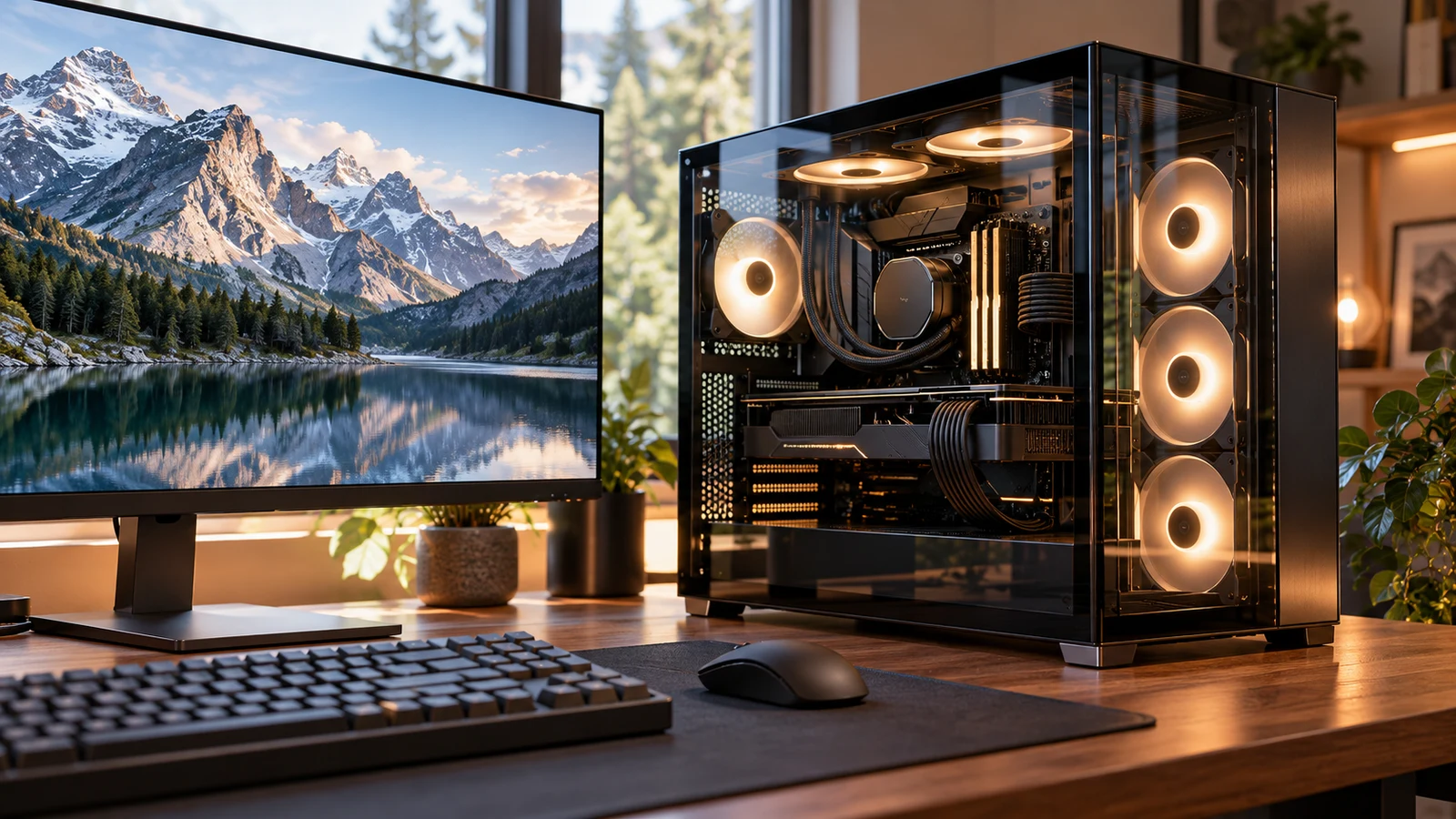
The Skytech O11 Vision desktop deserves consideration for a desk used for creative projects and gaming. Its description specifies a Ryzen 7 7700 processor, Radeon RX 9070 XT graphics with 16GB GDDR6, 32GB DDR5 memory and a 1TB Gen4 NVMe SSD. Those components provide a concrete starting point for assessing mixed work. Whether they fit your day depends on your creative applications, project sizes and gaming expectations; the component list alone cannot establish export times or responsiveness while several jobs are running.
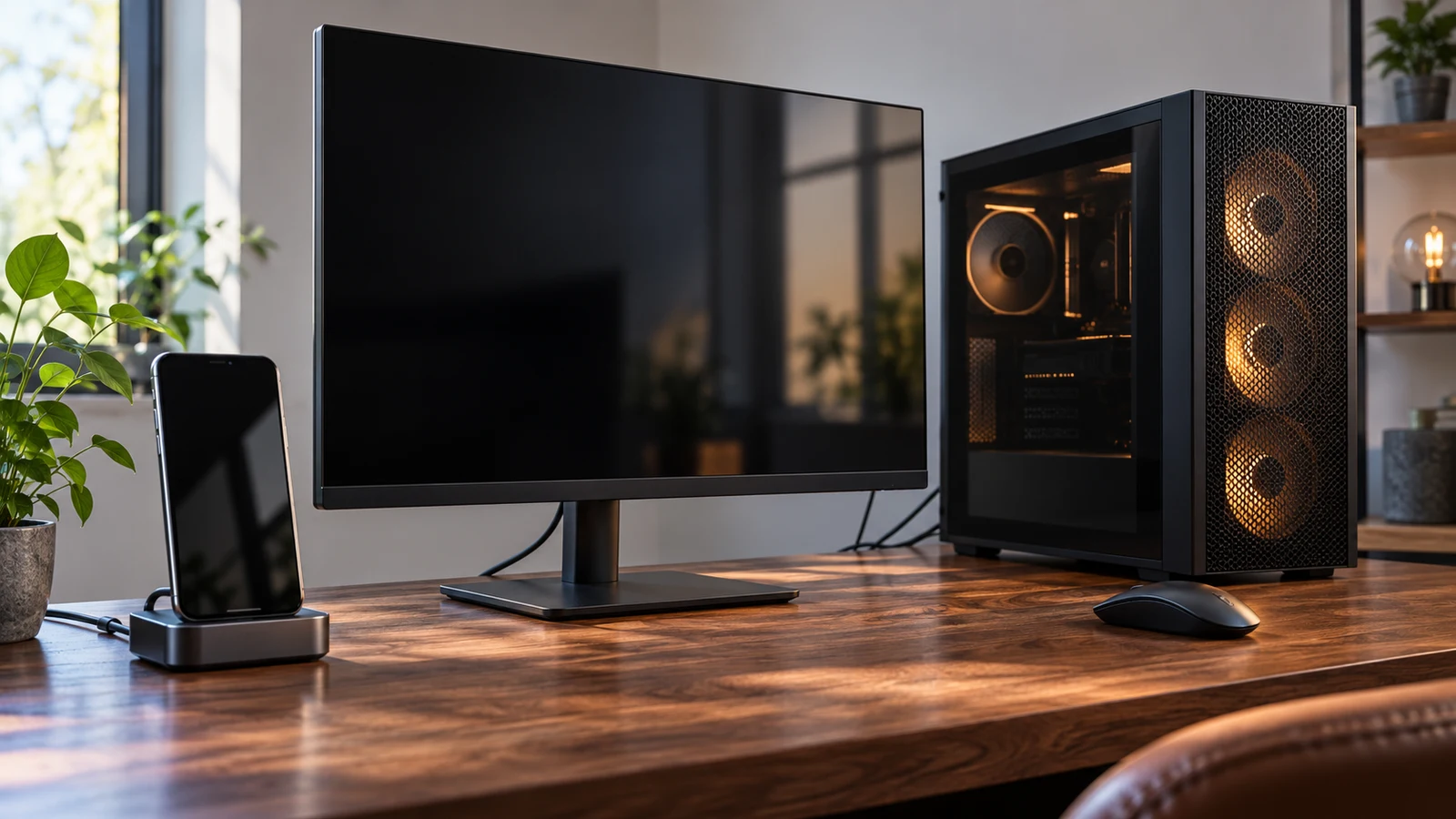
The Acadia Android station is not a documented substitute for the Novatech Prism when the job requires Windows software. Acadia's description specifies Android 8 and an integrated touchscreen; Novatech's specifies Windows 11 Pro and Radeon RX580 graphics. Substitution is worth considering only if your intended task can run on the chosen operating system with the controls you need. Before comparing hardware specifications, decide whether you want an Android touch station or a Windows gaming computer. Those are different starting points, even though both products appear in the computer category.
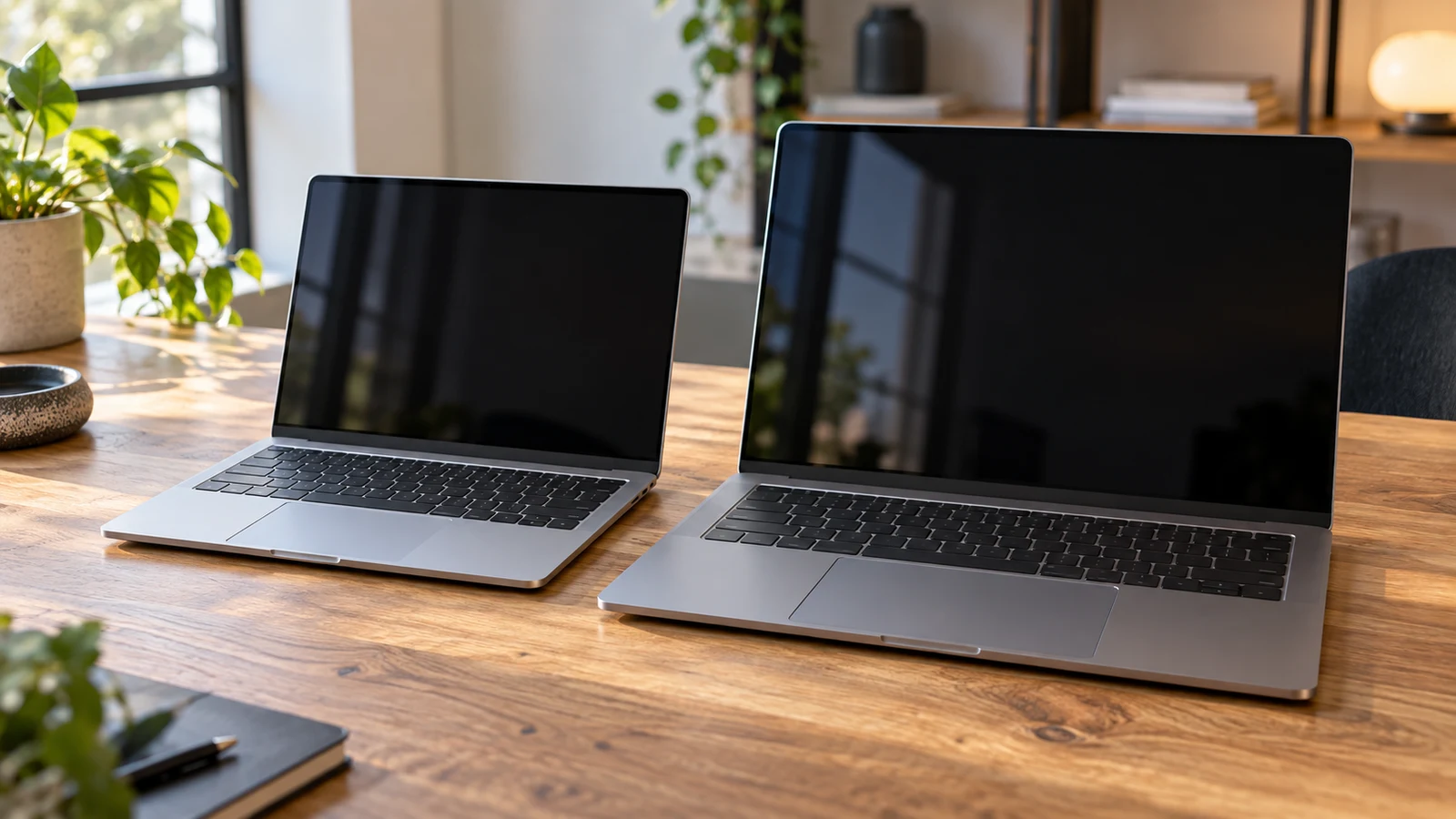
The Fsjun 14-inch laptop is the candidate to examine first if you expect to carry your computer frequently: its description lists a 14-inch display and a weight of 1.25kg. Chheart offers a different starting point for work done mostly at a desk, with a listed 16-inch display, 16GB RAM and 1TB SSD. Those specifications help narrow the choice, but they do not establish how either machine will perform with your applications or how long it will run away from an outlet. For Fsjun 14-inch laptop , verify each step.
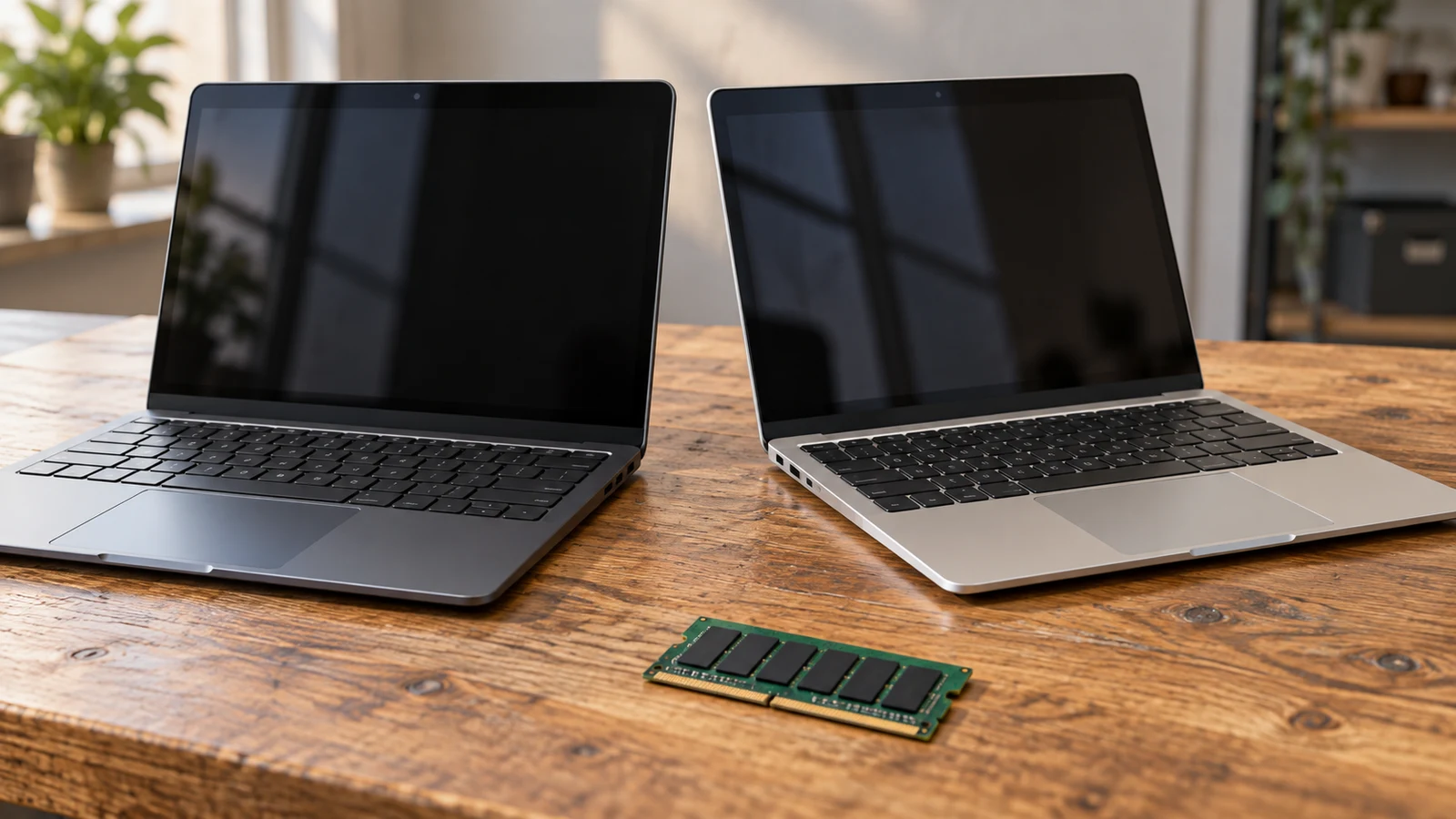
The NBD mini laptop lists Windows 11, 8GB DDR4 memory and 128GB onboard storage. Goldengulf lists Windows 10, 2GB RAM and 32GB internal storage. For a shopper choosing between these compact computers, NBD has the larger listed capacities and a different Windows version. That makes it worth examining first if those specifications match your needs. It does not establish application compatibility, measured speed or the exact hardware that will arrive.
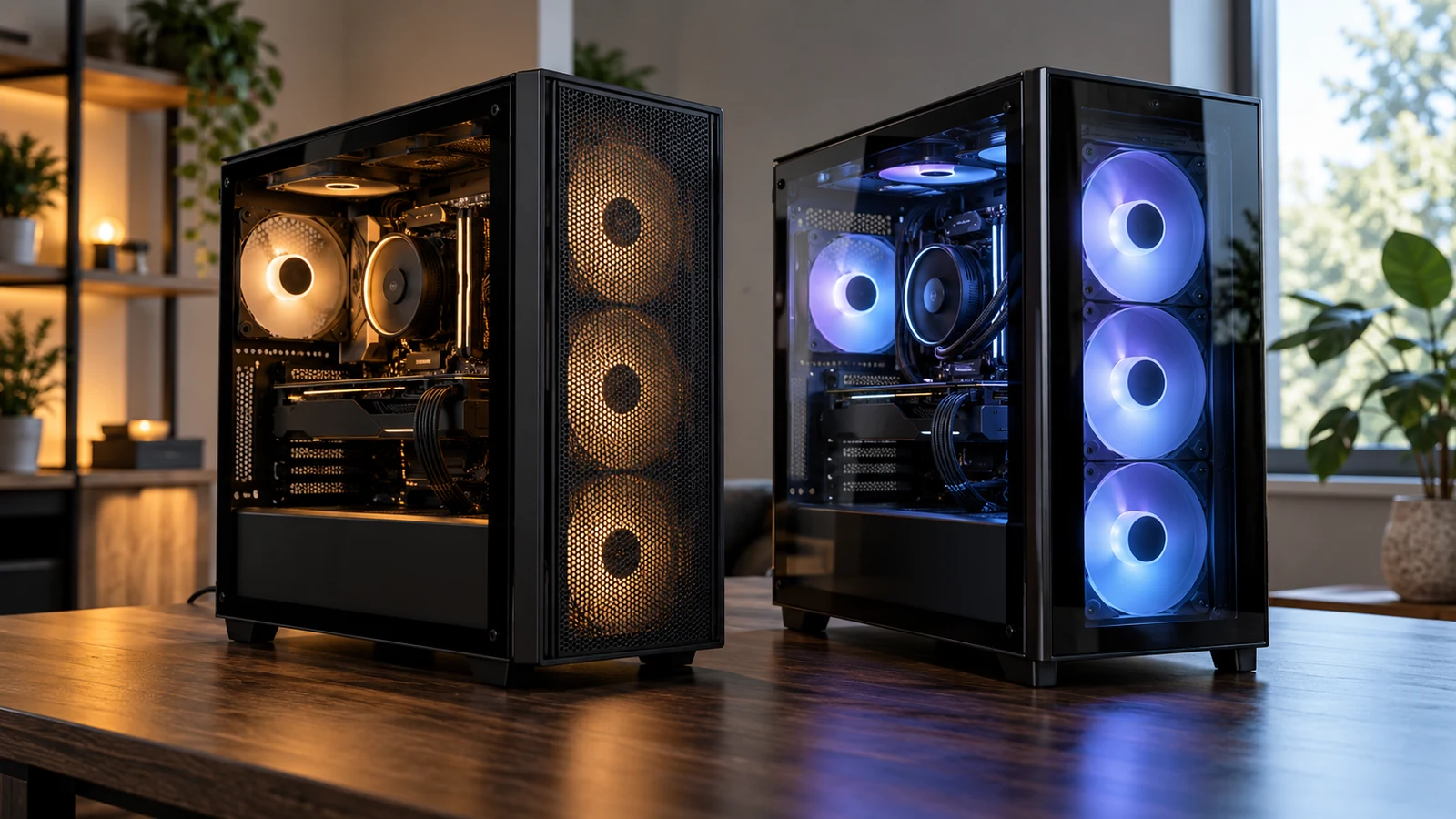
The YEYIAN YUMI gaming PC and Novatech Prism present a specific buying question: do you need the YUMI's listed i5-14400F, RTX5060 8GB and 1TB SSD configuration, or would the Prism satisfy your intended use? YEYIAN is the closer match if those named components are already on your shopping brief. Novatech remains a candidate if its configuration meets your requirements. The descriptions alone cannot establish which will deliver your preferred game settings or frame rate.
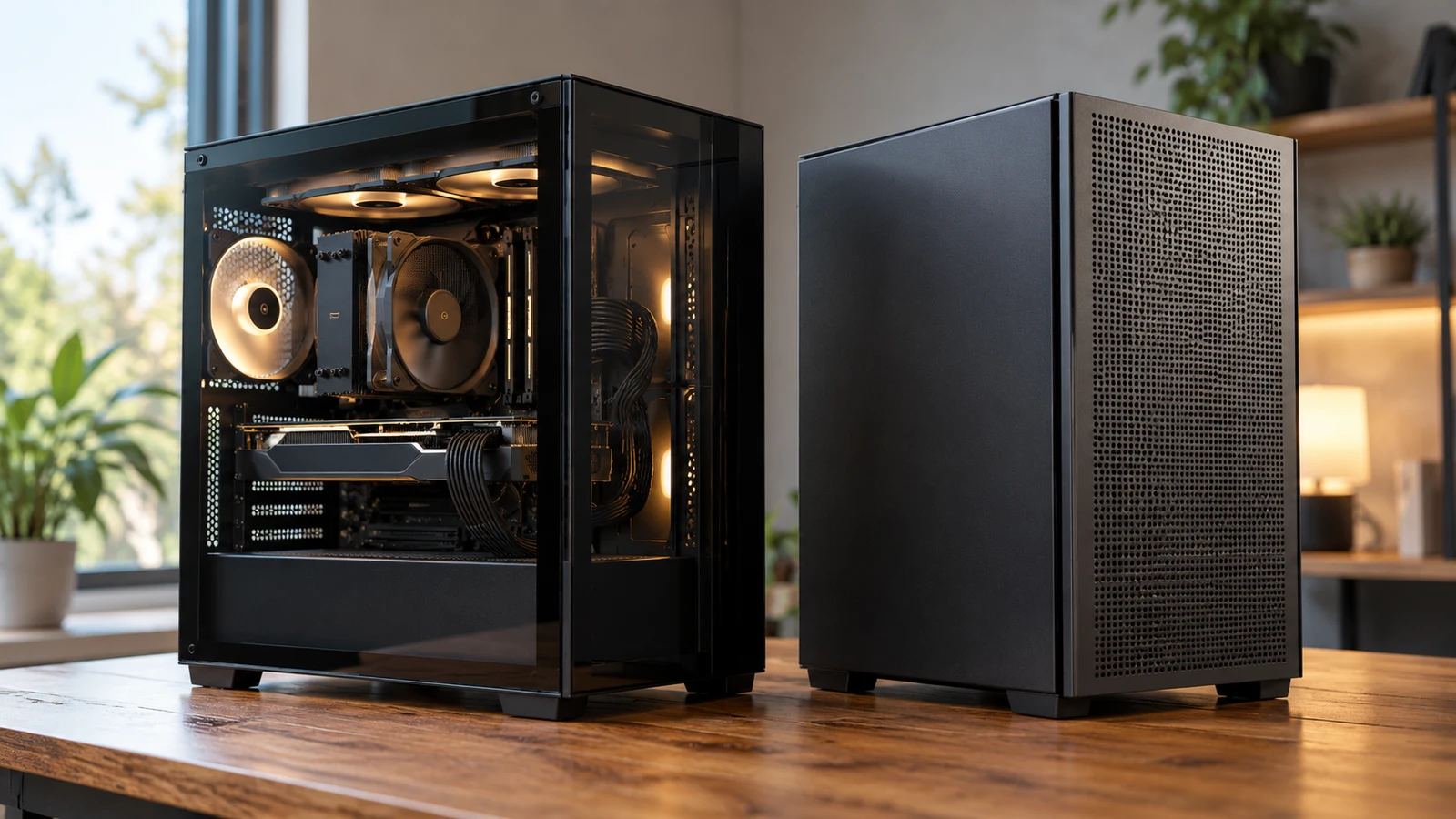
The Hoengager RTX 5060 desktop and HAJAAN AMD PC change several parts of the purchase at once. Hoengager pairs an Intel Core i5-13400F with RTX 5060 graphics, 16GB DDR4 and a 1TB PCIe SSD. HAJAAN pairs a Ryzen 7 7700X with RTX 4060 graphics, 64GB DDR5 and a 2TB NVMe SSD. Hoengager deserves a closer look if its stated configuration meets your requirements and independent testing supports your gaming expectations. HAJAAN deserves that attention if your work calls for its larger installed memory and storage capacities. Neither description establishes a performance winner.