Crypto Commerce
ASUS NUC 15 Pro mini PC or Beelink EQi12 for a two-screen desk
Compare ASUS NUC 15 Pro mini PC by display outputs, installed memory and storage, desk connections, cooling claims, and setup questions.
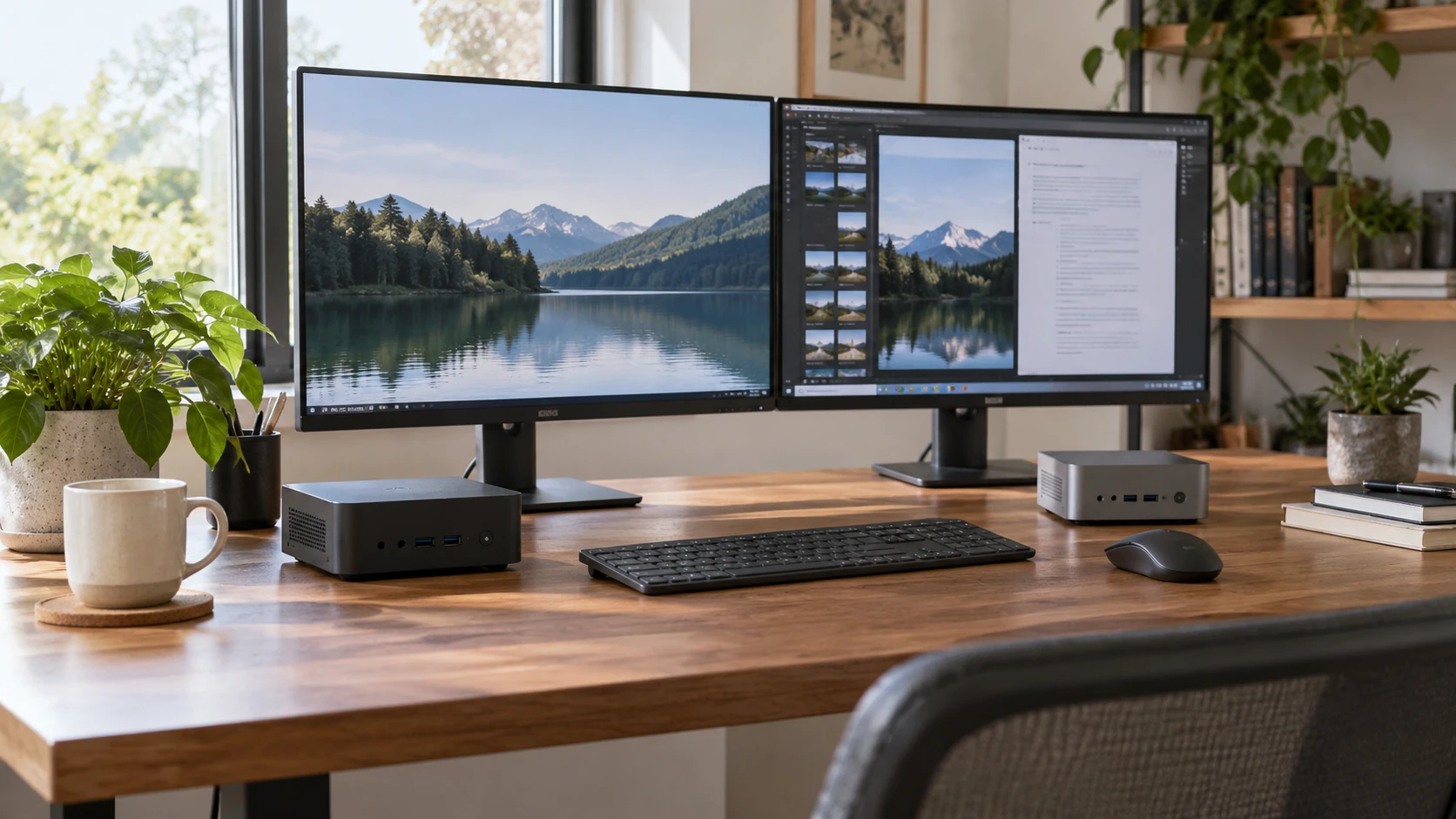
A small computer can clear space beside a monitor, but the case size alone does not tell you whether the desk will work. You still need connections for the displays, keyboard, storage, network, and anything you plug in only occasionally. The ASUS NUC 15 Pro mini PC and Beelink EQi12 both offer a compact desktop setup. Their saved listings point to quite different choices about installed storage, display outputs, and future changes.
The ASUS listing describes a NUC 15 Pro with a Core 5 210H processor, 32 GB of DDR5 memory, a 4 TB NVMe solid-state drive, Windows 11 Pro, Wi-Fi 7, and two HDMI plus two Thunderbolt 4 ports. Beelink lists an EQi12 with a Core i3-1220P, 24 GB of soldered LPDDR5 memory, a 500 GB NVMe drive, two HDMI outputs, and a second M.2 storage slot. The saved Beelink summary does not specify an operating system. Those are Republeq's product descriptions, so check the exact delivered configurations before treating them as a complete specification sheet.
Draw the desk before choosing the box — Beelink EQi12 mini PC
Count the displays you use today and the one you might actually add. For a two-screen desk, both listings identify two HDMI outputs. Beelink states up to 4K at 60 Hz on each of its two HDMI connections. ASUS says its HDMI 2.1 and Thunderbolt 4 connections can support up to four 4K displays. A four-display claim can be useful if that expansion is planned, though the saved text does not spell out every simultaneous resolution and refresh-rate combination. Check the exact manual and the monitors' own inputs before buying adapters.
Next, map where each cable will go. A monitor might use HDMI, DisplayPort, or USB-C; the presence of a USB-C-shaped socket is not proof that it sends a video signal. Beelink's saved listing calls its Type-C port a 10 Gbps data port. It does not claim that port is another display output. ASUS identifies two Thunderbolt 4 ports and associates them with display support, but you still need a compatible cable or dock for your particular monitor. If either screen relies on a dock, verify the dock's own display and power requirements as part of the same setup.
Desk space includes the route behind the screens. ASUS gives a 0.48-liter chassis figure. Beelink's reviewed description does not provide comparable dimensions. Measure the shelf, monitor arm, or underside of the desk where you would put the computer, and leave room for plugs to bend without strain. A tiny box can take surprising room once HDMI, network, power, and a few USB devices are connected. Check mounting hardware for the exact package if you plan to attach it behind a monitor.
Read processor labels without turning them into a race — Beelink EQi12 mini PC
ASUS lists the Core 5 210H as an eight-core chip with a 2.20 GHz base figure and up to 4.80 GHz under its stated conditions. Beelink lists the Core i3-1220P as ten cores and twelve threads with a speed of up to 4.4 GHz. Those numbers describe different processors and cannot by themselves tell you which whole machine will feel faster in your daily work. Core types, cooling, memory behavior, and the particular program all affect the result. The Republeq's catalog summaries provide no common benchmark on these exact configurations.
Write down the slow part of your current routine. Is it opening many browser tabs, loading a large spreadsheet, exporting a video, or switching between a call and screen sharing? A person who mostly writes, browses, and uses two displays may care more about stable connections and storage than a processor ranking. Someone compiling software or rendering media should look for independent tests of the exact processors and chassis under those workloads. Neither listing is a measured promise about sustained performance at your desk.
Beelink's page URL calls the EQi12 a gaming mini PC, while its saved description speaks more modestly about Intel UHD Graphics, media playback, and light creative work. A gaming label does not establish a frame rate in a particular game. ASUS also lists integrated Intel graphics without a game-specific result. If a game or graphics application matters, compare its requirements with independent testing of the exact configuration and display resolution. Do not infer dedicated graphics hardware from either product's promotional category.
Memory is the more durable difference — mini PC expansion planning
The ASUS configuration includes 32 GB of DDR5 SO-DIMM memory. Beelink includes 24 GB of LPDDR5 memory soldered to the board, and its saved listing explicitly says that memory cannot be upgraded or expanded. If your workload may grow beyond 24 GB, that fixed ceiling is a concrete reason to examine the ASUS configuration more closely. The ASUS description also mentions tool-less access, but it does not state every memory replacement rule or supported maximum. Check the NUC 15 Pro service documentation before assuming a particular upgrade is approved.
For an ordinary office setup, installed memory matters more than an imagined upgrade you may never make. Look at the applications you run at the same time and how much memory your present computer uses during a demanding day. If the number stays comfortably below either configuration's capacity, the difference may not affect your routine. If you regularly work near the limit, ask whether the software uses memory in bursts, whether multiple people share the machine, and whether an upgrade path is important to you. The saved product descriptions cannot answer those workload questions.
Storage starts farther apart. ASUS lists a 4 TB NVMe SSD already installed, while Beelink includes a 500 GB M.2 NVMe SSD. Beelink says two M.2 2280 PCIe 4.0 slots support up to 4 TB total when drives are added. That does not tell you whether both slots are equally accessible or whether the included drive occupies the slot you would prefer for an upgrade. Confirm the exact slot layout and supported drives in the manual, especially if you plan to reuse an existing SSD.
The related published guide on mini PC expansion planning compares different mini PCs, but its useful question transfers here: distinguish installed capacity from a possible future configuration. Make a simple storage budget for the files you already have, then add the applications and media you expect to keep locally. Cloud storage does not remove every local need, especially for large downloads or work you must use offline. Buying far more space than you use can be costly, while relying on an upgrade that turns out awkward can be frustrating.
Ports, network, and the unglamorous daily tasks — Beelink EQi12 mini PC
ASUS lists three USB 3.2 ports, one USB 2.0 port, two HDMI ports, two Thunderbolt 4 ports, and an RJ-45 Ethernet connection. The Beelink EQi12 mini PC lists three USB 3.2 Gen 2 ports, one USB 2.0 port, one 10 Gbps Type-C data port, two HDMI outputs, gigabit RJ-45 Ethernet, and a combined 3.5 mm audio jack. These are descriptions of the exact saved offerings, not a reason to count every connector as interchangeable. A keyboard dongle, webcam, backup drive, printer, and headset may each have different connector and bandwidth needs.
Put the devices you use every day on paper. If a wired headset needs 3.5 mm audio, Beelink lists that jack; the reviewed ASUS paragraph does not identify an equivalent one. Check ASUS's full port diagram or plan a known-compatible USB audio device before assuming it has the same connection. If you depend on a fast external drive, identify which port and cable provide the speed you need. The presence of a fast specification on one port does not make every port run at that speed.
ASUS lists Wi-Fi 7 and Bluetooth 5.4. Beelink's reviewed paragraph gives a gigabit Ethernet controller but does not specify a Wi-Fi or Bluetooth version. An omission in the paragraph is not proof the EQi12 lacks wireless networking. Verify the exact Beelink unit's radio and antennas if wireless setup matters. If the computer will sit close to a router or network outlet, a cable may simplify the connection regardless of which wireless label is newer. For a desk far from that outlet, check the network you already own and the signal where the mini PC would sit.
Cooling, noise, and software still matter — Beelink EQi12 mini PC
The Beelink listing describes a heat pipe, fan, and heat fins intended to cool the processor, SSD, and memory. It uses the word “silent” for the fan, but gives no measured sound level or listening conditions. ASUS refers to an advanced thermal design and a MIL-STD-810H certification claim. Those statements do not show how either box sounds after an hour of your work or how much room it needs around its vents. If the desk is in a quiet bedroom, look for measurements of the exact chassis under a sustained workload and leave the clearance the manual requires.
Beelink describes a built-in 85 W power supply. That number is a supply specification, not a measurement of electricity consumed while browsing or idling. The saved ASUS entry does not give a comparable power figure. If energy use or a crowded power strip matters, seek measured consumption for the exact configuration and confirm the connector and plug arrangement. Avoid judging the running cost from a supply rating alone.
ASUS's saved configuration ships with Windows 11 Pro. The Beelink summary does not specify which operating system, if any, comes installed. Check Republeq's product page for the delivered operating system, license status, and recovery instructions before comparing the final prices. A bare machine and a ready-to-use PC can have different setup work even when both product pages show a computer in the photograph. Check the current warranty and Republeq's catalog support terms for the exact SKU as well; the reviewed descriptions do not provide enough to compare service coverage.
Which setup is easier to live with? — Beelink EQi12 mini PC
For a buyer who already needs a large local drive and may add more than two monitors, the ASUS configuration begins closer to that plan. Its listed 4 TB SSD, 32 GB memory, Windows 11 Pro, and four-display claim may reduce how much must be added or confirmed after delivery. Its saved price is substantially higher, so check whether those features solve real needs rather than merely looking generous on a specification sheet.
The Beelink starts with two stated HDMI outputs, 24 GB of fixed memory, and a smaller installed SSD. That can suit a defined two-screen office desk if the operating system and connections check out and the storage plan is realistic. Its second M.2 slot offers a possible later storage change, while the soldered memory remains fixed. The listing gives more detail about cooling hardware than about software supplied, so settle that missing software question before purchase.
Whichever one you consider, confirm the actual monitor connections, delivered memory and SSD, operating system, and return terms on the current listing. Keep the exact model and SKU in that check. A compact PC is easier to choose when you can account for every cable and the files you need to keep, rather than relying on the family name or a broad performance label.