Crypto Commerce
MINISFORUM AI X1 Pro vs Beelink GTi14: mini PC expansion
The MINISFORUM AI X1 Pro and Beelink GTi14 present different starting points for an expandable mini PC. The listed X1 Pro-370 includes 96GB of DDR5 memory and a 2TB SSD; the GTi14 includes 32GB of DDR5 memory and a 1TB SSD. The more consequential expansion detail is the MINISFORUM description's warning that its OCulink connection requires an M.2 SSD slot. If you want both additional internal drives and external graphics, establish how those options coexist before choosing.
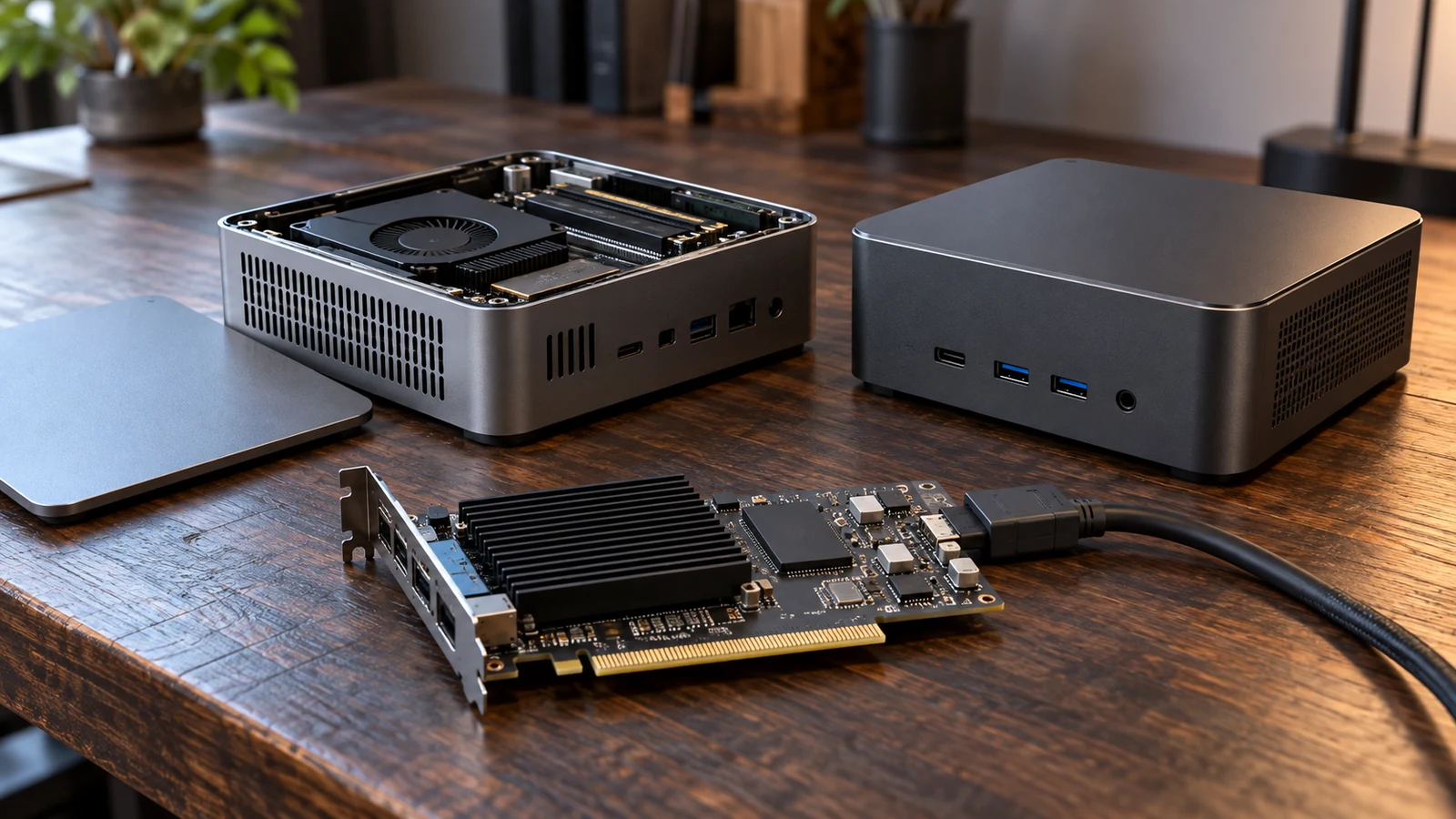
The MINISFORUM AI X1 Pro and Beelink GTi14 present different starting points for an expandable mini PC. The listed X1 Pro-370 includes 96GB of DDR5 memory and a 2TB SSD; the GTi14 includes 32GB of DDR5 memory and a 1TB SSD. The more consequential expansion detail is the MINISFORUM description's warning that its OCulink connection requires an M.2 SSD slot. If you want both additional internal drives and external graphics, establish how those options coexist before choosing.
This comparison concerns those exact listed configurations. Both descriptions identify storage expansion and an external graphics interface, but they do not provide enough detail to establish every possible finished build. Your decision should account for what arrives installed, which components you intend to add, and whether the proposed additions can operate together. Neither an advertised capacity ceiling nor an interface name establishes application performance.
Compare Computer Memory And Storage Without Adding Them Together: Included Hardware And Expansion Limits
The MINISFORUM AI X1 Pro listing describes a Pro-370 with an AMD Ryzen AI 9 HX 370 processor and Radeon 890M graphics. Its memory specification states 96GB DDR5 installed, dual SO-DIMM slots, and support up to 96GB. That places the supplied configuration at the description's stated memory ceiling. A purchase plan should not depend on increasing it beyond that figure.
The GTi14 description identifies an Intel Ultra 9 185H processor and Intel Arc graphics, together with dual-channel 32GB DDR5 5600MHz memory. It states that memory is user-upgradeable to a maximum of 96GB. This gives the Beelink configuration a documented path beyond its included capacity, although the description does not provide a complete module replacement procedure. Confirm the required module arrangement before ordering an upgrade kit.
For a buyer whose software requirements already call for 96GB, the distinction is immediate: that capacity is included in the MINISFORUM configuration, while reaching it on the listed Beelink involves an upgrade. If your workload fits within 32GB, the larger installed amount alone does not establish a reason to choose the X1 Pro-370. Use your application requirements or observations from comparable work to decide whether additional memory has a purpose.
The guide Compare computer memory and storage without adding them together explains how to read the capacity categories. For this purchase, keep a separate note of each machine's included configuration and proposed finished configuration. That prevents an advertised maximum from entering your comparison as though the necessary components were already supplied.
Internal storage begins at a listed 2TB M.2 2280 PCIe 4.0 SSD in the X1 Pro-370. Its description says the onboard SSD can be upgraded to 4TB and two additional PCIe 4.0 SSDs can be added, for a combined maximum of 12TB. Those are expansion statements, not the contents of the 2TB bundle. A plan to reach that ceiling needs its own component list and installation budget.
The Beelink starts with a listed 1TB M.2 PCIe 4.0 2280 SSD. Its description advertises expansion through dual-channel M.2 PCIe 4.0 x4 to a combined maximum of 8TB, explicitly noting that the expanded capacity is not included. Ask for the supported drive arrangement if you intend to approach that maximum. The description alone should not become an assumed shopping list for specific replacement drives.
These storage ceilings help identify candidates, but your proposed configuration matters more than either maximum in isolation. Write down whether you intend to retain the supplied drive, replace it, or add drives beside it. Then have the seller confirm that arrangement for the exact unit. Include any required mounting or cooling parts in the question; neither description gives a complete inventory of installation hardware for every expansion route.
Beelink Computer Alternative: External Graphics And The Shared-Slot Question
The X1 Pro-370 description identifies an OCulink port with PCIe 4.0 x4 connectivity for external GPU setups. It also states that OCulink is non-hot-swappable and requires one M.2 2280 PCIe 4.0 SSD slot. This qualification belongs beside the storage expansion claim in your buying notes. Do not assume that the advertised maximum internal storage and the external GPU arrangement are simultaneously available in the configuration you want.
The unresolved point is the precise slot allocation. The description does not map each storage position against OCulink use or state the resulting storage ceiling with that connection in service. Ask which M.2 position is required, whether the supplied SSD needs to move, and which internal drive positions remain usable. A configuration-specific answer is more useful here than a general confirmation that the computer supports external graphics.
The GTi14, available as a Beelink computer alternative, lists an external PCIe x8 interface for a discrete graphics card. Its description does not explain the full installation arrangement or establish whether using that interface affects other expansion resources. The absence of a shared-slot warning is not confirmation that no such dependency exists. Request the connection requirements for your intended graphics hardware.
The x4 and x8 interface labels do not support a performance ranking between complete external GPU builds. The supplied descriptions do not establish equivalent test conditions, matching graphics cards, or measured results. They also do not identify every accessory you would need. Confirm the compatible external hardware, cable or adapter requirements, and power arrangements before treating either route as a priced, ready-to-install solution.
A useful question for the MINISFORUM seller would describe a finished build: the supplied SSD retained, additional internal storage installed, and an external GPU connected through OCulink. Ask the seller to identify which parts of that proposal can coexist. For the Beelink, describe the same intended jobs and request its supported arrangement. This makes the answers comparable without assuming that the two machines use interchangeable expansion equipment.
Beelink Computer Alternative: Match The Finished Setup To Your Work
Expansion decisions also depend on the connections your desk needs after the upgrades are installed. The MINISFORUM description lists HDMI and DisplayPort outputs plus two USB4 output ports. The Beelink description lists HDMI, DisplayPort 1.4, and a full-featured Thunderbolt 4 port, and expressly describes three simultaneous displays at up to 4K. The MINISFORUM description does not state an equivalent simultaneous-display limit, so port counting should not supply one.
Record the displays you intend to use, including their required resolution and refresh rate, then confirm the supported combination. Beelink's triple-4K statement does not specify every refresh-rate or cable arrangement. If you also need an external storage device or dock, include it in the proposed setup. Ask whether all those connections can support your intended use together, especially when an external GPU is part of the plan.
Both descriptions list dual 2.5G LAN ports, Wi-Fi 7, and Bluetooth 5.4. These shared labels offer little basis for choosing one machine over the other without a specific networking requirement. They do not establish measured transfer rates in your environment. If your expansion plan includes networked storage, identify the equipment it will connect to and confirm compatibility instead of treating the interface label as an end-to-end speed promise.
Processor and graphics identities remain relevant, but this is not a benchmark comparison. The MINISFORUM description includes AI throughput figures, while the supplied Beelink description does not provide a directly comparable set. There is no supported basis here for naming an AI-performance winner. If an application depends on a particular accelerator or software feature, check support for the exact processor, graphics hardware, and application version before choosing either configuration.
Consider a buyer who needs substantial memory immediately and expects to keep graphics integrated. The MINISFORUM AI X1 Pro includes its stated maximum memory capacity and the larger supplied SSD of these two configurations. That can make it the more direct match to that particular component brief. The conclusion remains about included hardware; it does not establish faster exports, smoother simulations, or better performance in an unnamed workload.
A different buyer may have a current requirement that fits the Beelink's supplied memory and drive, with no definite need for an external GPU. In that case, compare the existing bundle against the job it must do now. Its documented upgrade ceilings can remain options. There is little reason to price an elaborate future build as a necessity if the software and files you actually use do not call for it.
A storage-heavy buyer who also wants external graphics faces a more specific choice. The MINISFORUM's advertised 12TB ceiling needs to be reconciled with the OCulink slot requirement. The Beelink's advertised 8TB ceiling needs confirmation alongside its external PCIe arrangement. Until those combinations are clarified, neither maximum describes a confirmed finished system for that buyer. Keep the unanswered configuration question visible in your comparison.
Installation effort deserves a separate place in the decision. Ask for the model-specific instructions before buying parts, including the procedure for accessing internal slots and any precautions for the intended graphics connection. The MINISFORUM description's non-hot-swappable warning must remain part of the OCulink plan. Neither product description establishes how long your installation will take or promises that a particular upgrade will be straightforward for your experience level.
For a drive replacement, decide how your existing files and software will reach the finished computer. As general preparation, arrange a backup and determine whether you will migrate an installation or start fresh. Ask what operating system and installation media accompany the exact bundle if those details affect your plan. The supplied descriptions do not settle those package questions, and an expansion comparison should not silently fill them in.
Before placing an order, compare the current price of each exact bundle with the cost of the additions your plan actually requires. Include any confirmed graphics connection hardware and installation help. Check current availability and the terms that apply to the selected configuration. An upgrade ceiling has limited purchasing value when the needed components, their compatibility, or their cost remain unspecified.
If you choose a cryptocurrency payment option, review the currency, network, requested amount, and any displayed fee or payment deadline before proceeding. Keep that check separate from the hardware decision: a payment method does not resolve component compatibility or package contents. Read the applicable checkout terms without assuming a particular refund outcome or that an unconfirmed accessory is included.
Open the two product descriptions with your intended finished configuration beside them. Choose the MINISFORUM bundle if its included capacities meet your requirement and its confirmed slot arrangement accommodates your additions. Keep the Beelink in contention if its starting configuration or documented expansion route better fits the same job. Before committing to either, get an answer to the specific coexistence question your build raises, particularly when internal SSD expansion and external graphics must work together.