Crypto Commerce
Blackview MP60 mini PC vs FIREBAT A6 mini PCs for a multi-display desk
Compare Blackview MP60 mini PC by display outputs, memory, storage, network ports, desk placement, and setup questions.
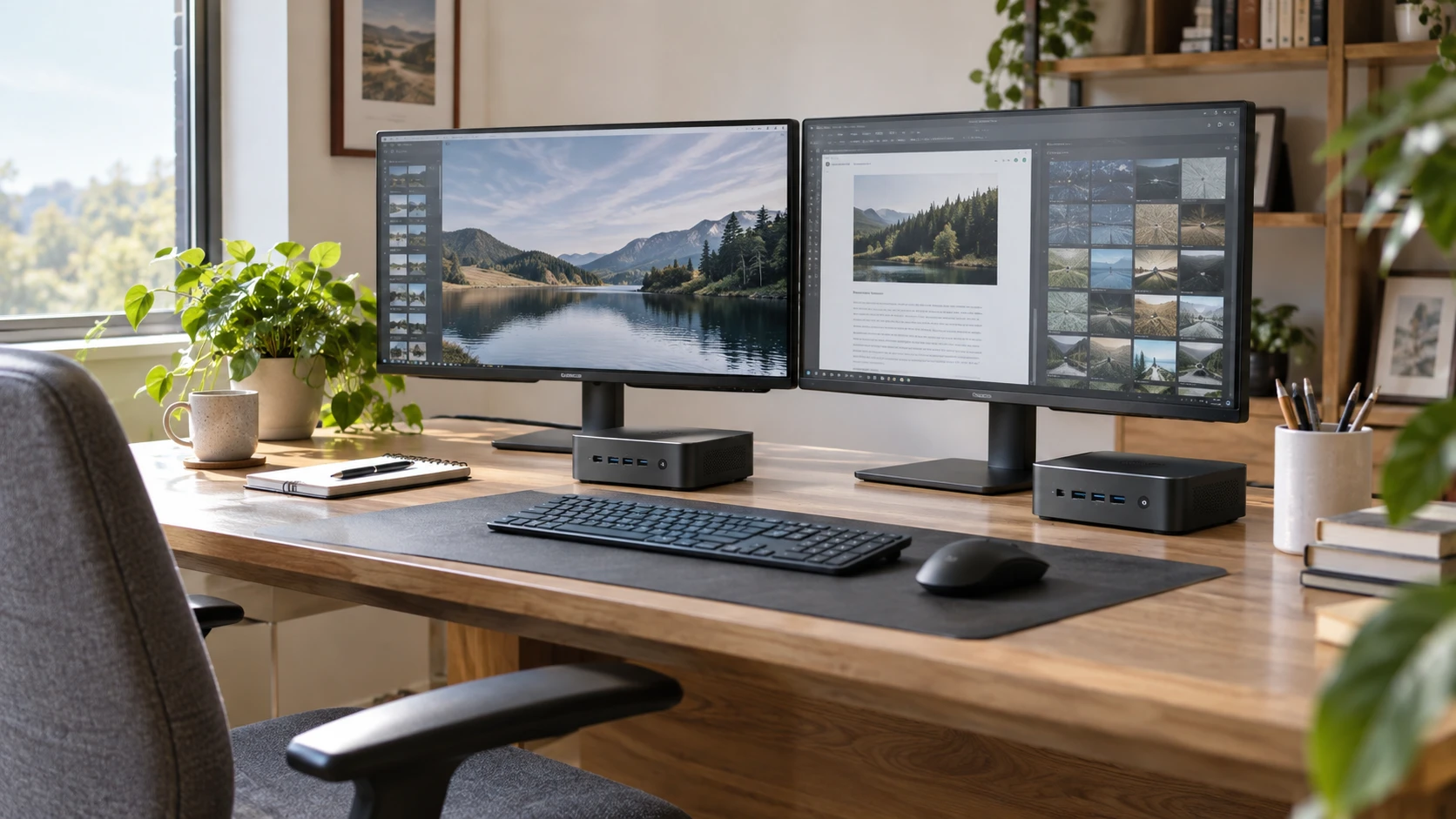
A mini PC can clear the tower from a crowded desk, but the smaller box still has to connect everything the desk uses. A two-monitor home office, for example, needs the right display ports, enough room for storage and memory, and a network connection that works where the box will sit. The saved Republeq listings for the Blackview MP60 and FIREBAT A6 describe different ways to build that desk. The Blackview is a compact, stated 16GB/512GB configuration with two HDMI outputs. The FIREBAT lists a 16GB/512GB configuration too, but gives three different display paths, faster listed network interfaces, and expansion details. Those specifications are leads for a setup check, not a performance test.
The comparison begins with the equipment you already own. Write down the monitor models, their available inputs, a keyboard and mouse connection, any wired network jack, and the software you use every week. A mini PC that fits behind the monitor can still leave an inconvenient cable problem. Likewise, a long port list is only valuable if its ports match the devices and resolutions you intend to run at the same time.
Map the displays before comparing processors — FIREBAT A6 Ryzen 7 mini PC
The Blackview MP60 mini PC listing names two HDMI 1.4b outputs and says it supports extended displays at 4K and 60Hz, up to a stated 4096-by-2160 resolution. Those are catalog claims. Check the exact output mode for each HDMI port and monitor together, including the cable and refresh rate. HDMI version labels and headline resolution claims do not by themselves establish every dual-monitor combination or whether a particular dock will work.
FIREBAT's A6 description names HDMI 2.0, DisplayPort 1.4, and a USB-C port with DisplayPort support. It says the machine can drive three simultaneous 4K displays. The listing separately gives 4K at 60Hz for HDMI and USB-C and 4K at 120Hz for DisplayPort. A three-screen claim does not mean every port will run its individually advertised maximum in every simultaneous configuration. If that matters, request the model's multi-display table or a demonstration with the exact monitor arrangement you want.
Count your displays, then identify their inputs. Two HDMI-only monitors line up more directly with the Blackview's described ports. A monitor with DisplayPort and another with HDMI may fit the FIREBAT without an adapter. USB-C video requires a compatible cable and receiving display or adapter, and its use may compete with other USB-C duties. If you already own a dock, check its host requirements as well as the mini PC's output mode. The saved descriptions do not certify a particular dock.
The number of screens is only part of the workload. A static spreadsheet, browser, and reference document present a different demand from video editing, gaming, or three live camera feeds. The Blackview listing makes broad claims about Photoshop, Zoom, and many Chrome tabs; the FIREBAT listing mentions home, office, and gaming use. Neither saved entry contains an independent test of your software at your intended resolution. A hands-on trial with your real applications would be more useful than treating those marketing examples as benchmarks.
Keep memory and storage on separate lines — separating computer memory and storage capacities
Both saved configurations list 16GB of memory and a 512GB solid-state drive. The Blackview description identifies DDR4 memory and an M.2 SSD. The FIREBAT describes one 16GB DDR5 4800MHz memory stick and a 512GB M.2 2280 SSD. The matching headline capacities do not mean identical performance or upgrade routes. If your workload is modest, either set of numbers may be sufficient; if you run large datasets or several demanding applications, verify software requirements and upgrade options rather than assuming the word "mini" limits both in the same way.
FIREBAT's listing says its memory system supports up to 64GB using two 32GB sticks and describes two M.2 M-key PCIe 4.0 x4 SSD slots. Its stated 16GB package uses one memory stick. That gives a concrete question for an upgrade plan: what memory slot is free in the shipped unit, what modules are supported, and does adding storage affect thermal or warranty terms? The saved catalog does not answer the last two questions. Blackview's entry gives its installed memory and storage but no comparable maximum or number of free slots. Avoid treating silence as proof it cannot be upgraded; ask for the exact MP60 service instructions.
The related Republeq guide on separating computer memory and storage capacities is useful when comparing these two boxes. RAM affects how much working data and how many active applications the system can handle before it starts swapping; an SSD holds the system and files after power is off. A 512GB drive does not compensate for insufficient RAM, and 16GB of RAM does not give room for a large local media collection. Estimate each need separately with your existing computer's usage as a reference.
Ask what is installed when the package arrives. The Blackview entry lists a 512GB M.2 SSD and Windows 11 Pro, but it also contains a line saying the license is optional. Those statements need reconciliation with the Republeq's catalog for the exact offer. Confirm whether an activated operating-system license is included and what recovery media or instructions are supplied. FIREBAT's saved description does not clearly establish an included operating system, so request that information too. A mini PC without the expected software setup can change both cost and the first day's work.
Ports decide what stays plugged in — FIREBAT A6 Ryzen 7 mini PC
Blackview's listing identifies two USB 2.0 Type-A ports, two USB 3.0 Type-A ports, two HDMI ports, a DC power jack, and a 3.5mm audio connection. It also names gigabit Ethernet, dual-band 2.4/5GHz Wi-Fi, and Bluetooth 4.2. Count the devices you plan to connect permanently. A keyboard receiver, mouse receiver, webcam, external drive, and headset can use ports quickly. The two faster listed USB-A ports are the ones to consider first for external storage or other data-heavy peripherals; confirm actual device needs before assigning them.
FIREBAT describes two USB-A 3.2 ports rated at 10Gbps, four USB-A 3.0 ports rated at 5Gbps, a USB-C 3.2 port, HDMI, DisplayPort, a 3.5mm headphone/microphone jack, and a 2.5GbE RJ45 network port. The USB-C port also carries a listed display output. More sockets may simplify a busy workstation, but port count does not establish every simultaneous bandwidth or power-delivery behavior. If the USB-C port must drive a monitor and a hub, verify the supported arrangement from the exact model documentation.
The two network descriptions are meaningfully different on paper. Blackview lists gigabit Ethernet and dual-band Wi-Fi; FIREBAT lists 2.5GbE, Wi-Fi 6, and Bluetooth 5.2. A 2.5GbE port will not make an ordinary internet subscription or gigabit switch faster by itself. Check the router or switch port, cabling, and source of the large files you move. A local network with compatible equipment may make the faster wired interface useful for shared storage. If the desk is far from a network jack, investigate real Wi-Fi signal and driver support where the PC will sit.
Wireless version numbers also leave practical details open. Neither listing proves throughput in your room, with your router, through a wall, or behind a metal monitor stand. If Bluetooth peripherals matter, confirm the specific headset, keyboard, or controller and its operating-system support. A reliable wired connection may be more valuable for long calls than a newer wireless label, depending on the home or office network.
Placement changes the cable plan — FIREBAT A6 Ryzen 7 mini PC
Blackview states a 5-by-5-by-2.1-inch chassis and says the package includes a VESA bracket, power adapter, HDMI cable, and manual. A VESA mount could free desk space if the monitor has an accessible mounting position and enough clearance for the cables. Check whether the monitor's own stand already uses its VESA holes. Leave access to the USB ports, power button, and ventilation. Mounting a box behind the display is less helpful if you must move the screen to plug in a drive every day.
FIREBAT's saved description emphasizes the port layout and cooling for extended operation but does not give a comparable chassis measurement or a clear package inventory. Request dimensions, mounting options, power-adapter size, and clearance guidance before planning an under-desk or behind-monitor placement. A small chassis can be visually tidy while its adapter, three video cables, and network lead still need a route. Sketch the entire path from outlet to monitors before deciding where the box belongs.
Noise and heat are also use-dependent. FIREBAT's entry says its cooling is designed for quiet continuous operation. Blackview's entry does not give a comparable noise measurement. Neither description supplies a controlled acoustic test or thermal result for a sustained workload. If the mini PC will sit beside a microphone or run long jobs overnight, ask for measured noise information or test it under a representative load. Leave the ventilation space the manufacturer's current instructions require.
Put the saved prices in context — FIREBAT A6 Ryzen 7 mini PC
The September 30 catalog snapshot marked both products available. It listed a minimum price of $361 for Blackview and $527 for FIREBAT. Those are historical snapshot values, not live stock or checkout totals. The $166 listed gap may change with current price, tax, shipping, an operating-system license, storage upgrades, and any cable or adapter the existing monitors require. Recheck the exact variant and contents before using the difference in a budget.
The MP60 is a practical candidate to investigate when two HDMI displays and its stated installed memory and storage match the desk. Its compact dimensions and listed VESA bracket also make placement easier to plan. Resolve the Windows-license wording and any upgrade requirements before treating the quoted package as complete.
The FIREBAT A6 Ryzen 7 mini PC deserves a closer look if your desk calls for DisplayPort or USB-C video, three displays, 2.5GbE networking, or the listed memory and SSD expansion path. Confirm the operating system, physical size, and simultaneous display modes for the exact machine. Take your monitor input list and current software requirements to that check. They will turn an attractive port diagram into a setup you can actually use.