Crypto Commerce
ASUS VivoBook 17 F1704VAP-SB52 — VivoBook 17 or VivoBook S 14 OLED: make the screen size earn its space
Compare ASUS VivoBook 17 F1704VAP-SB52 by workspace, memory, ports, calls, mobility, and saved price.
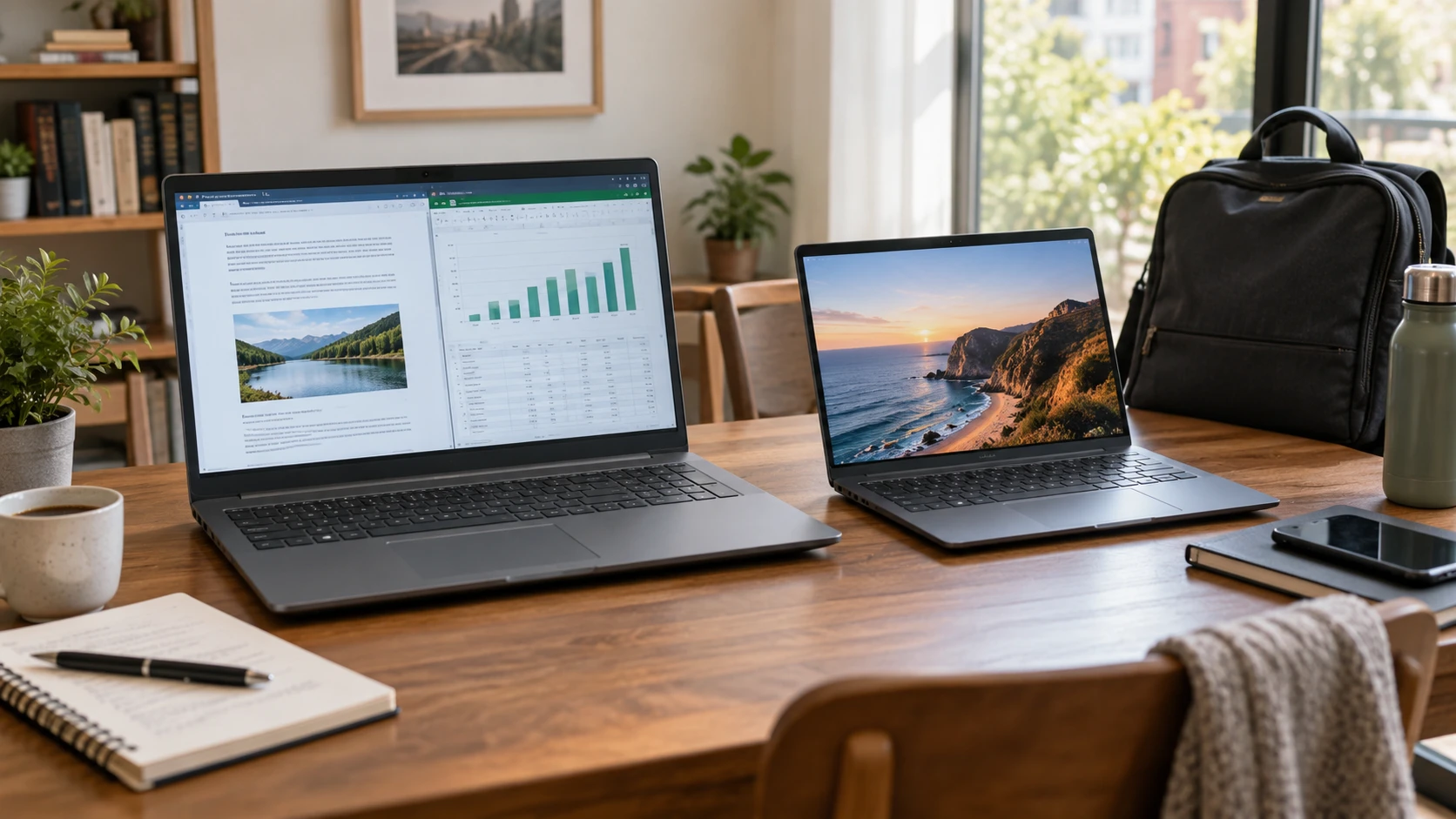
The ASUS VivoBook 17 F1704VAP-SB52 lists a 17.3-inch Full HD display, 8GB of memory, and a 512GB SSD. This guide to a larger laptop work screen discusses another laptop and gives a related way to judge whether more screen area helps. The ASUS VivoBook S 14 OLED S5406SA-SB76 has a smaller 14-inch display, 16GB of memory, and a 1TB SSD in its saved configuration. The guide's model is separate; the specifications below come from these two exact catalog entries.
This is a choice between two different places for a laptop to live. A wide 17.3-inch screen may be comfortable at a desk where a monitor would otherwise sit. A 14-inch machine with a listed 2.87-pound weight may be easier to carry between rooms or on a commute. The saved minimum prices are $623.75 for the VivoBook 17 and $1,549.99 for the VivoBook S 14 OLED. That gap is large enough to justify checking the actual work each machine must do rather than choosing on a model name.
Compare working space, not only diagonal inches — ASUS VivoBook S 14 OLED S5406SA-SB76
The VivoBook 17 lists a 1920-by-1080 Full HD screen with a 17.3-inch diagonal and a three-sided slim bezel. It offers more physical screen width than a 14-inch laptop, which can make text and controls larger at a comfortable viewing distance. Its saved excerpt does not give panel brightness, color-gamut coverage, refresh rate, or a precise viewing-angle number. It mentions wide viewing angles and a TÜV Rheinland low-blue-light certification, but those statements do not establish that the panel will be comfortable in every room or for every user.
The VivoBook S 14 OLED lists a 14-inch 1920-by-1200 screen with a 16:10 aspect ratio. The extra 120 vertical pixels compared with 1920-by-1080 can show more of a document or web page at the same scaling setting, while the physical panel is smaller. Its Republeq's catalog names Dynamic color specifications: up to 600 nits peak HDR brightness and 100% DCI-P3 color coverage, along with a 0.2ms response-time claim. Those figures describe particular modes and conditions, not a matched test against the larger VivoBook 17 panel.
Try the actual task on both sizes if possible. A spreadsheet may benefit from physical width, while a long article or code editor may benefit from the 16:10 height. Windows display scaling changes how many rows and columns fit on either screen. A smaller, denser-looking image can be clear but still require larger scaling for comfortable reading. If precise color work drives the purchase, request a measured color report for the exact model rather than relying only on the Republeq's catalog coverage percentage.
The larger laptop may reduce the need to carry an external monitor, but the 17.3-inch body also needs a bigger desk area and bag. The saved VivoBook 17 excerpt does not state dimensions or weight. Measure the bag and desk against a current model sheet before assuming that a screen diagonal describes the full footprint. The VivoBook S 14 is listed as 0.55 inches thin and 2.87 pounds. Those numbers help with a travel plan, though a charger and protective sleeve add to the carried load.
Match memory and storage to current work — guide to a larger laptop work screen
The VivoBook 17 configuration lists an Intel Core 5-120U processor, 8GB of DDR4 memory, and a 512GB NVMe SSD. The VivoBook S 14 OLED lists an Intel Core Ultra 7 258V Series 2 processor, 16GB of memory, and a 1TB PCIe 4.0 SSD. Those are meaningful configuration differences. More memory may help when several large apps or browser tabs are open, and more internal storage leaves room for local files. Neither product excerpt supplies a matched workload test, so the labels alone cannot state how much faster one will feel in a specific application.
Check what the intended work uses today. A browser, video calls, and documents may fit comfortably on the lower-cost configuration if the user does not keep many heavy programs open at once. Large photo libraries, offline video, or creative projects can make the 1TB drive attractive. If one application specifies 16GB of RAM, that is a concrete reason to favor the S 14's listed configuration. Ask whether either machine's memory or SSD can be upgraded before planning to buy the cheaper laptop and change it later; the saved descriptions do not state upgrade paths.
The S 14 listing names Intel Arc graphics and a neural processing unit rated up to 47 TOPS. It also calls the machine a Copilot+ PC. Those details can matter for compatible creative or local AI workloads, but the excerpt gives no battery-life or performance comparison for them. Some Copilot+ functions are described as making images from text prompts or translating Live Captions. Confirm current Windows feature availability, language support, and app requirements for this exact model before treating a named AI feature as a reason for the price difference.
The VivoBook 17 entry names integrated Intel Graphics without a more detailed benchmark. Neither listing gives a frame-rate result for a particular game or a render time for a particular video project. If performance is central, use a current independent comparison of the exact configurations and test the software that matters. A processor generation or graphics label is a starting point, not an acceptance result.
Draw the devices that must plug in — ASUS VivoBook S 14 OLED S5406SA-SB76
The VivoBook 17 lists one USB 2.0 Type-A port, one USB 3.2 Gen 1 Type-C port, two additional USB 3.2 Gen 1 Type-A ports, one HDMI output, a 3.5mm combo-audio jack, and a DC power input. That gives several direct Type-A connections for an older mouse, drive, or printer. The saved description does not say whether its USB-C port supports display output or charging. Do not plan a one-cable dock around that port without checking the manual.
The VivoBook S 14 OLED lists two Thunderbolt 4 ports, two USB 3.2 Gen 1 Type-A ports, a microSD card reader, HDMI 2.1, and a combo-audio jack. That is a different set of expansion options, with two high-capability USB-C-family ports stated by name. The listing does not describe the specific external-display count, charging modes, or what comes in the box. If an external monitor and fast storage device must connect at the same time, check ASUS's exact port capability table and the dock's own requirements.
Make a simple connection list: monitor, keyboard, mouse, storage drive, headset, camera, and power. A laptop with the right number of ports may still put them on an inconvenient side of a tight desk. The VivoBook 17's 180-degree hinge may help share its screen across a table, but it does not turn the laptop into a tablet. The S 14 excerpt does not specify a hinge opening angle. If presentation sharing matters, verify its hinge before choosing based on the larger model's listed flexibility.
Check video calls and sign-in at the same time — ASUS VivoBook S 14 OLED S5406SA-SB76
The VivoBook 17 gives a 720p HD camera with a privacy shutter. The VivoBook S 14 lists a 1080p FHD camera, also with a privacy shutter, and noise-cancelling audio technology meant to separate speech from background sound. A higher stated camera resolution can help in good light, but lighting, compression, microphone placement, and the meeting app affect what another person sees and hears. Test a call from the room where the laptop will be used rather than treating 720p versus 1080p as a complete call-quality score.
The VivoBook 17 description names a fingerprint sensor in the touchpad for Windows Hello sign-in. The S 14 description also says it supports password-free Windows Hello but does not identify the exact sign-in sensor in the saved text. Check whether the offered unit uses a camera, fingerprint reader, or another method if that distinction matters. Both listings say Windows 11 Home. Account and security settings can be checked during setup rather than inferred from a hardware marketing line.
Keyboard feel matters for both work and calls. The VivoBook 17 names a backlit ErgoSense keyboard and describes its key travel and bounce. The S 14 lists a single-zone RGB backlit keyboard with adjustable colors, modes, and brightness, plus an enlarged touchpad. Neither excerpt gives a reliable typing test or the full keyboard layout. Try a paragraph of real work and check where the navigation keys sit. A large screen with a cramped keyboard, or a small laptop with unfamiliar shortcuts, may change the daily experience more than one specification point.
Treat battery and durability claims as questions to test — ASUS VivoBook S 14 OLED S5406SA-SB76
The VivoBook S 14 OLED lists a 75Wh battery and a 17-hour battery-life claim. The saved text does not state the workload, screen brightness, wireless setting, or measurement method behind 17 hours. An OLED screen, video calls, and demanding apps can change runtime. The VivoBook 17 excerpt gives a 45-watt AC adapter specification but no battery capacity or runtime figure. There is no honest side-by-side endurance ranking in these listings. Look for a matched battery test or run the intended workload during the return window.
The S 14 listing says it meets MIL-STD 810H durability standards and names ASUS IceCool thermal technology. The excerpt does not list which durability tests were run or give operating temperatures under load. That language should not be converted into a drop-proof or spill-proof guarantee. The VivoBook 17 lists ENERGY STAR, EPEAT Silver, and other standards, but without a matched energy-use figure. Check the current model documentation if environmental certification or operating cost influences the purchase.
The S 14's lighter stated weight and smaller body make it the easier candidate for travel on paper. The 17.3-inch VivoBook may spend most of its time plugged in on a desk, where its battery ambiguity matters less. That difference in use can be more decisive than trying to compare unaligned marketing runtime claims. A buyer who will carry the machine daily should include charger weight, outlet access, and the screen size that remains comfortable in transit.
Spend the difference on a real need — ASUS VivoBook S 14 OLED S5406SA-SB76
At the saved minimums, the VivoBook S 14 OLED costs $926.24 more than the VivoBook 17. Current prices and availability may change. The S 14 brings a 16:10 OLED screen, twice the memory, twice the storage, two Thunderbolt 4 ports, a higher-resolution listed camera, and a much more explicit travel weight. The VivoBook 17 offers a larger physical screen, several direct USB-A ports, and a lower saved entry price. The excerpts do not justify claiming one is universally better for work.
Choose a representative day and write down where the laptop will sit, the apps that stay open, the peripherals it must connect, and how often it leaves the desk. If the 17.3-inch screen replaces an external monitor and 8GB meets the software's needs, the lower-cost configuration may cover the job. If travel, 16GB of memory, the OLED panel, or a Thunderbolt-based setup is essential, verify those needs against the exact S 14 model and current offer. The result will rest on the workflow, not the size or price badge alone.