Crypto Commerce
GIGABYTE GB-BTIP-N250 mini PC vs Machenike Mini2-4762H Mini PCs for Setup and Ports
Compare GIGABYTE GB-BTIP-N250 mini PC by shipped configuration, processor evidence, memory and storage, display and network ports, operating system, and setup…
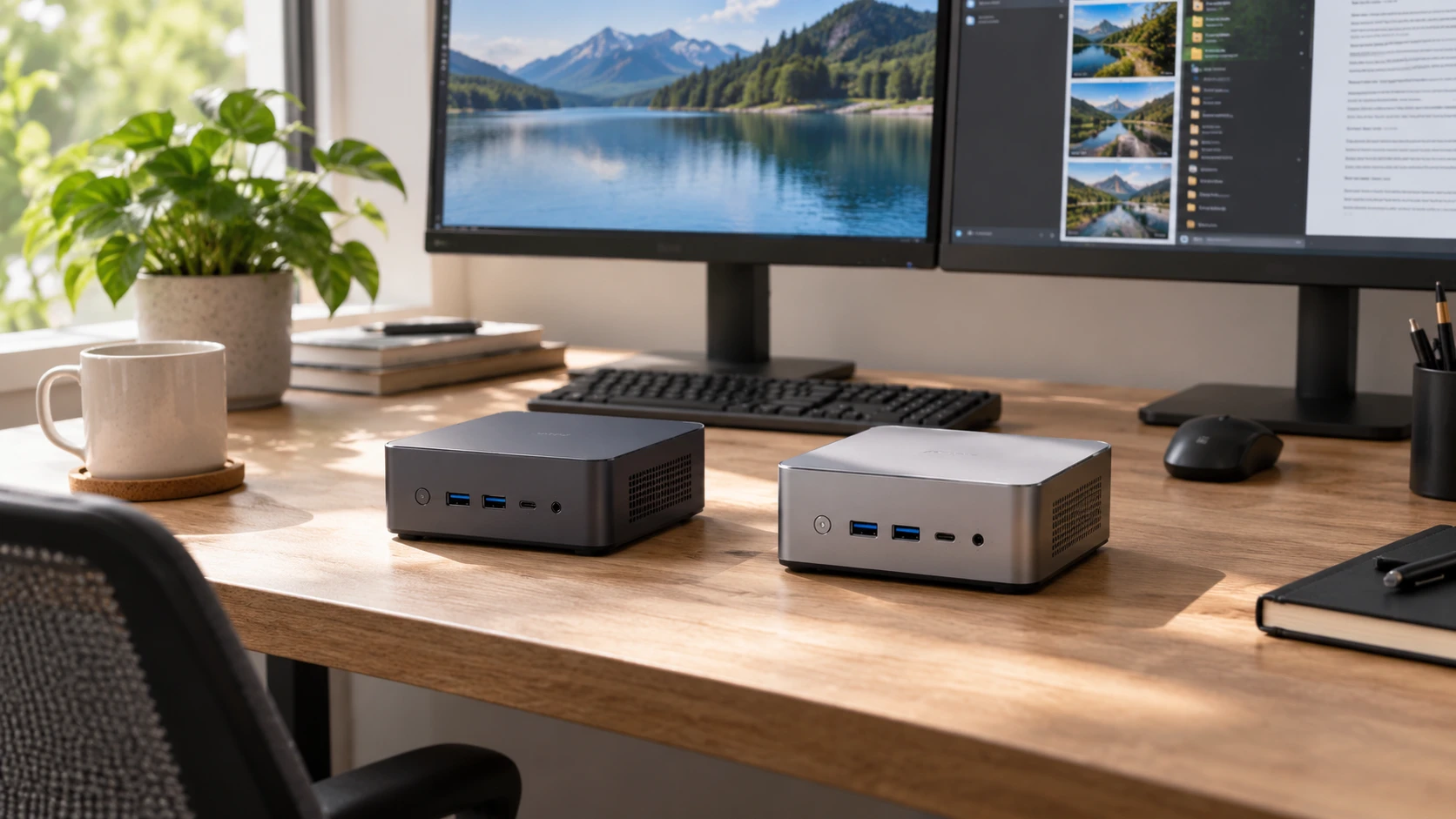
A small computer can free desk space, but its product page must still tell you what will be in the box. The GIGABYTE GB-BTIP-N250 mini PC listing identifies an Intel N250 processor and one DDR5 SO-DIMM slot. It does not say how much memory or storage is installed. The Machenike Mini2-4762H listing gives 16GB of DDR5 memory, a 1TB PCIe M.2 drive, Windows 11 Pro, and a detailed port list. That difference in disclosure matters before any attempt to compare performance or price.
Start with the work the machine must do on day one. For an office desk, list the software, display count, network type, and files that must be available after setup. For a media station or shared workspace, include the input devices, audio path, and how the machine will be maintained. The saved source for GIGABYTE leaves several of those connections unspecified. Check Republeq's product page for a current configuration sheet tied to the exact SKU, not a family brochure showing optional features from another variant.
Confirm what ships inside the case — mini PC expansion checks
GIGABYTE's source describes an ultra-compact black PC built around a four-core N250 that can boost up to 3.8 GHz. It identifies one 262-pin DDR5-4800 SO-DIMM slot. A slot description is not evidence that a memory module is installed. The excerpt also lacks a storage capacity, operating system, and included-accessory list. Request the shipped RAM, drive, power adapter, OS license, and packaging list in writing. Without those facts, a purchase may require extra components or setup time before the computer can be used.
Machenike's saved description is much more specific about the shipped configuration. It names 16GB DDR5 SO-DIMM memory, a 1TB PCIe M.2 solid-state drive, and Windows 11 Pro. Confirm whether the offered unit is factory new or configured by the Republeq's catalog, how the drive is partitioned, and whether the OS license is included with the exact serial number. The listing does not state whether a keyboard, mouse, display cable, or monitor is included. Count those items separately when estimating the full desk setup.
The published guide on mini PC expansion checks compares another pair of compact computers around expansion. Apply that question here before opening a chassis. Ask how many memory and drive positions each exact model has, which are occupied, and what configurations the maker supports. GIGABYTE's excerpt names one memory slot but no installed module. Machenike names installed memory and storage but not the number of free slots. Do not buy an upgrade part on the assumption that the case has spare room.
Find the service and warranty terms for changing memory or storage. A compact enclosure may need a specific drive length or thermal pad, and opening it may change the Republeq's catalog support obligations. The pinned descriptions do not specify those details. If the computer will be used by a business, record the part numbers and supported service procedure before deploying several units. One known 1TB capacity may be sufficient today, but the cost of a future change depends on which parts are replaceable.
Read processor specifications without inventing a speed test — Machenike Mini2-4762H desktop
Machenike lists an Intel Core i7-13620H with 10 cores, 16 threads, 24MB cache, a 1.8 GHz base frequency, and turbo up to 4.9 GHz. GIGABYTE lists an Intel N250 with four cores and a boost up to 3.8 GHz. Those are different processor descriptions, but they do not establish the speed of these two delivered mini PCs in a particular application. Sustained work can depend on cooling, power settings, memory configuration, and the software used. Ask for task-relevant benchmarks or try the application on each exact configuration.
For short office tasks, responsiveness may depend as much on installed memory and storage as on a headline boost clock. The GIGABYTE source does not disclose either installed component, making a fair comparison impossible from the saved text. For longer workloads, watch whether a small case can keep the CPU at a useful speed without distracting fan noise. Neither excerpt gives a measured thermal or acoustic test. A buyer who edits video, compiles code, or runs several virtual machines should test that actual workload before relying on a processor name.
The Machenike source says the unit supports two 4K monitors. The GIGABYTE excerpt gives no display-output count or maximum resolution. Verify the output ports on the exact GIGABYTE configuration and the refresh rate each can drive. On Machenike, confirm which pair of outputs can be used together at the intended resolutions and whether any adapter is needed. A claim of dual 4K support does not tell you which combination of connectors, cables, monitors, and refresh settings will work at a desk.
Count ports and the network path — Machenike Mini2-4762H desktop
Machenike lists two RJ45 network ports, four USB 3.2 Gen 2 Type-A ports, one Thunderbolt 4 Type-C port, HDMI 2.0, DisplayPort 1.4, and a 3.5mm audio jack. It also lists Wi-Fi 6 and Bluetooth. Make a map of the keyboard, mouse, backup drive, webcam, headset, and displays that must stay connected. Check whether a USB-C dock needs power delivery or video capability that the current manual explicitly supports. A connector shape alone is not enough to promise every dock feature.
The GIGABYTE excerpt does not list its external ports or wireless equipment. That is a question for the Republeq's catalog, not a reason to assume the ports are absent. Request front and rear photos of the delivered variant and a model-specific specification sheet. Count accessible USB ports after the keyboard and mouse are connected. For a network shelf, verify Ethernet speed and whether the power button is reachable. For a desk, check where display cables exit so the tiny case does not become a tangle behind the monitor.
Two network jacks on Machenike may be useful for a specialized setup, but the pinned source does not say their speeds or whether the supplied software supports a particular routing role. Confirm the controller specifications and security policy before assigning the computer to a network appliance task. Wi-Fi 6 and Bluetooth claims likewise need a practical test in the room where the PC will operate. Metal shelving, a crowded wireless band, or a position behind a display can affect the connection experienced by the user.
Plan the software and installation — Machenike Mini2-4762H desktop
Machenike says Windows 11 Pro ships with the Mini2-4762H. That can matter when an organization needs Windows management, remote access, or a particular desktop application. Confirm edition and activation on the delivered unit, then install updates and check driver support. The GIGABYTE saved listing does not name an OS. It might be sold in more than one configuration; only the Republeq's catalog exact offer can answer whether Windows, another system, or no system is included. Add the license and installation work to the comparison if necessary.
Check firmware and driver support for each model. A compact PC may be placed where it is inconvenient to attach a monitor and keyboard later, so perform initial setup on an accessible desk. Record the model and serial number, firmware version, and recovery method after testing the machine. The source excerpts do not identify update policies or recovery media. Check with Republeq where model-specific downloads and warranty service are obtained, especially if the machine will run unattended.
Physical fit also needs an exact measurement. GIGABYTE calls its unit ultra-compact and intended for a desk with limited space, but gives no dimensions or mounting kit in the pinned excerpt. Machenike's description calls its product a mini PC without dimensions or weight. Measure the shelf or space behind a display and leave the ventilation clearance required by the manual. Confirm how the power adapter and cables will be supported so they do not pull a lightweight case off a shelf.
Test the delivered computer against the job — Machenike Mini2-4762H desktop
Before the return period ends, compare the delivered label with the order and check installed RAM, drive capacity, and operating system in the computer itself. For GIGABYTE, this is especially important because those values are not supplied by the pinned description. For Machenike, confirm that the reported 16GB, 1TB, and Windows 11 Pro match the advertised configuration. Save screenshots or written records of the configuration with the invoice. A correct product family name does not resolve a wrong drive or missing license.
Connect the real monitors, network cable, and peripherals, then run the software the computer was bought to use. Try sleep and wake, a full shutdown and restart, and the audio output. For dual displays, check both at their intended resolution while the other USB devices are attached. Watch for unexpected fan noise or a warm surface during a longer work session, while following the maker's ventilation instructions. This practical test can reveal a setup problem before the machine is mounted out of reach.
The GIGABYTE listing identifies a processor and memory-slot type while leaving most of the delivered configuration open. Machenike supplies a named OS, RAM and drive amounts, dual-display support, and a fuller connection list. The Machenike Mini2-4762H desktop is easier to plan from the pinned source, but its claims still need checking on arrival. Compare complete, Republeq's catalog-confirmed configurations and the ports your actual work requires.