Computers & Gaming

Guides to computers, displays, connectivity, gaming, and office devices.

Showing 157–168 of 177 guides

Viewsonic 27-inch WQHD gaming monitor compared with an MSI alternative for 1440p play, refresh rate, and a possible 4K tradeoff.
8 min read

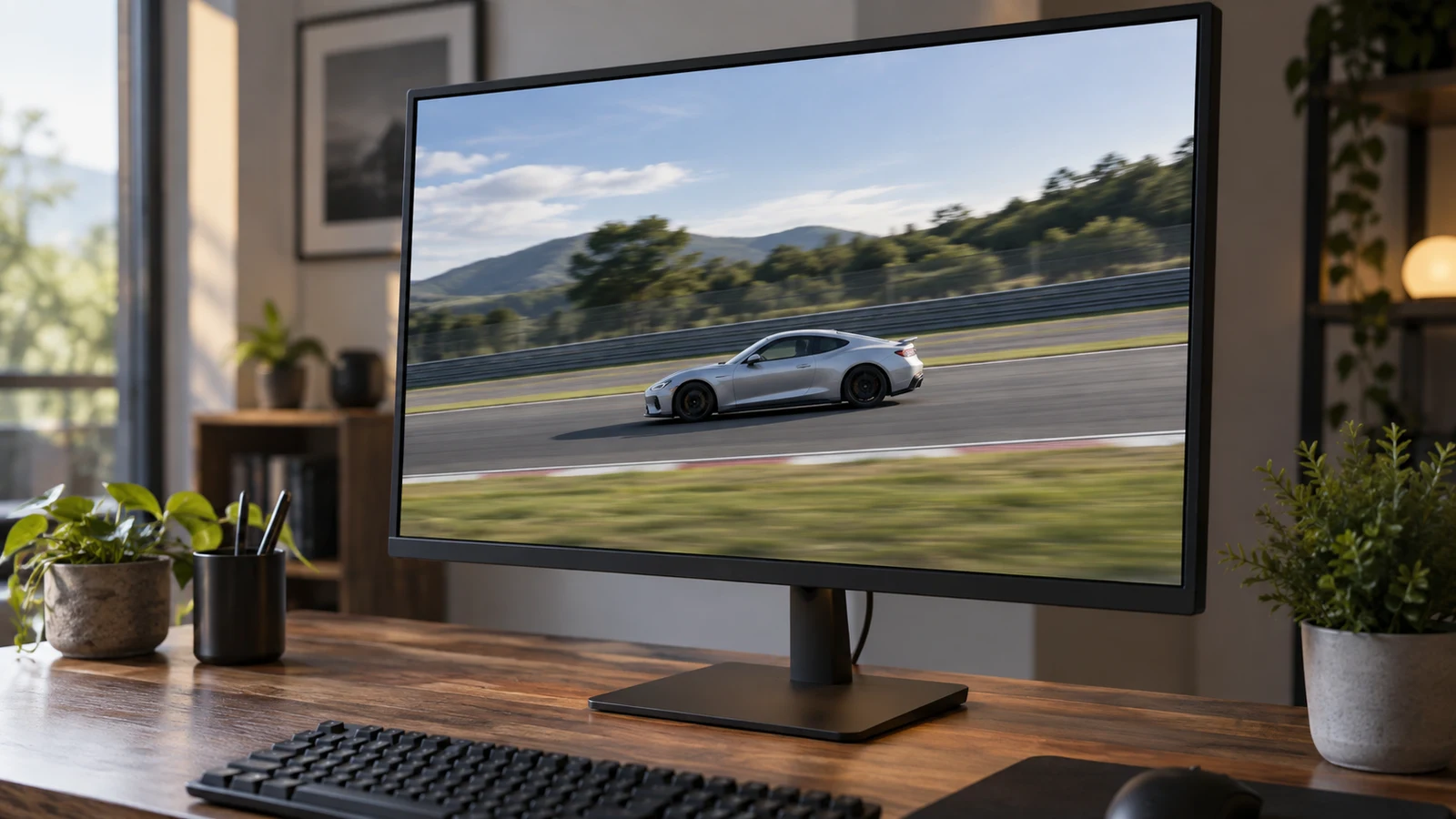
Viewsonic 27-inch WQHD gaming monitor for fast games

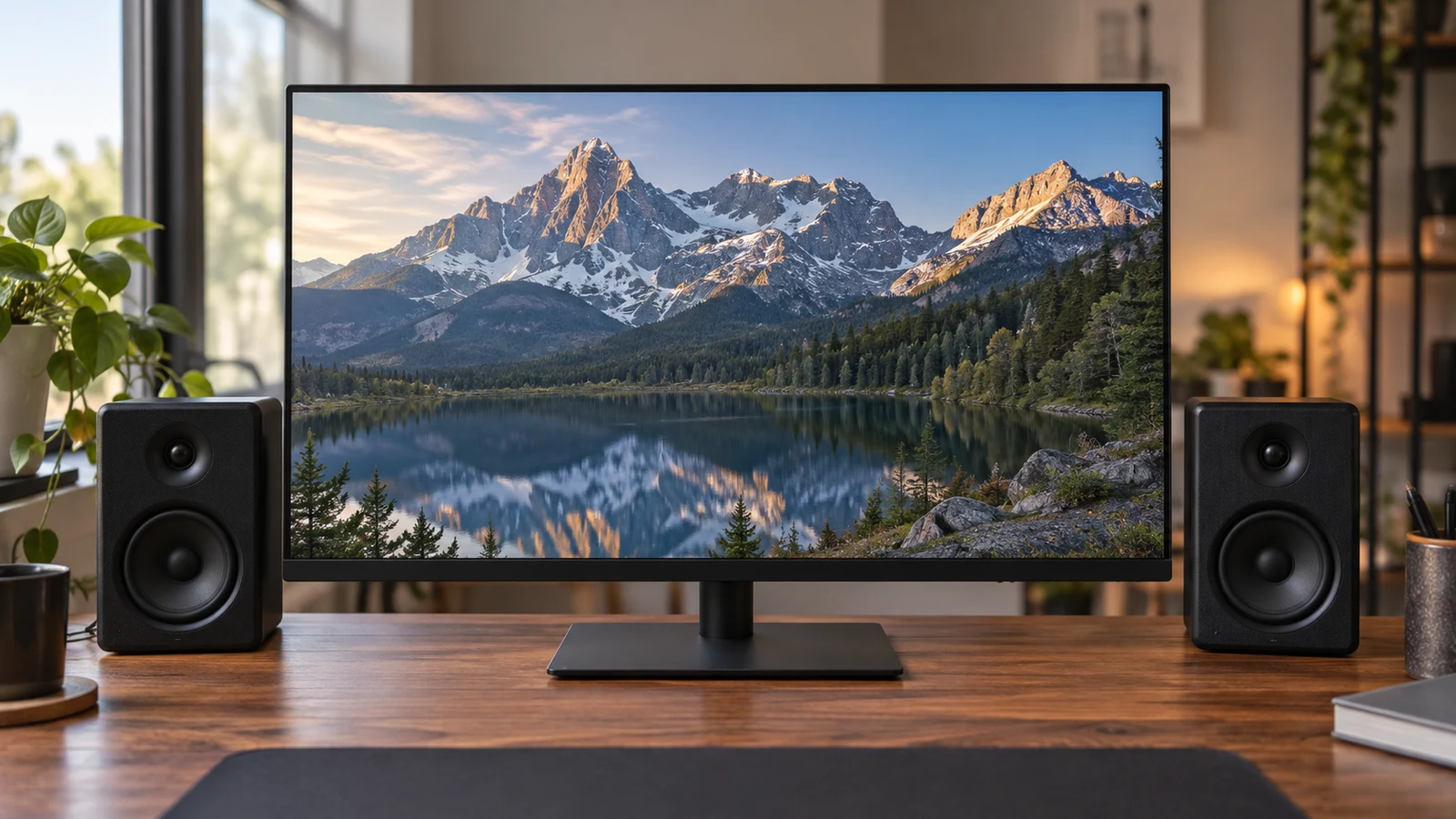
The Viewsonic 27-inch WQHD gaming monitor is worth considering if you want to keep your gaming target at 2560 x 1440 while exploring a listed 165 Hz refresh rate. Whether it suits your GPU better than MSI's 4K option depends on the games and settings you intend to use. The product descriptions establish display specifications; they cannot predict the frame rates your computer will deliver. For Viewsonic 27-inch WQHD gaming monitor , verify each step.
ICEWOLF Ryzen 7 gaming desktop evaluation focused on the listed component package and the questions left before a new gaming setup.
8 min read

ICEWOLF Ryzen 7 gaming desktop for a new setup

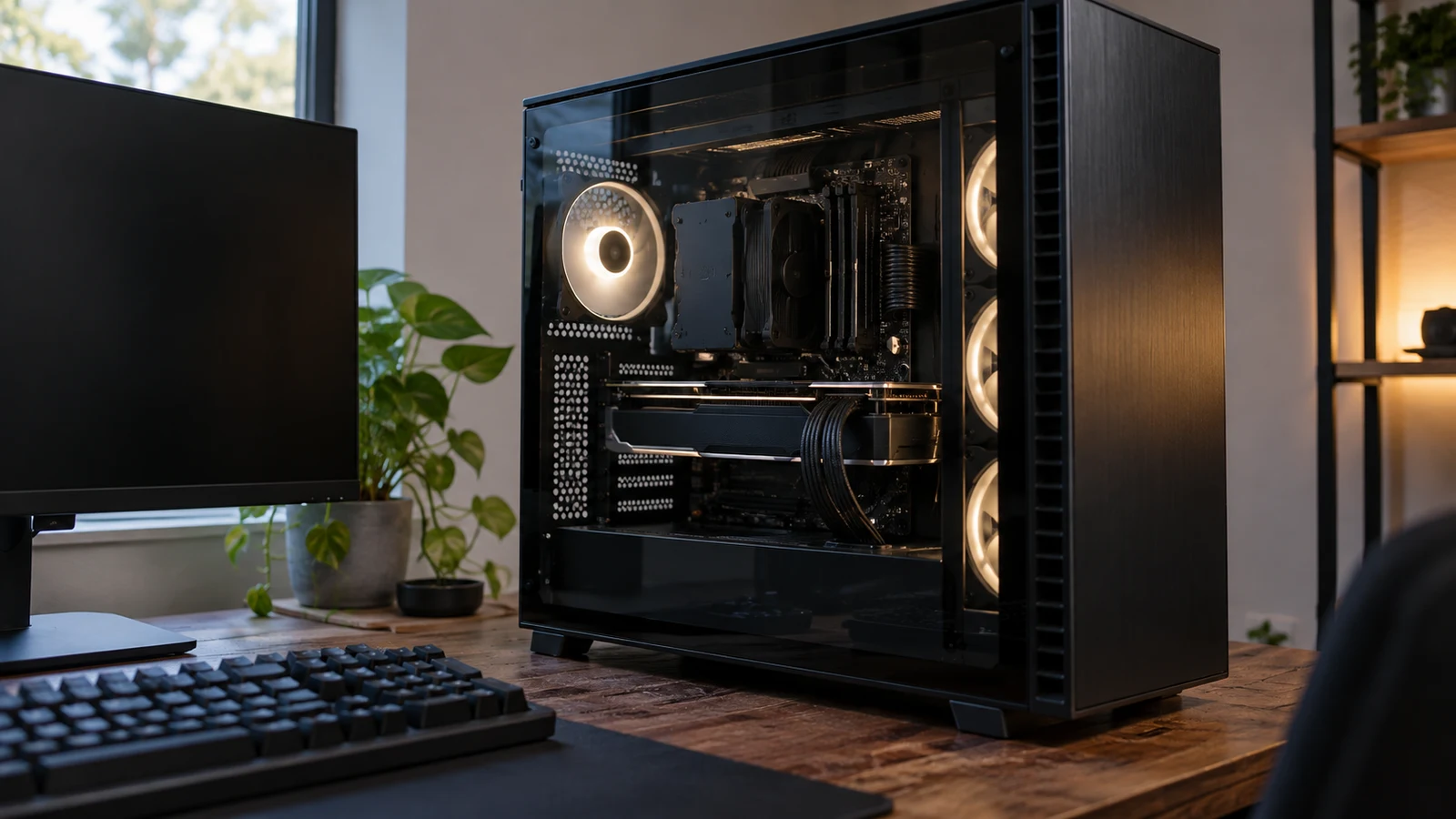
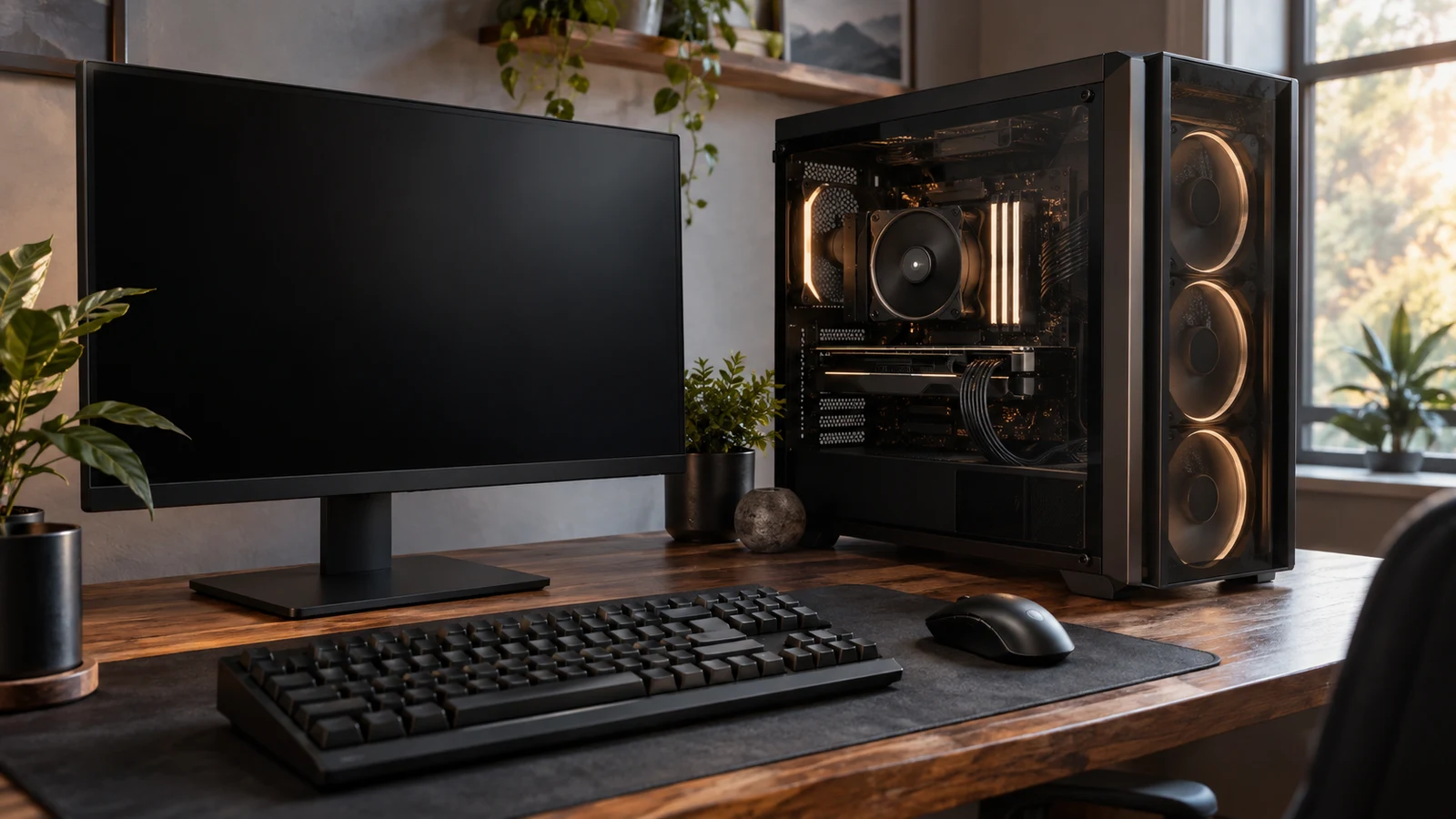
The ICEWOLF Ryzen 7 gaming desktop matches a component checklist calling for a Ryzen 7 9700X processor, Radeon RX 9060 XT 16GB graphics and 32GB DDR5 6000 memory. Those specifications appear in its description, along with Windows 11 Home 64-bit and a 1TB NVMe SSD. If those are the parts you have already chosen for a new setup, this configuration deserves a closer look. Whether it meets a particular game's performance target remains a separate question.

Greentouch Home GT-TM150 open-frame touch monitor comparison for an installed touch setup, considering fit and connections against an ASUS screen.
9 min read

Greentouch Home GT-TM150 open-frame touch monitor vs ASUS monitor

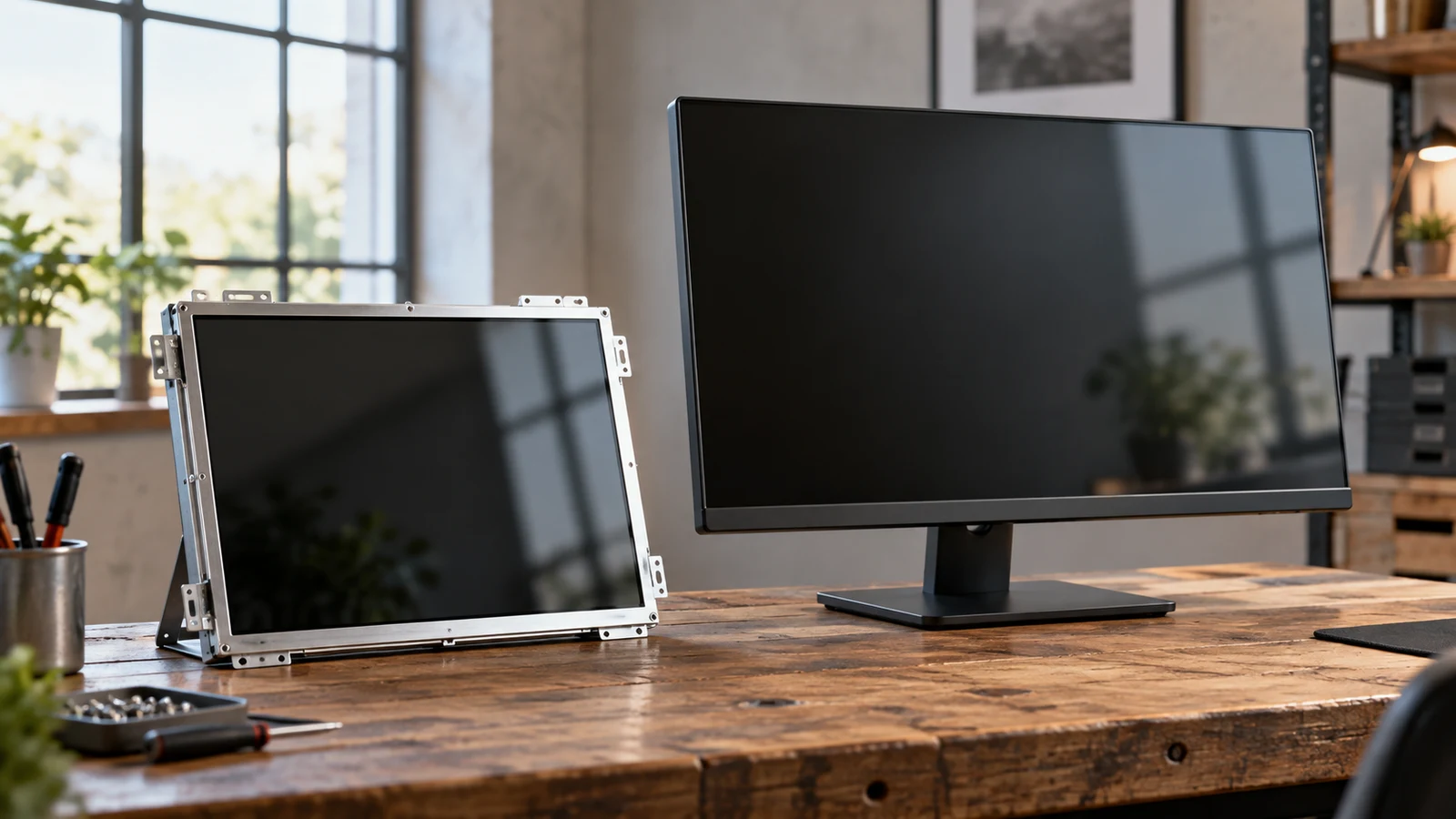
The Greentouch Home GT-TM150 open-frame touch monitor is the more relevant candidate when your project needs a screen built into a kiosk, cabinet or table with touch input. Its description names an open-frame design, projected capacitive touch and several mounting options. The named ASUS ZenScreen is described as a portable USB-C secondary display. That makes it a different starting configuration, even though both products are monitors of a broadly similar stated diagonal size. For Greentouch Home GT-TM150 open-frame touch monitor , verify each step.

Hachiman PC Tora gaming desktop evaluation of its listed components and how they compare with a second computer configuration.
8 min read

Hachiman PC Tora gaming desktop with Wi-Fi 7

The Hachiman PC Tora gaming desktop brings together a listed Ryzen 7 7800X3D processor, Radeon RX 9070XT graphics, a 2TB NVMe drive and onboard Wi-Fi 7. That makes it a configuration to consider when you want those components in one desktop and wireless networking matters at your desk. Whether it meets your needs still depends on your games, monitor and network equipment. The description establishes the advertised hardware; it does not establish frame rates or wireless performance in your room.

Portable Monitor Innovation extender comparison with SideTrak Swivel, focusing on package contents and usable screen setup.
9 min read

Portable Monitor Innovation extender vs SideTrak Swivel

The Portable Monitor Innovation extender has an unresolved package-count question: its description discusses two detachable panels, but its accessory list says "Monitor Screen*1." You cannot establish from that wording whether the selected package supplies one external screen or two. The same description gives specific cable paths for each screen. Before choosing it over the SideTrak Swivel, confirm how many physical displays arrive and how your laptop will provide video and power to that exact configuration.

FANRUINA E20 monitor speakers comparison for a shared work-and-gaming desk, weighing built-in audio against the larger 200Hz display.
8 min read

FANRUINA E20 monitor speakers vs 200Hz gaming display

For a small desk shared between work and games, the E20 gives you a confirmed built-in speaker option and a listed 20-inch screen. The other FANRUINA model pairs a larger 24.5-inch display with a stated 200Hz refresh rate. Start with the E20 if integrated audio is central to your setup; consider the larger model if you specifically want its display specifications. Neither choice is settled until you confirm the connections and physical dimensions. For FANRUINA E20 monitor speakers , verify each step.

Pritom 7-inch kids tablet compared with Lenovo 9-inch general slate for supervised learning, screen size, and software fit.
9 min read

Pritom 7-inch kids tablet versus Lenovo 9-inch general slate

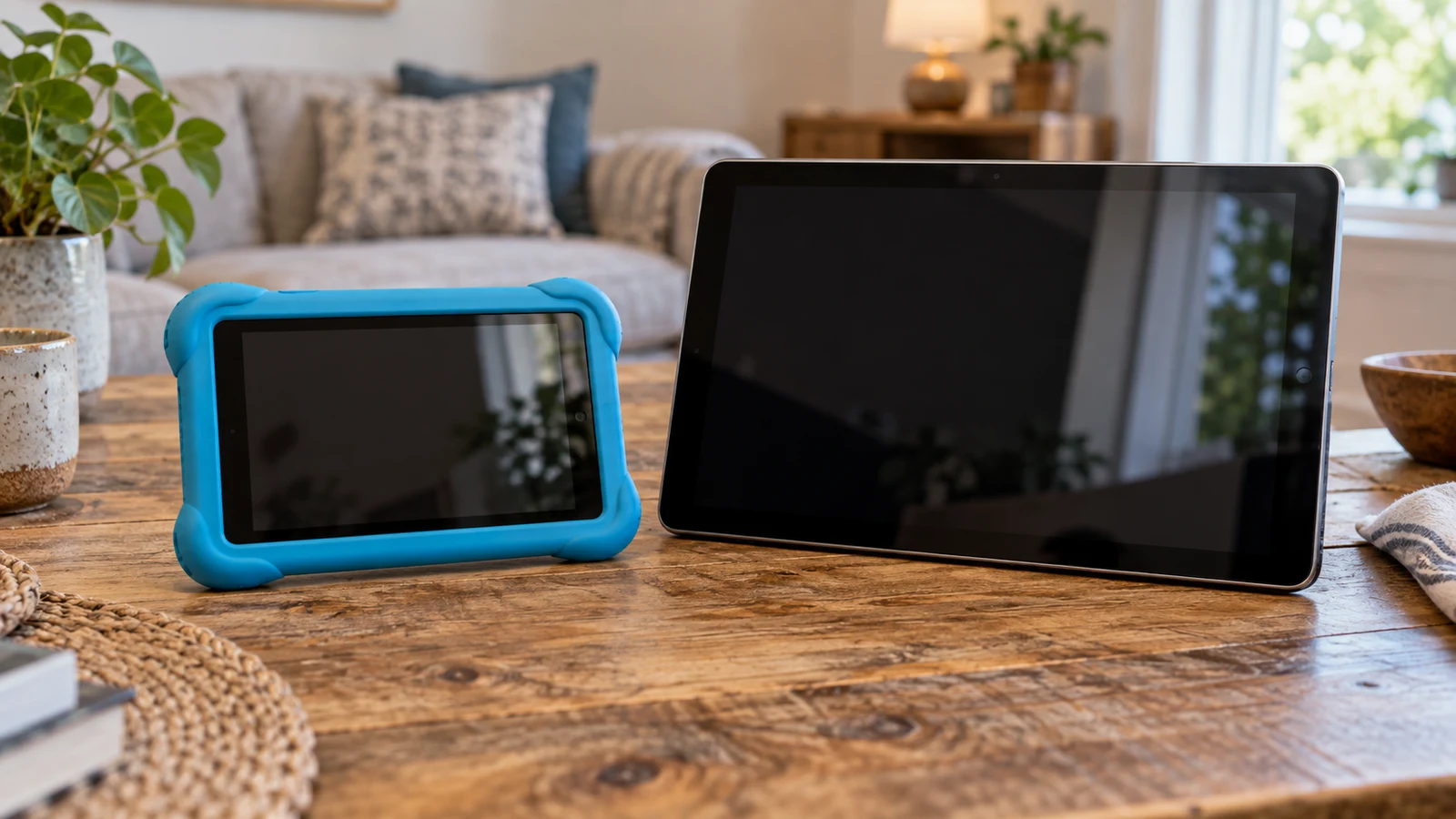
For a parent planning supervised learning, the Pritom 7-inch kids tablet has the more directly relevant starting package: its description names parental controls, preinstalled learning apps and an included case. Those features make it worth investigating for a child-focused setup. They do not establish how well the controls work or whether the apps suit your child. The Lenovo comparator deserves consideration if you also want a tablet for adult use, but its description leaves the child-management setup unresolved.

ViewGlow 34-inch ultrawide monitor weighed against a YEYIAN display for game-view width, aspect ratio, and refresh-rate priorities.
9 min read

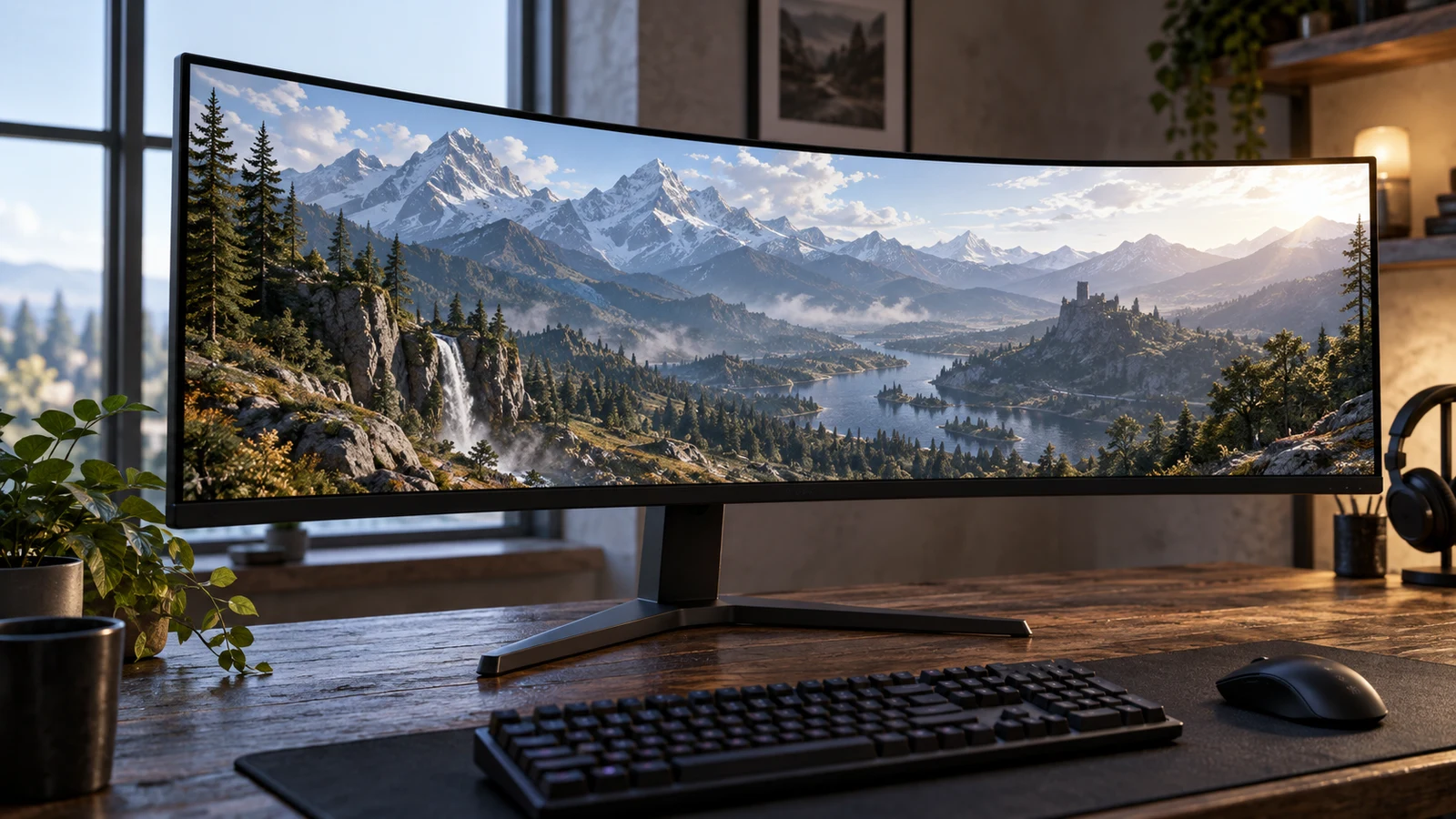
ViewGlow 34-inch ultrawide monitor for a wide game view

The ViewGlow 34-inch ultrawide monitor deserves consideration if your main aim is a broad game view and your preferred games support the intended ultrawide presentation. Its description lists a flat 21:9 screen, 3440x1440 resolution and a 100Hz refresh rate. The competing YEYIAN Avance description lists a 25-inch, 1920x1080 display at 240Hz. The choice depends on how much you value the wider format compared with the higher listed refresh rate, and what your gaming system can deliver.

IDEARACE fanless mini PC comparison for a workplace deciding between equipment-facing connections and a conventional office desk setup.
9 min read

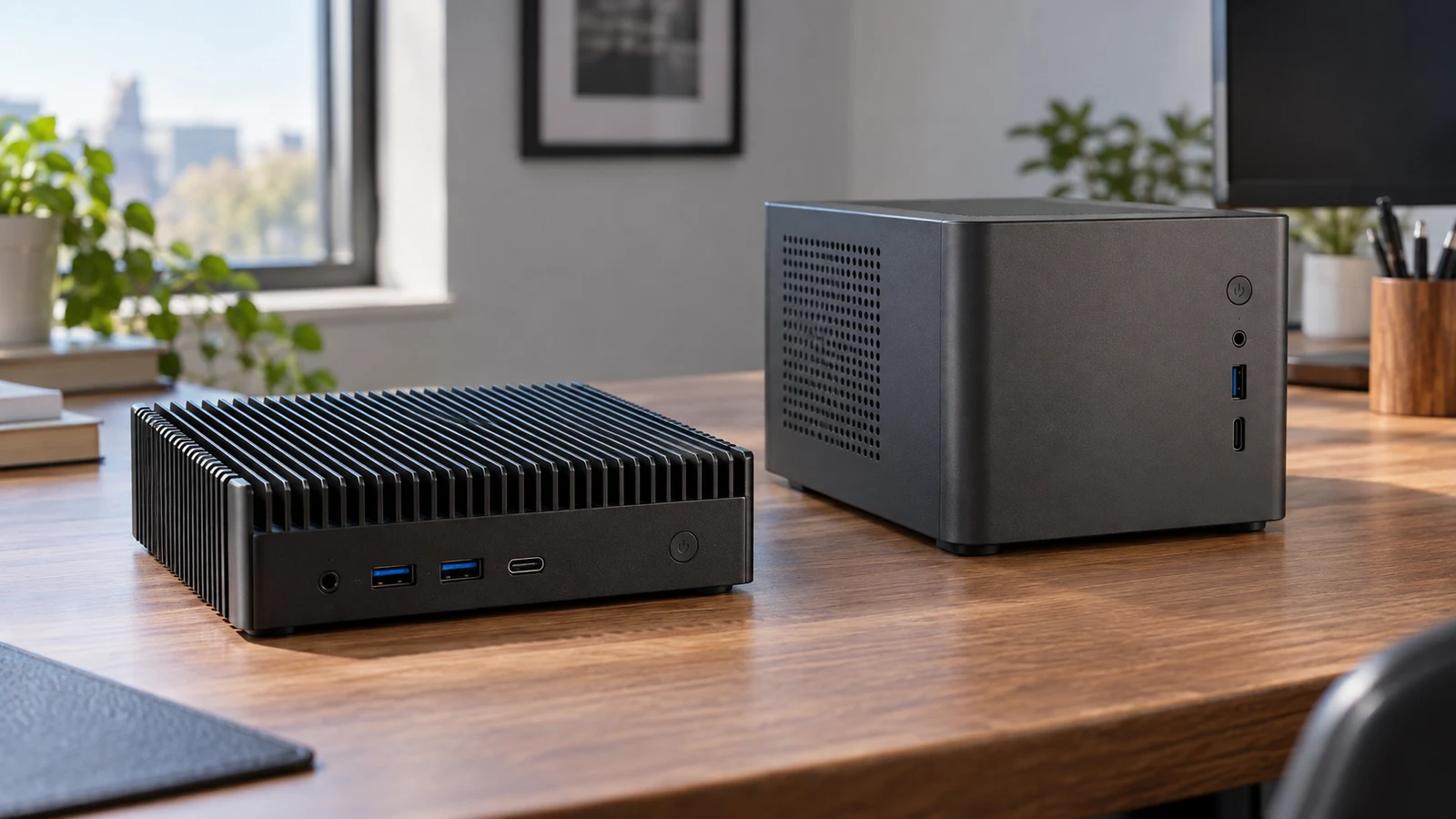
IDEARACE fanless mini PC versus Cubi N office desktop

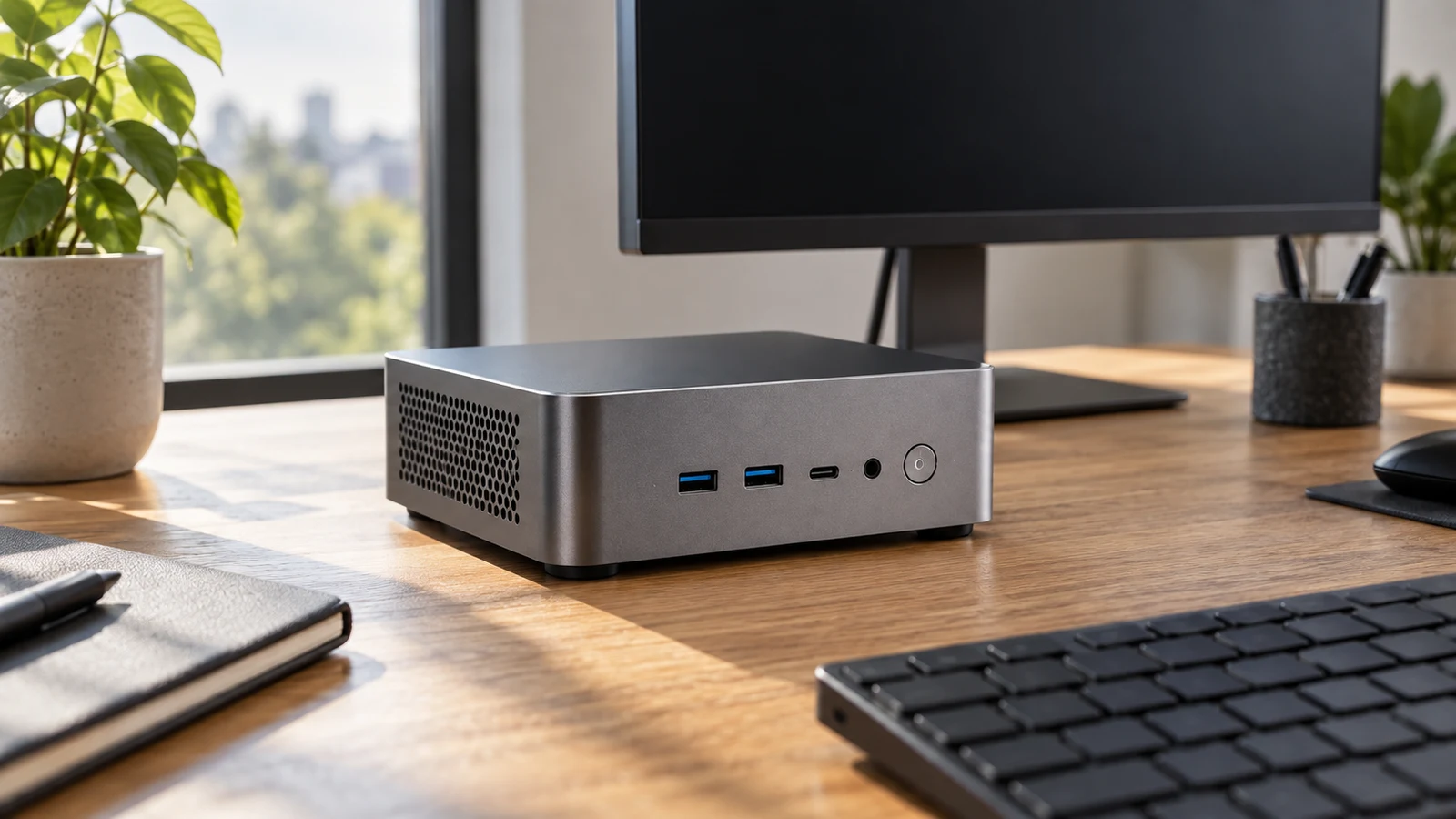
A workstation connected to serial equipment asks a different question of a computer than a desk used for routine office work. The IDEARACE fanless mini PC has four RS232 ports in its description, giving it a concrete reason to enter an industrial endpoint shortlist. The Cubi N ADL-021US description instead presents an entry desktop for light office and home tasks. That distinction supports an initial direction, but neither description establishes compatibility with your particular equipment or software. For IDEARACE fanless mini PC , verify each step.

SANPTENT 17.3-inch laptop compared with a smaller Gateway computer for desk-first screen space and listed configuration.
9 min read

SANPTENT 17.3-inch laptop for a larger work screen

The SANPTENT 17.3-inch laptop is worth considering for desk-first work if a physically larger built-in screen is your main reason to replace your current computer. Its description lists a 17.3-inch display at 1600 × 900, an Intel Celeron N5095 processor, 16GB RAM and a 512GB SSD. Those specifications give you a starting configuration to assess. They do not establish how comfortably your applications will run together or whether your preferred working view will fit.

Coollooc 10.1-inch tablet guide to checking video-call needs and media viewing features.
9 min read

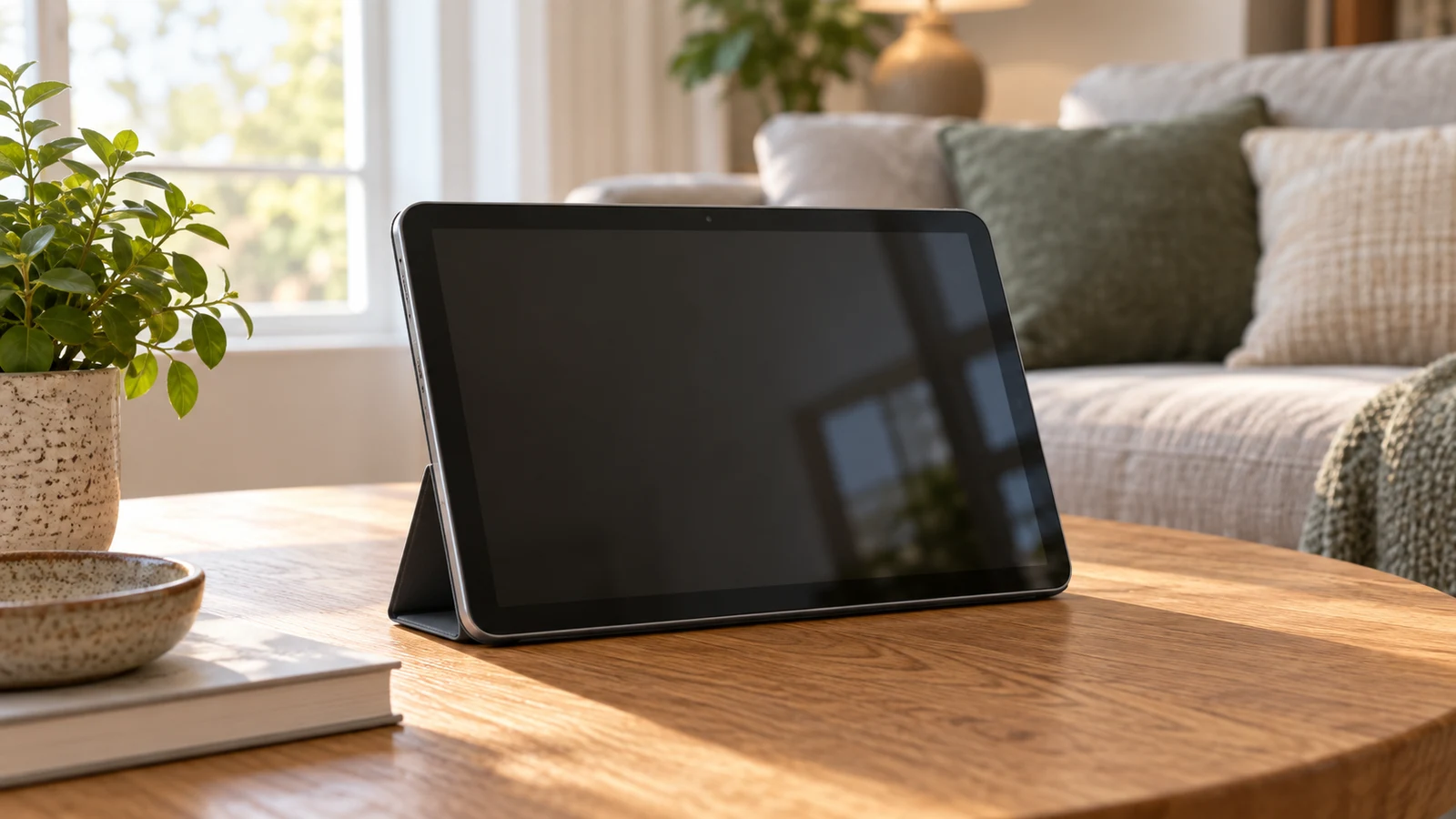
Coollooc 10.1-inch tablet for video calls and media

The Coollooc 10.1-inch tablet has stated features relevant to calls and entertainment: a 5MP front camera, a 13MP rear camera, 3GB RAM, Wi-Fi, and a display described as 10.1-inch Full HD. Those specifications justify considering it for the job, but they do not establish how your calling app will run or how a particular streaming service will look. Beside the LINSAY model discussed below, Coollooc provides more explicit camera information; LINSAY provides more detail about its operating system and storage. For Coollooc 10.1-inch tablet , verify each step.