Crypto Commerce
TravlFi XTR Pro 5G router vs GL.iNet Puli: start with the network service
Compare TravlFi XTR Pro 5G router by service activation, SIM requirements, backup connections, local network, and portable power.
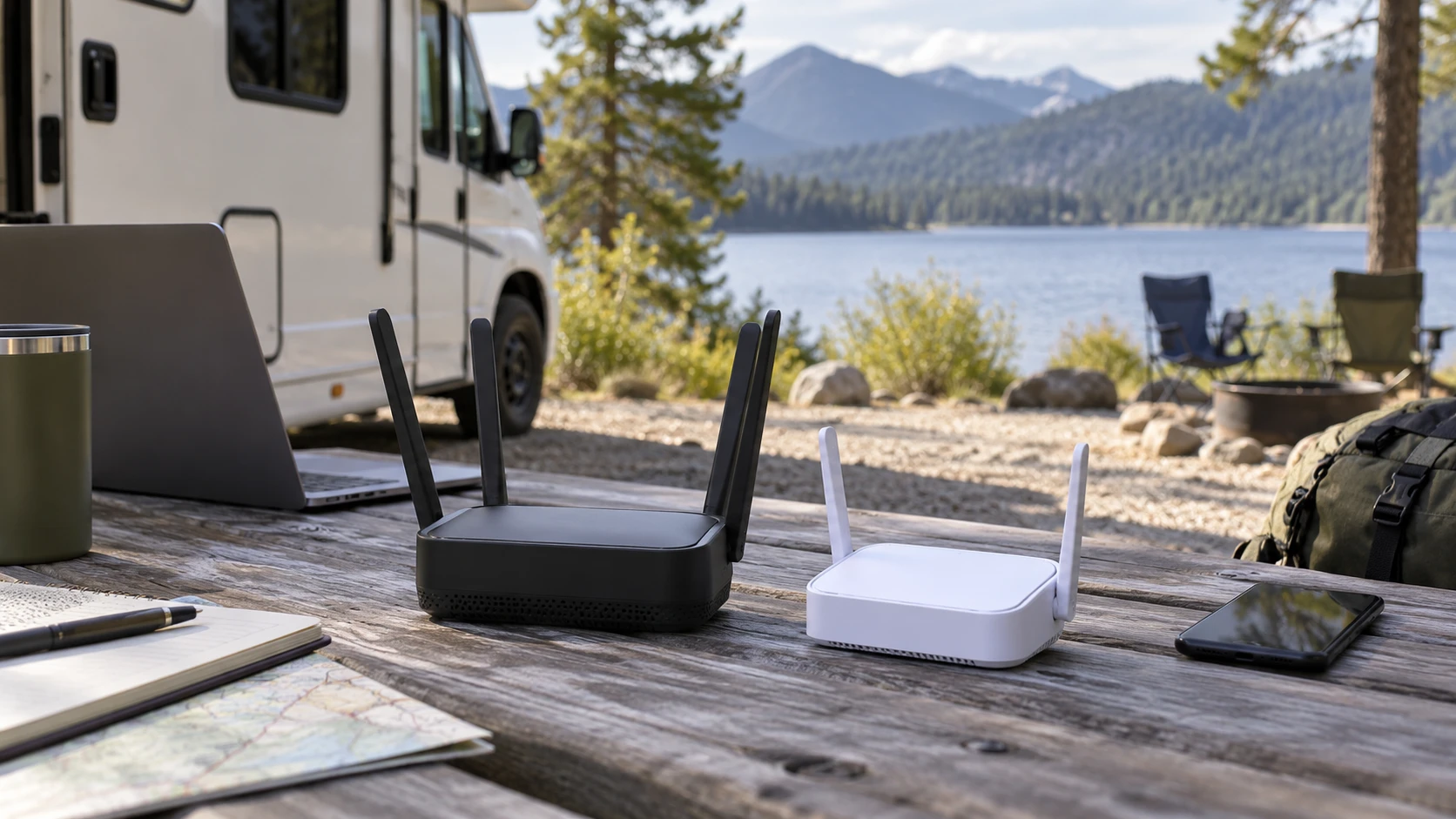
A cellular router can create a local Wi-Fi network without internet service, but that network will not deliver internet until service is active and usable where you need it. The TravlFi XTR Pro 5G router is marketed for RVs and mobile workspaces with no SIM required and pay-as-you-go service options. The published guide on an MSI Wi-Fi router is a related reminder to distinguish local wireless setup from the connection feeding it. The GL.iNet GL-XE300 Puli router is a 4G LTE gateway whose saved listing calls for a nano-SIM and identifies T-Mobile network support in North America. Their service paths differ before any phone or laptop joins the Wi-Fi.
Begin with the exact location and account you will use. If the router travels, include each recurring stop rather than one address where a coverage map looks strong. Ask how service is activated, which network or plan applies, what data costs after a trial period, and what happens when coverage weakens. The product descriptions make large speed and device-count claims, but neither can prove a usable connection at your campsite, field site, or home office.
Service activation is the first dividing line — MSI Wi-Fi router
TravlFi's saved entry says the XTR Pro requires no SIM and offers pay-as-you-go, no-contract internet plans. It also says the router can connect to the strongest available network signal while traveling, with 4G LTE as backup to its 5G offering. The short description does not name every network it can use, specify coverage by location, or give a complete price and data schedule. No SIM required is not the same as no service subscription or unlimited data. Verify the current activation process and eligible plan before relying on it away from another connection.
GL.iNet's Puli entry takes a more explicit SIM route. It lists a nano-SIM slot, a preinstalled Quectel EC25-AF 4G module, and T-Mobile network support only for this North American configuration. That narrows the service question: the SIM, plan, and location must work with this exact variant. The listing does not establish that every T-Mobile-branded or third-party plan permits this device or gives the same coverage. Confirm plan compatibility with the service provider and the precise model identifier on the offer.
These are different administrative choices as well as different hardware choices. TravlFi's description presents a bundled-style service path with no physical SIM to install. GL.iNet exposes a SIM and modem configuration for someone who wants to manage that connection. Which approach is more convenient depends on plan availability, cost, acceptable networks, and the level of setup you are willing to own. A product title cannot settle those account terms.
Check service before comparing local Wi-Fi labels. A router with fast local radio can still have a slow or unavailable cellular link. Conversely, good cellular reception cannot help a device that never joins the router's Wi-Fi or Ethernet network. The related MSI guide concerns a different router and can help frame that local-network side of the question; it does not certify cellular coverage, SIM compatibility, or either product on this page.
Advertised speed and capacity have limits — GL.iNet GL-XE300 Puli router
TravlFi claims 5G speeds up to 3.6 Gbps and support for up to 128 devices. Those are upper marketing figures, not a measured throughput or stability result for 128 simultaneous people at one site. Real cellular performance depends on the available network, congestion, signal, service plan, and how data is used. Ask which conditions produce the stated speed and test the connection under a representative workload before planning a large mobile office around it.
GL.iNet's saved description calls the Puli a 4G-to-Wi-Fi gateway and states up to 300 Mbps for its local wireless network. It also lists two 10/100M Ethernet ports. The excerpt does not provide a directly comparable cellular throughput figure or simultaneous-device count. Do not put its 300 Mbps Wi-Fi claim in the same column as TravlFi's 3.6 Gbps 5G claim as if both measure the same link. One concerns the local connection described by GL.iNet; the other is an advertised cellular ceiling.
Create a realistic device list. A few monitoring devices sending small updates pose a different demand from video calls, cloud backups, and multiple streams. TravlFi's description speaks to households and mobile workspaces. GL.iNet's entry emphasizes IoT and industrial deployments. Those target audiences can help you decide what to investigate, but neither label proves that a specific application will work. Test the actual application after service and local networking are configured.
If your work has a minimum upload or latency requirement, ask for those measures explicitly. Neither saved excerpt gives comparable tested upload speeds or latency in a defined coverage area. Download-rate headlines do not answer whether a live call stays stable or a remote sensor remains reachable. A short site test during the hours you expect to use the router can reveal more than the highest rate in a title.
Backup connection and remote management — GL.iNet GL-XE300 Puli router
TravlFi describes 4G LTE backup when 5G is unavailable and says it selects an available network signal while traveling. That is a cellular-service claim. The excerpt does not describe an Ethernet WAN port, wired failover, or the detailed conditions under which network selection changes. Verify the current service documentation if a continuous connection is critical to your work.
GL.iNet describes an automatic switch to cellular if an Ethernet connection drops. Its two Ethernet ports and Router, Access Point, Extender, and WDS modes support a more configurable network design in the saved description. This is a different backup direction from TravlFi's stated 5G-to-4G fallback. Before you count on failover, confirm which port and mode carry the primary connection, how the device detects failure, and whether existing sessions recover after the switch.
The Puli listing names OpenWrt, OpenVPN, WireGuard, remote SSH, and GoodCloud management features. It says GoodCloud can show statistics and client lists and manage the device remotely. Those tools may be valuable for a supervised remote installation, but they also require careful configuration and an account or access process that the short excerpt does not specify. Check the exact software version, update support, and remote-access security instructions. A feature list is not evidence that a default installation is secure or reachable in every cellular network configuration.
TravlFi's saved entry calls its Wi-Fi network secure and private but does not list comparable VPN, remote-management, or software-update details. That is a documentation gap, not a finding that the router lacks those capabilities. Ask for the current manual and account settings if remote administration or a specific security policy is required. Avoid choosing either product on a general promise of privacy without checking the controls you will actually use.
Power and placement on the move — GL.iNet GL-XE300 Puli router
GL.iNet names a 5,000 mAh battery, dimensions of 120 by 74 by 28 mm, and a weight of 223.5 g. It lists a 5 V/2 A supply when the battery is used and 5 V/3 A without it. These facts help plan a compact placement and a power source, but battery capacity alone does not give operating hours under your modem and Wi-Fi load. The saved excerpt does not state a comparable runtime test. Check the manual and rehearse the longest expected unplugged period.
TravlFi's saved description calls the XTR Pro a mobile router for an RV or van, but does not state a battery, dimensions, weight, or power requirements. Do not infer that it can run unplugged from its travel imagery. Verify whether it needs continuous external power, what adapter comes with the exact offer, and where you can place it for both signal and convenient cabling. A mobile use case may still depend on a vehicle or wall outlet.
GL.iNet's entry states an operating temperature range of 0°C to 40°C. TravlFi's excerpt does not give a comparable range. Neither description establishes performance inside a sun-heated vehicle, an exposed outdoor box, or a freezing storage area. Follow the exact installation and environmental instructions. Cellular signal may also vary with placement inside a vehicle or building, so test the intended location instead of relying on a coverage-map color alone.
The GL.iNet package list includes an Ethernet cable, 5 V/2 A adapter, manual, and preinstalled modem for the listed variant. Its saved title and notes limit the configuration to T-Mobile and North America. The TravlFi excerpt does not give a comparable box list. Confirm the current included parts before buying extra accessories or planning a field installation. Exact variant identity matters when a family of devices includes different modems or service restrictions.
A purchase check tied to one deployment — GL.iNet GL-XE300 Puli router
Put TravlFi on your short list if its no-SIM activation and pay-as-you-go service fit occasional travel, and if its current coverage and plan terms work at your stops. Treat the 3.6 Gbps and 128-device statements as claims to test under your actual service. Establish its power and accessory requirements, since the saved excerpt does not settle them.
Put GL.iNet Puli on your short list if a T-Mobile-compatible nano-SIM plan, Ethernet-to-cellular failover, and explicit management options fit an IoT or field installation. Verify the exact modem variant, plan permission, network coverage, configuration steps, and battery runtime. Its more detailed technical listing does not remove the need for a site test or an account that will activate successfully.
The exact saved identities are TravlFi XTR Pro product ID prod_f11717c6d6847858fda31672 and GL.iNet GL-XE300 Puli product ID prod_ef3c93d32c4977fb18add209. Check the current pages, manuals, service terms, warranty, and price for those exact offers. Then connect one real client at the intended location, run a representative task, interrupt the primary link if failover is required, and observe what actually stays connected. That test directly addresses the job that a cellular router is meant to perform.