Crypto Commerce
Xiaomi Redmi Pad SE — Redmi Pad SE vs Xiaomi Pad 6: screen or expandable storage?
Compare Xiaomi Redmi Pad SE by screen, memory, microSD support, software, speakers, and the details to verify for travel.
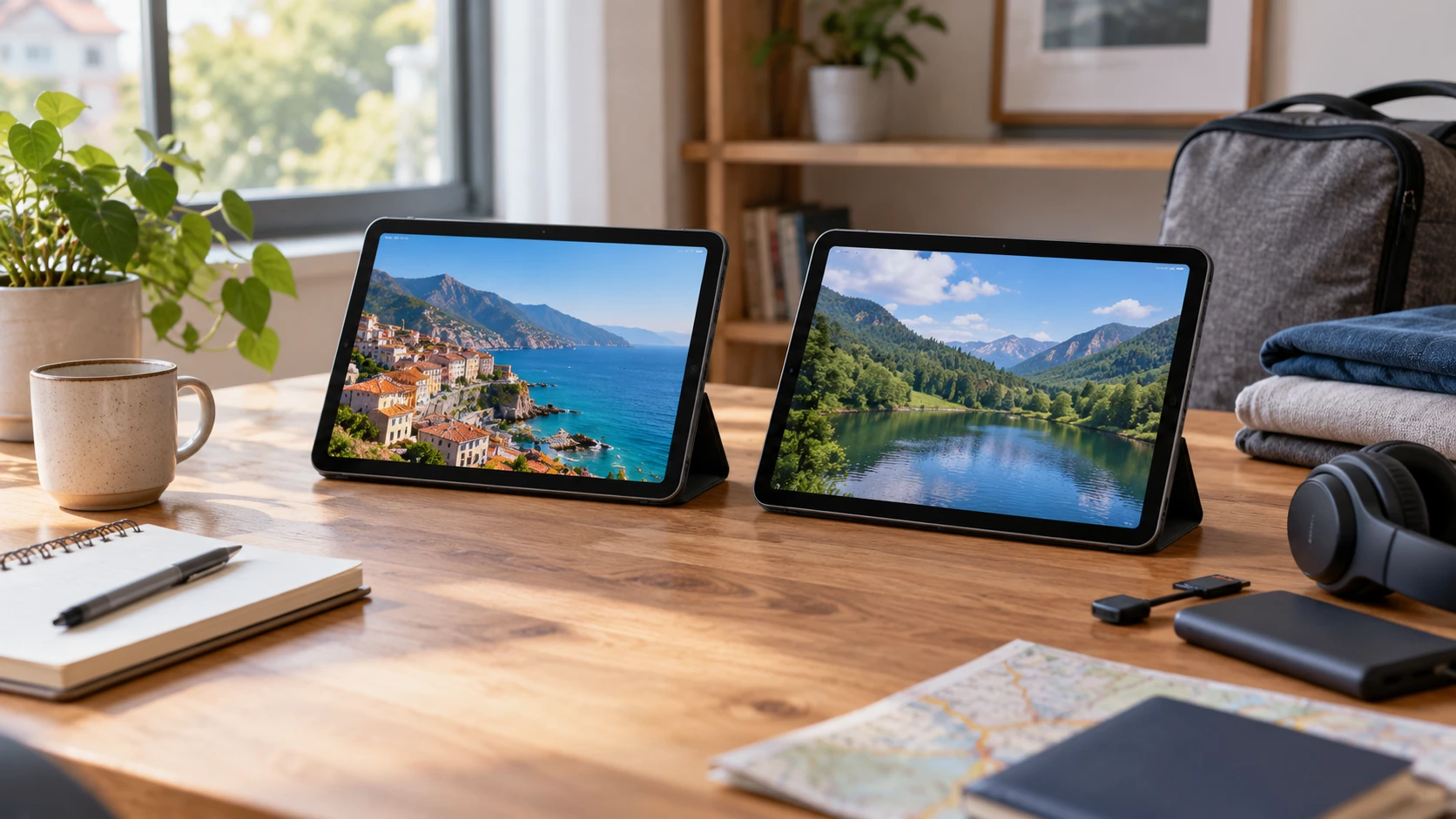
The Xiaomi Redmi Pad SE and Xiaomi Pad 6 are both listed as 11-inch Wi-Fi tablets using Android 13 with a MIUI 14 variant. Neither saved row offers a SIM slot. Their differences show up in display figures, processor names, memory and storage arrangements, and price. The useful choice depends on where the tablet will be used and which files or apps need to stay on it when no trusted network is available.
Before shopping by a refresh-rate number, list the routine. A tablet kept on a kitchen stand for video has different needs from one carried to class for notes or loaded with films for travel. Check the current software and accessory support for the exact regional model, since a saved Republeq's product description is a snapshot. The rows do not provide a controlled test of app speed, battery runtime, display quality, or long-term software updates.
Start with connectivity and software — tablet Android versions and SIM checks
The Redmi Pad SE row explicitly describes a Wi-Fi-only device with no SIM card. It calls the unit a Global Version with Global ROM and lists MIUI 14 based on Android 13. The Pad 6 row also calls its offer the Wi-Fi version and states no SIM card or SD slot. It lists Android 13 with MIUI 14 for Pad. Neither row establishes cellular service, and GPS or a Wi-Fi radio would not change that conclusion. If mobile data is required during a commute, plan for a hotspot or seek a different tablet with verified cellular hardware and carrier support.
The published guide about tablet Android versions and SIM checks compares other products, but its verification questions fit this pair. Check the exact variant's software version at delivery, the latest security patch, and the manufacturer's current support policy. The two listings share a starting Android version, yet that does not prove identical update timing or future compatibility. Test the apps that matter to the buyer, especially school, work, banking, and media services.
The saved Redmi row lists Bluetooth 5.3. Pad 6 lists Bluetooth 5.2 and states compatibility with Wi-Fi 6, Wi-Fi 5, Wi-Fi 4, and older 802.11 standards. The Redmi row does not give a comparable Wi-Fi generation. If a fast home network is a purchase reason, request the Redmi model's complete radio specification before comparing it with Pad 6's list. Either tablet can be described as Wi-Fi only without telling you how it performs in a crowded room or at the far end of a house.
For offline use, download a few actual files and apps during a return period. Check whether they open without a connection and how much storage remains after system software and preinstalled applications. A tablet that streams smoothly at home may disappoint on a plane if the needed files were never downloaded or if an app requires periodic online checks. The network plan belongs in the buying decision alongside the hardware.
What the screens promise on paper — Xiaomi Pad 6 Wi-Fi tablet
Redmi Pad SE's row lists an 11-inch FHD display at 1900 by 1200 pixels, 90 Hz refresh, typical brightness of 400 nits, and support for one billion colors. The Pad 6 row lists an 11-inch panel at 2880 by 1800 pixels, 144 Hz refresh, 550 nits typical brightness, DCI-P3 support, and more than one billion colors. Those are meaningful specification differences. They do not tell you how either screen looks through reflections, at the brightness a person actually uses, or after several hours of reading.
If possible, open the same dense document, web page, and video on both tablets. Compare the text size you find comfortable, the number of lines visible without zooming, and whether motion looks smoother in an app that actually supports a higher refresh rate. A 144 Hz panel will not make every video play at 144 frames per second. Higher pixel counts and brightness can also affect battery use depending on settings. The saved rows do not give an apples-to-apples runtime test at a matched display brightness.
Redmi's row provides a front 8 MP camera with a 105-degree field of view and a rear 8 MP camera that records Full HD video. Pad 6's row mentions a 13 MP camera without identifying it as front or rear in the saved text. That makes a direct video-call comparison impossible from the catalog alone. Ask for the front camera specification and test a call in the room where the device will normally sit. Lighting, microphone performance, and the tablet's angle matter as much as a megapixel number.
Both descriptions list four speakers with Dolby Atmos support. Neither provides a matched loudness or clarity test. Play spoken dialogue and music at the volume you normally use. Redmi also explicitly lists a 3.5-millimeter headphone jack, useful for a wired headset; the Pad 6 row does not list one. Check Pad 6's complete port and audio specification before deciding whether an adapter or wireless headphones are necessary. A missing catalog mention cannot settle a port question.
Memory, processor, and files — Xiaomi Pad 6 Wi-Fi tablet
The Redmi Pad SE offer lists 8 GB of RAM, 128 GB of storage, and a microSD port. The Pad 6 offer lists 6 GB of memory, 128 GB of storage, and no SD slot. If a family keeps a large library of photos, maps, or downloaded video, the Redmi card slot may be a practical advantage. Confirm supported card size and which files can actually be placed on it. A memory card does not automatically become space for every app or its private data.
The Xiaomi Pad 6 Wi-Fi tablet names a Snapdragon 870 platform with Adreno 650 graphics, while Redmi names a Snapdragon 680. Their saved rows give detailed core configurations, but they do not include a matched benchmark or a test of the apps you use. Processor model and RAM capacity are different parts of performance. A higher chip model number should not be converted into a claim that every task feels faster, just as 8 GB of RAM cannot establish that every app runs better on Redmi. Look for comparable app tests if editing, drawing, or games are central to the purchase.
Redmi's 128 GB and Pad 6's 128 GB are advertised capacities. Some portion will be occupied by system software and updates. Ask for usable space on the delivered model, then total the films, documents, and games to keep offline. If the tablet will be shared, include several users' files. The Pad 6 no-SD statement makes that calculation more consequential than it is for a device with a verified card slot.
Accessory support is another question the rows leave open. Neither saved description lists a stylus, keyboard, folio, or charger as an included part of these specific offers. Ask what is in the box and which compatible accessories are available for the exact regional model. A tablet used for handwriting needs more than a screen size: pen support, latency, palm rejection, and a way to prop it at a comfortable angle all matter. Do not assume an accessory shown in a promotional photo is included.
Battery and carrying use — Xiaomi Pad 6 Wi-Fi tablet
Redmi lists an 8,000 mAh battery and support for 22.5-watt charging. Pad 6 lists an 8,840 mAh battery, but its saved row does not give a matching charging-watt figure. Battery capacity is only one input to runtime. Different screens, refresh settings, processors, and app loads make a direct hours estimate from milliamp-hours unreliable. Seek a comparable test at the brightness and workload you expect, and verify the charger supplied with each offer.
If the tablet will travel, check actual device weight and protective-case dimensions. Both rows state an 11-inch diagonal, but a common screen label does not establish identical bodies or weight. The Redmi row identifies a Purple offer; Pad 6 lists Beige while another source title calls the finish Champagne. Treat that as a color-naming discrepancy and confirm the actual variant if appearance matters. For a tablet used outside, try the screen near a bright window before relying on the typical-nit figures alone.
Charging on the move needs a practical plan. Identify the outlet or battery pack available during a long trip and check cable and charger compatibility with the current manual. A larger battery may be welcome, but a heavy case, high refresh setting, and continuous video calls can change the daily experience. Both products should be evaluated with the settings and accessories that will actually be used.
Cost and the choice to test — Xiaomi Pad 6 Wi-Fi tablet
The pinned catalog snapshot lists Redmi Pad SE at $376 and Pad 6 at $672 as minimum US-dollar prices. Confirm current Republeq's catalog pricing, warranty, return period, and exact regional model. Add the cost of a protective case, keyboard, card, headphones, or stylus if those are required. The saved rows do not establish that the more expensive tablet's display and chipset will be useful for every buyer.
Redmi Pad SE is worth investigating when its microSD option, 8 GB RAM listing, headphone jack, and lower saved price align with the routine. Pad 6 is worth investigating when its higher-resolution, faster-refresh display and named Snapdragon 870 platform address tasks the buyer can actually test. Both are described as Wi-Fi only. Confirm the current software support, available storage, real screen comfort, and accessory package before making the choice, then try the essential apps during the return period.