Crypto Commerce
YANKOKO 1626 Android tablet vs Galaxy Tab S11 Ultra for two ways to carry a screen
Compare YANKOKO 1626 Android tablet by SIM needs, Android version, screen space, storage and regional warranty.
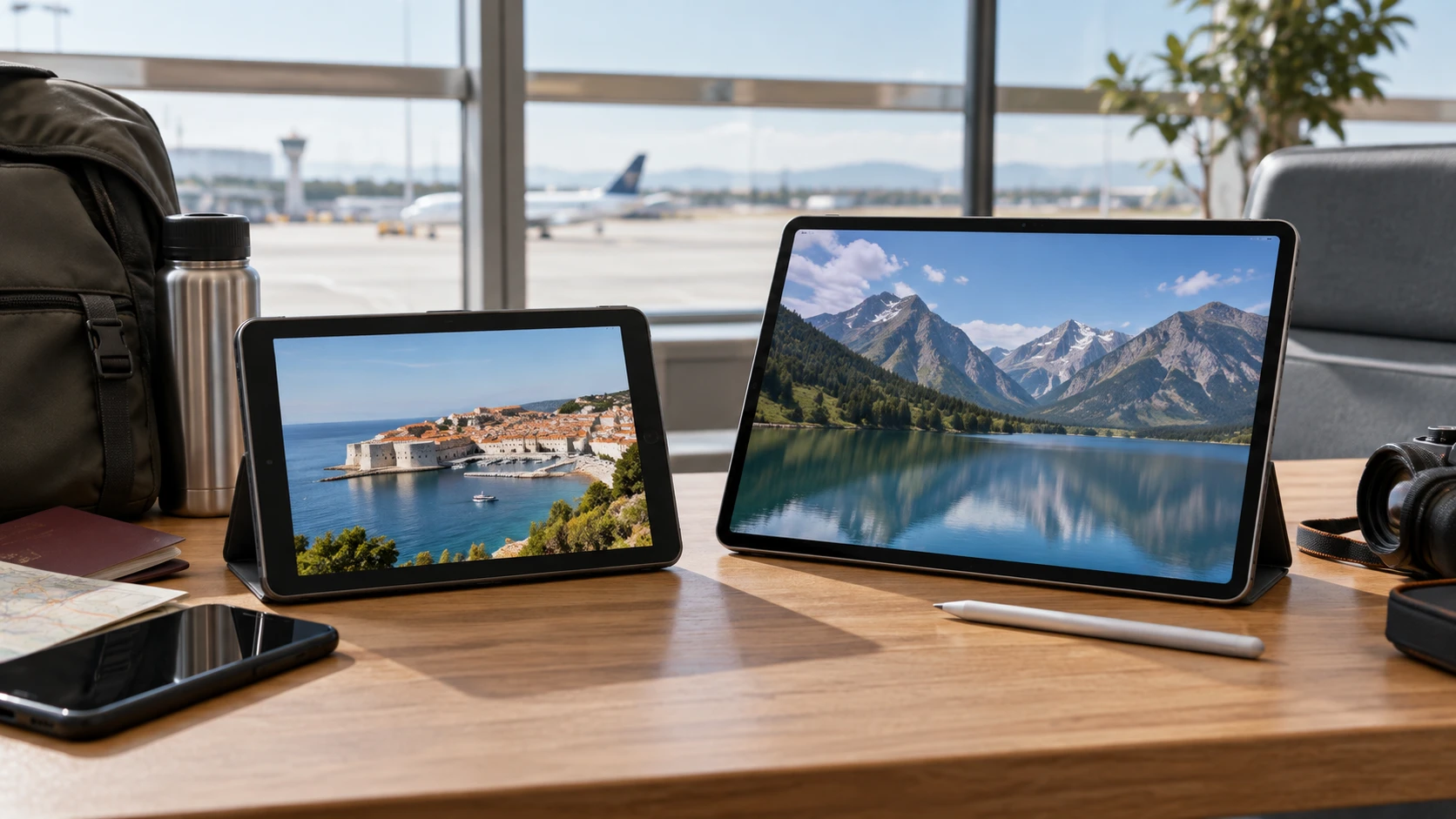
The YANKOKO 1626 Android tablet and Samsung’s larger tablet both give you a screen you can carry, but their listed configurations solve different problems. YANKOKO describes a 10-inch tablet with a SIM feature, GPS, 4 GB of memory, 64 GB of storage, and Android 8.1. Samsung lists a 14.6-inch AMOLED screen, 12 GB of memory, 256 GB of storage, an included S Pen, and Wi-Fi-only connectivity. The Samsung offer is identified as a Latin American model without a US warranty. Those details matter more than a broad "Android tablet" label if the device must work on a trip or support a particular app.
Start with the connection and software you need away from home. A traveler who expects the tablet to connect directly to a mobile network should investigate the exact YANKOKO SIM and band support. The Samsung unit in this comparison does not have cellular calling or mobile data according to its listing. A buyer who mainly works or watches on a large screen near reliable Wi-Fi may value the Samsung display and pen. Neither page proves that the chosen device will run every current app, work with every carrier, or suit every hand size. The decision needs a short list of actual uses.
Decide whether the tablet needs its own mobile connection — Samsung Galaxy Tab S11 Ultra SM-X930NZSAGTO
YANKOKO's product title mentions a SIM, camera, Wi-Fi, and GPS. The description says the 1626 supports an octa-core processor and has 64 GB of built-in storage. It does not supply a complete cellular band list, carrier certification, or plan requirements in the reviewed text. A SIM slot is only one part of mobile compatibility. Before treating this tablet as a substitute for a phone hotspot, ask which 4G bands the exact model accepts, whether the selected offer is unlocked, and whether the intended carrier permits the service you want. Test a SIM with the device during the return period if mobile data is essential.
Samsung identifies the SM-X930NZSAGTO as Wi-Fi only. The page explicitly says it has no cellular calling or mobile data. That removes ambiguity about a trip where Wi-Fi may be intermittent. If you already use a phone hotspot, map when that connection is available and how much data your plan allows. A Wi-Fi-only tablet can still travel well, but it depends on another network. Do not pay for the larger Samsung screen on the assumption that its high-end wireless specification also includes a cellular modem.
The published guide comparing Android versions and SIM questions on two tablets provides a useful checklist for this split. The exact carrier and version still have to be checked for the YANKOKO 1626. For Samsung, the Wi-Fi-only limitation is already stated on the selected product page. Write down the places where the tablet must connect, then identify which network will be available there. A reliable connection route is more important than a vague promise of mobility.
Screen size changes how you carry and use it — Samsung Galaxy Tab S11 Ultra SM-X930NZSAGTO
YANKOKO states a 10-inch, 1280-by-800 display. The Republeq's catalog calls it "FHD+" elsewhere in the text, although 1280-by-800 does not match a 1920-by-1080 Full HD pixel grid. Resolve the exact panel resolution before buying for detailed drawing, small text, or high-resolution video. The 10-inch size can be easier to hold on a train or place on a narrow desk, but the page does not give the unit's weight or dimensions in the reviewed summary. Check those before assuming it fits a particular bag or stand.
Samsung lists a 14.6-inch Dynamic AMOLED 2X screen with a 2960-by-1848 resolution, 120 Hz refresh rate, and an anti-reflective treatment. This is a much larger working surface. The listing also gives physical dimensions of 12.85 by 8.21 by 0.20 inches. Lay out that footprint on the desk or tray where the tablet will be used. A larger screen can help with drawing, reading two windows, or watching video at a table; it can also be awkward to hold for long periods. Screen technology and resolution do not tell you whether the tablet's size suits your daily posture.
Try the content that matters. A person reading articles may care about type size and the ability to hold the device with one hand. Someone marking up a document may want more room and a pen. A video viewer should check brightness and reflections in the actual room. The Samsung page describes an anti-reflective screen but does not provide a side-by-side glare test against YANKOKO. The YANKOKO page gives no comparable panel-type or brightness figure. Judge the selected units in realistic lighting when possible.
Android version is a purchase gate — Android versions and SIM questions on two tablets
The YANKOKO 1626 listing says the tablet ships with Android 8.1. In a separate passage it discusses Android 10 tablets in general. That passage does not establish that this specific 1626 unit runs Android 10 or can upgrade to it. Verify the version on the delivered tablet and check the minimum version required by your essential apps. Also ask whether security updates and app-store access are available for this exact model. A tablet can turn on and browse the web while a work, banking, or streaming app refuses to install because the operating system is too old.
Samsung's page identifies its hardware and connectivity but the reviewed description does not provide a complete software-support timetable. Check the current installed Android version, update commitment, and region-specific software support for SM-X930NZSAGTO before planning years of use. Do not infer a warranty or update policy from another country's version of the same product family. The listing's explicit Latin American designation makes the exact regional model important.
Make a short app list before comparing processors. Install or verify the highest-priority apps during the permitted test period, then sign in and use their important functions. Some software needs a camera, location service, or pen input; others require a specific Android release or device certification. A broad claim that a tablet is for study or entertainment does not answer those compatibility questions.
Compare memory and storage without guessing at speed — Samsung Galaxy Tab S11 Ultra SM-X930NZSAGTO
YANKOKO lists 4 GB of RAM and 64 GB of built-in storage. Its page also describes microSD expansion up to 128 GB. Check the supported card type and whether apps, downloads, or only media files can be stored there. A card slot can help with photographs and offline video without turning the tablet into a device with more working memory. Keep the space used by the operating system in mind when planning how many apps and files the advertised storage will hold.
Samsung lists 12 GB of RAM and 256 GB of storage. Those are larger stated capacities, but neither marketplace page provides a controlled speed test of the two complete devices. Samsung names a MediaTek Dimensity 9400+ processor; YANKOKO describes an octa-core 2.0 GHz CPU without enough detail here for a useful benchmark. If you plan to draw, edit video, or keep several demanding apps open, consult measurements and app requirements for the exact Samsung model. If the main jobs are messages, reading, and one video stream, test whether the smaller device completes them reliably before paying for capacity you may not use.
File transfer also matters. Samsung lists USB 3.2 Gen 1 through a USB-C port. YANKOKO describes a Type-C port but does not provide a comparable data-speed specification. If you will transfer large files to a computer or use external storage, confirm the exact port capabilities and cable requirements. A common connector shape does not guarantee matching transfer behavior or video output.
Pen, camera and audio use — Samsung Galaxy Tab S11 Ultra SM-X930NZSAGTO
Samsung lists an S Pen in the box. That is a concrete reason to consider the larger tablet for handwriting, sketching, or document annotation, provided the apps you use support the pen functions you need. Check how the pen is stored and replaced and whether the selected regional bundle includes every accessory shown. YANKOKO's short listing does not describe an included active pen. Do not assume an inexpensive capacitive stylus will reproduce the same writing features.
YANKOKO mentions front and rear cameras, speakers, GPS, and a night-reading mode but does not give camera resolution in the reviewed summary. Samsung lists a 12 MP front ultrawide camera plus 13 MP and 8 MP rear cameras. Camera numbers do not establish image quality during a video call in a dim room. Try a normal call with the tablet positioned where you will use it and listen through the speakers or headphones you expect to use. The YANKOKO page claims a Type-C charging connection; Samsung also lists USB-C and Bluetooth 5.3. Confirm audio accessories and charging equipment for the exact offers.
For video viewing, test where the tablet stands. A 14.6-inch screen may need a stable case or stand on a narrow table. A smaller 10-inch tablet may be easier to hold, but the best angle for a long film can still require support. Neither reviewed offer confirms a keyboard case or stand in the package. List those accessories separately before comparing full cost.
Battery claims and regional support — Samsung Galaxy Tab S11 Ultra SM-X930NZSAGTO
YANKOKO lists a 5,000 mAh battery. Samsung lists 11,600 mAh. Capacity numbers alone do not give a comparable runtime because the screens, processors, radios, and usage patterns differ substantially. The Republeq's catalog YANKOKO text promises extended use and standby without a measured runtime in the reviewed facts. Estimate your real session length, then seek exact-model battery tests under similar brightness and network conditions. If the tablet is for travel, include charging time and the power adapter in the plan.
The Samsung page says this Latin American model has no warranty in the USA. That is an unusually direct limitation and deserves attention before purchase. Read the selected offer's return terms and ask who handles a fault after the return period. Check whether repairs, parts, and software support are practical in the country where you will use it. YANKOKO's reviewed description does not state a comparable warranty term. Obtain the selected Republeq's catalog written policy for that device too.
Both live pages displayed selectable offers when checked. Samsung shows silver and gray choices, and YANKOKO shows several colors. Confirm the exact product ID, storage, connectivity, regional model, plug, and accessories on the final order. A grouped page can present other versions at a different starting price. Keep the order details so the delivered unit can be checked against the article's named configuration.
Choose the connection and screen you will actually use — Samsung Galaxy Tab S11 Ultra SM-X930NZSAGTO
The YANKOKO 1626 is worth closer examination when a smaller tablet with a possible direct SIM connection fits the plan. Verify carrier bands, current Android version and app compatibility, the exact 1280-by-800 display claim, card expansion, and item warranty. Its listing contains a generic Android 10 passage, so the shipped operating system needs particular care.
The Samsung Galaxy Tab S11 Ultra SM-X930NZSAGTO is the candidate for a large Wi-Fi-connected workspace with the listed AMOLED display, included S Pen, and greater memory and storage. It is explicitly Wi-Fi only and the selected Latin American offer says there is no US warranty. Confirm that the larger size, network dependency, and support terms fit the place where the tablet will be used.
Take the essential apps, network locations, and desired screen size to the product pages and final offer. Check the exact model and region before ordering, especially if cellular access or US warranty service matters to you.