Crypto Commerce
TP-Link Deco X55 two-pack mesh system — Deco X55 vs refurbished ZenWiFi XT8: mesh coverage around a real home
Compare TP-Link Deco X55 two-pack mesh system by coverage claims, Ethernet backhaul, band labels, refurbished contents, home placement, and saved prices.
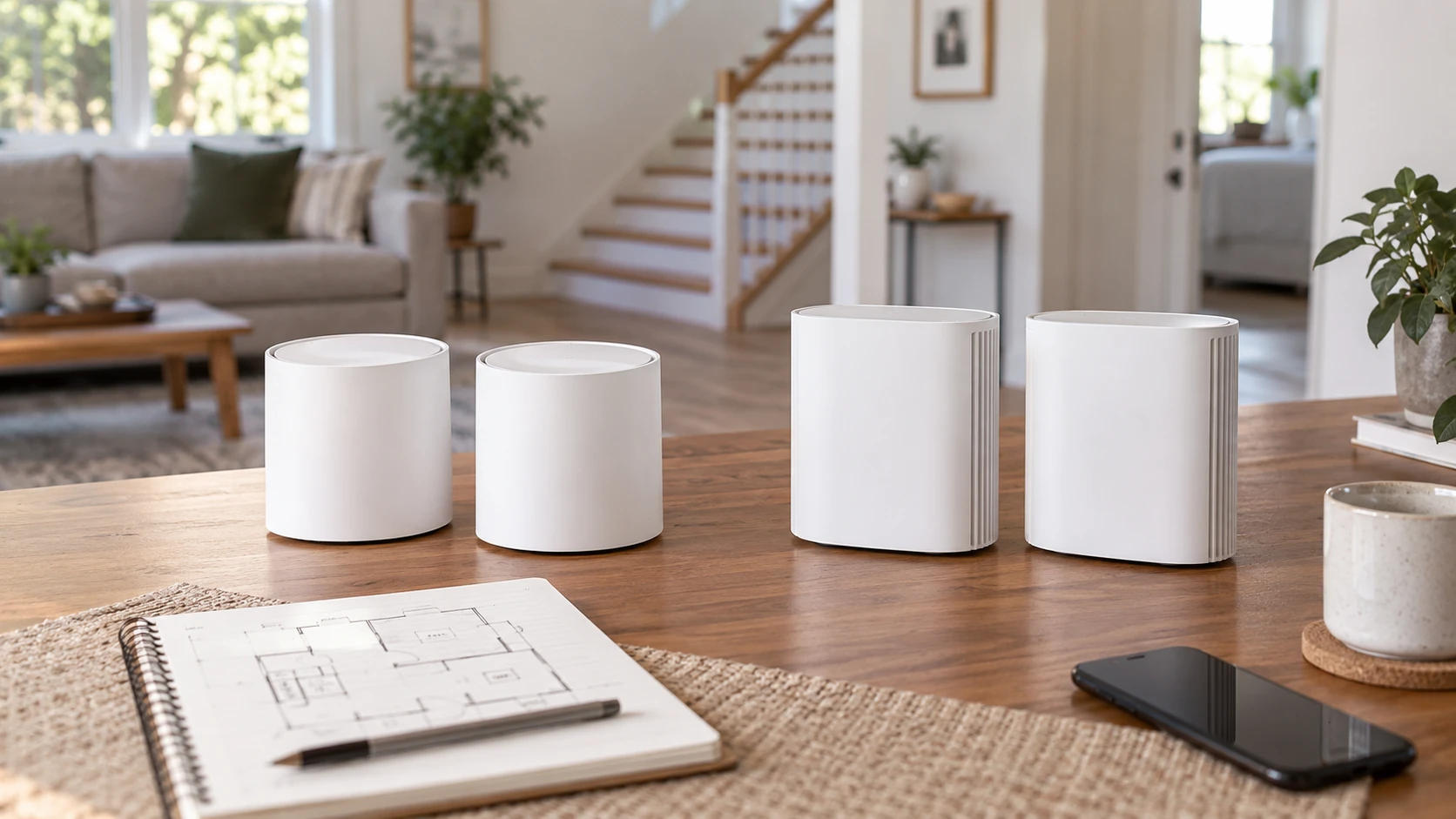
A two-node mesh system can improve a weak upstairs room only if the nodes can talk to each other and to the devices in that room. The TP-Link Deco X55 two-pack mesh system lists Wi-Fi 6, up to 4,500 square feet of coverage, three Gigabit Ethernet ports on each unit, and wired backhaul support. The related guide to tri-band router decisions concerns an MSI Wi-Fi 6E router and supplies context for reading band claims; it does not test these mesh kits. The refurbished ASUS ZenWiFi AX6600 mesh kit lists two tri-band Wi-Fi 6 units, up to 5,500 square feet, and support for three network names. The useful choice depends on the house layout, the available Ethernet path, and what the refurbished kit actually includes.
Turn coverage claims into a floor plan — refurbished ASUS ZenWiFi AX6600 mesh kit
TP-Link claims coverage of up to 4,500 square feet for its two-pack, while ASUS claims up to 5,500 square feet and six or more rooms. Those are Republeq's catalog maxima, not measurements of a particular home. Thick masonry, metal ductwork, mirrored surfaces, and a distant garage can change signal paths. A square-foot figure cannot say whether a node behind the kitchen will serve a back bedroom through two walls. Sketch the rooms that lose connection today and mark the current modem, possible node locations, and nearby power outlets.
Place the second node where it still receives a strong link from the first, not at the very edge of the dead zone. A node with a weak upstream link can show a strong local signal while delivering disappointing speeds. The saved rows do not include a site survey or a recommended distance for either house. Test signal quality at the proposed node location and then from the actual devices in the problem room. Repeat the test at busy household hours, because neighboring networks and traffic can change the result.
The extra 1,000 square feet in ASUS's claim does not guarantee an advantage in a smaller but more difficult home. It may be less relevant than whether the stairwell or hallway offers a good radio path. Likewise, TP-Link's stated support for up to 150 devices is a capacity claim, not proof that 150 active devices can all stream or work at once at full speed. Count the household's devices and their heavy-use patterns, then focus on the rooms and applications that fail now. Buying the largest coverage number can leave the original trouble spot unchanged.
Decide whether Ethernet backhaul is available — refurbished ASUS ZenWiFi AX6600 mesh kit
The TP-Link row explicitly says each Deco X55 unit has three Gigabit Ethernet ports and that the system supports wired Ethernet backhaul. A cable between nodes can reduce dependence on a noisy wireless link. Check whether the home has a usable run between the modem area and the second node, and verify that the wall jacks are connected to the intended network rather than an old phone circuit. An electrician or network installer may be needed for a new cable path. The saved listing does not describe the exact port roles under every configuration, so confirm the wiring diagram in TP-Link's current instructions.
The ASUS row calls its ZenWiFi kit tri-band, but its saved excerpt does not specify the ports or state how its backhaul is configured. A third radio band can be useful for node-to-node traffic, yet the benefit depends on radio placement, channel conditions, and settings. Do not assume the extra band produces a fixed speed improvement or that it always stays reserved for backhaul. Ask ASUS for the XT8's current backhaul options and Ethernet port details for this exact kit. If the house already has reliable Ethernet between floors, those details may matter more than the headline combined throughput.
Start with the actual internet connection and local needs. A household with a modest broadband plan may care mainly about stable reach and low interruptions. A household moving large files between wired computers may care about switch ports and their speed. The Deco listing's ports are Gigabit, so a buyer with multi-gigabit local requirements should check whether that is a bottleneck. The ASUS excerpt does not give enough port data to rank the kits for wired devices. Count the desktop, game console, television, and storage connections needed at each node before ordering.
Read AX3000 and AX6600 as aggregate labels — guide to tri-band router decisions
TP-Link describes its AX3000 system as a combined 3,000 Mbps connection, broken into a listed 2,402 Mbps radio rate and a 574 Mbps radio rate. ASUS describes AX6600 and a combined 6,600 Mbps throughput figure for its tri-band system. These labels add theoretical rates across bands under favorable conditions. A single phone does not receive every band at once, and a mesh node may use radio capacity to communicate with the other node. Neither saved row includes an independent throughput test under the same walls, clients, and distance.
The ASUS product is tri-band Wi-Fi 6. The related guide's MSI router is Wi-Fi 6E, which is a different standard claim. Do not treat the presence of three bands on this ASUS listing as proof it has a 6GHz Wi-Fi 6E band. Get the exact band and channel specification from the current XT8 manual. Similarly, confirm whether a household device supports the channel widths that contribute to the Deco's 2,402 Mbps figure. Older laptops and smart-home devices may connect at much lower rates. The speed felt by a user also depends on the broadband plan and the service being accessed.
Run useful tests rather than one headline speed test. Check a video call from the troublesome room, a large download while another person streams, and a device moving between nodes. Record whether the call drops or the video buffers. A high result beside the main router does not prove good roaming in the hallway. The saved descriptions do not state the roaming behavior of a particular phone. Device operating systems make some connection decisions themselves, so test with the devices actually used in the home.
Network names and household separation — refurbished ASUS ZenWiFi AX6600 mesh kit
ASUS's listing says the kit supports three SSIDs, or network names. That could help separate a guest network or some smart-home devices, but the excerpt does not define security policies, band assignment, or whether those SSIDs exist on both nodes under every setting. Ask how guest access and isolation work in the current firmware. A name alone does not keep a guest device from reaching home equipment; the routing and isolation settings decide that. Set a strong password and keep the software current.
TP-Link's row mentions HomeShield for premium network and IoT protection. It does not identify which functions are included without a subscription or what data is processed. Verify the current plan terms and privacy settings before treating that label as a free, permanent feature. The saved excerpt does not spell out guest-network or parental-control details for Deco. Compare the exact functions the household needs: a guest password, device pause, security alerts, or controls for a child's device. Do not pay for a dashboard feature that will never be used.
Think about setup access too. The TP-Link row says one unit serves as the primary Wi-Fi router. ASUS's row does not give its setup procedure. Find out whether each kit requires a phone app, a vendor account, or a particular broadband-modem mode. If the household's existing modem is also a router, decide whether to use bridge mode or an access-point mode according to the equipment manuals. Running two routers unintentionally can complicate games, remote access, and device discovery. A buyer should be able to describe the intended network layout before unplugging a working connection.
Give the refurbished kit a closer inspection — refurbished ASUS ZenWiFi AX6600 mesh kit
The ASUS ZenWiFi AX6600 listing is explicitly refurbished. The saved title calls the kit Charcoal, while the product handle includes a white abbreviation. That is not enough to establish the color of the units that will arrive. Ask for photos or a written description of the exact supplied kit. Confirm that it includes two matching nodes, the correct power supplies, any network cables, and a usable setup method. Refurbishment can be a sensible purchase, but its grade and testing need to be understood from the terms in Republeq's offer.
Check firmware support, return period, and warranty for this particular refurbished listing. A mesh node that is missing its power adapter or cannot reset to a clean account state will not provide the advertised two-node coverage. Test both units immediately after delivery, including Ethernet ports and wireless connection. The saved excerpt does not give a refurbishment grade, battery issue, or detailed accessory list. Do not assume that retail-new packaging terms apply.
TP-Link's Deco listing does not call the kit refurbished. Its snapshot still lacks a complete box-content and warranty summary, so confirm those too. Both systems will need updates over time. Ask how firmware is installed and whether a node can be recovered if an update fails. Set aside the existing network settings so a household can return to its old router during setup trouble. This is a practical precaution when the internet connection supports work or remote monitoring.
Compare the saved price against the installation — refurbished ASUS ZenWiFi AX6600 mesh kit
The catalog snapshot lists the Deco X55 two-pack at $210 and the refurbished ZenWiFi kit at $385 in USD, a $175 difference. Current availability and checkout totals may differ. ASUS lists a larger coverage maximum and tri-band capacity; TP-Link gives explicit Gigabit ports and wired-backhaul support at a lower snapshot price. The strongest value depends on the home. If Ethernet already reaches the second node, the Deco's documented wiring option may address the main bottleneck. If the link must be wireless, test whether the ASUS band arrangement improves that exact location before assuming the higher aggregate rate will.
Budget for placement and wiring as well as the boxes. A clean cable run can cost more than the difference between kits, but it may also make a cheaper mesh system behave more consistently. If no cable is possible, consider the path between nodes and how the unit can be powered without hiding it behind furniture. Keep receipts and the refurbishment terms with the chosen product. A return option that allows a real home trial is valuable because neither catalog row can see the home's walls.
Choose after making a simple map and testing the weak room. Verify ASUS's exact ports, backhaul mode, included accessories, and refurbishment warranty; verify Deco's port roles and any HomeShield subscription conditions. Then compare a video call and a normal download from the problem room with the nodes in practical locations. That trial connects the advertised Wi-Fi figures to the connection the household actually needs.