Computers & Gaming

Guides to computers, displays, connectivity, gaming, and office devices.

Showing 133–144 of 177 guides

Acadia Android station comparison with a Novatech gaming desktop, focused on software requirements, memory, and storage.
9 min read

Acadia Android station vs Novatech gaming desktop

The Acadia Android station is not a documented substitute for the Novatech Prism when the job requires Windows software. Acadia's description specifies Android 8 and an integrated touchscreen; Novatech's specifies Windows 11 Pro and Radeon RX580 graphics. Substitution is worth considering only if your intended task can run on the chosen operating system with the controls you need. Before comparing hardware specifications, decide whether you want an Android touch station or a Windows gaming computer. Those are different starting points, even though both products appear in the computer category.
MSI router RADIX AXE6600: planning tri-band Wi-Fi 6E coverage and device compatibility.
9 min read

MSI router RADIX AXE6600: Tri-band Wi-Fi 6E

The MSI router RADIX AXE6600 is worth evaluating for a home where gaming and high-definition streaming overlap across several devices. Its description explicitly identifies Wi-Fi 6E and three wireless bands. Whether those capabilities suit your household still depends on the devices you own and where the router can sit. Start by matching your important devices to their documented wireless capabilities, then check the proposed installation. The listing alone cannot establish coverage or performance in your rooms.

Livindi Solo adult tablet comparison that separates adult assistance and communication needs from a child's supervised tablet use.
8 min read

Livindi Solo adult tablet vs JTNeq kids tablet

The Livindi Solo adult tablet is the more relevant option to investigate for an adult who wants the listed one-tap video calls, family photo sharing and medication reminders. JTNeq describes a tablet for children aged three to eight, with learning apps and parental controls. The choice depends on who will use the device and what help they want from another person. An adult agreeing to assistance with communication has different needs from a child whose parent sets content permissions.

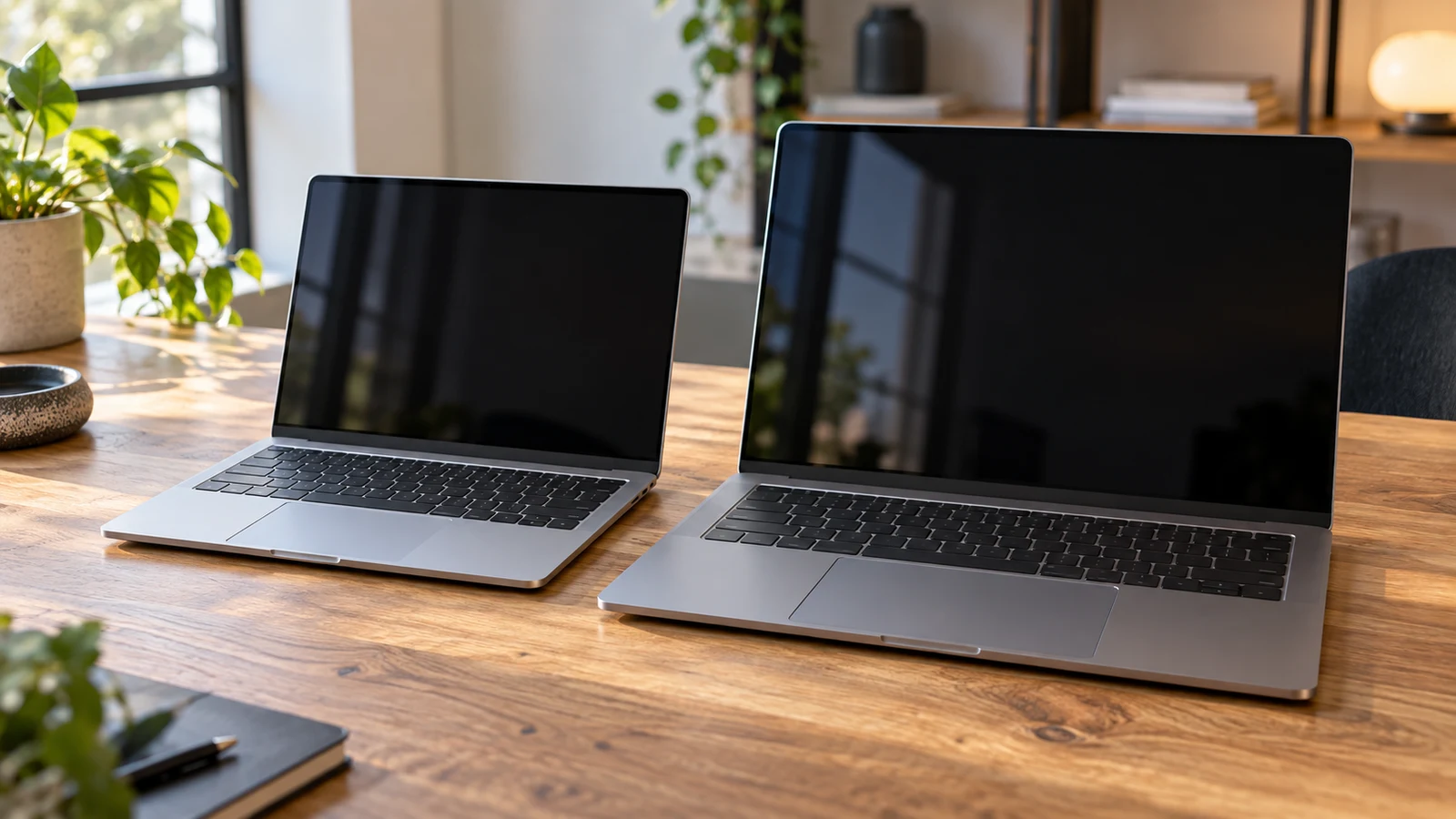
Fsjun 14-inch laptop comparison for choosing between a more portable workspace and a larger 16-inch screen, with specifications to verify.
9 min read

Fsjun 14-inch laptop vs Chheart 16-inch

The Fsjun 14-inch laptop is the candidate to examine first if you expect to carry your computer frequently: its description lists a 14-inch display and a weight of 1.25kg. Chheart offers a different starting point for work done mostly at a desk, with a listed 16-inch display, 16GB RAM and 1TB SSD. Those specifications help narrow the choice, but they do not establish how either machine will perform with your applications or how long it will run away from an outlet. For Fsjun 14-inch laptop , verify each step.

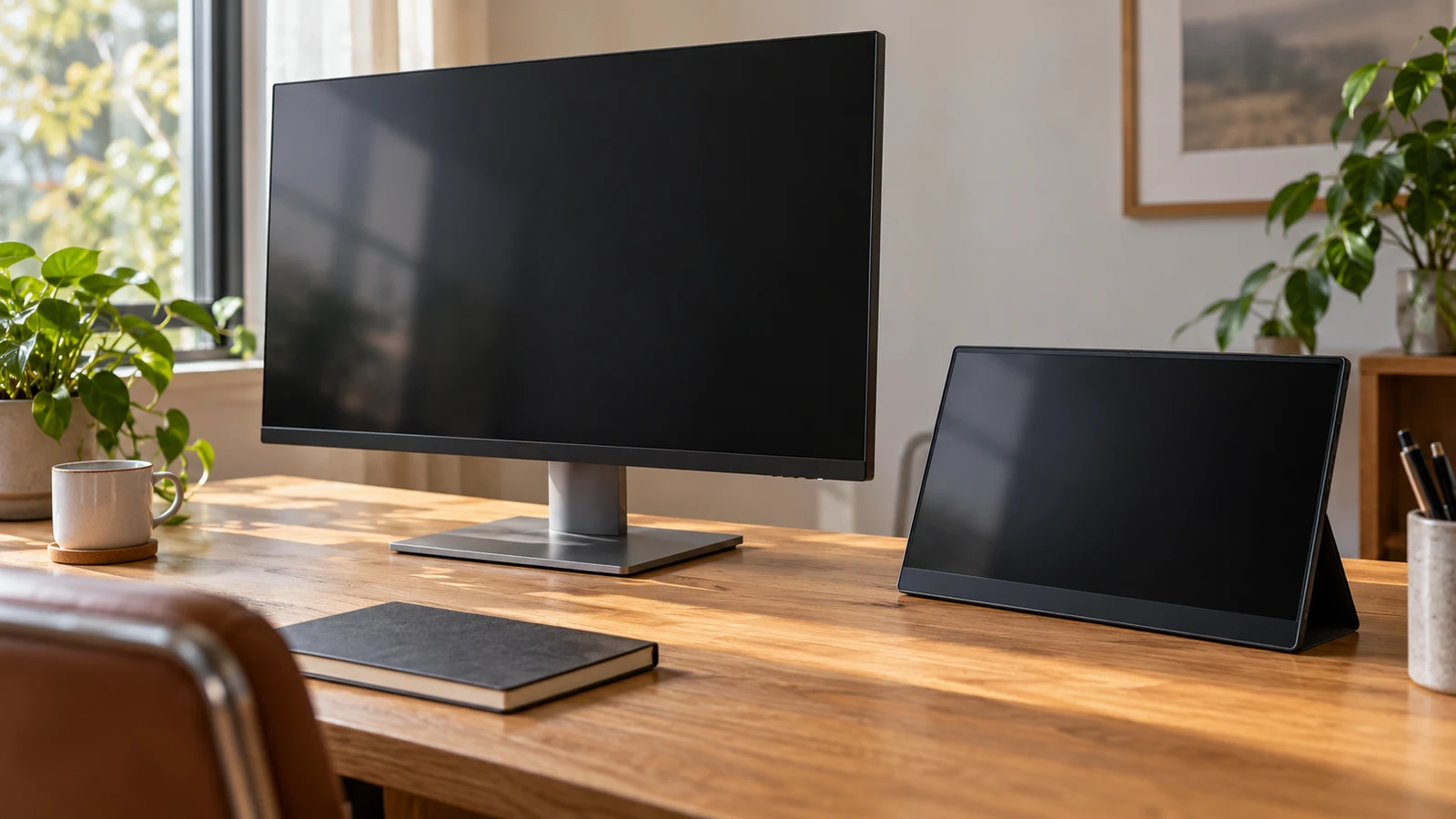
Viewedge 27-inch versus TNOBHG portable monitor for a dedicated desk screen or a display that can be put away.
9 min read

Viewedge 27-inch vs TNOBHG portable monitor: desk space

The Viewedge 27-inch makes sense to investigate when you want to dedicate a desk position to a larger screen. The TNOBHG portable model deserves consideration when the display needs to leave that position with you. Their descriptions establish different screen sizes and connection options, but neither supplies enough physical or power detail to settle the whole setup. Your choice depends on whether you can reserve space permanently, how you intend to use the screen, and what must travel with it.

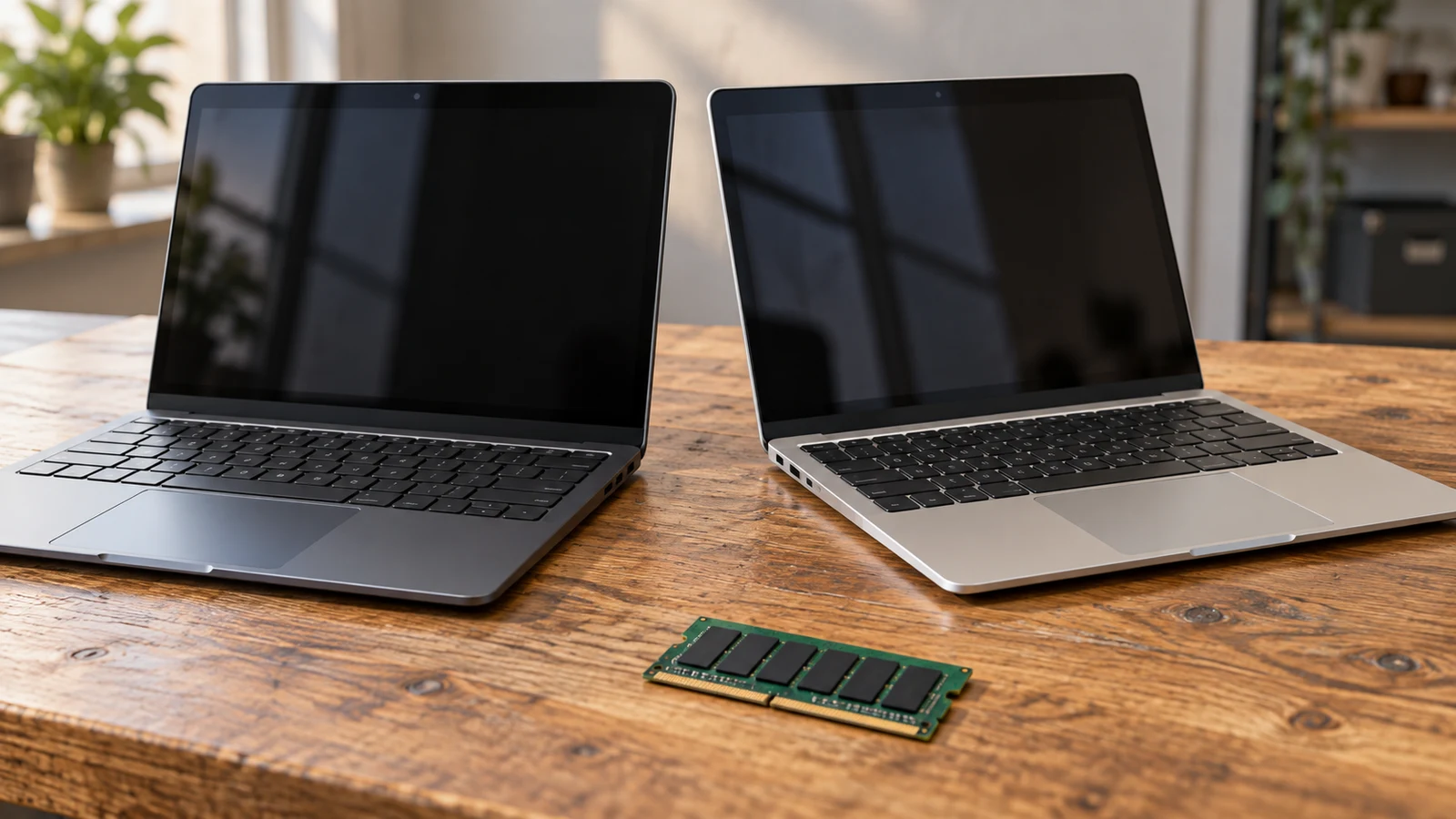
NBD mini laptop: comparing Windows version and memory claims with a GOLDENGULF laptop.
9 min read

NBD mini laptop vs Goldengulf: Windows and memory

The NBD mini laptop lists Windows 11, 8GB DDR4 memory and 128GB onboard storage. Goldengulf lists Windows 10, 2GB RAM and 32GB internal storage. For a shopper choosing between these compact computers, NBD has the larger listed capacities and a different Windows version. That makes it worth examining first if those specifications match your needs. It does not establish application compatibility, measured speed or the exact hardware that will arrive.

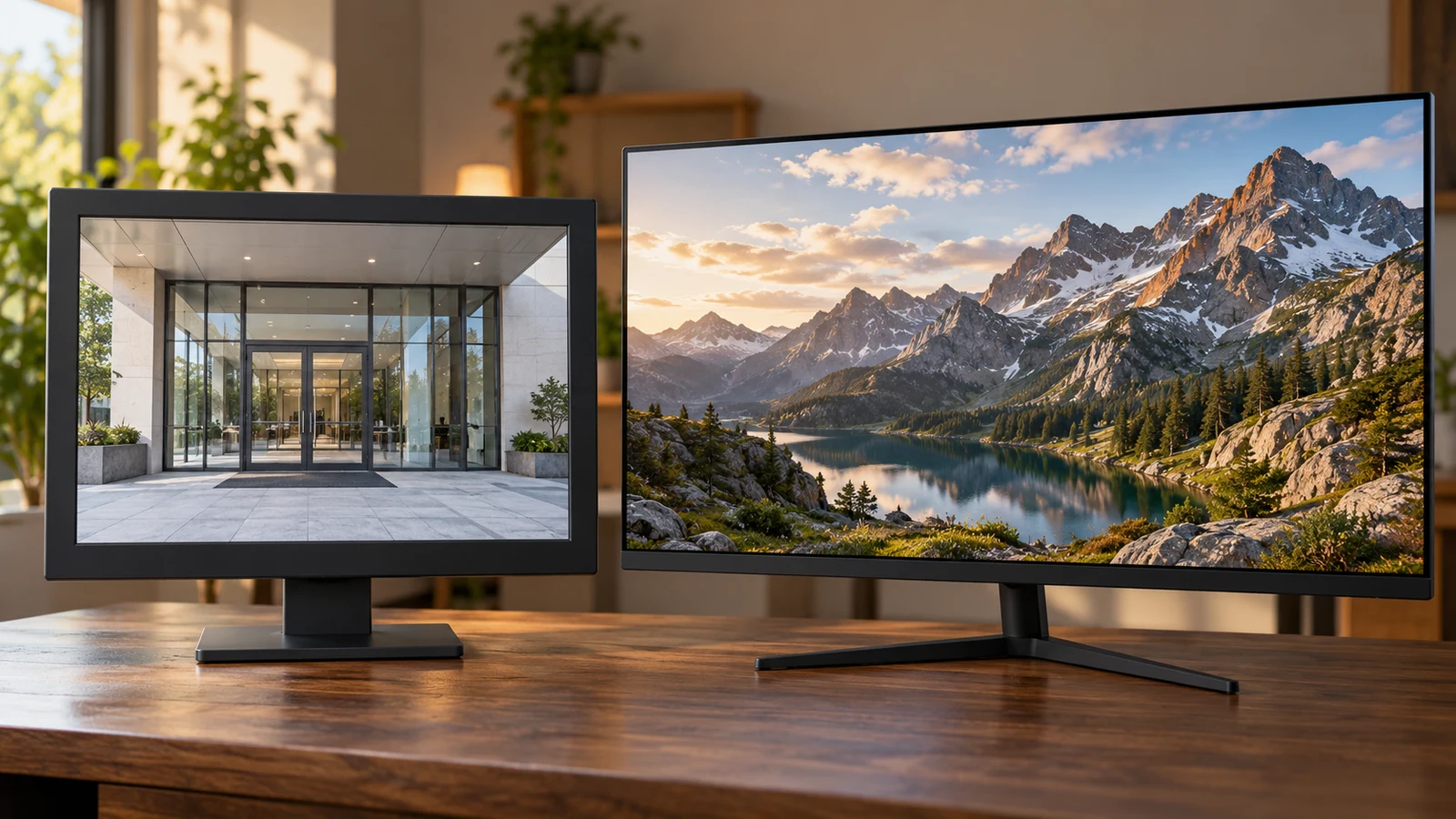
ViewEra security monitor versus TITAN ARMY gaming display for surveillance feed connections and features relevant to the job.
9 min read

ViewEra security monitor vs TITAN ARMY gaming display

A surveillance display purchase starts with the equipment sending the picture. The ViewEra security monitor has documented HDMI, VGA and BNC connections, making it a relevant candidate when your installation needs one of those inputs. The TITAN ARMY P2510S PLUS description emphasizes gaming features and does not identify its connections. For a security feed, ViewEra therefore gives you more connection information to work with, although you still need to confirm support for your source's exact signal.

Pixio PXC278: resolving conflicting resolution claims in a CRUA monitor comparison.
8 min read

Pixio PXC278 vs CRUA curved monitors: resolution conflict

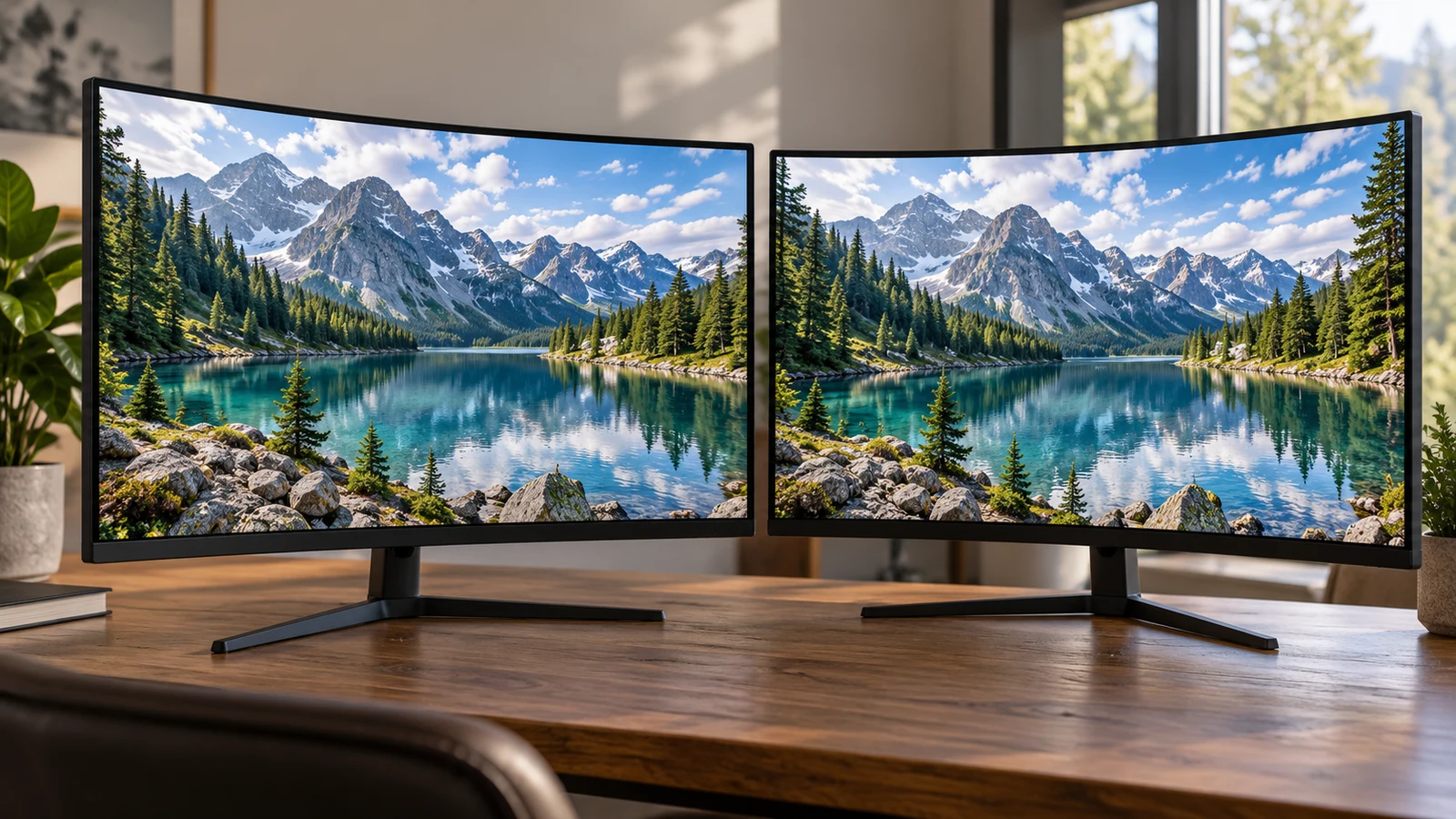
The Pixio PXC278 description presents a QHD 1440p, 180Hz monitor. The CRUA description combines UHD (3840×2160) resolution with the phrase "1080P clarity." That wording leaves an important question unresolved: what is the native resolution of the CRUA panel being sold? Compare Pixio's listed specifications with CRUA's stated specifications provisionally, and ask for a model-specific answer before treating CRUA as the higher-resolution choice.

YEYIAN YUMI gaming PC versus Novatech Prism based on listed configurations and the software each desktop must run.
8 min read

YEYIAN YUMI gaming PC vs Novatech Prism

The YEYIAN YUMI gaming PC and Novatech Prism present a specific buying question: do you need the YUMI's listed i5-14400F, RTX5060 8GB and 1TB SSD configuration, or would the Prism satisfy your intended use? YEYIAN is the closer match if those named components are already on your shopping brief. Novatech remains a candidate if its configuration meets your requirements. The descriptions alone cannot establish which will deliver your preferred game settings or frame rate.

Hoengager RTX 5060 desktop comparison focused on the whole installed configuration rather than treating one graphics specification as the decision.
9 min read

Hoengager RTX 5060 desktop vs HAJAAN AMD PC

The Hoengager RTX 5060 desktop and HAJAAN AMD PC change several parts of the purchase at once. Hoengager pairs an Intel Core i5-13400F with RTX 5060 graphics, 16GB DDR4 and a 1TB PCIe SSD. HAJAAN pairs a Ryzen 7 7700X with RTX 4060 graphics, 64GB DDR5 and a 2TB NVMe SSD. Hoengager deserves a closer look if its stated configuration meets your requirements and independent testing supports your gaming expectations. HAJAAN deserves that attention if your work calls for its larger installed memory and storage capacities. Neither description establishes a performance winner.

Zhicgcp gaming desktop versus DTA Stasis for graphics hardware and whether the planned software needs the listed GPU.
9 min read

Zhicgcp gaming desktop vs DTA Stasis

The choice between the Zhicgcp gaming desktop and DTA Stasis depends on what your software asks of the graphics hardware. Zhicgcp's description names an NVIDIA RTX5060 8G graphics card; DTA's names Intel UHD Graphics 770 integrated graphics. If a game or application calls for a particular graphics capability, check that requirement before letting DTA's larger listed memory and storage capacities decide the purchase. If your applications accept integrated graphics, DTA remains a candidate, subject to confirming the exact configuration and your expectations.

Thunderobot Storm 16 versus Oyzzraze for graphics hardware, RAM evidence, and the software workload that makes those differences matter.
9 min read

Thunderobot Storm 16 vs Oyzzraze: GPU and RAM proof

The Thunderobot Storm 16 description names a GeForce RTX 4050, while Oyzzraze names integrated Radeon 680M graphics. That difference deserves attention if gaming is your reason for buying, but these descriptions do not establish how either laptop runs your games. The useful decision is whether results for the exact configuration support the settings and responsiveness you want. Oyzzraze also has conflicting memory specifications, which leaves its comparison configuration unresolved.