Computers & Gaming

Guides to computers, displays, connectivity, gaming, and office devices.

Showing 121–132 of 177 guides

Getac B300G7 rugged laptop evaluation for field forms, where display visibility, physical connections, and configuration need checking.
9 min read

Getac B300G7 rugged laptop for field paperwork

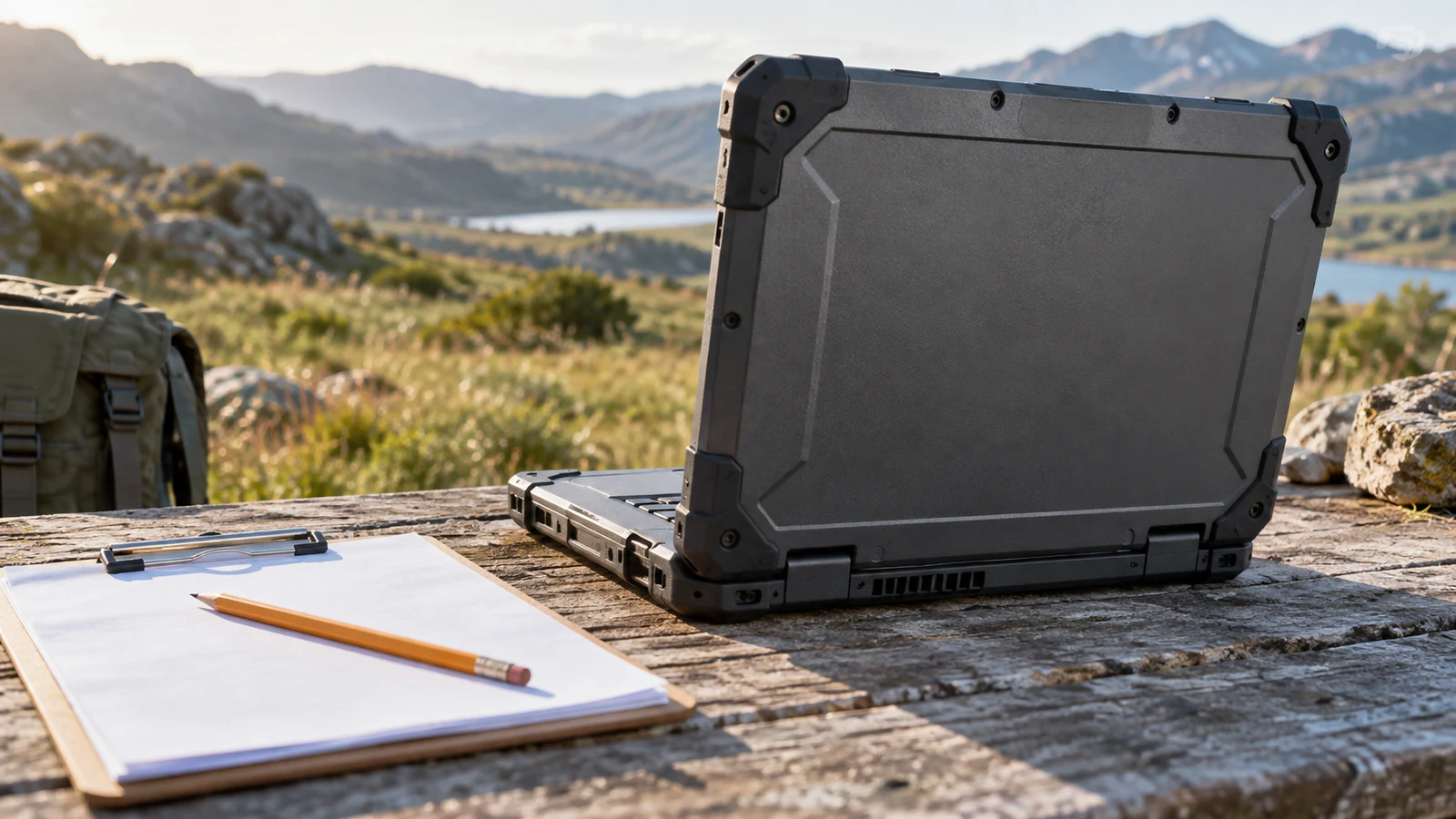
The Getac B300G7 rugged laptop has a listed combination worth examining for field forms: rugged construction, a bright touch display and built-in serial connections. Whether it suits your paperwork depends on the forms themselves, the equipment that supplies your readings and the time you need away from power. Its description supports a shortlist decision, but it does not establish that your particular application will work comfortably on its 1024 x 768 screen.
Intexca 24-inch gaming monitor assessment centered on refresh rate, available inputs, native resolution, and the planned computer connection.
9 min read

Intexca 24-inch gaming monitor input and refresh checks

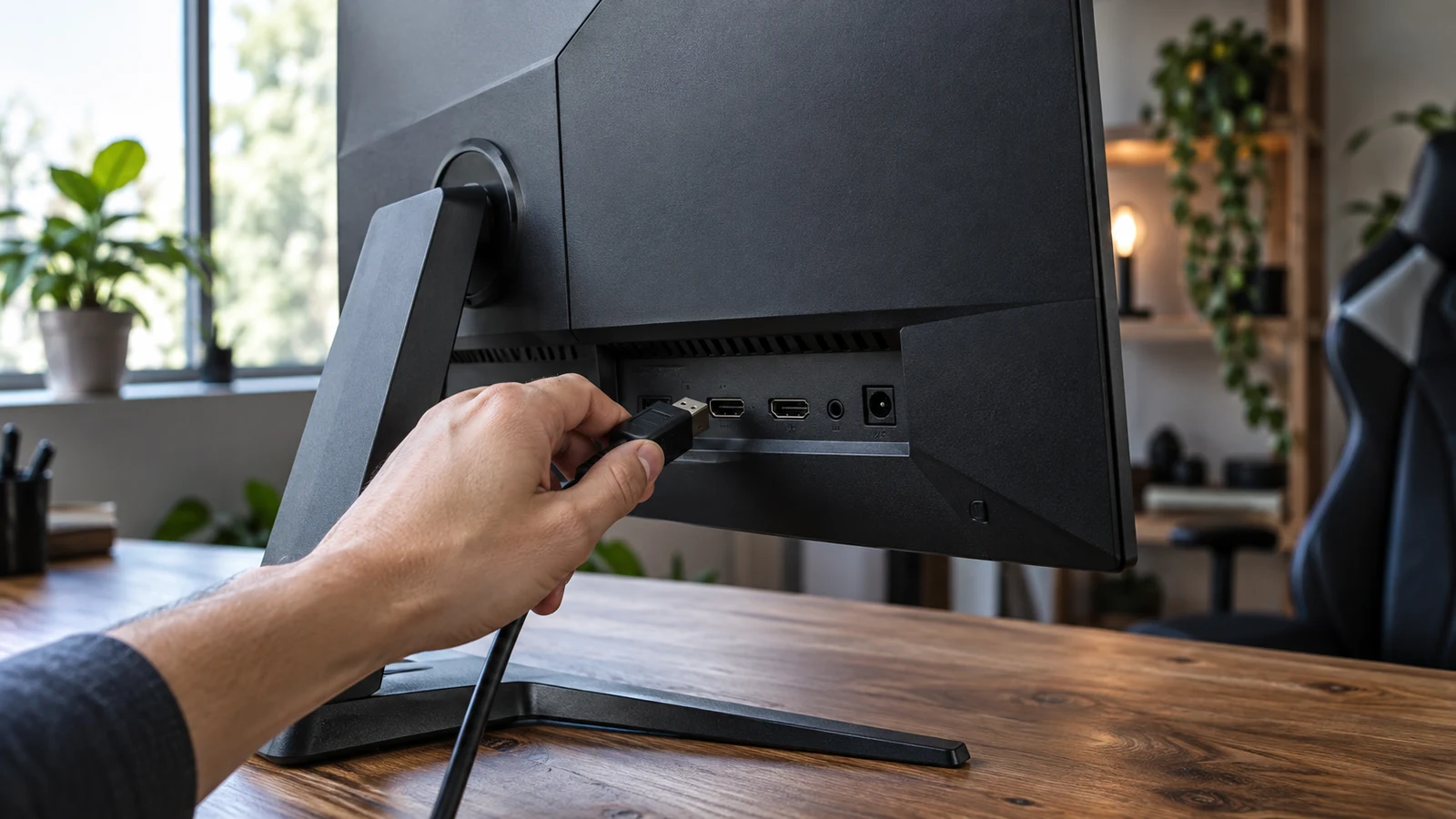
The Intexca 24-inch gaming monitor description lists a 144 Hz refresh rate alongside DP, DVI-D and two HDMI inputs. Those connections give you several possibilities to investigate for a desk shared by a gaming PC and older equipment. Whether your devices can use the refresh rate you want remains a separate question: the description does not identify supported resolutions and refresh rates for each input. For Intexca 24-inch gaming monitor , verify each step.

AVG PC Mini-X gaming desktop guide to checking its listed discrete graphics card and configuration details.
9 min read

AVG PC Mini-X gaming desktop with discrete graphics

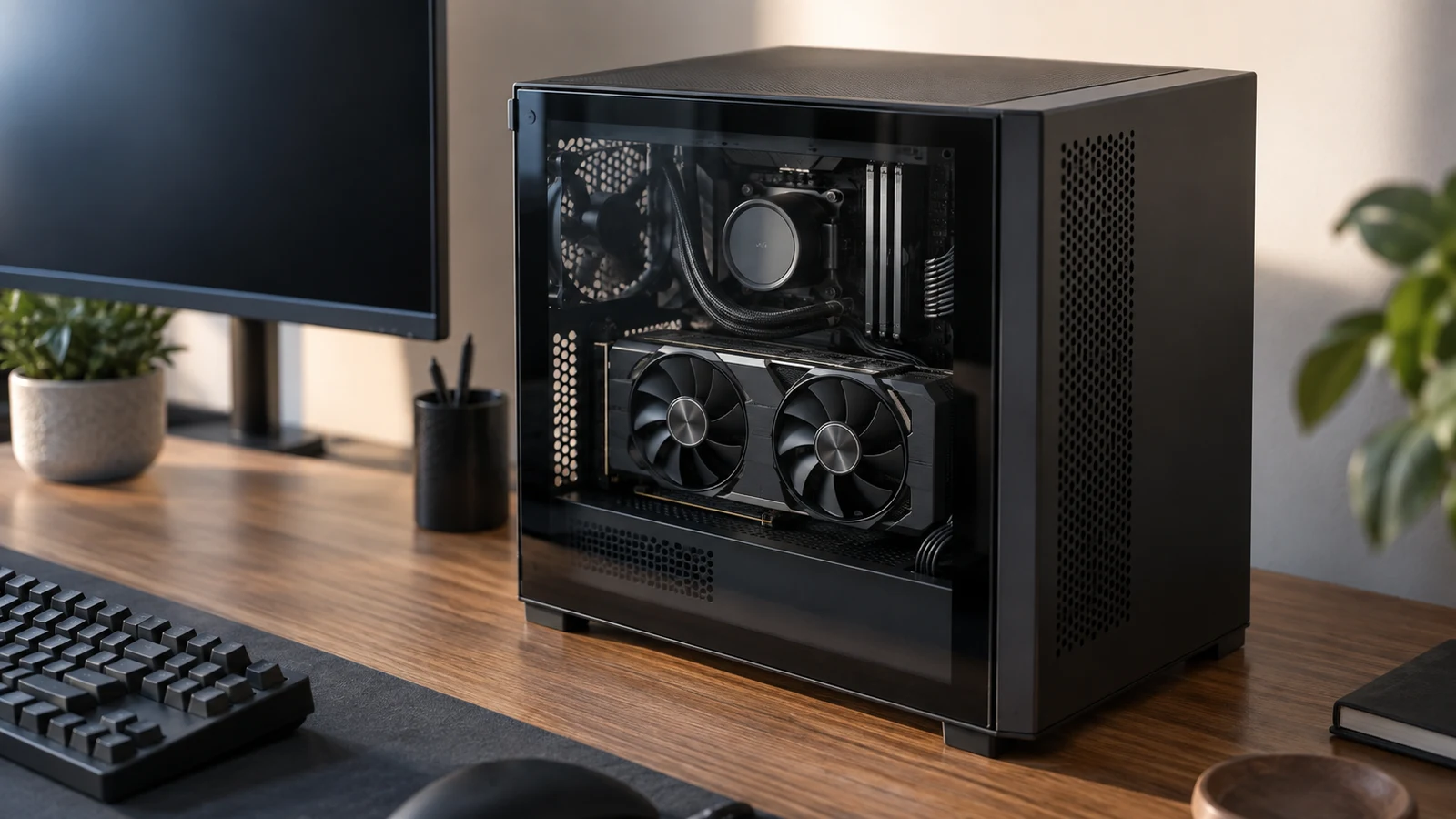
The AVG PC Mini-X gaming desktop is the configuration to consider first if you want a separate graphics card included in your computer purchase. Its description specifies an Nvidia GeForce RTX 5060 TI 8G DDR7 card. The Periphio RS5600G comparison model specifies Radeon Vega 7 integrated graphics. That distinction answers which machine includes discrete graphics; deciding whether you need that configuration takes a closer look at the games you intend to play. For AVG PC Mini-X gaming desktop , verify each step.

LG 34GN850-B vs Samsung UJ59 comparison for a desk deciding between ultrawide workspace and a 4K monitor.
8 min read

LG 34GN850-B vs Samsung UJ59: Ultrawide or 4K Monitor?

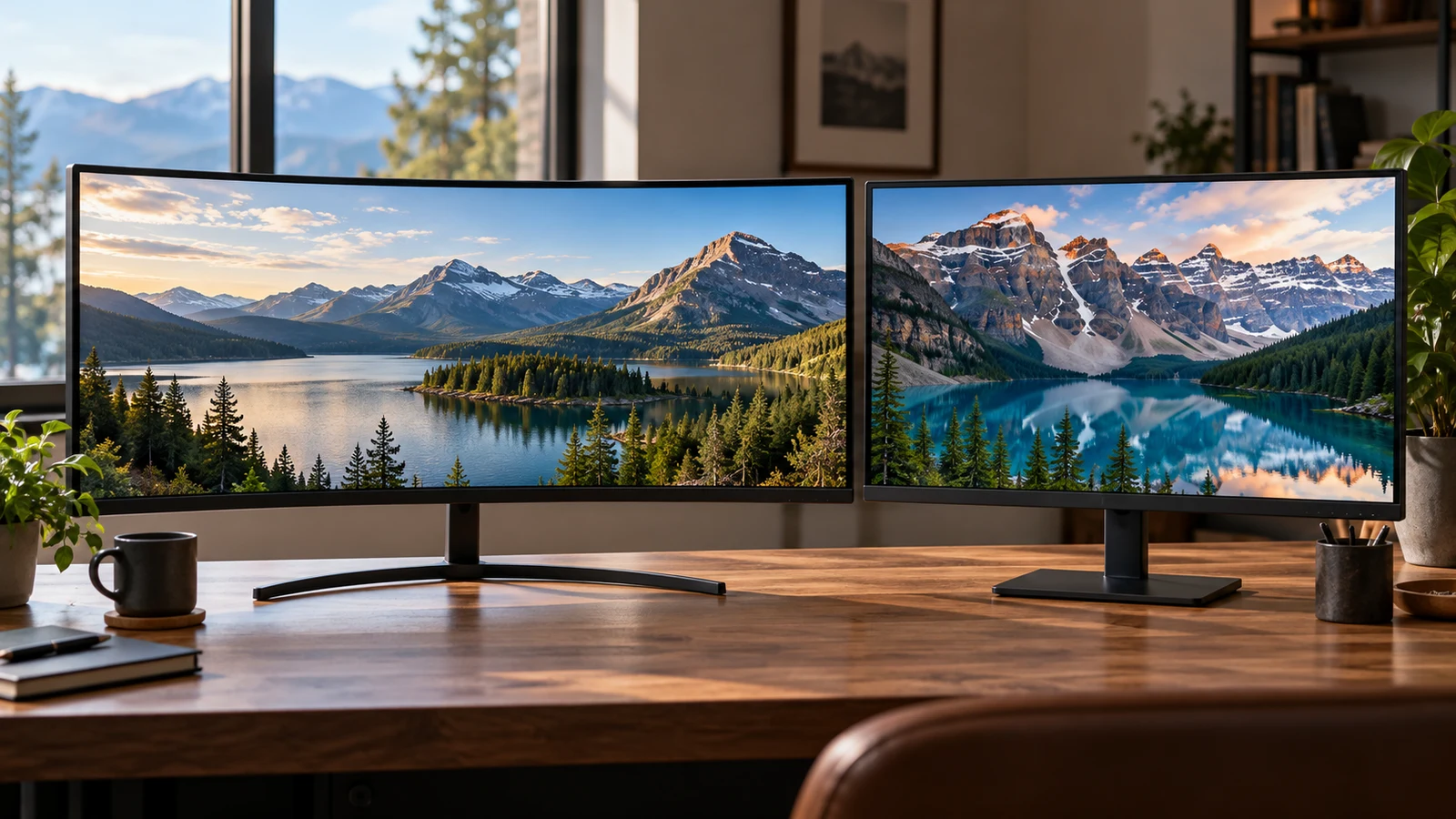
The LG 34GN850-B vs Samsung UJ59 comparison gives you two different ways to arrange a desktop. The LG description specifies a curved, 34-inch ultrawide screen at 3440 x 1440. Samsung lists a 32-inch display at 3840 x 2160, with features for showing two connected sources. Consider the LG if its broad screen shape suits your main application; consider the Samsung if its 4K workspace or source-sharing features address a specific need. Neither description establishes an overall winner.

MeLE Quieter4C mini PC evaluation for a quiet desk where ports, configuration, and the actual work tasks determine fit.
8 min read

MeLE Quieter4C mini PC for a fanless work desk

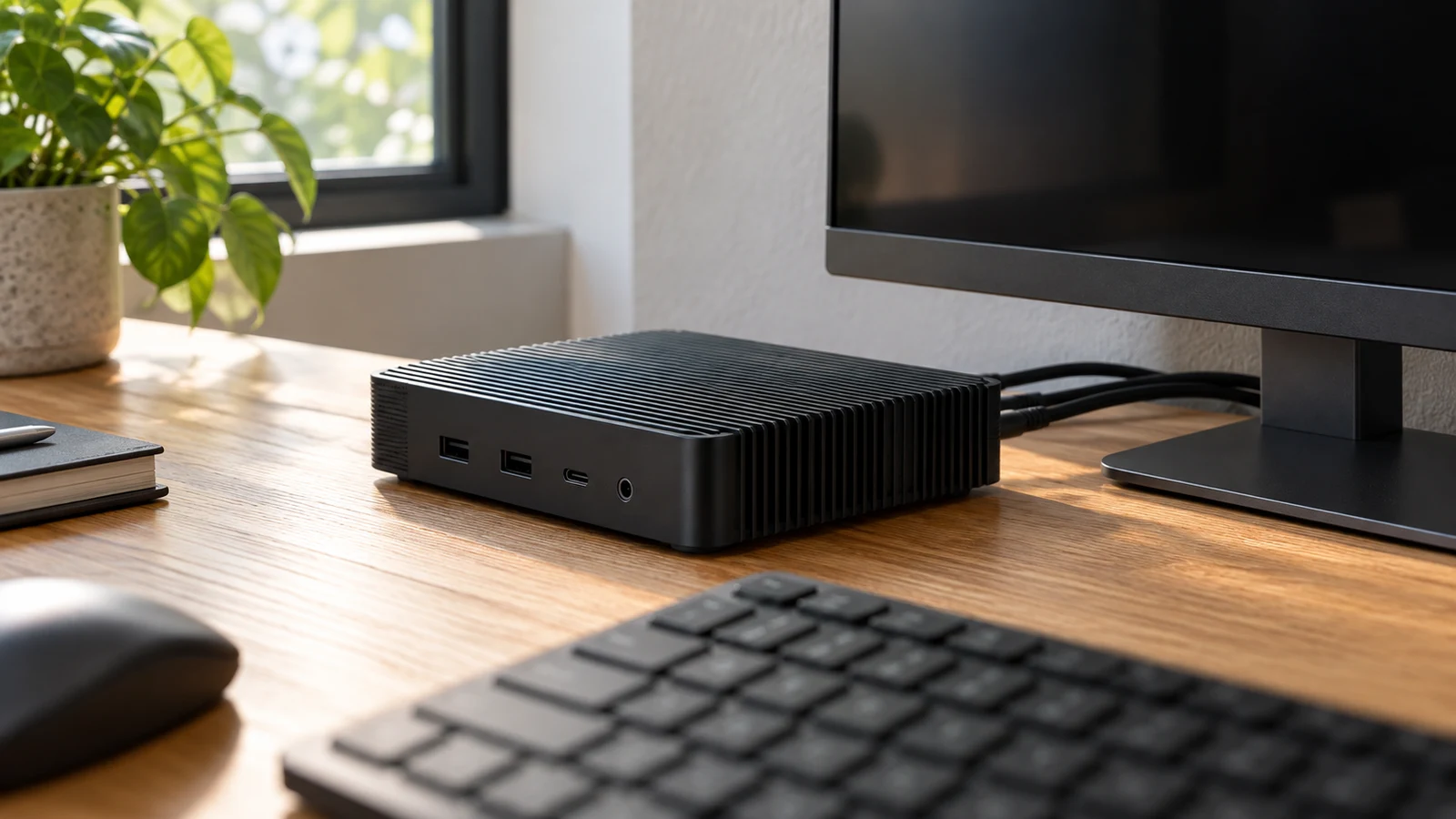
The MeLE Quieter4C mini PC has a specific appeal for a desk with several displays: its description lists two HDMI 2.0 outputs and one USB Type-C display output, each capable of 4K at 60Hz, in a fanless enclosure. Whether it suits your desk depends on the connections your screens need and where you can place a case whose surface, according to the description, can reach 55°C to 70°C. Plan both before choosing it. For MeLE Quieter4C mini PC , verify each step.

Panasonic TOUGHPAD vs Fusion5 Windows tablet: comparing rugged field use with a Fusion5 Windows tablet.
9 min read

Panasonic TOUGHPAD vs Fusion5 Windows tablet: rugged use

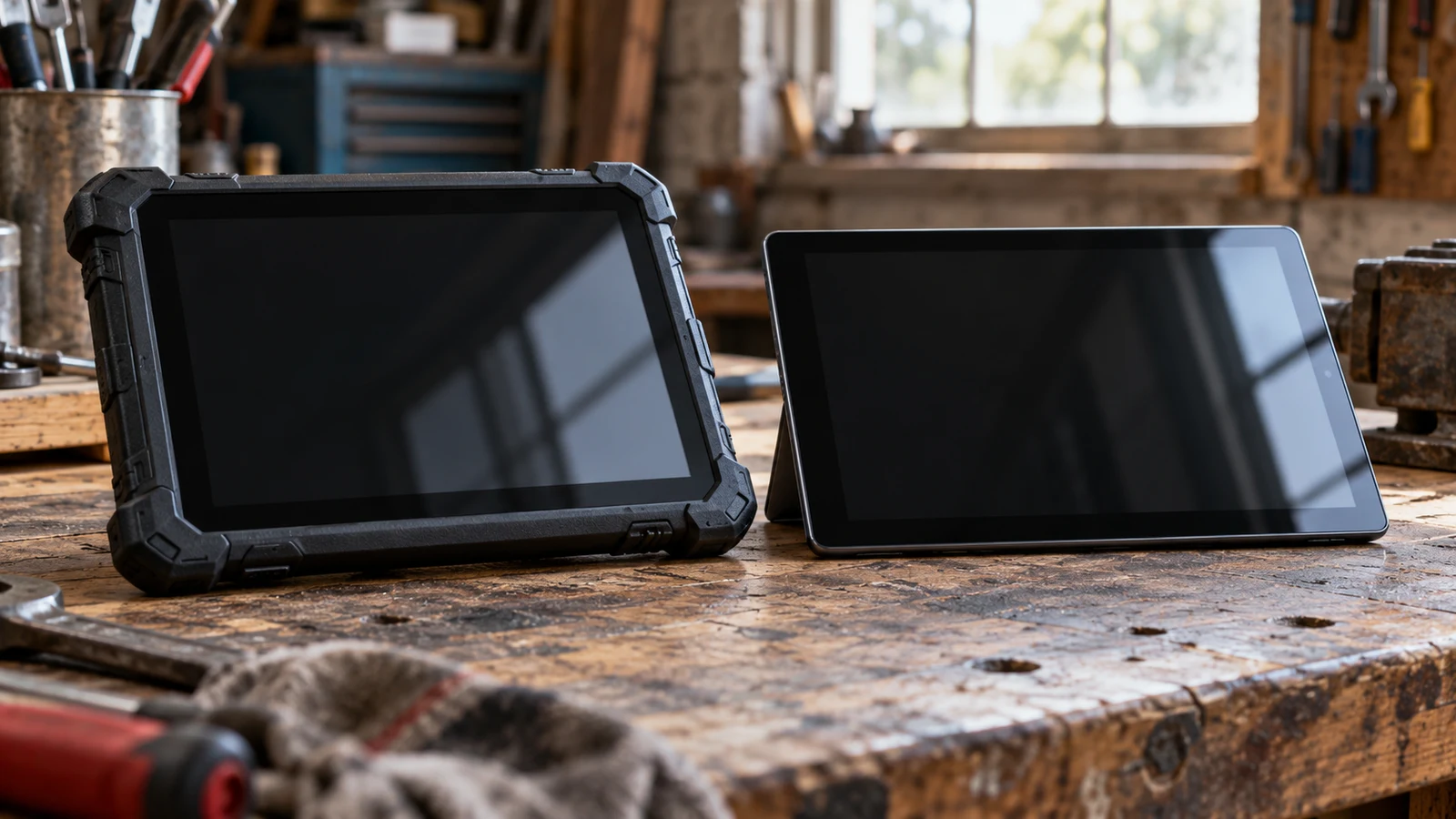
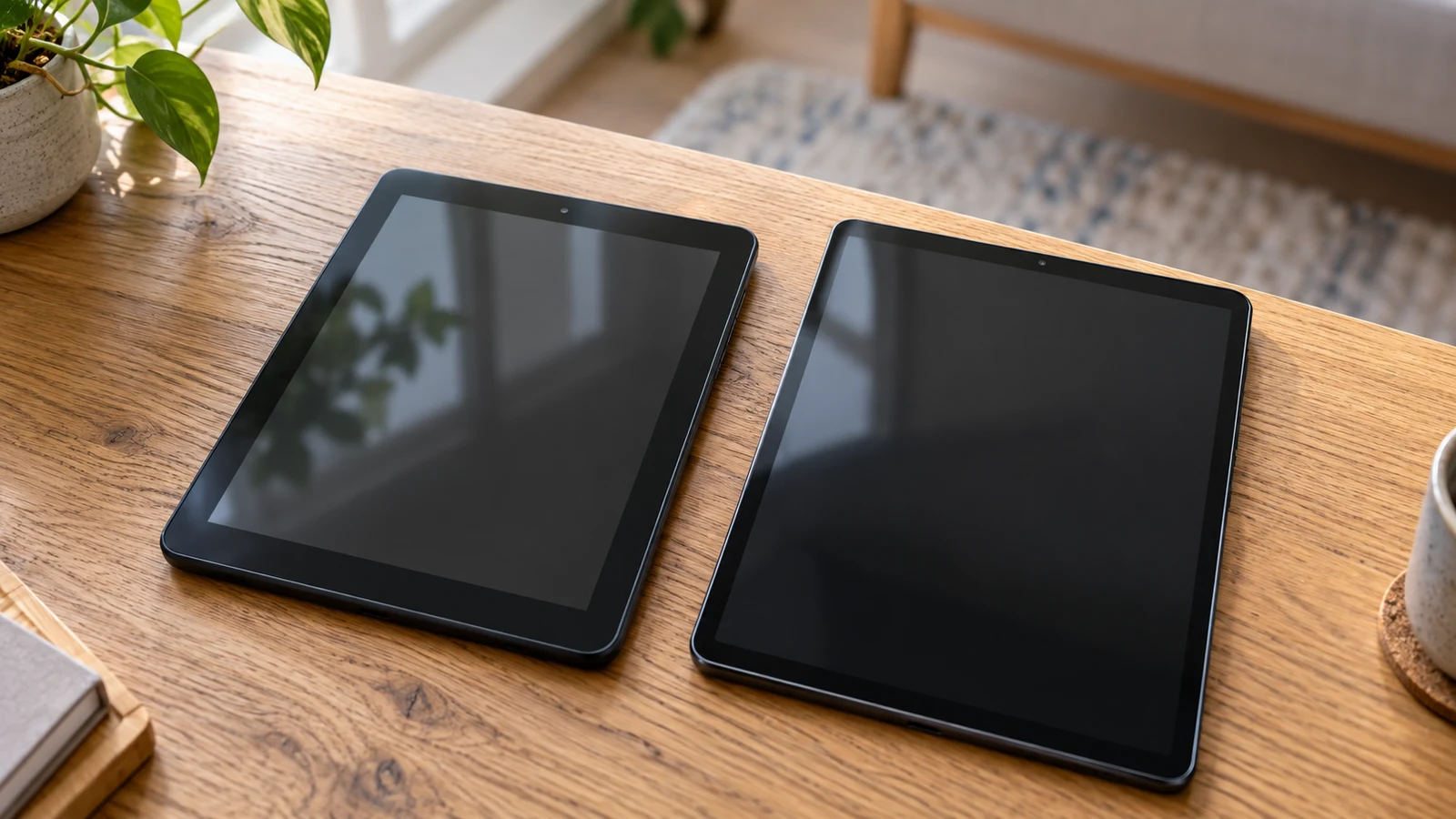
The Panasonic TOUGHPAD vs Fusion5 Windows tablet decision depends on what the tablet must tolerate while you use it. The refurbished Panasonic description lists a fully rugged design, sunlight viewable display, removable battery and programmable buttons. Those features make it the more relevant candidate to investigate for exposed, hands-on work. Fusion5 lists an ultra-slim Windows tablet with specific peripheral connections, making it worth examining for a protected work area or desk. Neither description establishes that the tablet will meet every requirement of your job.

Skytech O11 Vision desktop assessed for content-creation and gaming workloads before comparing listed hardware with an alternative PC.
9 min read

Skytech O11 Vision desktop for content creation and games

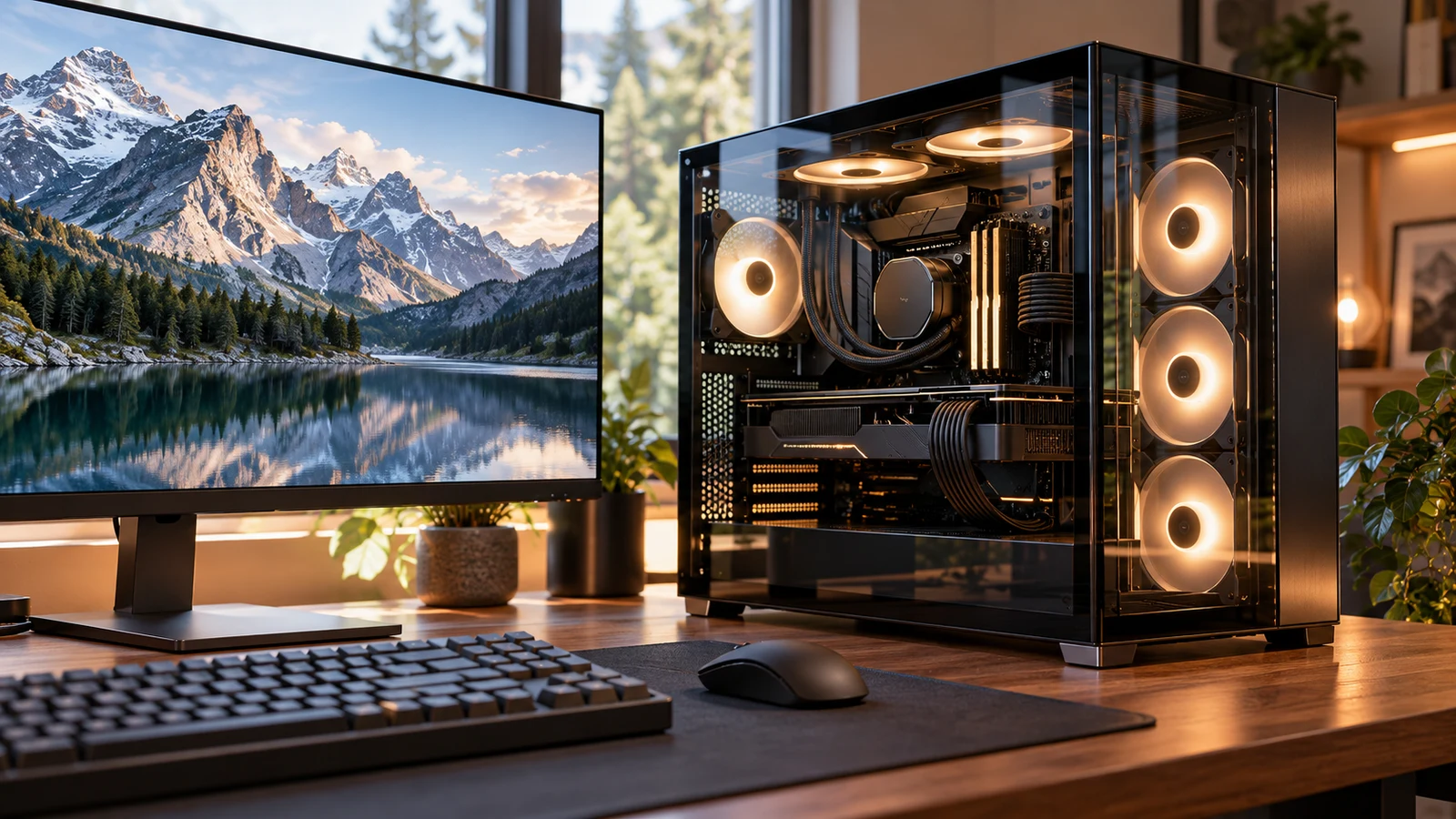
The Skytech O11 Vision desktop deserves consideration for a desk used for creative projects and gaming. Its description specifies a Ryzen 7 7700 processor, Radeon RX 9070 XT graphics with 16GB GDDR6, 32GB DDR5 memory and a 1TB Gen4 NVMe SSD. Those components provide a concrete starting point for assessing mixed work. Whether they fit your day depends on your creative applications, project sizes and gaming expectations; the component list alone cannot establish export times or responsiveness while several jobs are running.

VBODN SIM tablet versus Fusion5 Windows tablet for mobile connectivity, app requirements, and editing a document away from a desk.
8 min read

VBODN SIM tablet vs Fusion5 Windows tablet: network and apps

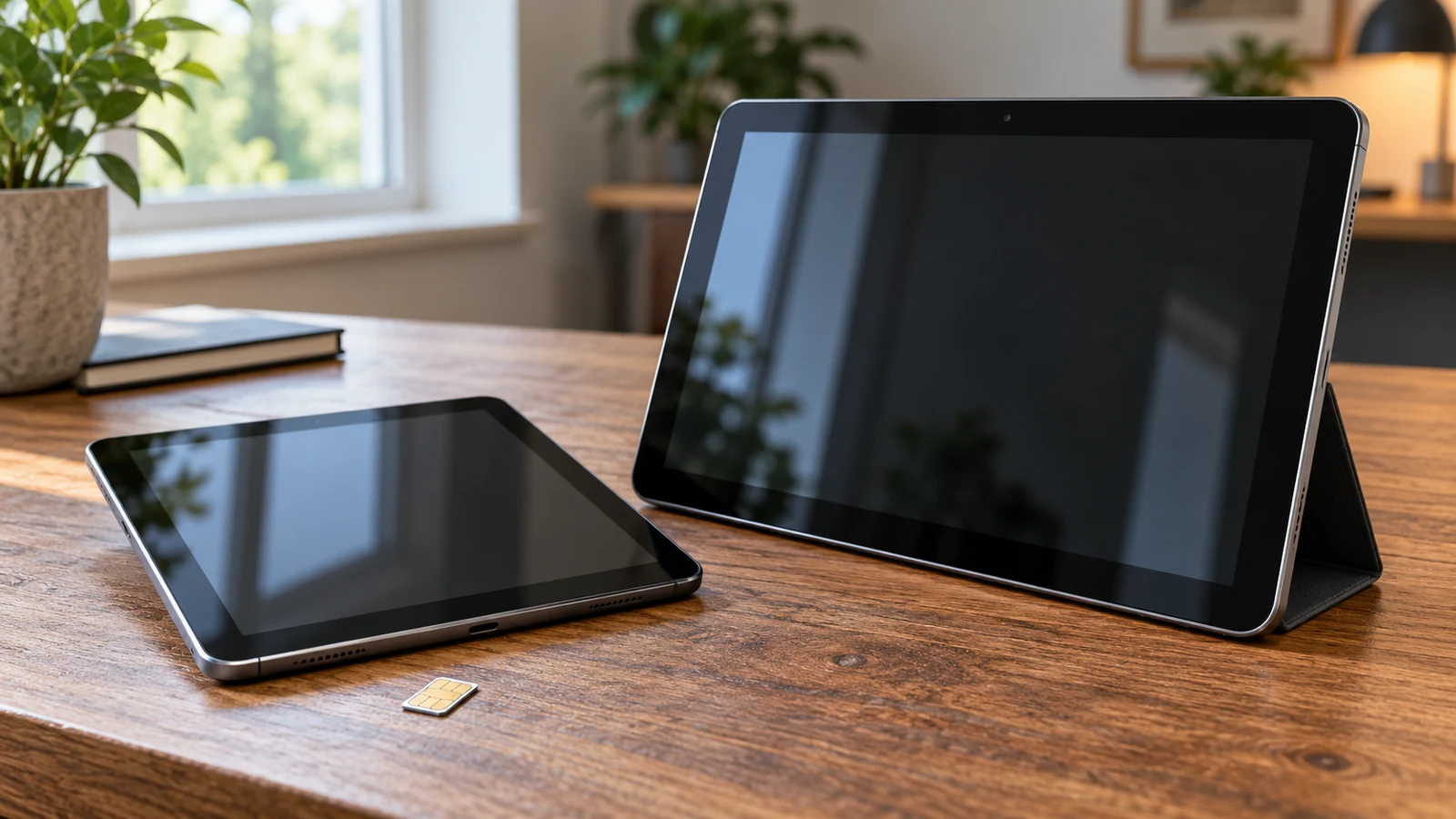
A document you need to edit away from your desk can make this tablet choice surprisingly specific. Does it require a Windows application, or can you complete it in Android while using a mobile data connection? The VBODN SIM tablet description lists Android and SIM communication for mobile data. Fusion5 lists Windows 11, USB 3.0 and Micro HDMI. Neither description establishes that your complete combination of software, network and accessories will work. For VBODN SIM tablet , verify each step.

Hyangin screen extender vs Mobile Pixels comparison for mobile work that may need one extra display or a two-screen expansion.
9 min read

Hyangin screen extender vs Mobile Pixels triple-display kit

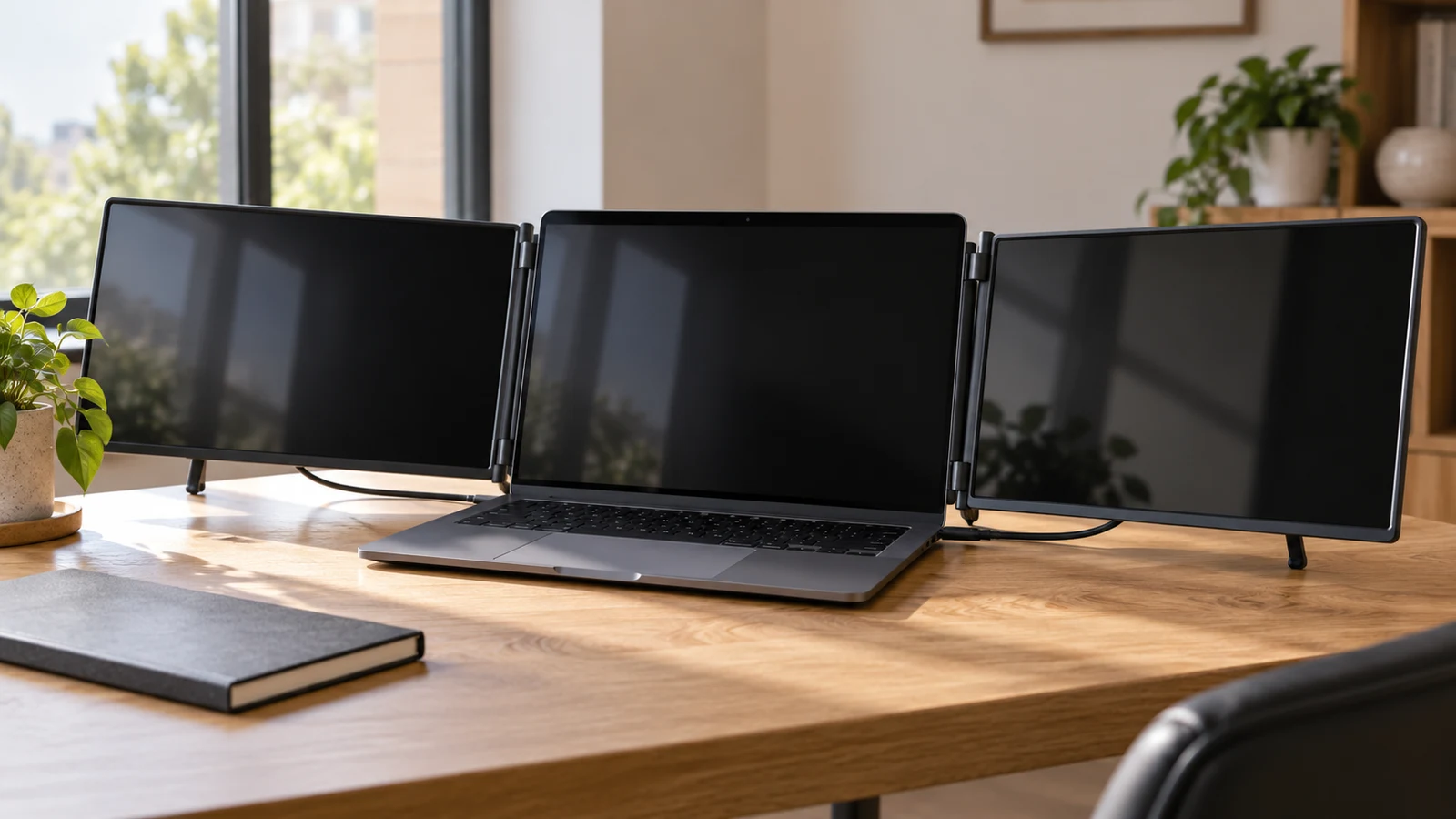
The Hyangin screen extender vs Mobile Pixels decision comes down to whether your travel work needs one additional screen or two. Hyangin’s S8 description specifies a single 14-inch display with a stand that clamps to 13–17.3-inch laptops. Mobile Pixels describes the TRIO 2.0 as a unit with two integrated sliding 13.3-inch displays, built for 13–14-inch laptops. Your laptop remains part of the TRIO’s three-screen arrangement. Start with that difference before comparing smaller features.

Fusion5 Windows 11 tablet decision guide for mobile tasks versus a fixed PoE display, considering application needs and connections.
8 min read

Fusion5 Windows 11 tablet vs Raypodo PoE: portable or fixed display

The Fusion5 Windows 11 tablet is the candidate to investigate for a Windows task that moves with its user. Raypodo deserves attention when the screen belongs at a particular station and the installation would benefit from its listed Power over Ethernet support and VESA mounting. Neither description establishes that the same application will work equally well on both. Decide where the device must remain during the task, then check the software and connections needed to complete it.

InsCrazy tablet comparison centered on app compatibility, Android version, and whether the intended mobile service is supported.
8 min read

InsCrazy vs Jacenvly tablets: Android version and SIM

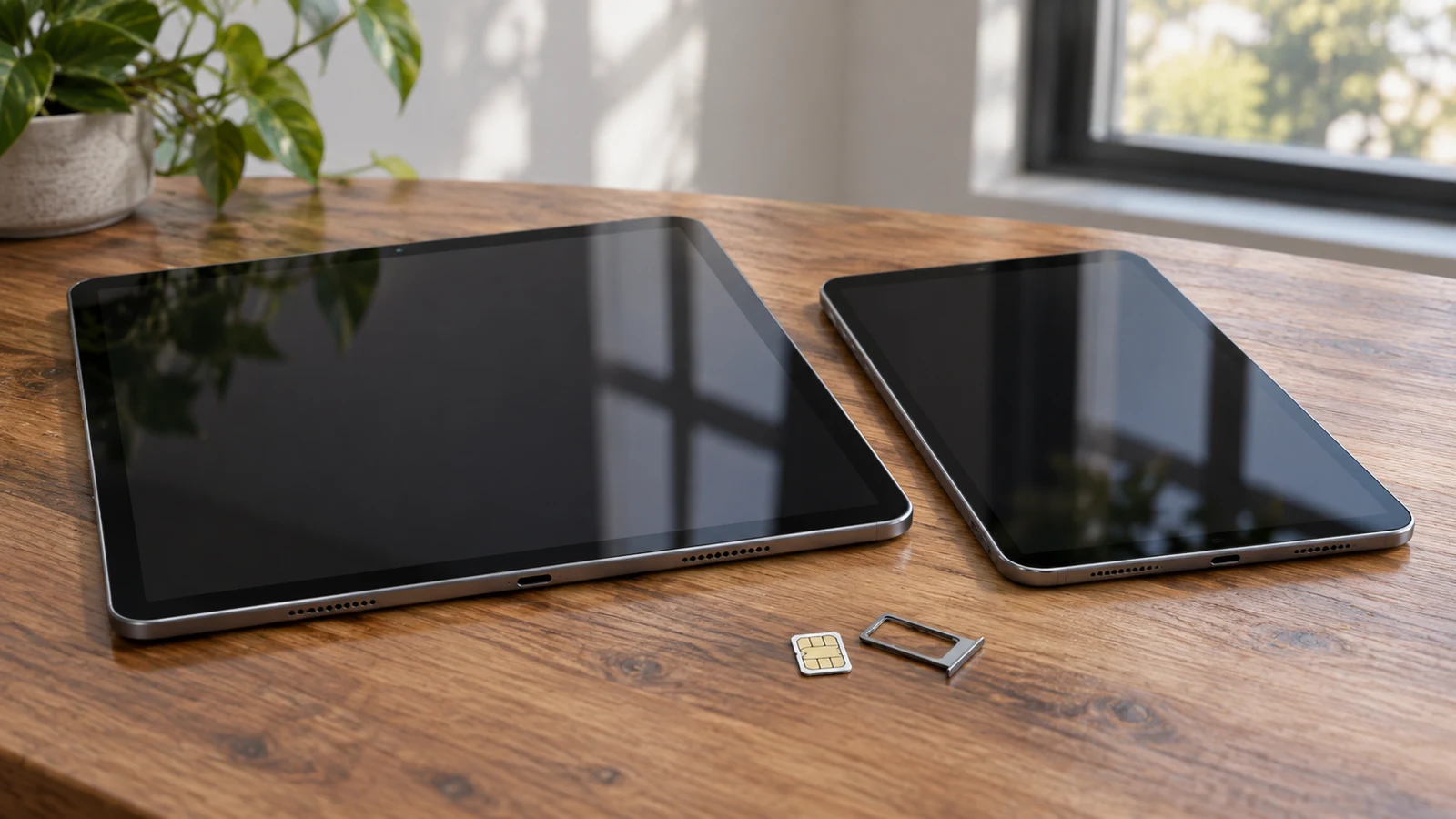
Your required apps and intended mobile service give this tablet comparison a practical starting point. The InsCrazy description states Android 8.1, a 2+32GB configuration and card standby. Jacenvly states Android 12, 4+64G, dual SIM and HD voice, with more detailed network information. Those differences make Jacenvly the more explicitly described option for investigating a SIM-based purchase. They do not establish that either tablet will run your particular apps or work with your carrier.

Visual Land 10QH Android Go tablet versus LG G Pad 5 for shared use, media priorities, and the next user's app needs.
9 min read

Visual Land 10QH Android Go tablet versus LG G Pad 5

A shared tablet needs to work for the person who picks it up next. The Visual Land 10QH Android Go tablet has a documented starting package for a household media collection: 128GB of onboard storage, microSD expansion, and an included silicone case with a kickstand. The LG G Pad 5 description instead gives buyers a 10.1-inch FHD screen and fingerprint unlocking to consider. Visual Land is worth investigating for stored media and tabletop viewing; LG deserves attention when display detail and convenient access matter more. Neither description establishes which tablet handles your household's apps or separates different people's accounts better.