Product Compatibility & Accessories
Travel adapter compatibility: plugs, input ratings and USB power
Check travel adapter compatibility across plug form, mains input ratings and USB charging claims, using a complete device-by-device travel power plan.
A travel adapter can answer the plug-shape question while leaving the electrical and charging questions unsettled. Start travel adapter compatibility with the equipment you actually intend to take. A phone charged through a USB port, a mains charger plugged into the adapter's AC outlet and a high-power appliance are different proposed uses.
Decide how each device will receive power before comparing a wattage figure or country list. You need the correct plug arrangement for the destination, suitable input information for the equipment and enough documented charging support for the intended task. A match on one route does not complete the other routes automatically.
Travel plug fit and device input ratings answer separate questions
For travel plug fit and device input ratings, separate the physical connection from the electricity the connected equipment accepts. The plug arrangement concerns joining the adapter and equipment to the intended outlet. The input rating concerns what the connected equipment is designed to receive. A plug that can be connected does not establish the second answer.
The Epicka TA-105 Max travel adapter is identified as TA-105M, SKU 10998217817 and UPC 850059071472. Its description says it accepts plugs from the US, many EU countries, the UK, Australia and China. It also explicitly says that it does not convert voltage. Keep that restriction with the plug-compatibility claim.
Epicka's description tells the reader to check for dual-voltage support, giving an input marked 100-240V, 50/60Hz as an example. It distinguishes US and Canadian 110-120V from the 220-240V used in many other countries. Those broad statements do not identify the exact outlet at your destination. Confirm the actual supply and plug requirements for the place where the equipment will be used.
If you intend to put a mains charger into the adapter's AC outlet, read that charger's input label. A phone's battery information answers a different question. Keep the input rating of the equipment receiving mains power beside the proposed destination supply. If you cannot establish that match, the adapter's shape cannot resolve it for you.
Consider two hypothetical chargers. One is marked 100-240V, 50/60Hz; the other is marked only for 120V. Those labels give different evidence for a proposed destination supply outside 120V. The first range is relevant to Epicka's stated dual-voltage check. The second label does not establish suitability for that supply, and this non-converting adapter cannot be assumed to make it suitable. This is a label-reading example, not approval of a particular charger or destination arrangement.
Read the Tessan plug and voltage wording on its own terms
The TESSAN universal travel adapter listing names US, EU, UK and Australian plug arrangements, while its title includes Type C, G, A and I wording. It claims coverage of more than 200 countries. That headline does not replace checking the actual outlet you will encounter or establish that every outlet in a named country has the same arrangement.
The Tessan description says it works on 100V to 250V devices. Preserve that wording without turning it into a promise that it converts one mains voltage into another. Its plug-conversion language describes plug arrangements; the description used here does not establish a voltage-conversion function. Epicka's explicit no-conversion statement also belongs to Epicka, rather than serving as a substitute specification for Tessan.
For an actual trip, compare the selected adapter's applicable specifications with the equipment's input requirements. Use the country list to begin the plug check, then obtain the applicable electrical instructions for the selected configuration. If the proposed use depends on a conversion function that has not been established, leave that use unresolved.
USB charging claims and the actual device need a second comparison
For USB charging claims and the actual device, identify which device will use which USB port and the charging support required by that device. The number of ports, the maximum stated power and the supported charging protocols are different pieces of information. A cable fitting a USB-C opening does not by itself settle the available charging result.
Epicka's description lists three USB-C and two USB-A ports, with PD3.0 or Quick Charge 3.0 support and up to 75W charging. It does not provide a complete per-port and simultaneous-use allocation table in this account. Do not multiply five ports by 75W or assume that every port supplies that maximum. For the devices you intend to charge together, obtain the exact model's applicable allocation information.
Tessan's description identifies USB C1/C2 with 100W MAX charging and USB A1/A2 with an 18W maximum. It describes one AC outlet and four USB ports, for up to five devices. The stated five-device arrangement includes the AC outlet alongside four USB ports. Nor do the separately named maxima establish that all ports deliver those figures at the same time.
The Tessan title contains 35W, 65W and 100W wording, while the body describes GaN 100W charging. Keep that discrepancy visible when checking the exact selected configuration. Do not assume that every configuration suggested by the title has the body's 100W specification. Confirm the offered configuration and its own power information before relying on a particular maximum.
Write down each device’s proposed port and required charging mode. If you want a phone and tablet connected together, check that combined arrangement. If you also need to charge a computer, include its requirements in the same plan rather than adding it after assigning the advertised maximum elsewhere. This guide does not establish a tested simultaneous charging combination for either adapter.
Tessan also makes a phone-charging time claim, but the description does not identify your phone, its starting condition or the complete charging setup. Use the claim as a reason to investigate the exact supported mode, not as a prediction of when your own battery will reach a particular percentage. Charging compatibility and a guaranteed completion time are separate conclusions.
Keep AC appliance use outside the USB wattage calculation
A USB charging maximum is not an AC appliance allowance. Epicka's description names a 10A fuse, safety shutters and a separate plug-lock system. It also says to avoid using high-power appliances above 2000W abroad even when they support dual voltage, and to check device specifications before travel. None of that establishes approval for every appliance below that figure.
For a proposed high-power item, use its exact requirements and the applicable adapter instructions. Do not use the 75W USB claim as an AC output limit, or the fuse figure as a complete suitability calculation. Those figures refer to different parts of the product account. The description does not provide a safe recipe for making an unsuitable appliance work through the adapter.
Tessan asks the reader to check compatibility with hair dryers, straighteners and curling irons. Its double-fuse and temperature-sensor claims do not replace that check. Neither adapter is described as having surge protection. A buyer who needs surge protection should keep that requirement separate instead of treating a fuse or temperature feature as the missing specification.
Map a complete travel charging route
The ARZOPA S1 and UPERFECT M161J04 travel-monitor guide shows why a travel power plan needs the actual equipment route. It distinguishes a monitor receiving power from a monitor receiving video and identifies a 5V 3A power adapter in the UPERFECT account. That is relevant when a travelling workspace contains more than a phone. A new travel adapter's USB port does not establish a video connection, and that monitor guide does not certify either screen with either adapter here.
Draw the intended route in ordinary words. For a device using the travel adapter's USB port, identify the device's charging requirements and the cable. For equipment using its own mains charger through the AC outlet, keep that charger's input rating in the comparison. Separate the routes so that a requirement for one device is not silently treated as the specification for another.
For example, a traveller may plan to charge a phone directly from USB while retaining an existing mains charger for another device. The phone's USB-mode question and the mains charger's destination-input question remain separate even though both use the same travel accessory. Resolving one does not tell you that the other route is complete.
Work through the kit you intend to take
Imagine a short trip with a phone, a tablet and an existing mains charger you intend to keep. First decide which items will use the travel adapter's USB ports and which will use the existing charger. Read the latter's mains input rating for the destination comparison. Then check the USB requirements of the phone and tablet against the exact selected adapter's supported modes and combined-use information. A single large number on the front of a listing cannot complete both checks.
If the existing charger passes its input comparison but the USB allocation remains unknown, keep those conclusions separate. You may have enough information for one planned route while still needing details for the other. Reconsider the actual charging schedule or accessory choice once those details are established, instead of buying another adapter merely to collect more advertised ports.
Pack the components that make the selected route possible
Epicka's stated dimensions are 8.3 by 5.3 by 5.5 centimetres, also given as 3.3 by 2.1 by 2.2 inches. Those describe the adapter, not a complete kit containing all your cables and existing chargers. Tessan lists a weight of 0.62 pounds but does not give a comparable complete set of dimensions in the description used here. Do not turn the weight or a pocket-friendly claim into a measured fit for your pouch.
The Travelpro Maxlite 5 and it luggage packing-space guide keeps nominal suitcase size, exterior measurements and usable packing questions separate. Apply that actual packing distinction when adding a charging pouch to your trip: the pouch and its complete contents need room inside the selected luggage. Neither a 25-inch or 27-inch suitcase label nor the adapter's own dimensions proves the complete arrangement fits.
List the parts for the route you chose, then compare them with what you already own and the exact order's contents. Avoid buying a second mains charger merely because the travel adapter has an AC outlet, or assuming that USB cables come with it because USB ports are listed. Keep any unresolved cable requirement specific to the device and charging mode involved.
Finish with a matched travel setup
For travel adapter compatibility, a useful answer identifies the destination plug requirement, the relevant equipment input rating and the actual USB or AC route. Epicka explicitly rules out voltage conversion and supplies a dual-voltage check. Tessan gives plug, device-voltage and port claims that need their own exact-configuration comparison, especially with the title's multiple wattages.
Choose the accessory around the equipment you will take and the requirements you can establish. Keep unsupported conversion, simultaneous output and appliance-use assumptions out of the plan. Pack the required components together once the intended arrangement is supported, and retain the actual instructions for that equipment during the trip.
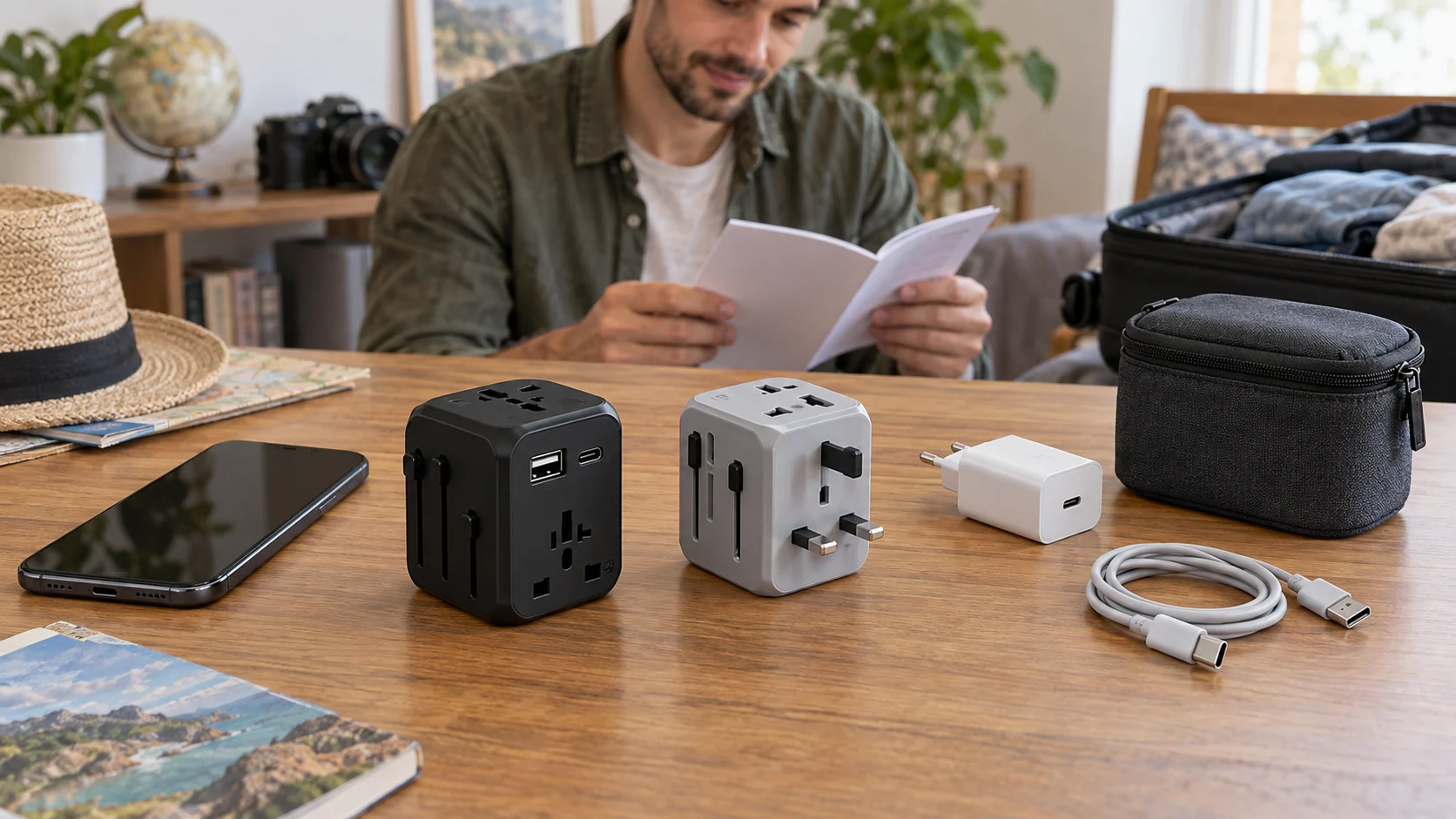
Conceptual scene for travel adapter compatibility, with whole generic unplugged adapters and separate charging accessories; no exact retail model, tested connection or destination approval is depicted.